
On this page
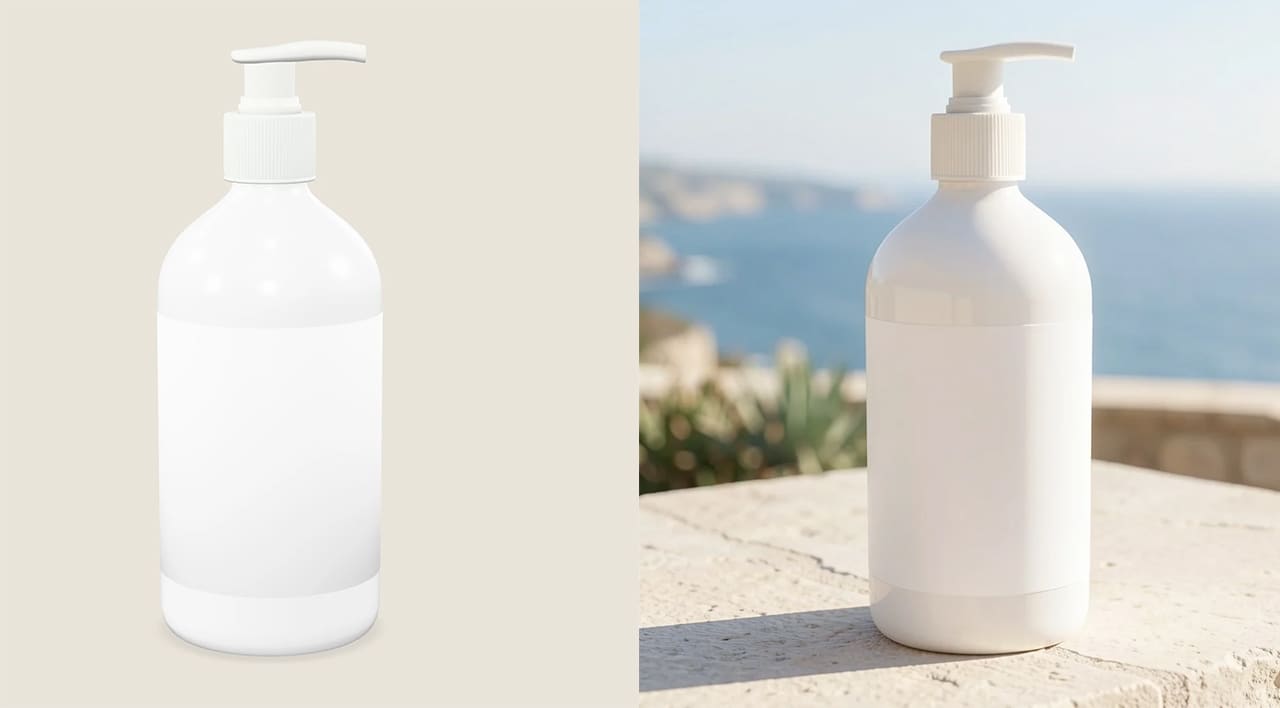
Replacing a white background with an AI-generated kitchen seems like a small edit.
But it can make a product image look like a real photograph taken in a real home.
That matters under the EU AI Act because even a background only edit may need disclosure.
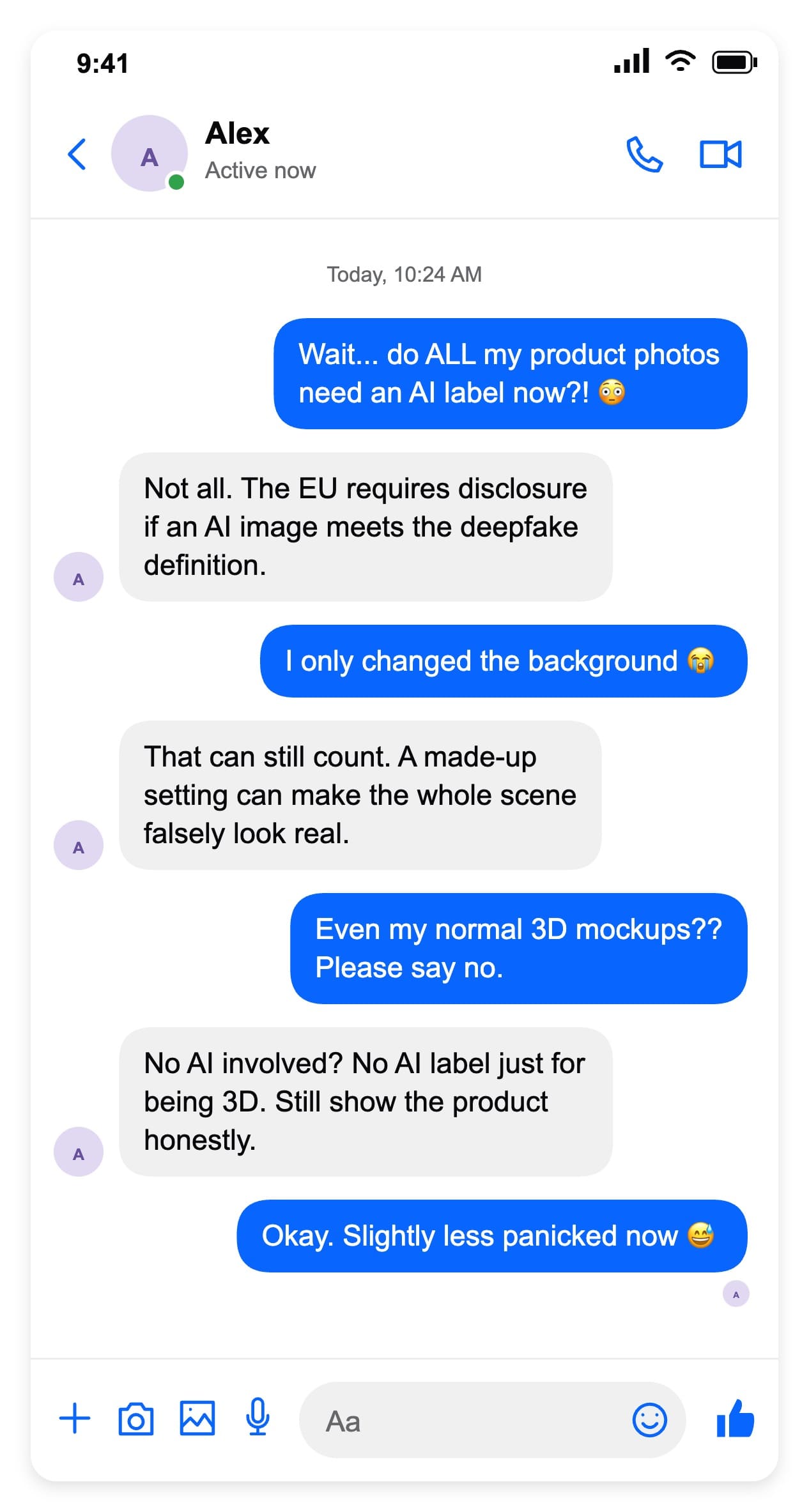
But if you made a conventional 3D mockup without AI, it does not need an AI label just because it looks realistic.
The quick answer for your product images
| Your image | Does it need an AI label? |
|---|---|
| Ordinary 3D mockup, no AI content | No AI label just because it is a render. Keep the product presentation truthful. |
| Real photo or 3D render with an AI background | Possibly. Assess whether the finished image creates a false impression of authenticity. |
| Fully AI-generated product scene | Disclosure is required if it meets the deepfake definition. AI use alone is not the entire test. |
This is a practical starting point based on Article 50 and the AI Act’s definitions. It is not a list of blanket exemptions.
The distinction that changes the answer
First, it helps to separate two responsibilities:
- The AI provider’s job:
- Make synthetic outputs detectable through machine-readable marking, subject to the law’s exceptions.
- The business user’s job:
- Disclose AI-generated or manipulated images, video or audio that constitute a deepfake.
So there are two different things here: a technical mark inside the file and a label your customer can read.
One does not automatically replace the other. That distinction comes from Article 50.
And “deepfake” does not only mean a fake celebrity.
The definition also covers AI content that resembles existing objects or places and falsely appears authentic or truthful.
That means product imagery can qualify too.
Ask this: could a customer reasonably mistake this AI-created scene for an authentic photograph, place or event?
The Commission’s explanation considers context and audience expectations.
The aim is simple: help people recognise artificial content before they mistake it for reality.
Only changed the background?
You kept the packaging exactly the same. Surely an AI background does not count?
It can. To see why, let’s apply that test to three familiar situations:
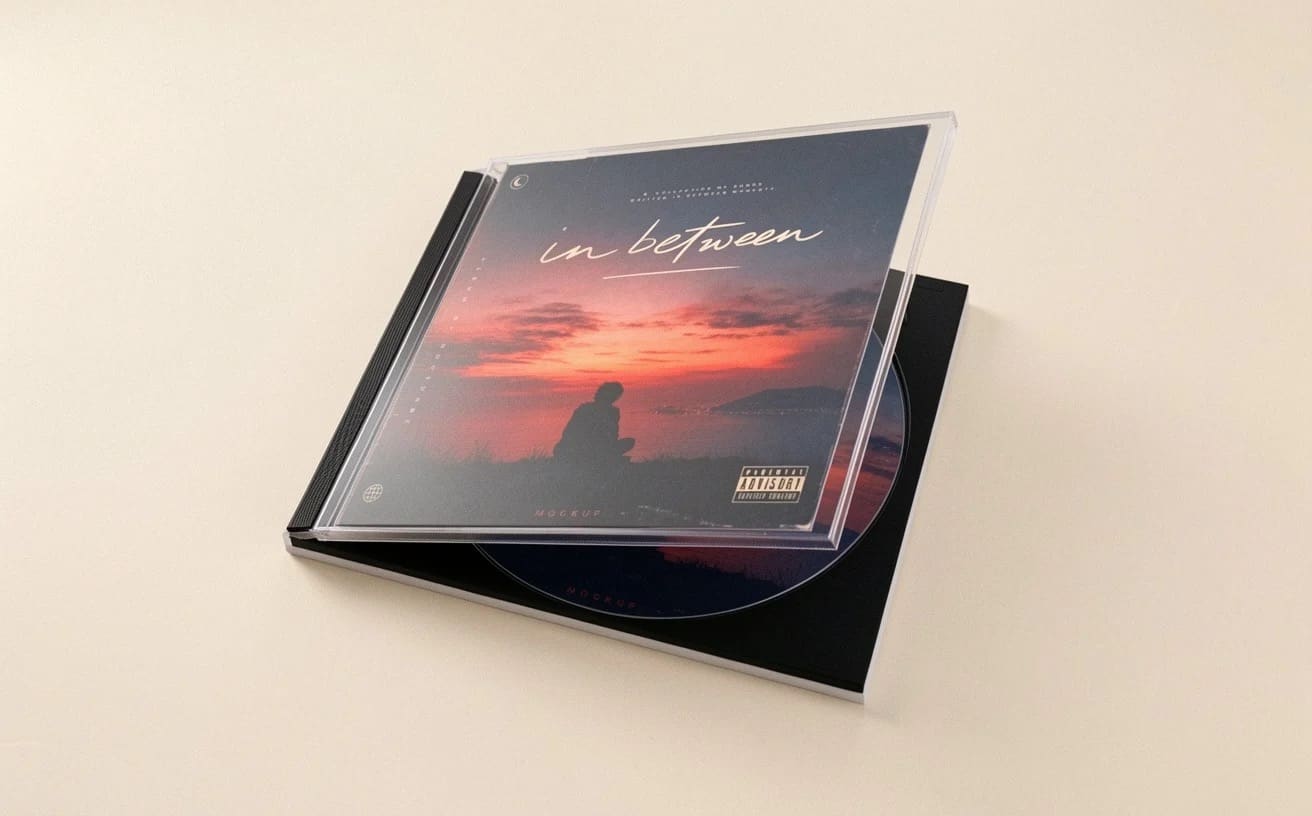
1. A plain pastel backdrop
You place your product against a soft pink background.
There is no recognisable location or implied event.
So this is less likely to create a false impression of authenticity. AI use alone does not make it a deepfake.
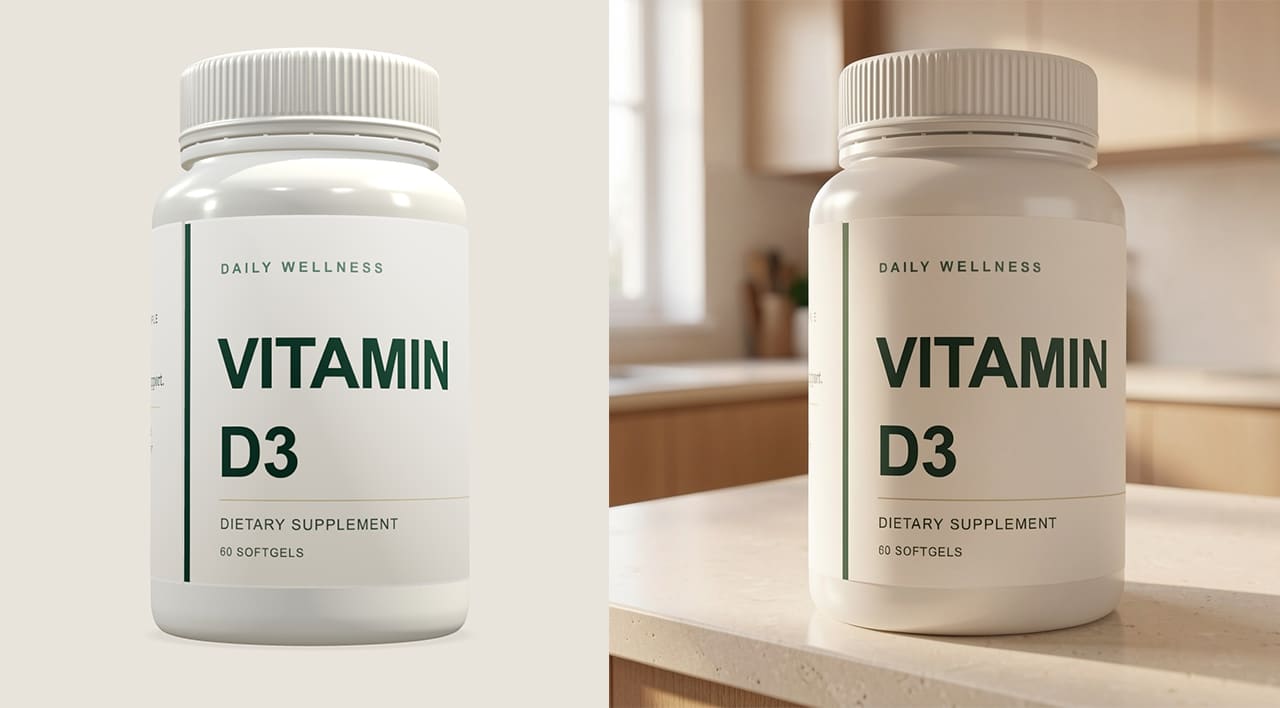
Pills bottle - 3D mockup vs AI Background.
2. A beautiful kitchen counter
Now put the same product in a realistic kitchen.
It looks photographed there, even though the setting never existed.
In this case, check whether the scene falsely appears authentic. Keeping the product unchanged does not automatically exempt the background.

3D billboard vs AI background enhanced
3. Your campaign on a city billboard
A realistic street scene could make people believe your campaign actually ran there.
So make it clear that this is a concept, and check whether AI disclosure is required.
These are practical examples, not automatic legal outcomes.
If you are still unsure about a commercial image, a short, accurate disclosure is a sensible precaution.
What if you use 3D mockups without AI?
Photorealistic does not mean AI-generated.
A conventional model rendered with your artwork, materials and lighting does not need an AI label solely because it is 3D. That follows from the AI-based definition of a deepfake.
The key is that your workflow contains no AI-generated or manipulated content.
If you then add an AI background or AI-generated artwork, check the finished image again.
Even without AI, “3D product render” or “Design concept” can help customers understand what they are seeing.
That is especially useful when the product has not been manufactured yet.
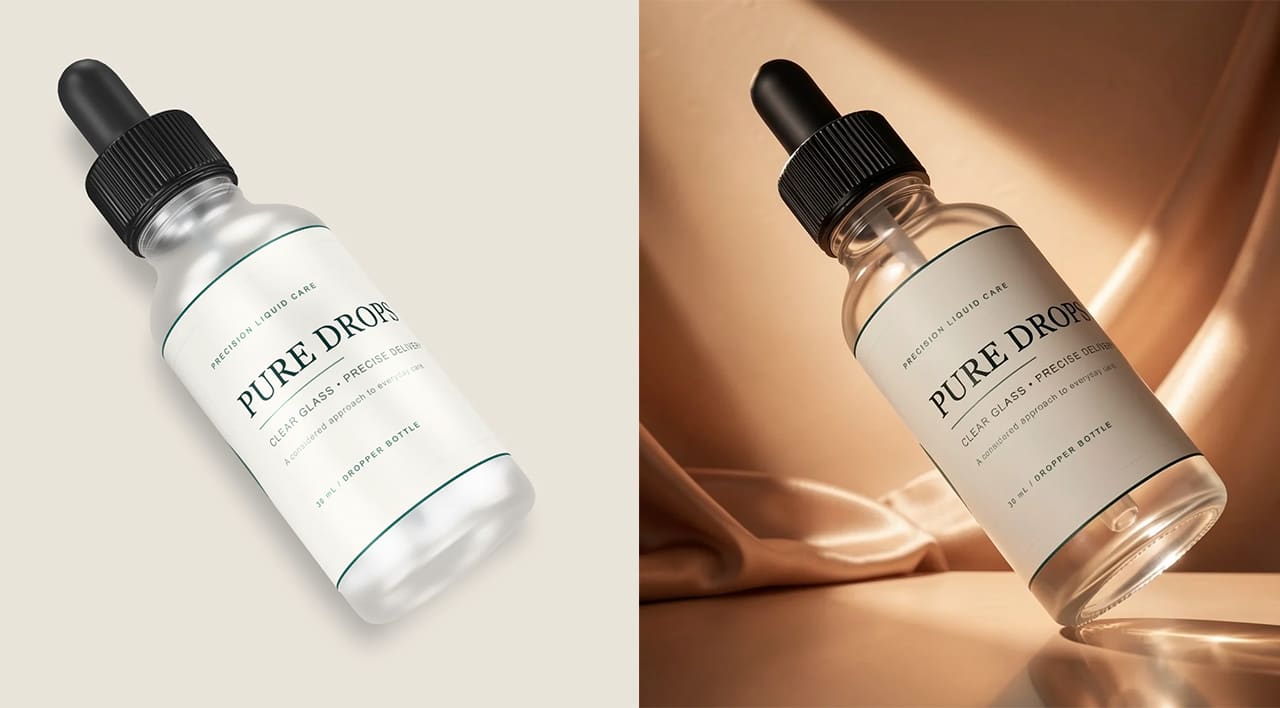
Who is affected? What about US sellers?
Online shops, brands, agencies and freelance designers can all be business users of AI.
You do not have to build the tool yourself.
Purely personal, non-professional use is excluded. See the Commission’s explanation of these roles.
A US address is not an automatic exemption.
Article 2 includes providers and deployers outside the EU when their AI output is used in the EU.
So if your US brand creates campaigns for EU customers, you should check whether that connection brings you within the Act’s scope.
If your activity is US-only, check US rules. The EU Act does not become US domestic law.
But the FTC’s truth-in-advertising rules already cover pictures and implied claims.
Also check any rules that apply in your state or industry.
When did the rules start?
- 2 August 2026: Article 50’s transparency obligations started applying.
- 2 December 2026: a limited grace period ends for providers implementing technical marking in systems already on the market before August. This is not a general delay for business users disclosing deepfakes.
The Commission says content generated before 2 August does not need retrospective labeling under these rules. Check its timing FAQ for the details.
A simple checklist before you publish
- Check the product first.
- Compare the shape, logo, colors and accessories with what you actually sell. A disclosure cannot fix a misleading product claim.
- Next, describe what AI changed.
- “AI-generated background” works as a starting point only if that is accurate. If AI changed the product too, say more.
- Make a required label easy to see.
- Disclosure must be clear and accessible at first exposure. Hidden metadata alone is not enough. For shared social images, consider a readable label within the image. See Article 50(5).
- Finally, keep the context with the image.
- Save the original and AI version together. If you work with a client, agree who carries the disclosure into the final ad or listing.
Want to start with a scene you can control? Choose a 3D mockup, add your artwork and adjust the lighting.
Then decide whether an AI background adds anything your image actually needs.
Prepared with AI assistance. Sources checked 19 October 2026. This is general information, not legal advice for a particular image or campaign.
KEEP EXPLORING
Need a hand with this guide? Ask a question ↗