
Pick who you are talking to.
Set the contact name and photo. Choose mobile or desktop, light or dark, and a wallpaper that fits.
A little back and forth.
A story told in your own words.
MP4 · 30 fps · Silent
Keep an editable copy on your device. How it works
Your edits stay in this browser. The controls around the chat stay out of your download.
A FEW WAYS TO MAKE IT YOURS
A coffee plan. Good news. A little feedback. Choose a conversation, then give it your own words.
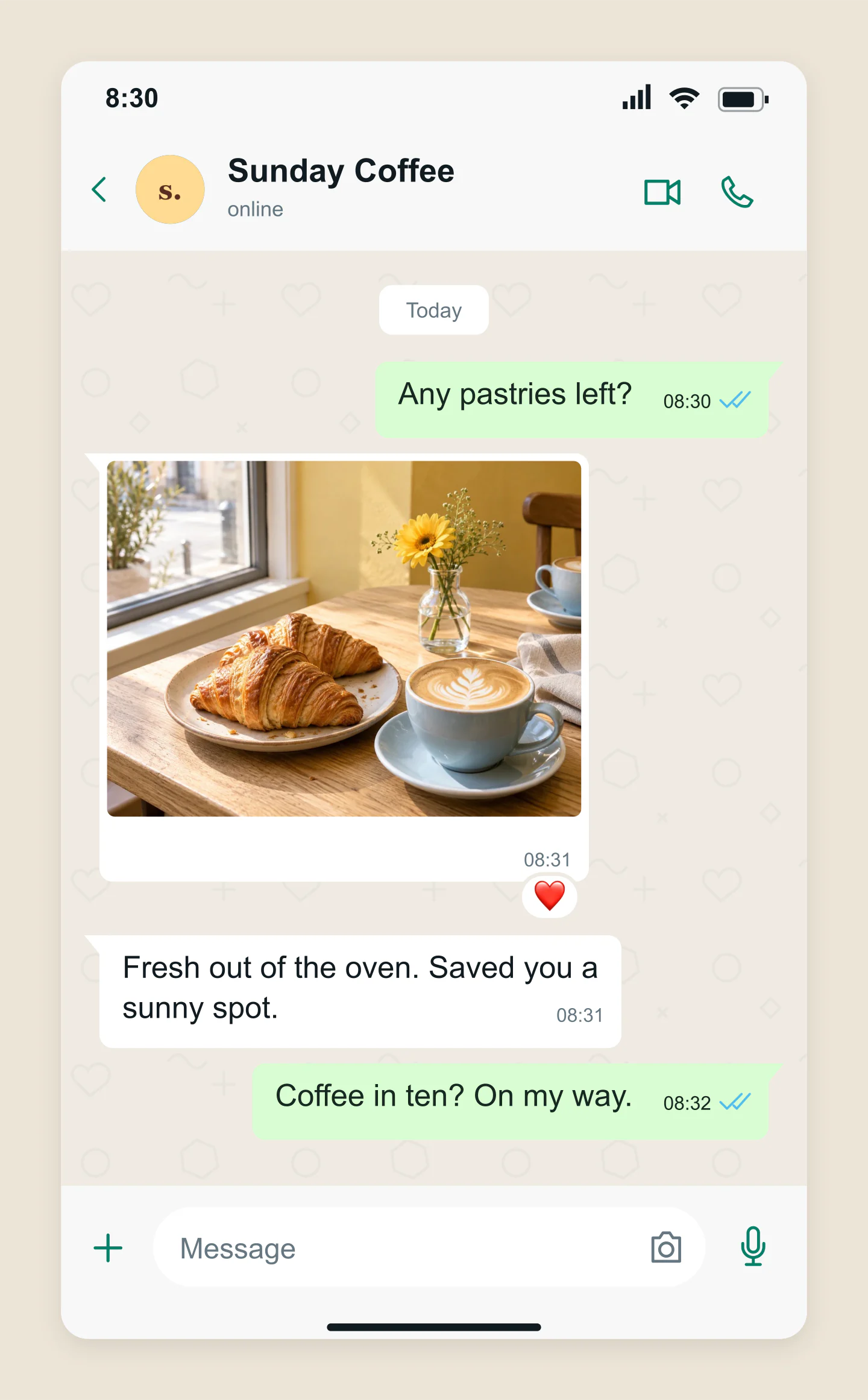
Mobile · Coffee plans
A little morning invitation, a bakery photo and a blue double tick. Replace the picture or write your own reason to meet.
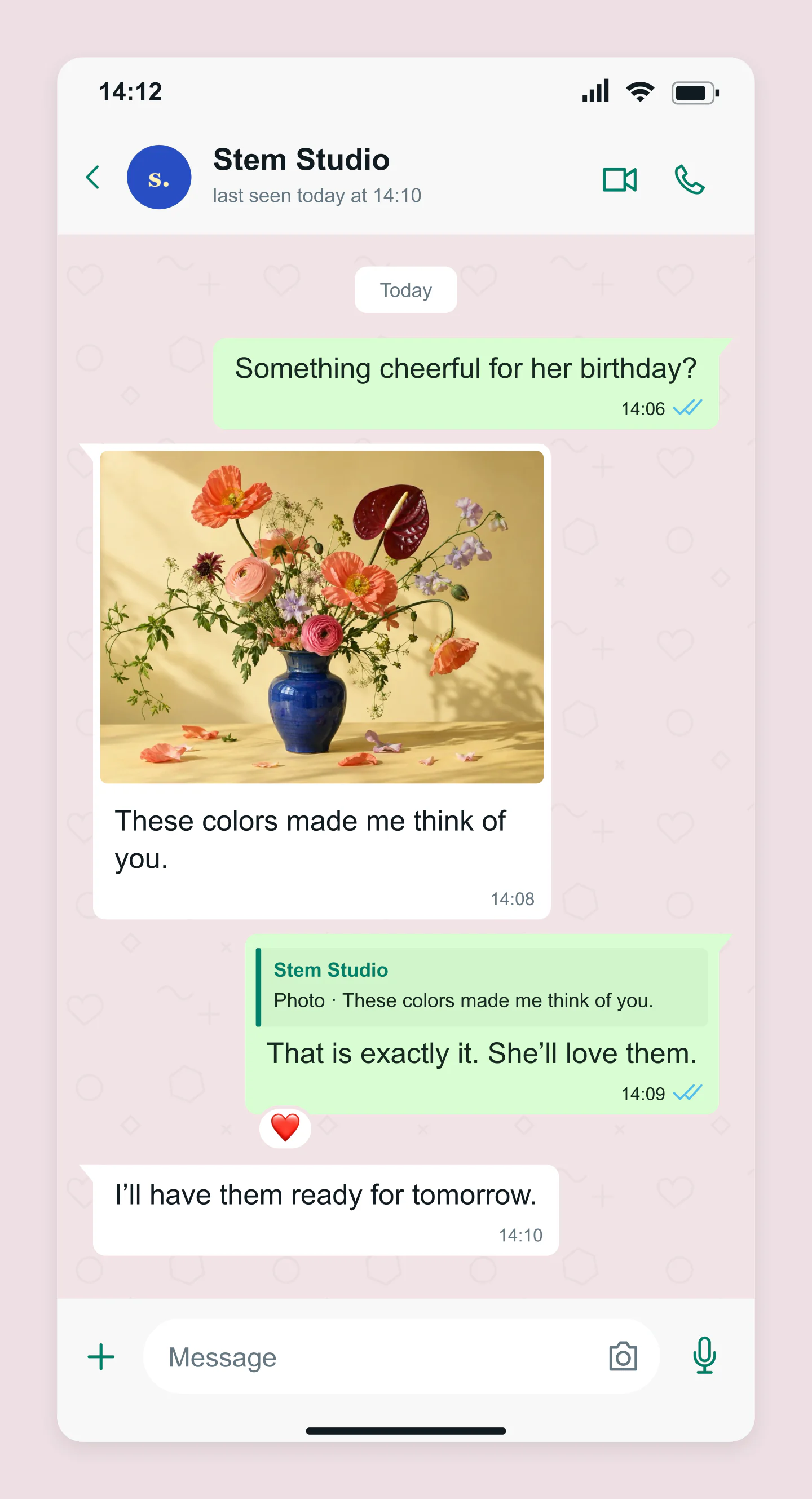
Mobile · Photo & quoted reply
Choose a bouquet together. A quoted photo reply keeps the conversation clear, while a heart adds the finishing touch.
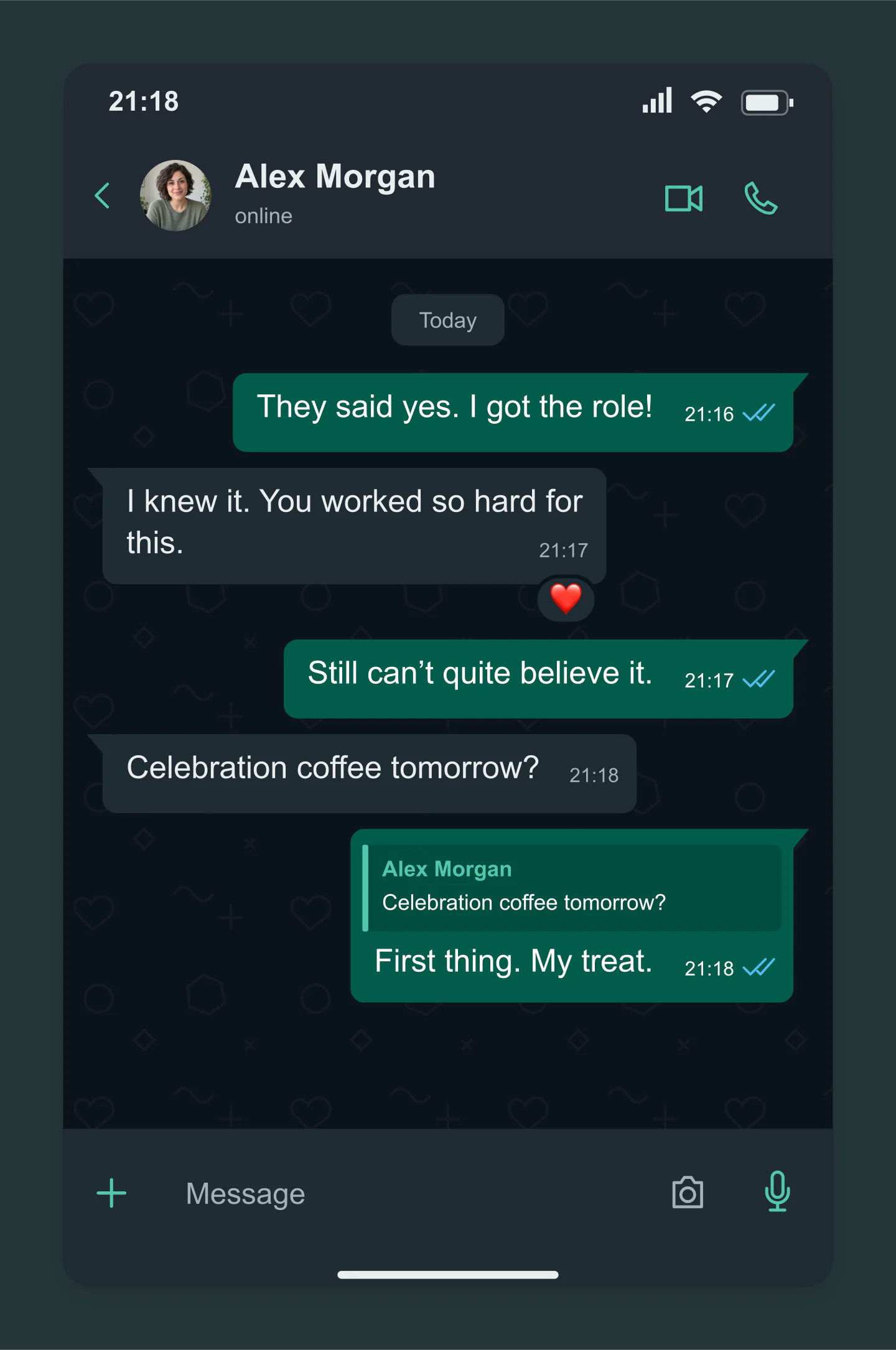
Mobile · Dark · Reactions
Good news travels in a few short messages. Try dark mode, a quoted reply and a simple heart reaction.
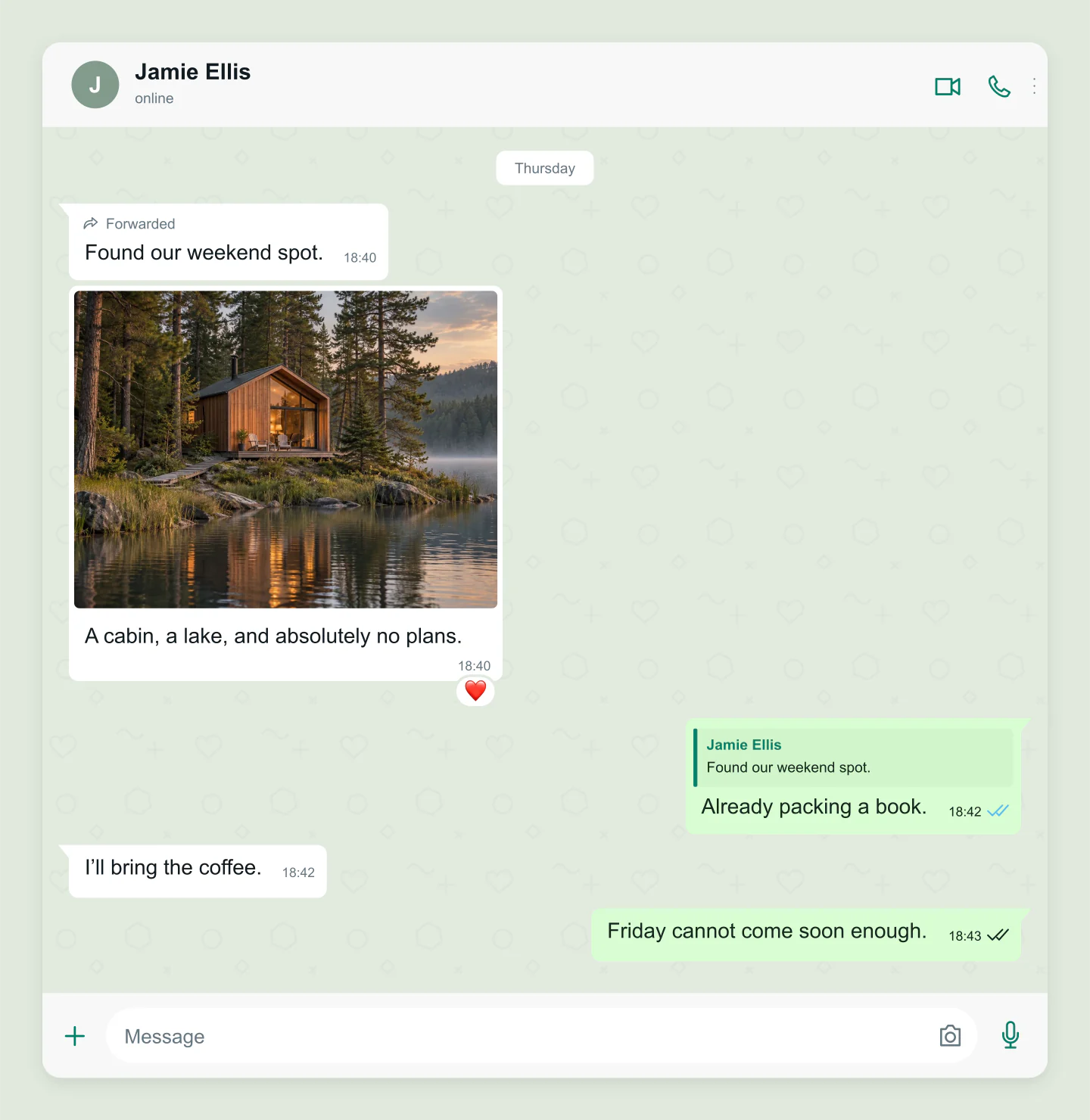
Desktop · Travel plans
A wider chat with a lakeside cabin, a forwarded idea and a reply. Swap in your own destination and give the weekend a shape.
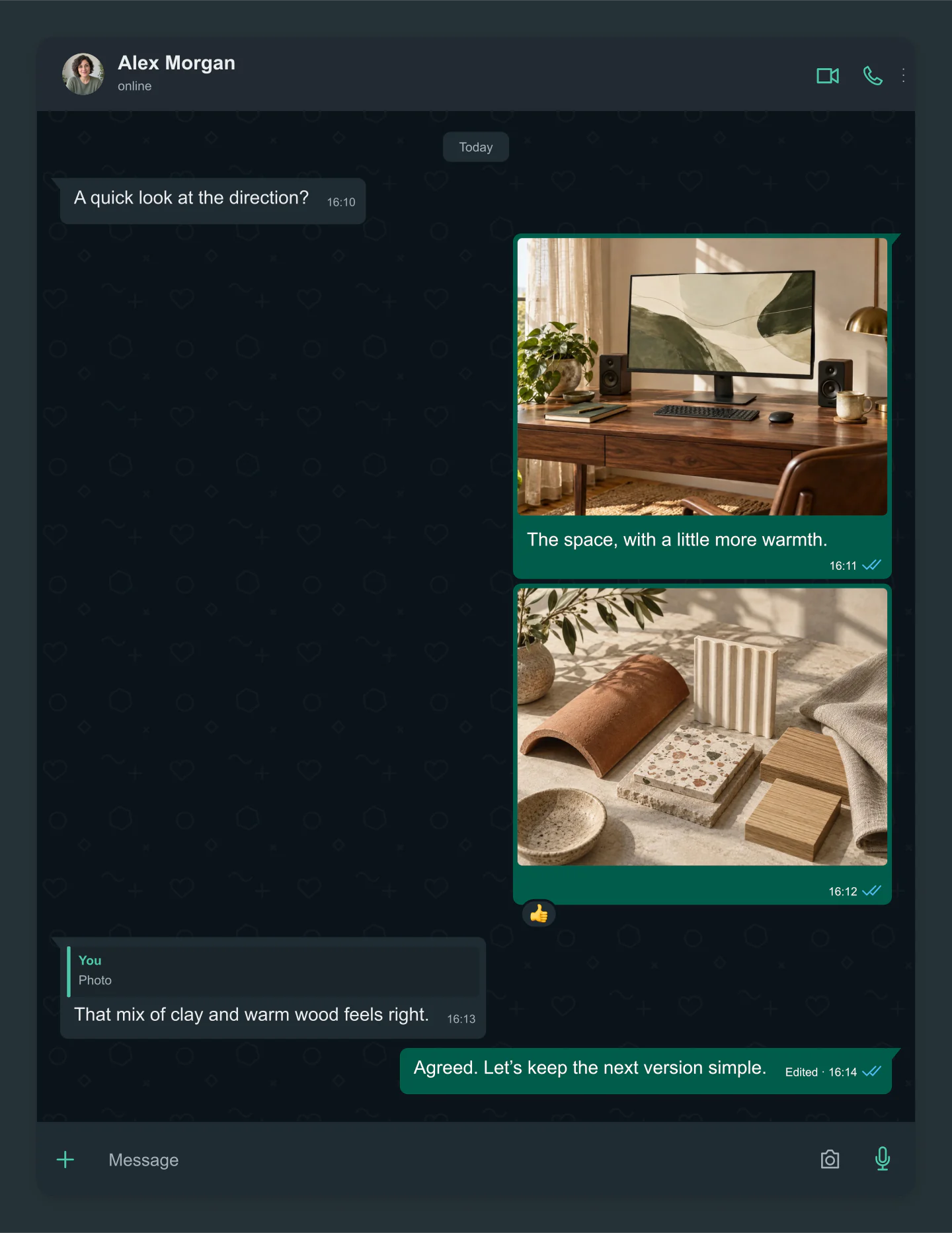
Desktop · Dark · Two photos
A workspace and a materials board, each independently editable. Add a caption, quote the image you mean and keep the discussion moving.
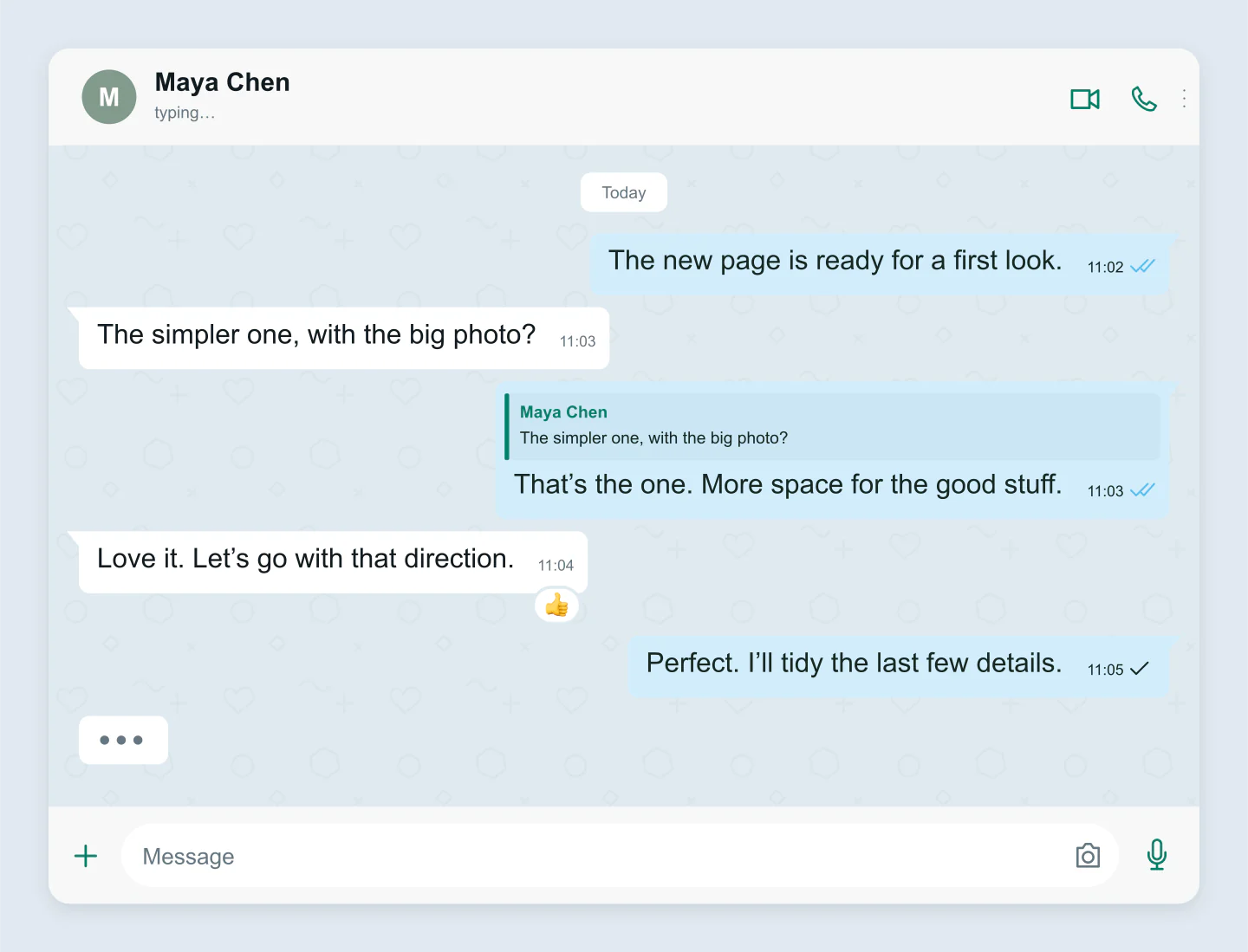
Desktop · Text only · Custom style
A short client exchange with a quoted reply and custom blue bubbles. Edit the wording and use it in a pitch or presentation.
Made with this generator. Sample brands, conversations and engagement counts are fictional.
LET THE CONVERSATION BEGIN
Set the contact name and photo. Choose mobile or desktop, light or dark, and a wallpaper that fits.
Click a bubble to edit. Add photos, quote a reply or leave a reaction. Every message can have its own time and delivery ticks.
Download a free PNG or JPG up to 3×. Turn on Animation to preview the conversation as it unfolds, then export an MP4 with Pro. Save your project to carry on later.
A FEW USEFUL DETAILS
Yes. Create a conversation and download PNG or JPG images at 1×, 2× or 3× for free. No account or watermark is needed. Animation previews are free too. Downloading an animated MP4 requires Pro.
Yes. Turn on Animation to autoplay the messages, with optional typing dots, delayed reactions and delivery ticks. Adjust pauses, choose a portrait, square or wide frame, and replay or scrub the preview. Pro downloads a silent 30 fps MP4 at 720p or 1080p, up to three minutes long.
Click a bubble to edit its text. The toolbar lets you add a photo, reply, change a reaction or open the message details. Click outside the message or press Escape when you are done. The + buttons below the image add messages from either side.
Yes. Every photo message has its own upload, caption and crop. Drag the photo on the canvas to position it, or use Zoom for a closer view. Click Reply to quote a message. The quote updates when the original message changes.
Outgoing messages can show a sending clock, a single sent tick, double delivered ticks or blue read ticks. Choose the state for each message in its details. These are visual mockups, not real delivery or read information.
Yes. Clear chat removes the messages and typing indicator. You can undo that action or start writing from either side. Each conversation supports up to 20 messages, including photos.
Choose a light or dark view, several wallpapers and outgoing bubble colors. You can also set custom colors, turn the subtle pattern off, adjust text size and spacing, and hide the phone status bar or message input bar.
Your latest draft saves in this browser. Save project downloads a file with your text, message settings and uploaded photos. Open project lets you continue later or on another device. You can also paste a conversation through the project tools.
No. Photo uploads are resized locally in your browser. The tool creates images and animations for stories, concepts and presentations. It does not connect to WhatsApp or send messages.
The generator recreates a familiar one-to-one chat. WhatsApp’s interface can vary by device and update. Mobile and desktop views here are editable conversation mockups rather than screenshots of a live account.
An independent mockup tool by Mockaps, not affiliated with WhatsApp or Meta. Sample conversations are fictional. Looking for another chat style? Try iOS Messages or Messenger Chat.