
Bring your products.
Add a product photo, title, price and store. Build a single card or a collection of up to eight products.
Your products, ready for a closer look.
Preview the listing before the launch.
Keep an editable copy on your device. How it works
A FEW WAYS TO MAKE IT YOURS
A new collection. A special offer. A product worth a closer look. Start with one of these editable examples.
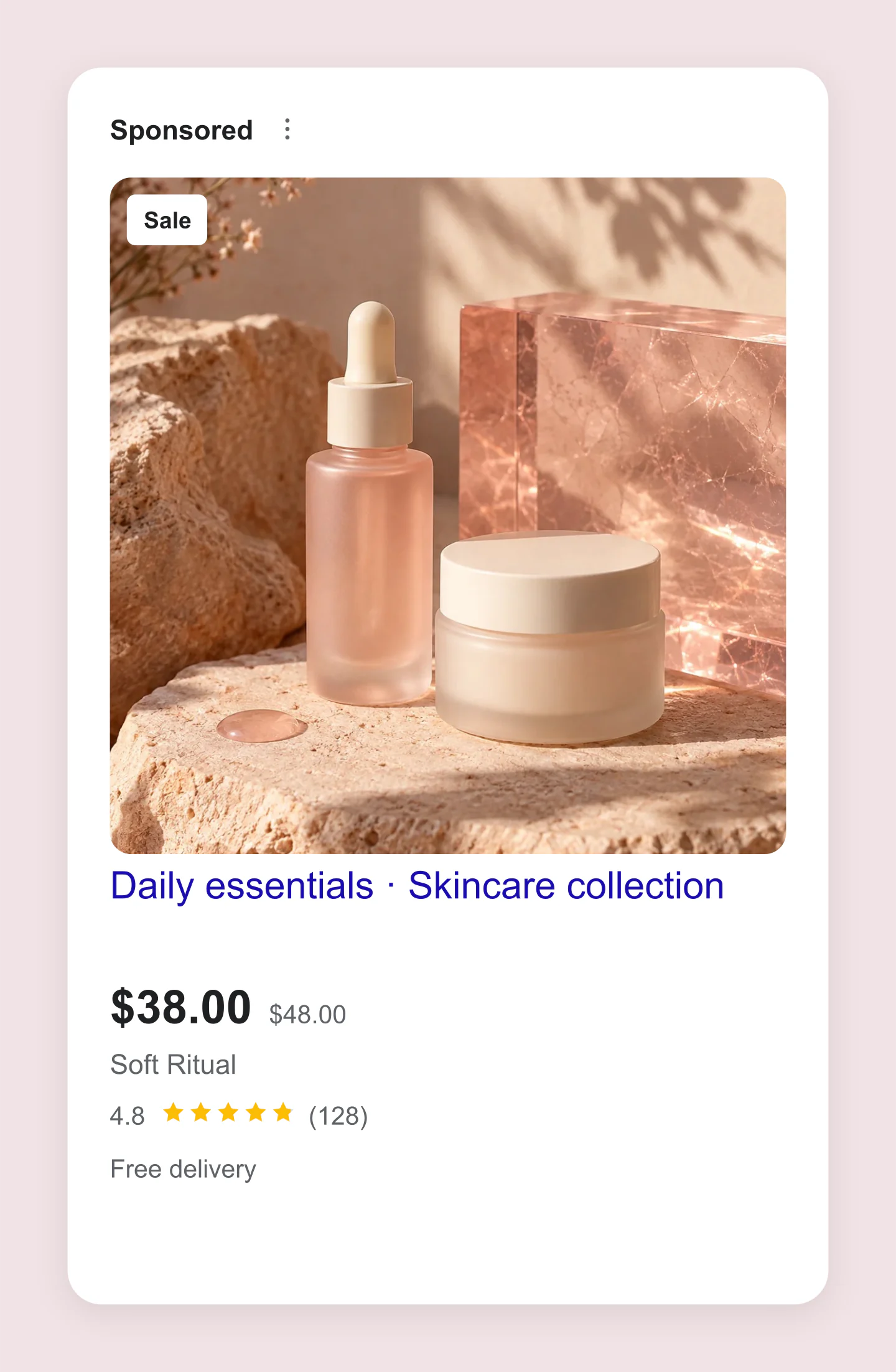
Single product · Skincare
A rose-toned skincare Shopping ad with a sale price, product rating and free delivery. Edit the product photo and store details for your own collection.
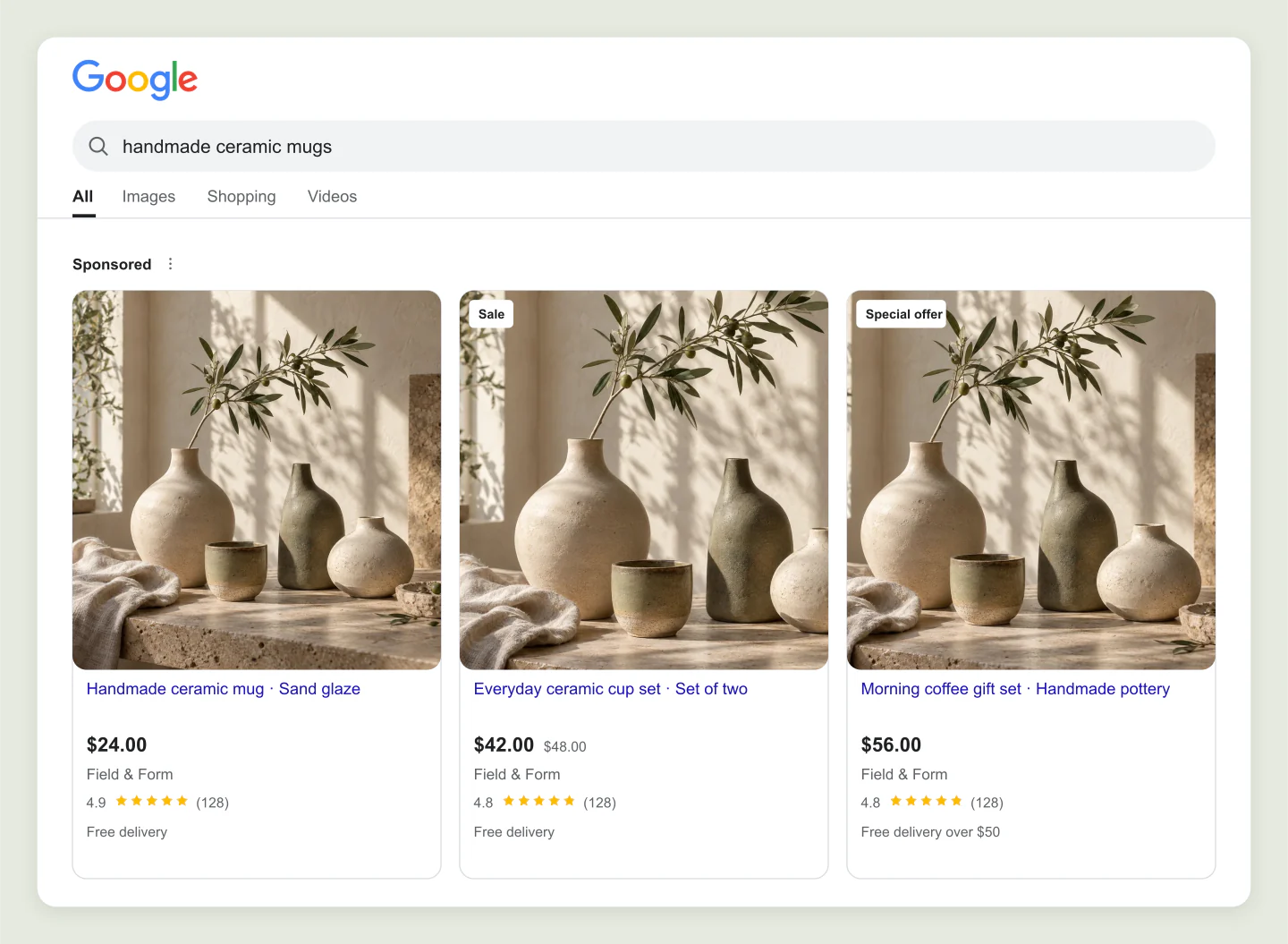
Desktop · Shopping results
A desktop Google Shopping results mockup for a ceramics collection. Compare three product titles, prices and offers in one image.
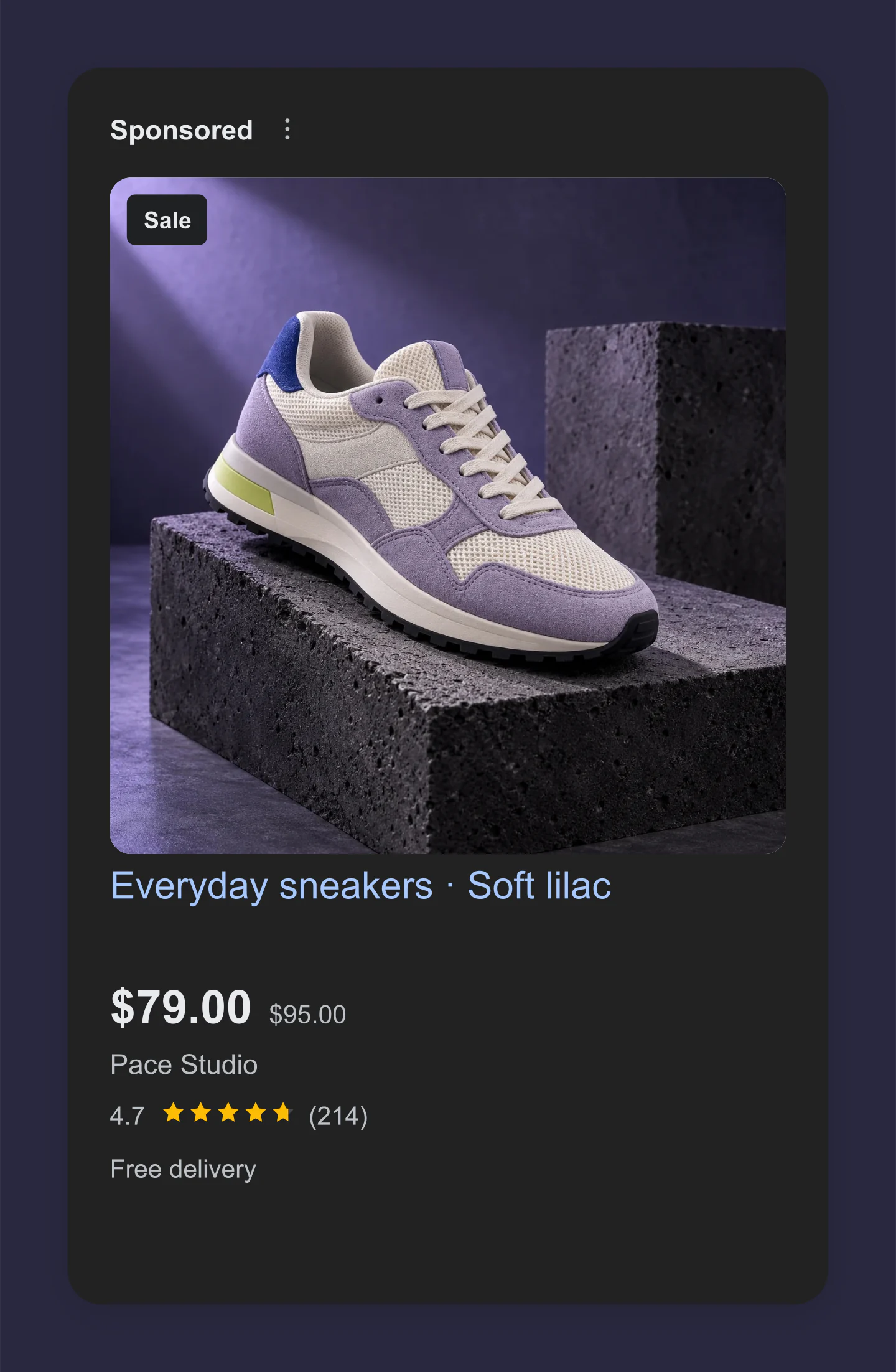
Single product · Dark
A dark Shopping ad with lilac sneakers, a price reduction and review count. Try a footwear campaign or a new product launch.
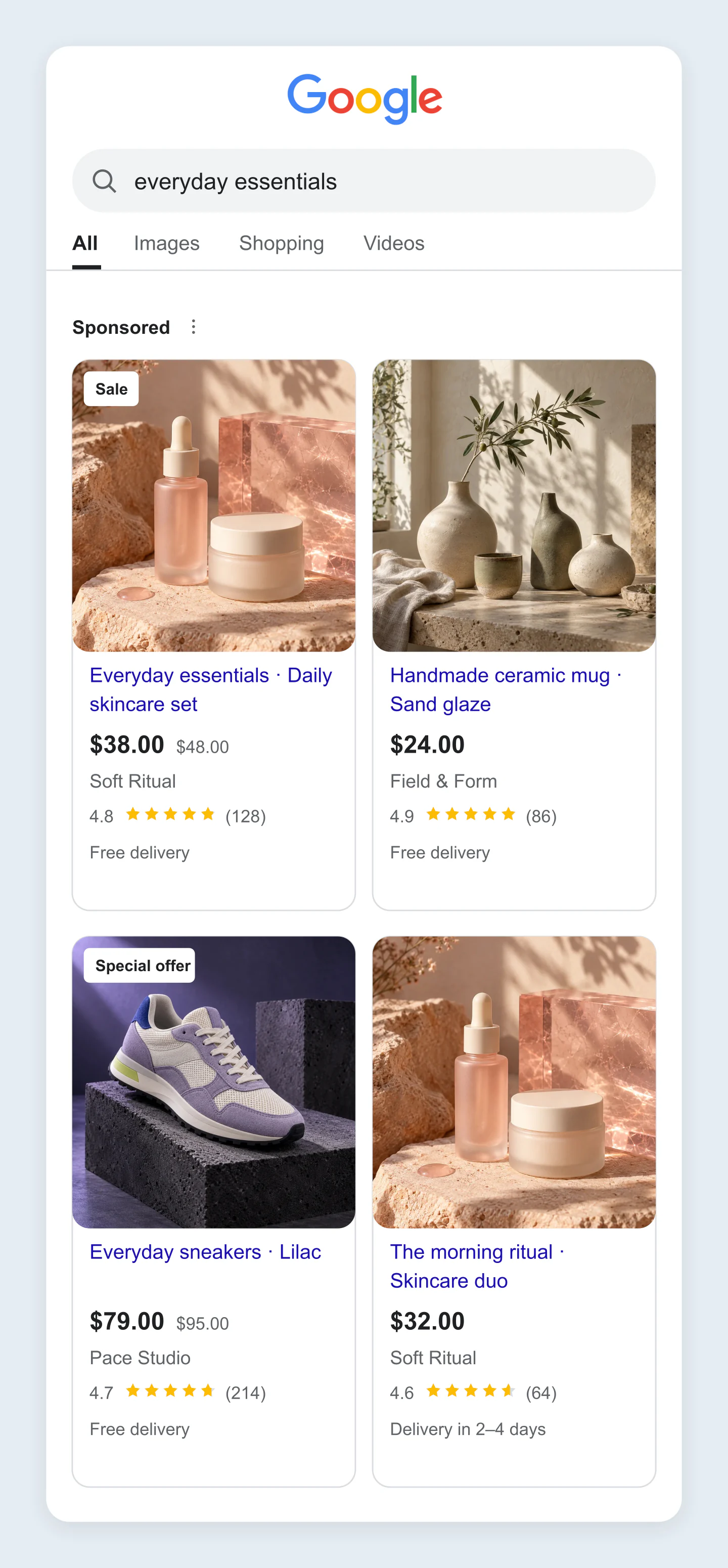
Mobile · Shopping results
A mobile shopping results preview with four editable product cards. Test how product photos and titles read on a smaller screen.
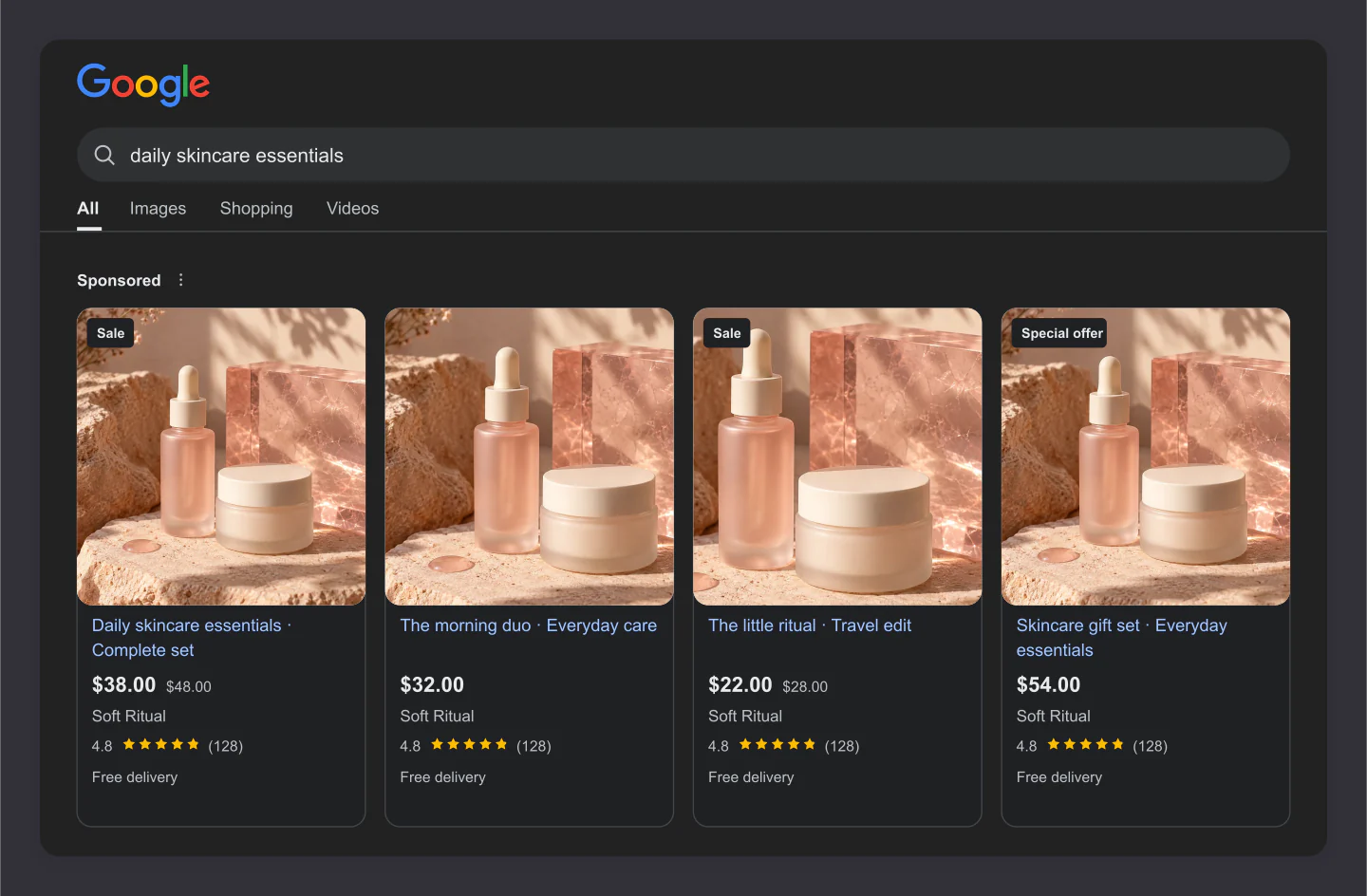
Desktop · Dark results
Four skincare ads in a dark desktop search preview. A clean way to share a product range, different offers or campaign directions.
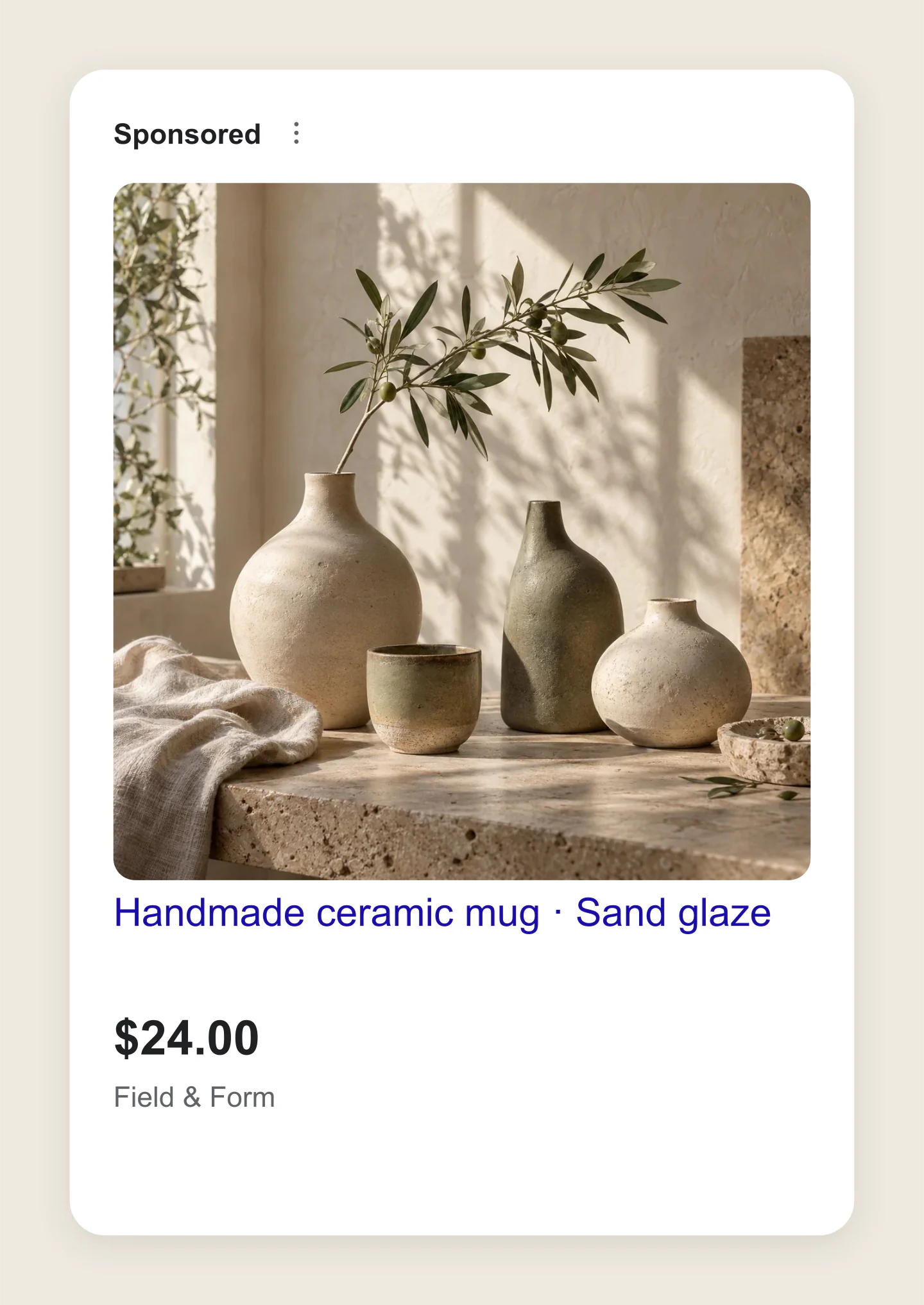
Single product · Minimal details
A simple ceramic product ad without ratings, shipping or sale labels. Start here when you want to focus on the image, product name and price.
Made with this generator. Sample brands, conversations and engagement counts are fictional.
FROM PRODUCT TO PREVIEW
Add a product photo, title, price and store. Build a single card or a collection of up to eight products.
Compare sale prices, ratings and delivery labels. Check the mobile view and give your titles a little fine-tuning.
Download a free PNG for a presentation or client review. Save the editable project to keep working later.
A FEW USEFUL DETAILS
Yes. Customize your product cards and download PNG or JPG images at 1×, 2× or 3× for free. No account or watermark.
It is a visual preview of a product ad, including its photo, title, price and store name. Use it to share a campaign idea, compare product listings or get feedback before preparing your product feed.
Yes. Shopping results shows up to eight products in a responsive mobile or desktop layout. Single product focuses on the selected card. Add, duplicate, reorder or remove products in the sidebar.
Edit every product photo, title, price, original price, store name, star rating, review count, delivery label and offer badge. Choose a search query, light or dark interface, canvas color and spacing. Click a photo or title in the preview to open its controls.
Use it to plan the appearance of a Shopping ad or product listing ad (PLA). This tool does not connect to Merchant Center, create a product feed or check whether a listing is approved. Live Google layouts and optional annotations vary by placement, device and eligibility.
Shopping ads are built from product data in Merchant Center. The downloaded image is for presentations, feedback and marketing plans. Upload your original product photo and product details to Merchant Center, rather than a screenshot of this mockup.
Put the product name and its most useful details first. A brand, size, color or material can help distinguish it. Long titles are shortened in many placements, so check how the opening reads in both mobile and desktop previews.
Your draft saves in this browser. Save project downloads an editable file, including uploaded photos, which Open project can restore later. Your uploaded images are processed locally in your browser.
Yes. Enable Transparent canvas under Canvas & export and choose PNG. This removes the space around the preview; the product card and Google interface keep their own backgrounds.
An independent mockup tool by Mockaps, not affiliated with Google. Sample brands are fictional. Google’s live ad layouts can vary. Read what makes up a Shopping ad. Planning other placements? Try the Google Search Ad or Google Display Ad generator.