
Pick a size and a look.
Start with a rectangle, tall ad or wide banner. Give your photo the stage, or leave room for a little more copy.
Your image. Your message.
See the campaign come together.
Keep an editable copy on your device. How it works
Click your image, logo or copy to edit it. These are mockups of possible ad layouts; Google may serve different combinations.
A FEW WAYS TO MAKE IT YOURS
A small collection. A weekend away. A little room for your message. Start with an example and make the campaign yours.
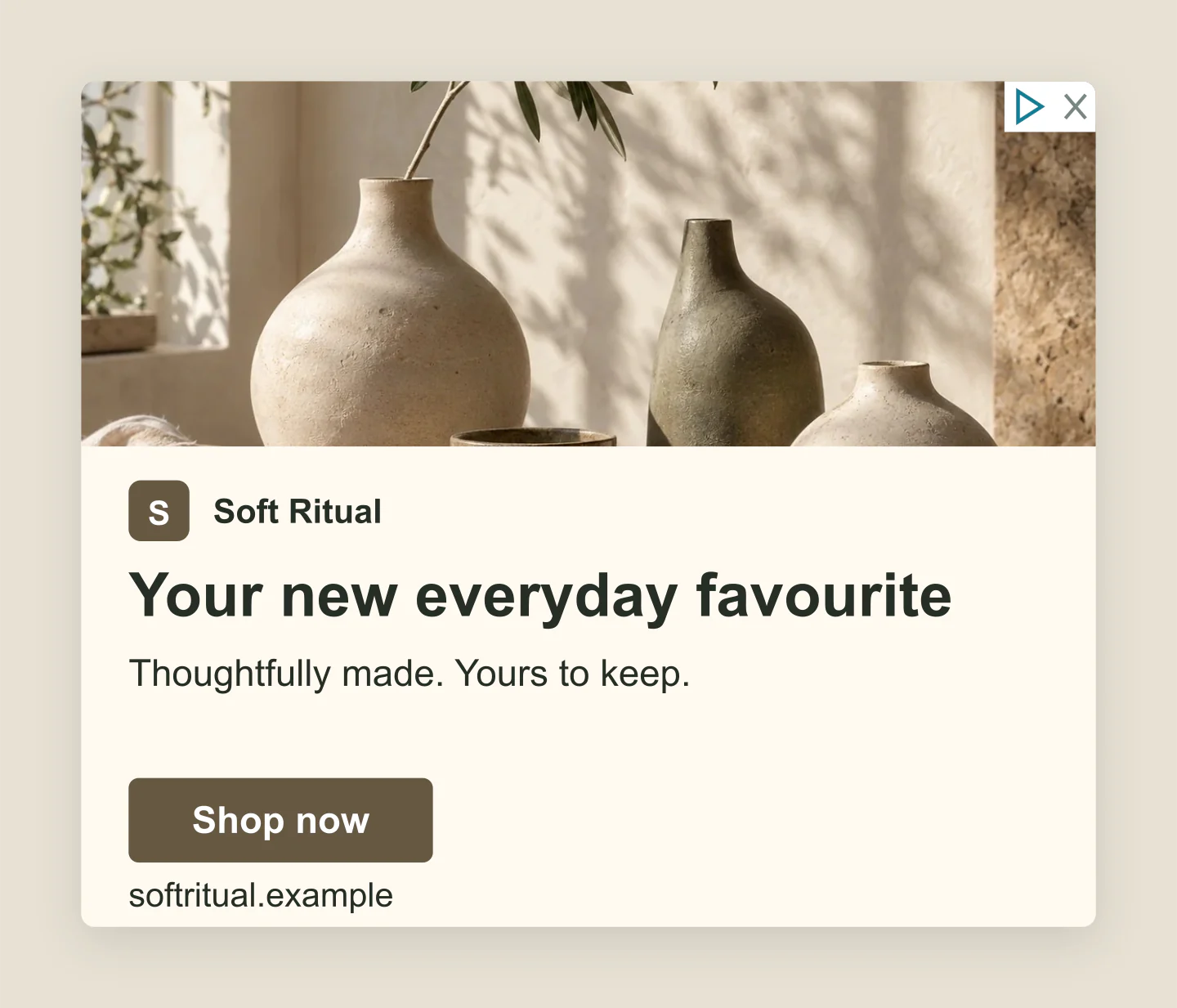
300 × 250 · Product ad
Warm ceramics, a simple promise and a clear next step. A medium rectangle for a small homeware collection.
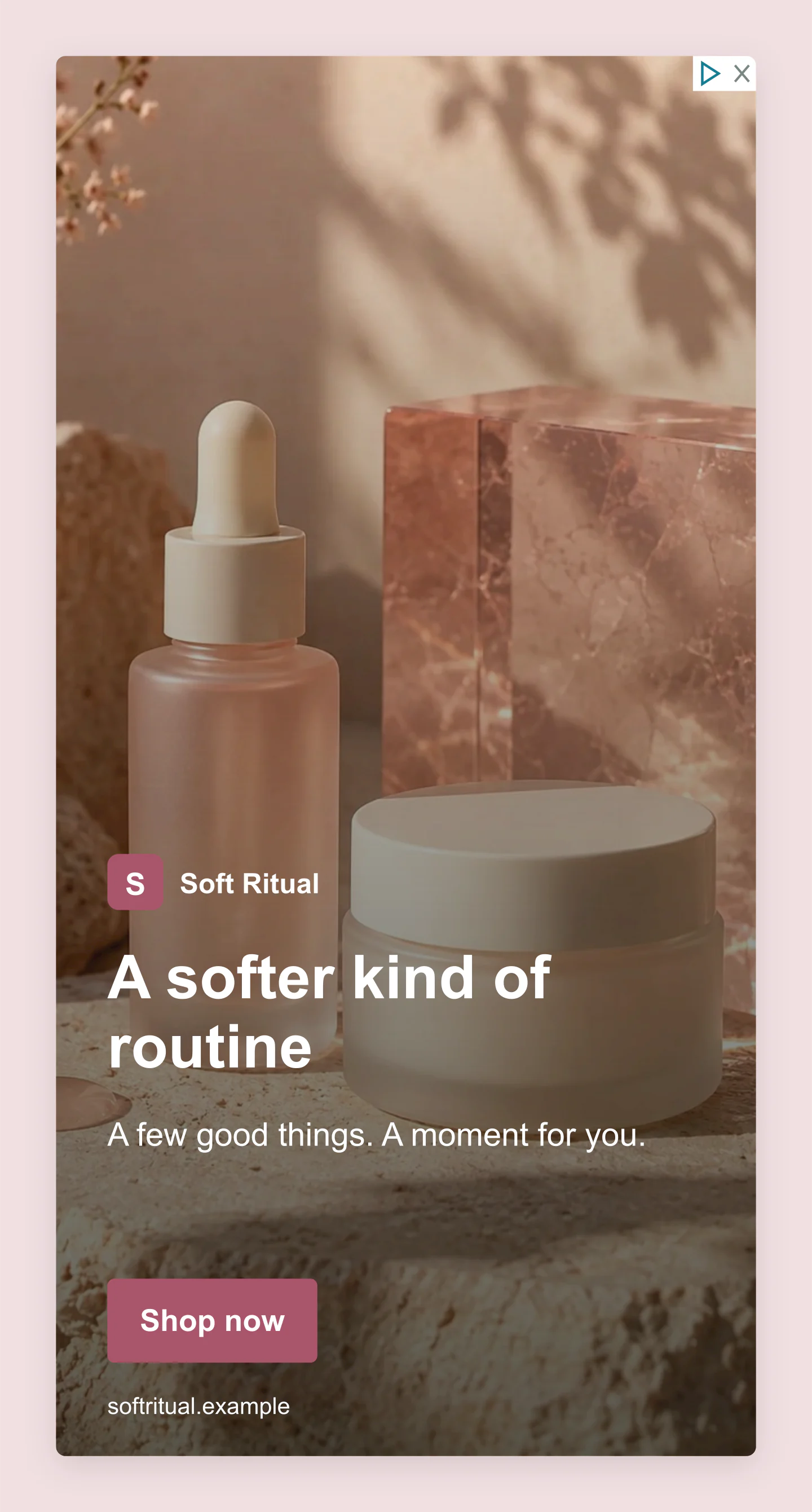
300 × 600 · Image-led
A tall skincare ad with a soft rose palette. Move the image, adjust the shading and make the copy yours.
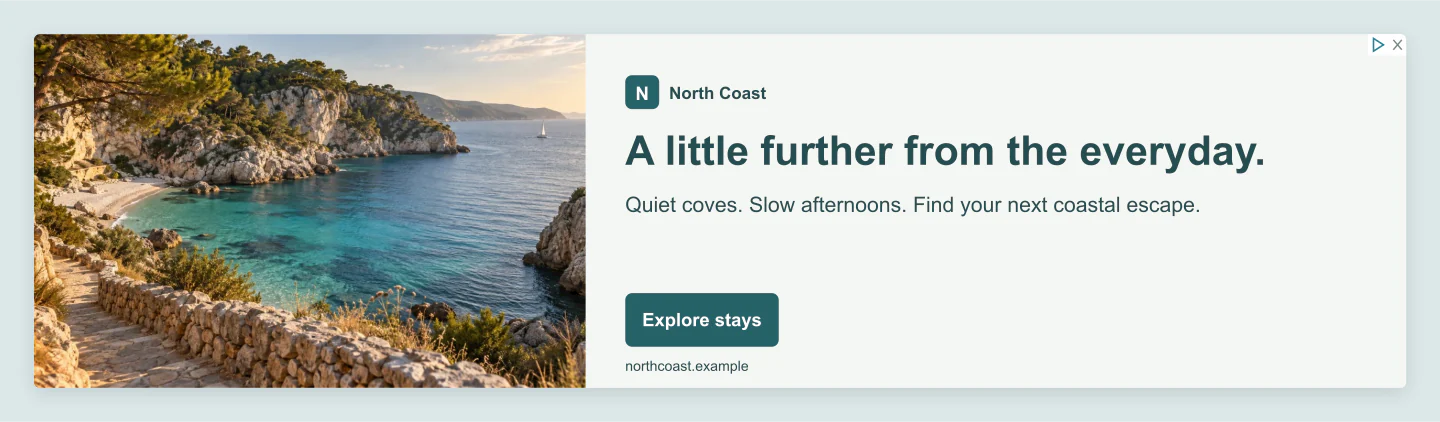
970 × 250 · Billboard
A wide travel banner with a longer headline and room for the view. Made for the next campaign presentation.
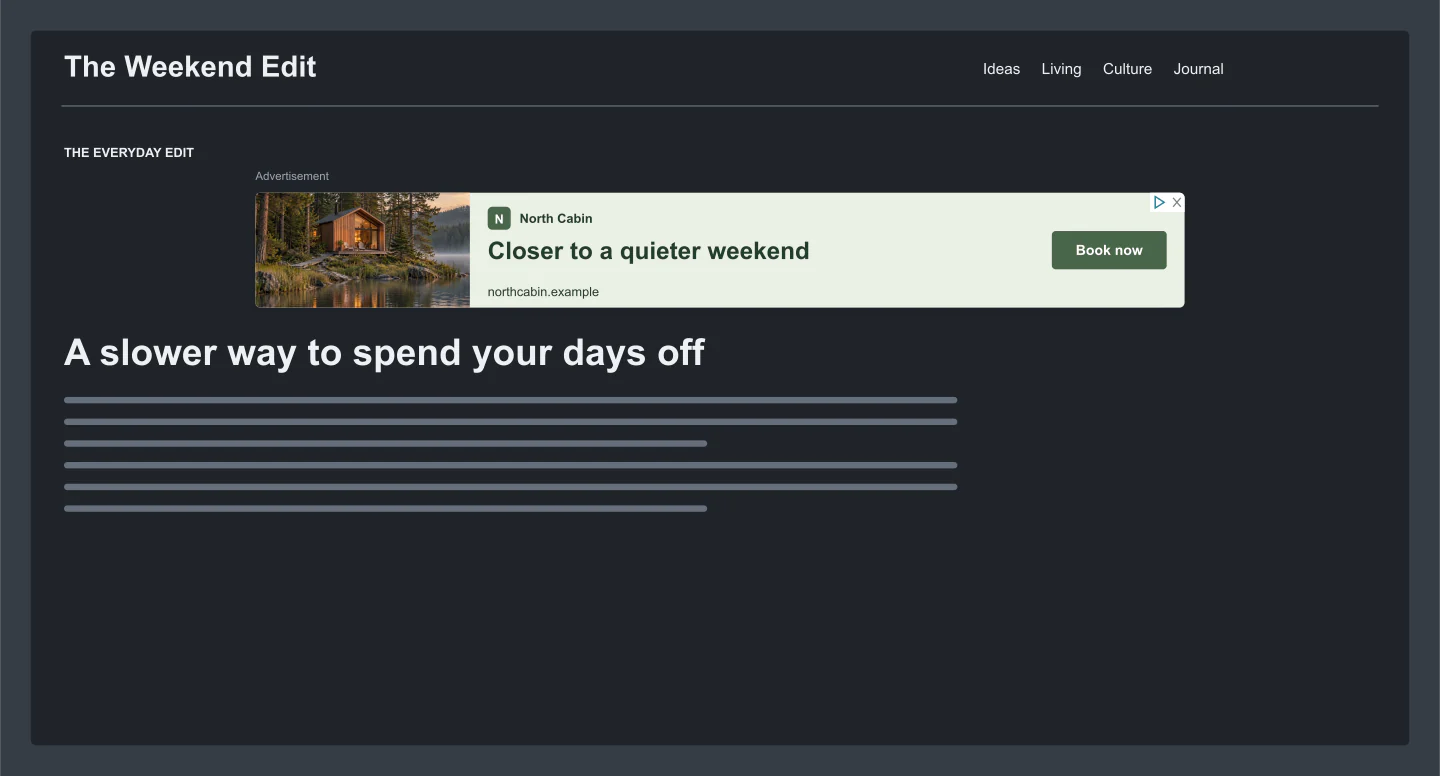
Desktop page · Dark view
A compact cabin banner placed inside a dark editorial page. See the idea in context before sharing it.
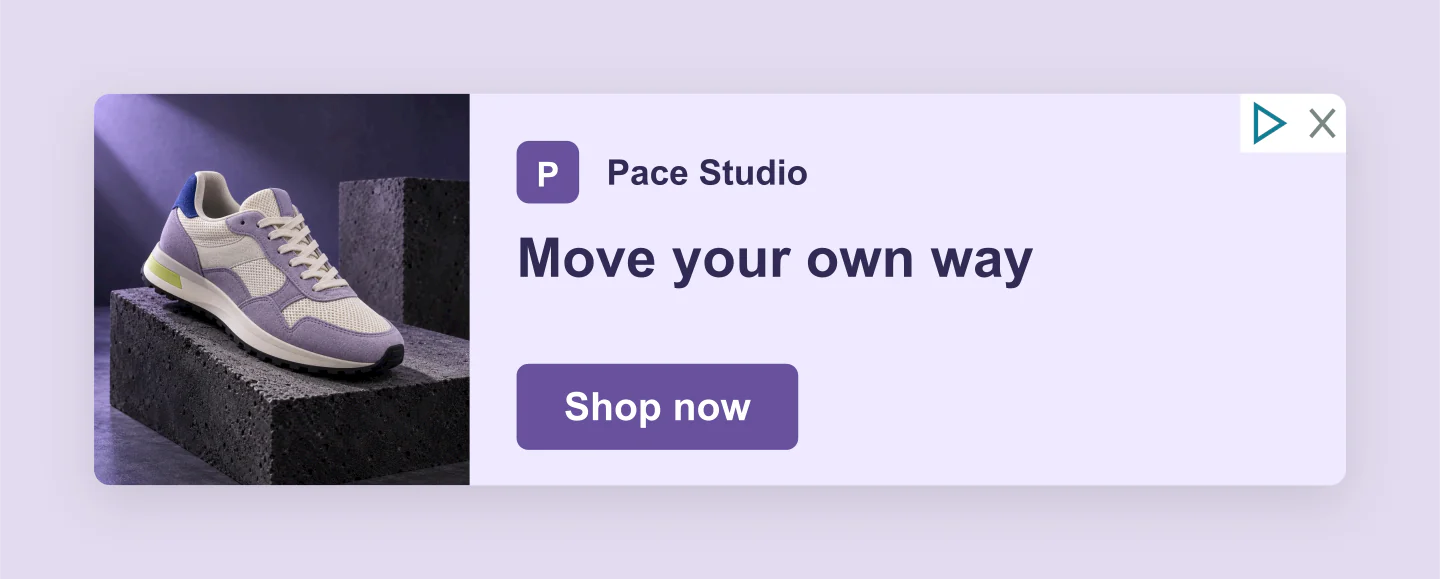
320 × 100 · Mobile banner
A small banner with a bold lilac palette. Keep the message short and let the product do the talking.
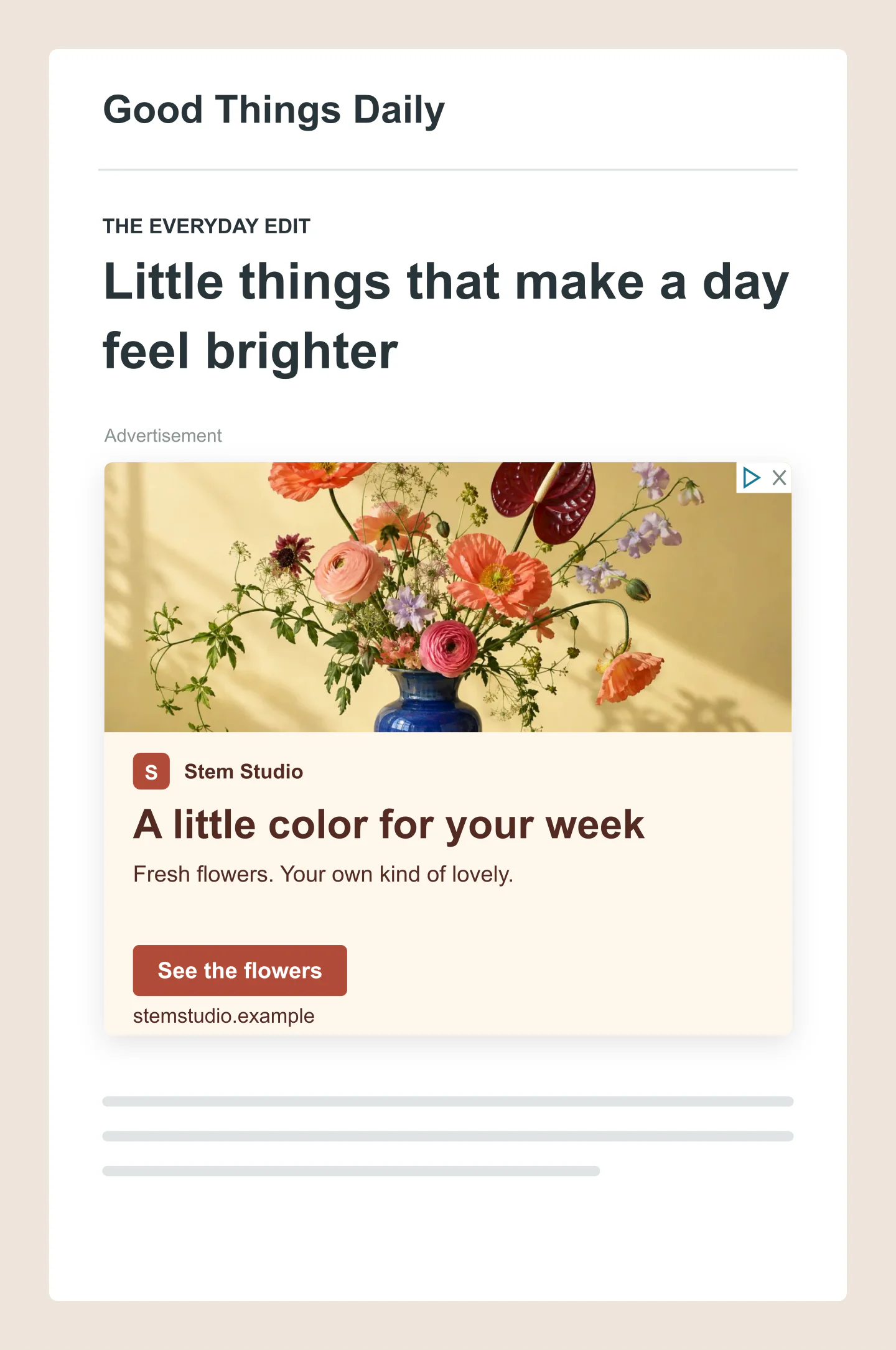
Mobile page · Large rectangle
An expressive floral image on a clean mobile page. A good starting point for a small creative business.
Made with this generator. Sample brands, conversations and engagement counts are fictional.
GIVE YOUR NEXT CAMPAIGN A LOOK
Start with a rectangle, tall ad or wide banner. Give your photo the stage, or leave room for a little more copy.
Add your image and logo. Write a headline, choose a call to action and try your brand colors.
Place the ad on a mobile or desktop page. Download a free image for feedback, or save a project to continue later.
A FEW USEFUL DETAILS
Yes. Edit your ad and download PNG or JPG images at 1×, 2× or 3× for free. No account, watermark or Google Ads connection is needed.
Choose 300 × 250, 336 × 280, 300 × 600, 728 × 90, 320 × 100 or 970 × 250. Ad only view with zero canvas padding exports at the selected size at 1×. Larger resolutions and added padding change the final pixel dimensions.
Upload an image and logo, position and zoom the photo, edit the headline, description, business name, domain and call to action. Choose Image + copy or Image-led, adjust the colors, and show the ad alone or inside a fictional mobile or desktop page.
The short headline allows 30 characters, the long headline and description 90 each, and the business name 25. These follow responsive display asset limits. Full-width CJK characters count as two. Small ad sizes may shorten or hide copy, so the preview tells you when something does not fit.
Google combines responsive display assets to suit the placement. These are editable mockups of possible layouts, not a live Google Ads preview. The arrangement, text and controls in a served ad can differ.
Use this tool for campaign planning, presentations and feedback. For an uploaded image ad, choose Ad only, zero padding and 1×, then check Google’s current dimensions, file size and content requirements. Google lists a 150 KB limit for uploaded static image ads. Downloads are not automatically compressed to that limit or checked for approval.
Your draft saves in this browser. Save project downloads an editable file with your content and uploaded images. Open project restores it on this device or another. Your uploads are processed locally, without being sent to an account.
Light and dark settings change the surrounding website in On a page view. Your ad keeps its chosen colors. Use Colors & style to give the ad a dark background or another palette.
An independent mockup tool by Mockaps, not affiliated with Google. Sample brands and publisher pages are fictional. Read Google’s display ad size guidance and responsive display ad guidance. Planning another format? Try the Google Search Ad or Facebook Carousel Post generator.