
Put your photos in order.
Add your images, drag to refine the crop and move the cards into a sequence that feels right.
A little more room for your story.
Make every card worth a look.
Keep an editable copy on your device. How it works
A FEW WAYS TO MAKE IT YOURS
A new collection. A favorite place. A glimpse behind the scenes. Pick a starting point and make the whole sequence yours.
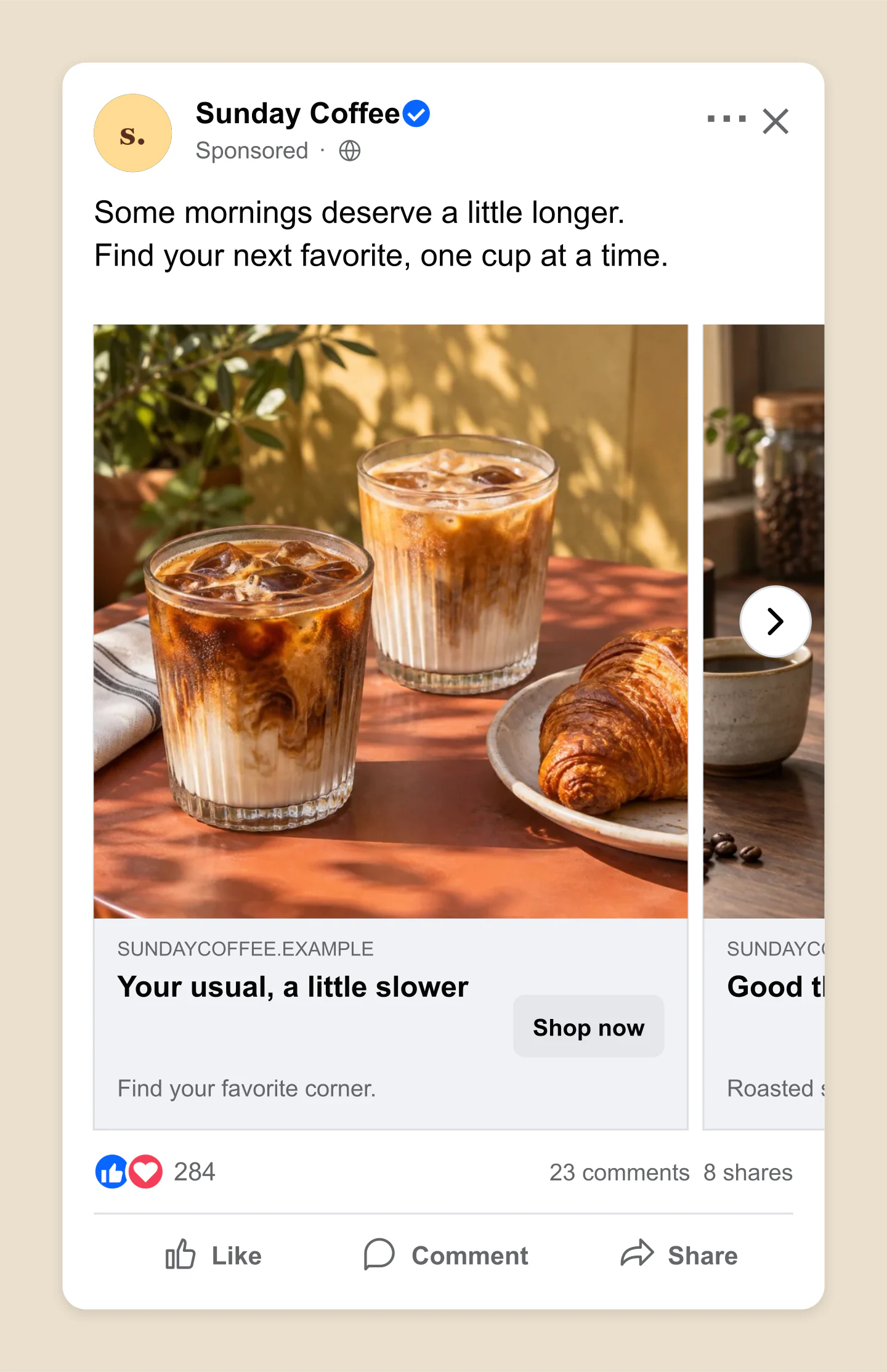
Mobile · Coffee collection
A terrace table, a careful pour and something over ice. Three photos turn a simple menu into a small story.
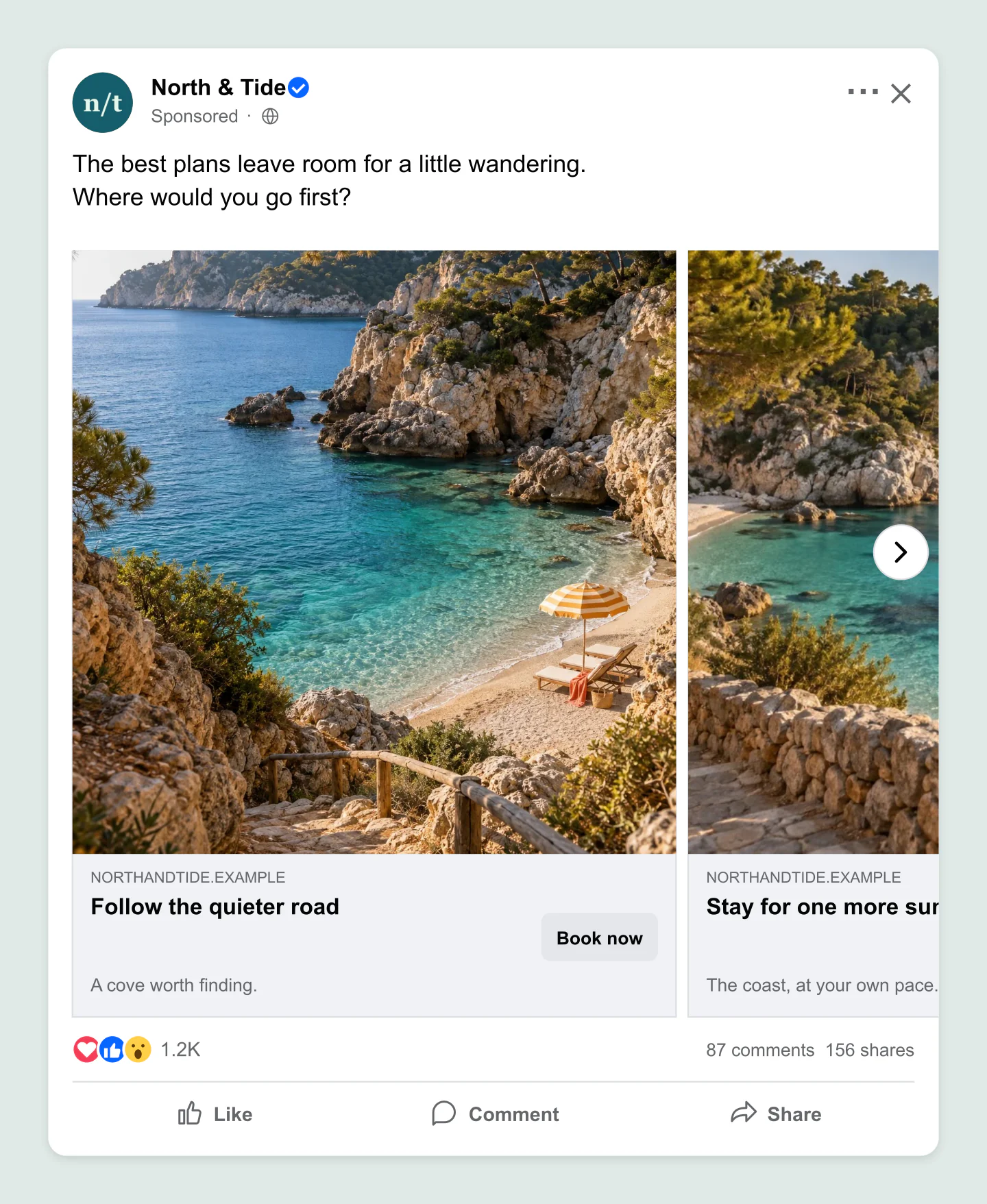
Desktop · Travel
Give a trip room to unfold. A wider feed preview, warm destination photography and a clear next step.
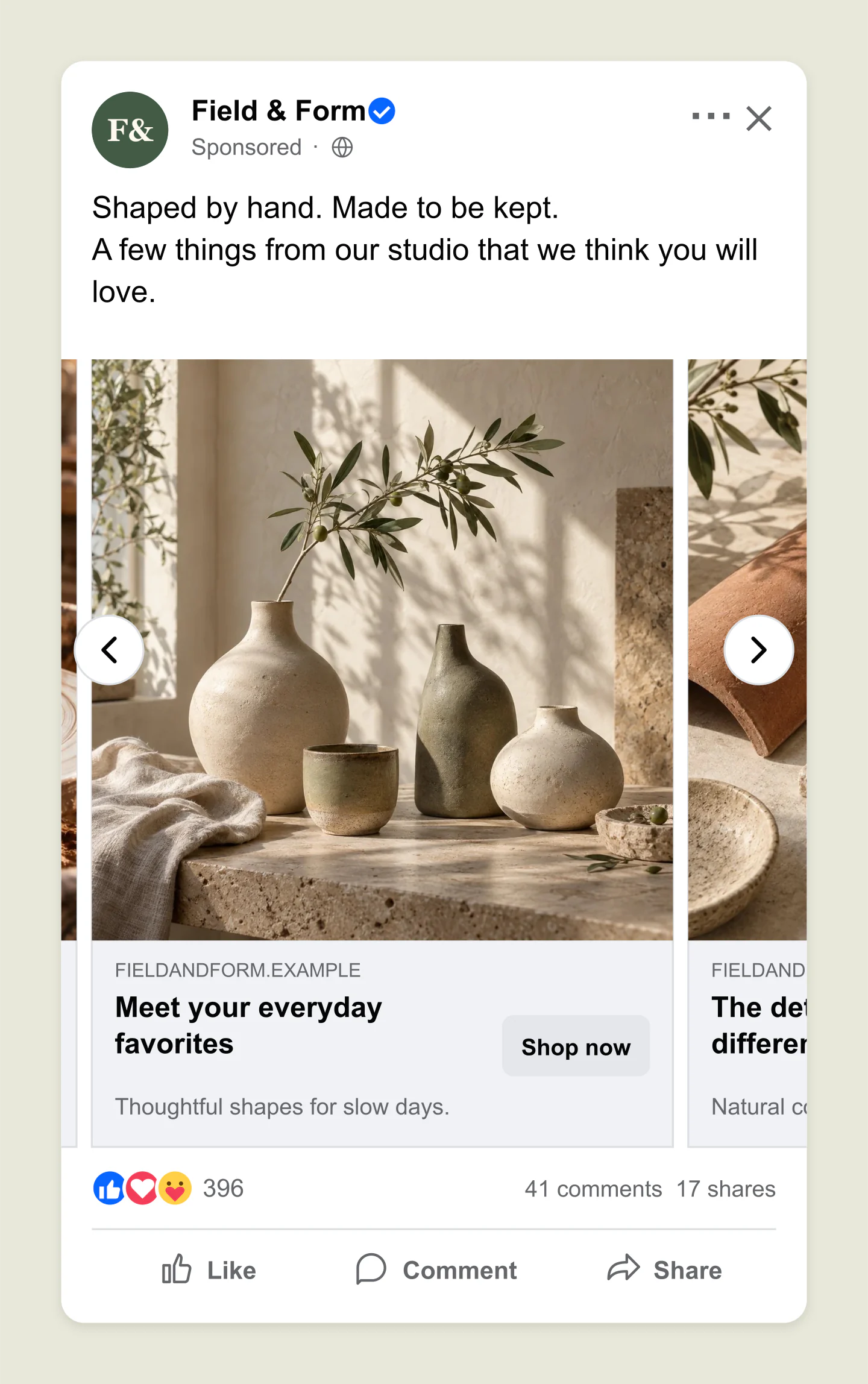
Mobile · Maker story
Introduce the process, the details and the finished collection. This example opens on the middle card.
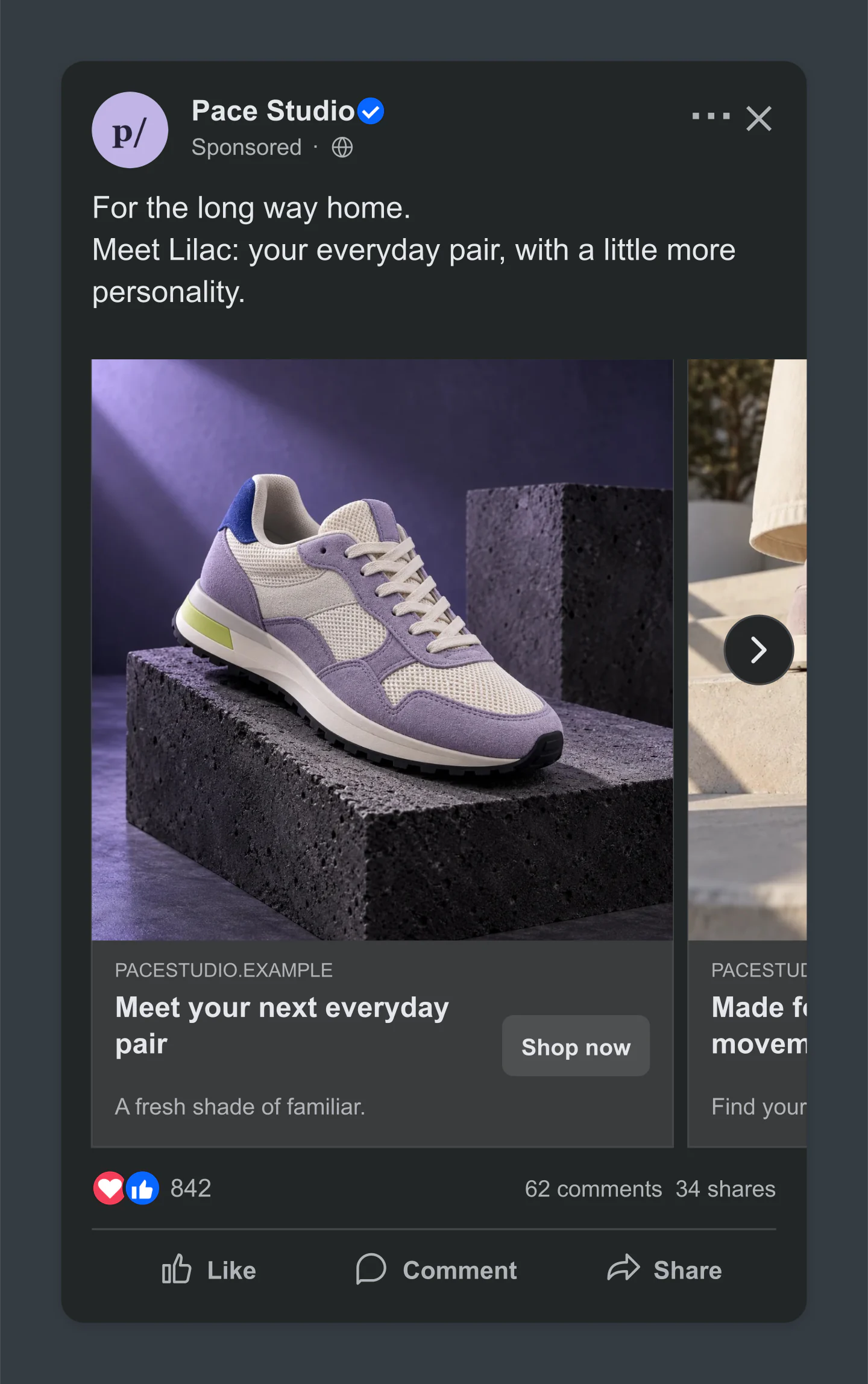
Dark · Product launch
Two cards, one new favorite. A dark feed makes the lilac product photography stand out.
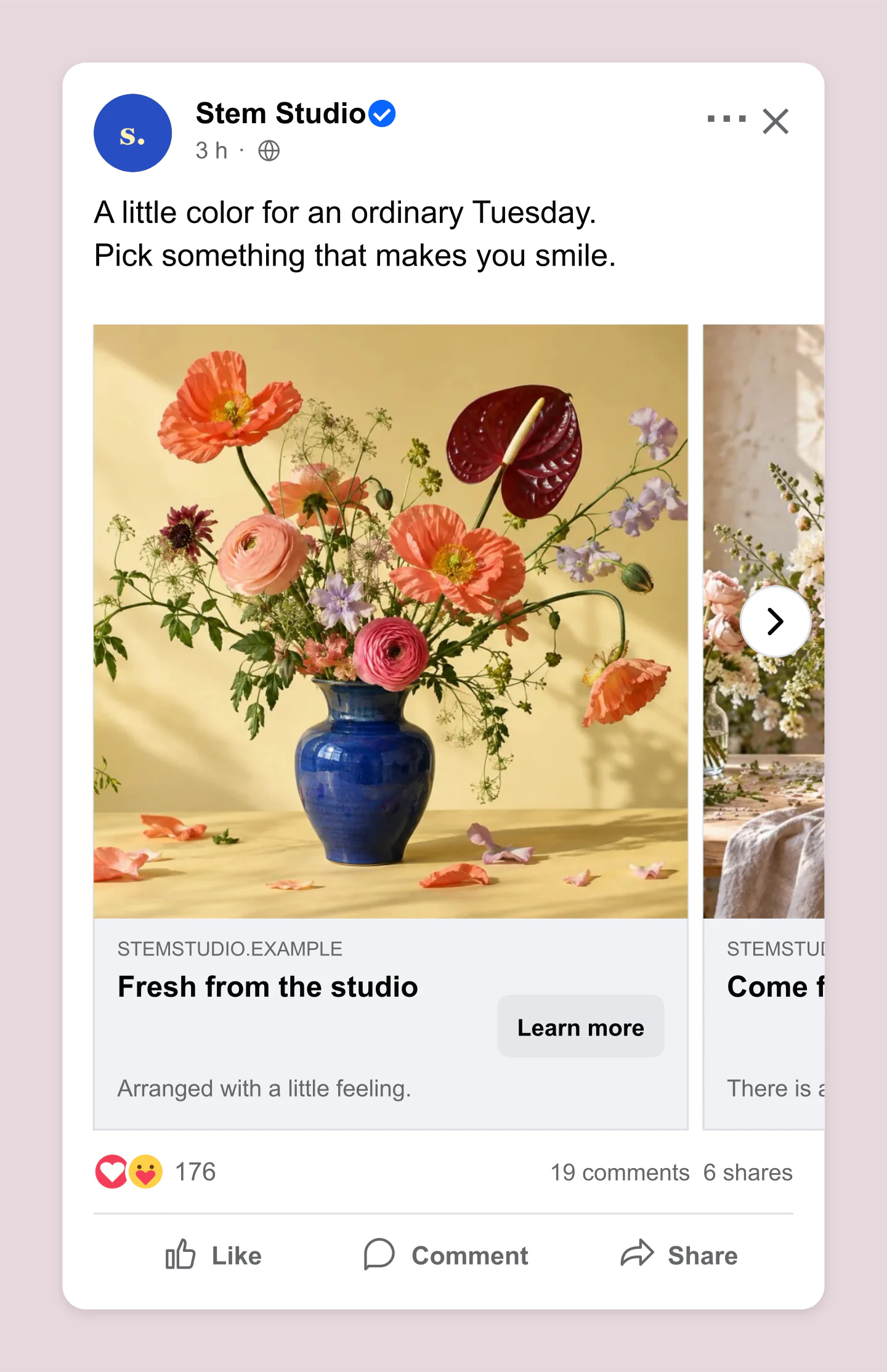
Mobile · Transparent PNG
A small floral collection with a warm, personal caption. Export the surrounding canvas as transparent for a pitch deck.
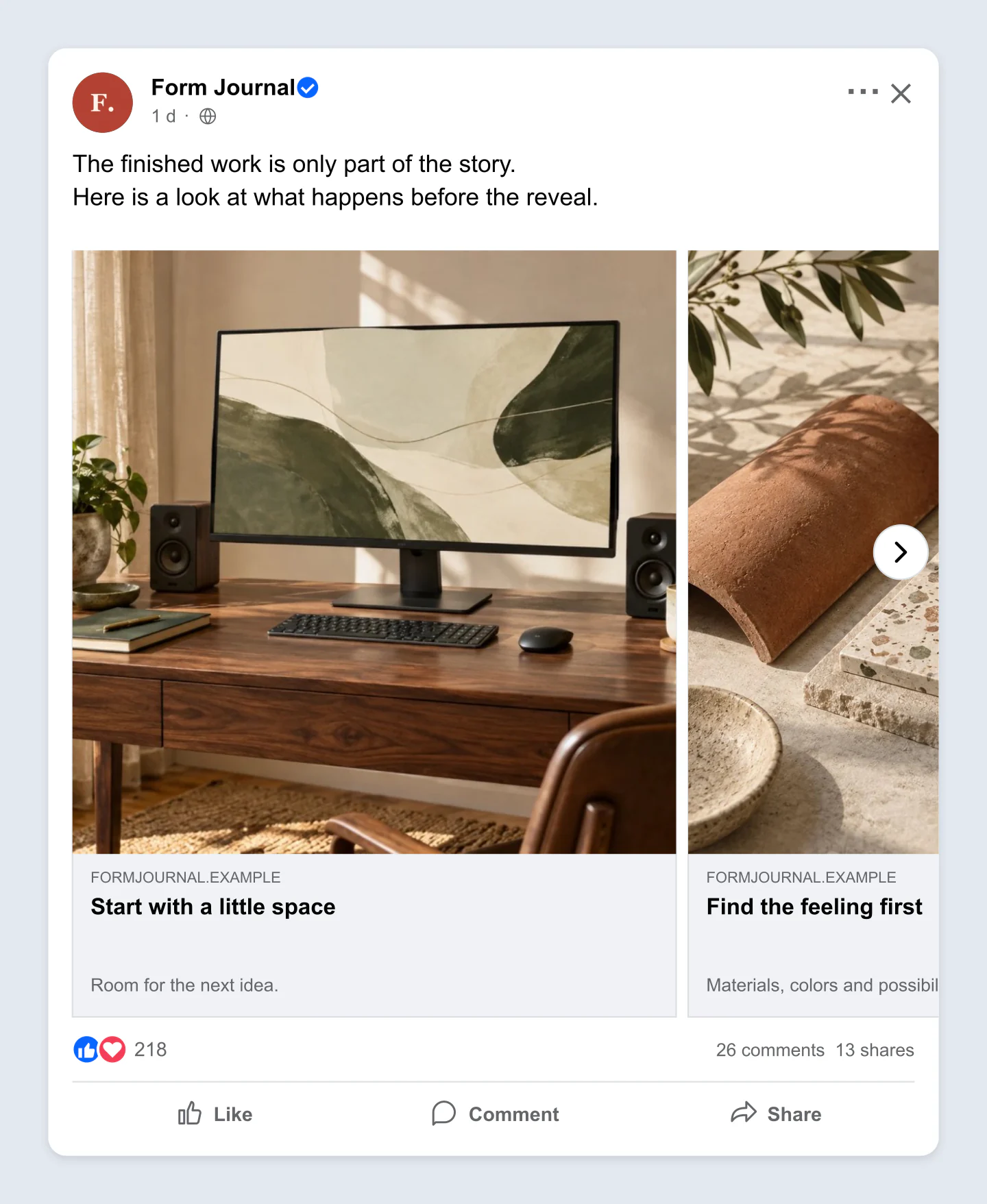
Desktop · Studio journal
A workspace, a palette and the people behind it. Turn a studio update into a sequence worth exploring.
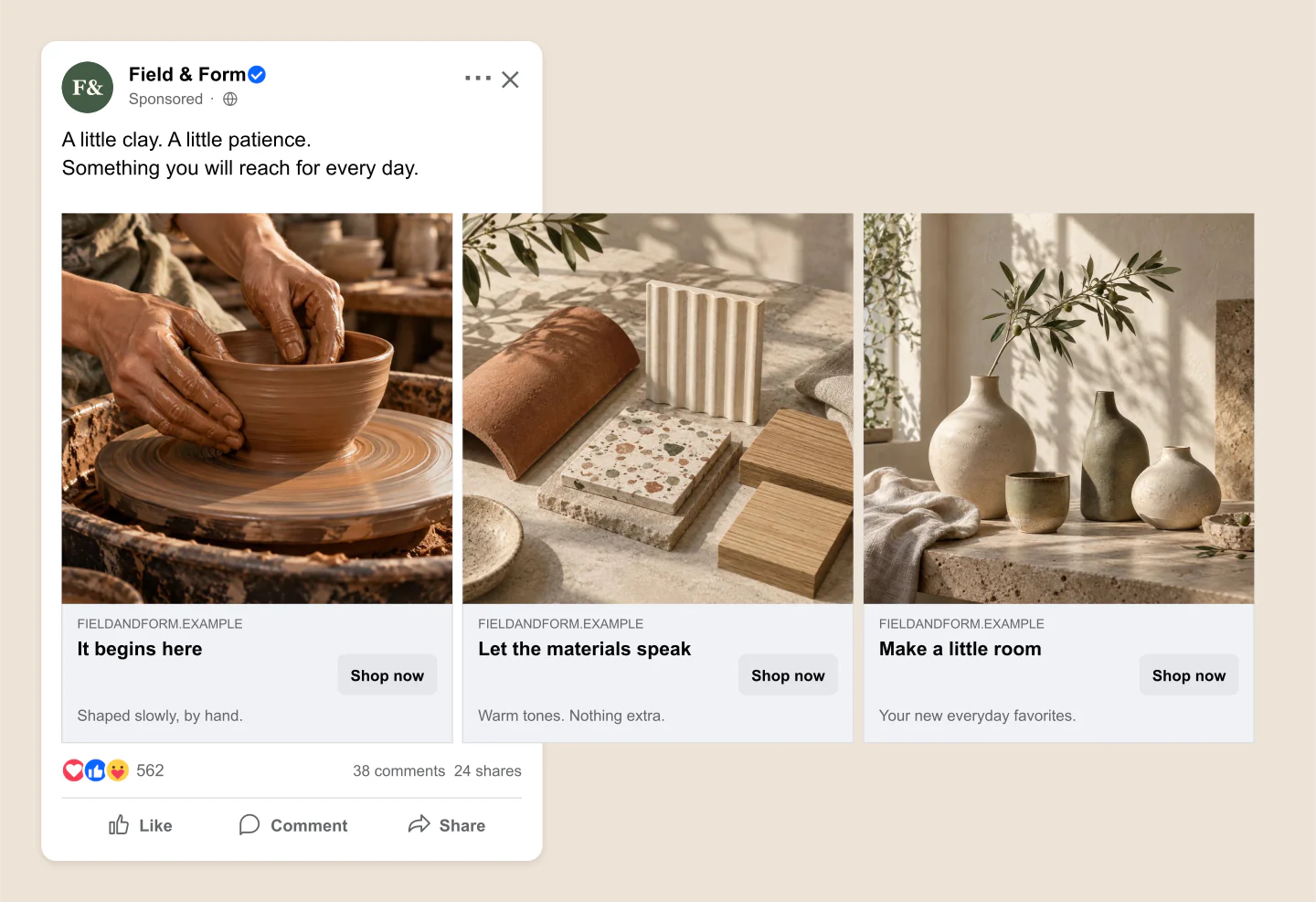
All cards · Handmade collection
From the first handful of clay to a finished piece. All three cards stay open, ready to share as one wide image.
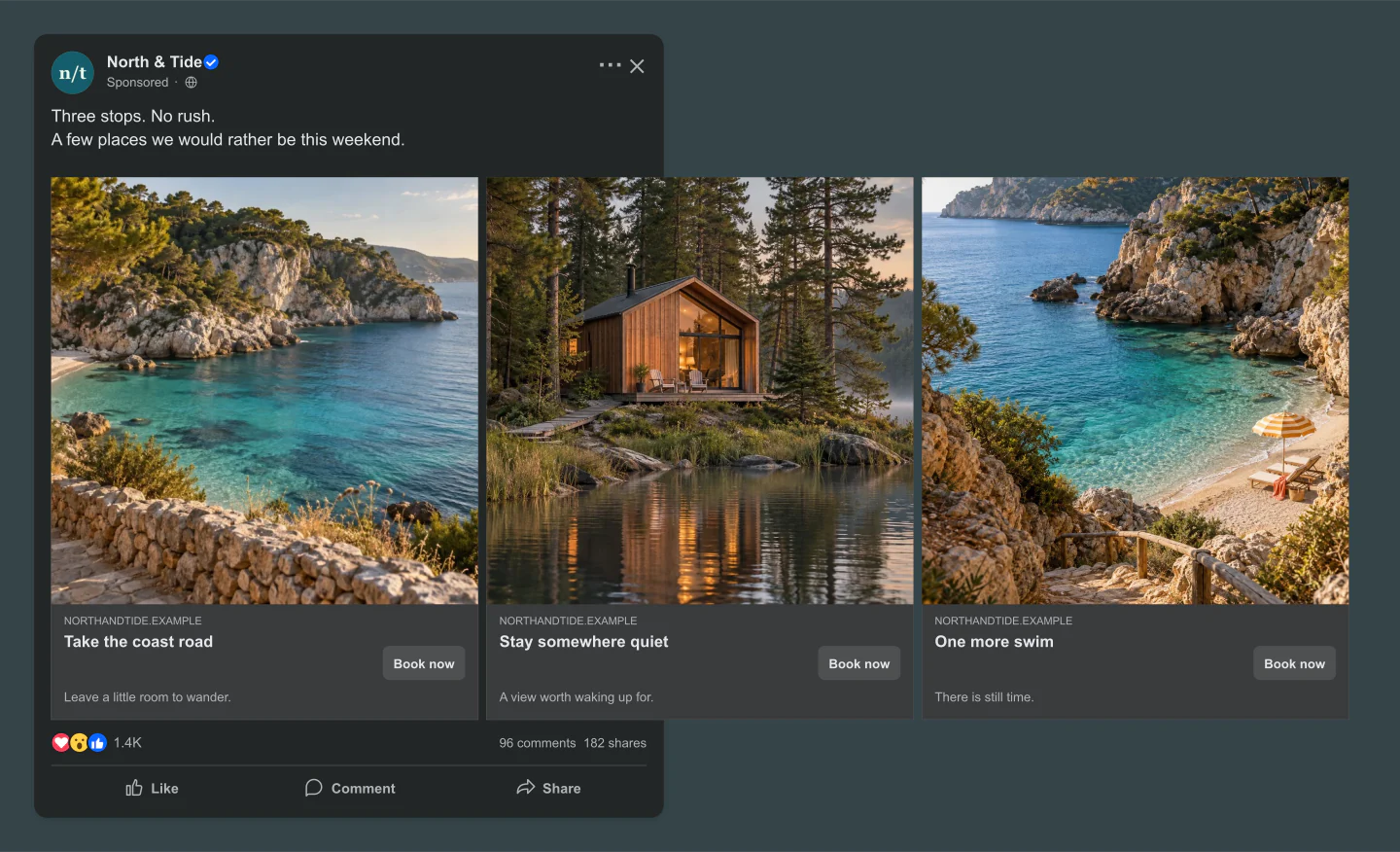
All cards · Desktop · Dark
A coastal walk, a quiet cabin and one last swim. A dark travel carousel with the entire route visible together.
Made with this generator. Sample brands, conversations and engagement counts are fictional.
ONE POST. MORE POSSIBILITIES.
Add your images, drag to refine the crop and move the cards into a sequence that feels right.
Write a headline, add a little context and choose a button. See how it feels in a familiar Facebook feed.
Download one view or every card in a ZIP. Get feedback, make a few changes and save the project for later.
A FEW USEFUL DETAILS
Yes. Customize your carousel and download PNG or JPG mockups at 1×, 2× or 3× for free. No account or watermark. Download the selected view, or save every view together in one ZIP.
Add between two and ten cards, each with its own photo, headline, description and display website. Change the page name, profile photo, caption, Sponsored label, button text, reactions and counts. Switch between mobile, desktop, light and dark previews.
Use Add a card in the sidebar. Select a thumbnail to edit that card, then use the move arrows to change its position. You can duplicate a card or delete it, keeping at least two in your carousel. The arrows above the preview let you see each view.
Yes. Open Cards & photos and choose Replace photo, or drop a PNG, JPG or WebP onto the photo area. Drag the image to reposition it and adjust Zoom for a closer crop. Uploaded photos are resized in your browser and are not sent to a server.
Yes. Choose All cards above the preview to extend the full carousel to the right of the post. The preview fits the complete strip on screen, and the main download saves it as one wide PNG or JPG. Switch back to Feed view for the usual cropped post.
The main download saves your chosen view: a regular feed preview or the complete strip in All cards mode. Download every feed view creates a ZIP with one regular post mockup per card, at your chosen format and resolution. These are still images, not an interactive carousel or a video.
Yes. Open Canvas & export, choose PNG and enable Transparent canvas. The space around the post becomes transparent while the post keeps its light or dark surface. JPG exports use the canvas color.
No. This tool creates mockup images for planning, client feedback and presentations. It does not connect to Facebook or create an ad. Actual Facebook layouts and available carousel options can vary by placement.
Your draft saves in this browser when storage is available. Save project downloads an editable file, including your uploaded photos. Use Open project to continue later or on another device. Each example below can also be loaded into the editor.
An independent mockup tool by Mockaps, not affiliated with Meta or Facebook. Sample brands and engagement counts are fictional. For a single image or a conversation, try the Facebook Post or Facebook Comment generator.