
Find the words.
Write your headlines and descriptions. Character counters keep the copy within the usual field limits.
A better headline starts here.
See your next ad before it goes live.
Keep an editable copy on your device. How it works
One possible ad layout. Google may show a different combination of text and assets.
A FEW WAYS TO MAKE IT YOURS
A new collection. A useful app. A place worth finding. Start with an example, then put your own offer in the picture.
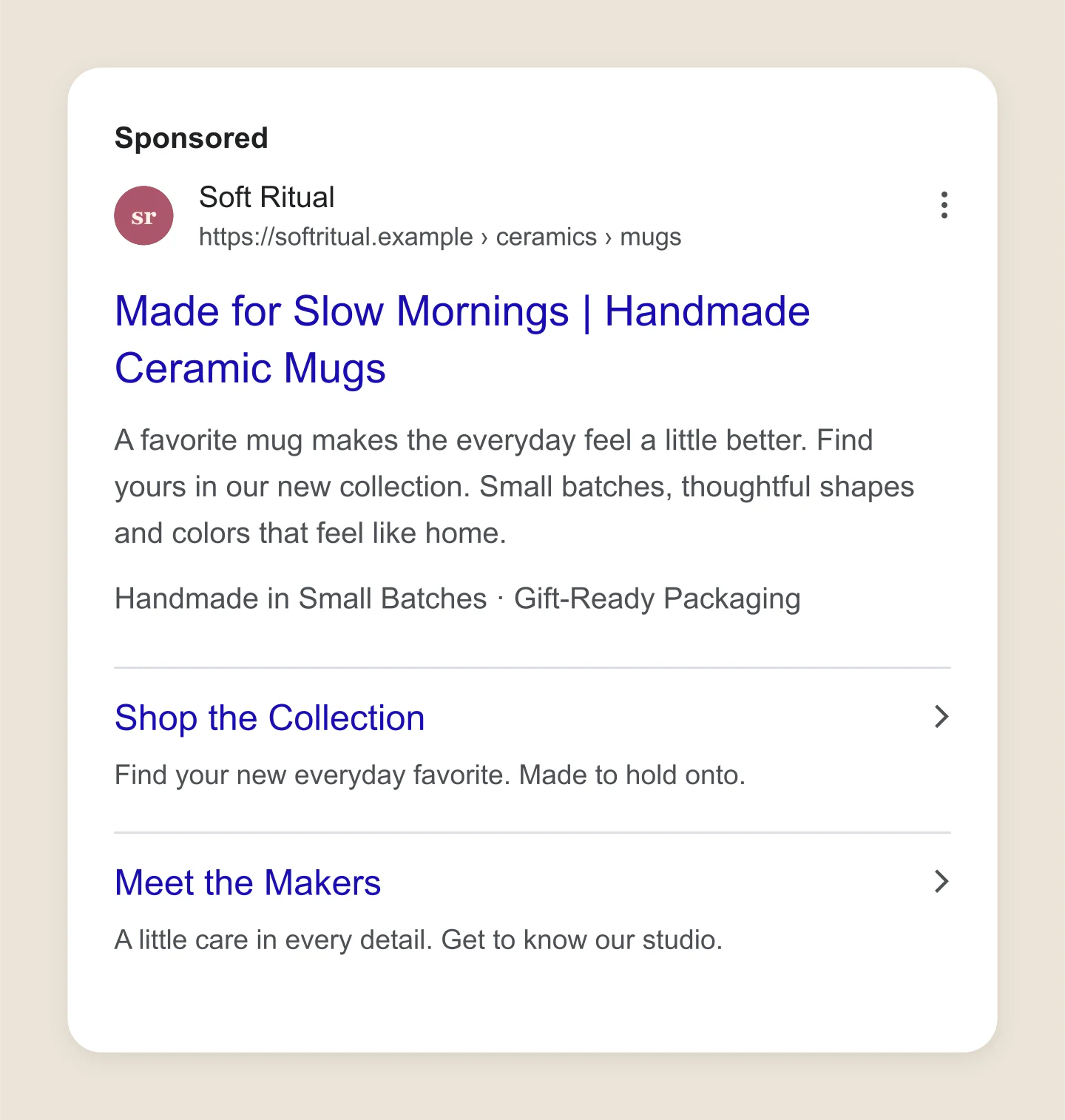
Mobile ad · Retail
A small homeware brand with warm copy, helpful sitelinks and a few reasons to browse.
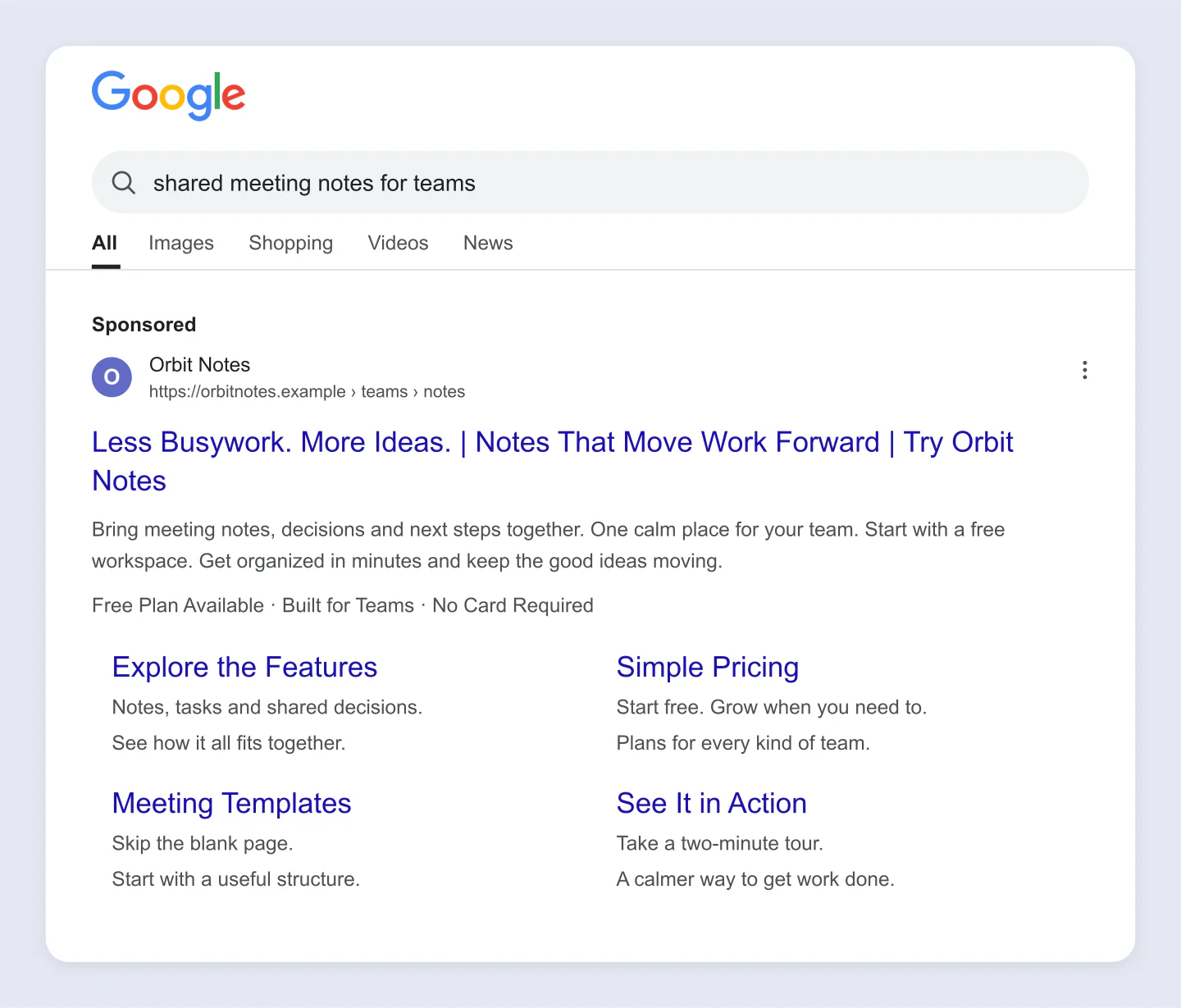
Desktop search · Software
A wider search-results view gives your pitch room to breathe. Edit the query, headlines and four sitelinks.
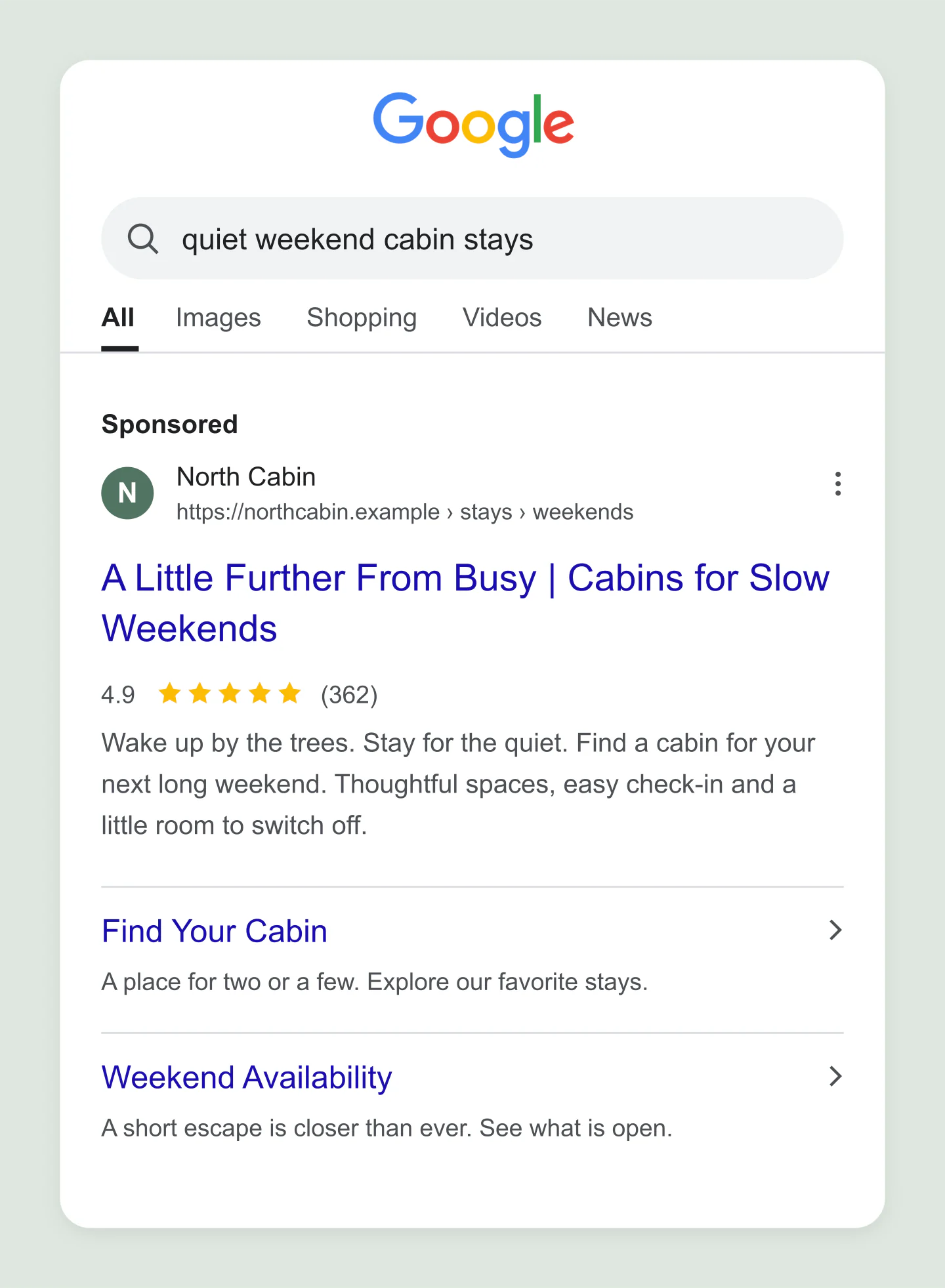
Mobile search · Travel
A search for a quiet escape, with a rating and quick links to the places worth staying.
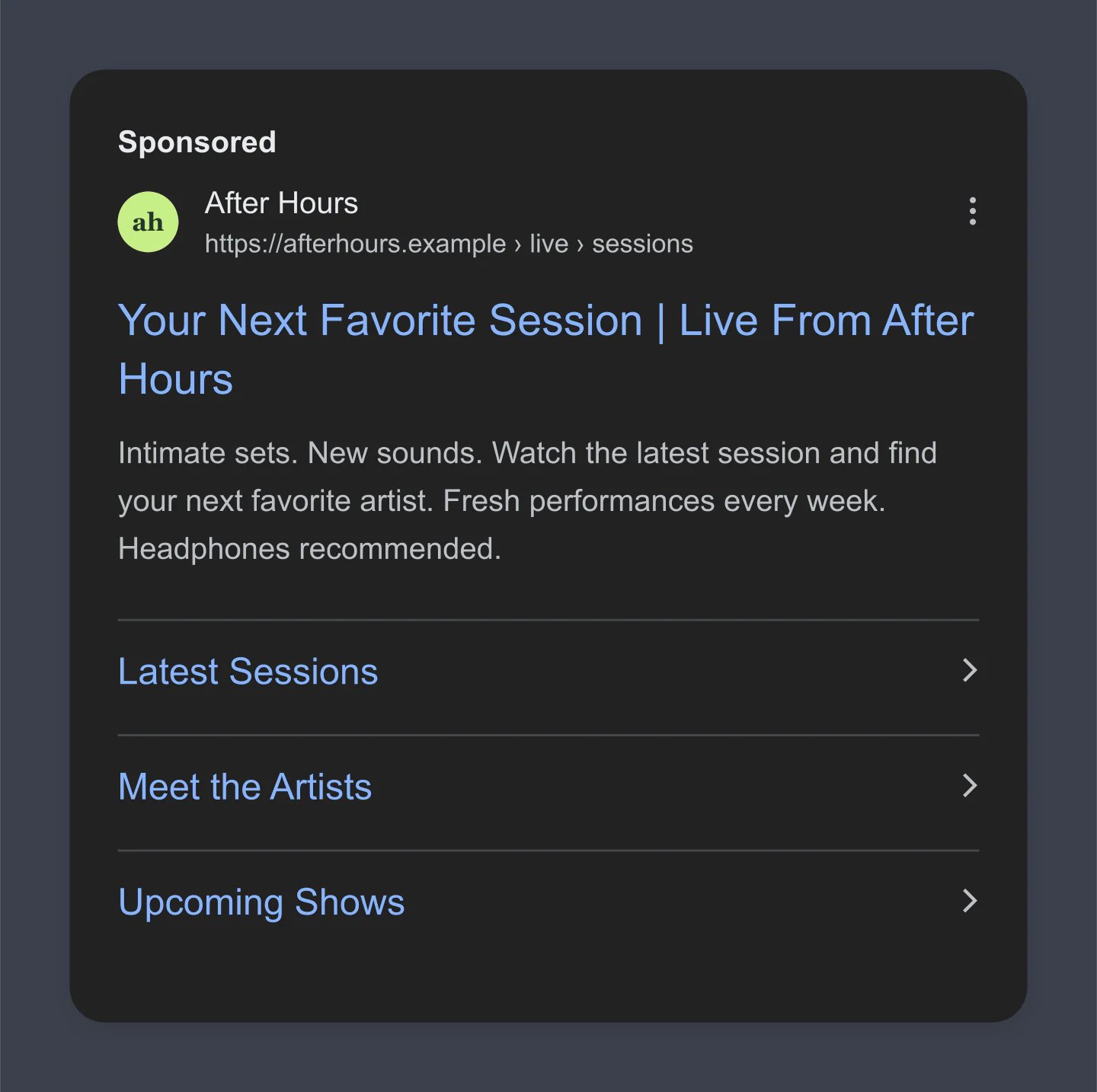
Dark ad · Music
A compact dark ad for a new live session. Keep the focus on the headline and the next thing to listen to.
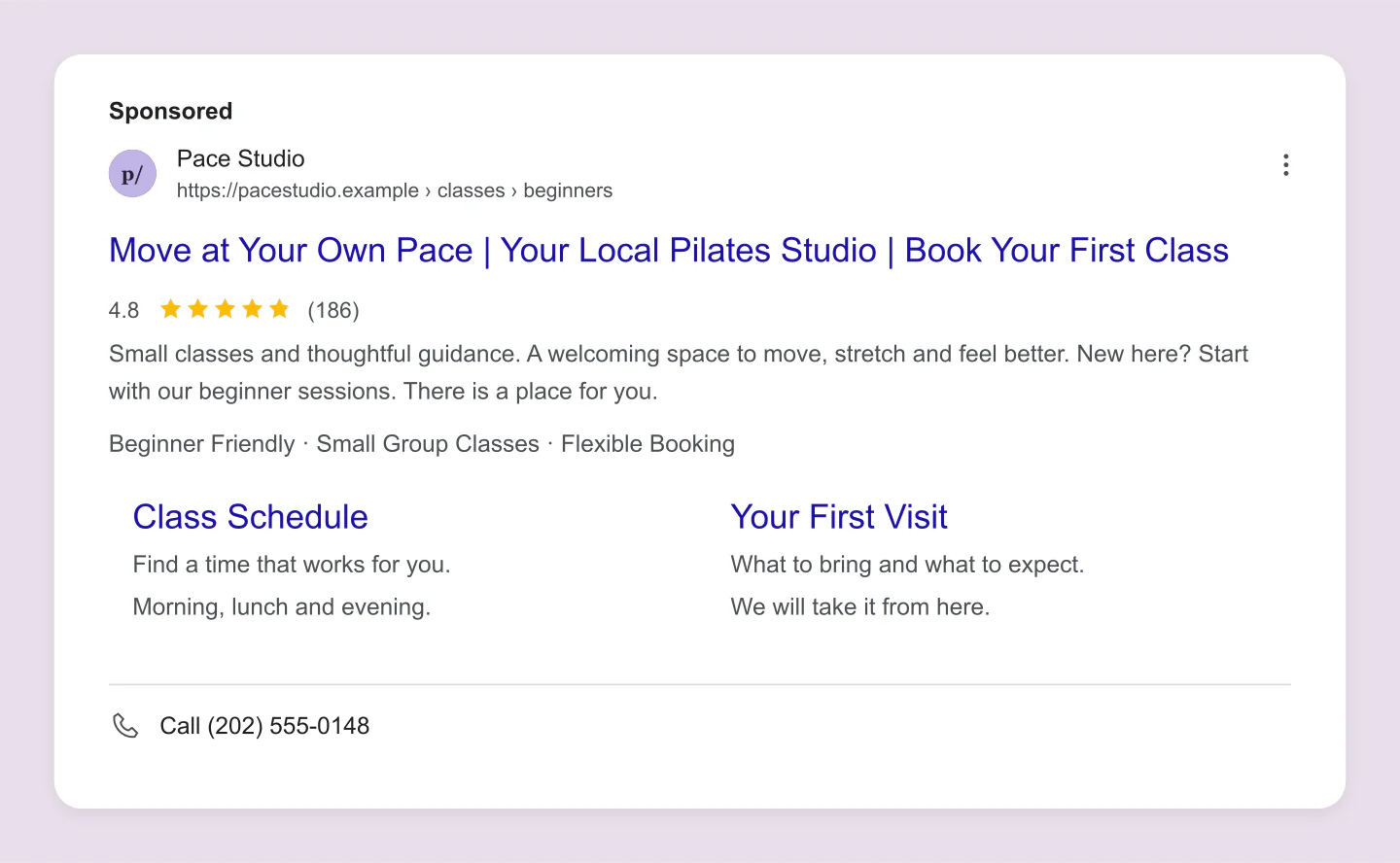
Desktop ad · Call asset
A neighborhood studio with a phone number, sample reviews and practical details for a first visit.
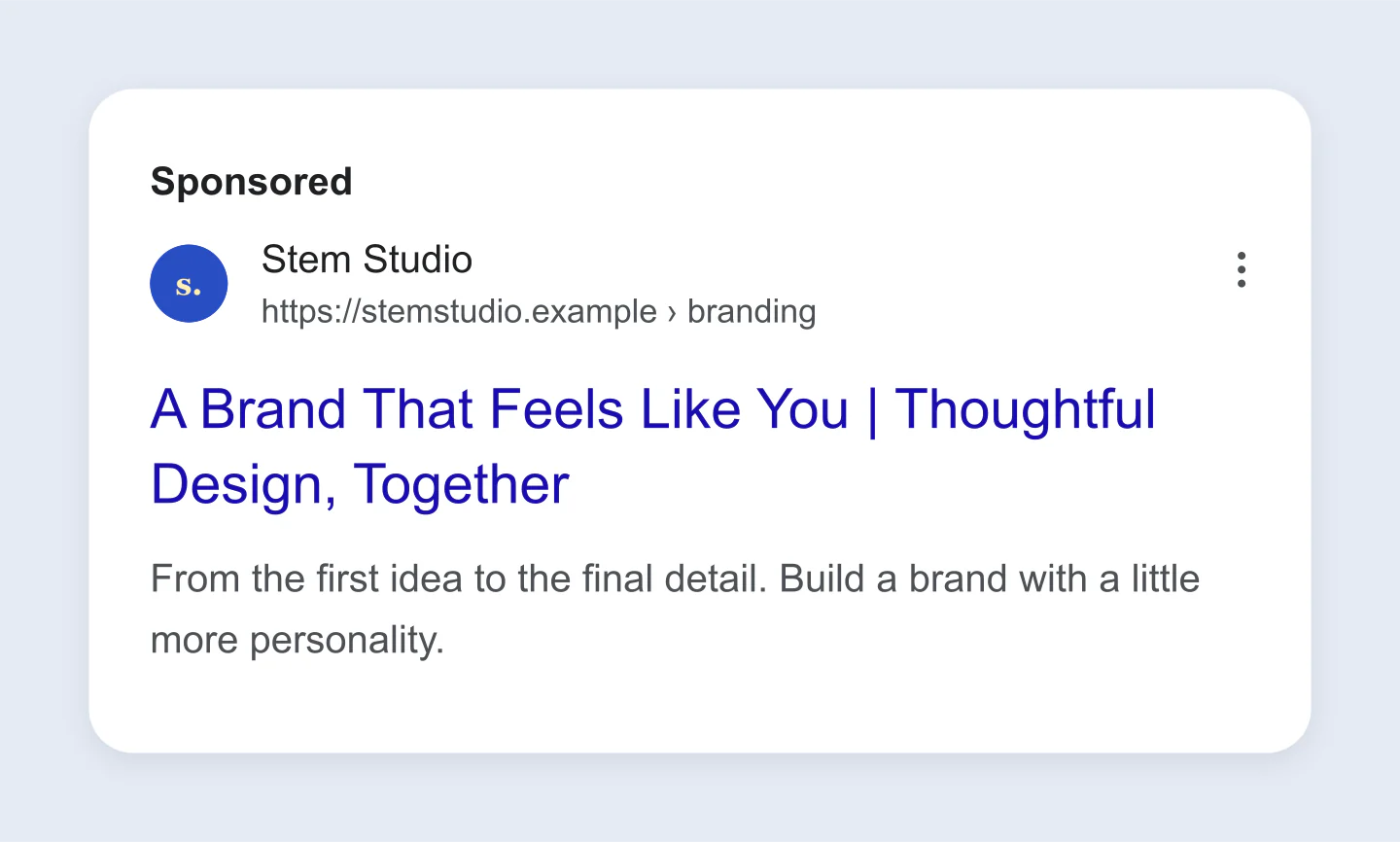
Single ad · Transparent PNG
A clean ad to drop into a pitch deck or campaign plan. The blue backdrop belongs to the gallery; your PNG exports transparent.
Made with this generator. Sample brands, conversations and engagement counts are fictional.
GIVE YOUR NEXT CAMPAIGN A LOOK
Write your headlines and descriptions. Character counters keep the copy within the usual field limits.
Give your business a name and logo. Add sitelinks, callouts or a phone number, then compare mobile and desktop views.
Download a free PNG up to 3× for your team, client or campaign plan. Save a project to keep working on it later.
A FEW USEFUL DETAILS
Yes. Edit your ad and download PNG or JPG images at 1×, 2× or 3× for free. No account, watermark or Google Ads connection is needed.
Edit your business name, logo, domain, display paths, three headlines and two descriptions. Add up to six sitelinks, four callouts, a sample rating and a phone number. Choose mobile or desktop, light or dark, and show the ad alone or inside a search-results view.
Click the headline, description, business details or a sitelink in the preview to open its sidebar fields. Edit the text there and the preview updates as you type. You can also open any sidebar section yourself.
Headlines allow 30 characters each, descriptions 90, and each display path 15. Business names and sitelink text allow 25. Sitelink description lines allow 35. The counters include spaces and count full-width Chinese, Japanese and Korean characters as two.
This is a visual mockup of one combination, not a live Google Ads preview. Google can rearrange, shorten or omit assets based on the device, query and auction. Adding a rating, logo or phone number here does not make it eligible to appear in a real ad.
Yes. Open Canvas & export, select PNG and enable Transparent canvas. The space around the ad becomes transparent, while the ad keeps its light or dark surface. Drop it into a presentation or campaign plan.
No. Your draft stays in this browser, and uploaded logos are resized locally. Save project downloads an editable file with your text and logo. Open project lets you continue later or on another device.
No. This independent tool creates an image for planning, feedback or presentations. It does not connect to Google Ads, buy traffic or publish an ad. You can load and customize any of the examples on this page.
An independent mockup tool by Mockaps, not affiliated with Google. Sample brands, offers and ratings are fictional. Read Google's responsive search ad guidance and sitelink guidance. Looking for another format? Try the Facebook Post or LinkedIn Post generator.