
Choose a familiar inbox.
Start with Gmail, Outlook or Apple Mail. Try a mobile screen or a wider desktop view, in light or dark.
A subject worth opening.
Your message, in a familiar inbox.
Keep an editable copy on your device. How it works
Your draft stays in this browser. Create a preview image, with no mailbox connection or email sent.
A FEW WAYS TO MAKE IT YOURS
A studio update. A booking confirmation. The email you read twice. Pick a starting point and make the words your own.
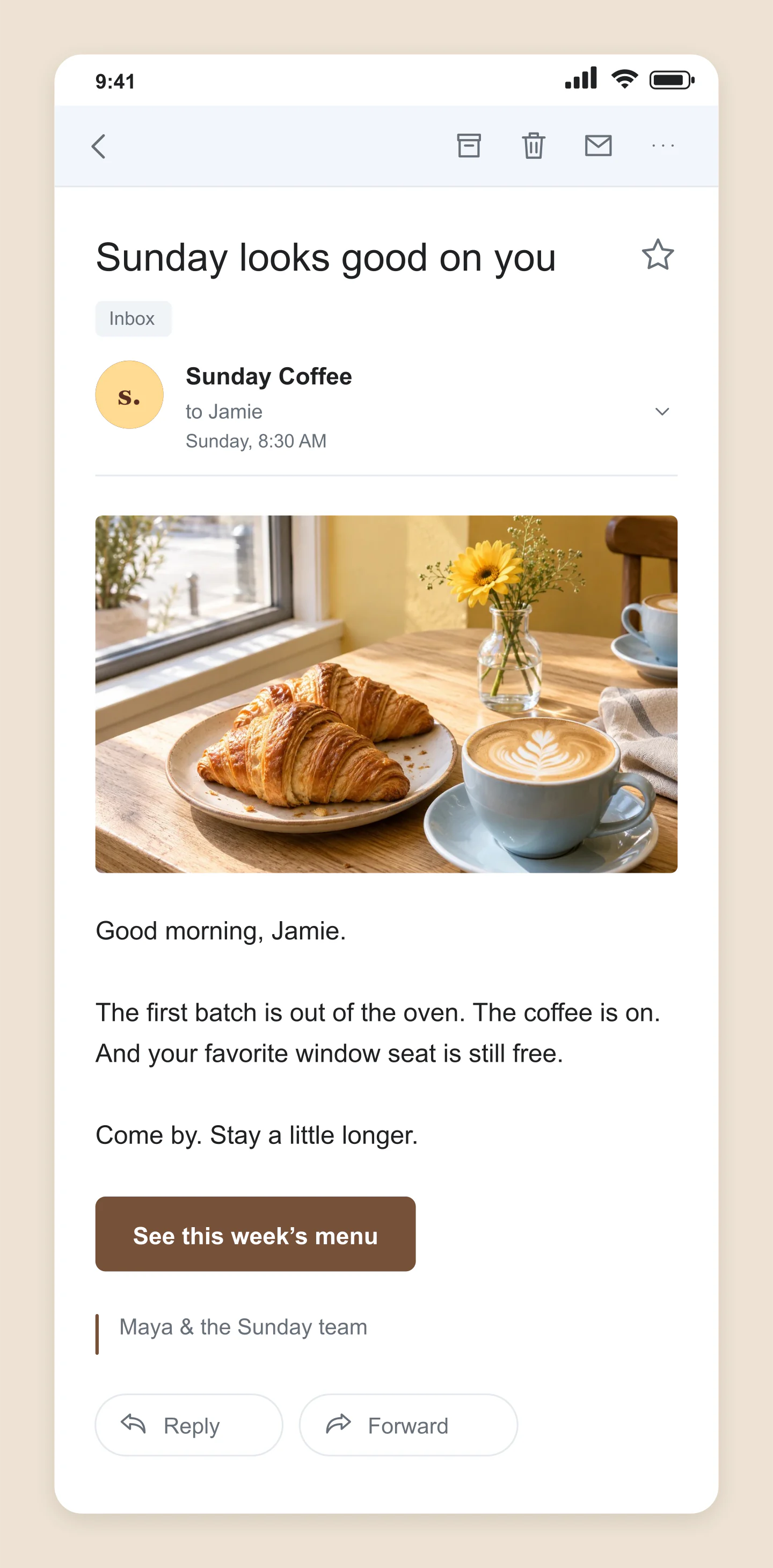
Gmail · Mobile · Newsletter
A warm coffee note with a photo, a simple invitation and a matching button. Make the next edition yours.
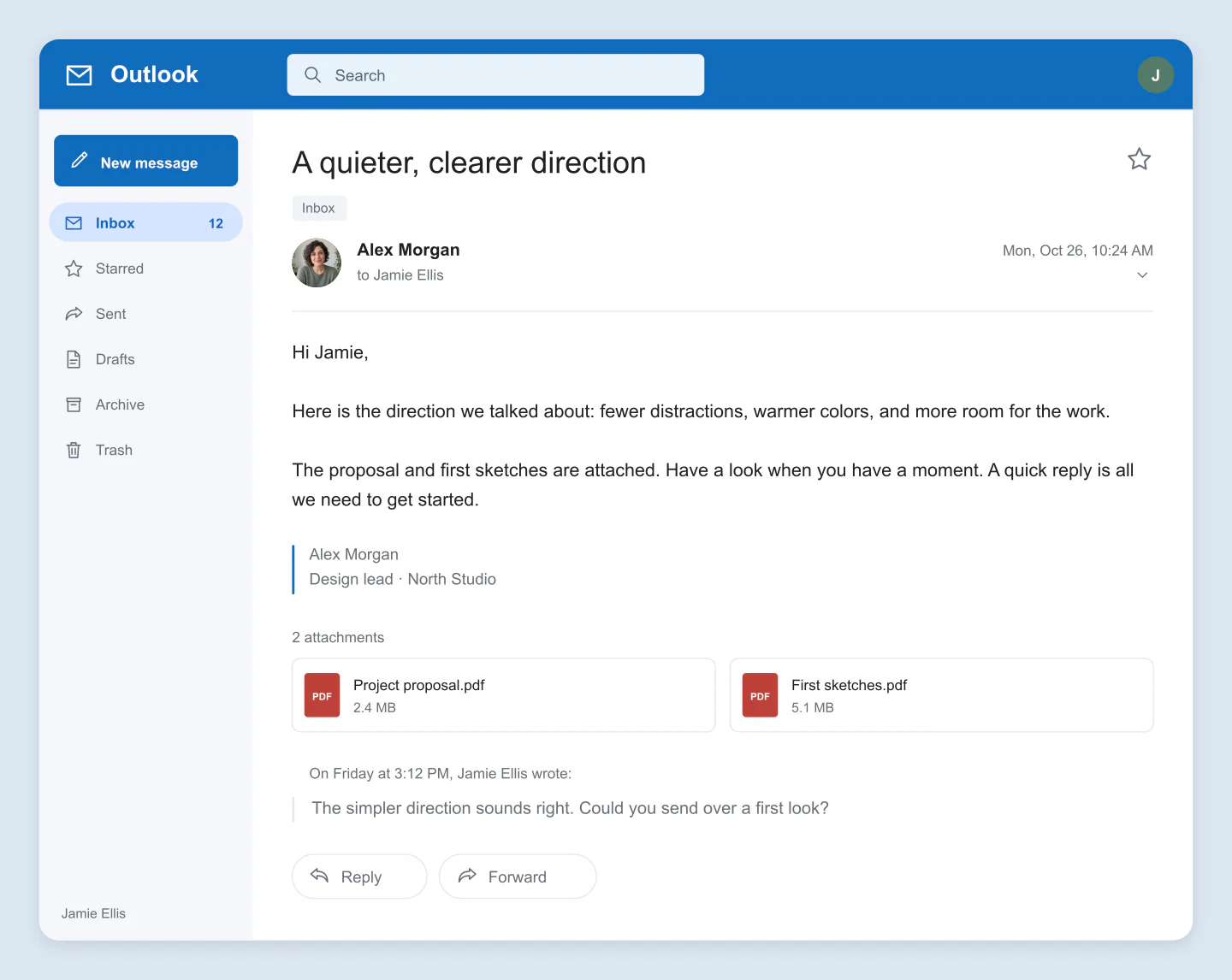
Outlook · Desktop · Attachments
A short project handover with two attachment cards and a quoted reply. Edit the names and details for your own presentation.
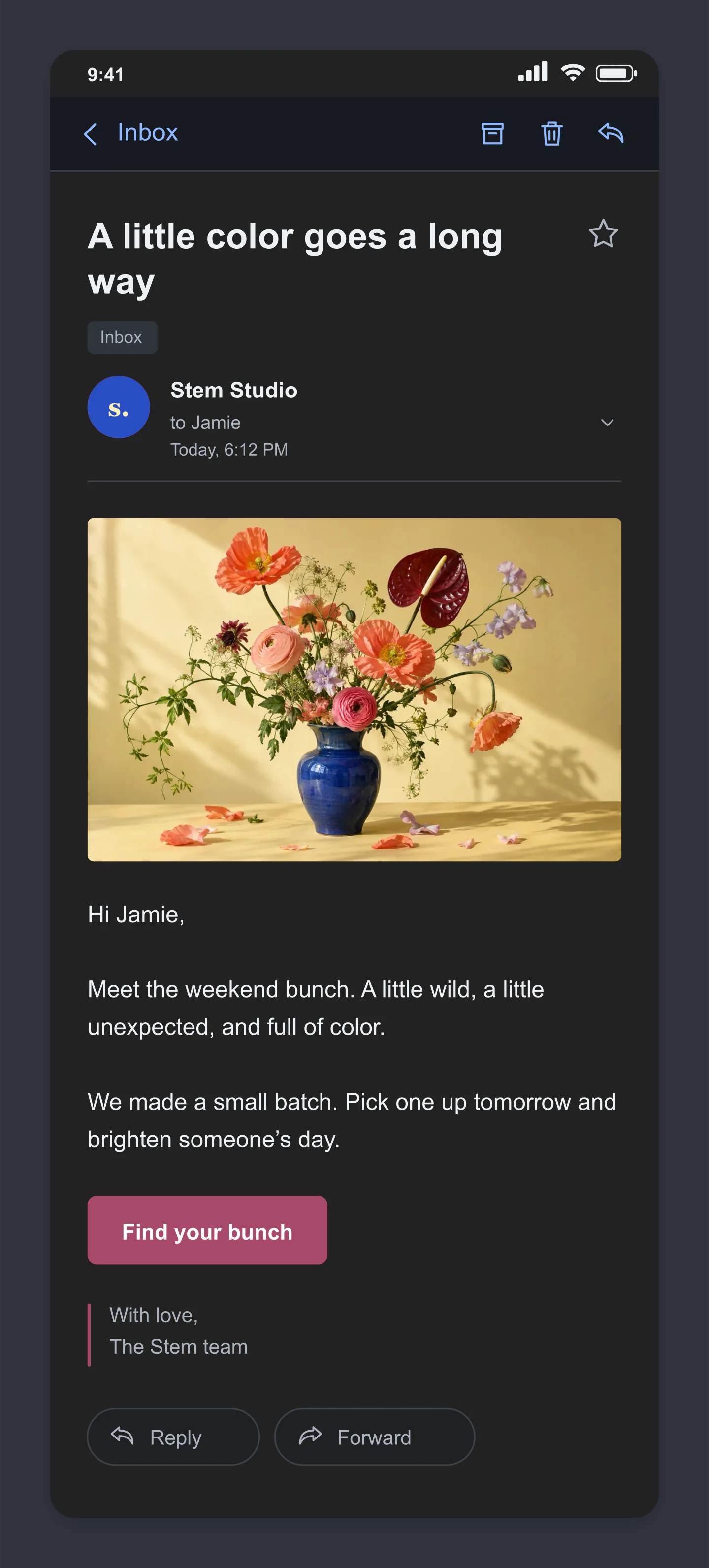
Apple Mail · Mobile · Dark
A floral launch in dark mode, with an image and a rose-colored button. Try your own campaign copy and photograph.
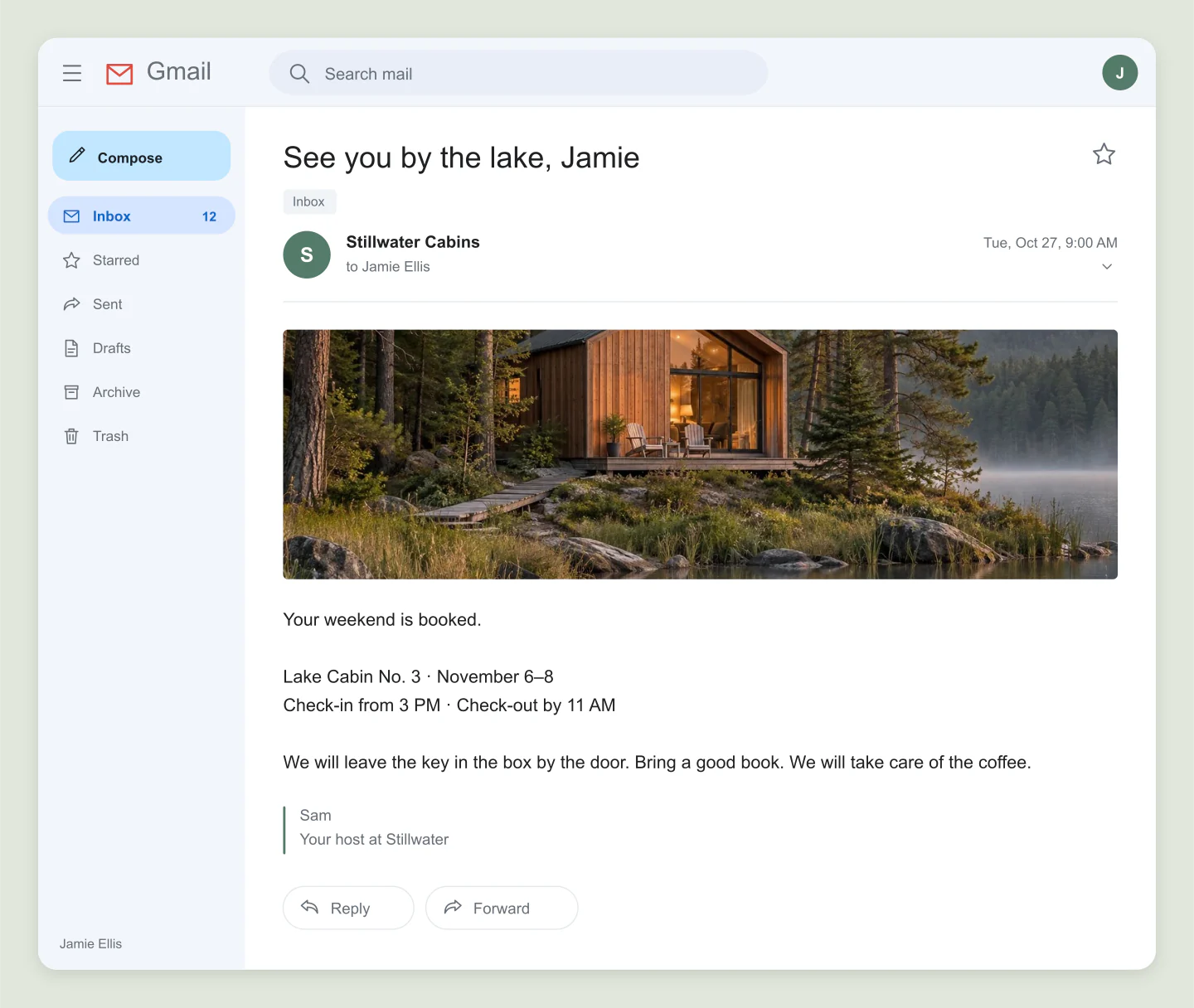
Gmail · Desktop · Confirmation
A calm reservation email with a cabin photograph and useful arrival details. Change the destination, dates and signature.
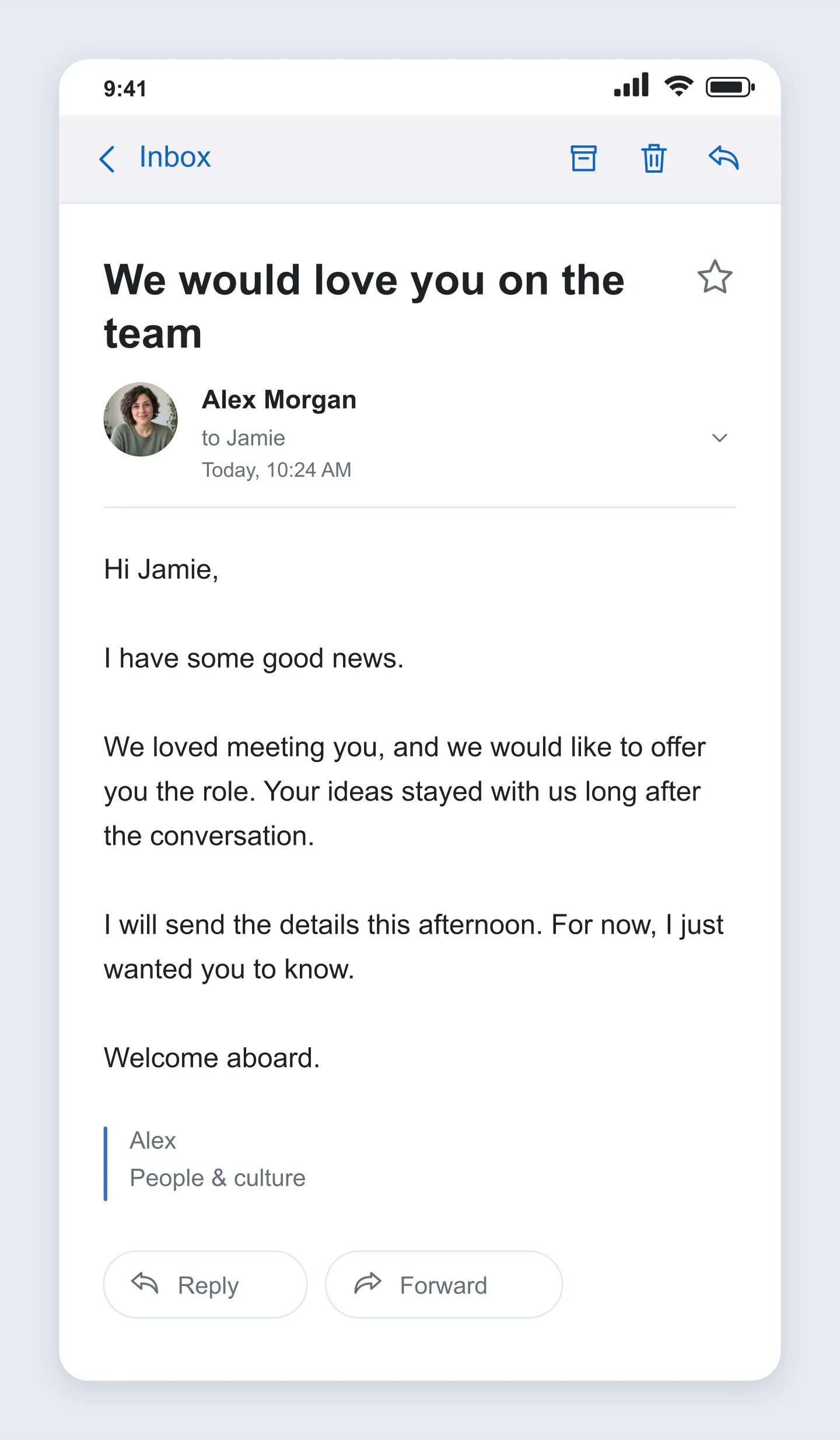
Apple Mail · Mobile · Personal
Sometimes the words are enough. A simple, friendly email with a clean signature and no distractions.
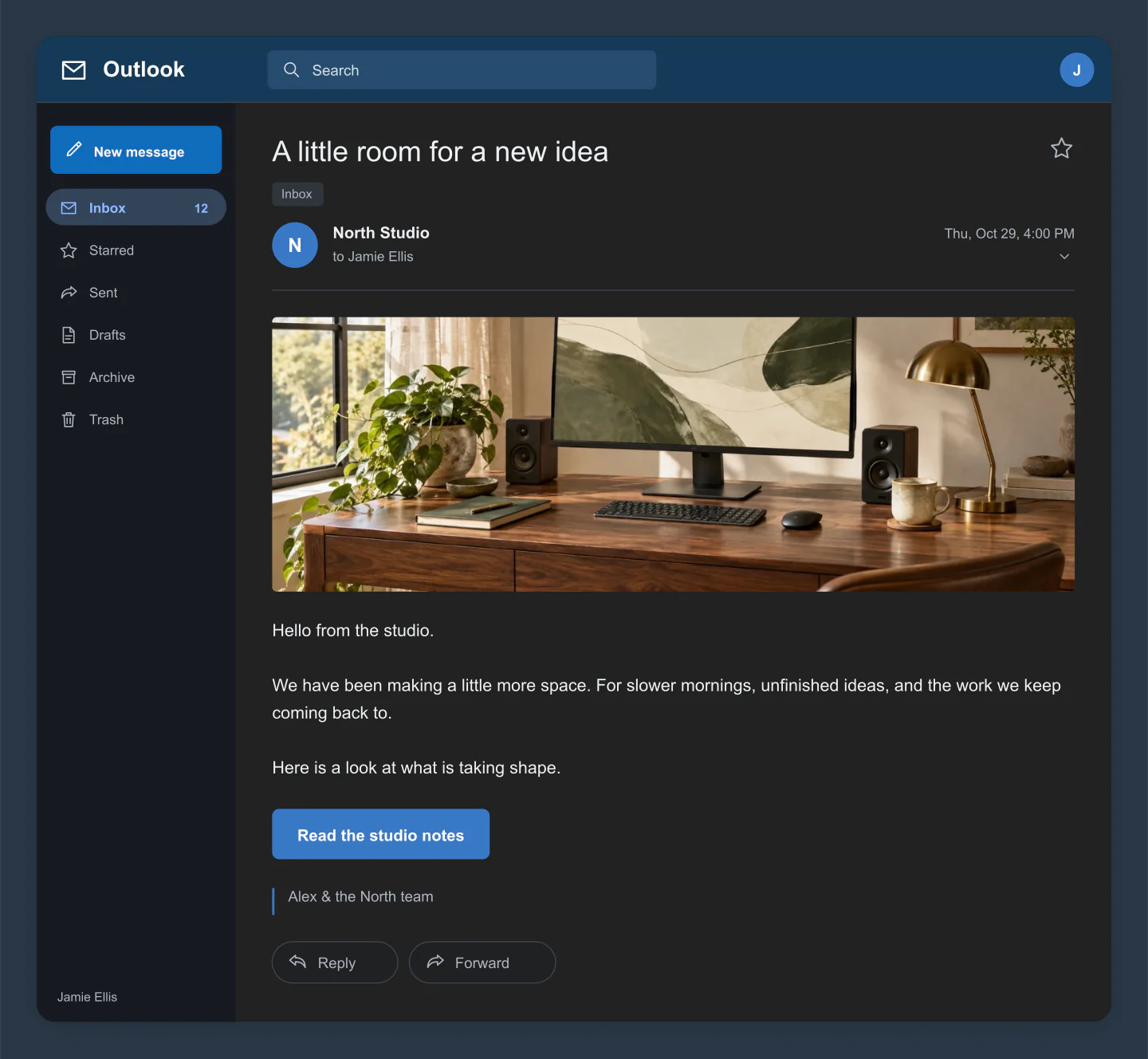
Outlook · Desktop · Dark
A studio update with a wide photograph, dark email chrome and a clear next step. Swap the image or drag it to reframe.
Made with this generator. Sample brands, conversations and engagement counts are fictional.
FROM SUBJECT LINE TO SIGN-OFF
Start with Gmail, Outlook or Apple Mail. Try a mobile screen or a wider desktop view, in light or dark.
Click the subject or body to write. Add a sender photo, a banner, a button or attachment cards. Every detail is yours to change.
Download a free PNG or JPG at up to 3×. Save a project file to keep an editable copy, including your uploaded photos.
A FEW USEFUL DETAILS
Yes. Customize your email and download a PNG or JPG at 1×, 2× or 3× for free. No account or watermark is needed.
Choose a familiar Gmail, Outlook or Apple Mail style, then switch between mobile, desktop, light and dark. Desktop views can include a mailbox sidebar. These are classic email-reader mockups; actual interfaces vary by device and app version.
Yes. Click the subject, message, signature or button label to type. Click outside or press Escape when you are done. Click the sender or an attachment card to open its settings.
Add a banner photo and drag it on the canvas to adjust its crop. You can include a button, a signature, a quoted reply and up to four attachment cards. Attachment cards display a filename, size and file type; they do not contain real documents.
Yes. Adjust text size and line spacing, choose left or centered text, and make the message bold. Change the accent color, surrounding canvas, padding, corners and shadow too. PNG downloads can have a transparent surround.
This tool creates email preview images for presentations, campaigns, tutorials and stories. It does not import HTML templates or test delivery, responsive HTML or compatibility across real email clients.
Your latest draft stays in this browser. Save project downloads an editable file containing your text, settings and uploaded images. Use Open project to continue later or on another device.
No. The tool does not connect to a mailbox or send email. Your uploaded images are resized locally in your browser. Example images are only loaded when you choose an example.
An independent mockup tool by Mockaps, not affiliated with Google, Microsoft or Apple. Sample emails are fictional. For a conversation instead, try iOS Messages or WhatsApp Chat.