
Bring your thumbnail.
Upload a finished design or choose a photograph. Reposition the image and add a headline if it needs one.
Make the first impression count.
See your thumbnail before the upload.
Keep an editable copy on your device. How it works
A FEW WAYS TO MAKE IT YOURS
A studio tour, a useful tutorial or a weekend away. See how each thumbnail feels in the feed, then open an example and make it yours.
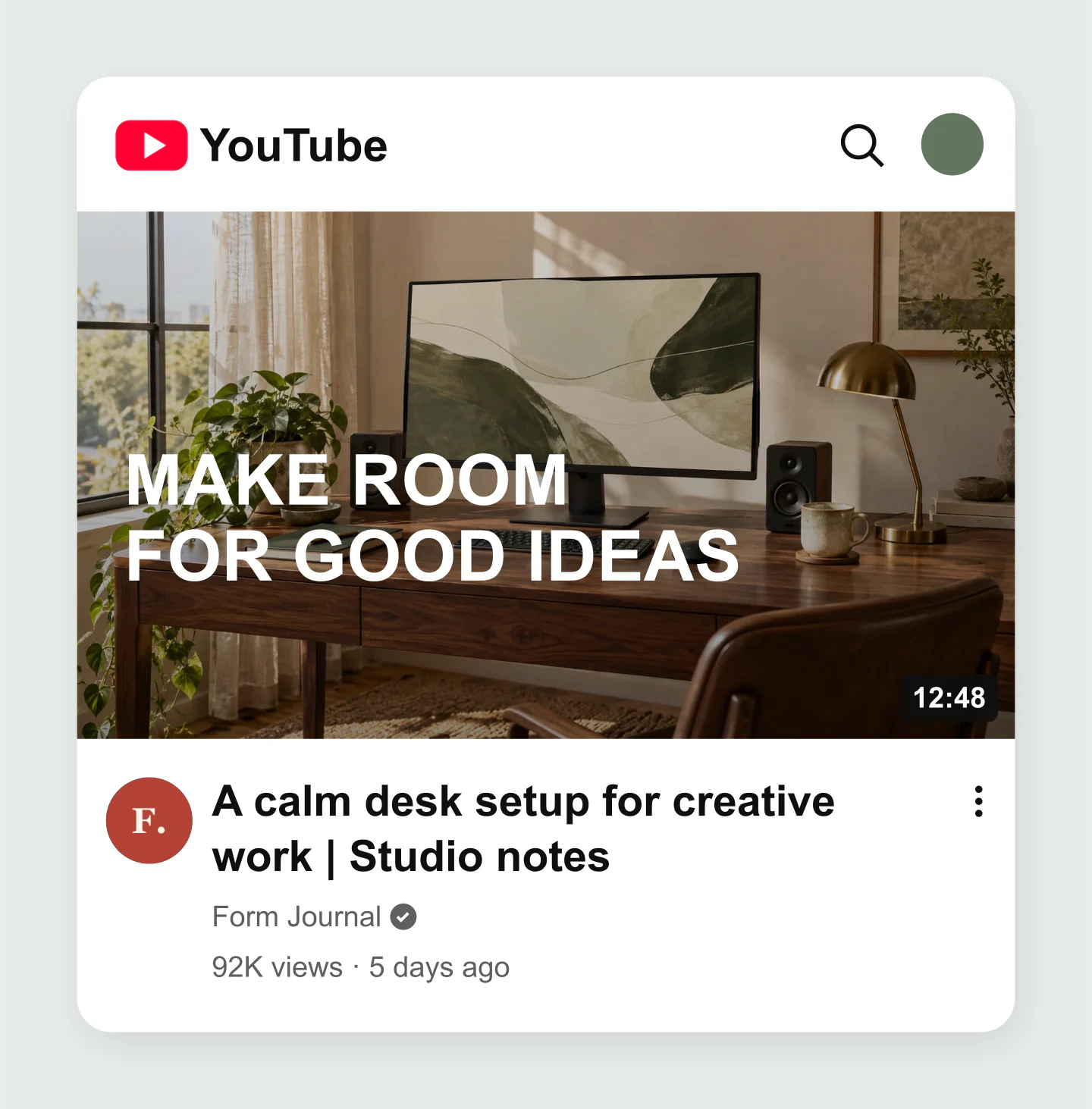
Home feed · Mobile · Workspace
A photographic desk setup thumbnail with a bold editable headline and a mobile home-feed preview. Try your own title and channel branding.
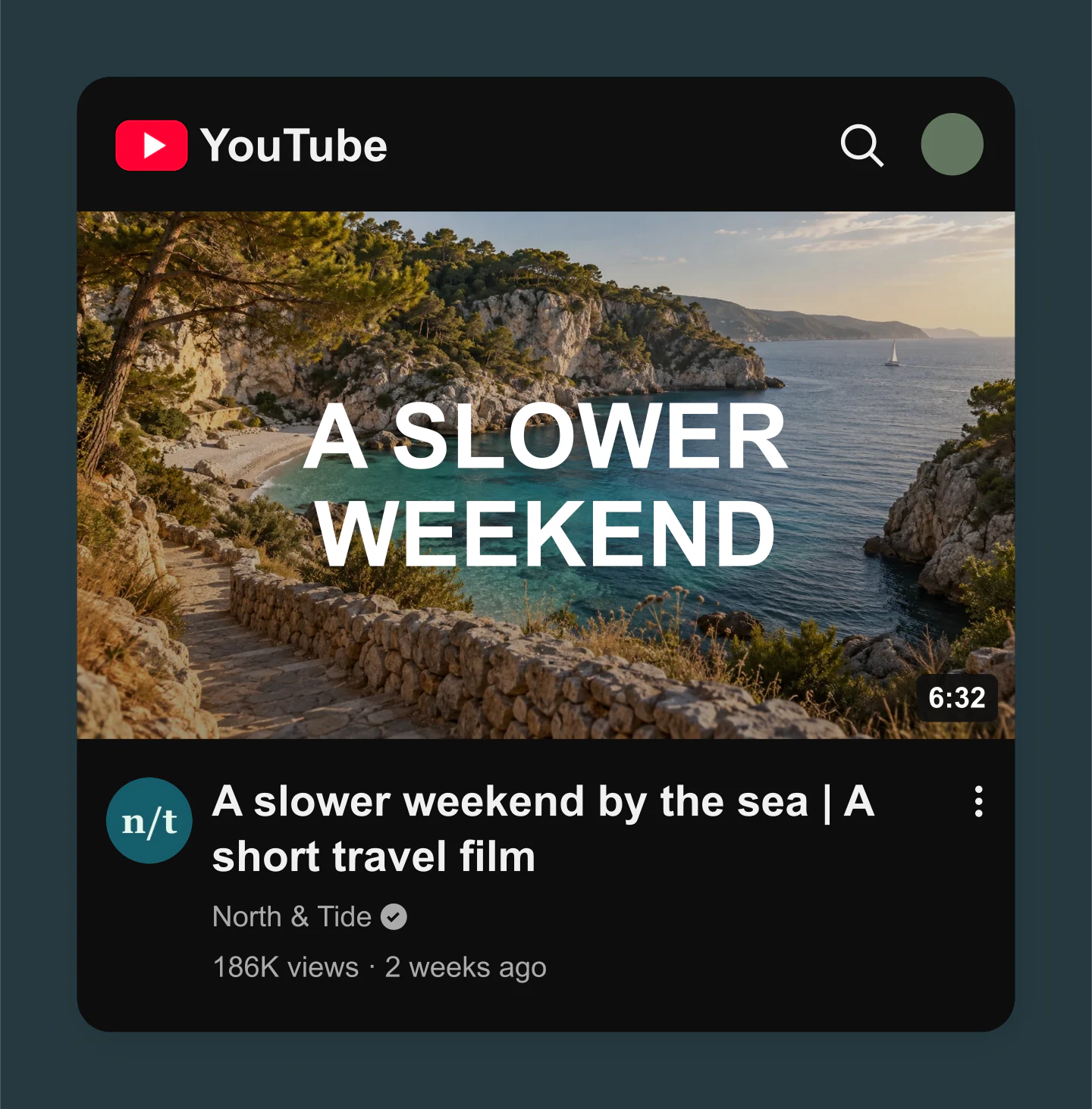
Home feed · Dark · Travel
A cinematic coastal photograph with a short thumbnail headline, dark YouTube interface and custom channel details. A starting point for travel films and weekend vlogs.
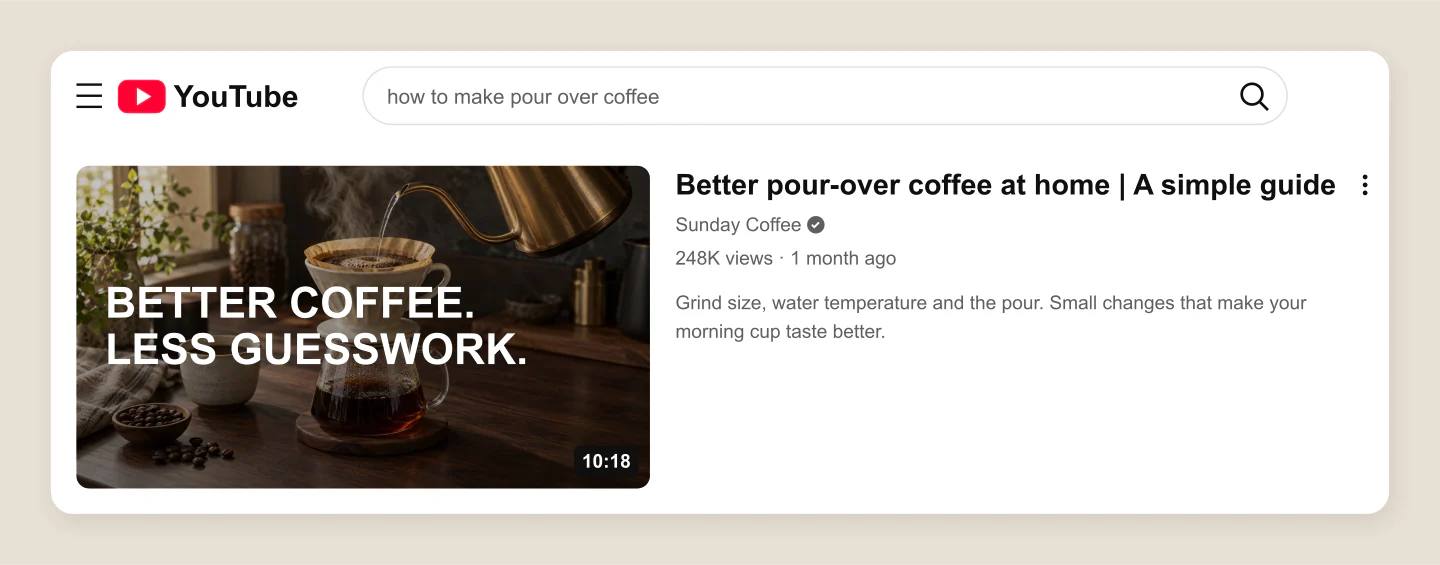
Search result · Desktop · Tutorial
A desktop search result for a pour-over coffee tutorial. Edit the query, thumbnail message and description to see how the result reads together.
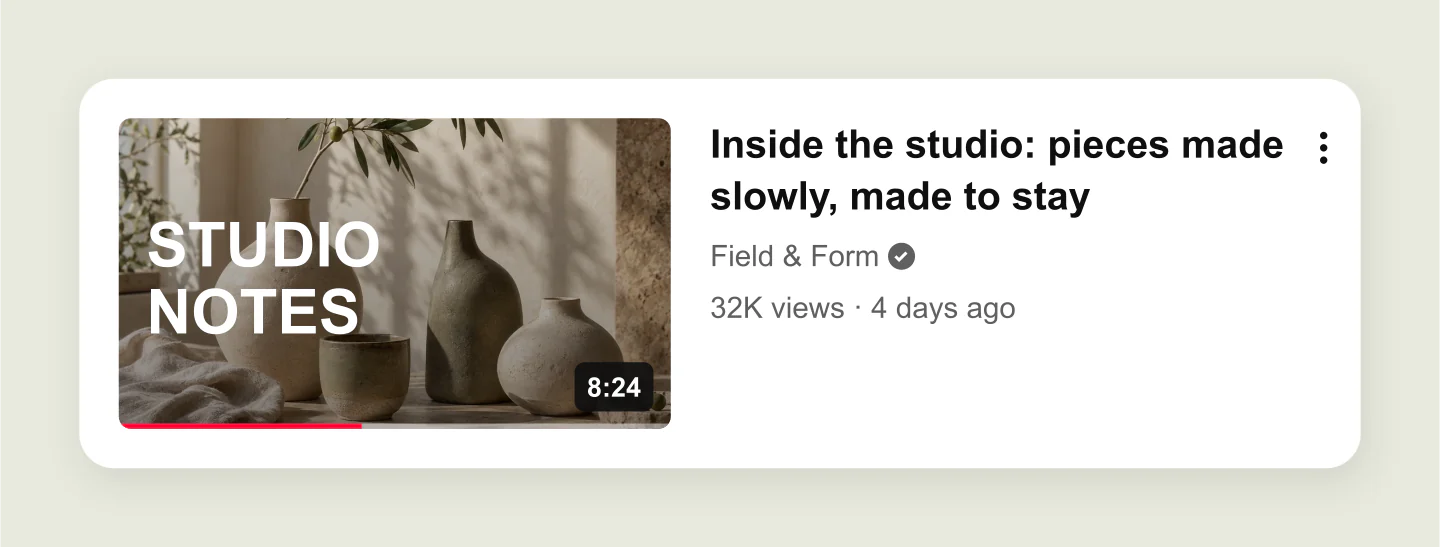
Suggested video · Desktop · Studio
A compact suggested-video layout with a small thumbnail and a two-line title. Check whether your words still read clearly beside another video.
Thumbnail only · Product · 16:9
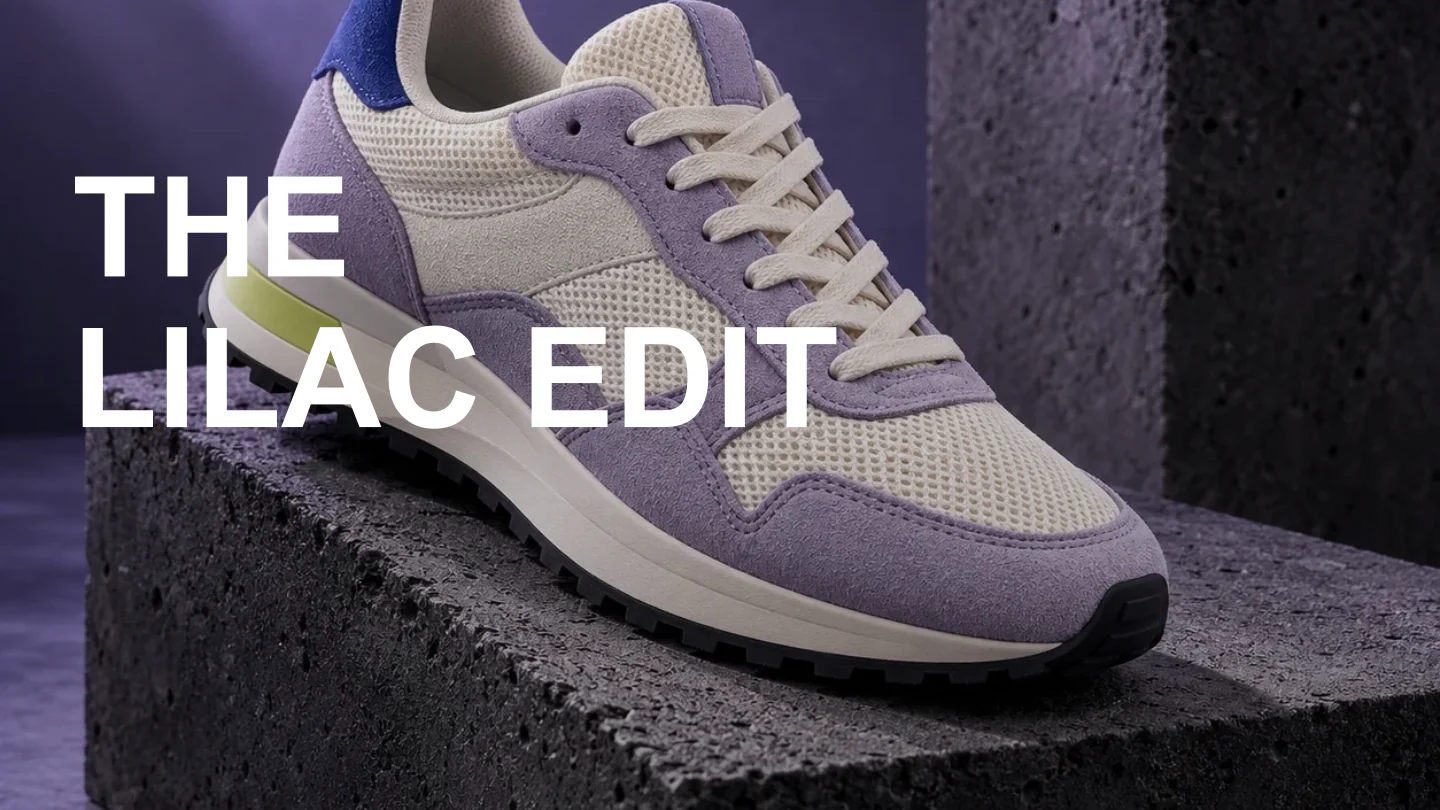
A clean 16:9 product thumbnail without the YouTube interface. Swap the photograph, edit the headline and download the artwork at up to 3840 × 2160.
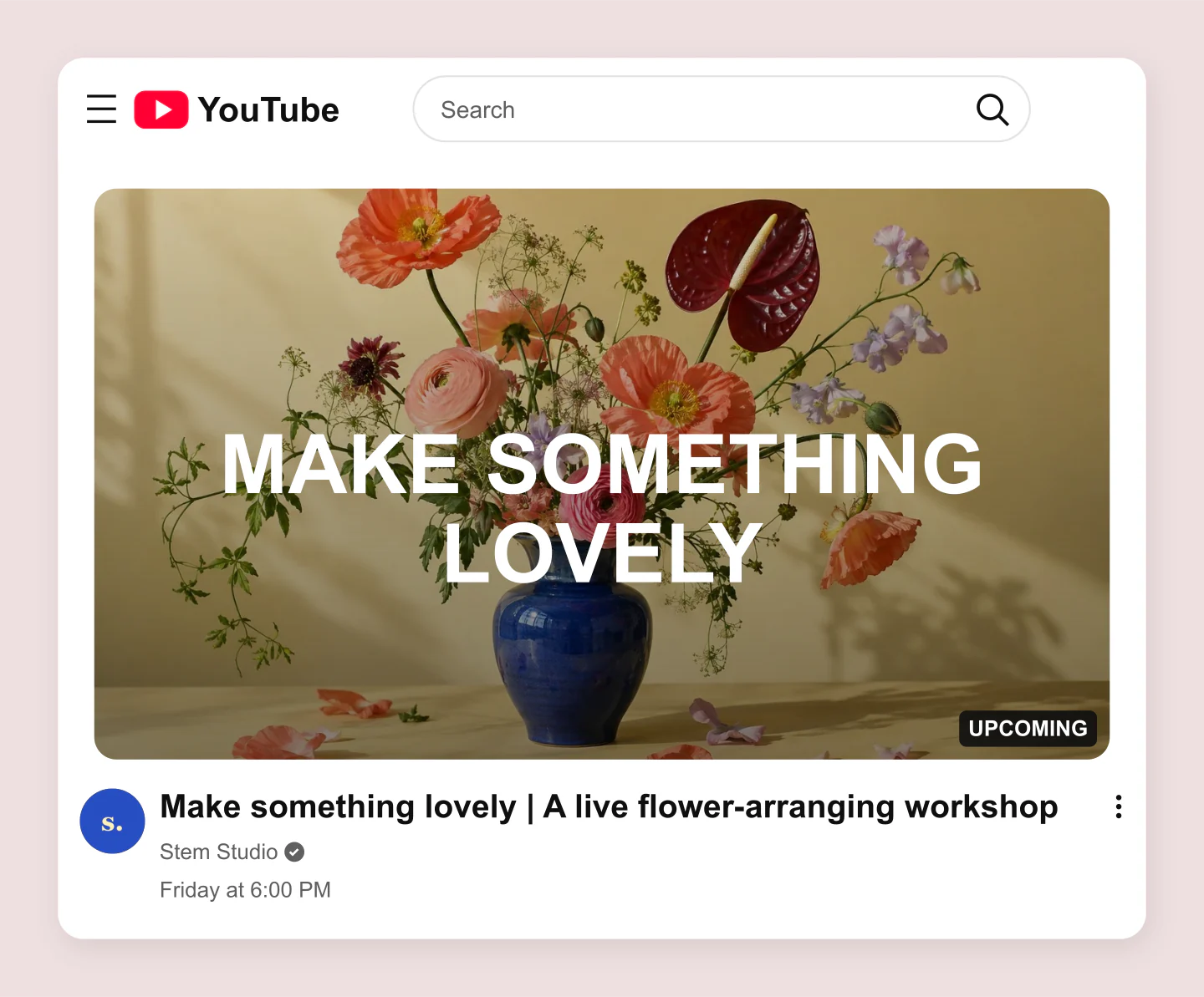
Home feed · Desktop · Upcoming
A desktop feed card for an upcoming floral workshop with warm photography and editable invitation text. Preview the title, channel and upcoming badge.
Made with this generator. Sample brands, conversations and engagement counts are fictional.
BEFORE THEY PRESS PLAY
Upload a finished design or choose a photograph. Reposition the image and add a headline if it needs one.
Add your title and channel. Try the home feed, a search result and the compact suggested-video view.
Download a mockup for feedback, or switch to Thumbnail only for the image itself. Save your project for another round.
A FEW USEFUL DETAILS
Yes. All current editing features and PNG or JPG downloads at 1×, 2× and 3× are free. No account, subscription or watermark. The download controls show the exact pixel dimensions for your design. Very large designs may need a smaller size to fit your browser’s image limits.
Upload your thumbnail and add a video title, channel name and duration. Switch between Home feed, Search result and Suggested video to see the image in context. Try mobile, desktop and dark mode before downloading your preview.
It does both at a simple level. Upload a finished design to preview it in YouTube layouts, or start with a photo and add a large editable headline. Use Thumbnail only to download the artwork without the YouTube interface.
Thumbnail only uses a 16:9 canvas: 1280 × 720 at 1×, 2560 × 1440 at 2× and 3840 × 2160 at 3×. Home, search and suggested mockups have their own dimensions because they include the interface. The exact output size appears beside Download.
Yes. Use the Mobile and Desktop toggles, then switch Light or Dark. Suggested video is useful for checking smaller text. These previews help you review readability; they do not measure click-through rate or run a YouTube experiment.
Yes. Edit the video title, channel name, avatar, verification, views, published date and duration. You can also preview Live or Upcoming badges and watched progress. Click the video title or the headline on the image to type directly in the preview.
Yes. Upload your design and turn off Add a headline over the image. Set Darken the image to zero to preserve its appearance. The image is cropped to 16:9; you can drag it and adjust the zoom.
Yes. Choose the file format under Canvas & export. PNG works well for sharp lettering and transparent space around mockups; JPG can make photographic artwork smaller. Thumbnail-only exports fill the image edge to edge, with no surrounding canvas.
No. Use it to review presentation, title length and readability. Audience response needs real testing on your channel. This is a design preview, with no YouTube login, analytics or automatic publishing.
Yes. Save project downloads an editable file with your settings, text and uploaded images. Open project restores it in the same tool, or lets you paste project JSON from an assistant. Review it before replacing your draft. Files are processed in your browser, not uploaded to your account.
Yes. Images exported from these social and app mockup tools can be used in personal projects, social posts, presentations and client work without a Mockaps subscription or attribution. You still need permission for content you add. Platform names and logos belong to their owners; a mockup does not imply their endorsement.
This tool focuses on 16:9 video thumbnails. YouTube can change layouts by device, placement and app version, and vertical videos may use a different crop. Check your final upload in YouTube Studio.
For current upload dimensions, formats and file-size limits, see YouTube’s thumbnail guidance. For a full watch-page preview, try the YouTube Video Player mockup.
An independent tool by Mockaps. YouTube and its logo are trademarks of Google LLC. This tool is not affiliated with or endorsed by YouTube.