
Set the scene.
Upload your thumbnail or a still from your video. Adjust the crop, title and channel details.
Your next video, ready for its first look.
Find the thumbnail. Frame the story.
Keep an editable copy on your device. How it works
A FEW WAYS TO MAKE IT YOURS
A studio tour, a place worth exploring, a skill worth sharing. Try mobile and desktop watch pages, dark mode, or the player on its own. Load a still-image example and make it yours.
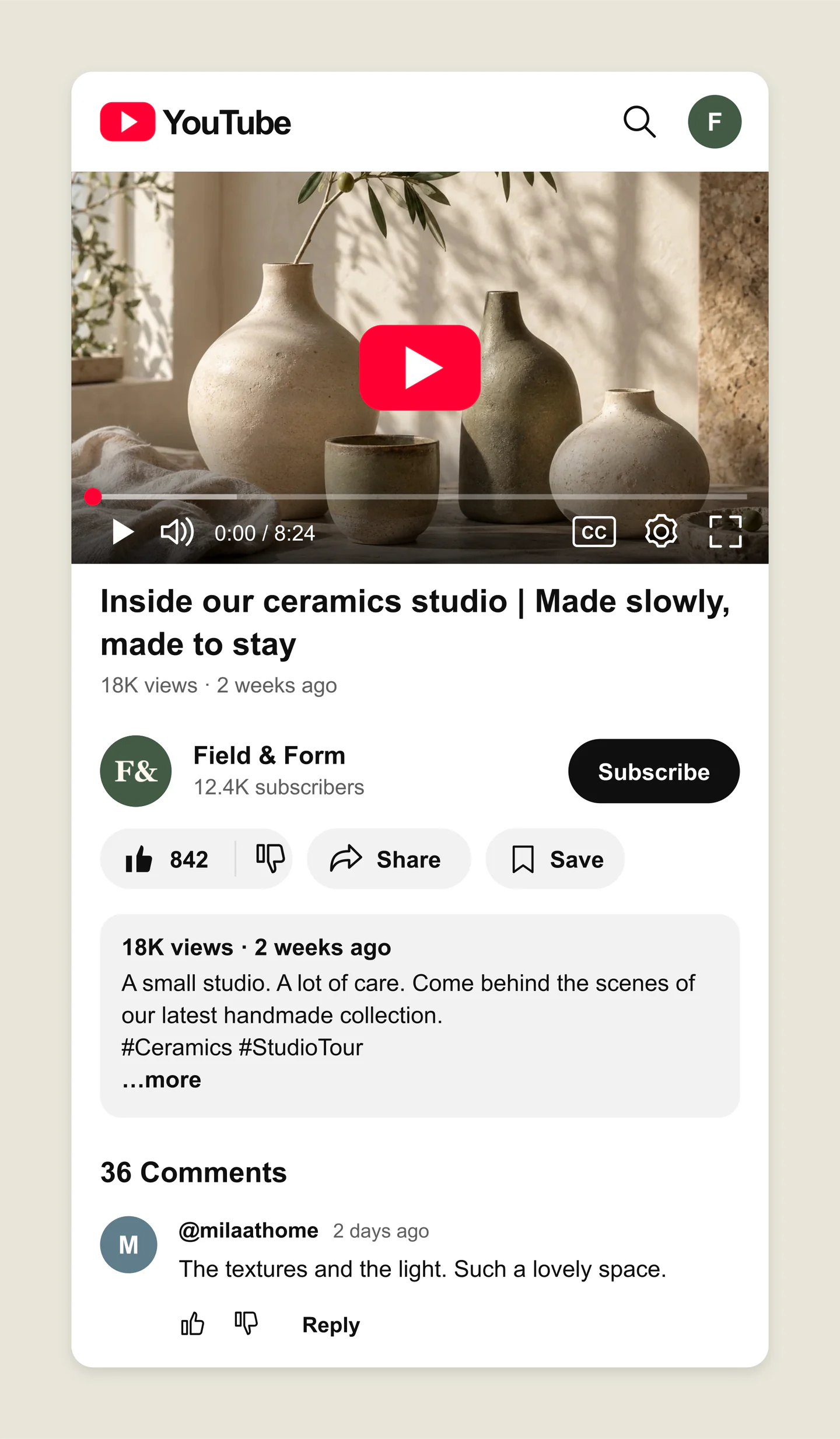
Mobile · Light · Studio tour
A mobile YouTube watch-page mockup with a ceramics thumbnail, channel details, a liked state and a viewer comment. Give your next studio story a first look.
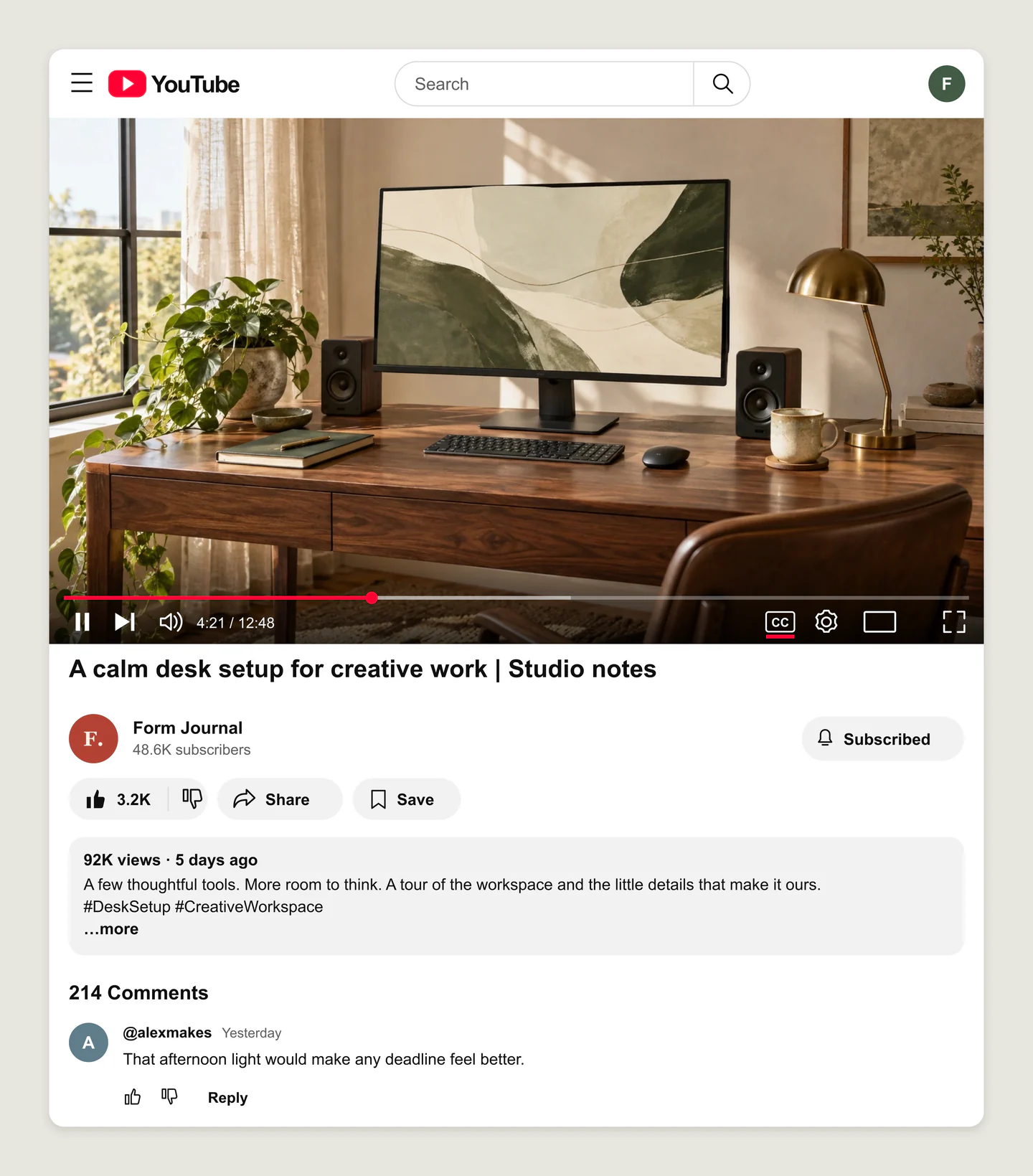
Desktop · Light · Desk setup
A desktop YouTube setup-video mockup with a wide workspace photo, a subscribed channel, captions enabled and a sample comment. Preview the whole watch page together.
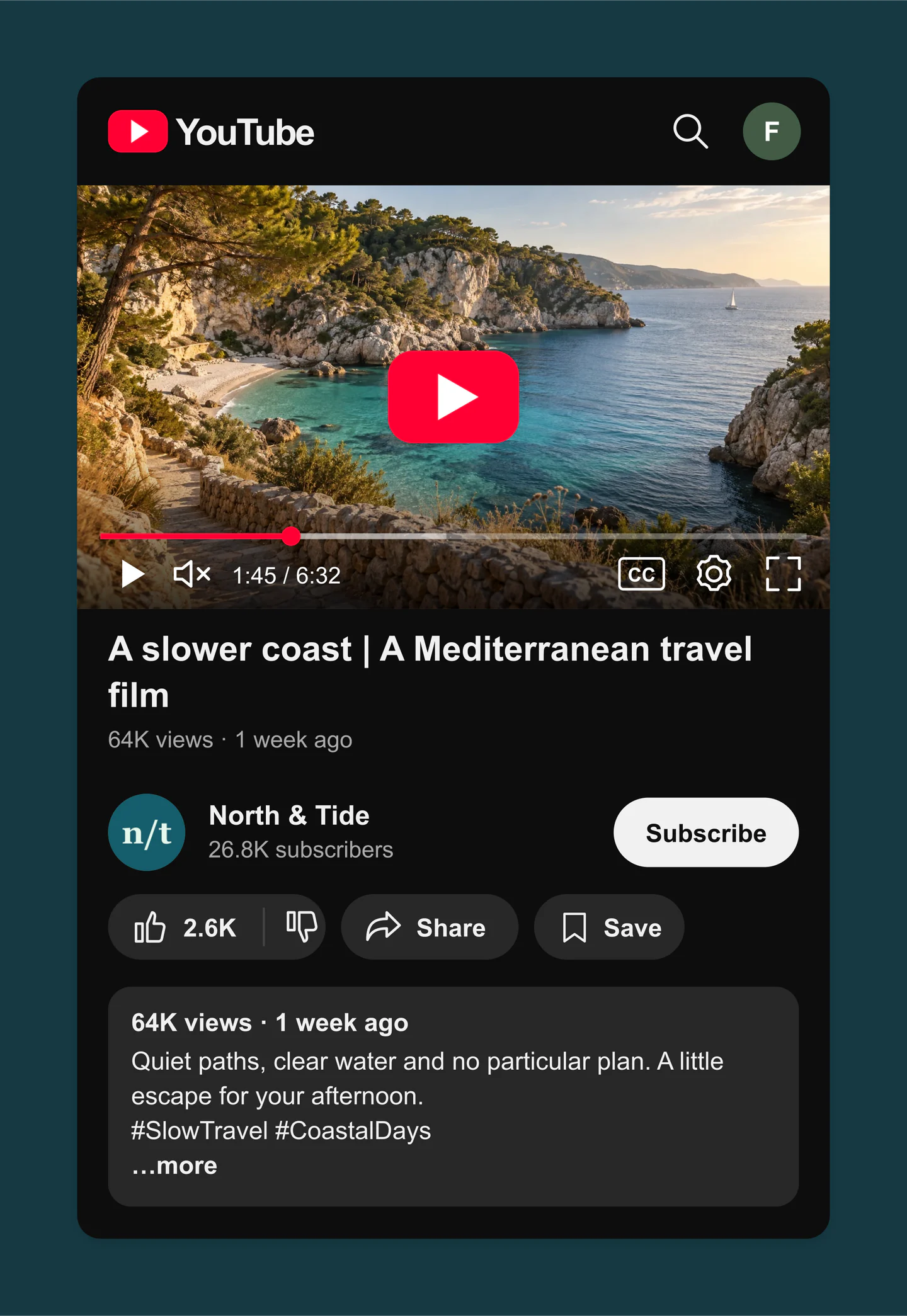
Mobile · Dark · Travel film
A dark mobile YouTube travel mockup with a coastal film still, paused player, channel details and a short description. Let the destination set the mood.
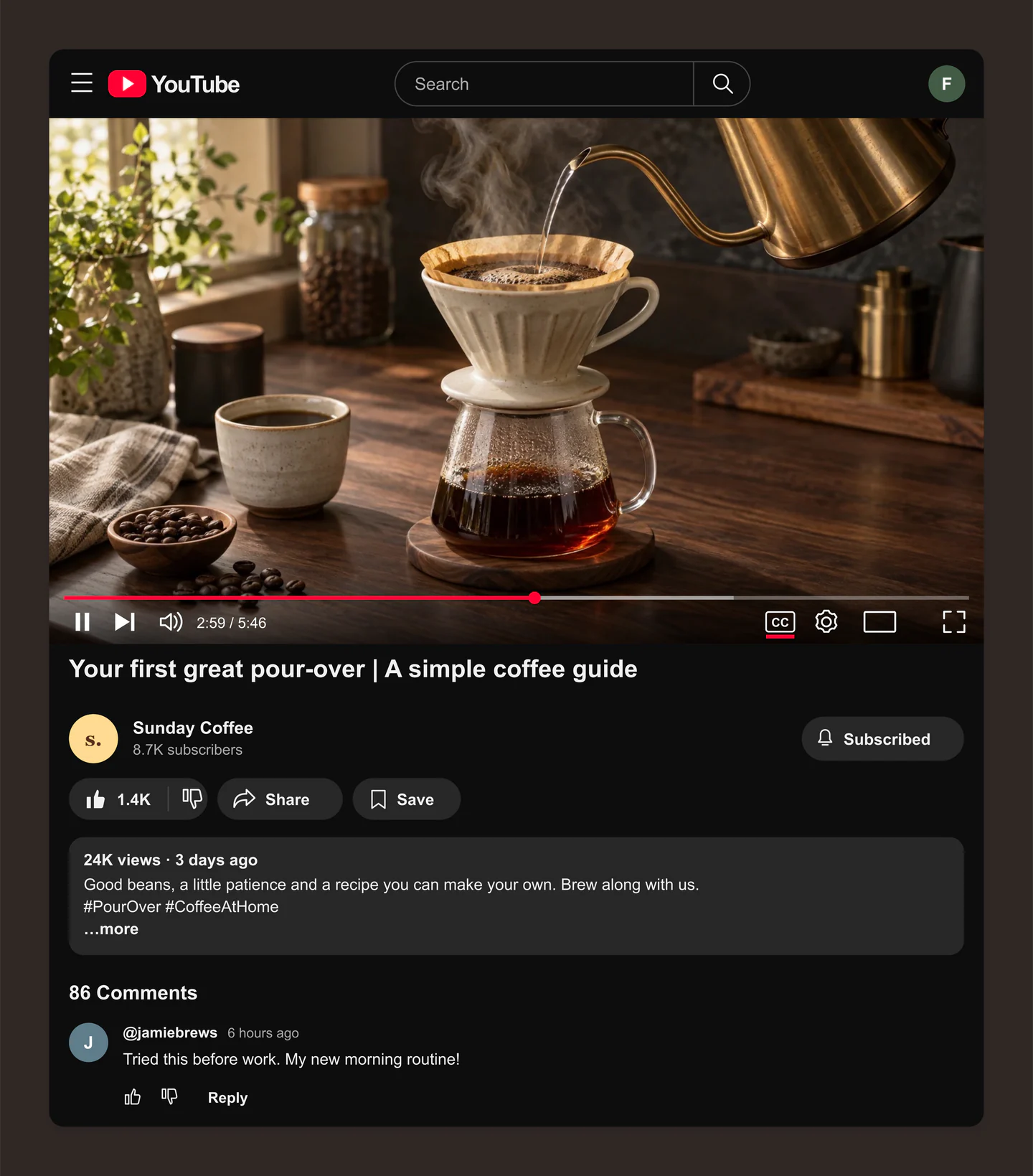
Desktop · Dark · Coffee tutorial
A dark desktop YouTube tutorial mockup with a pour-over coffee still, active playback, captions and a viewer reply. Try the title and details for your next how-to video.
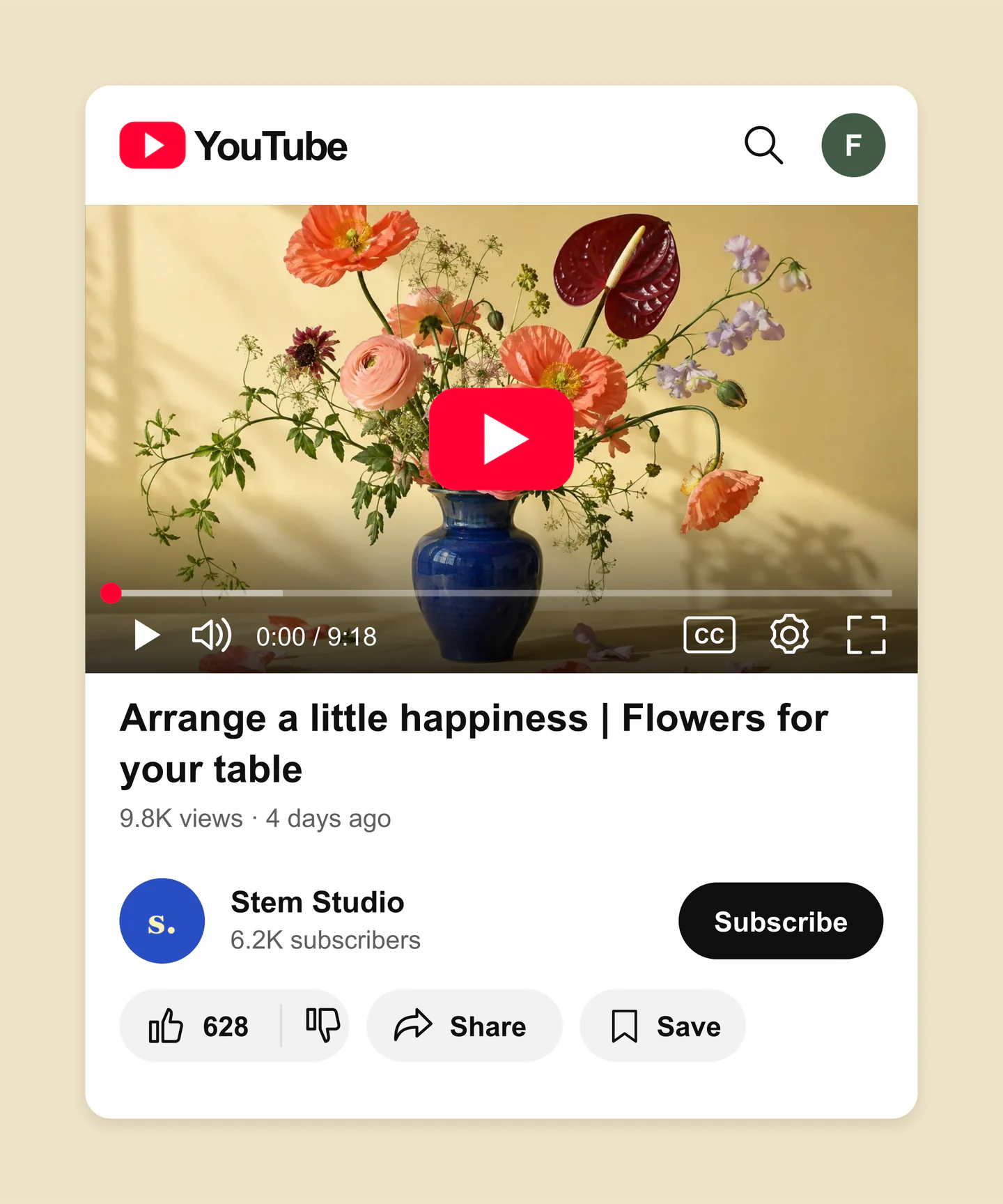
Mobile · Light · Floral workshop
A compact mobile YouTube workshop mockup with a colourful bouquet, channel information and a paused player. A clean preview with the description and comments tucked away.
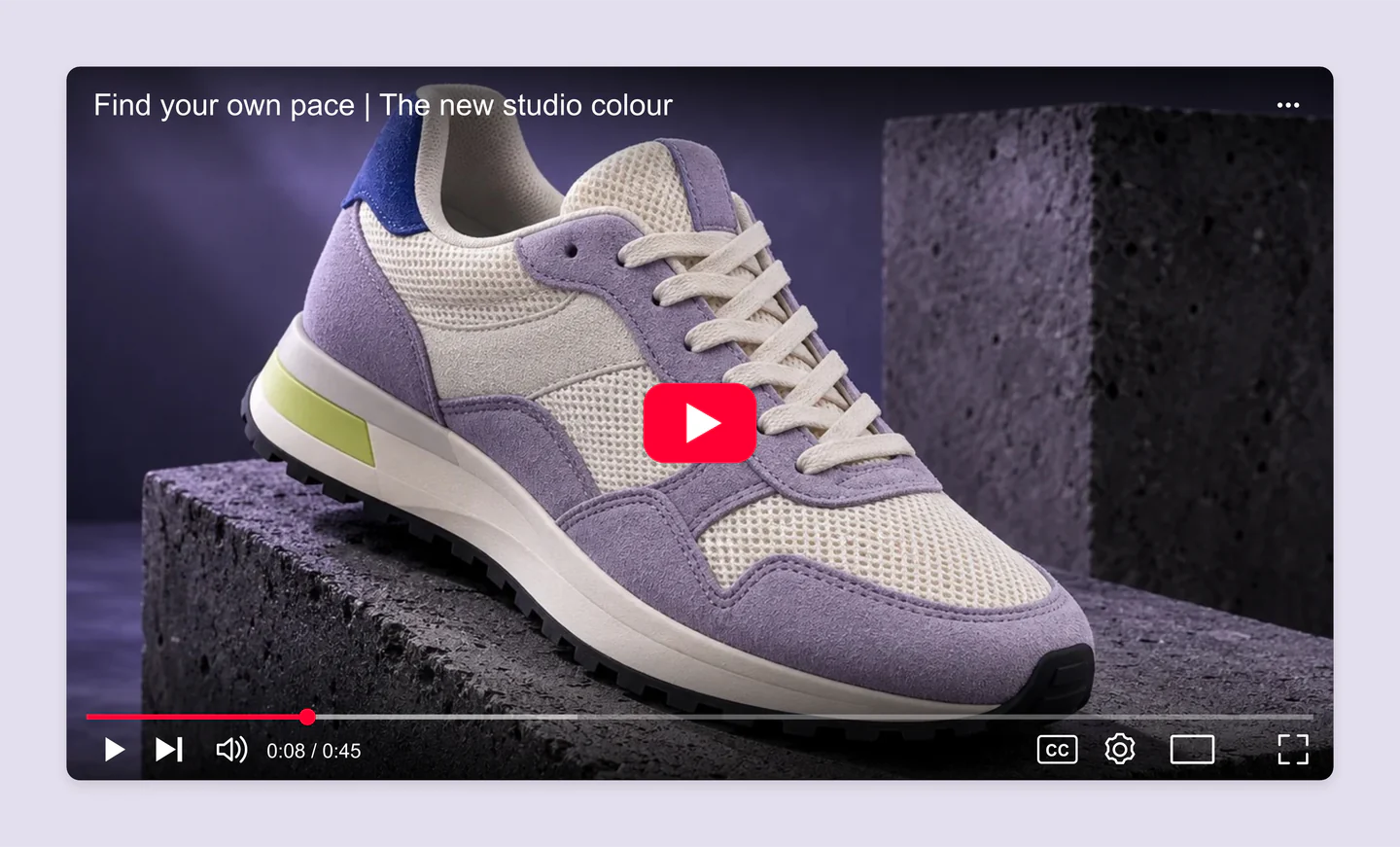
Desktop · Player only · Product film
A standalone YouTube player mockup for a product film, with a lilac sneaker, title overlay and visible controls. A focused preview for a campaign page or presentation.
Made with this generator. Sample brands, conversations and engagement counts are fictional.
A FIRST LOOK AT YOUR NEXT VIDEO
Upload your thumbnail or a still from your video. Adjust the crop, title and channel details.
Choose the player alone or include video details. Set the progress bar, views and likes, then try light or dark mode.
Download a PNG or JPG at 1×, 2× or 3×, all free. A still-image preview for your next pitch, launch plan or client review.
A FEW USEFUL DETAILS
Yes. Save project downloads an editable file with your settings, text and uploaded images. Open project restores it in the same tool, or lets you paste project JSON from an assistant. Review it before replacing your draft. Files are processed in your browser, not uploaded to your account.
Yes. Images exported from these social and app mockup tools can be used in personal projects, social posts, presentations and client work without a Mockaps subscription or attribution. You still need permission for content you add. Platform names and logos belong to their owners; a mockup does not imply their endorsement.
Upload a thumbnail or video still, write your video title and description, and add your channel name and photo. Set views, likes, subscribers and a sample comment. Adjust the player’s progress, duration, paused or playing appearance, sound and captions.
Yes. All current editing features and PNG or JPG downloads at 1×, 2× and 3× are free. No account, subscription or watermark. The download controls show the exact pixel dimensions for your design. Very large designs may need a smaller size to fit your browser’s image limits.
Yes. Choose “Player only” to keep the thumbnail and player controls. Choose “Player & video details” to include the title, channel and engagement below it. You can also hide the YouTube header, description and action buttons.
No. This tool creates still-image mockups for planning, pitches and client reviews. Upload an image to represent your video. The playback settings change how the controls look; they do not play, fetch or download a video.
Your latest YouTube mockup and resized uploads are saved in this browser on this device, separately from your other app mockups. They are not saved to your account. Clearing site data or switching browsers removes or separates your draft.
This preview recreates a widescreen YouTube player and its video details. YouTube can vary its layout by device, placement and interface update. Use the mobile and desktop views to plan your presentation, and check the final result on YouTube before publishing.
Upload a PNG, JPG or WebP thumbnail or video still up to 8 MB. Images are resized locally and cropped into a 16:9 player. Adjust the zoom and position to get the framing right.
No. It does not connect to your channel, upload videos or change any YouTube content. It simply helps you show what your next video could look like.
Yes. Choose Use this example below the editor to load its image, crop, title, channel, engagement and playback settings. You will be asked before your local YouTube draft is replaced, and you can restore the previous draft until you reload the page. Your other tools’ drafts stay separate. These examples are still-image mockups, not playable videos.
An independent tool by Mockaps. YouTube is a trademark of Google LLC. This tool is not affiliated with or endorsed by YouTube or Google.