
Start with your story.
Add your banner, channel photo and introduction. Make the first look feel like you.
Your channel. Your next chapter.
See the whole picture before the upload.
Keep an editable copy on your device. How it works
A FEW WAYS TO MAKE IT YOURS
A studio, a creator or your next brand launch. Open a channel example, try your own words and make room for the next good idea.
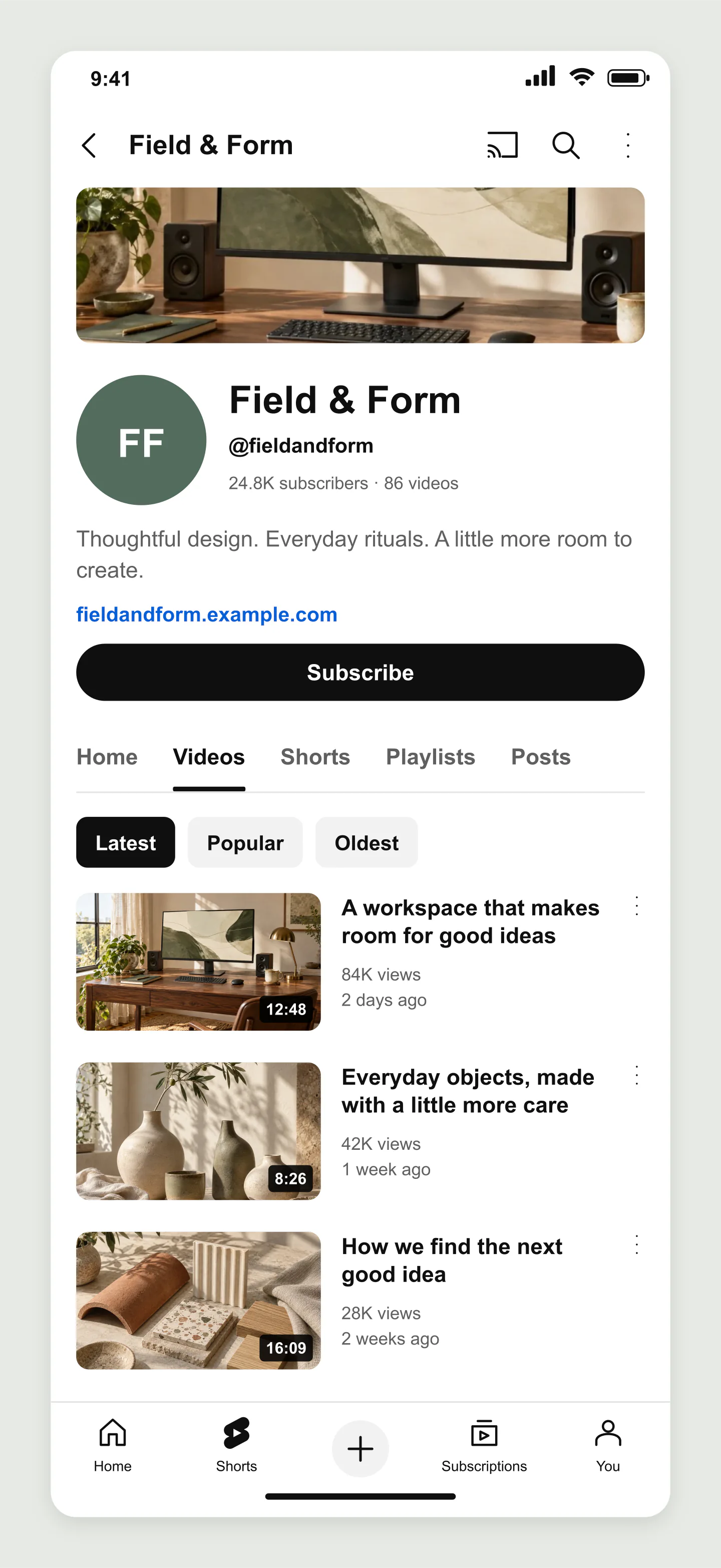
Mobile · Design channel · Videos
A thoughtful studio channel with a photographic banner, a short introduction and a compact video list. Try your own words and thumbnail images.
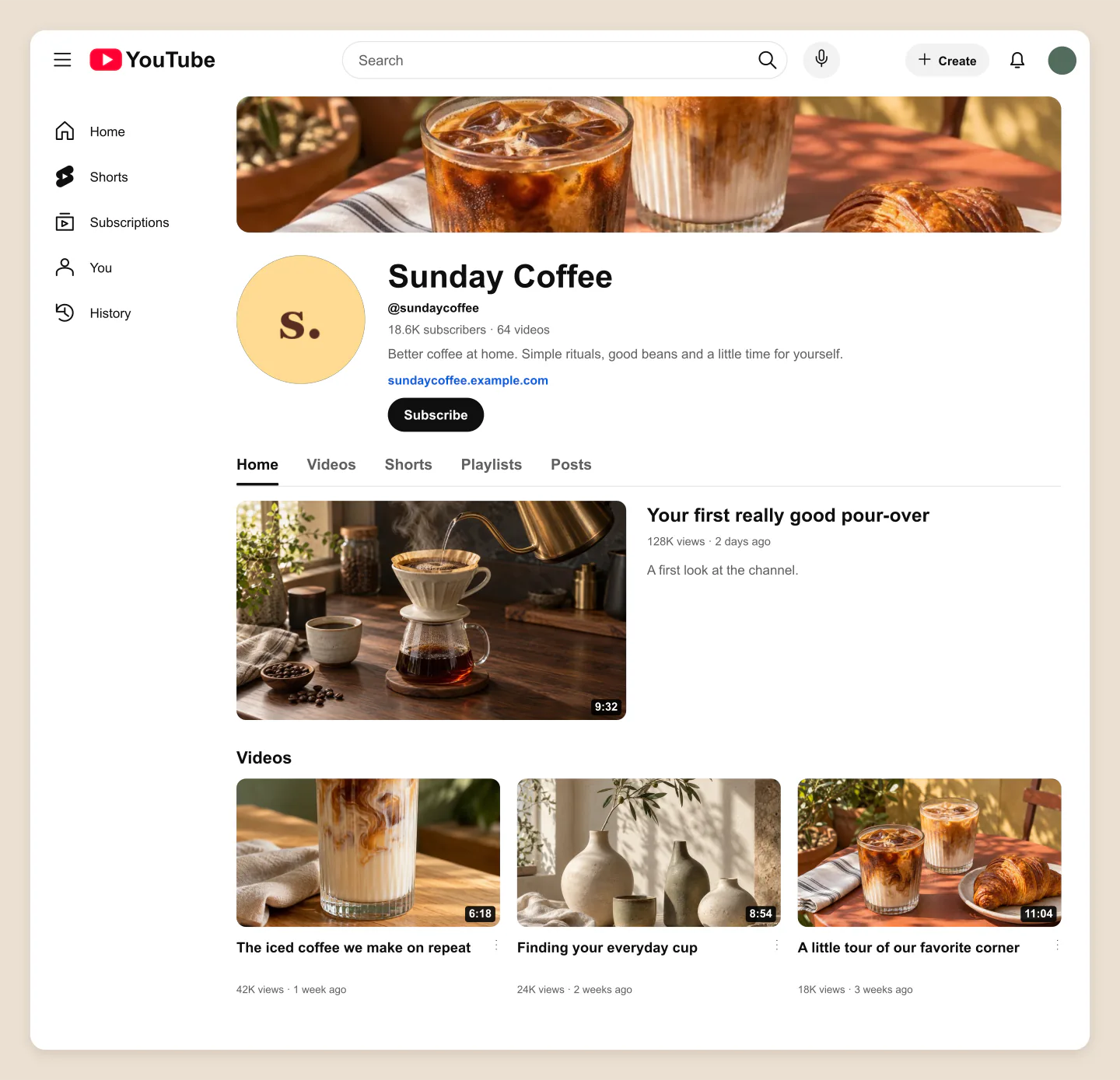
Desktop · Home tab · Featured video
A coffee channel with a featured introduction and a grid of brewing videos. A warm first impression for your next creator or brand pitch.
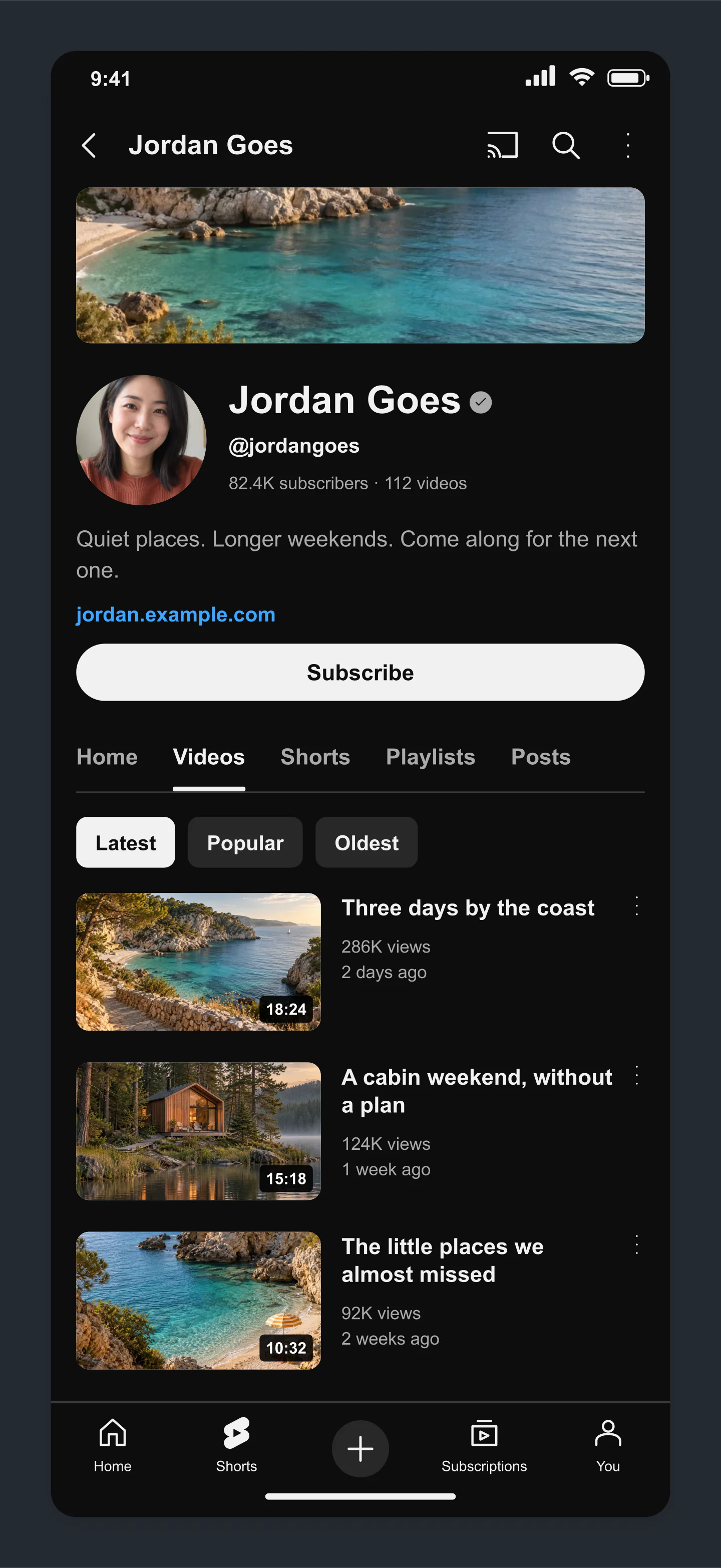
Mobile · Dark · Travel channel
A dark-mode channel for a travel filmmaker. Coastal imagery and a clean introduction make room for the next story.
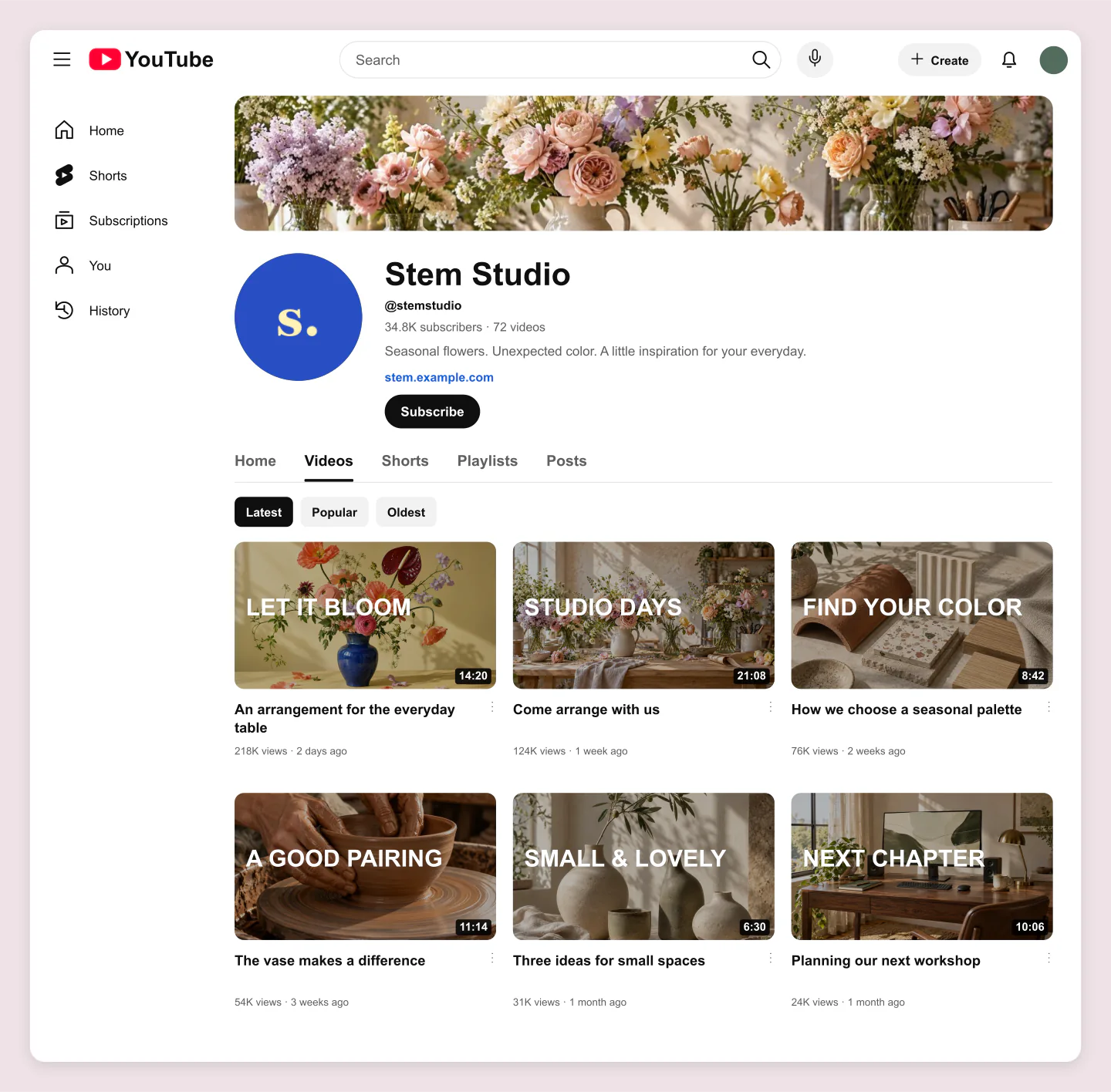
Desktop · Florist · Cover titles
A colorful flower studio with video cover text and a clear channel identity. Plan workshops, tutorials and everyday studio moments together.
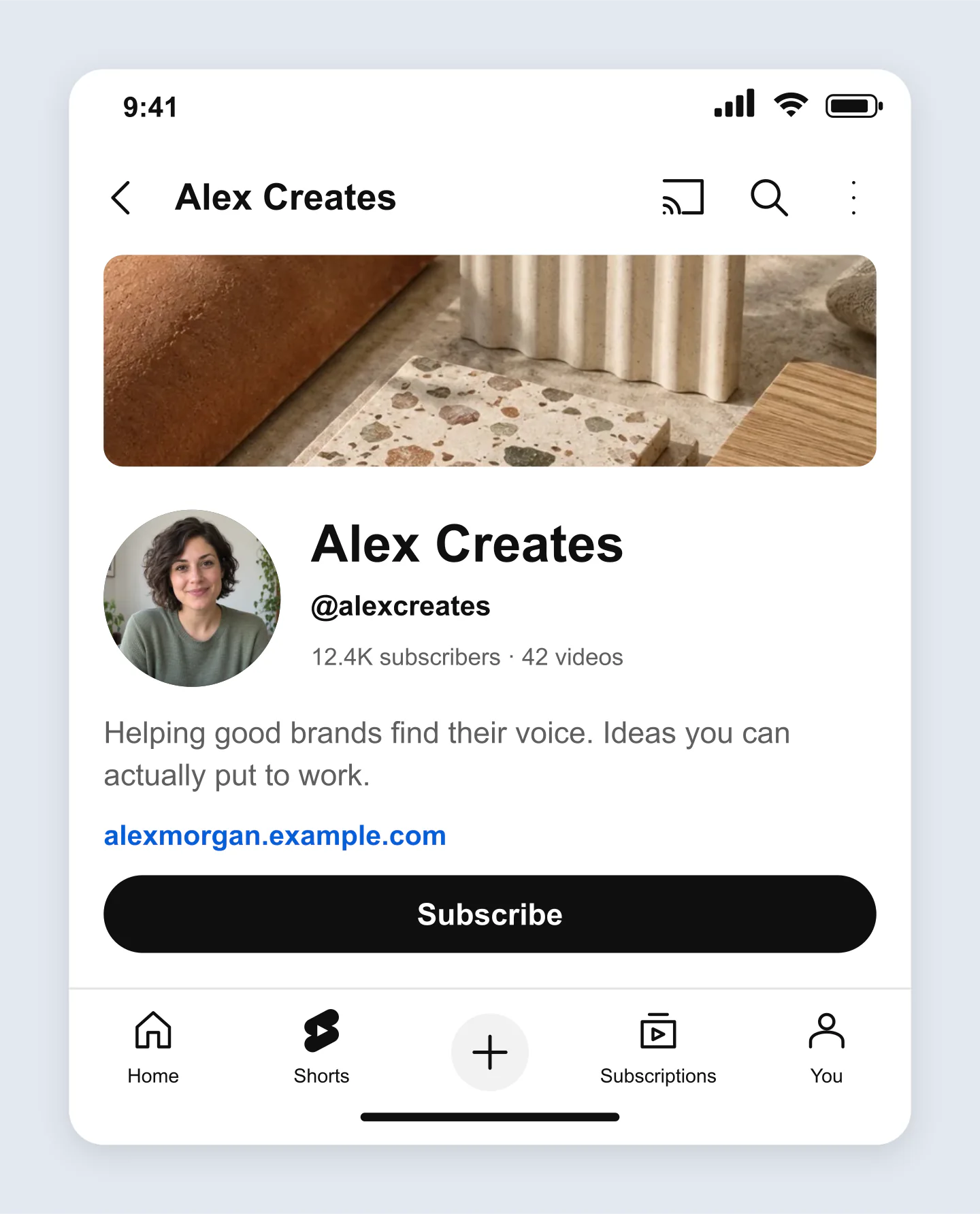
Mobile · Channel header · Personal brand
Focus on your channel art, profile photo and introduction. Compare a few directions before you record the first video.
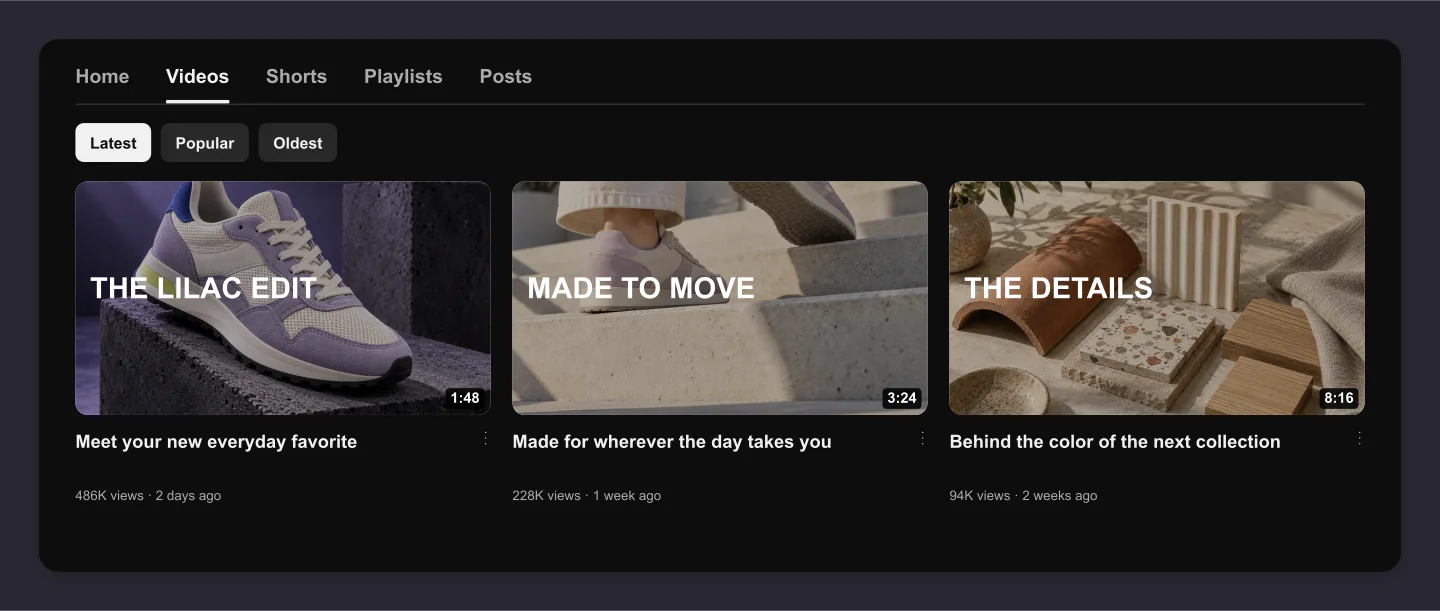
Desktop · Dark · Videos only
A focused video grid for a product launch. Use it in a campaign presentation when the thumbnails and titles need the spotlight.
Made with this generator. Sample brands, conversations and engagement counts are fictional.
BEFORE YOUR NEXT CHAPTER
Add your banner, channel photo and introduction. Make the first look feel like you.
Choose video covers, edit the titles and feature your introduction. Arrange the videos until the channel feels right.
Download a clean image for your content plan or client presentation. Save an editable project for the next round.
A FEW USEFUL DETAILS
Yes. All current editing features and PNG or JPG downloads at 1×, 2× and 3× are free. No account, subscription or watermark. The download controls show the exact pixel dimensions for your design. Very large designs may need a smaller size to fit your browser’s image limits.
Add a banner and channel photo, edit your name, handle and description, then arrange your video thumbnails. Preview mobile or desktop and download a free PNG or JPG. You can also start with one of the editable examples below.
Yes. Upload your banner, then drag the photo and adjust its zoom. Switch between Mobile and Desktop to check the visible crop. Open Banner safe area to see the full 16:9 artwork and its centered text-and-logo safe area. The guide stays out of your download. Device crops are illustrative; check the final banner in YouTube before publishing.
YouTube recommends 2560 × 1440 pixels, with a minimum of 2048 × 1152 and a file size of 6 MB or less. At the minimum size, the text-and-logo safe area is 1235 × 338 pixels. Scaled to 2560 × 1440, that is approximately 1544 × 423 pixels in the center.
Yes. The subscriber count, video count, verified badge and Subscribe or Subscribed button are editable preview details. Add a Join button or show a Customize channel button for an owner view.
Yes. Add up to 12 videos. Each has its own cover photo, title, duration, views and upload date. Drag to crop the image, add optional text on the thumbnail and move videos earlier or later in the list.
Choose Home under Videos & layout and enable the featured-video option. The first video becomes the feature. Move another video to the start to change it. The Videos tab includes Latest, Popular and Oldest visual filter chips.
Yes. This tool makes a static visual mockup for planning or presentations. It does not connect to YouTube, fetch a real channel, create an account or publish videos.
Yes. Preview light or dark mode on mobile and desktop. Automatic layout uses a compact list on mobile and a grid on desktop; you can choose either yourself. Channel header and Videos only views let you focus on one part of the page.
Choose PNG and enable Transparent canvas to remove the background around the channel. The interface keeps its selected theme. All 1×, 2× and 3× downloads are free and have no watermark. The dimensions appear beside Download.
Yes. Compare channel names, banners, profile photos and thumbnail directions before you upload. Use the image in a content plan, branding presentation, creator media kit or campaign proposal. Use content you own or have permission to use.
Yes. Save project downloads an editable file with your settings, text and uploaded images. Open project restores it in the same tool, or lets you paste project JSON from an assistant. Review it before replacing your draft. Files are processed in your browser, not uploaded to your account.
Yes. Images exported from these social and app mockup tools can be used in personal projects, social posts, presentations and client work without a Mockaps subscription or attribution. You still need permission for content you add. Platform names and logos belong to their owners; a mockup does not imply their endorsement.
YouTube changes its interface and layouts vary by device and account. This is an illustrative preview for planning. Confirm your final channel art and videos in YouTube before publishing.
An independent tool by Mockaps. YouTube and its logo are trademarks of their respective owners. This tool is not affiliated with or endorsed by YouTube. For a closer look at one thumbnail, try the YouTube Thumbnail tool.