
Bring your screenshot.
Drop in a homepage, a dashboard or a mobile website. Your image stays on your device.
Your website deserves a better frame.
Turn a screenshot into something worth sharing.
Keep an editable copy on your device. How it works
A FEW WAYS TO MAKE IT YOURS
A studio launch. A product dashboard. A portfolio with a point of view. Start with a look you like, then bring in your own website.
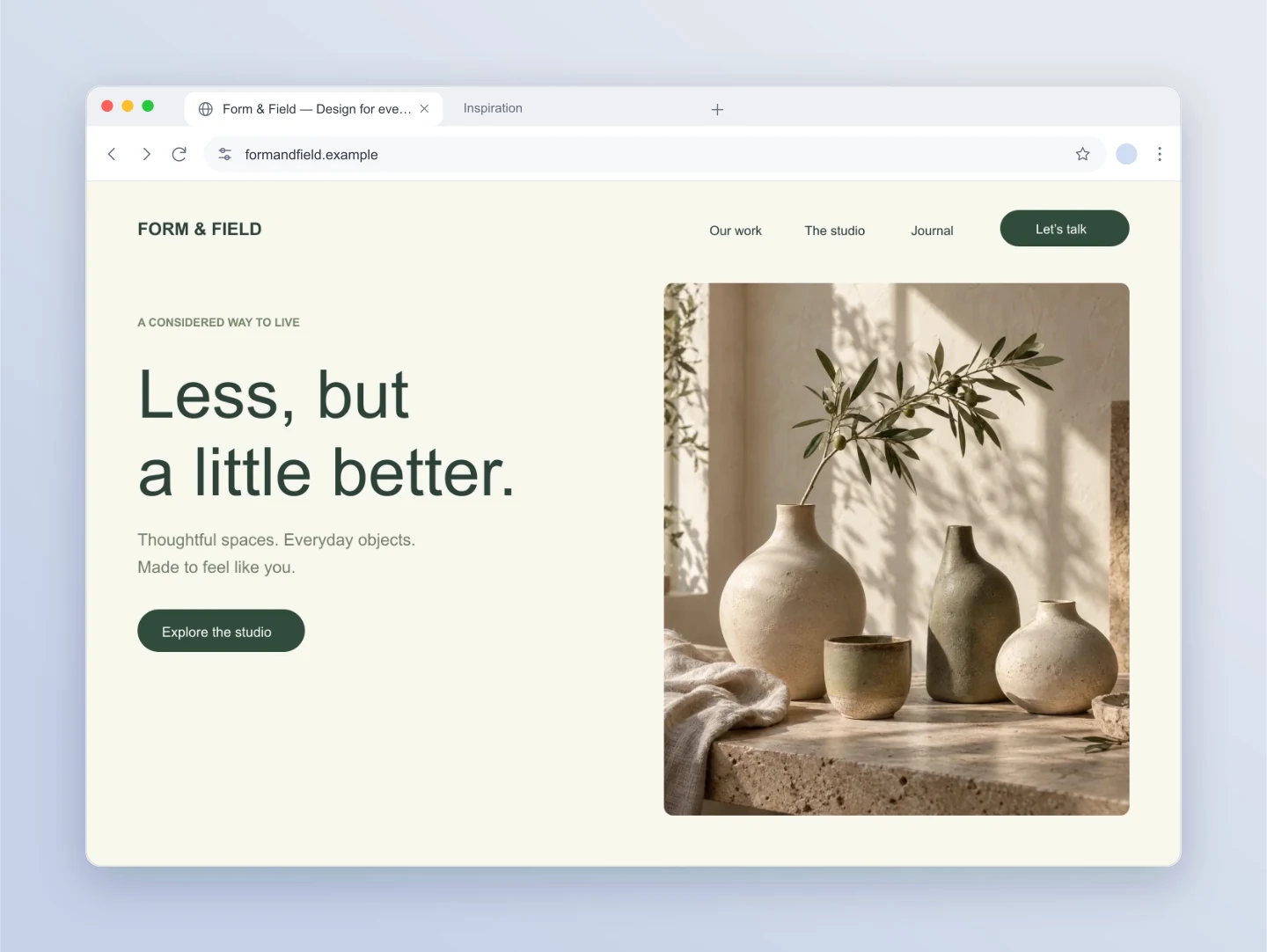
Chrome · Desktop · Cloud
A considered studio website inside a clean Chrome-style window. Swap in your homepage screenshot and edit the address to present your next launch.
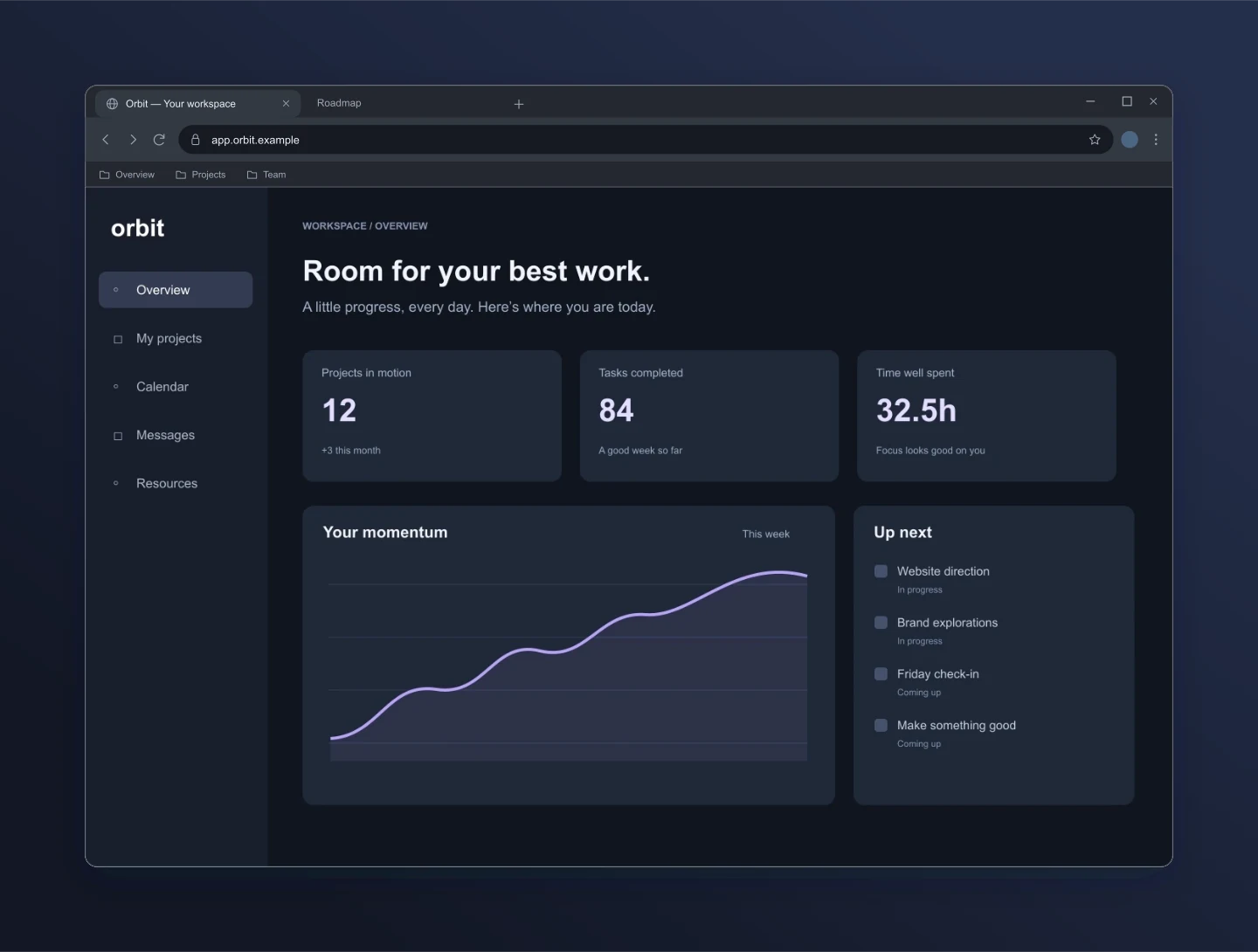
Edge · Windows · Dark
Give a dashboard a little presence. Dark browser chrome, Windows controls and a midnight background make this a useful product presentation.
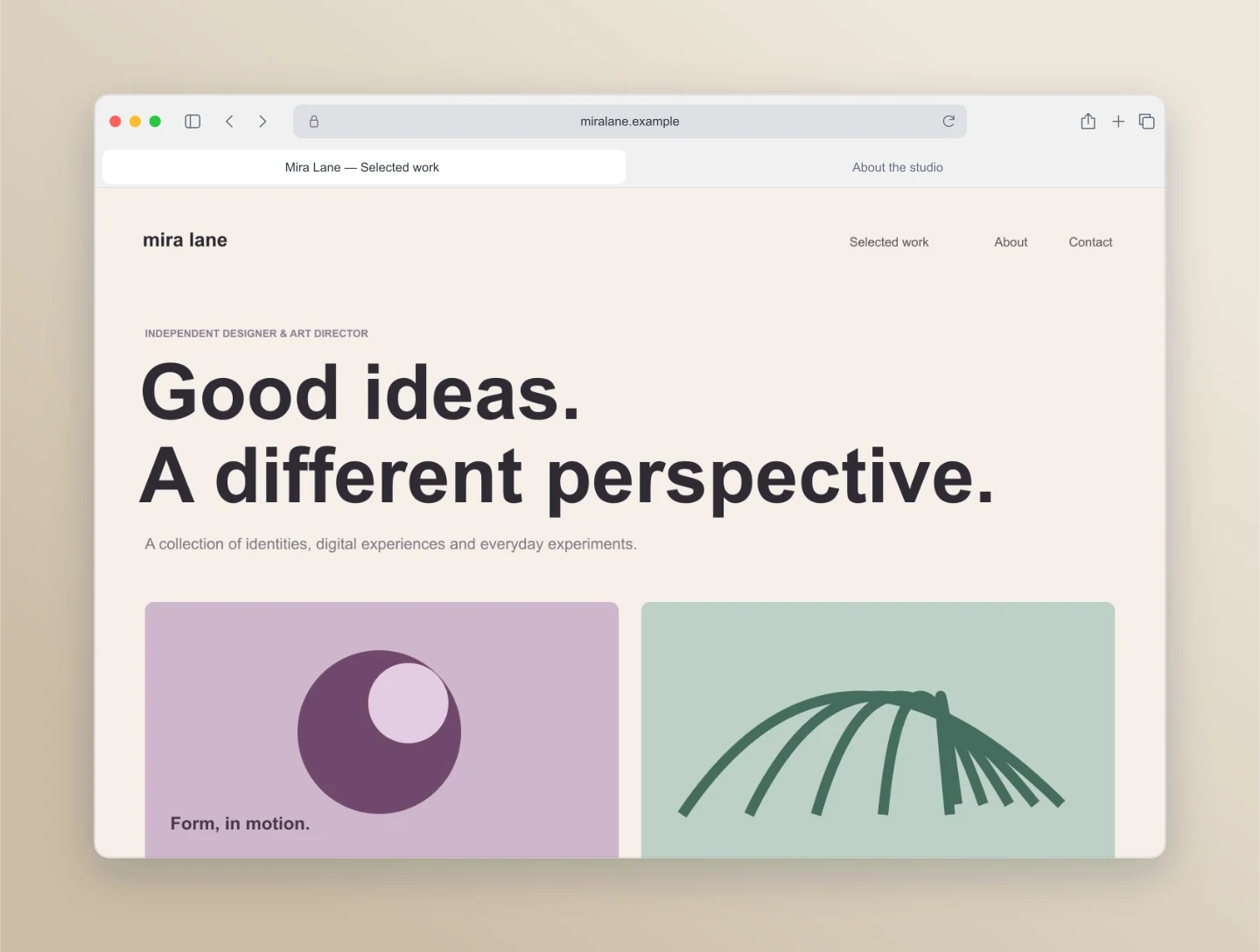
Safari · Portfolio · Sand
A warm Safari-style presentation for a design portfolio. The centered address bar and subtle shadow frame the work without getting in its way.
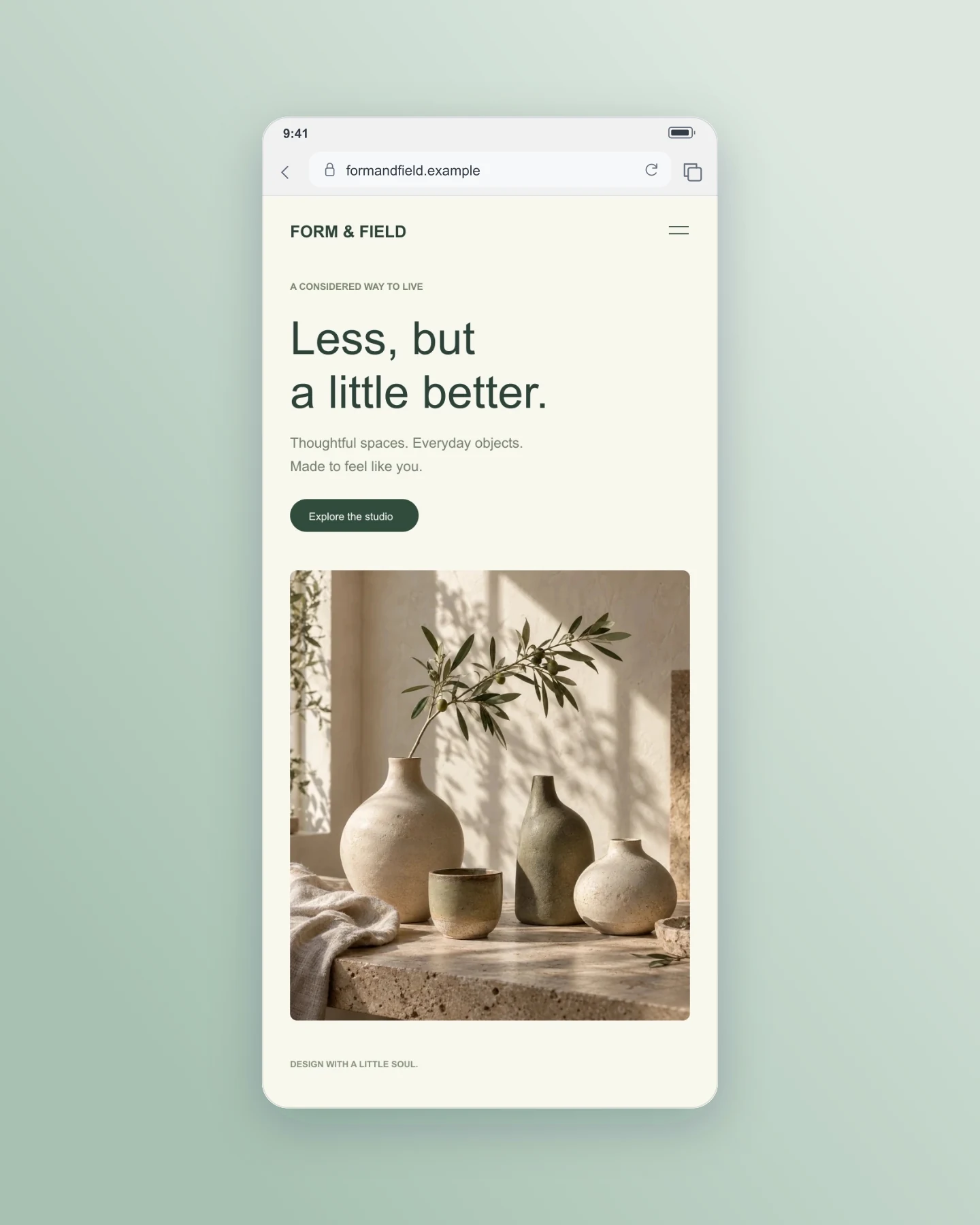
Safari · Mobile · Portrait
Preview a mobile website screenshot with compact browser controls. This example uses a separate mobile design, ready to replace with your own.
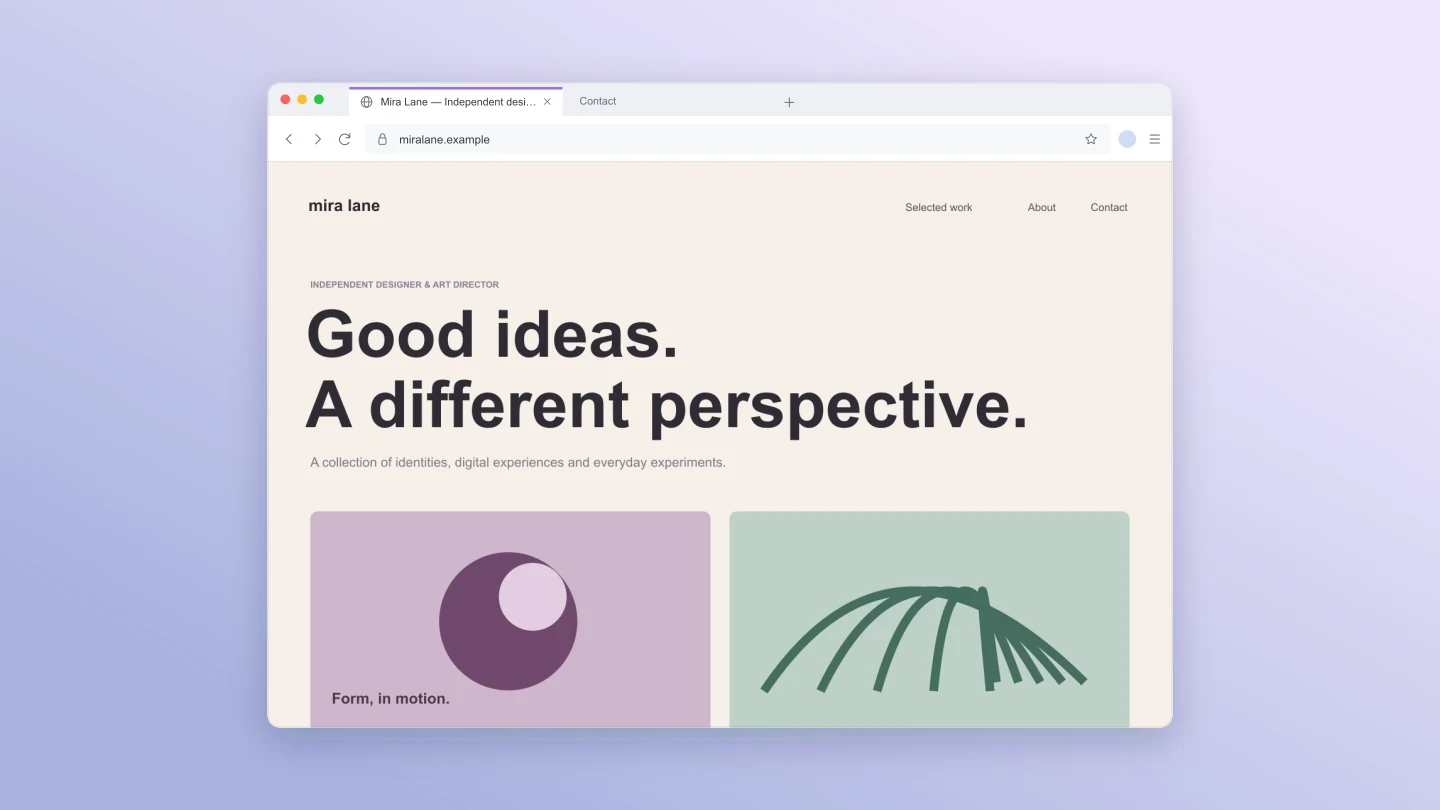
Firefox · Desktop · Lavender
A Firefox-inspired window with a purple active tab on a lavender canvas. A clean, straight-on presentation for your website or portfolio.
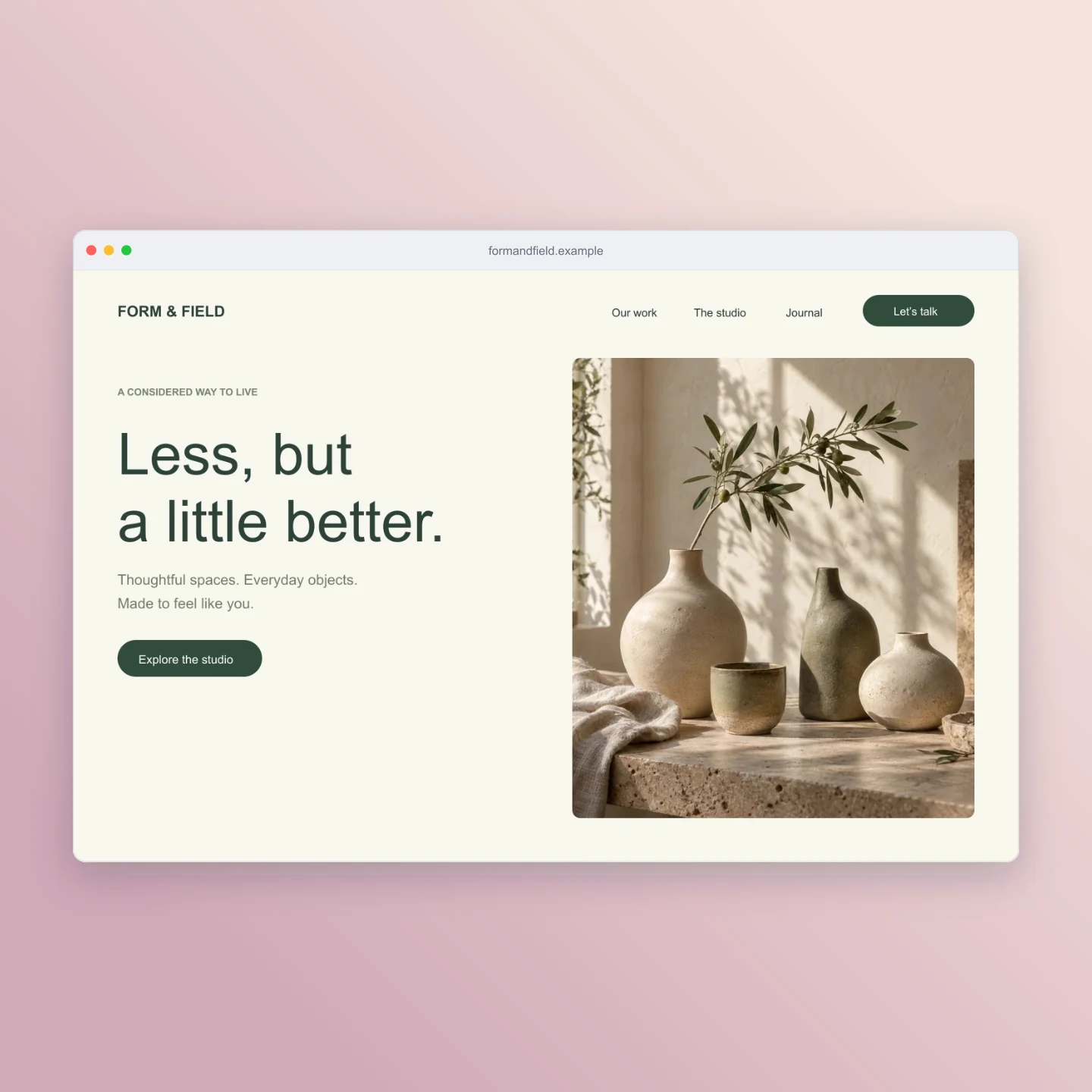
Minimal · Square · Rose
A minimal browser frame on a square canvas for social posts and case studies. Keep the address, remove the tabs and bring the screenshot forward.
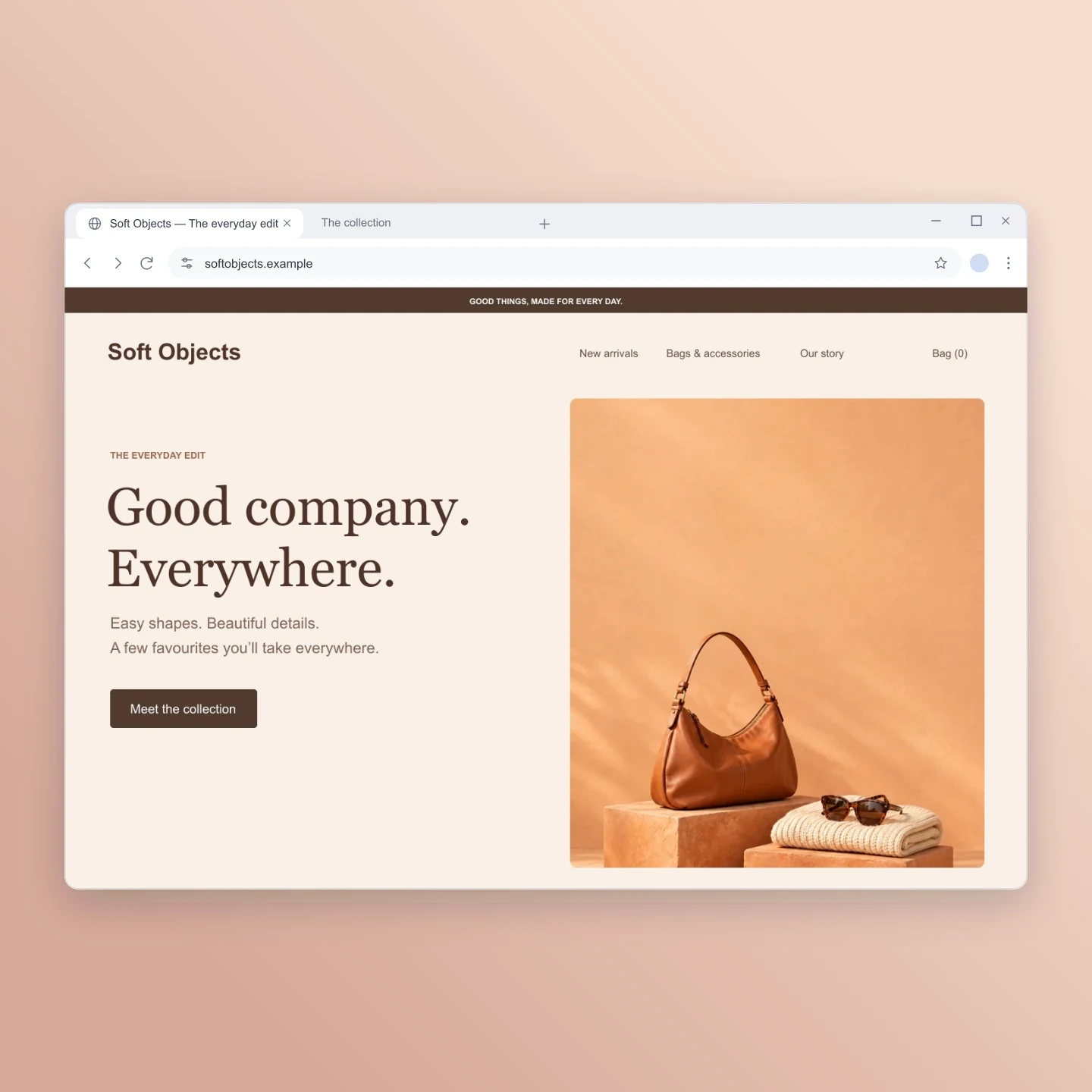
Chrome · Windows · Shop launch
A warm storefront with room for the product to shine. Try your own shop screenshot in a Windows-style Chrome frame and a peach square canvas.
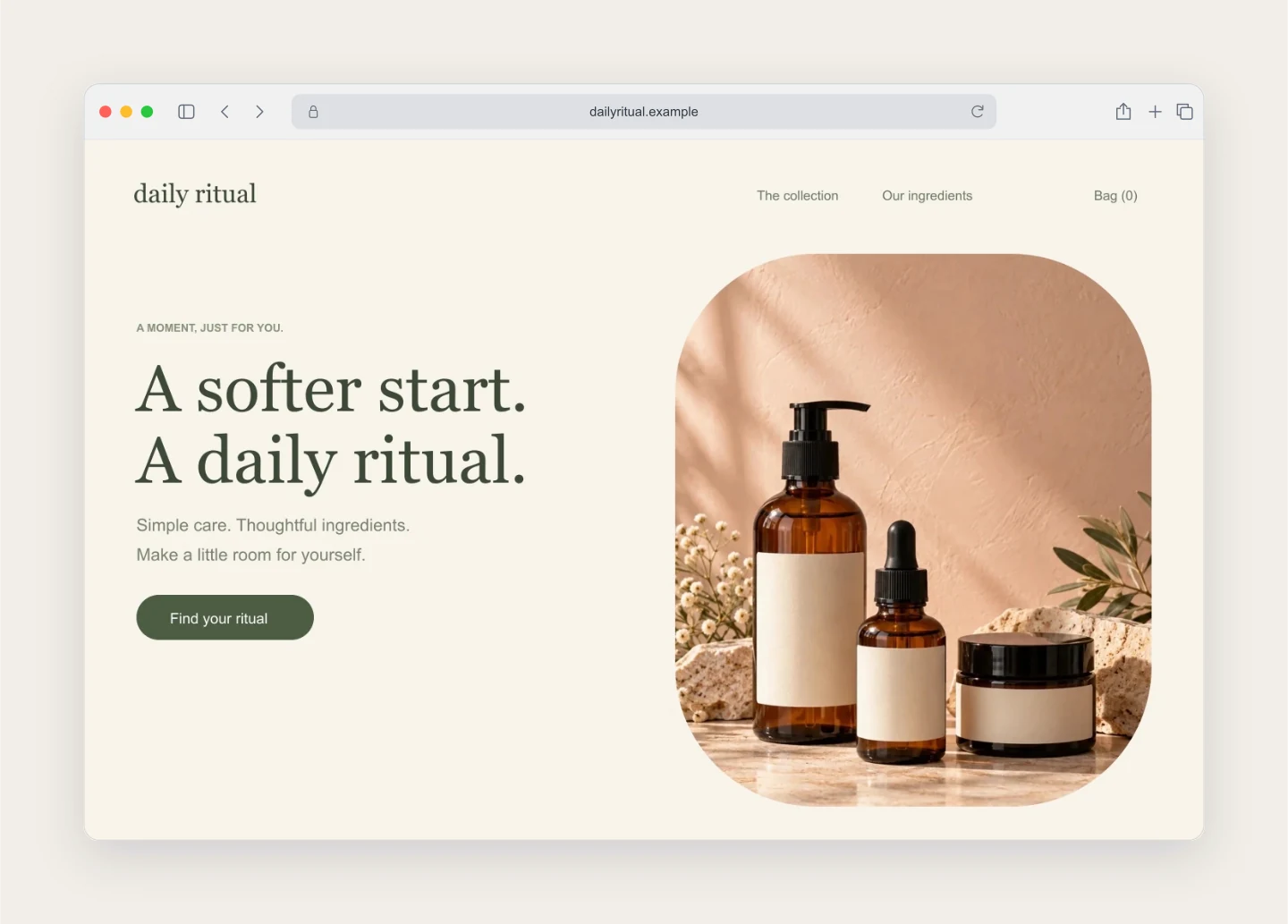
Safari · Skincare · Warm white
Soft light, serif type and a quiet Safari frame. A clean way to share a beauty brand, wellness homepage or a new product collection.
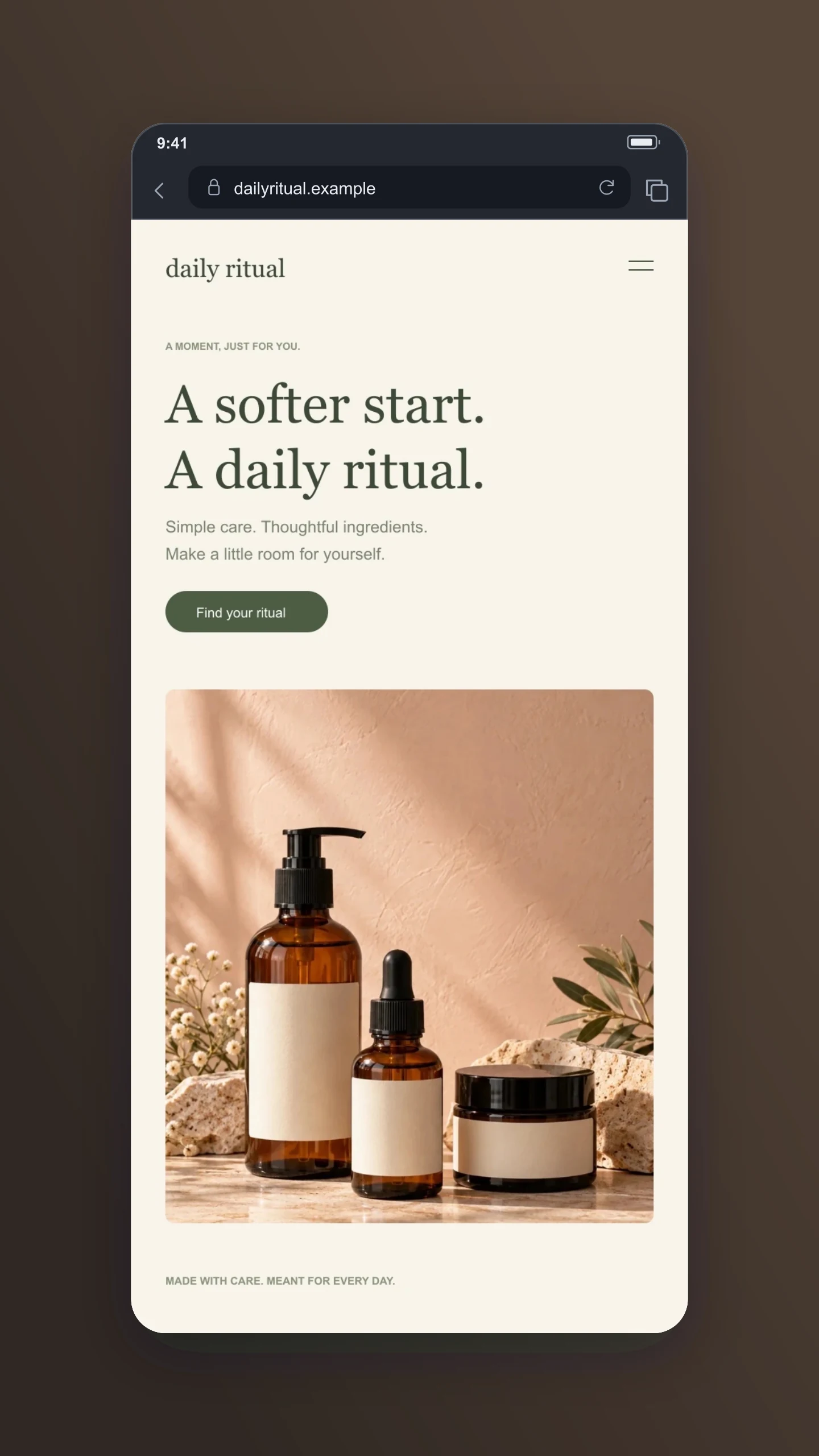
Mobile · Story · Cocoa
A mobile homepage framed for a story. Replace it with your own mobile screenshot and keep the tall canvas for your next launch post.
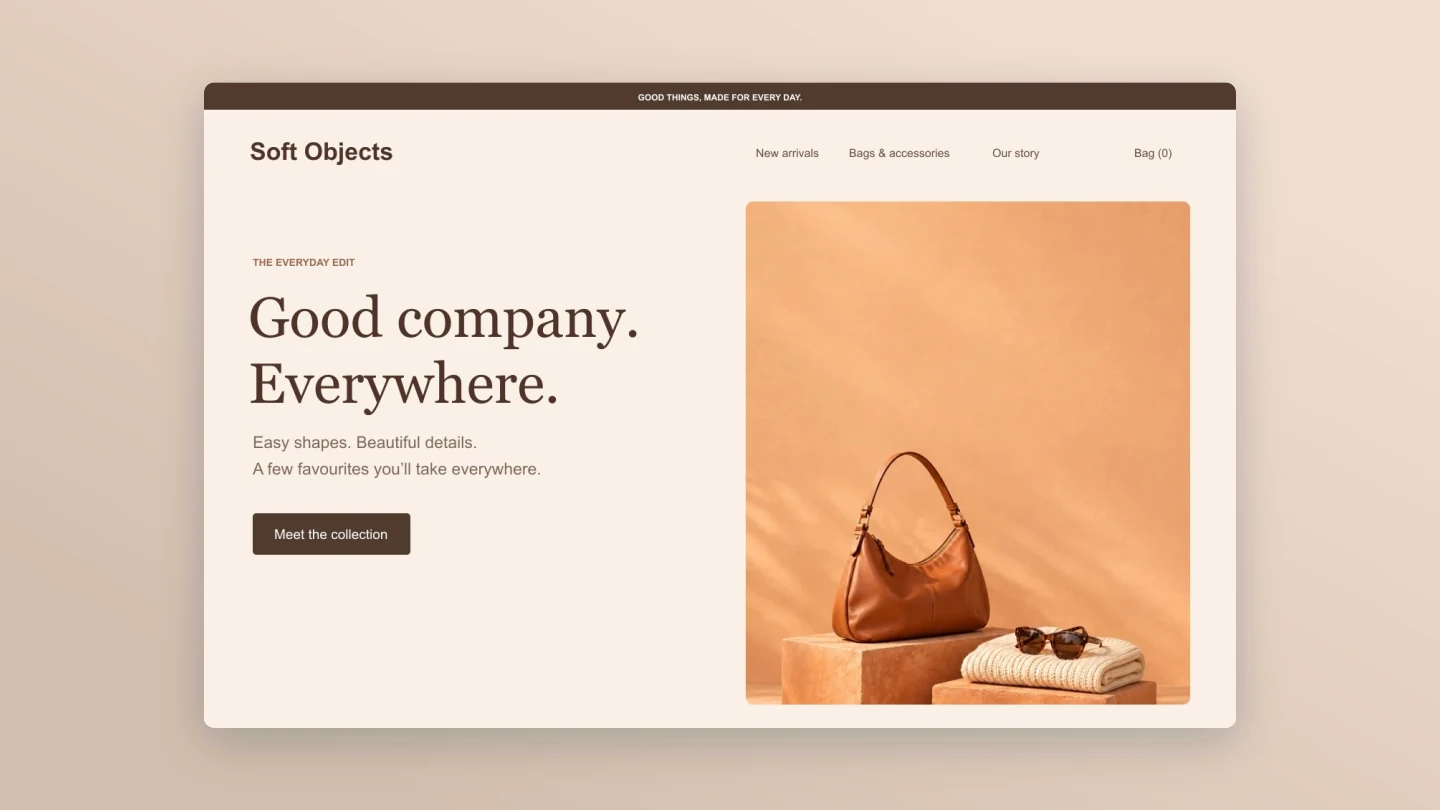
Frameless · Wide · Soft peach
Remove the browser controls for an uninterrupted website showcase. A wide canvas and a soft shadow make this useful for a portfolio or launch announcement.
Made with this generator. These sample websites and brands are fictional. Every example loads an editable browser frame and canvas.
FROM SCREENSHOT TO SHOWCASE
Drop in a homepage, a dashboard or a mobile website. Your image stays on your device.
Choose a browser, edit the URL and give your design a little room. Try a soft gradient or keep the background transparent.
Choose a square, story or wide canvas. Download your image for a portfolio, social post or client presentation.
A FEW USEFUL DETAILS
It is a presentation image of a website or app inside a browser window. Use it to share a homepage, show a client a new design, build a portfolio case study or announce a product launch.
Upload a PNG, JPG or WebP screenshot. Choose a browser style, edit the address and tab title, then pick a background. Reposition the screenshot if needed and download the finished PNG or JPG.
Yes. All current editing features and PNG or JPG downloads at 1×, 2× and 3× are free. No account, subscription or watermark. The download controls show the exact pixel dimensions for your design. Very large designs may need a smaller size to fit your browser’s image limits.
Yes. Choose a frame inspired by Chrome, Safari, Edge or Firefox, with light and dark modes. There is also a minimal frame and a frameless option. Desktop frames can use macOS or Windows window controls. Browser interfaces vary by version and settings, so these are presentation mockups rather than exact browser screenshots.
Yes. Choose a mobile or tablet size in Window size & finish. Mobile uses compact browser controls. Upload a screenshot taken at the matching screen size: resizing a mockup crops or fits the image, but does not reflow the website inside it.
Choose Fit whole image in Screenshot & framing. Adjust the page background to match any space around your screenshot. Fill window crops the image instead; use Reposition screenshot to drag the visible area into place.
Yes. Choose PNG, enable Transparent background and upload your screenshot. The canvas around the browser becomes transparent. The browser interface and screenshot remain visible. Turn off the shadow for a clean cutout.
Open Canvas & export in the sidebar for square 1:1, portrait 4:5, story 9:16 and wide 16:9 images. The browser scales to fit the chosen canvas. Adjust padding, tilt and window scale to find a composition you like.
The address field changes the text shown in the browser bar. It does not visit the URL or capture a website. Take a screenshot in your browser first, then upload it here.
No. Your screenshot is processed and saved locally in this browser. It is not uploaded to your Mockaps account. Save a project file if you want to keep an editable copy or move it to another device.
PNG, JPG and WebP files up to 8 MB are supported. A screenshot close to the desired window proportions will need less cropping. Detailed screenshots are resized to at most 4096 pixels on the longest side to keep the editor responsive. Higher export resolutions make the frame larger; they cannot recover detail missing from the original screenshot.
Yes. Save project downloads an editable file with your settings, text and uploaded images. Open project restores it in the same tool, or lets you paste project JSON from an assistant. Review it before replacing your draft. Files are processed in your browser, not uploaded to your account.
Yes. Images exported from these social and app mockup tools can be used in personal projects, social posts, presentations and client work without a Mockaps subscription or attribution. You still need permission for content you add. Platform names and logos belong to their owners; a mockup does not imply their endorsement.
An independent presentation tool by Mockaps. Chrome, Safari, Edge and Firefox are trademarks of their respective owners. This tool is not affiliated with or endorsed by them. For a code presentation, try the Code Snippet Mockup Generator.