
Start with the introduction.
Try a cover, add your photo and write a headline. See how the pieces work together on mobile or desktop.
A clearer headline. A stronger first impression.
See your profile before you update it.
Keep an editable copy on your device. How it works
Your draft stays in this browser. Preview an idea here, then update your real profile when you are ready.
A FEW WAYS TO MAKE IT YOURS
A new headline. A fresh cover. A clearer story about your work. Choose a starting point and make it your own.
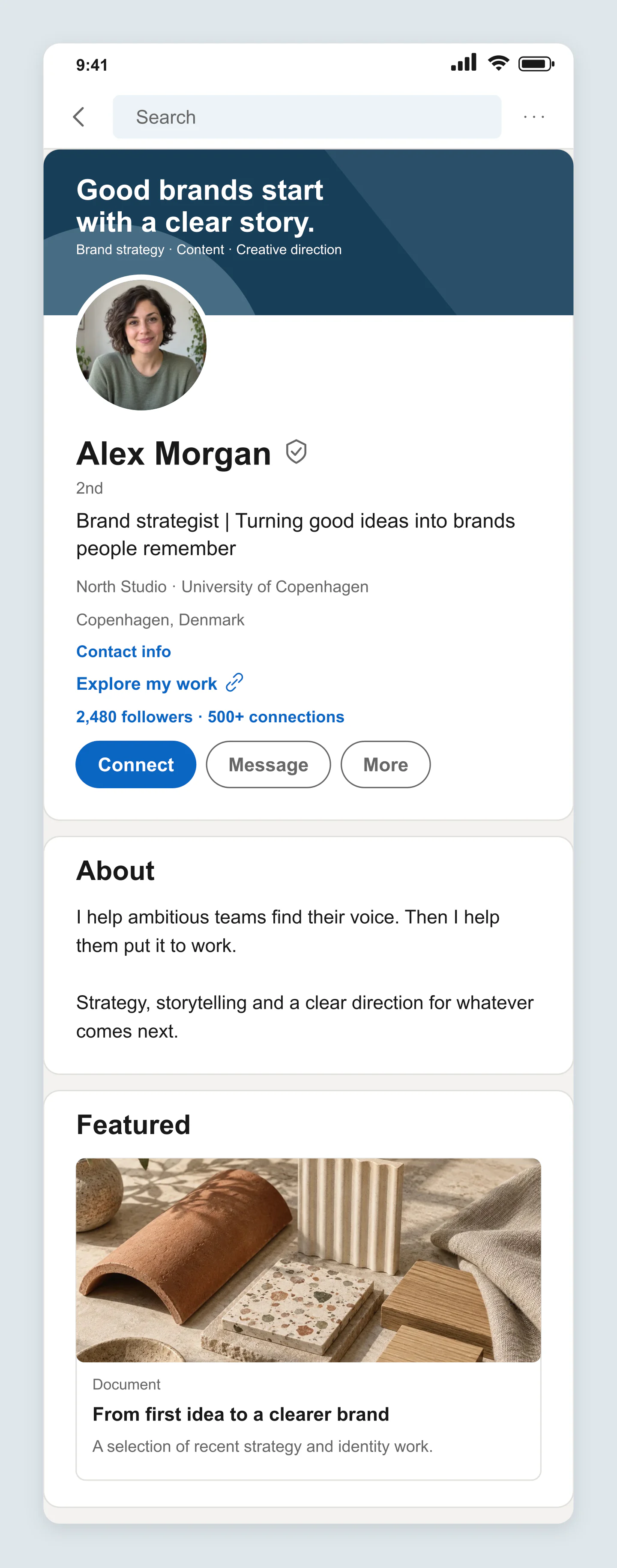
Mobile · Brand strategist
A confident blue cover, a clear headline and a featured portfolio piece. A starting point for a personal brand refresh.
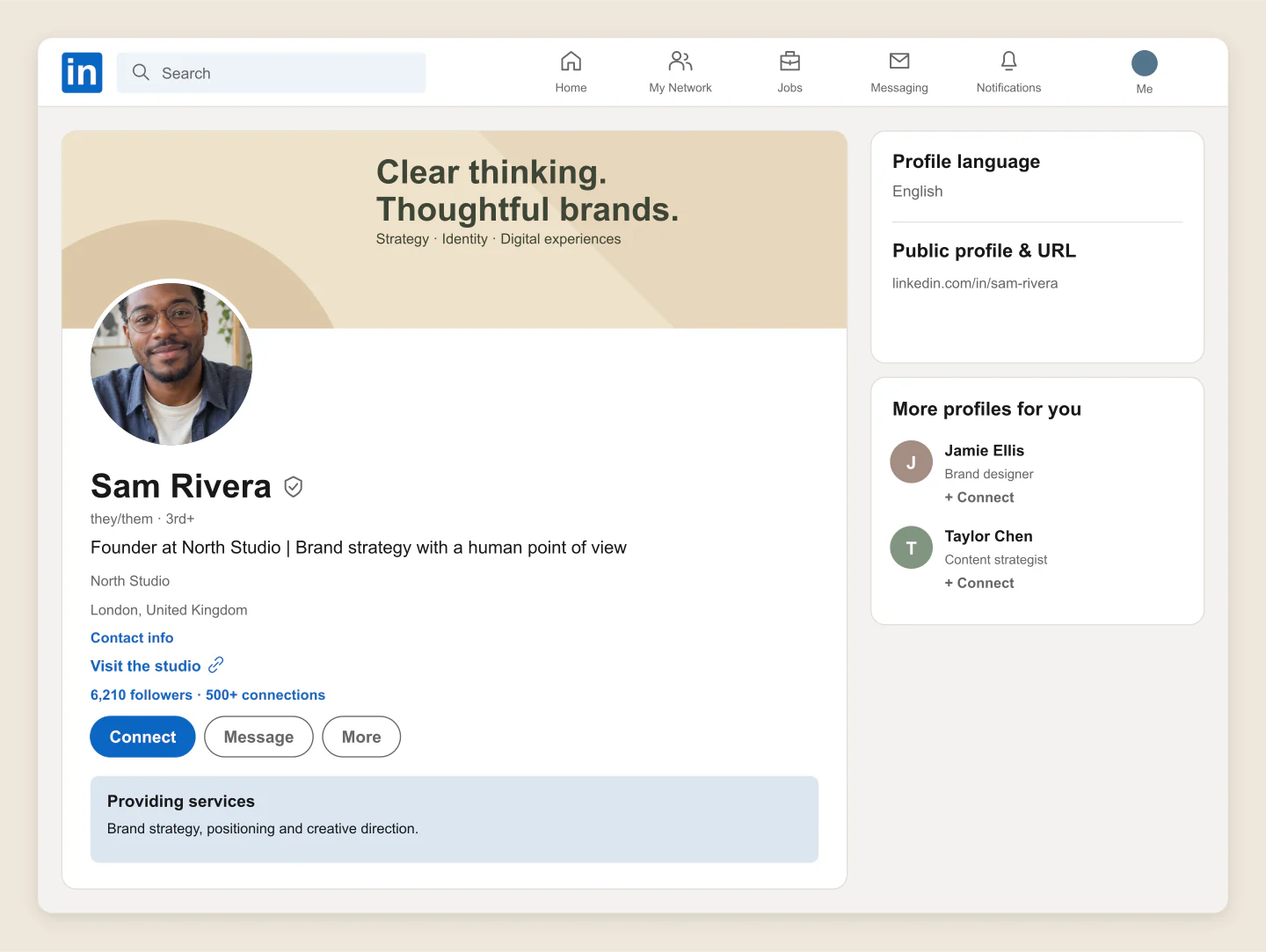
Desktop · Profile intro
A warm, compact profile for a founder or independent specialist. Compare a new banner, headline and service offer in one view.
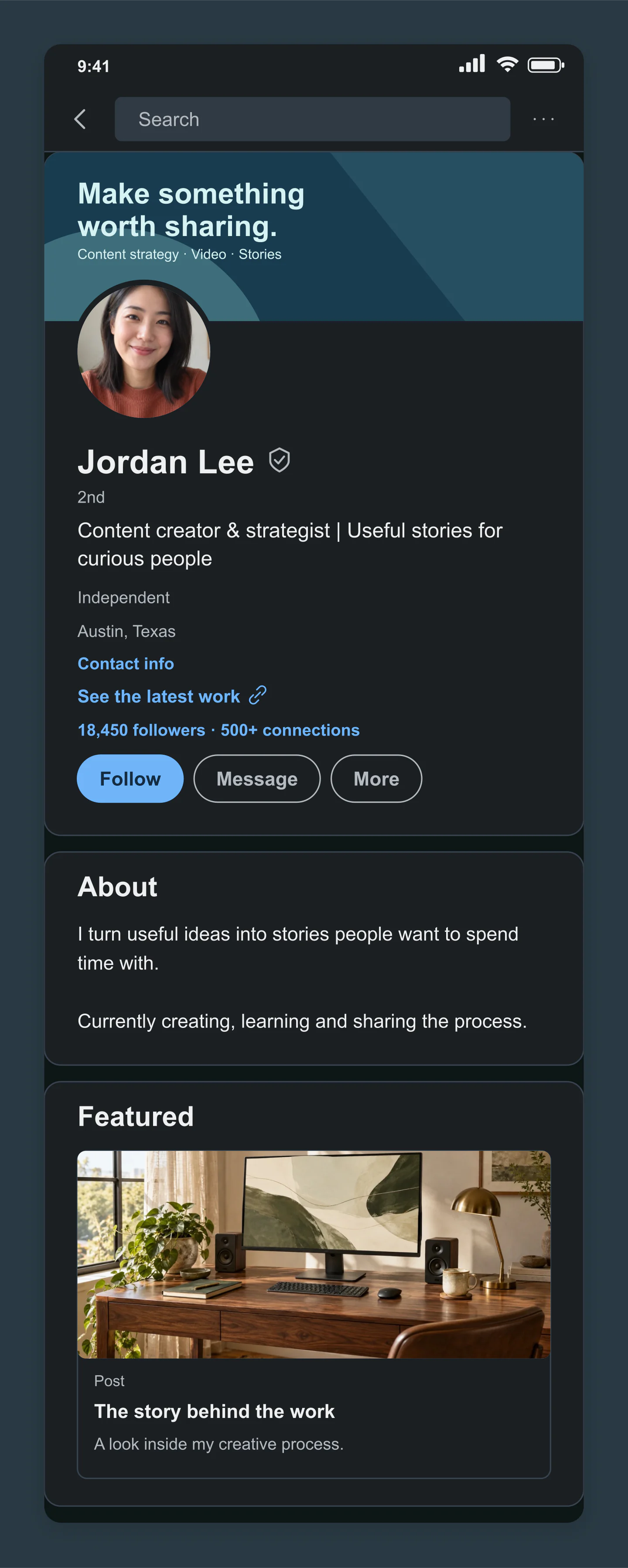
Mobile · Dark · Creator
A dark profile for a content creator, with a bold cover and a featured studio story. Try your own positioning and portfolio.
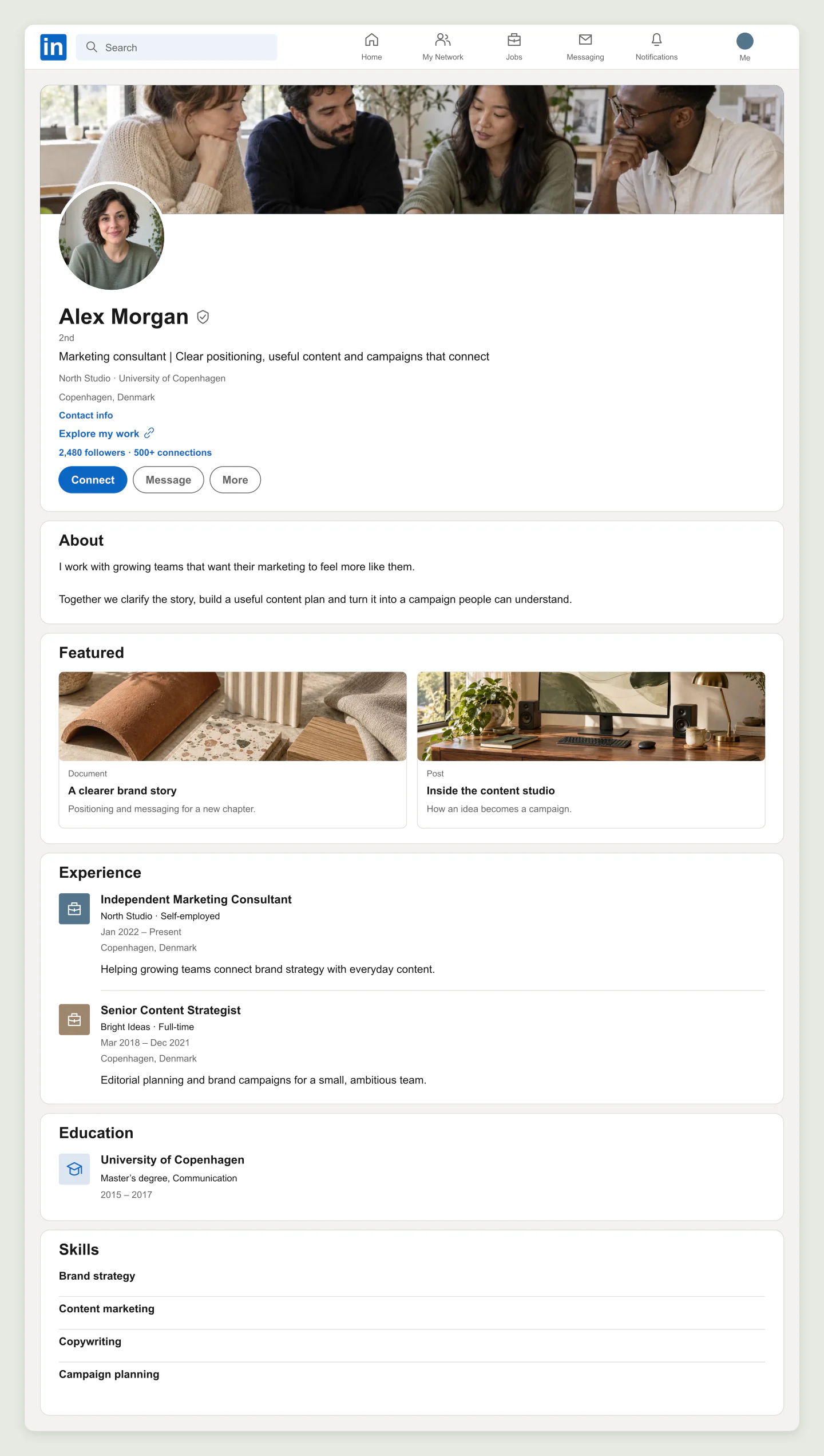
Desktop · Full profile
A complete consultant profile with featured work, experience and skills. Useful for planning a refresh or presenting it to a client.
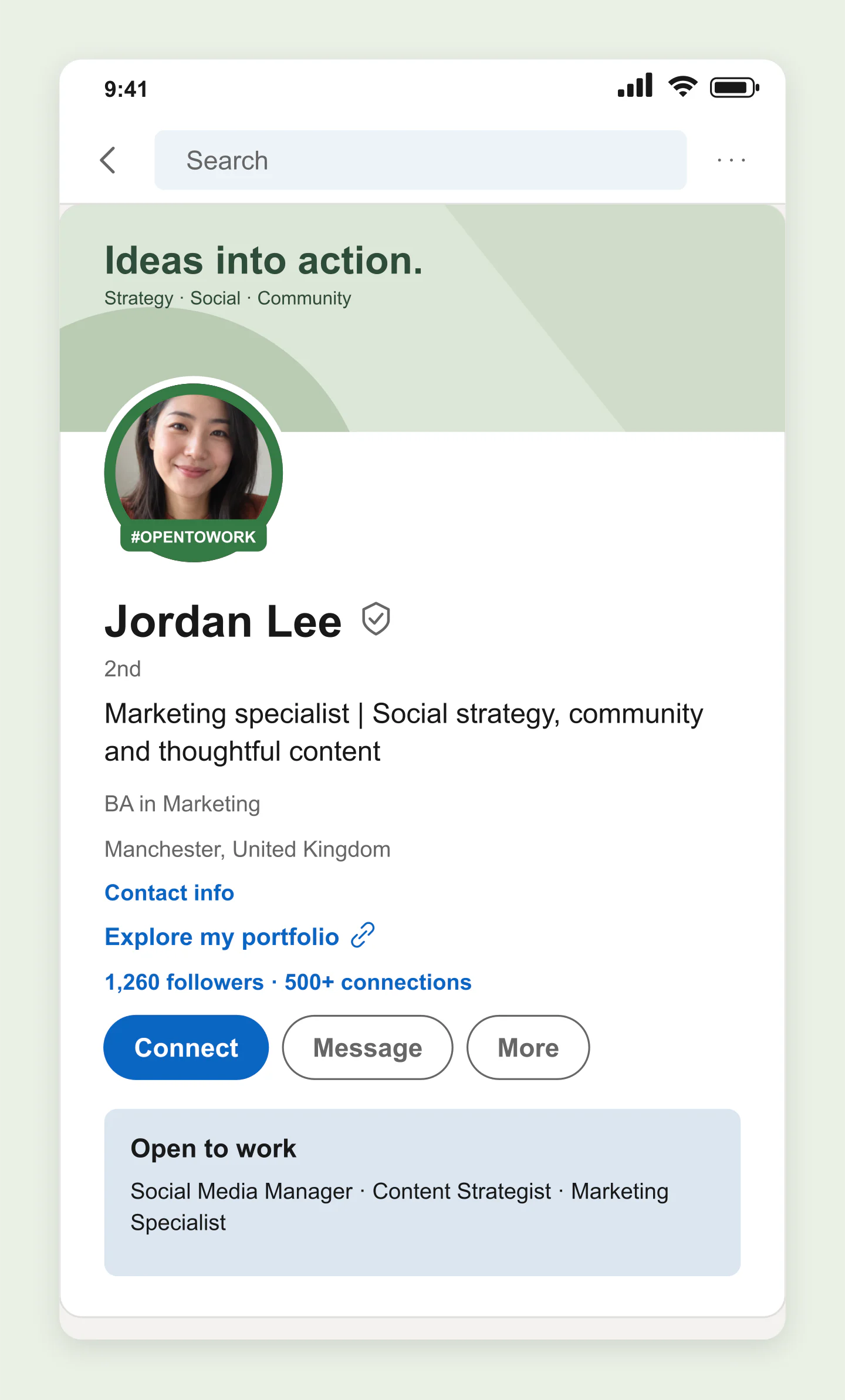
Mobile · Open to work
A focused intro with a green photo frame and an availability highlight. Shape the story around the role you want next.
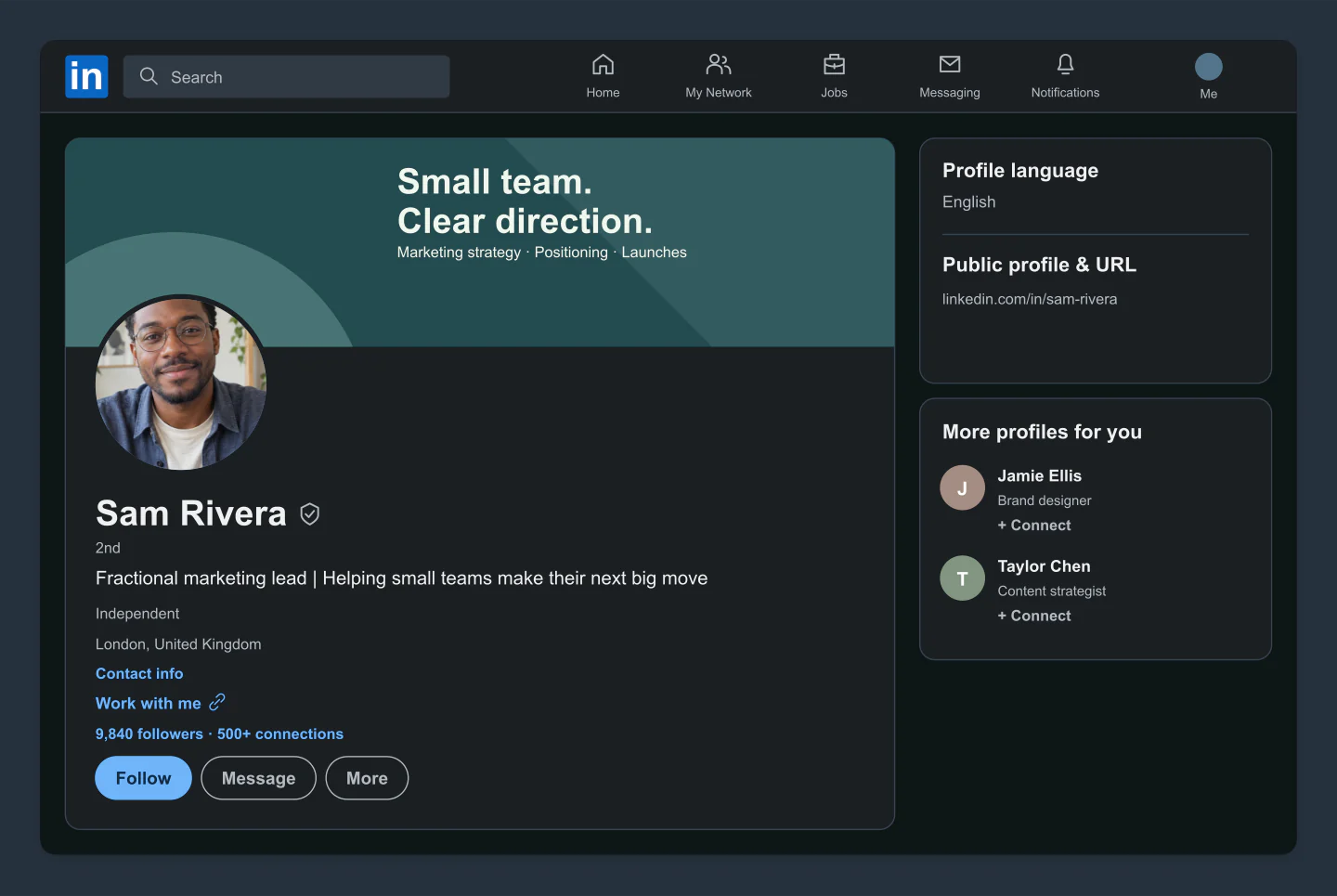
Desktop · Dark · Profile intro
A crisp dark profile for a consultant or marketing lead. Keep the introduction focused on what you do and who you help.
Made with this generator. Sample brands, conversations and engagement counts are fictional.
YOUR PROFILE, WITH A PLAN
Try a cover, add your photo and write a headline. See how the pieces work together on mobile or desktop.
Add an About section, featured projects and experience. Use Profile intro for a compact view, or show the whole story.
Download a free image for a client, a presentation or your own planning. Save a project to keep every detail editable.
A FEW USEFUL DETAILS
Yes. Create your profile and download PNG or JPG images at 1×, 2× or 3× for free. No account or watermark is needed.
Edit your name, headline, location, company, education, follower and connection counts, badges and buttons. Add a profile photo, design a cover or upload your own. You can include About, services, featured work, experience, education and skills.
Click your name, headline or About text to type on the canvas. Click outside or press Escape to finish. Drag an uploaded profile, cover or featured photo to adjust its crop, then use the zoom control above the preview. Other sections open their settings when clicked.
Yes. Choose Profile intro above the preview to focus on your banner, photo and headline. Full profile includes whichever sections you have enabled. Switch between mobile and desktop, in light or dark.
Marketing specialists, personal branding consultants, recruiters and creators can compare profile ideas, show a proposed refresh to a client or include a profile in a presentation. Save an editable project to revisit the details later.
No. This is an independent image mockup tool. It does not connect to LinkedIn, update a profile or verify a badge. Buttons, website labels and network counts are visual elements in the exported image. Use them to preview a design, not to misrepresent a person or their credentials.
Your latest draft stays in this browser. Save project downloads an editable file with your settings and images. Open project restores it here or on another device. Photos you upload are resized locally in your browser.
The mockup uses a familiar LinkedIn profile layout. The real interface can vary by device, account and app version. Use this to plan and present a profile, rather than as a pixel-perfect screenshot of a live account.
An independent mockup tool by Mockaps, not affiliated with LinkedIn or Microsoft. Example profiles are fictional. Plan the rest of your content with LinkedIn Post or LinkedIn Carousel Post.