
Give each slide a purpose.
Start with a cover, add useful details and finish with a takeaway. Use editable slide styles or upload your own artwork.
One useful idea. Room to explain it.
Build a carousel worth stopping for.
Keep an editable copy on your device. How it works
A FEW WAYS TO MAKE IT YOURS
A practical guide, a case study, a story from the studio. Borrow a starting point and make every slide your own.
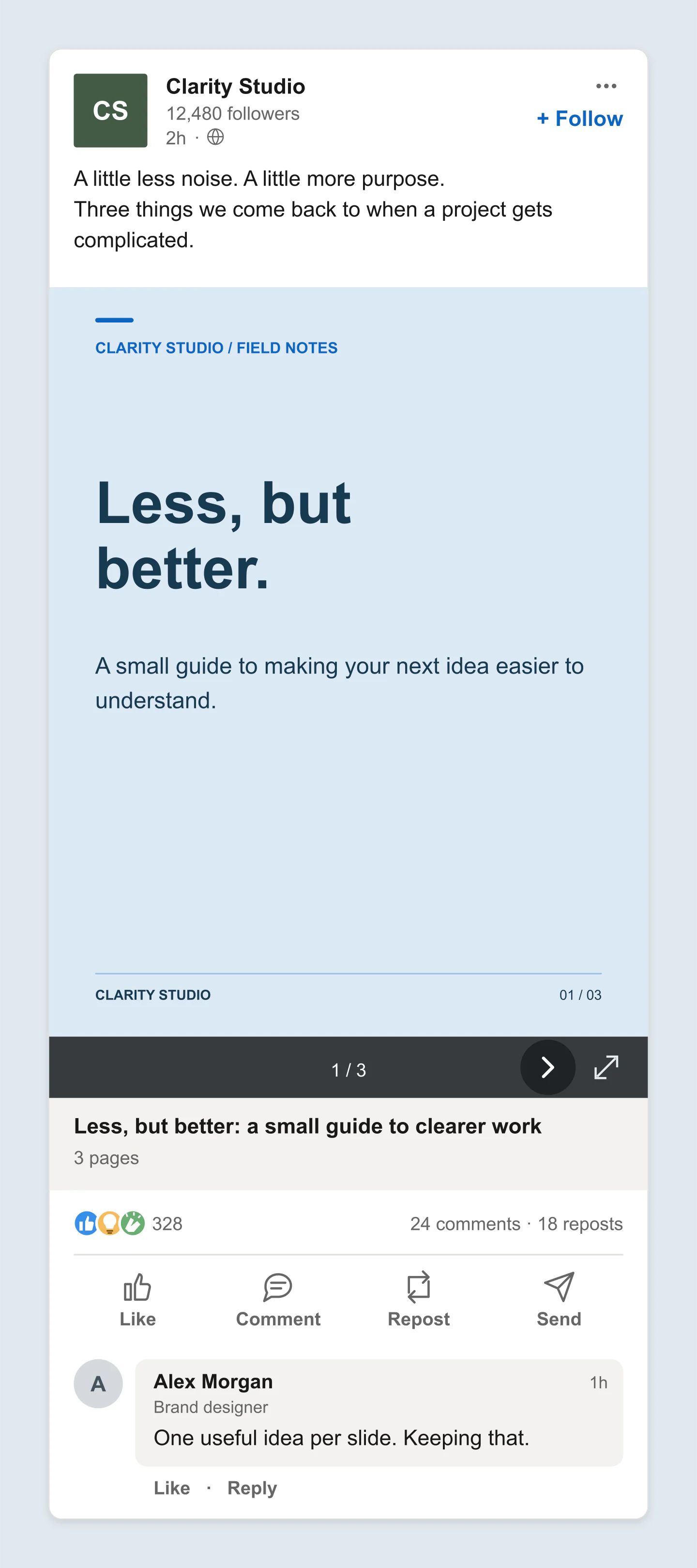
Mobile · Practical guide
A calm blue cover and a few focused takeaways. Edit every word, color and slide without leaving the tool.
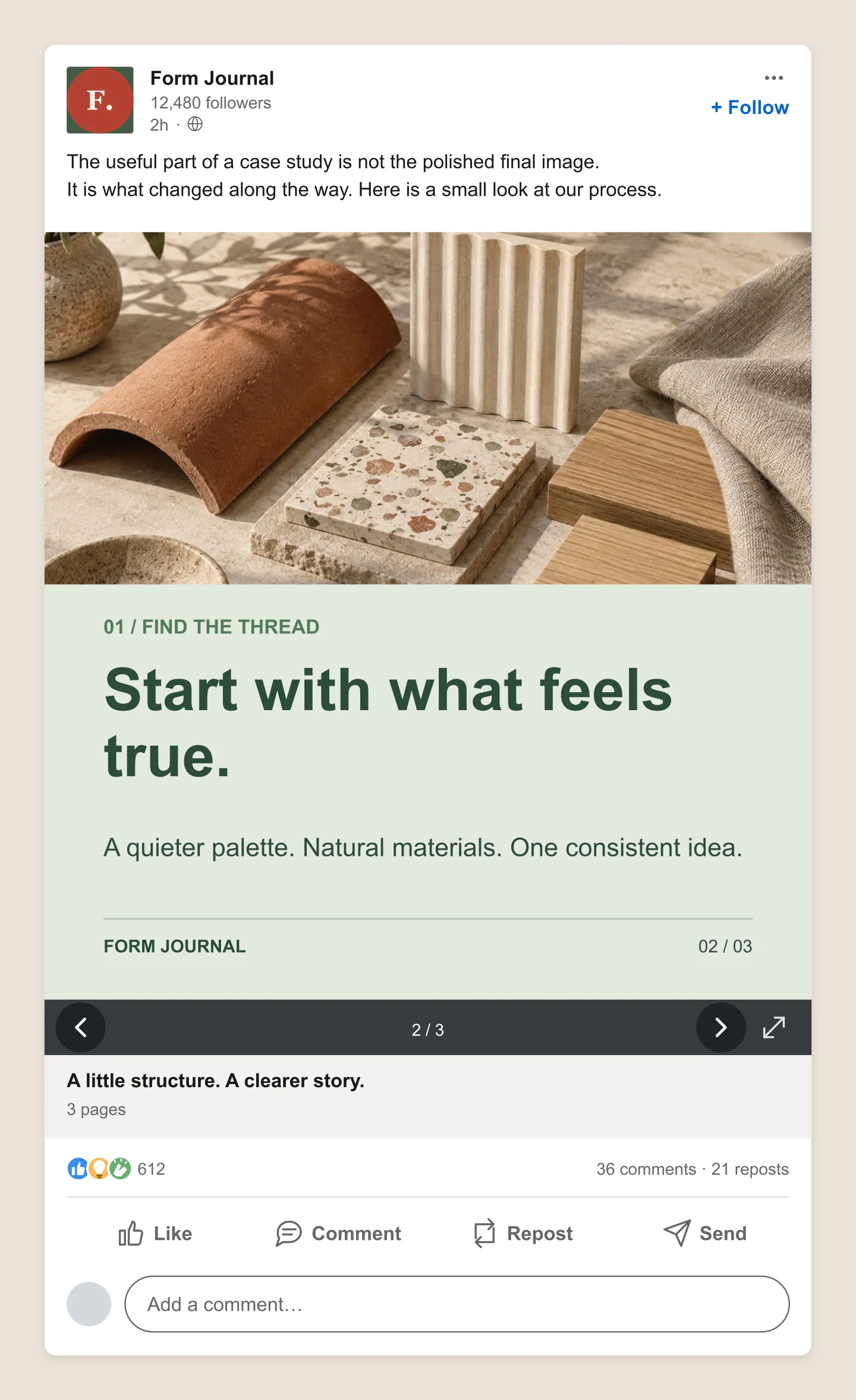
Desktop · Case study
A design studio case study with a moodboard and a practical takeaway. Shown on the second document page in the desktop feed.
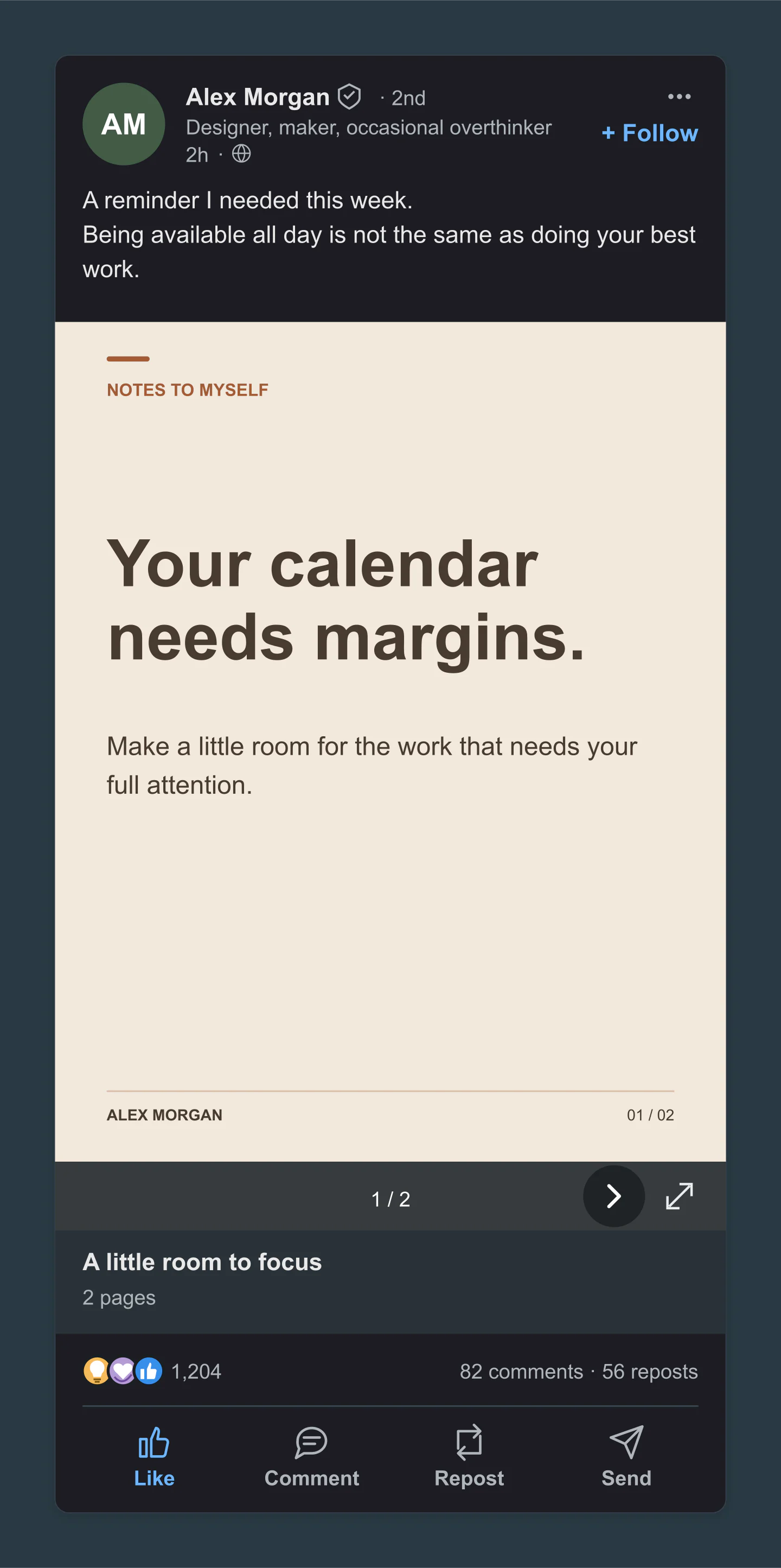
Dark · Personal profile
A personal post about a calmer working day. Dark LinkedIn surroundings frame a warm, editable slide.
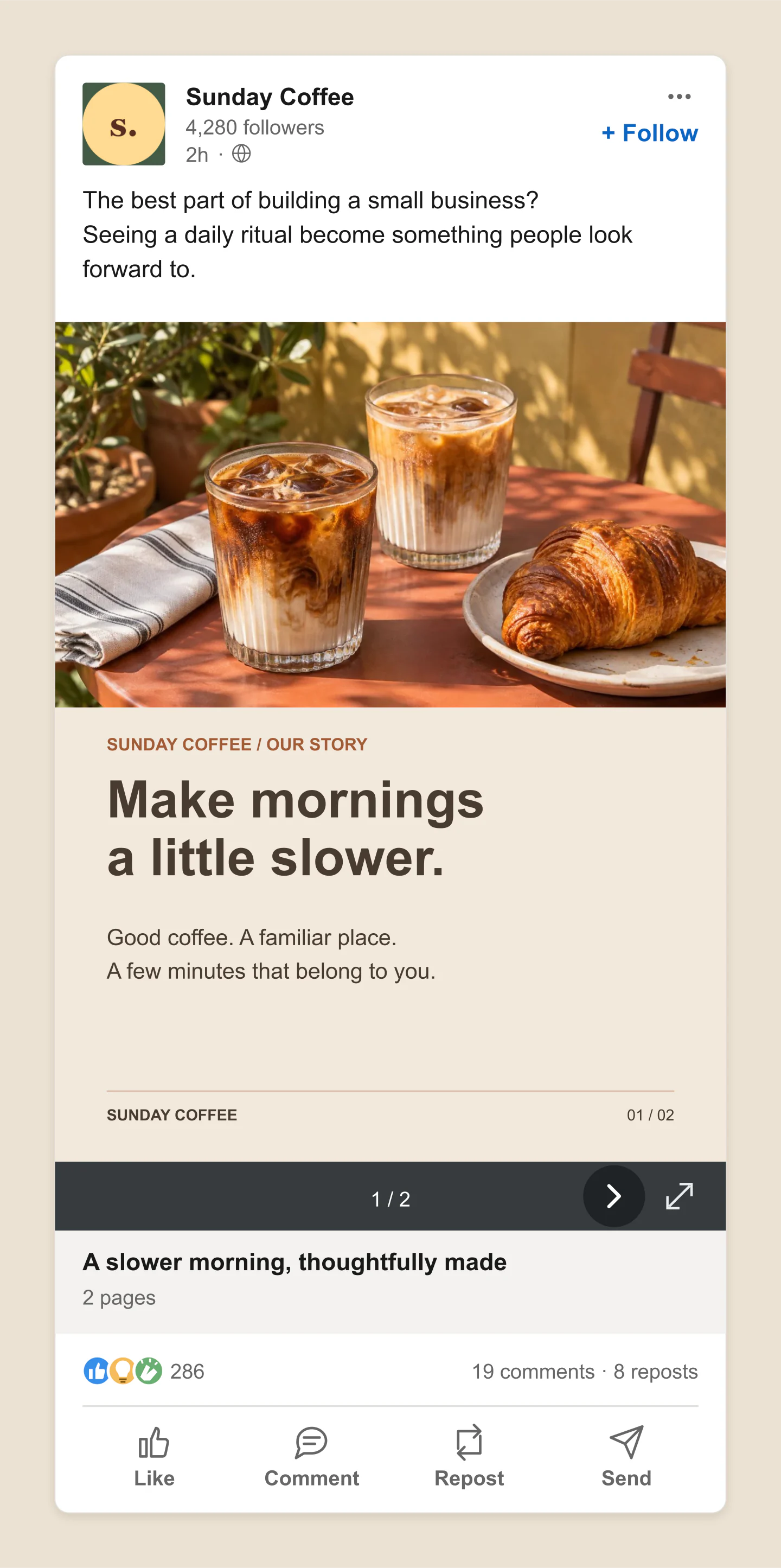
Mobile · Photo & text
Coffee photography with a short, editable brand story. A useful starting point for a collection or a founder update.
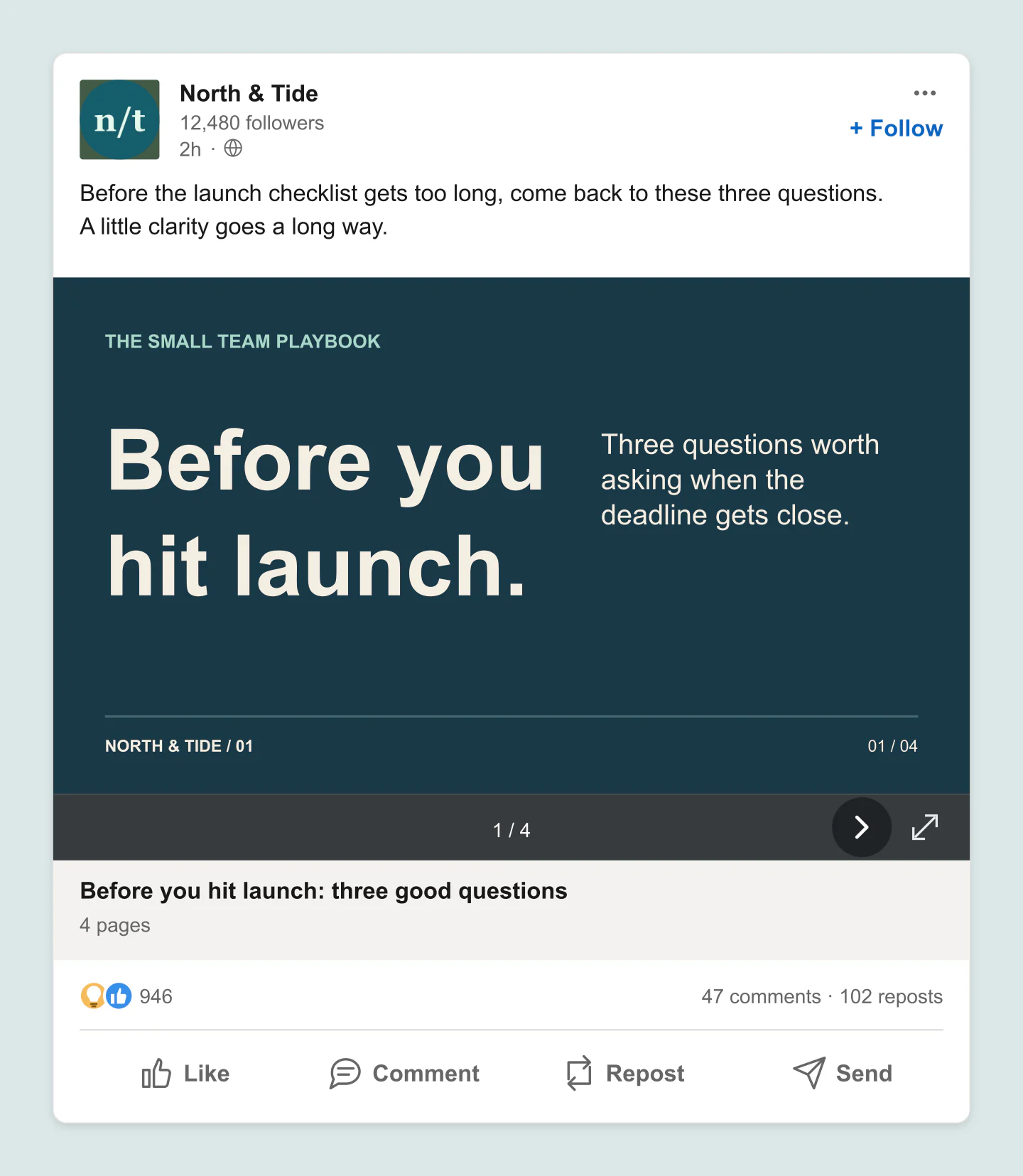
Desktop · Wide slides
A landscape document that turns a checklist into a short, readable carousel. Add your own questions and brand colors.
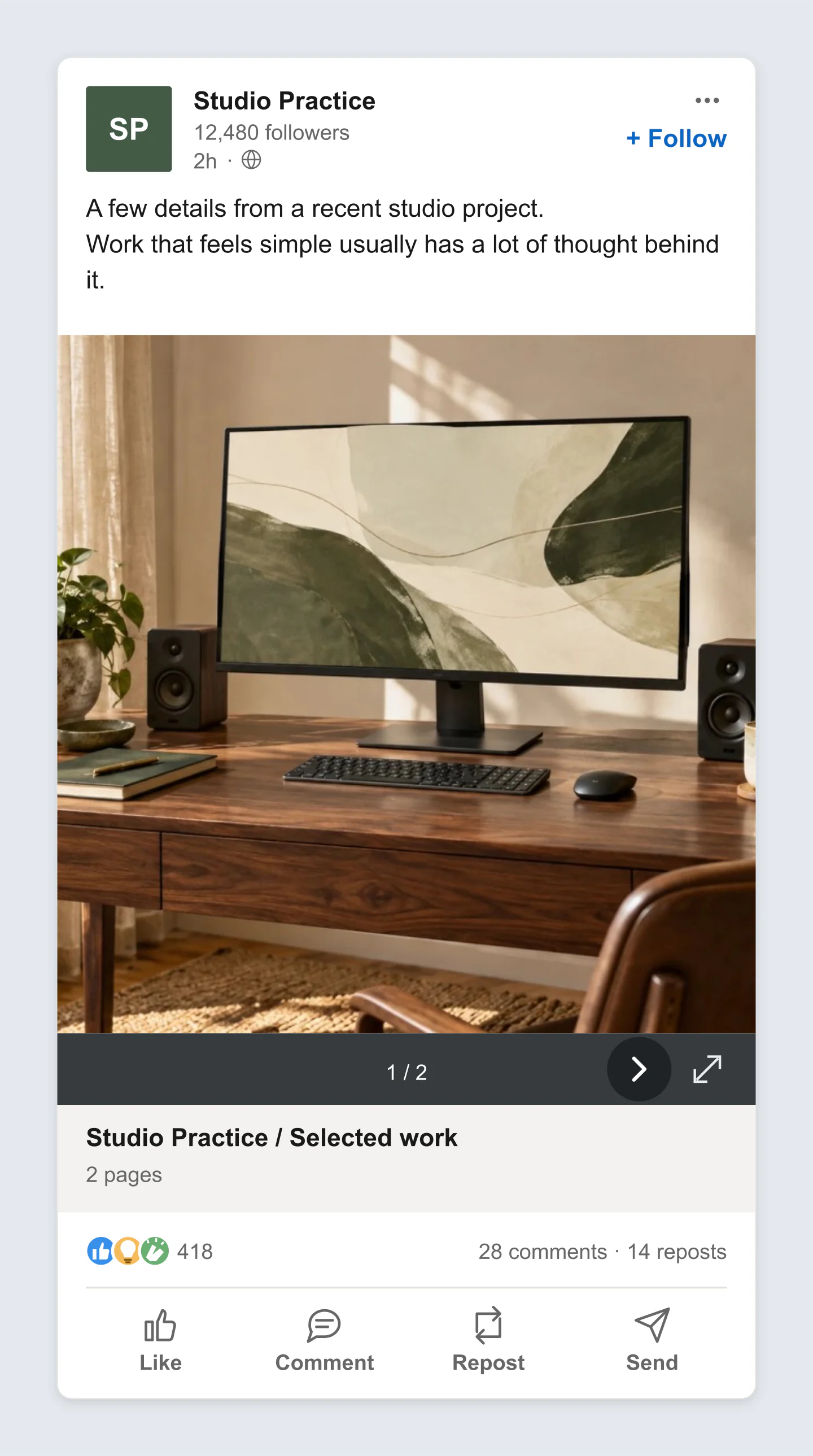
Mobile · Transparent PNG
Upload a finished slide or photograph and frame it as a document post. The surrounding canvas exports transparently.
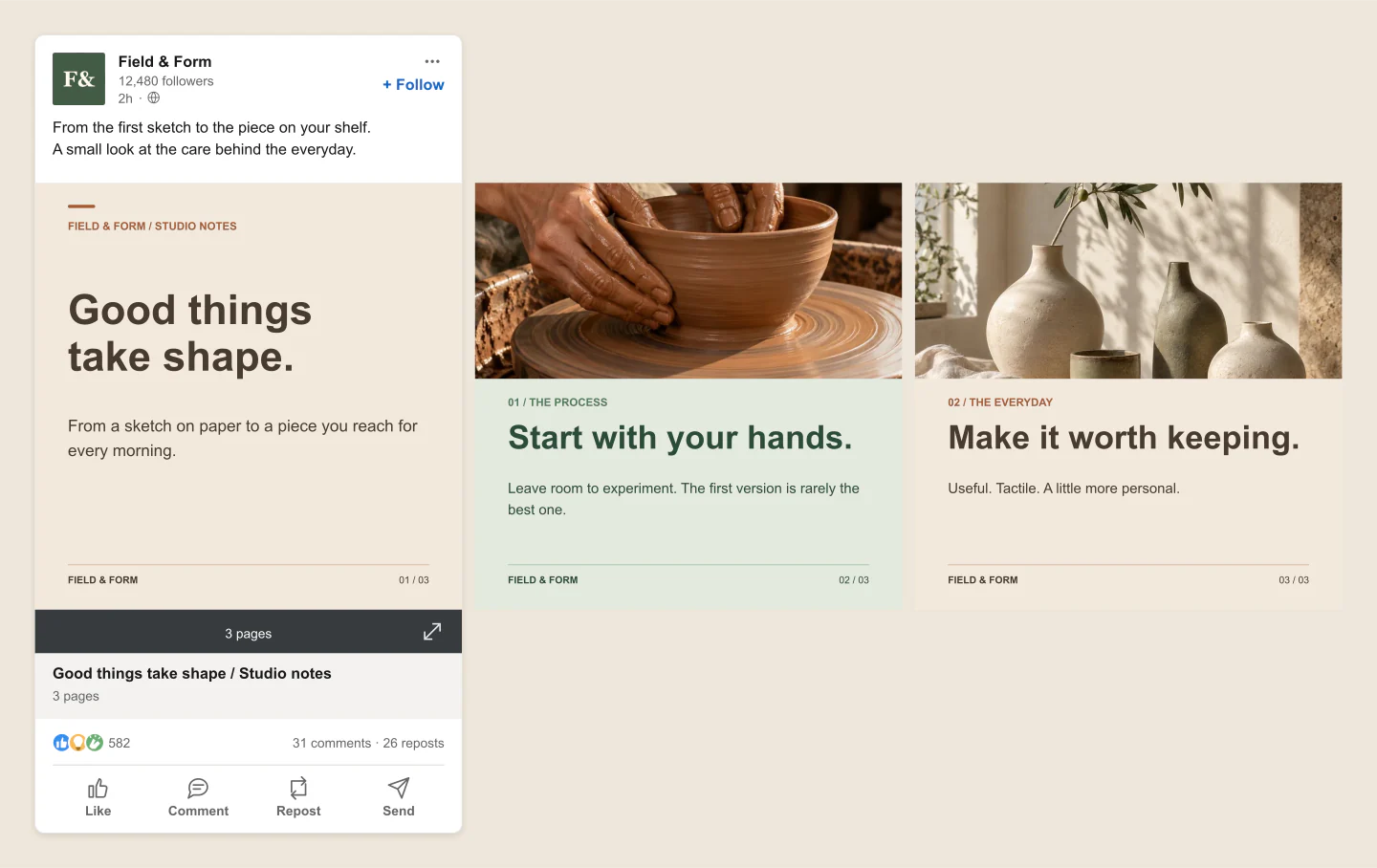
All cards · Maker story
A cover, a process photo and a finished collection, side by side. Download all three slides in one wide mockup.
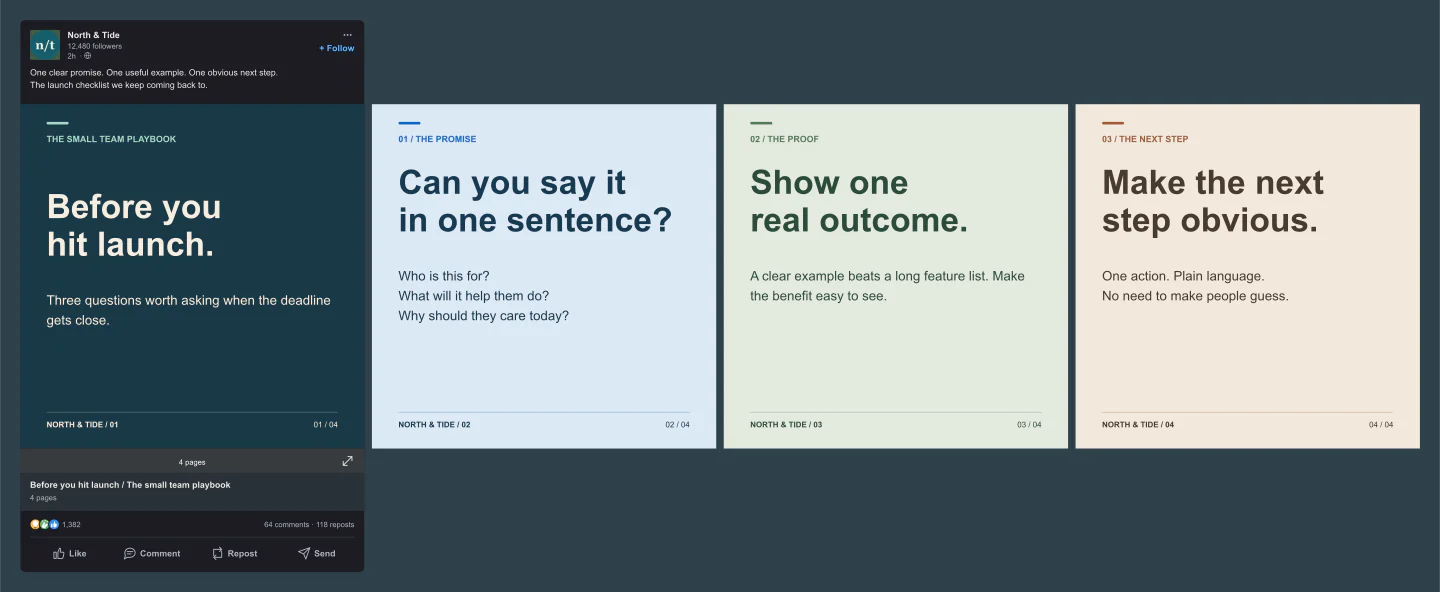
All cards · Desktop · Dark
Four coordinated document slides with a dark desktop post. Review the complete sequence and edit each card independently.
Made with this generator. Sample brands, conversations and engagement counts are fictional.
ONE POST. MORE POSSIBILITIES.
Start with a cover, add useful details and finish with a takeaway. Use editable slide styles or upload your own artwork.
Add the author, write your post and name the document. Preview mobile, desktop or dark mode before sharing the idea.
Download one view or every card in a ZIP. Get feedback, make a few changes and save the project for later.
A FEW USEFUL DETAILS
Yes. Create your carousel and download PNG or JPG mockups at 1×, 2× or 3× for free. No account or watermark. Save one feed view, all cards in a wide image, or every page as a ZIP.
Start with a cover, a content slide or a photo with text. Edit the headings, supporting copy, brand footer and colors. You can also upload finished slide artwork as a PNG, JPG or WebP. Add two to ten cards, then reorder or duplicate them.
Choose All cards above the preview. Your document slides extend to the right, while the author and post details keep their LinkedIn layout. Download saves the complete sequence in one wide image. Feed view shows one page at a time.
This tool creates mockup images for planning, presentations and feedback. It does not import PDFs or publish to LinkedIn. To preview a document you designed elsewhere, export its pages as images and add them to the cards.
Choose a personal profile or company page. Edit the author, avatar, headline, followers, post copy, document title and page shape. Set reactions, comments and reposts, then try mobile, desktop, light or dark views.
Yes. Choose PNG in Canvas & export and enable Transparent canvas. The space around the mockup becomes transparent. The post and slides retain their own colors. JPG uses a solid canvas color.
One complete LinkedIn feed mockup for each document page, at your selected format and resolution. It is useful for presenting how the post looks as someone moves through the document.
Very wide All cards images may exceed the browser export limit. If that happens, choose 1× or 2×, reduce the number of cards, or download individual feed views in a ZIP.
Yes. Your draft saves in this browser when storage is available. Save project downloads an editable file with your uploaded photos. Open project restores it later. Every example below opens in the editor, ready for your own copy and colors.
An independent mockup tool by Mockaps, not affiliated with LinkedIn or Microsoft. Sample brands and engagement counts are fictional. For a single image or another carousel format, try the LinkedIn Post or Instagram Carousel generator.