
Get the introduction right.
Upload your photo, try a new bio and choose your buttons. See how the details work together on mobile or desktop.
A new bio. A fresh grid. A little more you.
Preview your profile. Bring it into motion.
Preview the central 2:3 thumbnail crop. Keep key details inside the dashed area. This guide stays out of downloads.
MP4 · 30 fps · Silent
Keep an editable copy on your device. How it works
Your photos stay in this browser. Plan the look here, then make it yours on Instagram.
A FEW WAYS TO MAKE IT YOURS
A brand refresh, a new collection or your next creative chapter. Pick a profile, change the details and find a direction that feels right.
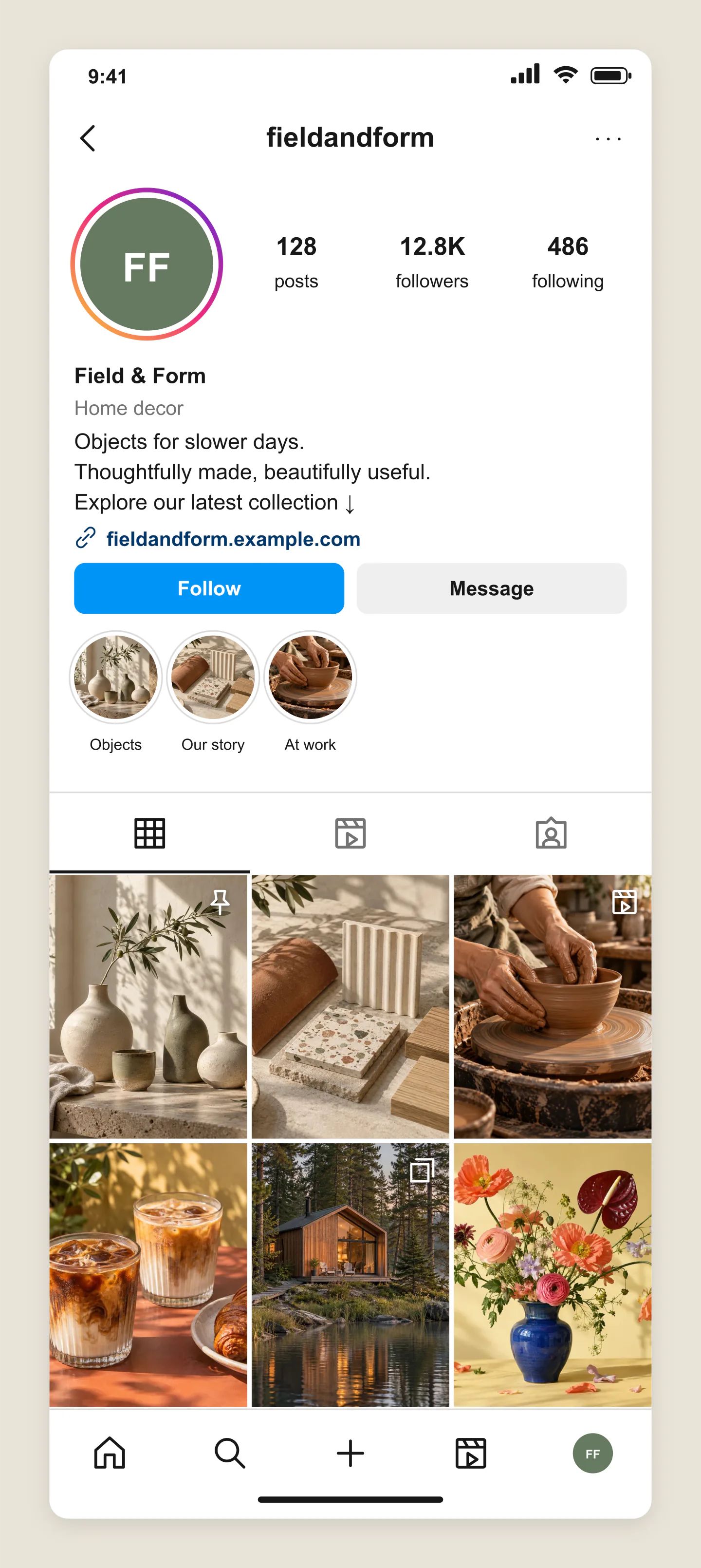
Mobile · Lifestyle brand
Warm ceramics, calm colors and a grid that feels considered. Preview a new bio, launch collection or highlight covers together.
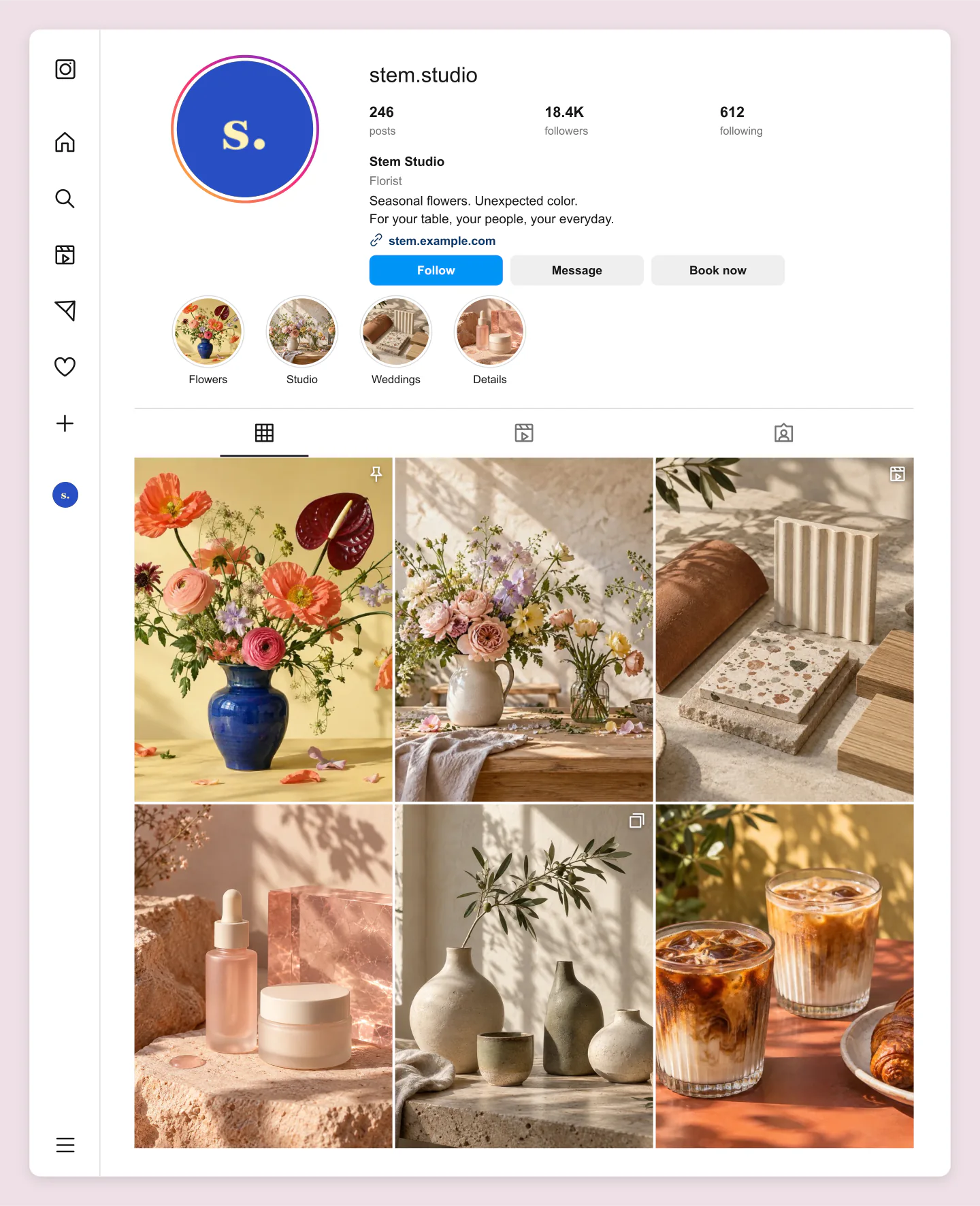
Desktop · Flower studio
A colorful profile for a floral studio, with seasonal photos and a clear booking button. A useful way to present a brand direction to a client.
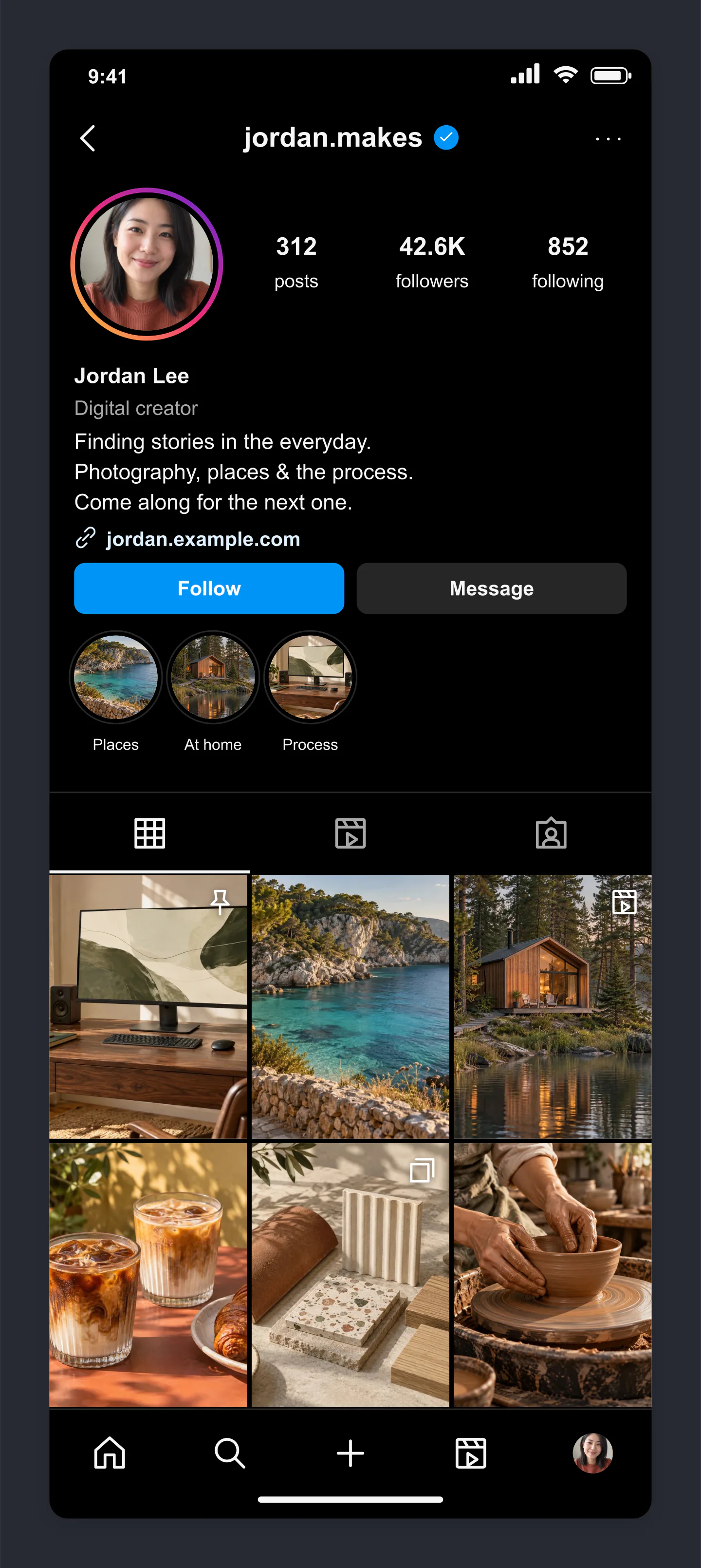
Mobile · Dark · Creator
A dark profile for a photographer or creative specialist. Build a mood across the grid and make your latest work easy to find.
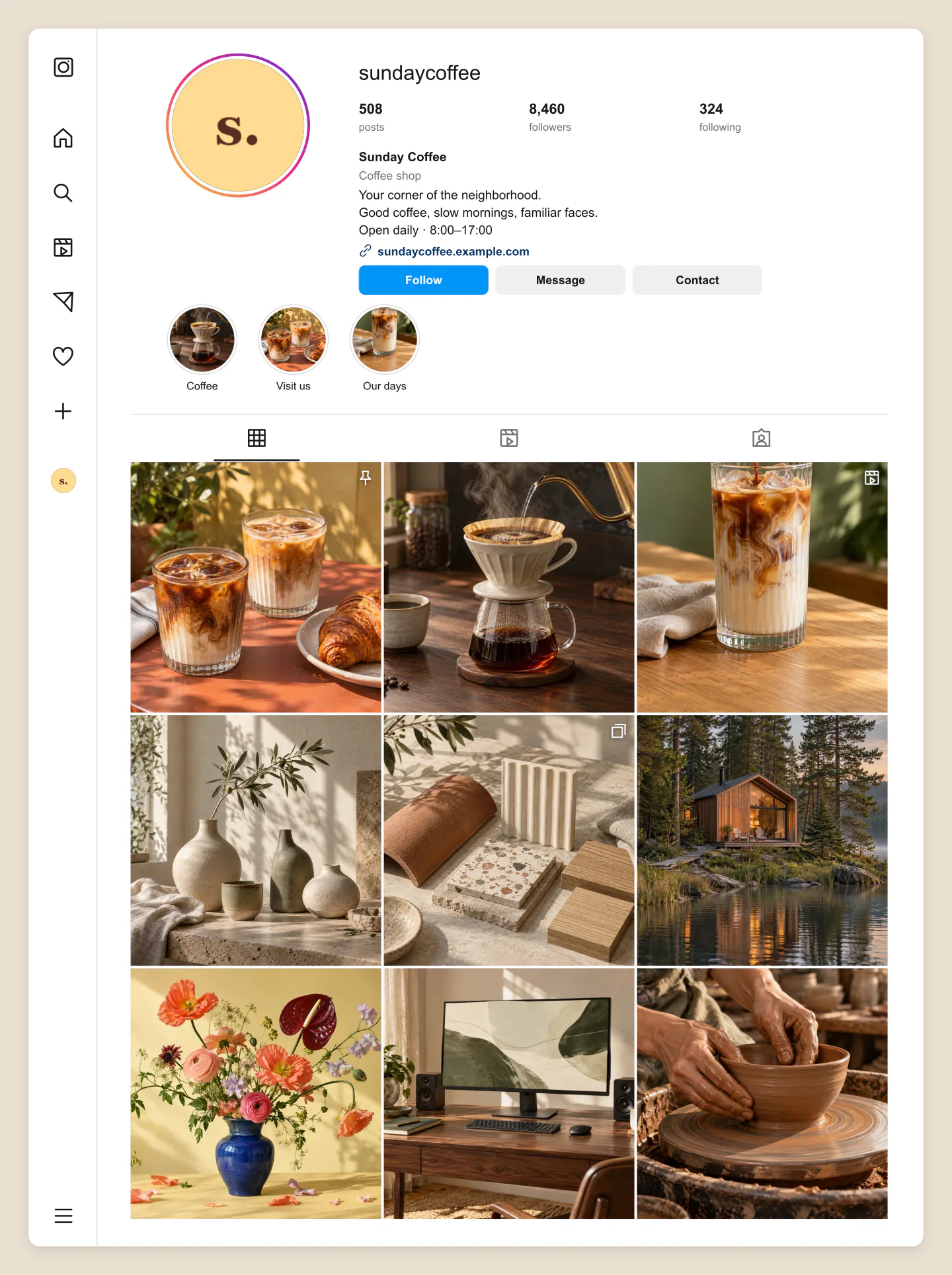
Desktop · Coffee shop
Plan a fuller nine-photo grid with a mix of scenes, details and people. Great for showing a client how their next posts will feel together.
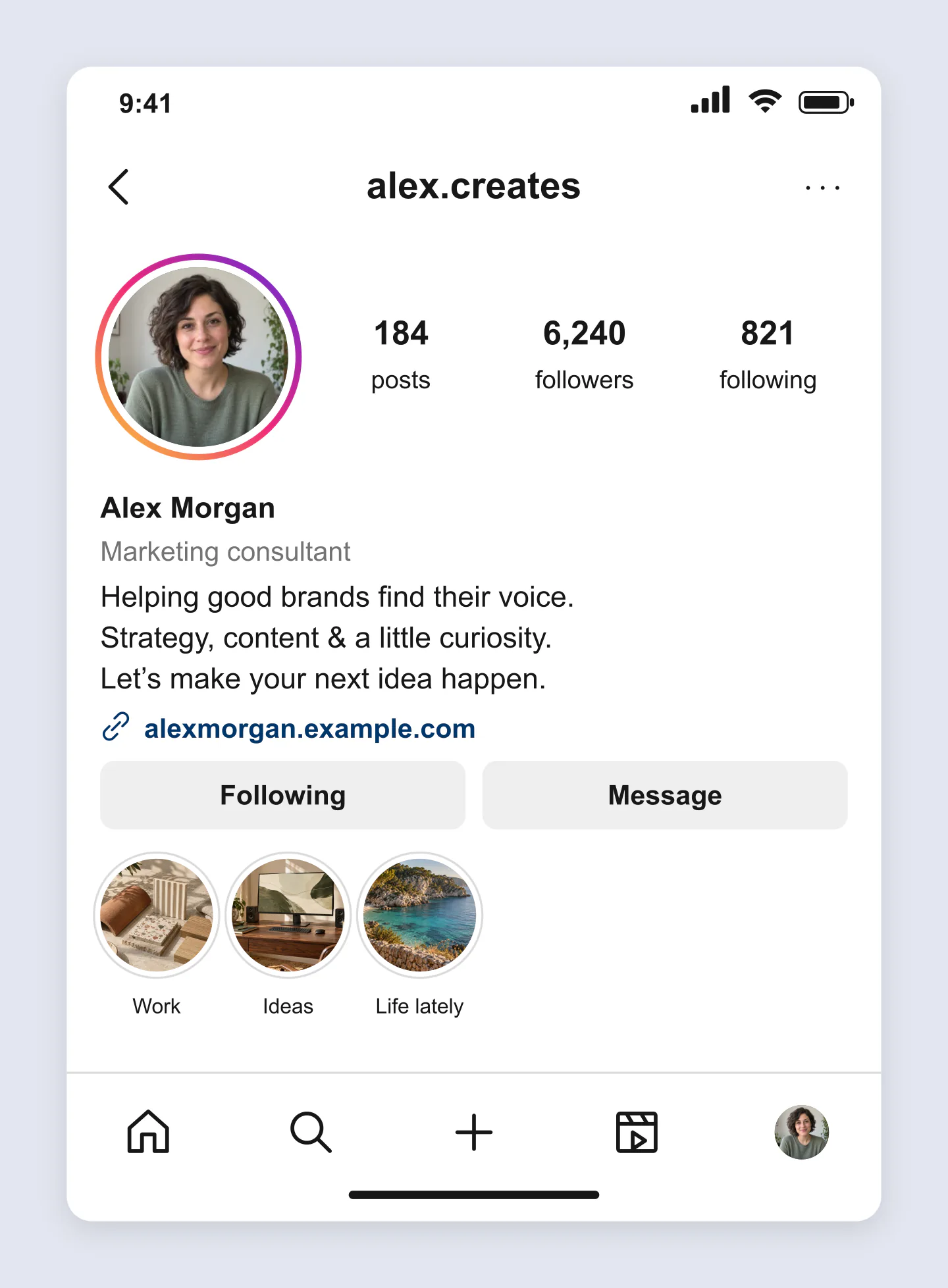
Mobile · Profile header
Keep the focus on your photo, bio and highlight covers. Compare a few introductions before you choose the one that sounds like you.
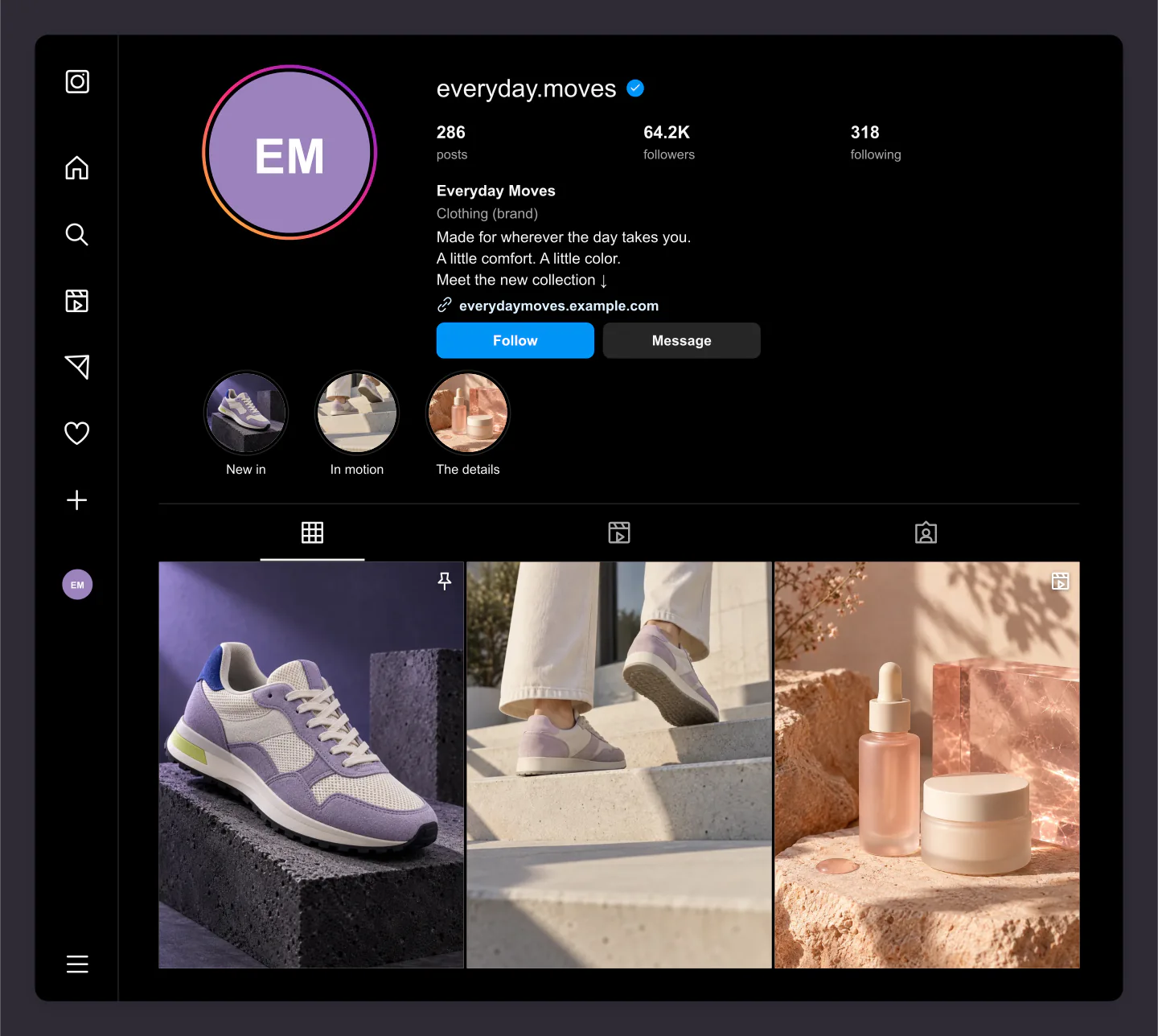
Desktop · Dark · Product brand
A compact dark profile with a three-photo launch grid. Try a campaign mood, pin a hero image and compare it with your existing brand.
Made with this generator. Sample brands, conversations and engagement counts are fictional.
YOUR NEXT FIRST IMPRESSION
Upload your photo, try a new bio and choose your buttons. See how the details work together on mobile or desktop.
Arrange photos, adjust the crops and add highlight covers. Compare a collection of ideas before you publish them.
Download a free image for a client presentation, content plan or brand guide. Save a project to keep everything editable.
A FEW USEFUL DETAILS
Yes. Customize your profile and download PNG or JPG images at 1×, 2× or 3× for free. No account or watermark is needed. Animation previews are free too; MP4 downloads require Pro.
Yes. Profile tour scrolls your profile inside a fixed frame. Grid reveal introduces your photos in sequence. Choose the timing, portrait, square or landscape frame, and a solid or gradient background. Preview for free and download a 30 fps MP4 with Pro.
Edit your username, display name, bio, category, website label, counts, buttons and verification badge. Upload a profile photo, add up to six story highlights and arrange up to twelve grid photos. Each photo can have a carousel, reel or pinned badge.
Yes. Click your name, username or bio to type on the canvas. Click outside or press Escape to finish. Click a grid photo or highlight to open its controls. Drag photos in the sidebar crop preview, or drag your profile photo on the canvas.
Yes. Upload and reorder your images to compare how they work together. Choose portrait or square cells, adjust the spacing and crop each photo. The post count is a separate display label, so you can preview a few new posts without recreating an entire account.
Switch between mobile and desktop, then choose light or dark. Full profile includes your grid. Profile header focuses on your photo, bio, buttons and highlights. You can also hide navigation or export with a transparent outer canvas.
Social media managers, marketing specialists, creators and small businesses can plan a profile refresh, compare campaign directions or present a proposed Instagram profile to a client.
Your latest draft stays in this browser. Save project downloads an editable file with your text, settings and uploaded photos. Open project restores it later or on another device. Uploaded photos are optimized locally in your browser.
No. This independent tool creates an image preview. It does not publish posts, change your account or verify a badge. The real Instagram interface can vary by device and app version. Profile tabs are visual labels for the same editable grid.
An independent mockup tool by Mockaps, not affiliated with Instagram or Meta. Example profiles are fictional. Plan your next post with Instagram Post, Instagram Carousel Post or Instagram Story.