
Add your content.
Upload your photo, write your caption, and add your profile details.
Find the right photo. Get the caption just right.
See your next post, before you share it.
Preview the central 2:3 thumbnail crop. Keep key details inside the dashed area. This guide stays out of downloads.
MP4 · 30 fps · Silent
Keep an editable copy on your device. How it works
A FEW WAYS TO MAKE IT YOURS
A new collection, a favourite café, a place worth saving. Try a mobile feed card or an opened desktop post with the photo and comments side by side. Light and dark examples, ready to edit.
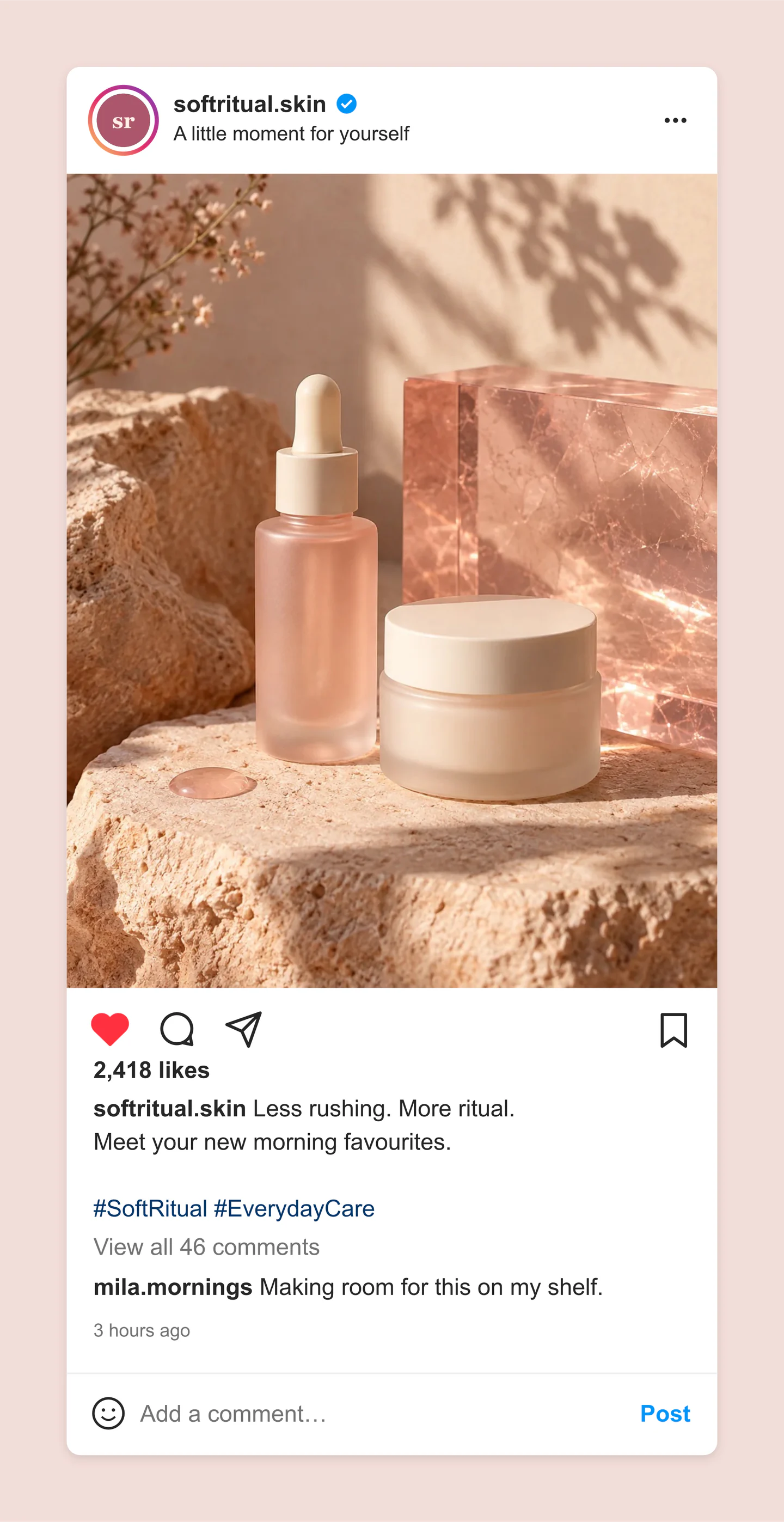
Mobile · Light · Skincare launch
A portrait Instagram product post with a story ring, a liked heart, a full caption and a customer comment. A starting point for your next beauty launch.
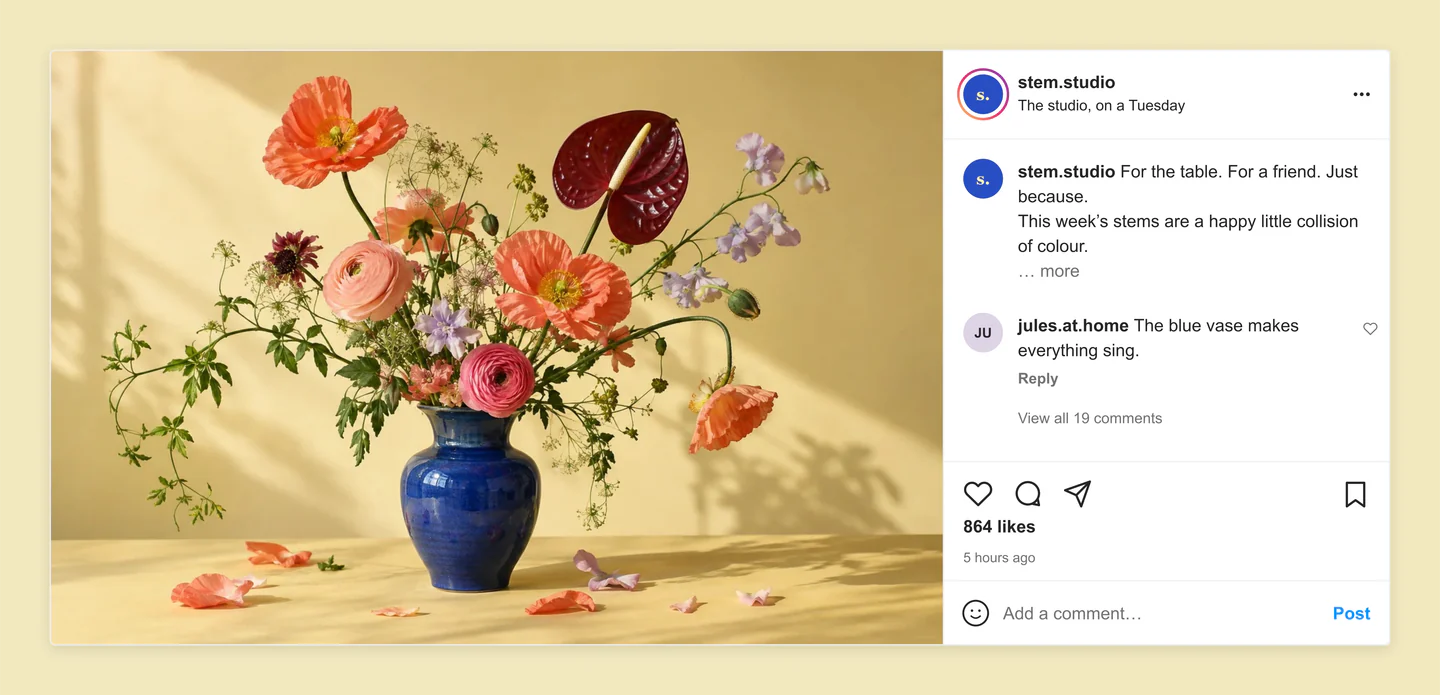
Desktop · Light · Floral studio
An opened desktop post for a flower studio. The wide photo sits beside the caption and conversation, with likes and a comment field below.
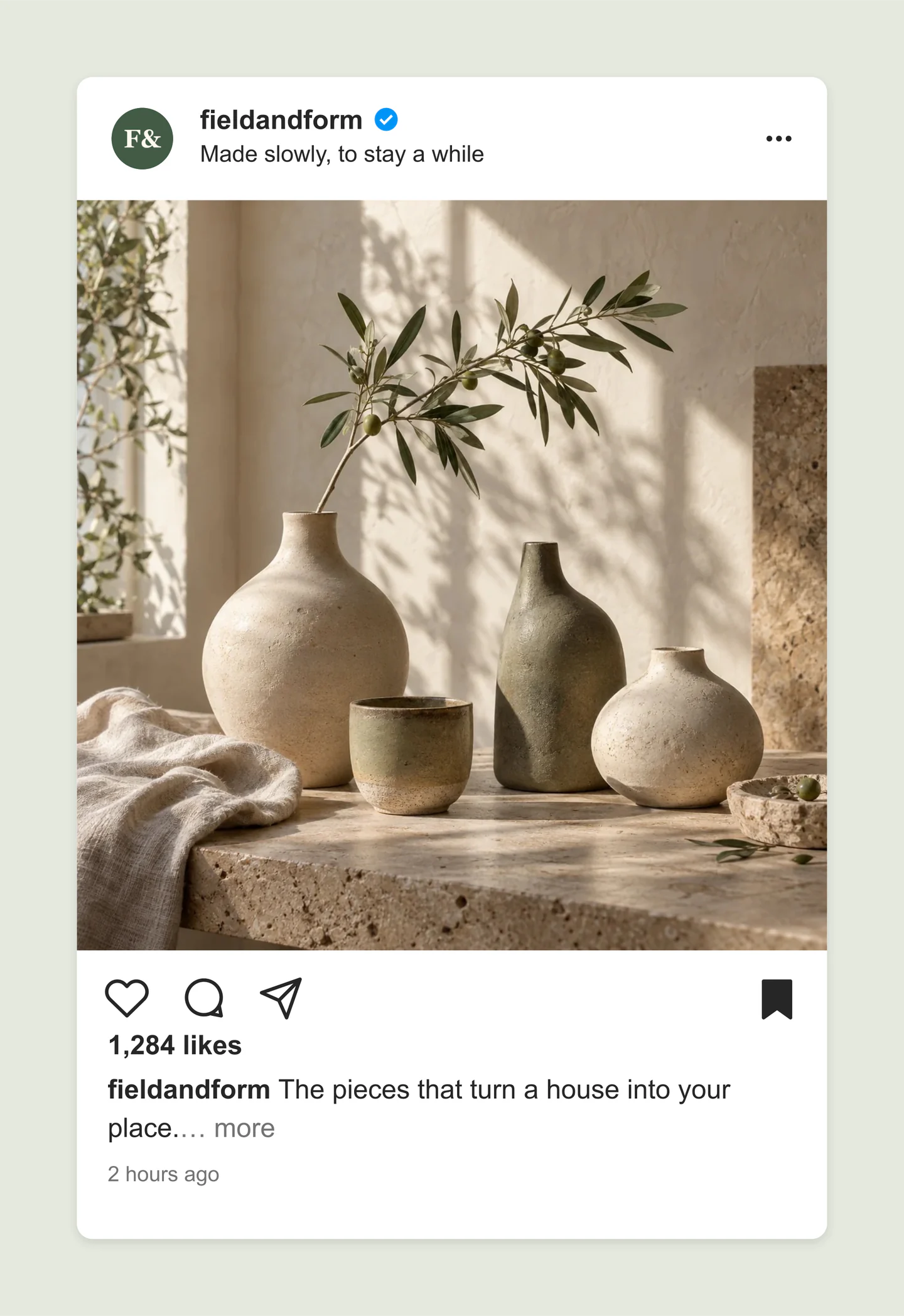
Mobile · Light · Homeware collection
A square Instagram post for a ceramics collection, with a saved state and an uncluttered caption. Useful for product photography and a quieter feed.
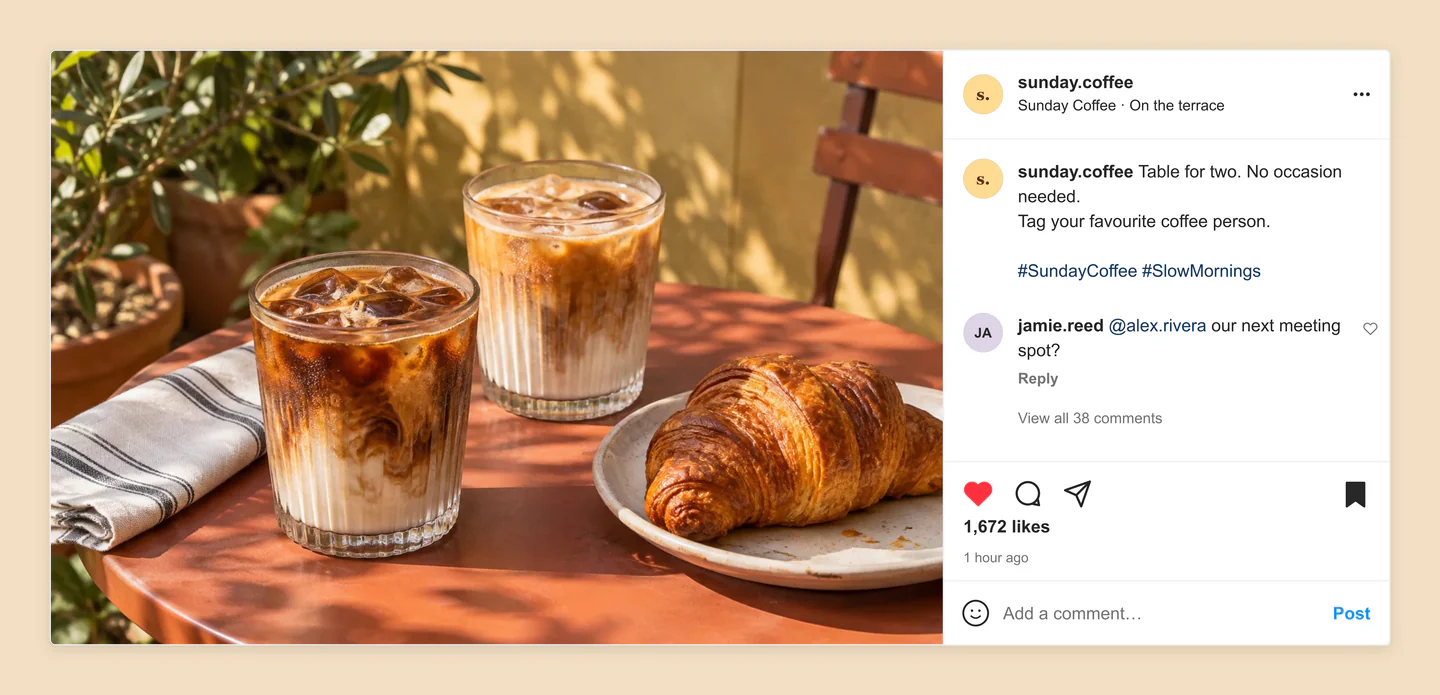
Desktop · Light · Café moment
A café update in Instagram’s desktop post view. A sunny terrace photo on the left, a customer comment on the right, and room for the full caption.
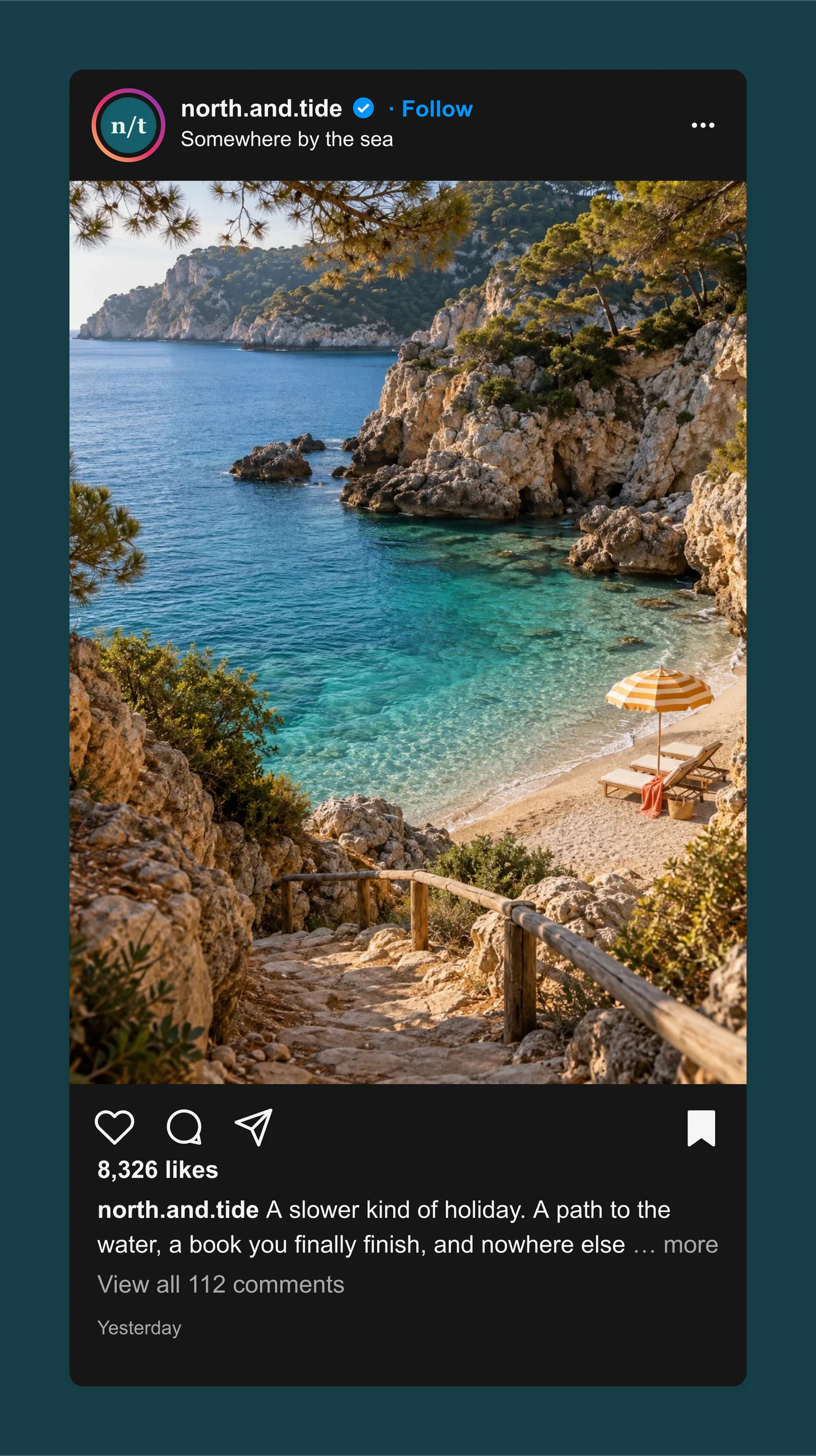
Mobile · Dark · Travel inspiration
A dark-mode mobile Instagram travel post with a tall photo, Follow link, shortened caption and saved bookmark. Let the image lead the story.
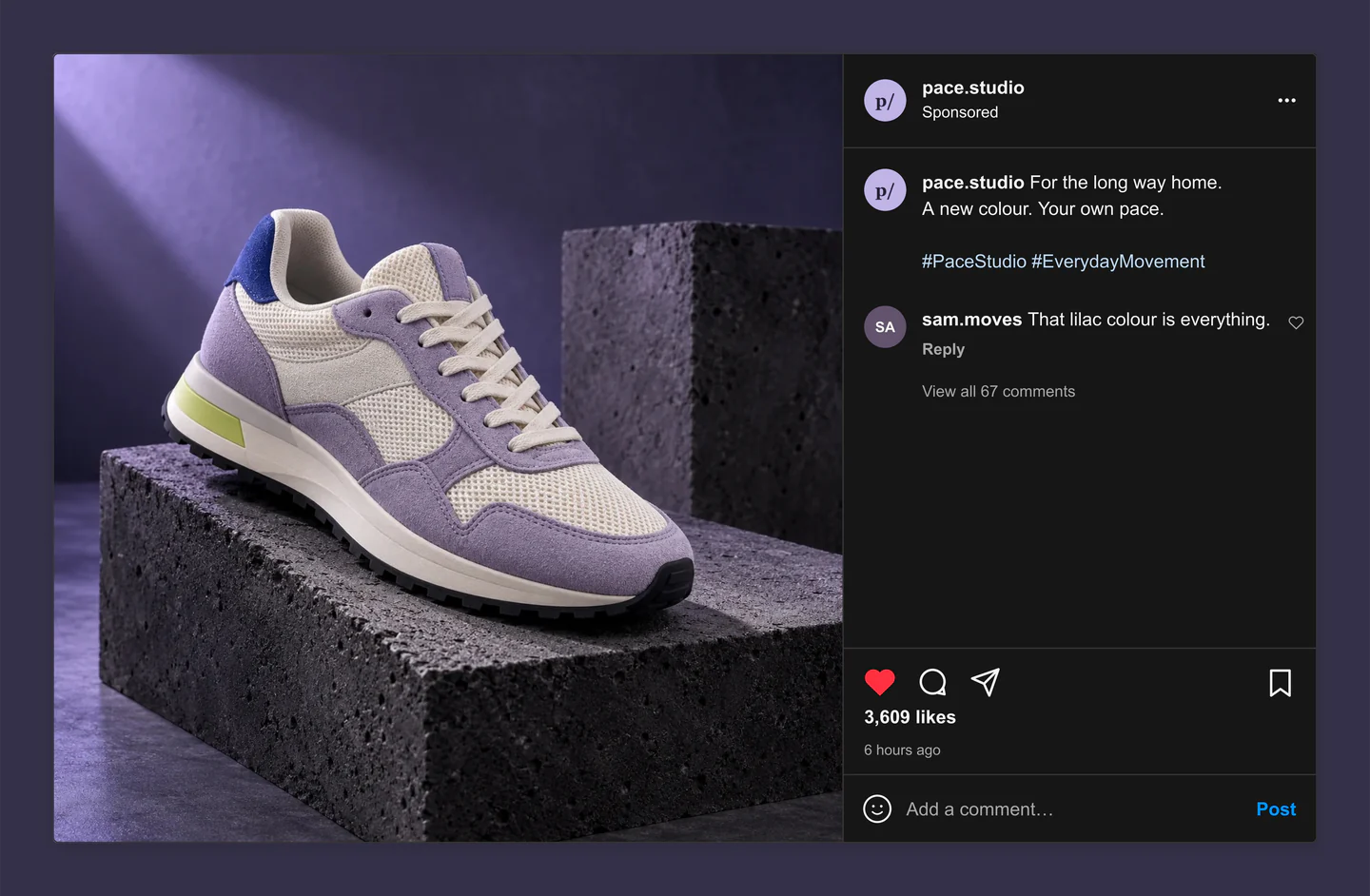
Desktop · Dark · Sponsored sneaker drop
A dark desktop product post with a square campaign photo and a separate discussion panel. A Sponsored label, liked heart and customer comment finish the preview.
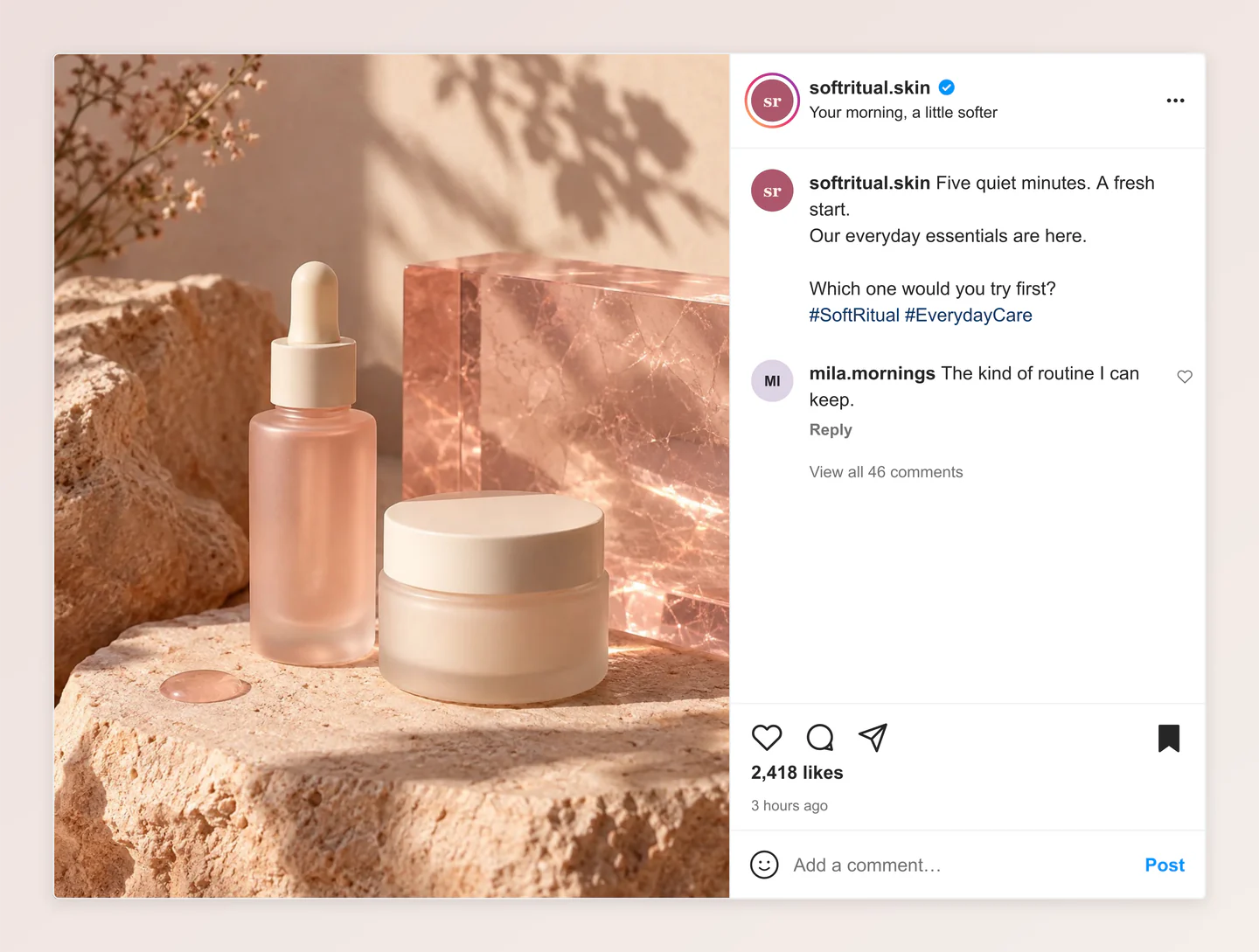
Desktop · Portrait photo · Beauty launch
A portrait product photograph in an opened desktop post. Preview a skincare launch with a full caption, customer comment and soft rose background.
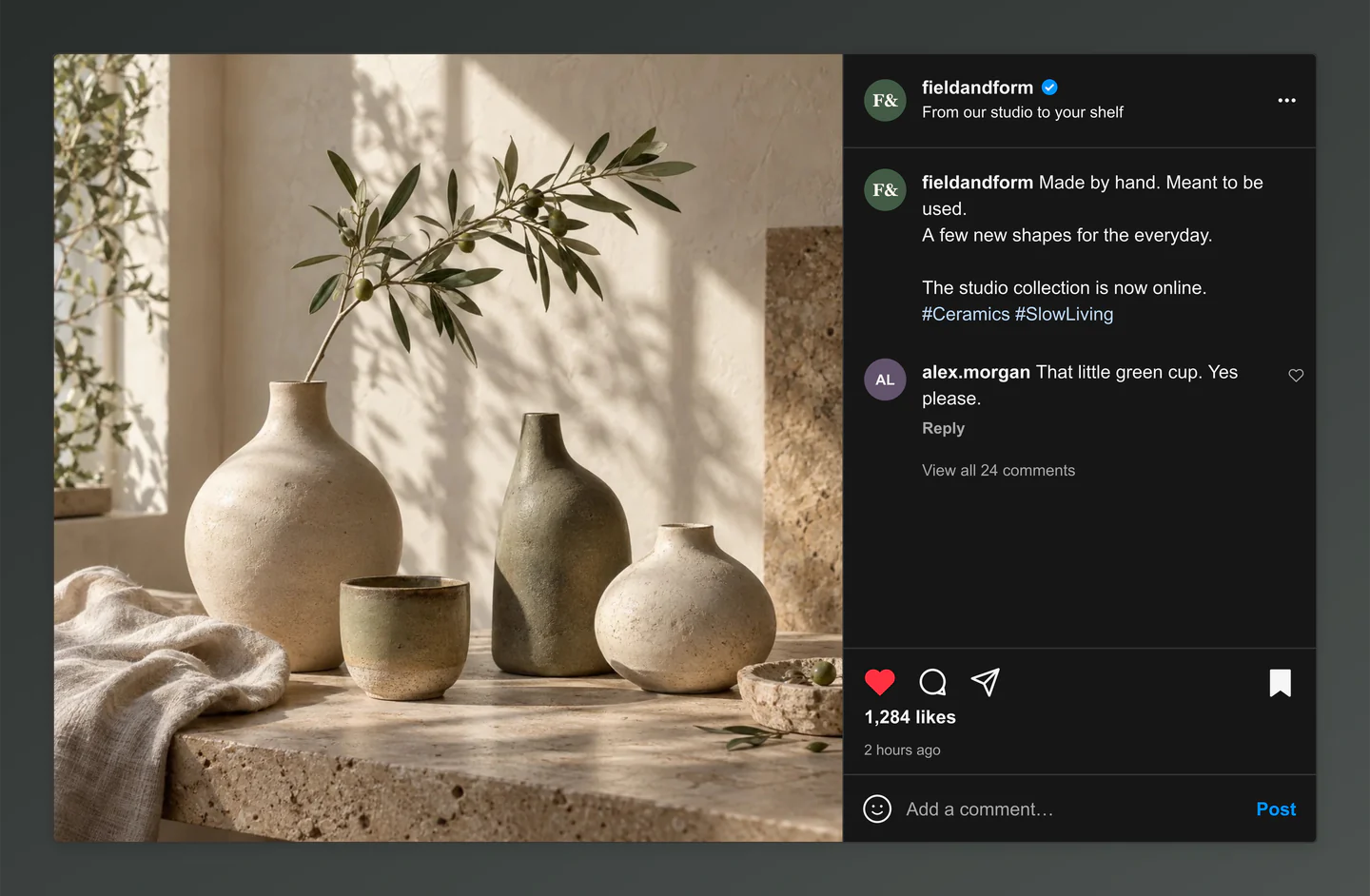
Desktop · Dark · Studio collection
A quiet ceramics collection in the dark desktop layout. Use the separate photo and caption panel to present a product story in a campaign deck.
Made with this generator. Sample brands, conversations and engagement counts are fictional.
FROM AN IDEA TO A PREVIEW
Upload your photo, write your caption, and add your profile details.
Choose your crop, try light or dark mode, and fine-tune the likes and comments.
Download a PNG or JPG at 1×, 2× or 3×, all free. Ready for your next pitch or campaign plan.
A FEW USEFUL DETAILS
Desktop uses Instagram’s opened-post layout: a large photo on the left and a separate caption, comments and engagement panel on the right. Mobile uses the stacked feed card. Both layouts support light and dark mode, free image downloads and animation previews. Instagram’s interface can vary between accounts and updates.
Yes. Turn on Animation to scroll your post into view, spin it into place, or type out its caption. Preview every style for free. Pro downloads a silent 30 fps MP4 in portrait, square or wide format, at 720p or 1080p.
Yes. Save project downloads an editable file with your settings, text and uploaded images. Open project restores it in the same tool, or lets you paste project JSON from an assistant. Review it before replacing your draft. Files are processed in your browser, not uploaded to your account.
Yes. Images exported from these social and app mockup tools can be used in personal projects, social posts, presentations and client work without a Mockaps subscription or attribution. You still need permission for content you add. Platform names and logos belong to their owners; a mockup does not imply their endorsement.
Change the username, profile photo, story ring, verified badge, location, caption, timestamp and photo crop. Set likes and comments, show a liked or saved post, and switch between a mobile feed card and an opened desktop post or light and dark mode.
Yes. All current editing features and PNG or JPG downloads at 1×, 2× and 3× are free. No account, subscription or watermark. The download controls show the exact pixel dimensions for your design. Very large designs may need a smaller size to fit your browser’s image limits.
Your latest Instagram draft and resized images are saved in this browser on this device, separately from your Facebook draft. They are not uploaded to your account. Clearing site data or using another browser will remove or separate your draft.
No. This tool creates a visual mockup for planning, presentations and client reviews. It does not connect to Instagram or publish a post.
This preview recreates Instagram’s mobile feed card and opened desktop post. Instagram can vary layouts, text wrapping and image crops by device, placement and interface update. Check your final post in Instagram before publishing.
This tool currently previews a single photo feed post. Carousel posts, Stories and Reels use different layouts and are not included in this version.
Yes. Upload PNG, JPG or WebP images up to 8 MB. Images are resized locally to keep editing and browser saves fast. You can reposition and zoom your image, with square, portrait, tall portrait and landscape crops.
Yes. Choose Use this example below the editor to load its photo, caption, profile, crop, likes and comment settings. Loading asks before replacing your local Instagram draft, and you can restore the previous draft until you reload the page. Your other tools’ drafts stay separate.
An independent tool by Mockaps. Instagram is a trademark of Meta. This tool is not affiliated with or endorsed by Meta.