
Start with the words.
Click a comment in the preview. Add your own message, or build a thread with comments and replies.
Good conversations start with a comment.
Your words. A familiar little setting.
Keep an editable copy on your device. How it works
A FEW WAYS TO MAKE IT YOURS
A kind word. A good question. The reply that starts a conversation. Choose an example, then make every detail yours.
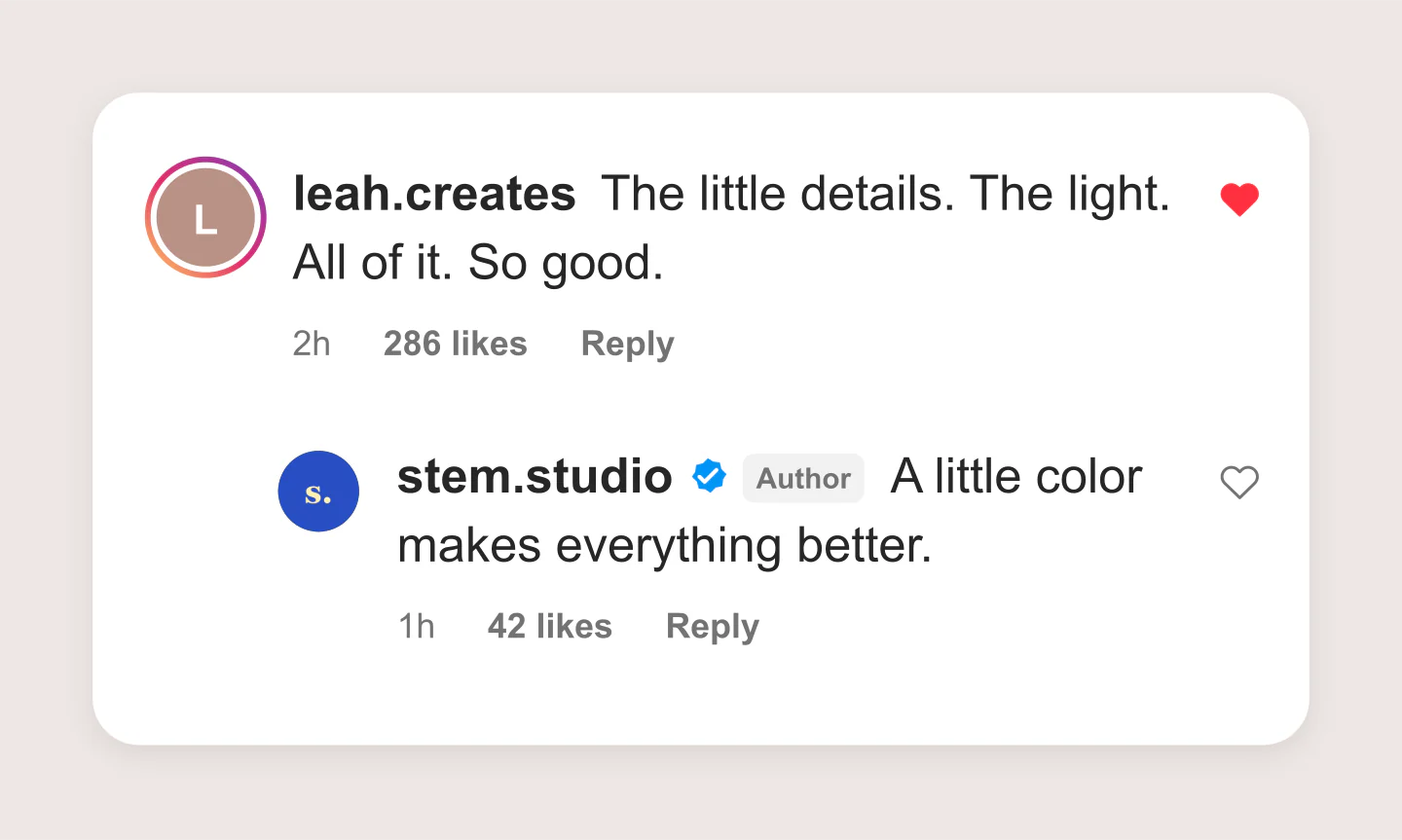
Comment cards · Light
A kind comment, a thoughtful reply and a little color. Start here, then add your own voice.
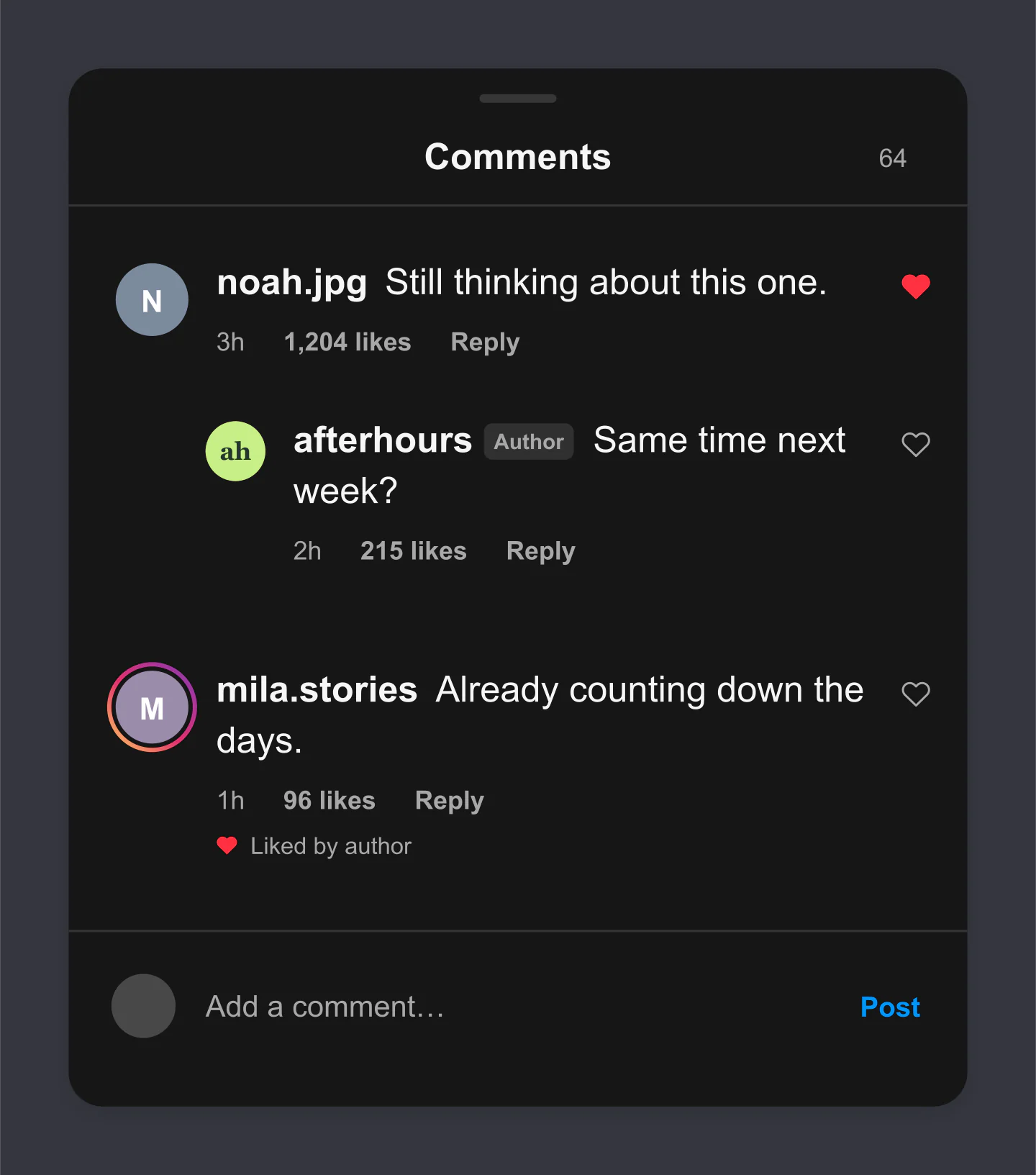
Comments panel · Dark
A dark panel for a late-night conversation. Likes, replies and an author badge keep the small details familiar.
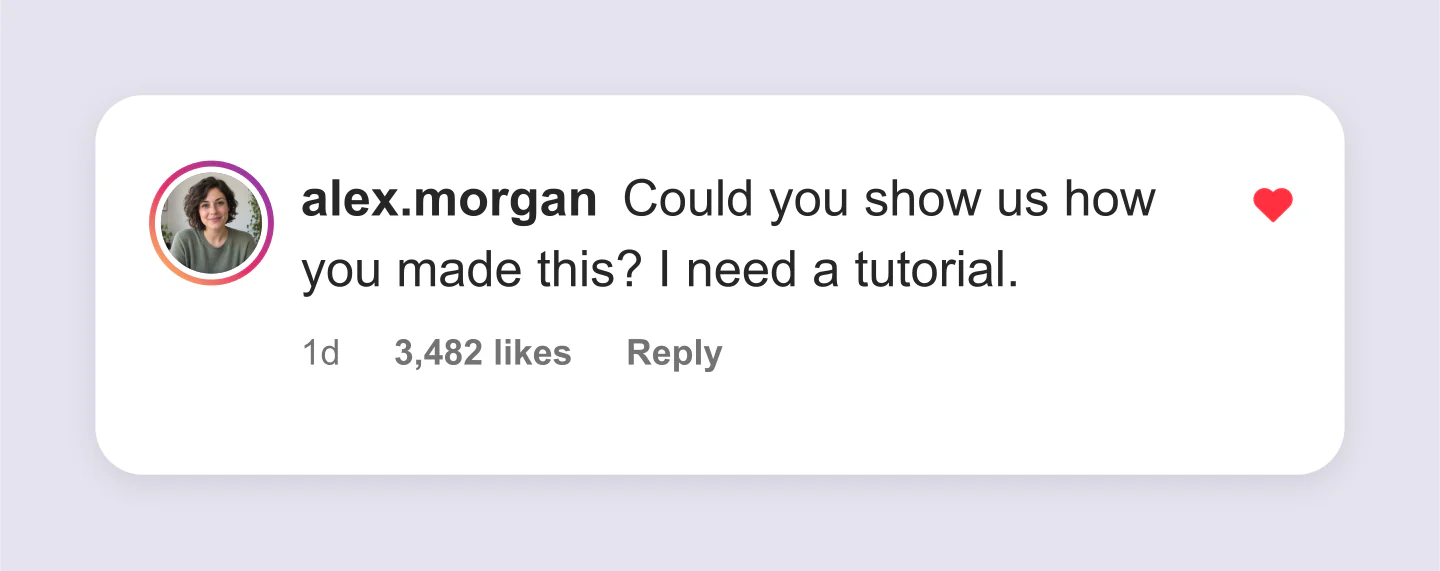
Single comment · Transparent PNG
A single comment ready to layer over your next image or video. The lavender canvas here is just a gallery backdrop.
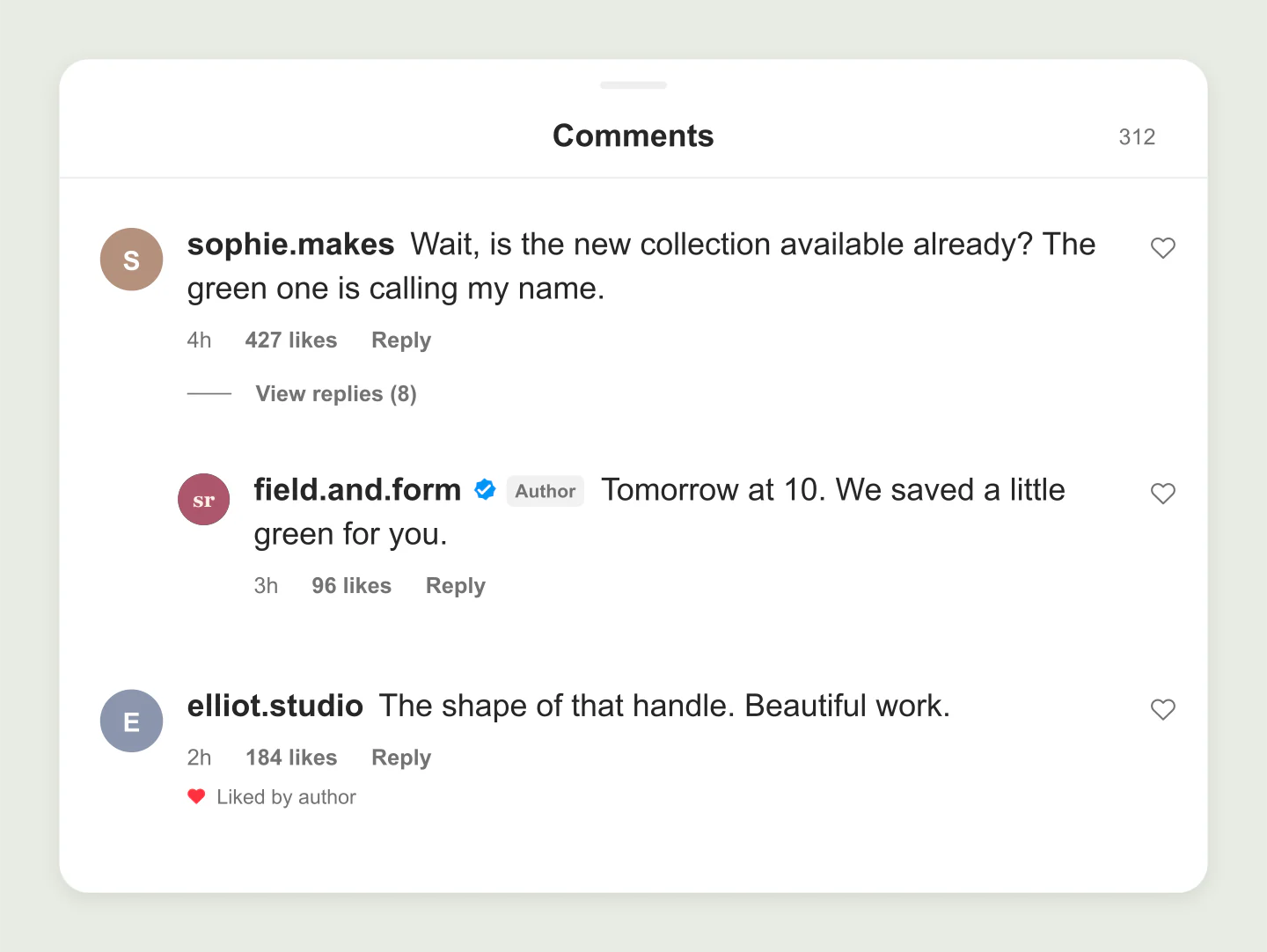
Wide panel · Author replies
A little more room for a real conversation. Try the wide view for a campaign deck or presentation.
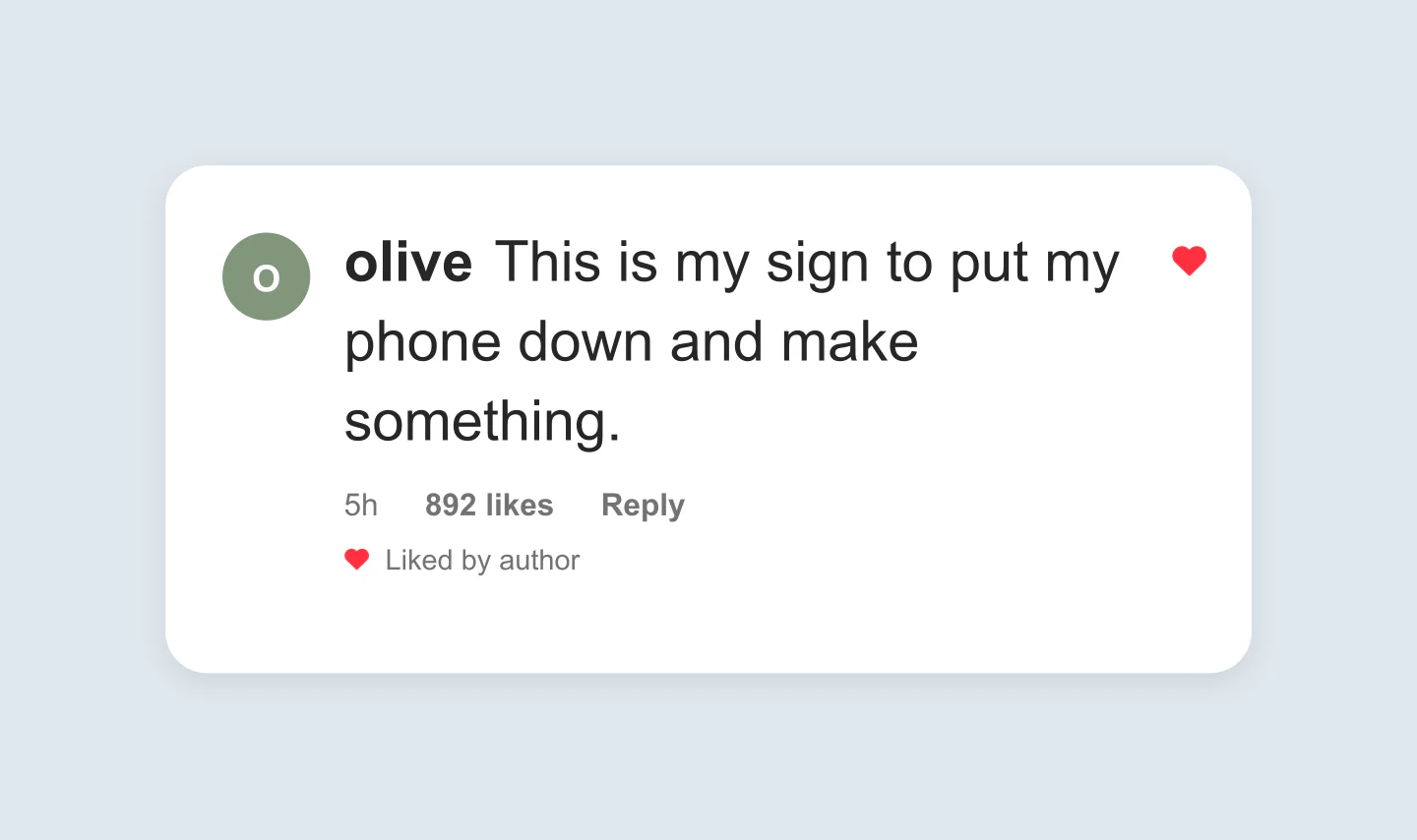
Single card · Larger text
One comment, a soft blue canvas and room to breathe. Larger text makes a simple idea easier to read in the feed.
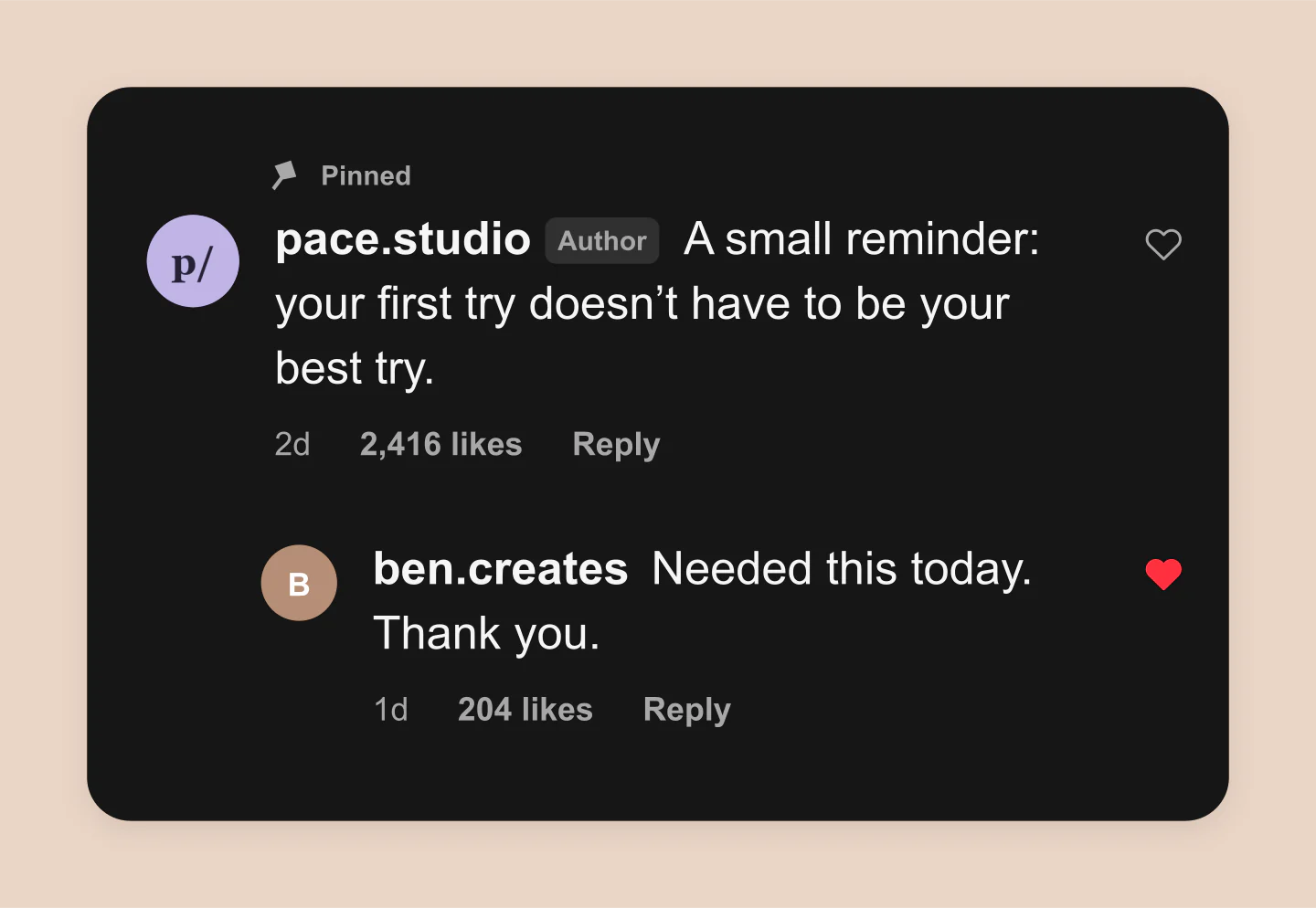
Pinned comment · Dark cards
A useful note and a quick follow-up. Make a little space for the questions your audience always asks.
Made with this generator. Sample brands, conversations and engagement counts are fictional.
PUT A LITTLE THOUGHT INTO IT
Click a comment in the preview. Add your own message, or build a thread with comments and replies.
Choose profile photos, likes and author badges. Try a clean card, a full panel or a dark background.
Download a free PNG up to 3×. Use a transparent canvas to layer the comment over a video, presentation or image.
A FEW USEFUL DETAILS
Yes. Create comments and replies, then download PNG or JPG images at 1×, 2× or 3× for free. There is no account requirement or watermark.
Both. Use Comment cards for one or several separate cards, or Comments panel for a continuous thread. Add up to 20 comments and replies. Delete the extras to keep a single comment.
Click a comment in the preview and type directly over it. Click Done, press Escape or click outside the editor to finish. Open Comments & replies, then use Text, Profile or Details to change names, profile photos, times, likes and badges.
Yes. Open Canvas & export, choose PNG and enable Transparent canvas. The comment cards keep their light or dark background, while the space around them becomes transparent. Add the PNG as a layer over your video or image.
Edit each comment, name, profile photo, avatar color, like count and timestamp. Add a colorful story ring around the profile. Add replies, a author label, verified badge, liked heart or liked-by-author note. Adjust text size, spacing and corners, or show a comments heading and input bar in the panel layout.
On this device, in this browser. Photos are resized locally and are not uploaded to an account. Use Save project to download an editable copy, then Open project to continue later or on another device.
No. This is an independent mockup tool for creative work, demonstrations and presentations. It does not connect to Instagram or create real comments, likes or verification. Instagram layouts can vary by device and update.
Yes. Choose Use this example to load the design into the editor. You can change every comment and setting, and restore your previous draft until you reload the page.
An independent mockup tool by Mockaps, not affiliated with Instagram. Sample comments and engagement are fictional. Looking for more? Try the Instagram Post Mockup Generator or the Instagram Story Mockup Generator.