
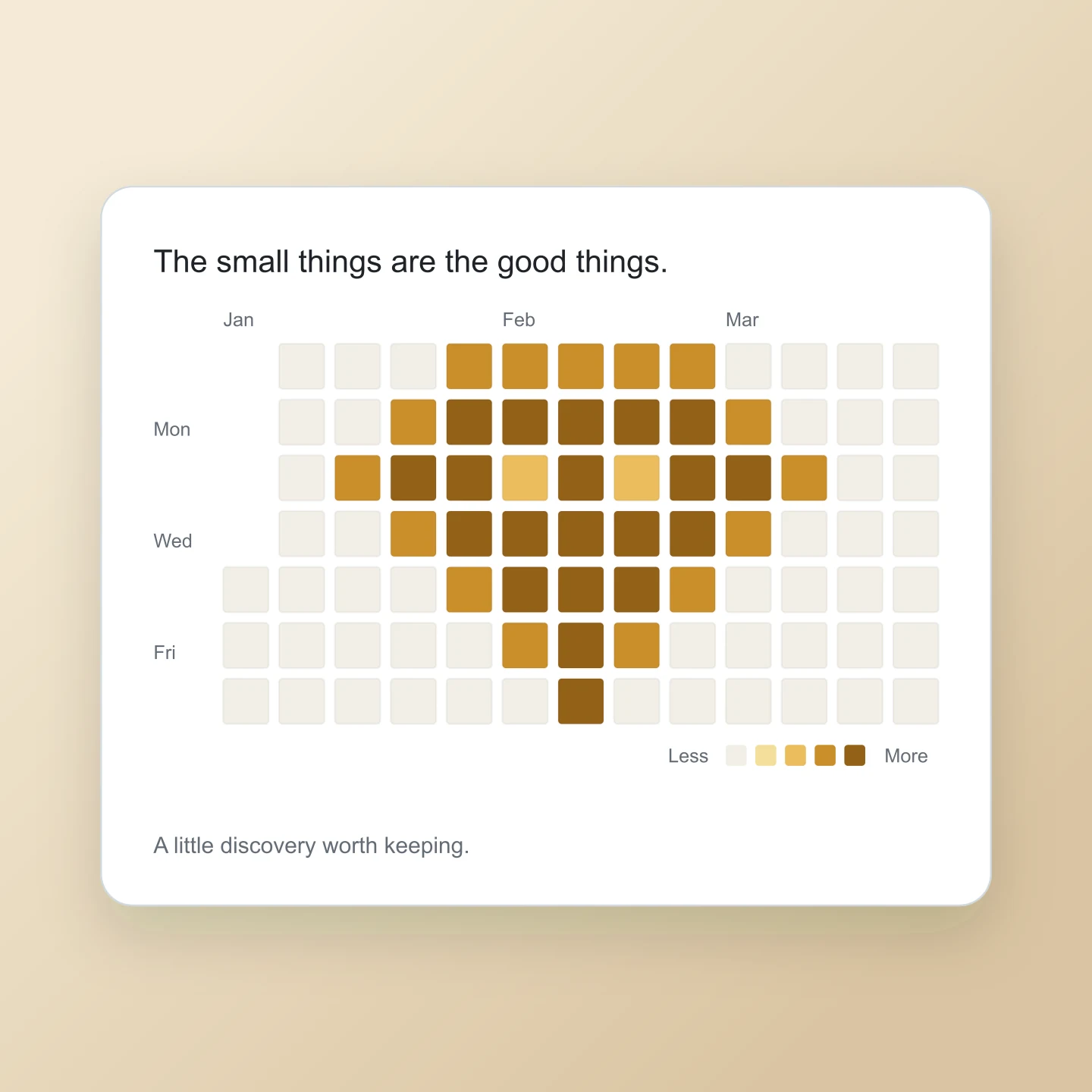
Start with a word or a shape.
Type a message, upload a simple image or choose an activity pattern. Each one becomes a grid of colored squares.
Your next idea. One square at a time.
Make something good out of the little things.
MP4 · 30 fps · Silent
Keep an editable copy on your device. How it works
A FEW WAYS TO MAKE IT YOURS
Try a classic calendar, paint a little pixel art, or start with a tall design for Pinterest. Open any example and make it your own.
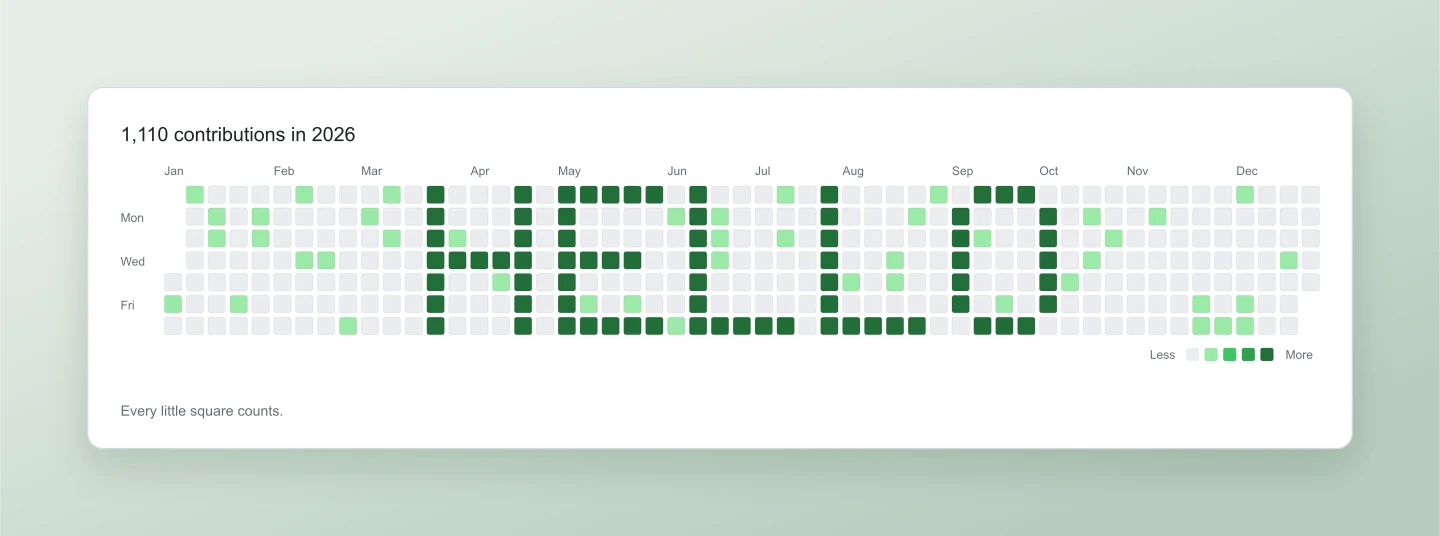
Pixel text · Classic green · Full year
A familiar green calendar with a friendly message in the middle. Change the word, add your name and turn a year of tiny squares into a personal graphic.
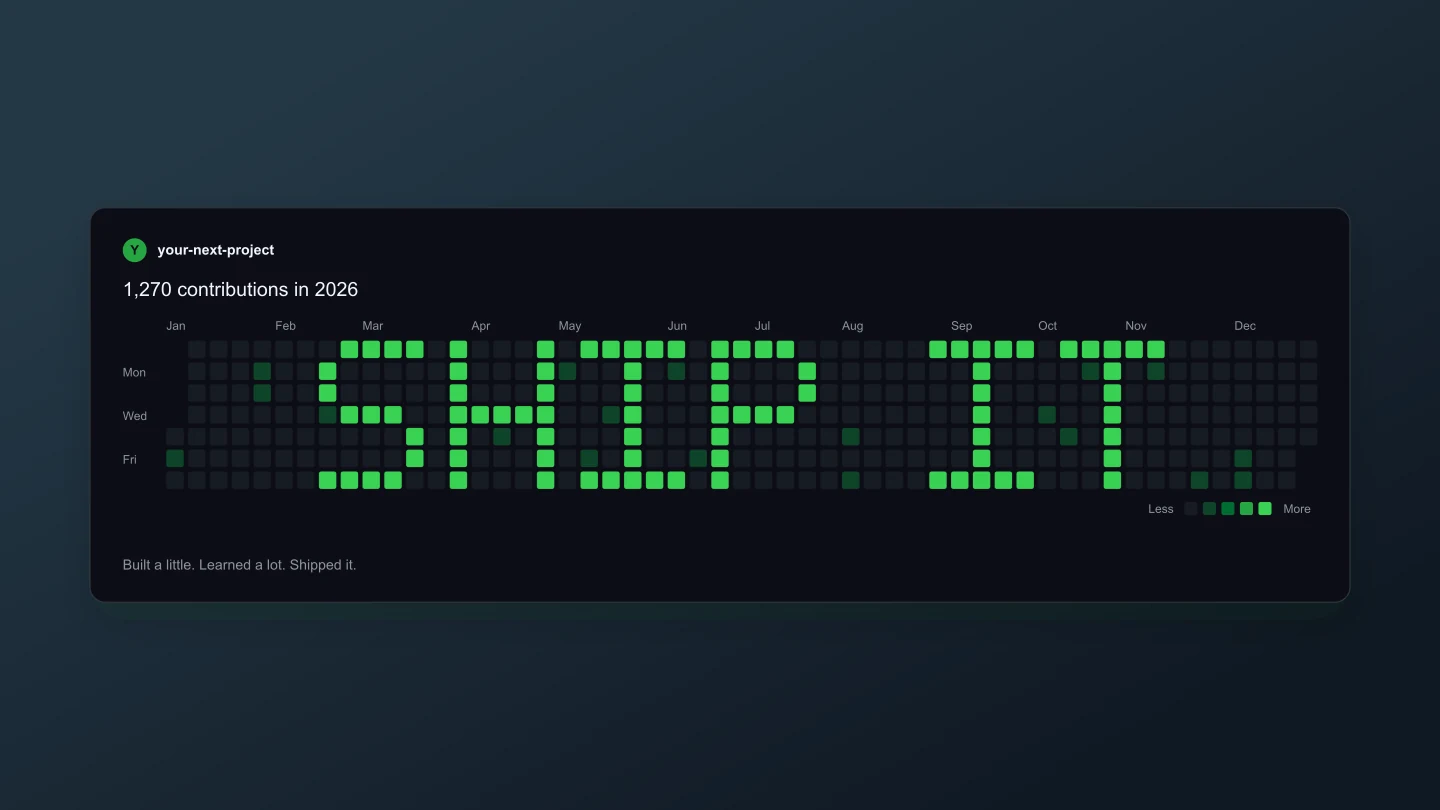
Dark mode · SHIP IT · Wide
A dark contribution graph with bright green pixel lettering. A useful starting point for a product launch, a developer portfolio or your next build announcement.
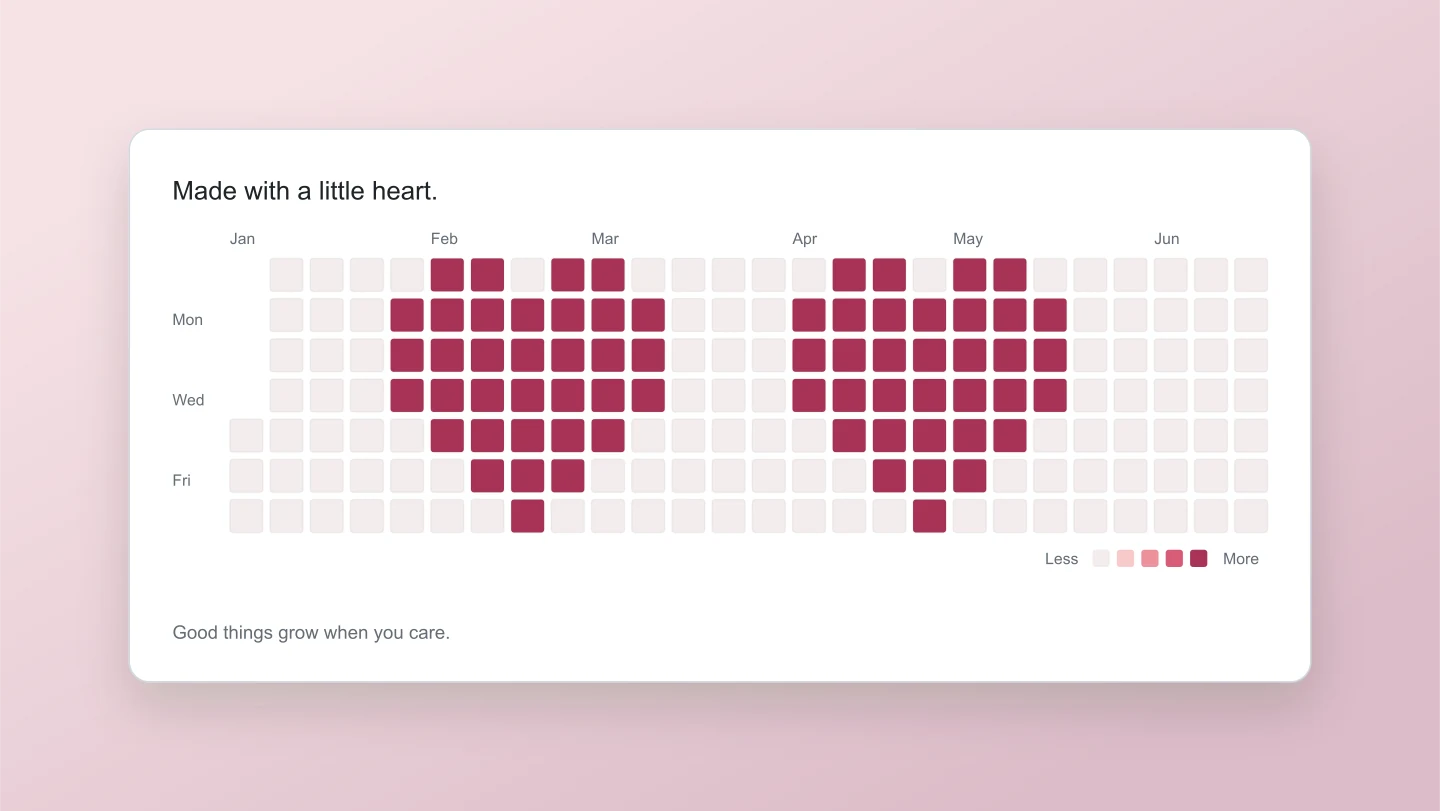
Heart icons · Rose · 26 weeks
Small pixel hearts, arranged like a contribution calendar. Pick another icon or upload a simple image to turn your own artwork into colored squares.
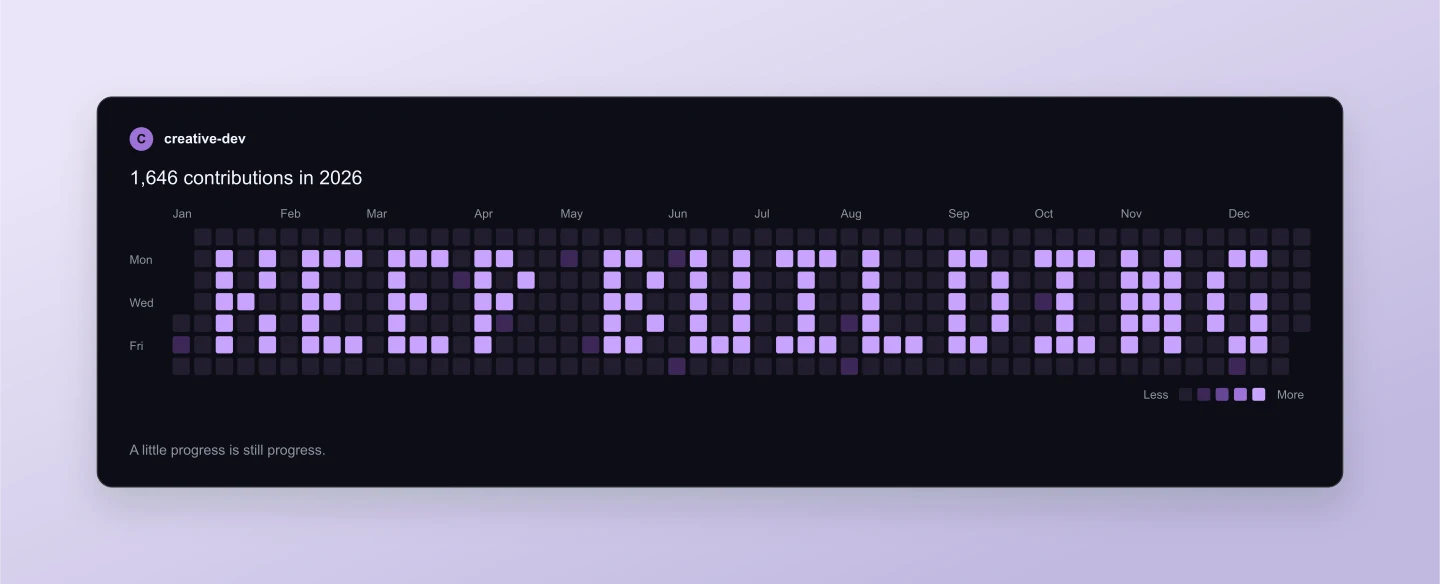
Compact lettering · Lilac · Profile
Compact pixel letters fit a longer message across the calendar. Try a short motto, a team name or a phrase you want to keep close.
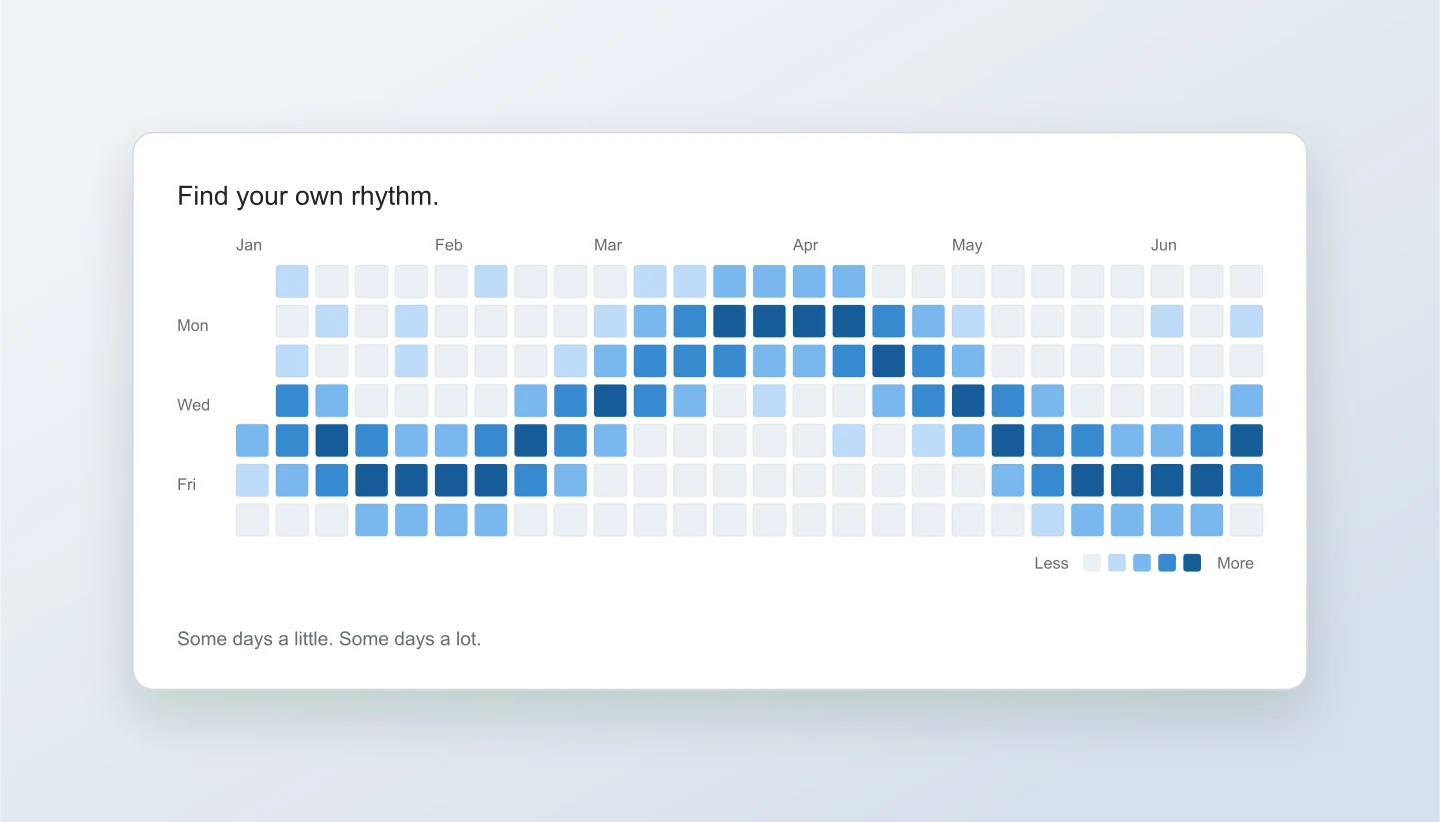
Wave pattern · Ocean · 26 weeks
An ocean-blue wave running through the calendar. Adjust the pattern or switch to Paint to shape each day into your own design.
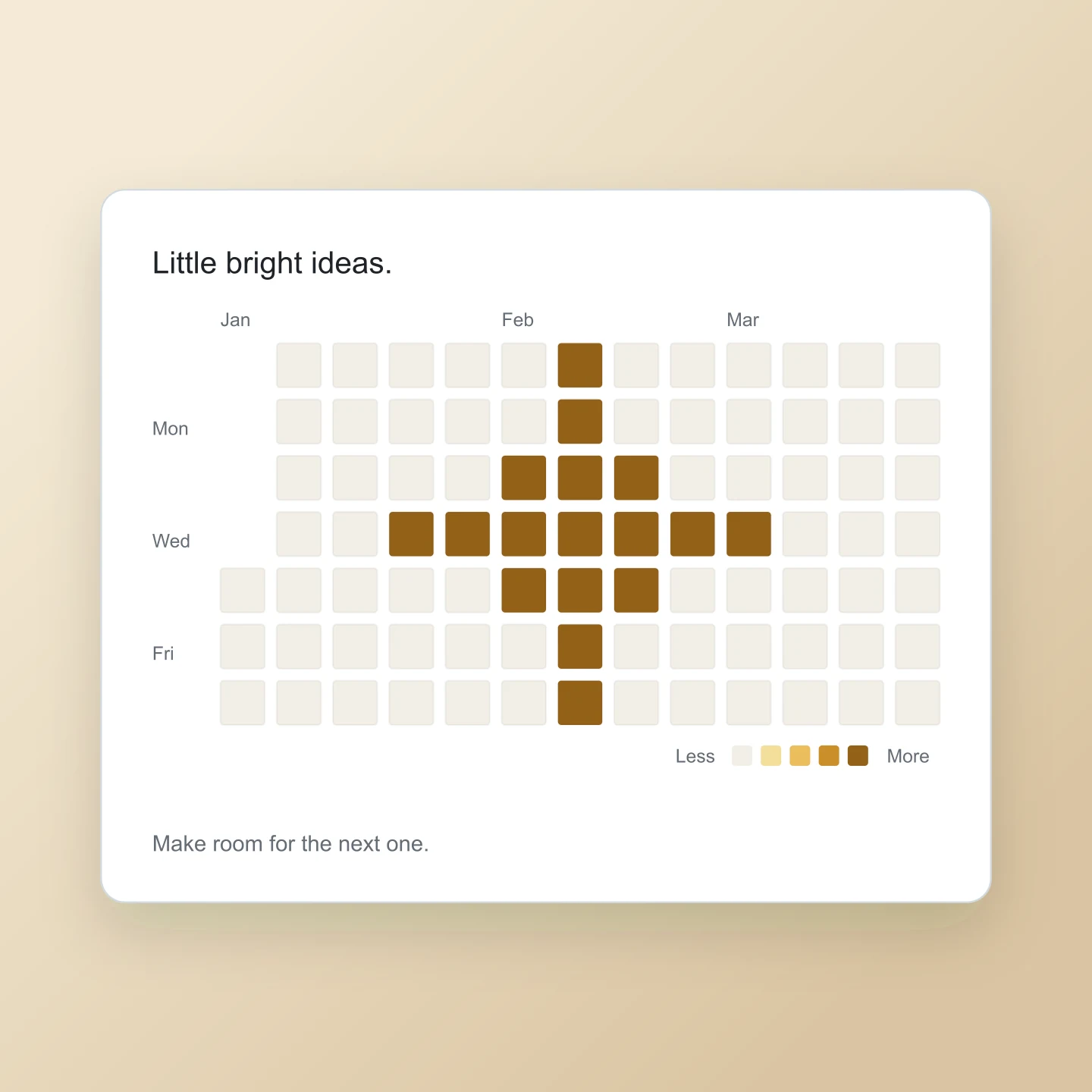
Spark icons · Golden · Square
A compact activity card with golden pixel sparks. Use the square canvas for a social post, or paint a new pattern over the example.
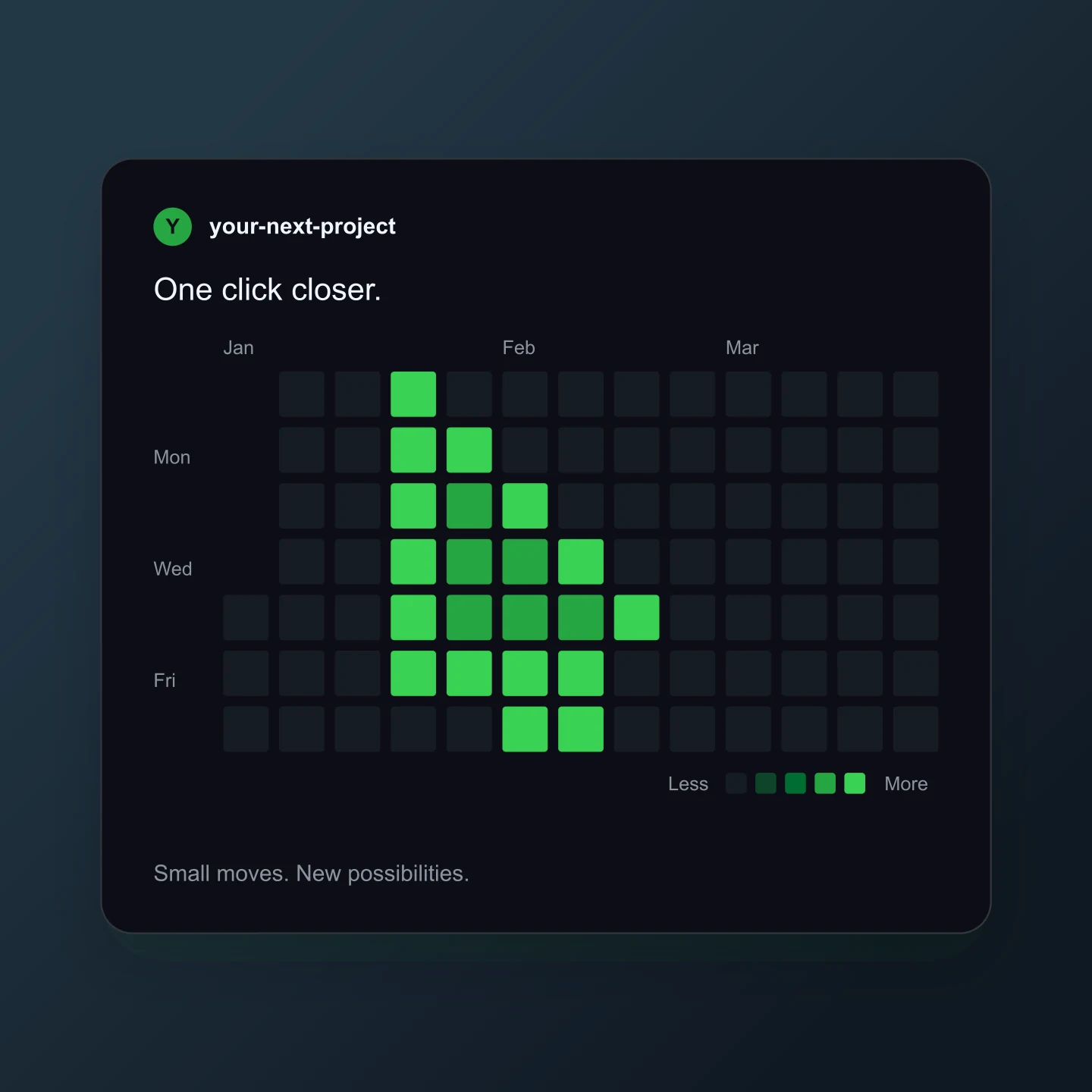
Pixel cursor · Dark green · Square
A small green pointer in a dark contribution calendar. Paint a new shape, add your project name or use it for a launch announcement.
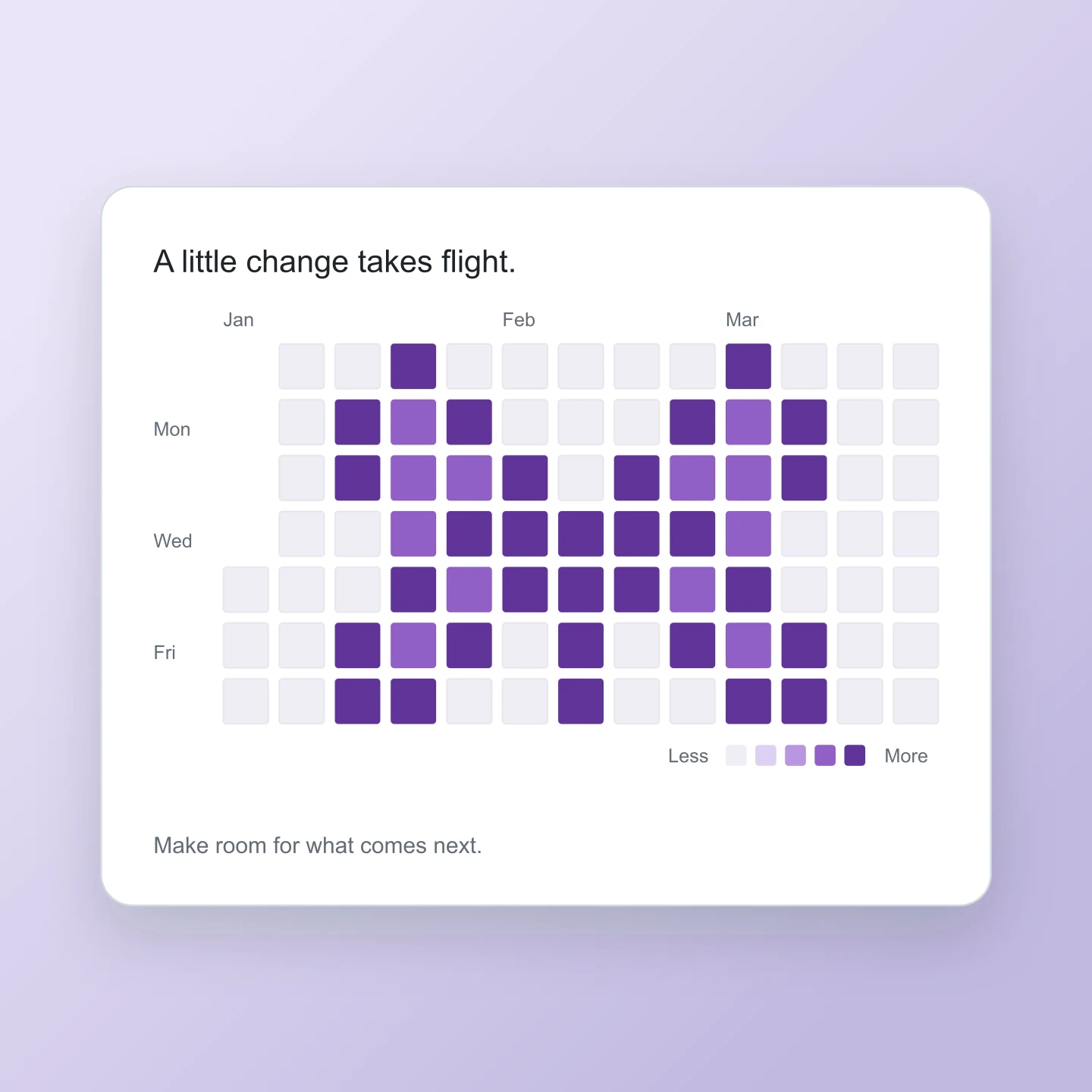
Pixel butterfly · Lilac · Square
Mirrored violet wings turn a short activity calendar into a butterfly. Each square is editable, so you can reshape the wings or try another palette.
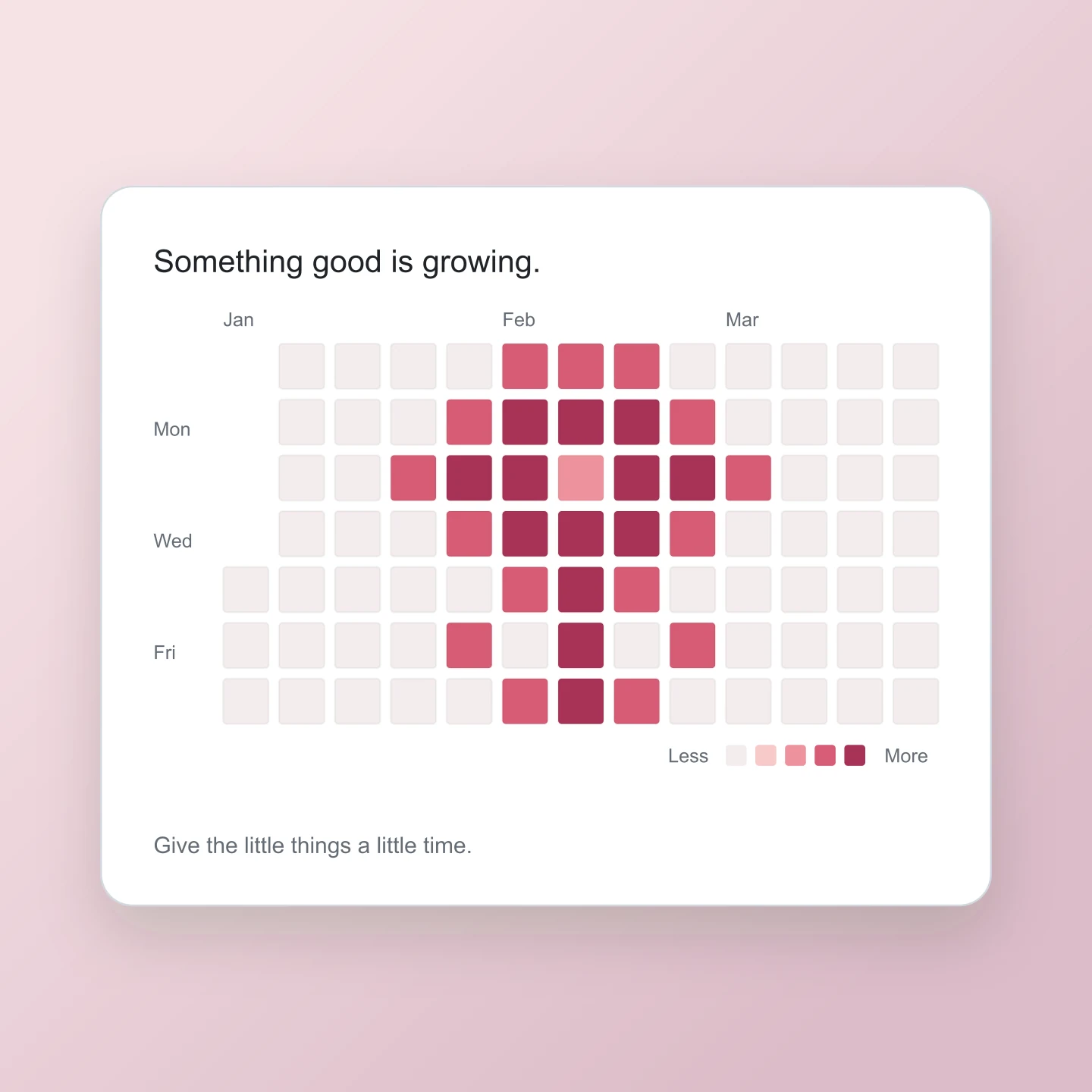
Pixel flower · Rose · Square
A tiny flower made from rose-colored squares. Try it for a spring launch, a fresh start or a small reminder to keep growing.
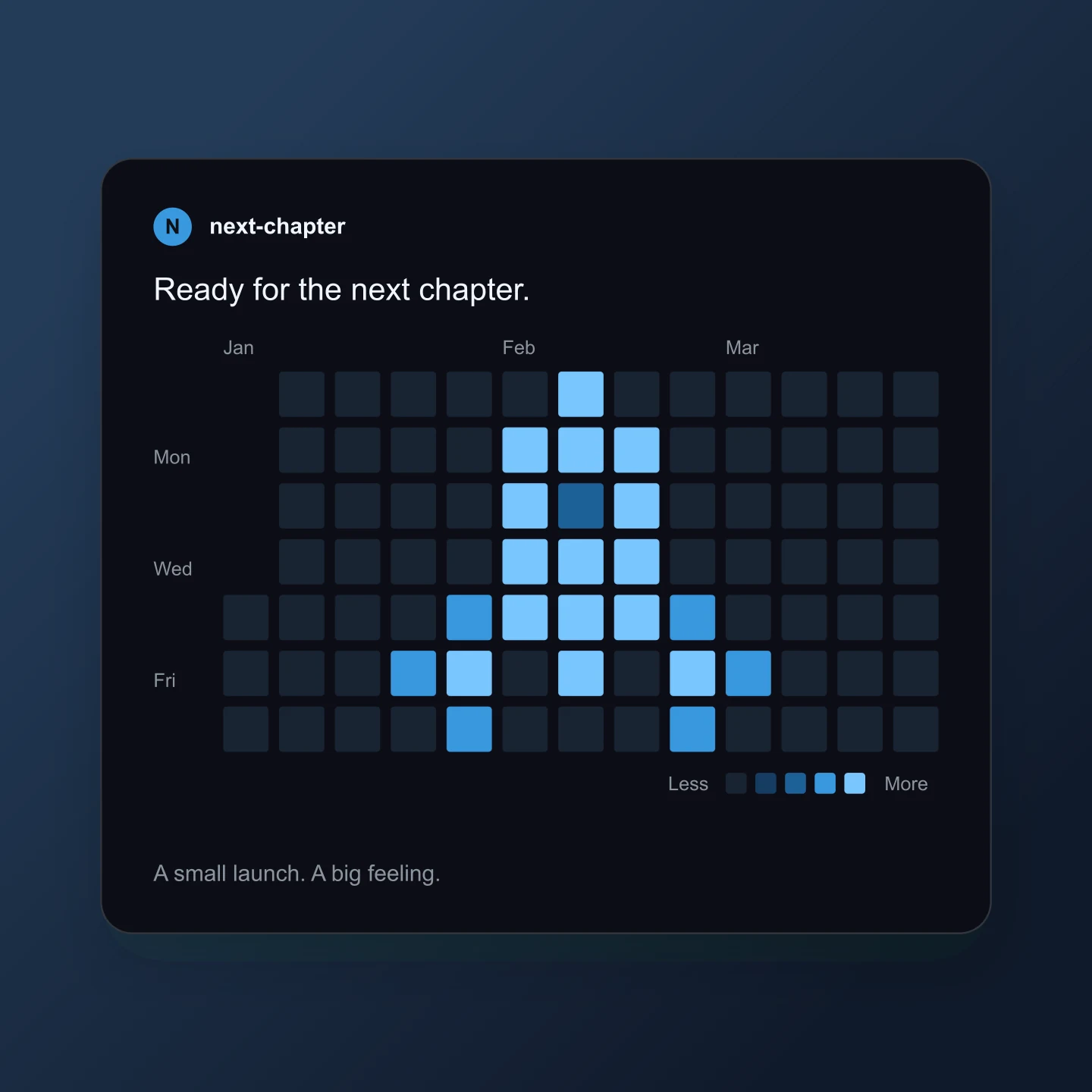
Pixel rocket · Midnight blue · Square
An ocean-blue rocket on a dark activity grid. A playful square graphic for a release, a new project or a team milestone.
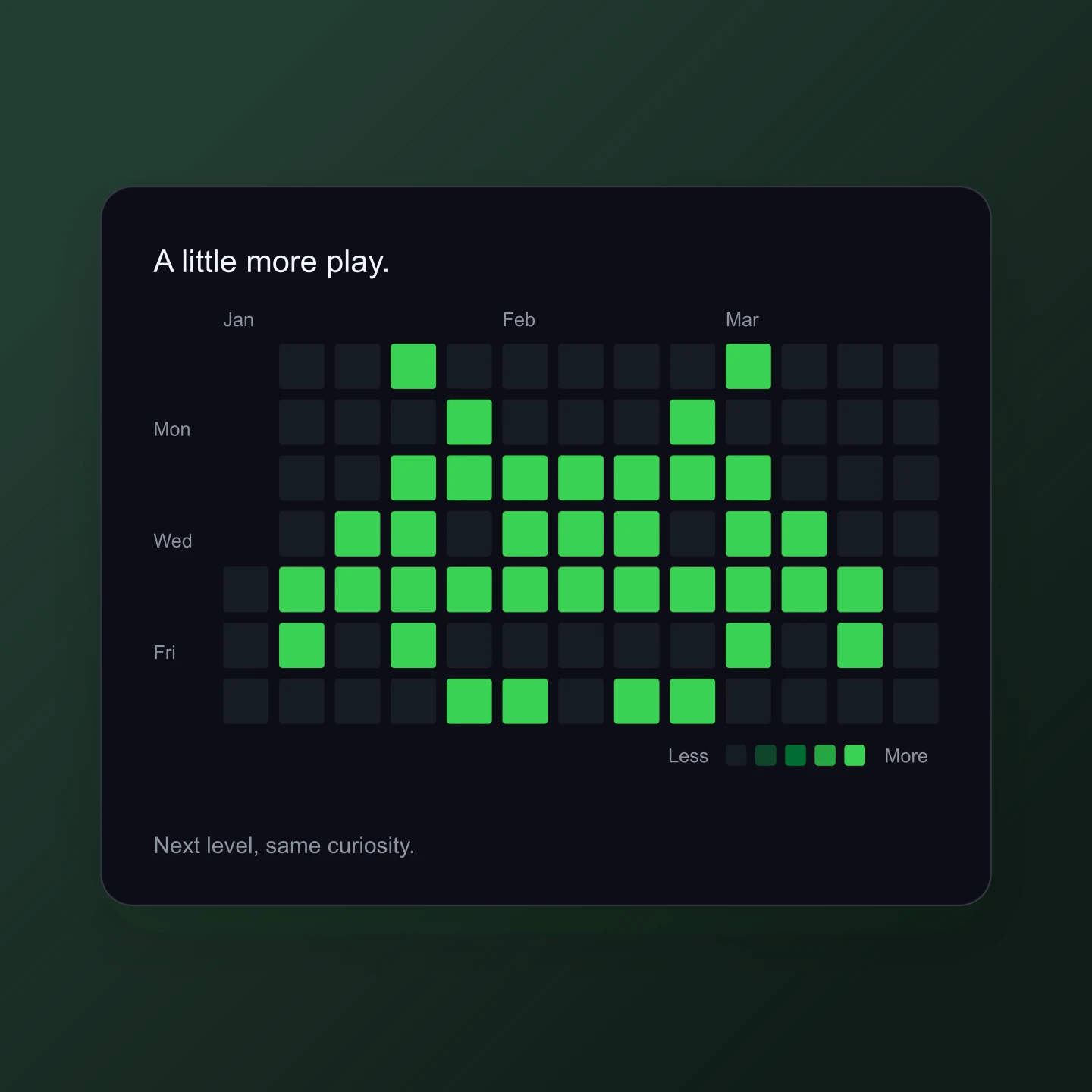
Arcade pixel art · Dark green · Square
A familiar arcade-inspired shape inside a contribution calendar. Make a playful developer post, celebrate a new level or paint your own pixel character.
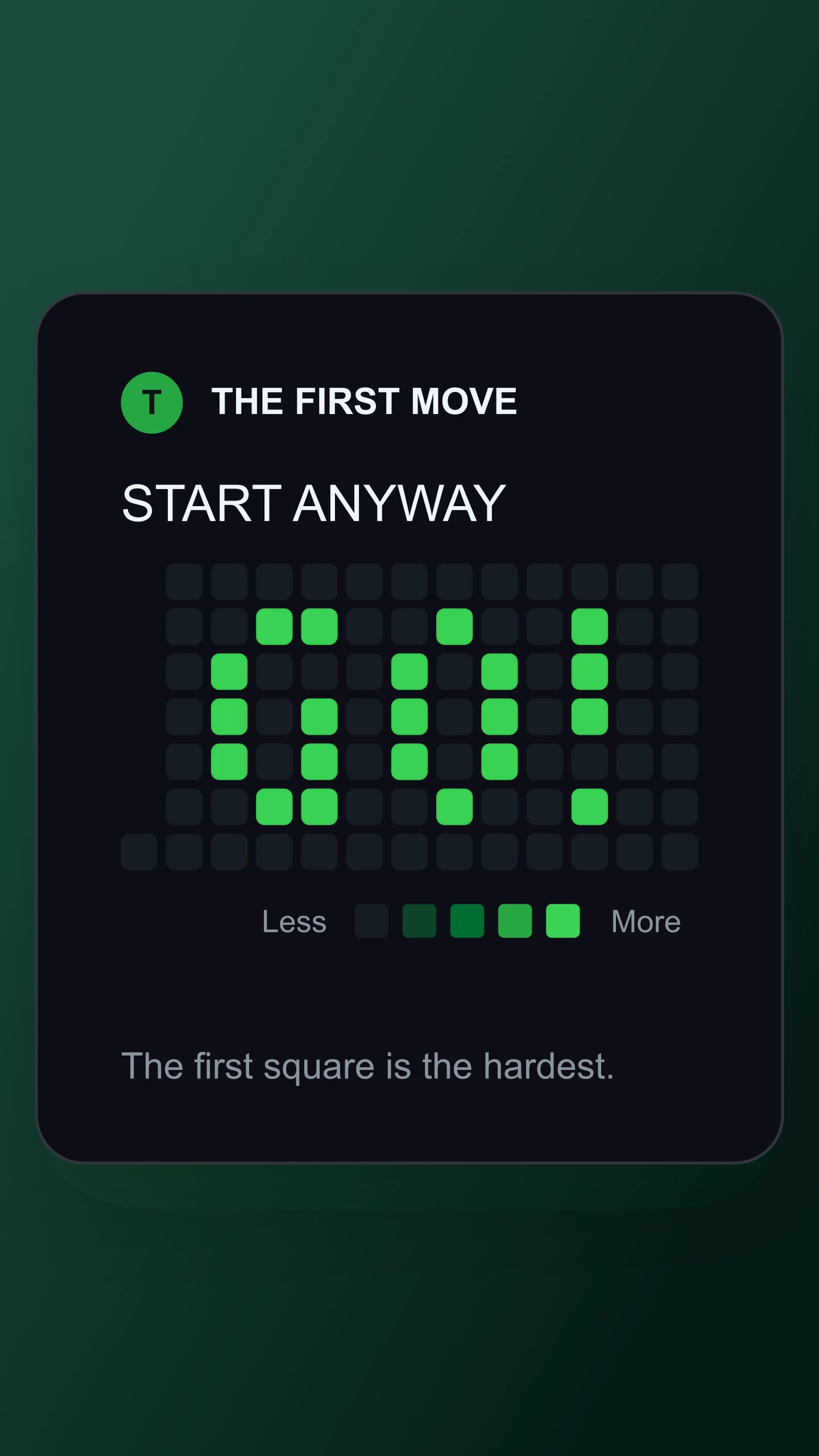
Pixel text · Dark green · Story 9:16
A bright green GO! for the moment you need a nudge to start. Swap in your own short message.
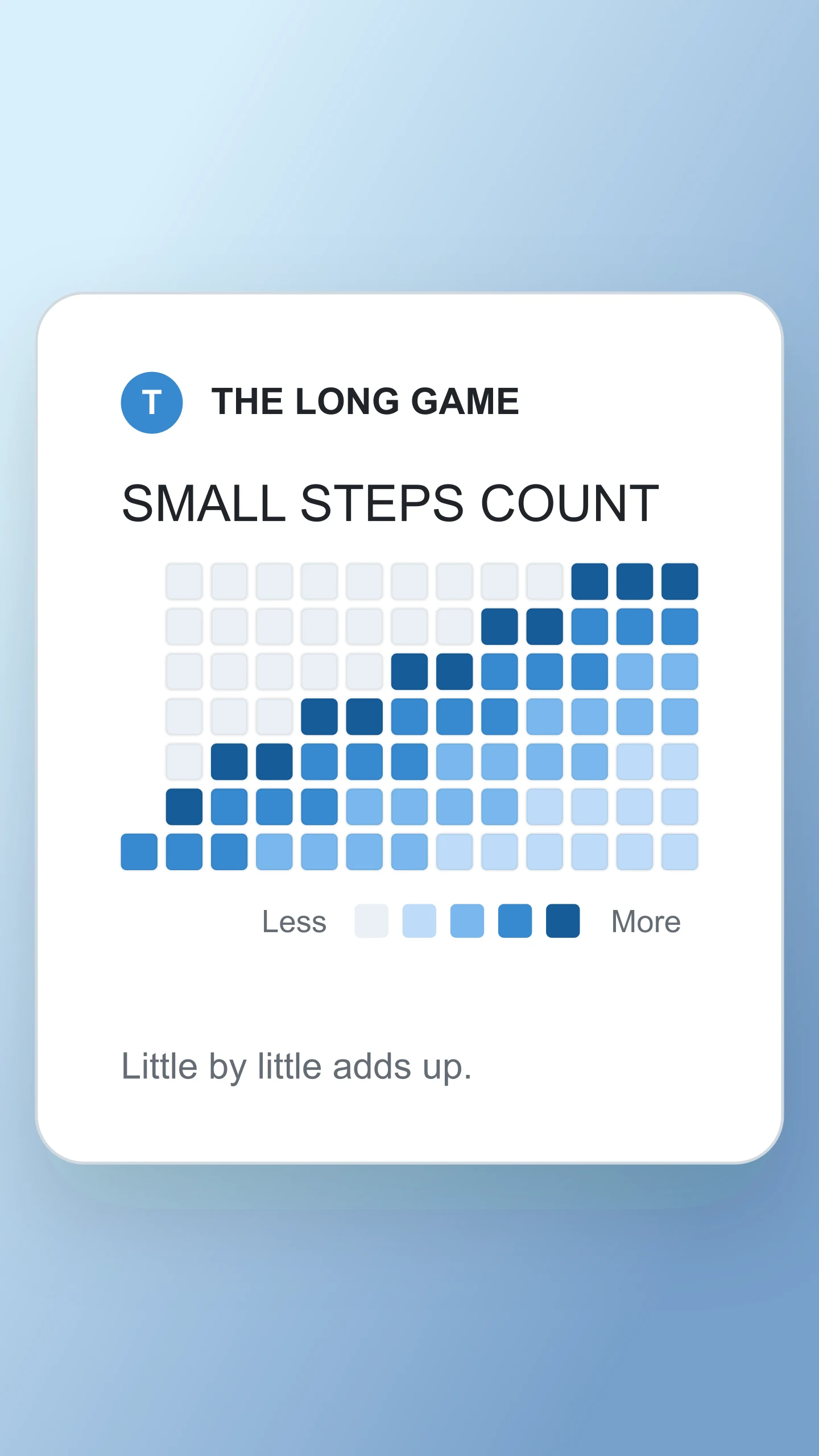
Pixel staircase · Ocean · Story 9:16
A blue staircase made from contribution squares. Paint a step of your own or change the caption.
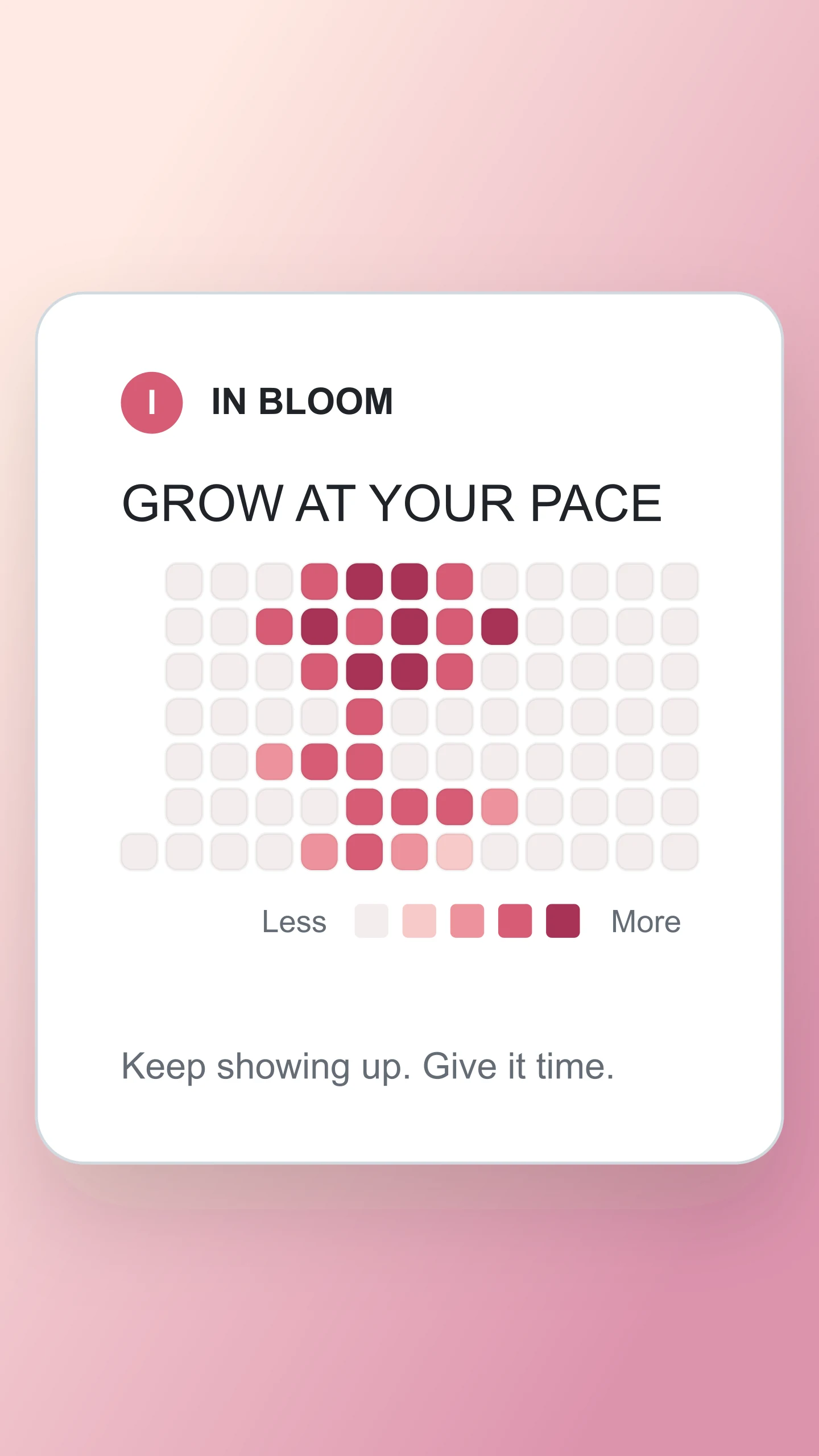
Pixel flower · Rose · Story 9:16
A pink pixel flower for a reminder that growth takes time. Try a new shade or reshape the petals.
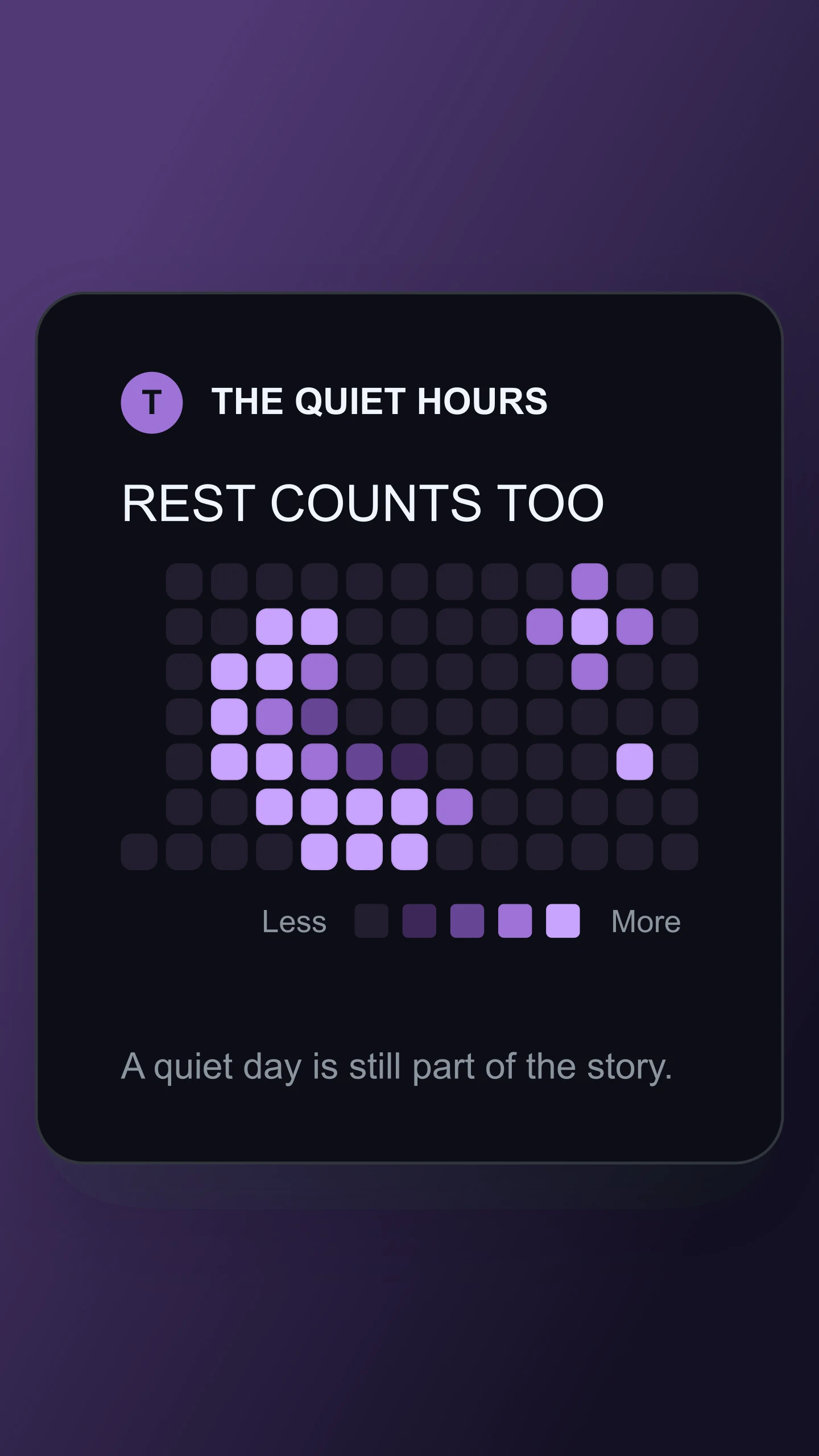
Pixel moon · Lilac · Story 9:16
A lilac crescent moon and a few stars on a dark grid. Make it your own with a quiet message or a different sky.
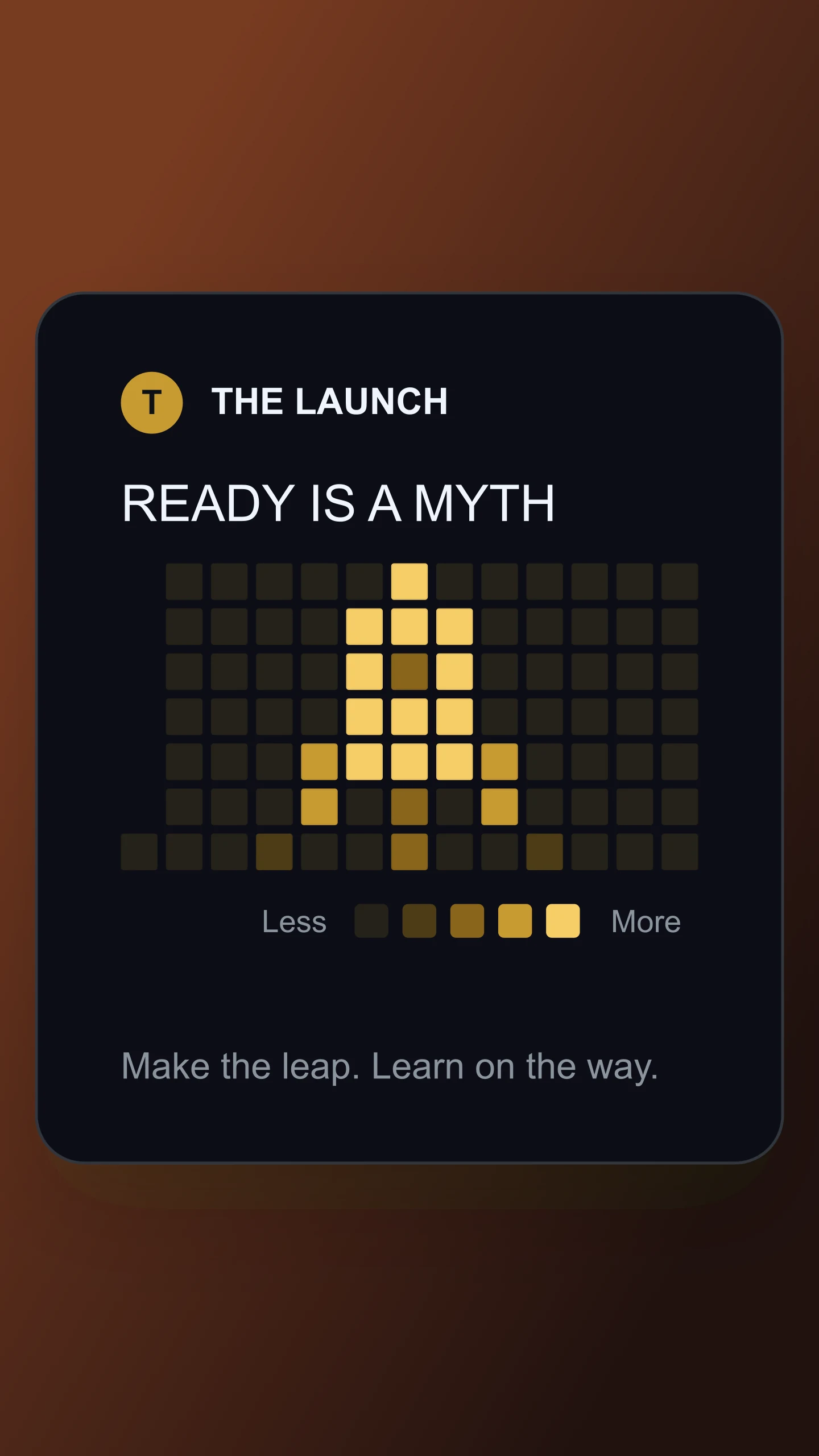
Pixel rocket · Golden · Story 9:16
A golden pixel rocket for the project you have been waiting to launch. Add your own launch message.
Made with this generator. These are creative mockups with sample activity, not live GitHub accounts.
SMALL SQUARES. PLENTY OF POSSIBILITIES.
Type a message, upload a simple image or choose an activity pattern. Each one becomes a grid of colored squares.
Paint by hand, try dark mode or change the palette. Add a profile name, a heading or a caption to finish the story.
Download a free PNG or JPG for your next post, portfolio or presentation. Save a project to keep the design editable.
A FEW THINGS BEFORE YOU COMMIT
Yes. All current editing features and PNG or JPG downloads at 1×, 2× and 3× are free. No account, subscription or watermark. The download controls show the exact pixel dimensions for your design. Very large designs may need a smaller size to fit your browser’s image limits.
Yes. Enable Animation to reveal your text, shapes or activity one square at a time. Try Across weeks, Across rows, From the center or Scattered, then choose the timing and a wide, square or story frame. Preview for free. Pro includes 720p and 1080p MP4 downloads at 30 fps.
Choose Pixel text and type a short word or phrase. The tool draws your message with the calendar squares. Classic lettering uses a 5×7 pixel font. Compact lettering fits longer phrases. Choose Paint when you want to edit individual squares.
Yes. Choose Image & icons and upload a PNG, JPG or WebP. Dark areas become active squares and transparent areas stay empty. Adjust contrast, remove faint pixels or invert the image. Simple logos and bold silhouettes work best because the calendar has only seven rows.
Choose Paint, pick a shade and click or drag over the calendar. The lightest shade is an eraser. Undo, Redo and Clear grid make it easy to experiment. Zoom to paint gives you larger squares. You can also use the arrow keys and Space on the grid.
No. This tool makes a mockup image. It does not connect to GitHub, import an account or create commits. Use it for pixel art, launch graphics, developer portfolios and social posts. The activity shown is part of your design.
Yes. Switch between light and dark views, then choose green, blue, lilac, rose or golden squares. Change the background, square size and spacing. You can also hide the profile, heading, month labels or legend for a simpler pixel-art graphic.
Yes. Open Canvas & export, choose PNG and enable Transparent background. Turn off Show the card in Colors & squares if you want only the grid and labels. Turn off labels too for a standalone pixel-art image.
A contribution calendar has a limited number of columns. Long messages are scaled horizontally to fit. Try a shorter phrase, Compact lettering or the Full year layout for clearer results. Emojis and unsupported characters use a question-mark shape.
Yes. Start with a text design, choose an activity pattern or paint a streak by hand. The heading can show a sample contribution count based on the squares, or your own words. Save the image for a presentation, README graphic or marketing post.
Yes. Save project downloads an editable file with your settings, text and uploaded images. Open project restores it in the same tool, or lets you paste project JSON from an assistant. Review it before replacing your draft. Files are processed in your browser, not uploaded to your account.
Yes. Images exported from these social and app mockup tools can be used in personal projects, social posts, presentations and client work without a Mockaps subscription or attribution. You still need permission for content you add. Platform names and logos belong to their owners; a mockup does not imply their endorsement.
A creative tool inspired by GitHub contribution calendars. For actual profile activity, see GitHub’s contribution guide. Pair your graph with the Code Snippet Mockup Generator or explore all free mockup tools.