
Start with the essentials.
Your name, your role and the best way to reach you. Leave anything you don’t need blank.
A good email deserves a good sign-off.
Find the right look for your last few lines.
Keep an editable copy on your device. How it works
A FEW WAYS TO MAKE IT YOURS
A personal hello. A studio sign-off. A new direction for your team. Start with a signature you like, then make it your own.
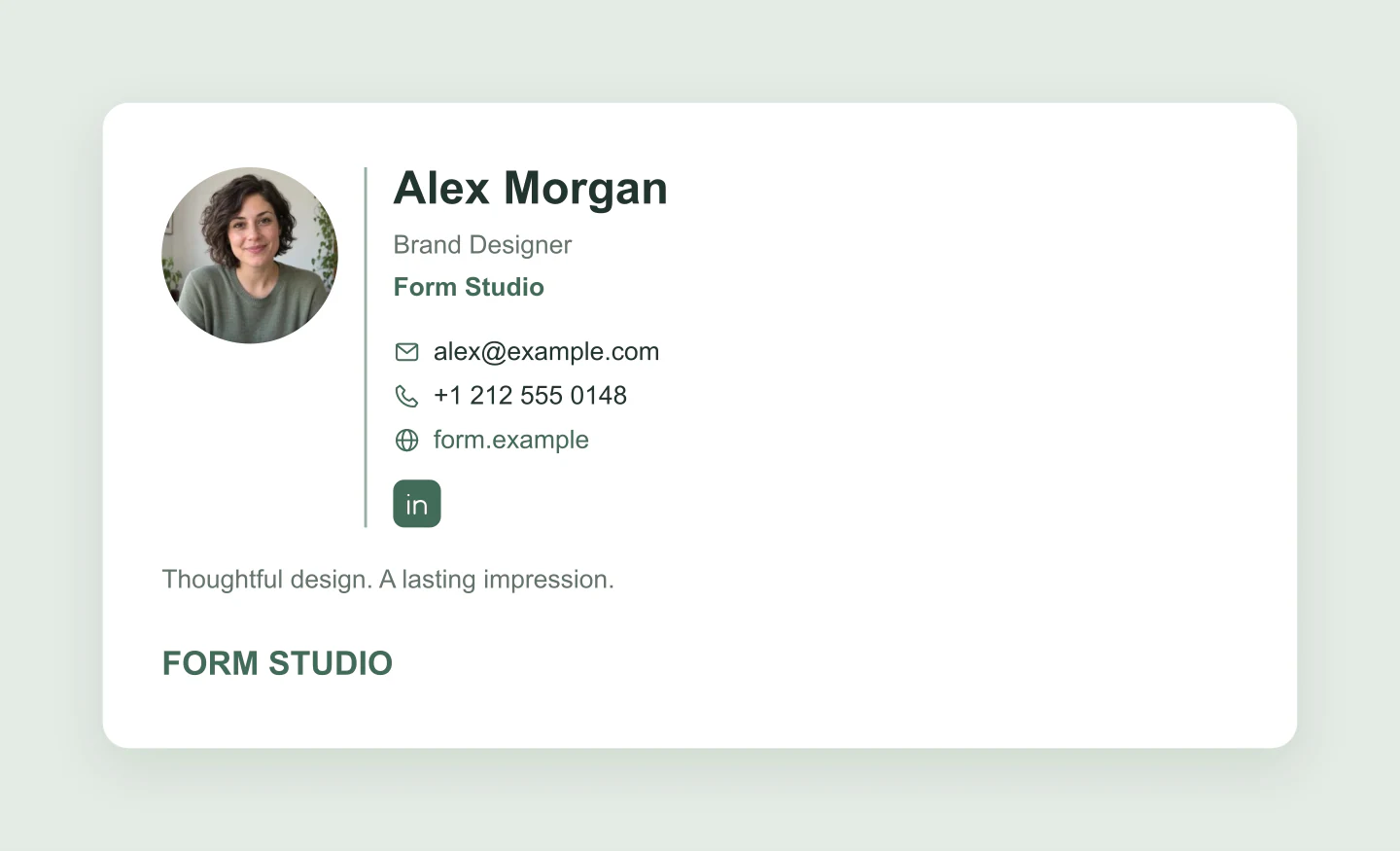
Classic · Portrait · Sage
A friendly portrait, a clear title and just the details people need. Swap in your own photo and make this studio signature yours.
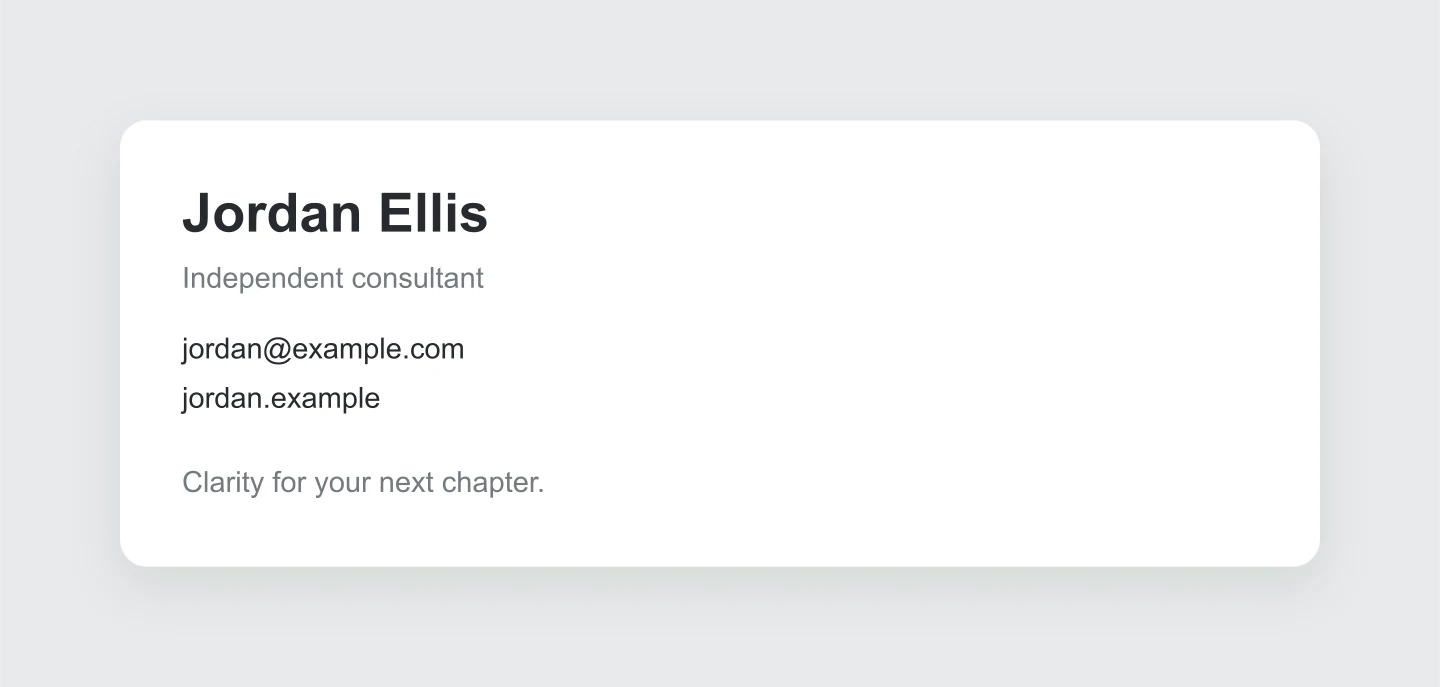
Minimal · Monochrome · Desktop
A restrained business signature with plenty of breathing room. No portrait, no extra decoration, just a name and an easy way to get in touch.
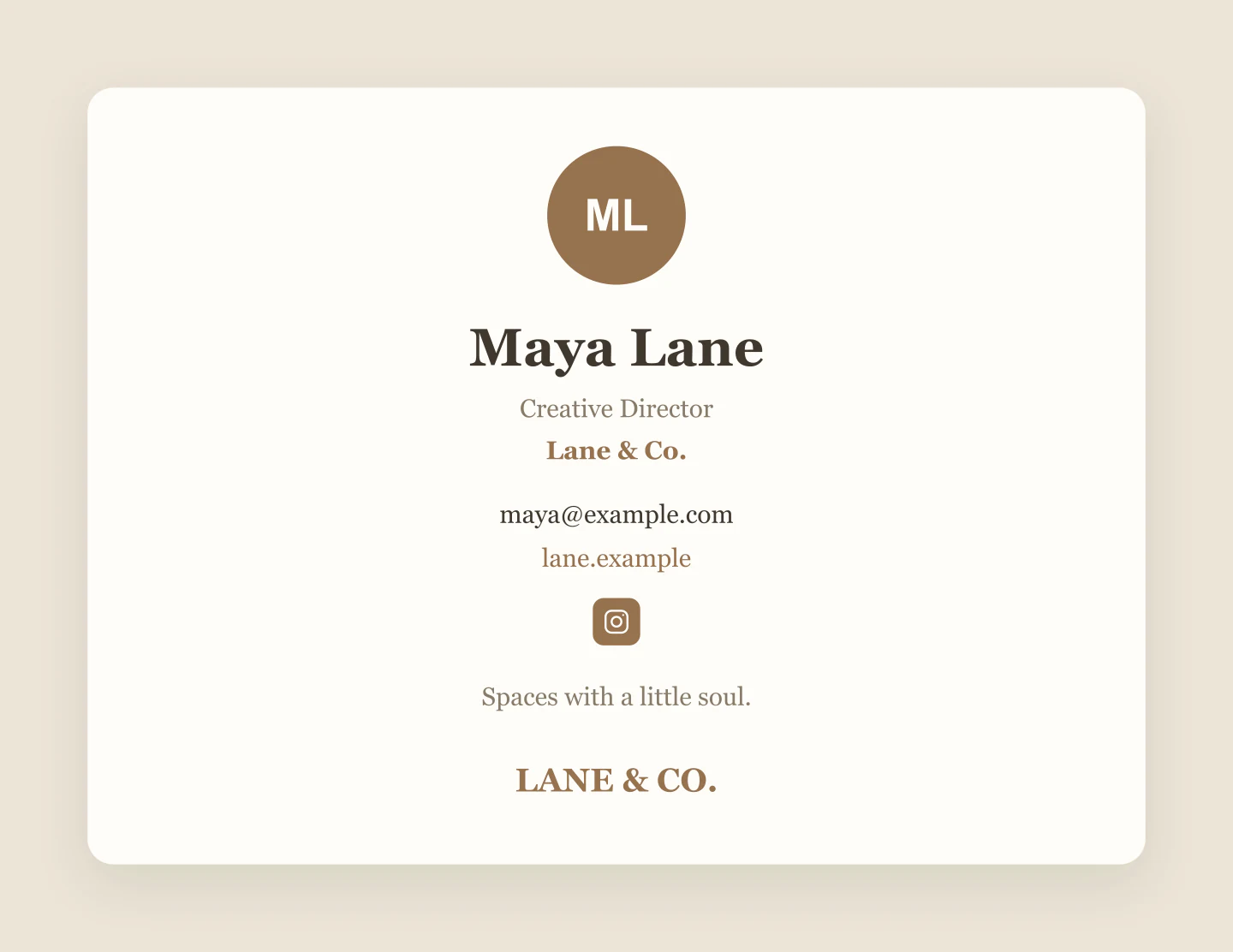
Stacked · Editorial · Warm paper
A centered signature with an editorial typeface and a small studio wordmark. A warm starting point for a creative business.
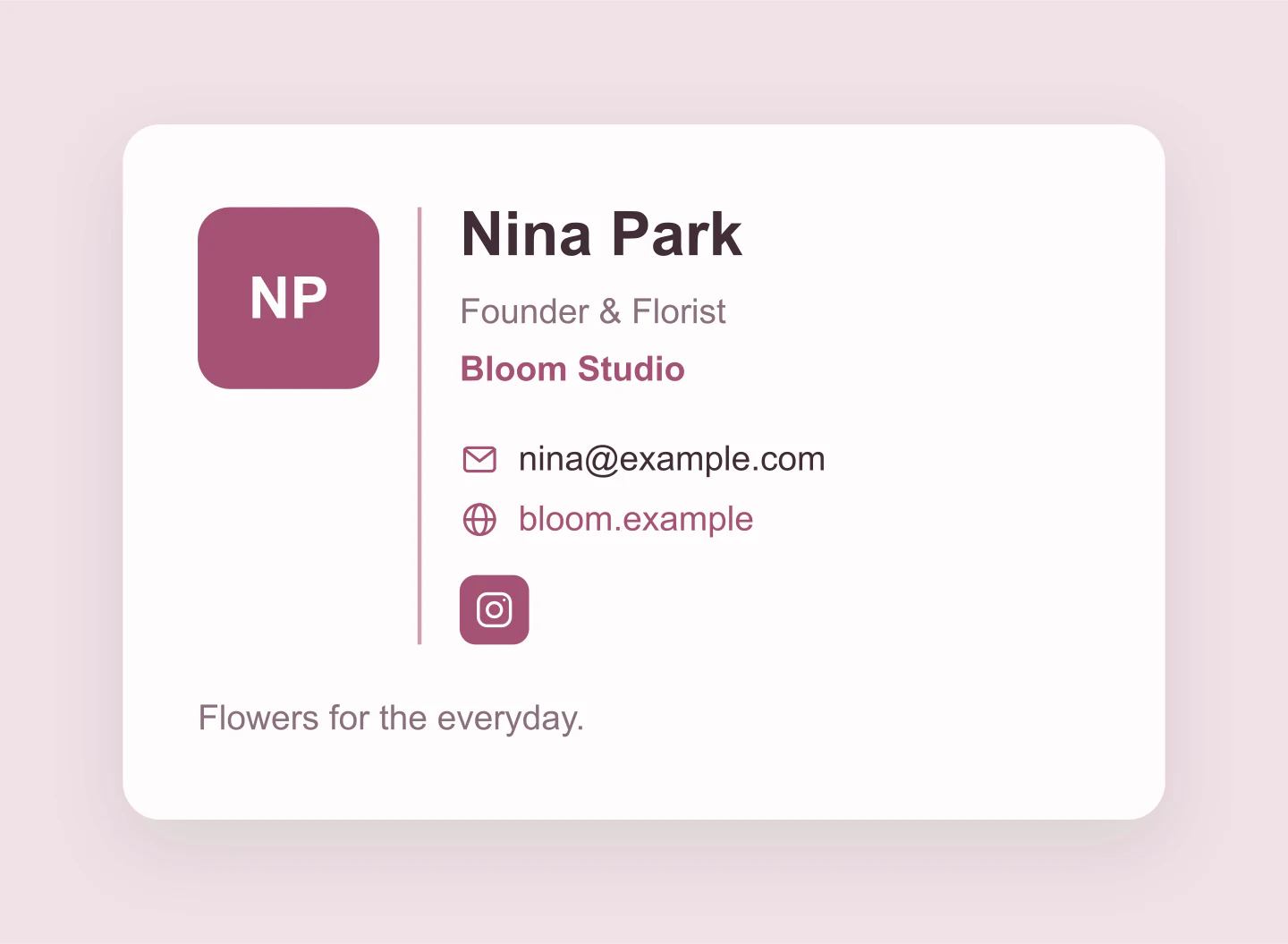
Classic · Mobile · Rose
See how a signature reads in a narrower email. Edit the details and switch back to desktop whenever you want.
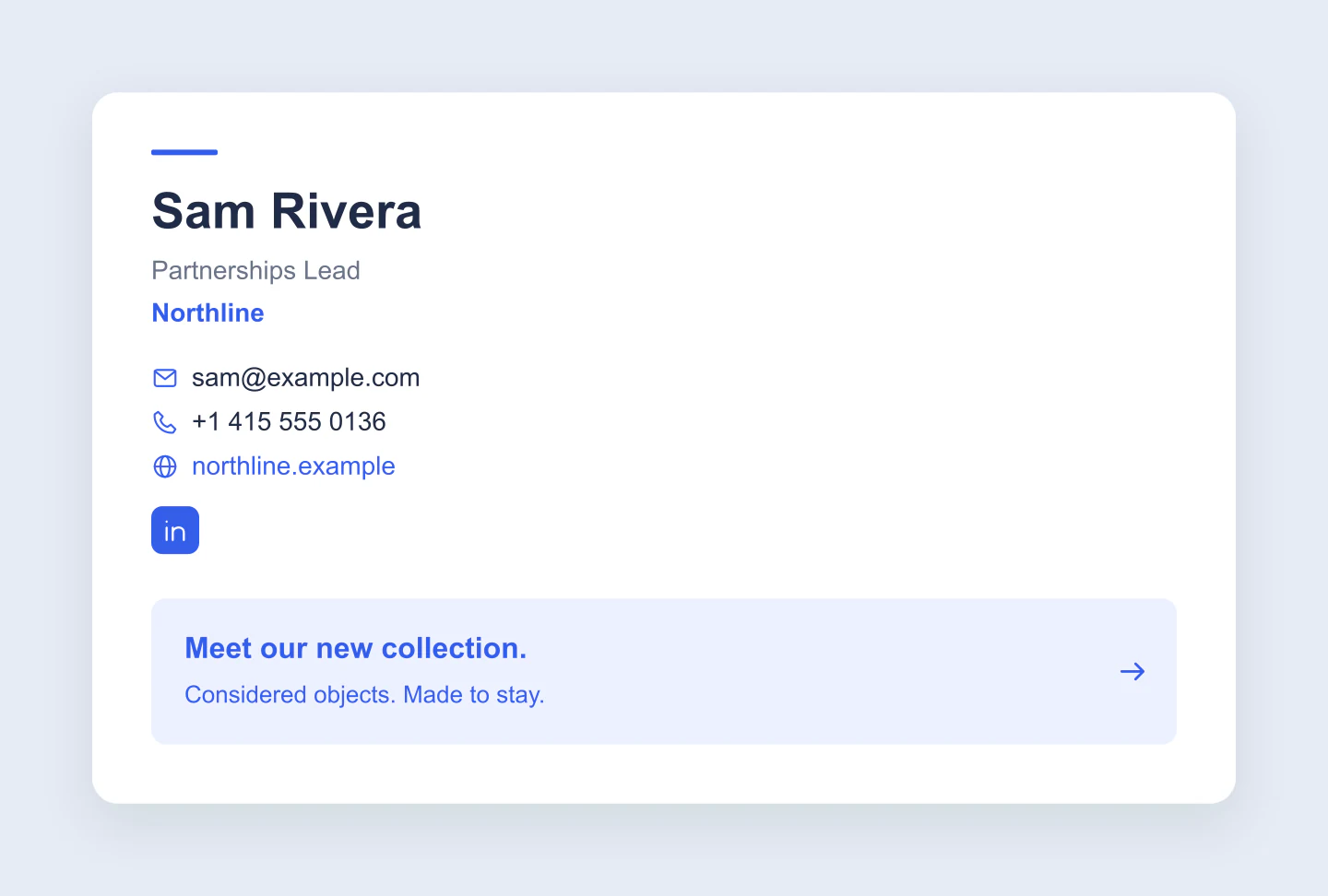
Business card · Banner · Blue
A compact launch banner below the essentials. Use it to preview a booking prompt, a new collection or a company announcement.
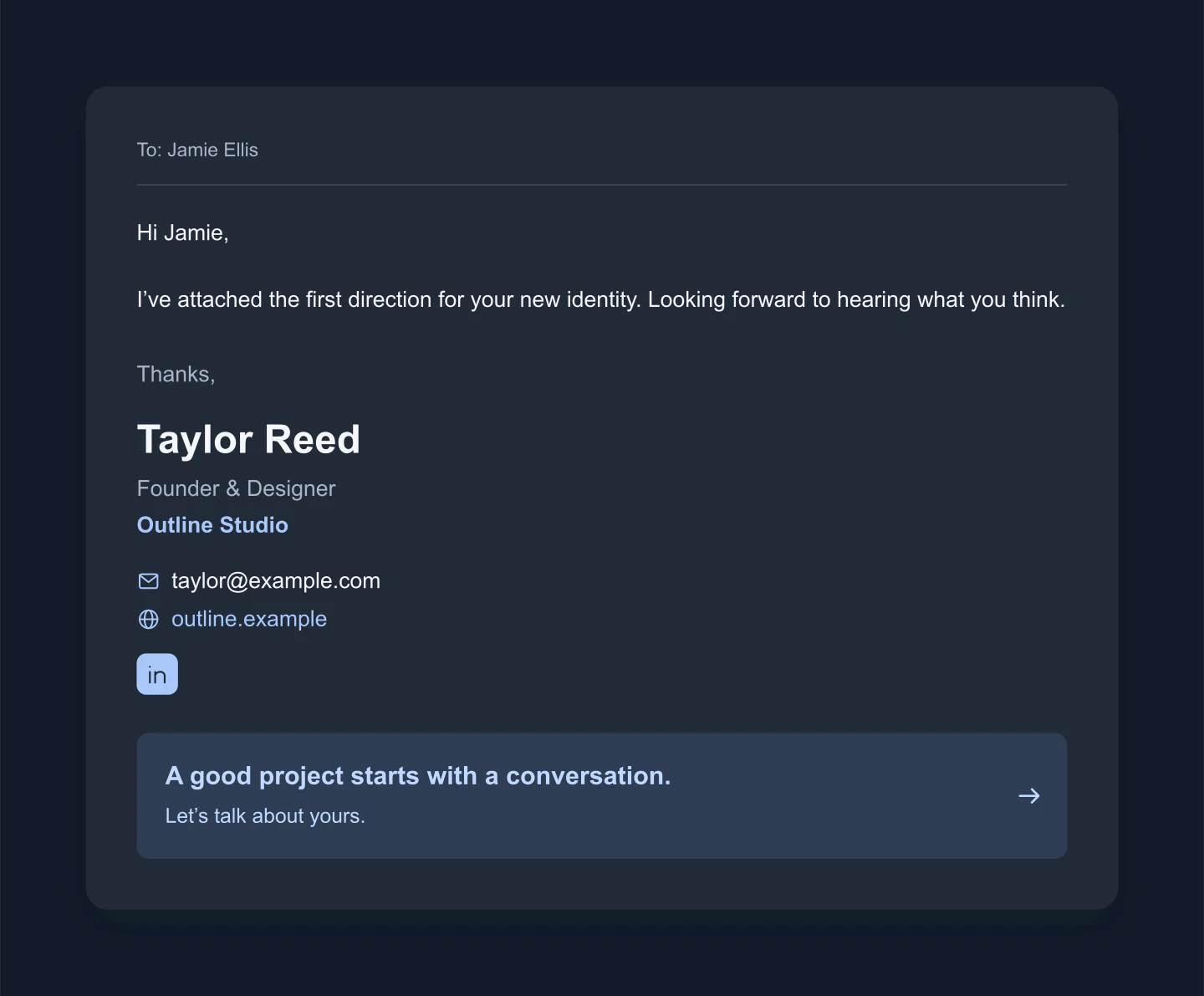
Email context · Dark · Desktop
A dark signature preview beneath a short email. Adjust the background and text colors together to explore a different brand direction.
Made with this tool. Every example includes editable details and saved layout settings. Download an image or save a project to keep editing later.
LEAVE A GOOD LAST IMPRESSION
Your name, your role and the best way to reach you. Leave anything you don’t need blank.
Add a portrait or company logo. Choose a layout, adjust the colors and give every detail a little room.
Try the narrower mobile preview or place it beneath an email. Download a free image to share with your team.
A FEW USEFUL DETAILS
It is an image preview of the sign-off at the end of an email: your name, job title, company, contact details and optional photo or logo. Use it to explore a design, get feedback or present a brand identity before setting up the real signature.
Start with a layout or an example below. Add your details, upload a portrait or logo and choose your brand colors. Click visible text to edit it directly. Preview the signature on its own or beneath a short email, then download your image.
Yes. All current editing features and PNG or JPG downloads at 1×, 2× and 3× are free. No account, subscription or watermark. The download controls show the exact pixel dimensions for your design. Very large designs may need a smaller size to fit your browser’s image limits.
Yes. Select PNG, choose Signature only and enable Transparent background in Canvas & export. This removes the canvas and signature background, while keeping your text, photo, logo and optional banner. Use Fit and reduce canvas padding for a tighter image.
Yes. Upload a portrait, reposition it visually and choose a circle or square crop. You can also upload a company logo, or use a short wordmark instead. Classic, Stacked, Minimal and Business card layouts give you different starting points.
Yes. The Mobile setting uses a narrower signature and wraps your details to fit. Desktop gives you a wider layout. These are design previews, rather than exact simulations of Gmail, Outlook or Apple Mail rendering.
Yes. Add LinkedIn, Instagram or X profiles to show their icons. A promotional banner can preview an announcement, booking prompt or new collection. The exported PNG or JPG is a static image, so the icons and banner are not clickable links.
This tool creates mockup images, not installable HTML email signatures. Use the image to approve a design or showcase your work. A working signature with selectable text and individual links needs to be set up separately in your email client.
Choose After hours in Style & finishing touches, then adjust the text and background colors. This lets you explore a dark design. Email clients handle dark mode differently, so test the final installed signature in the clients your audience uses.
Start with a readable name, your role and one or two useful ways to reach you. Keep the photo or logo modest. A short tagline or banner can help, but leave space around it so your contact details remain easy to scan.
This tool focuses on the signature design. The Email Mockup Generator previews an entire email, including its subject, message and mail interface. Use this tool when you want to compare signature layouts or present a branded sign-off.
Yes. Save project downloads an editable file with your settings, text and uploaded images. Open project restores it in the same tool, or lets you paste project JSON from an assistant. Review it before replacing your draft. Files are processed in your browser, not uploaded to your account.
Yes. Images exported from these social and app mockup tools can be used in personal projects, social posts, presentations and client work without a Mockaps subscription or attribution. You still need permission for content you add. Platform names and logos belong to their owners; a mockup does not imply their endorsement.
Need to preview the whole message? Try the Email Mockup Generator. This tool creates signature preview images, not installable HTML email signatures.