How to Merge Multiple SVG Files Online
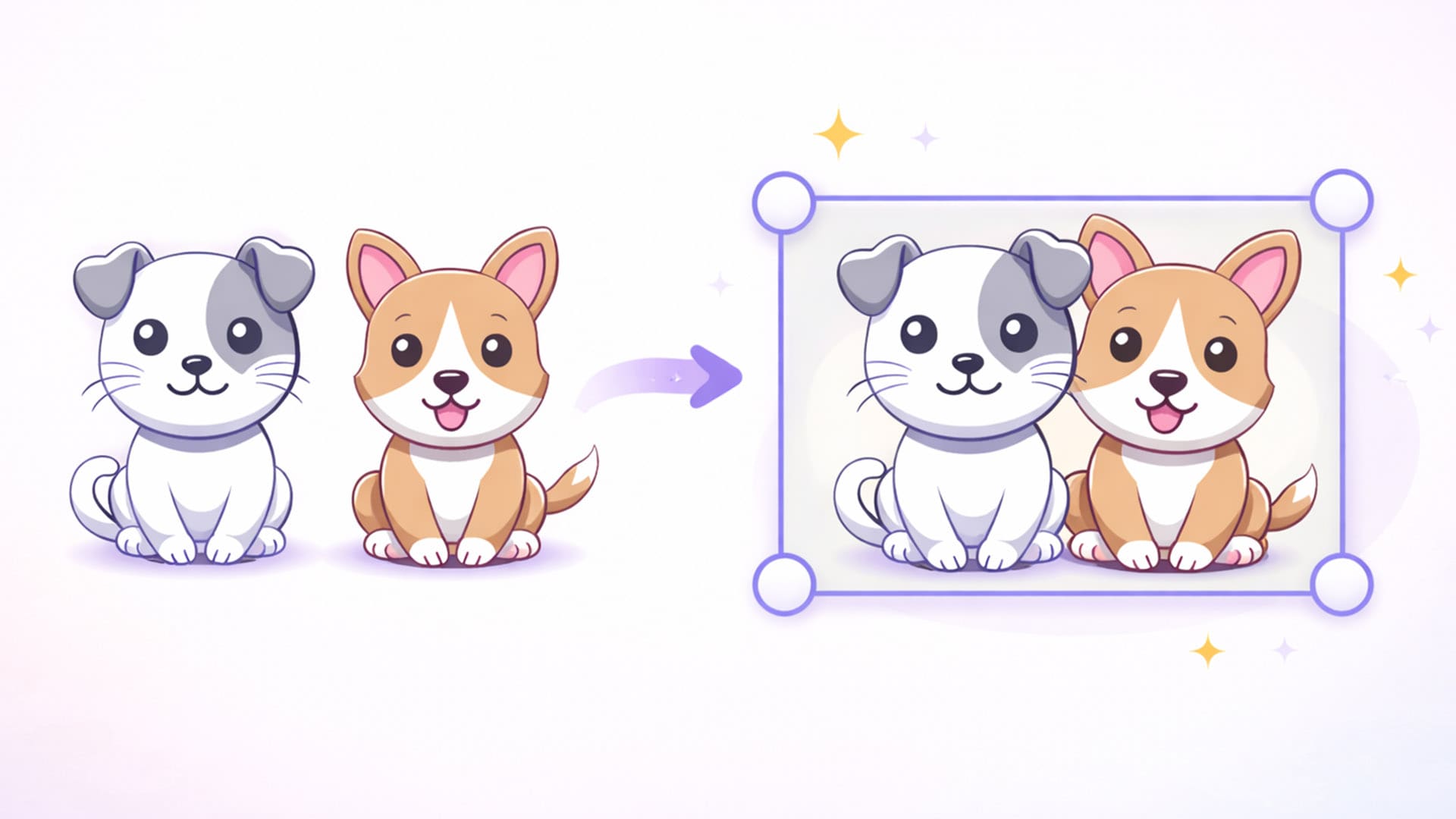
Working with SVG graphics is great.
They scale perfectly and stay sharp at any size.
But sometimes you need to combine multiple SVG files into one.
This might include:
- Mixing separate icons together;
- Combining design elements from multiple designs;
- Merge elements between logos and shapes;
- Building a bigger illustration from small individual SVG pieces.
Good news.
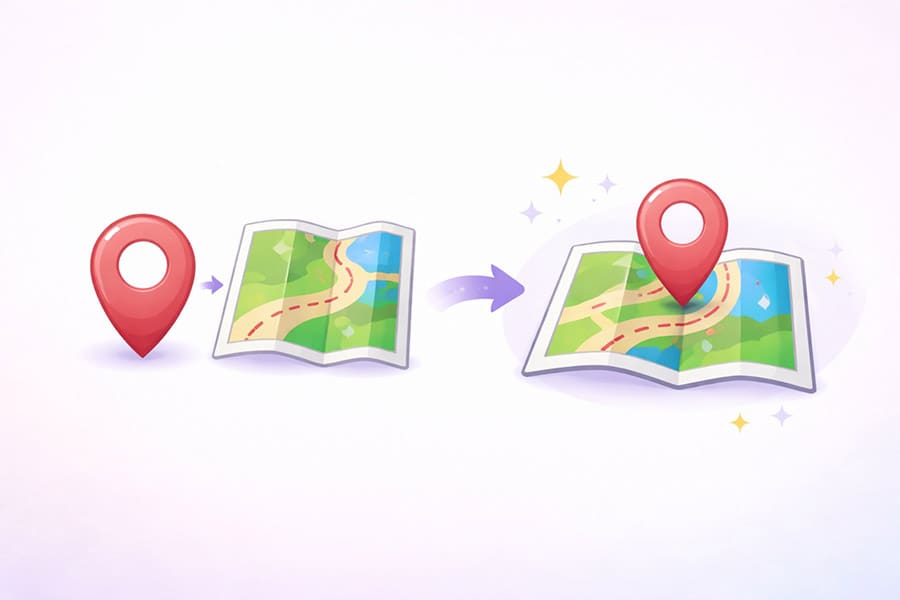
You can instantly merge SVG files online in seconds using the free editor at SVG.design.
Merge SVG Files Online With the Right Editor 👇🏼
The easiest way to combine SVG files is using the free editor:
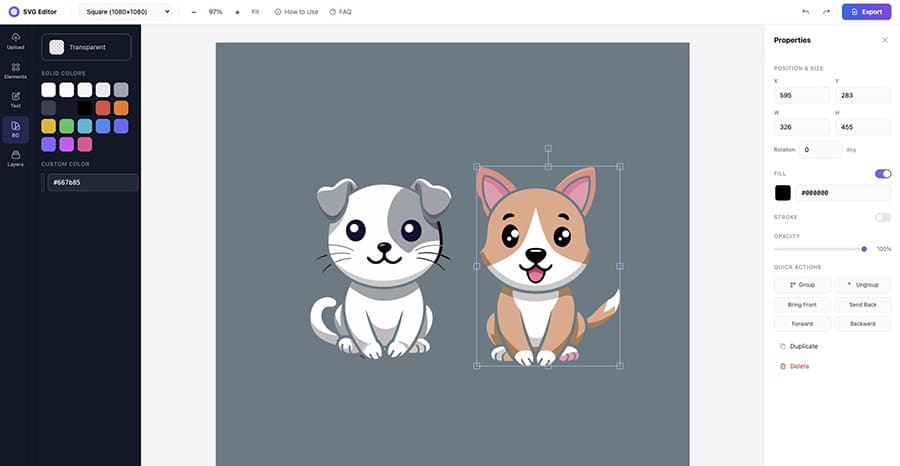
This tool works like a full SVG design studio in your browser.
You can:
- Upload multiple SVG files;
- Ungroup all the elements;
- Select and resize individual SVG shapes;
- Move, combine or delete SVG objects;
- Edit colors, sizes, and positions;
In other words, it’s perfect for merging SVG graphics.
And yes... it’s completely free to merge SVG files.
Why Merge SVG Files? 🤔
Designers merge SVGs all the time.
Here are some common reasons.
1. Build a New Graphic From Pieces
Sometimes one SVG is not enough.
Instead of editing them in different tools, you simply combine them into one SVG file.
2. Create Custom Icons
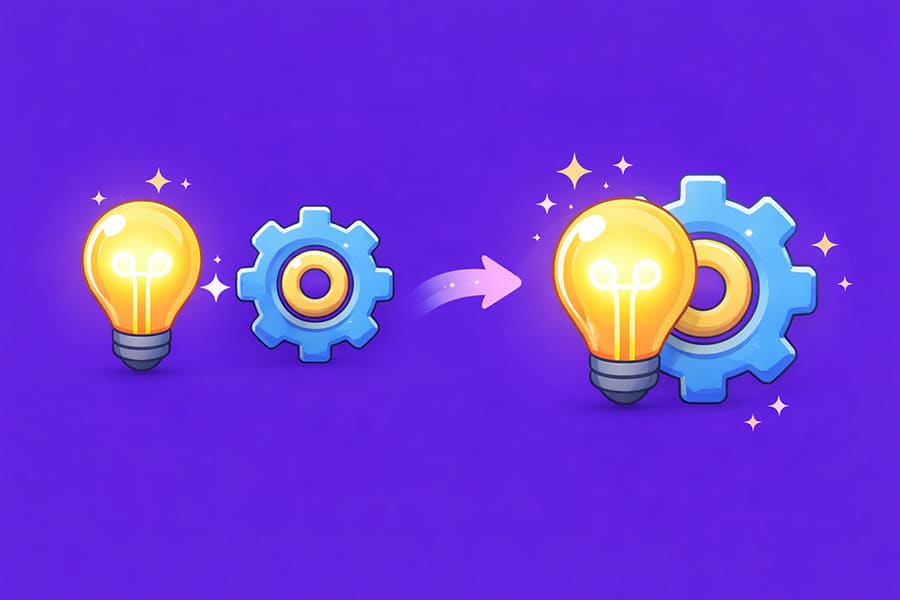
Let’s say you want to create a new icon.
You can, upload multiple SVGs, and mix all elements together.
Then export a brand-new icon design.
3. Edit Elements Inside an SVG
Many SVG files come grouped together.
That means you can't easily select individual parts.
With the SVG.design editor you can:
- Ungroup the SVG;
- Select the shapes and layers you want;
- Delete or move elements or backgrounds;
- Combine them with other SVG graphics
This makes merging very flexible.
How to Merge SVG Files Online (Step-by-Step) ✅
Here’s how easy it is.
Step 1: Open the SVG Editor
Go to: https://svg.design/editor
The editor loads instantly in your browser.
No account is required.
Step 2: Upload Your First SVG
Click Upload and select your SVG file (or drop your SVG).
It will appear on the canvas, where you can easily resize it, move it or rotate it.
Step 3: Ungroup the SVG (if needed)
Many SVGs are grouped.
To edit individual elements:
- Select the SVG and Click Ungroup on the right side menu.
Now you can select shapes and paths.
Step 4: Upload Another SVG
Next, upload another SVG file.
Now both graphics are on same the canvas.
You can:
- move pieces around
- mix elements
- delete parts you don’t want
This lets you merge SVG designs however you like.
Step 5: Combine and Arrange
Now simply arrange everything.
For example you can:
- place icons inside shapes;
- combine 2 SVG illustrations;
- build layered SVG graphics;
- mix multiple icon sets or recolor SVG designs.
Step 6: Export Your Final SVG
Once you're happy:
Export the merged design as a new SVG file.
Now you have one combined SVG graphic ready to use anywhere.
Why Use SVG.design to Merge SVG Files? ✨
There are many SVG tools online.
But this one is different!
This isn’t just a converter, because you get a complete vector editor.
You can:
- edit SVG shapes
- change colors
- move paths
- edit SVG layers
- combine designs or make SVG transparent.
It’s Completely Free
No subscriptions and no locked features.
You can merge as many SVG files as you want.
Perfect for Hobby Designers and Developers
SVG.design is great for:
- UI designers
- web developers
- icon designers
- digital creators and marketers;
Anyone working with SVG graphics.
SVGs Were Made to Be Mixed 🤝
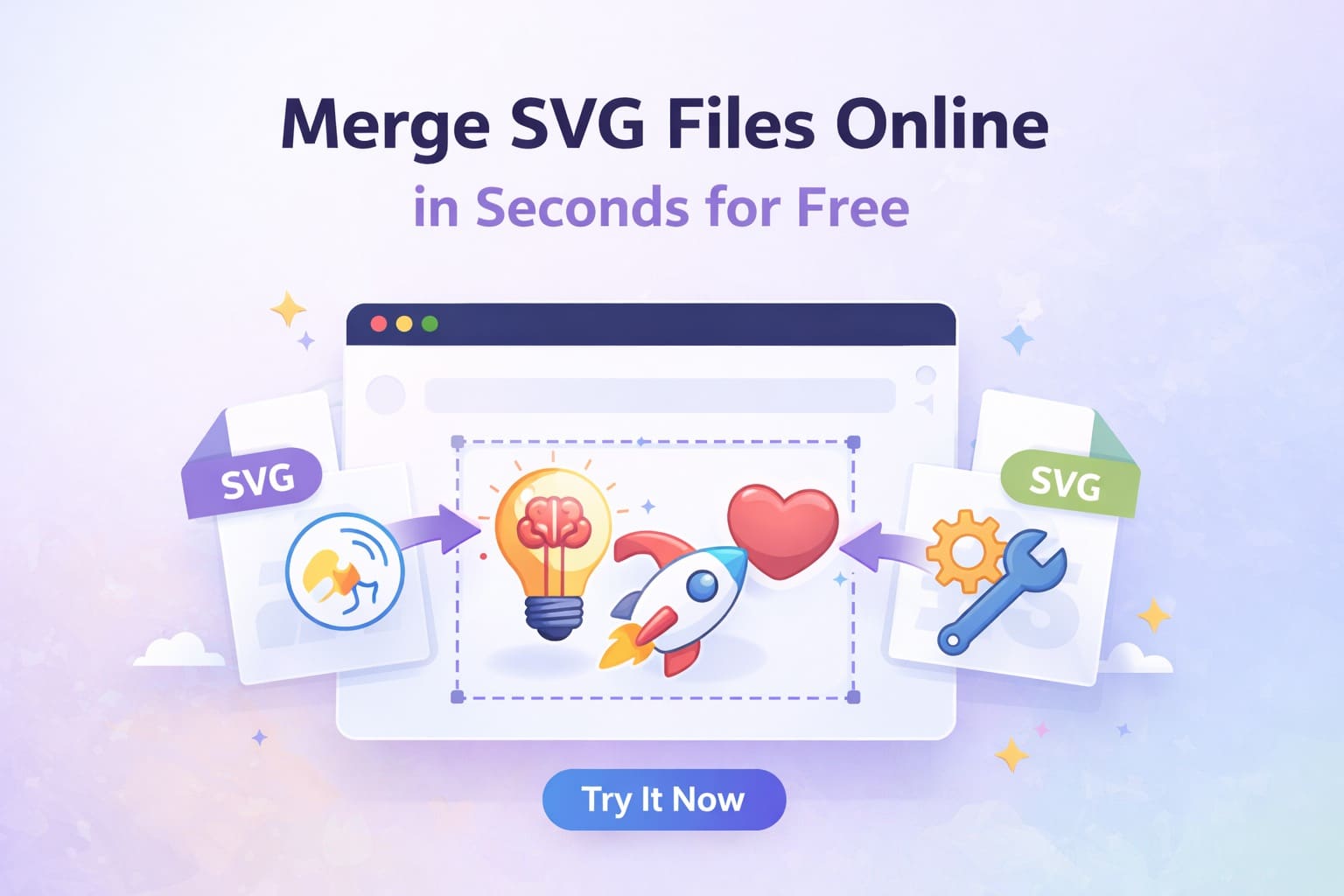
If you want to merge SVG files online, then the fastest method is:
Upload multiple SVGs and ungroup elements (this way you can choose which objects to keep)
Then mix shapes and combine graphics.
Finally export your final design in SVG, JPEG or PNG.
Just a free full-scale SVG editor that works instantly in your browser.

About the Author
I'm a vector artist and 3D designer and the founder of Mockaps. I love creating beautiful visuals and sharing what I've learned about design, productivity, and creativity with fellow artists and makers.