
Write it right here.
Click the text in the preview. Type your words and add line breaks where you want them.
A few words. Your whole point.
Make the text. Drop it over your video.
Keep an editable copy on your device. How it works
A FEW WAYS TO MAKE IT YOURS
A quick thought, a useful tip, a little plot twist. Pick a starting point, click the text and make it yours. The colored gallery backgrounds are for preview only.
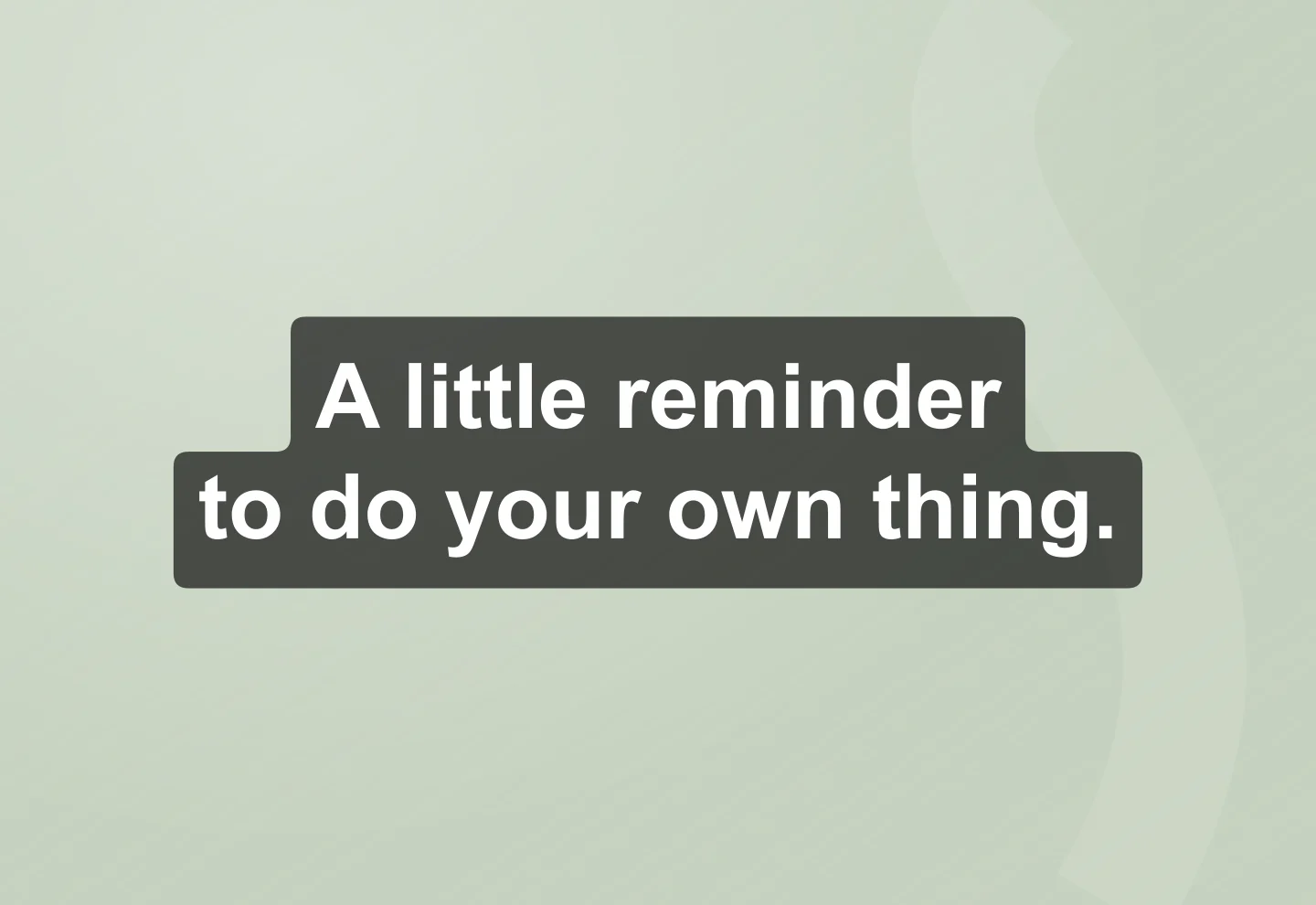
Classic · Translucent black
A quiet caption that works over a busy video. Start with the classic semi-transparent black background.
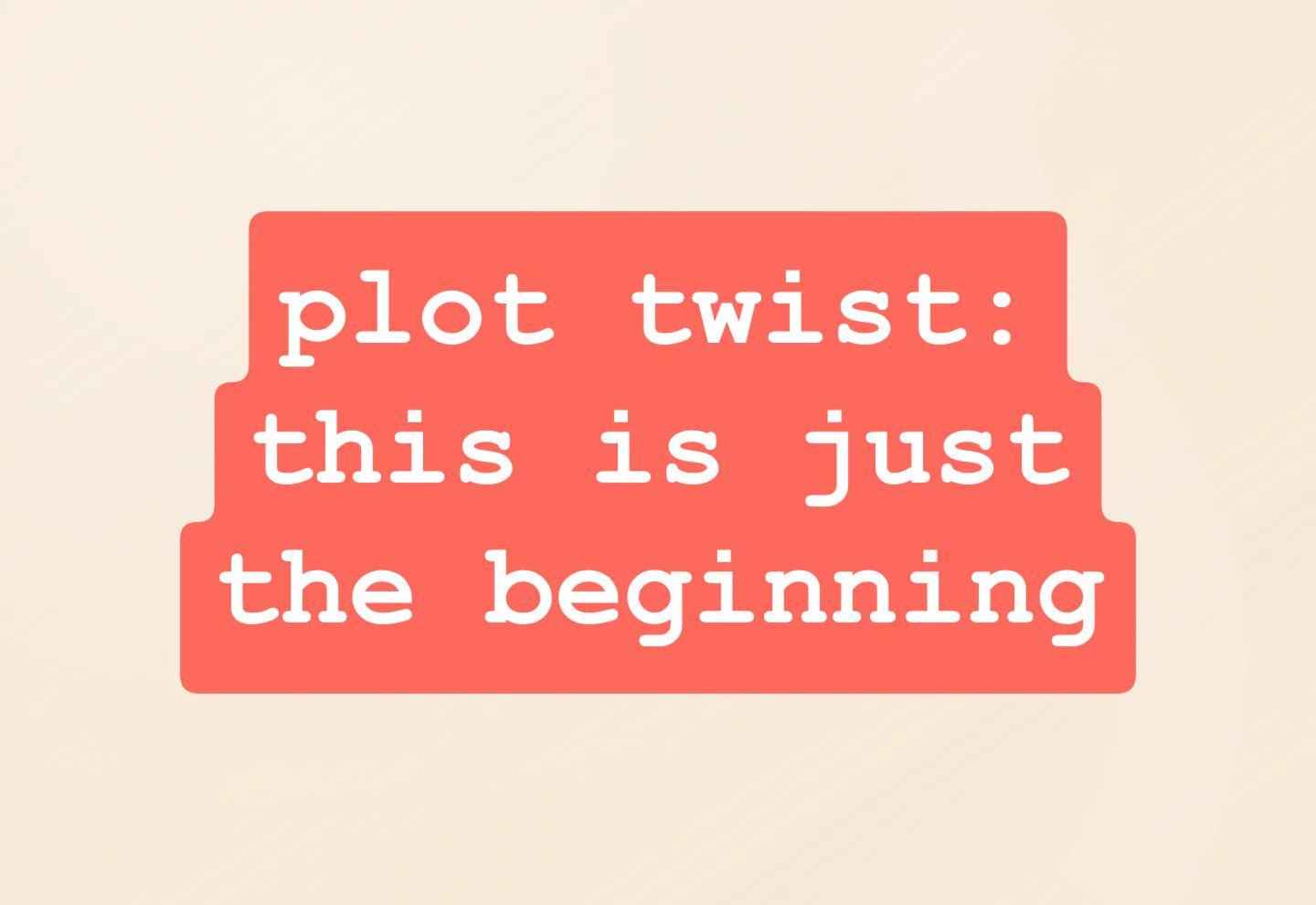
Typewriter · Coral
Give a reveal a little character with a typewriter font and a bright, connected background.
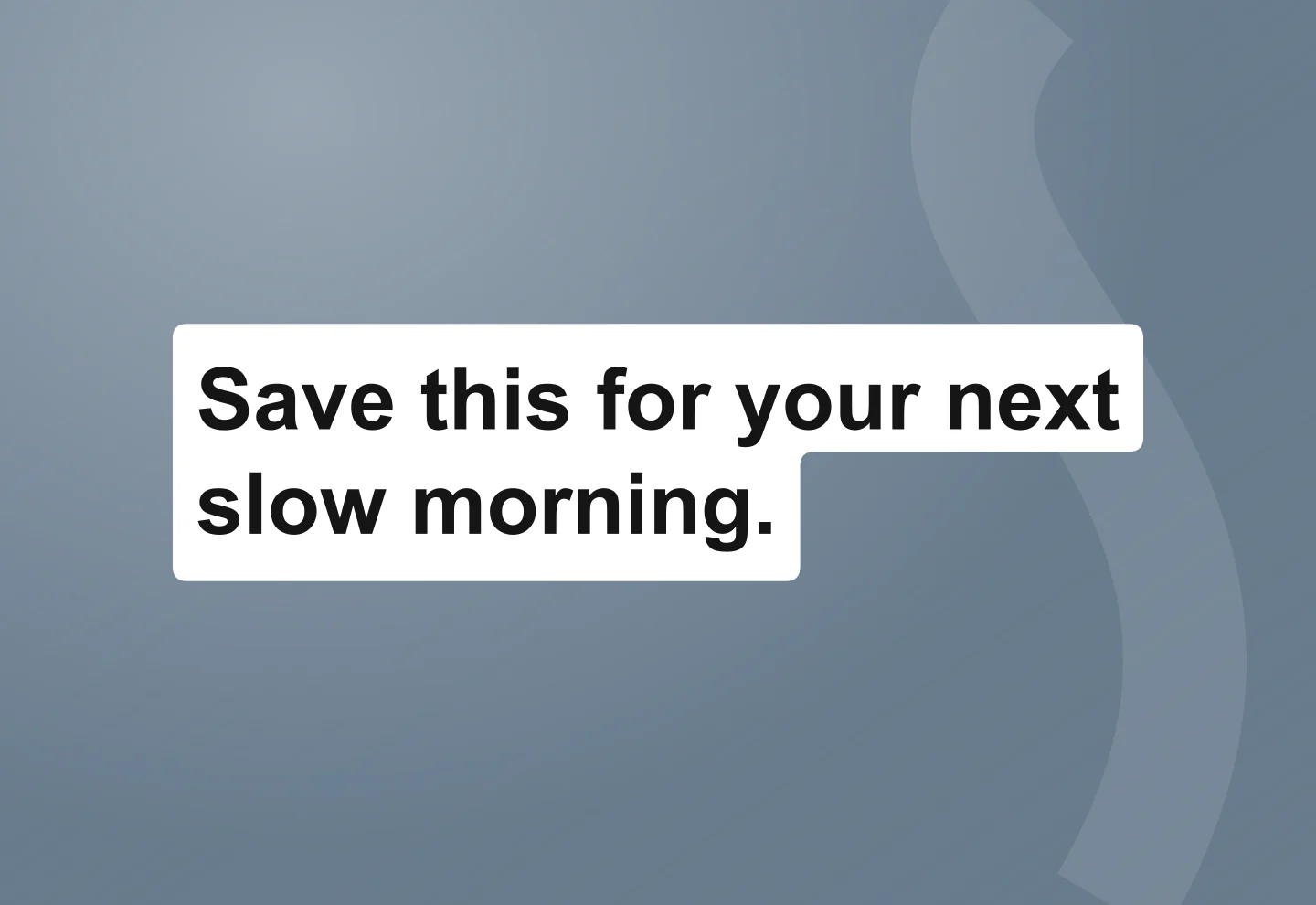
Paper · Left aligned
A clean white highlight for a quick tip, list or how-to. Change the words, then drop it over your footage.
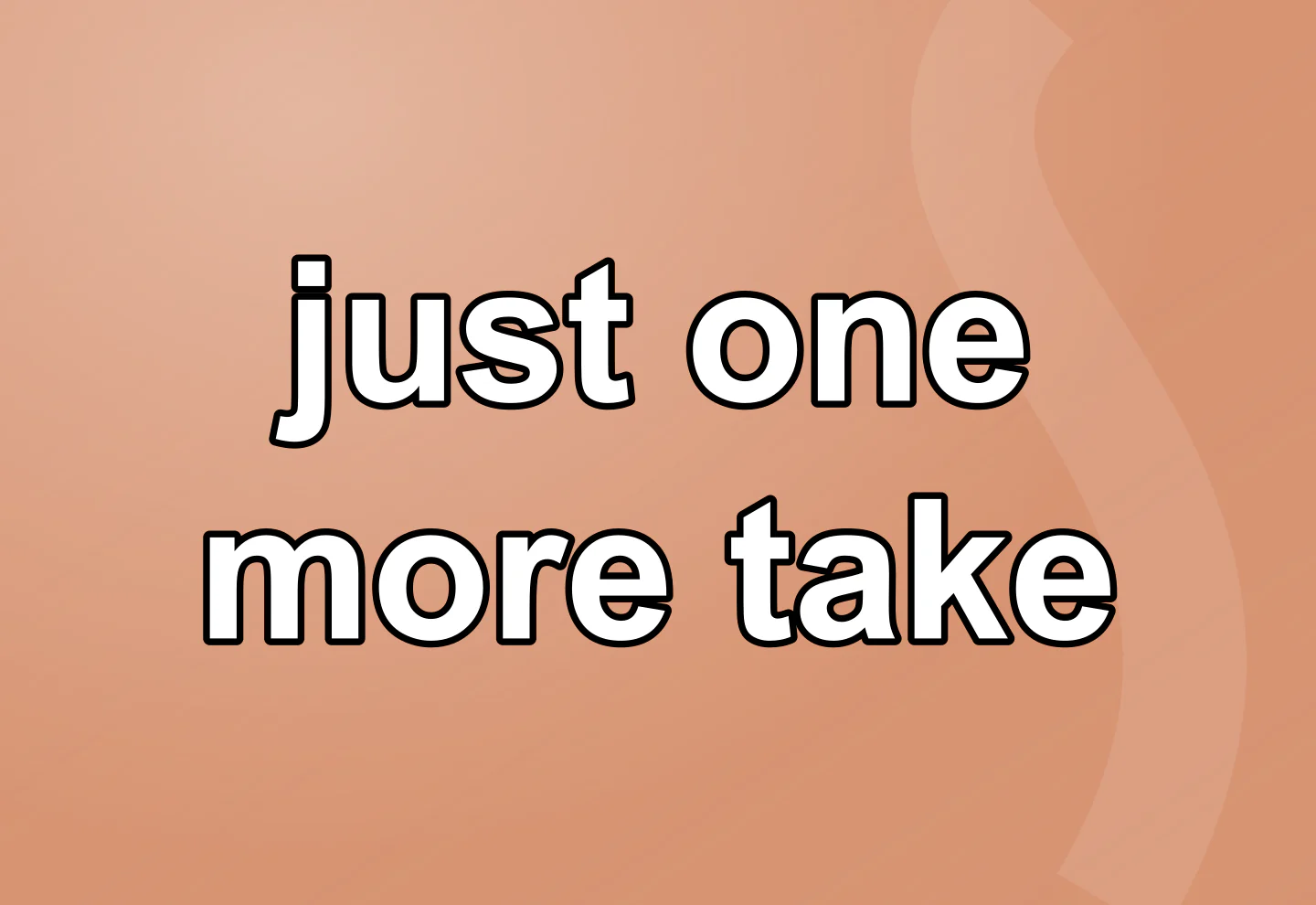
Outline · No background
A bold outline keeps your caption readable while letting more of the video show through.
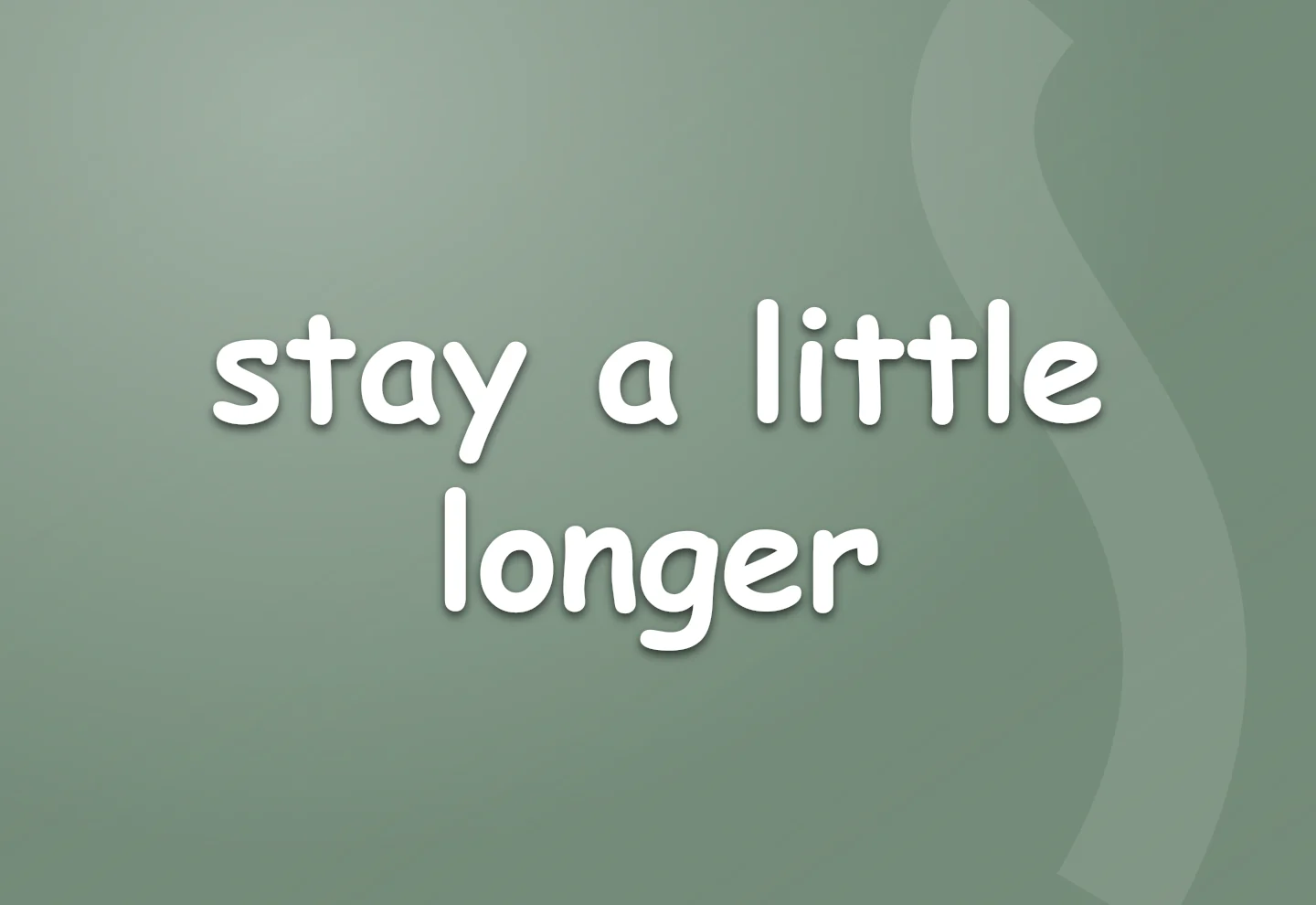
Handwritten · Soft shadow
A handwritten note for an everyday moment. Keep the soft shadow or switch it off.
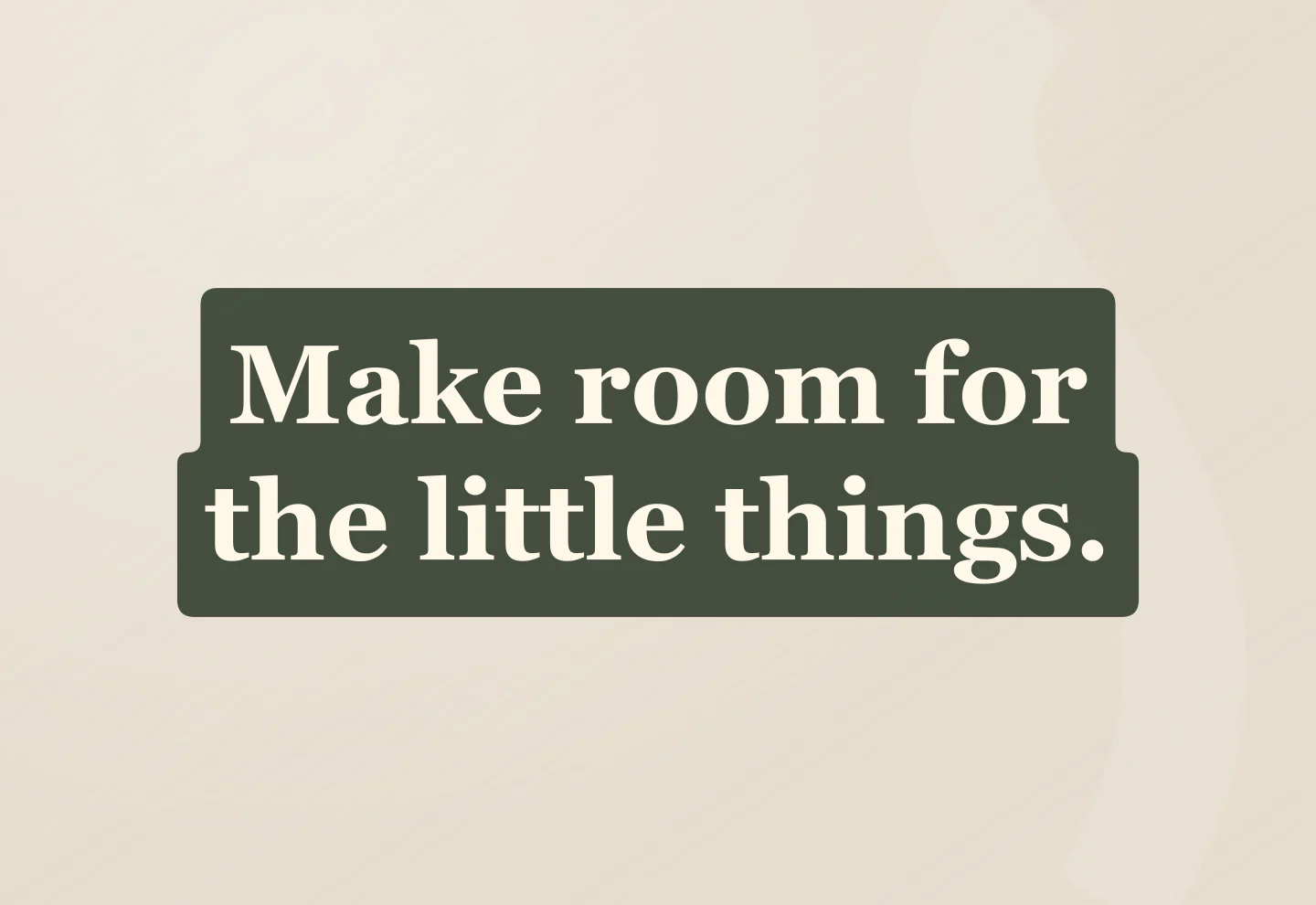
Serif · Forest green
A softer, editorial caption for a daily ritual, travel diary or something worth noticing.
Made with this generator. Sample brands, conversations and engagement counts are fictional.
YOUR WORDS. READY TO LAYER.
Click the text in the preview. Type your words and add line breaks where you want them.
Start with a classic preset. Adjust the color, highlight and spacing until your words feel right.
Download a transparent PNG and add it as an image layer in your video editor. Your footage shows through around the text.
A FEW USEFUL DETAILS
A transparent PNG of your text, ready to place over a video or image. It includes the lettering and any highlight, outline or shadow you choose. The checkerboard and preview background are not part of the download.
Yes. Edit your text and download transparent PNGs at 1×, 2× or 3× for free. No account, subscription or watermark.
Click the text in the preview and start typing. Press Enter for a new line. Click Done, click outside the canvas, or press Escape to finish editing. Choose a preset, then adjust the font, size, alignment, colors and background opacity.
Download the PNG, then add it as an image or overlay layer in your video editor. Place it above your footage, resize it and set when it appears. The file contains no video or animation.
Yes. Under Background, choose No background for just the lettering. You can also change the highlight color, adjust its opacity, switch to a single box or use an outline for readability.
Your latest text and settings save in this browser. Save project downloads an editable file you can reopen with Open project on this page. Your text is not uploaded to an account.
These are editable styles inspired by the classic TikTok text editor. They use familiar fonts available in your browser, so the precise lettering can vary by device. This independent tool does not use TikTok’s proprietary fonts or connect to TikTok.
An independent tool by Mockaps, inspired by classic TikTok text styles. Not affiliated with or endorsed by TikTok. Need the whole interface? Try the TikTok Video Mockup Generator.