
Write something worth reading.
Start with a quote, a campaign thought or a useful takeaway. Edit the text on the canvas or in the sidebar.
Some words deserve a second look.
Make the important part stand out.
MP4 · 30 fps · Silent
Keep an editable copy on your device. How it works
A FEW WAYS TO MAKE IT YOURS
A thought worth keeping. A line worth repeating. Choose a starting point, then put the emphasis where you want it.
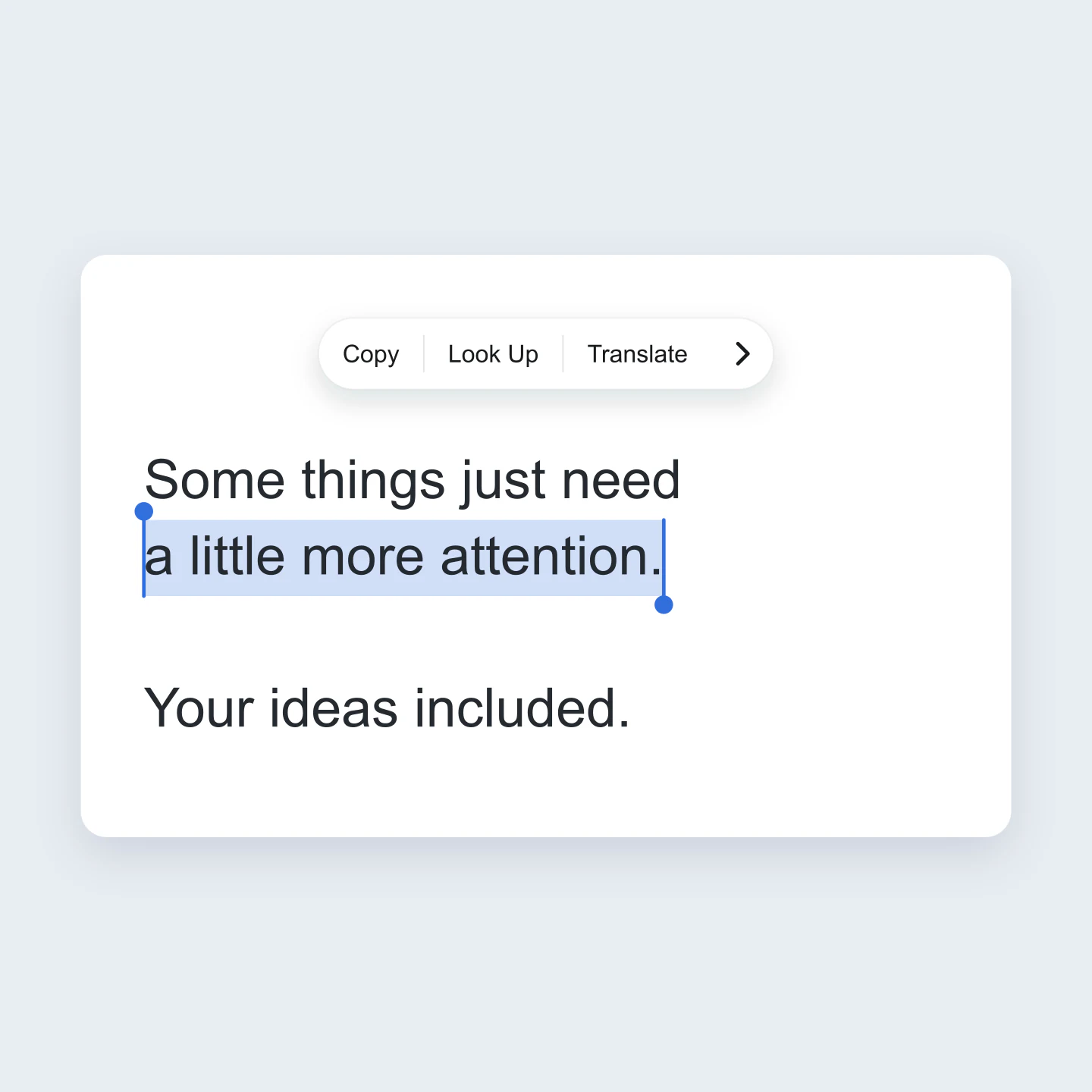
iPhone · Blue · Square
A few words worth keeping. Select a different phrase, change the copy or put your own message in the familiar selection menu.
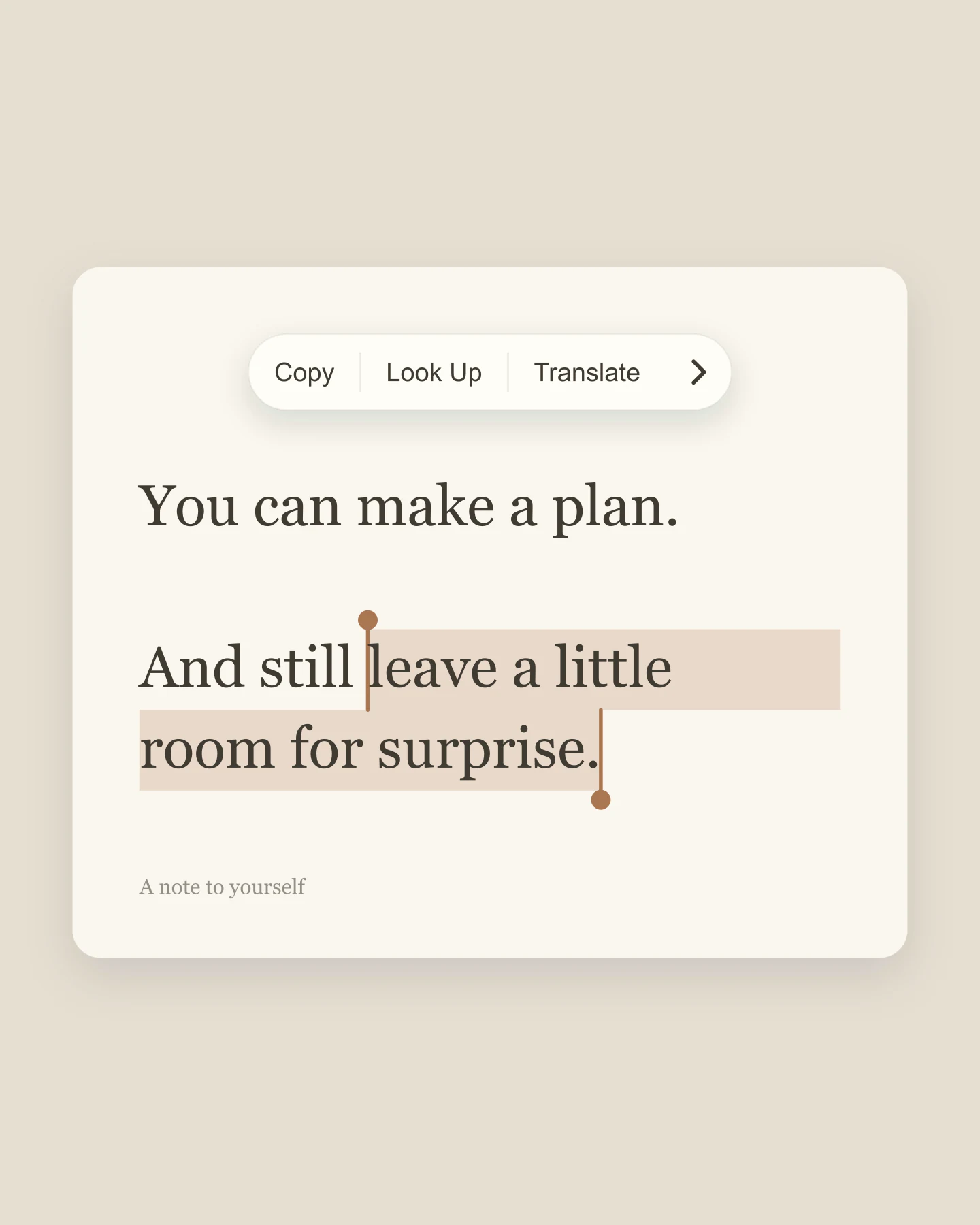
Editorial · Serif · Portrait
A warm paper look with an editorial serif. Try highlighting the line you want someone to remember.
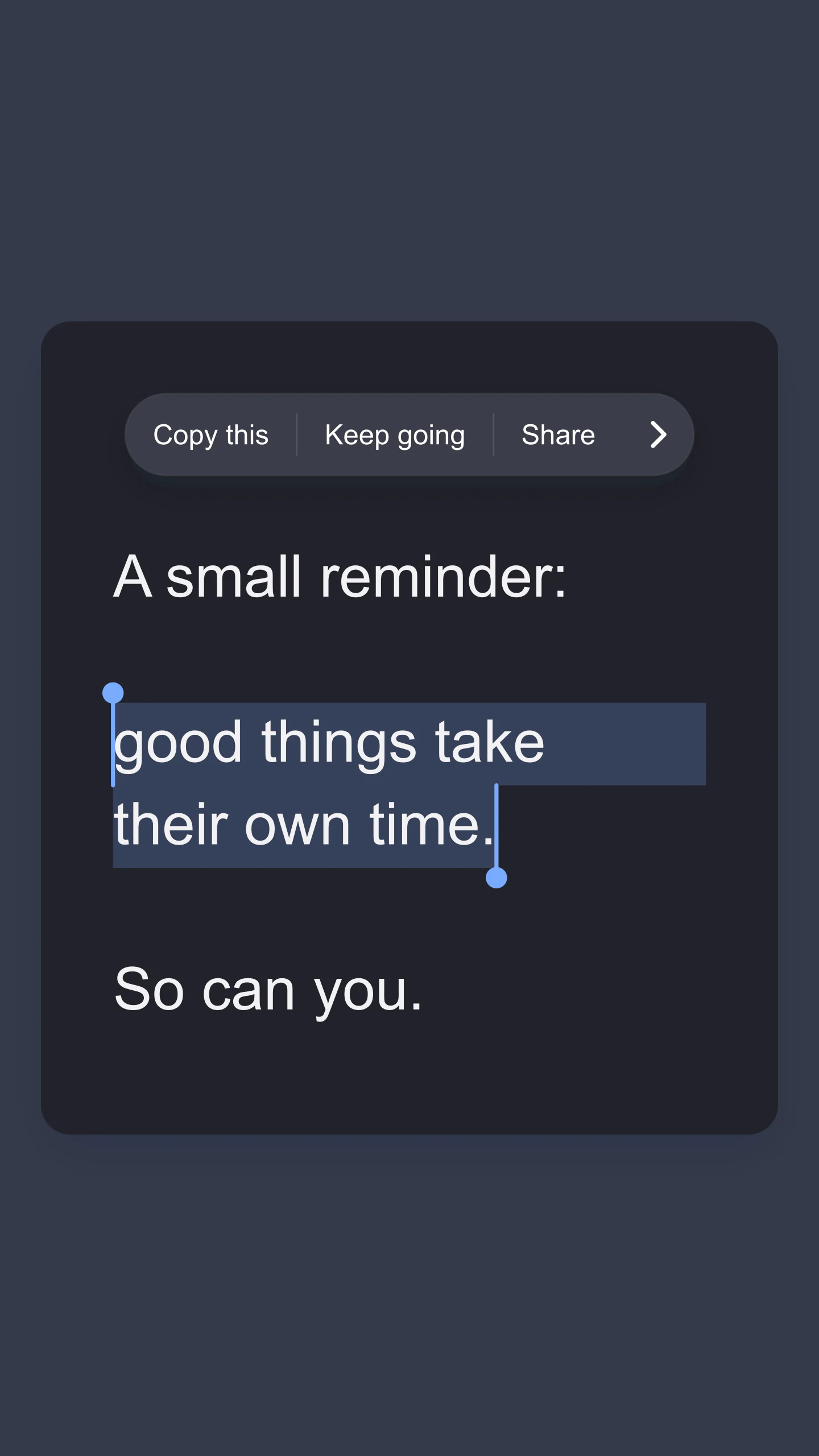
iPhone · Dark · Story
A dark selection card for a Story. Customize the menu labels to turn the familiar interface into part of the message.
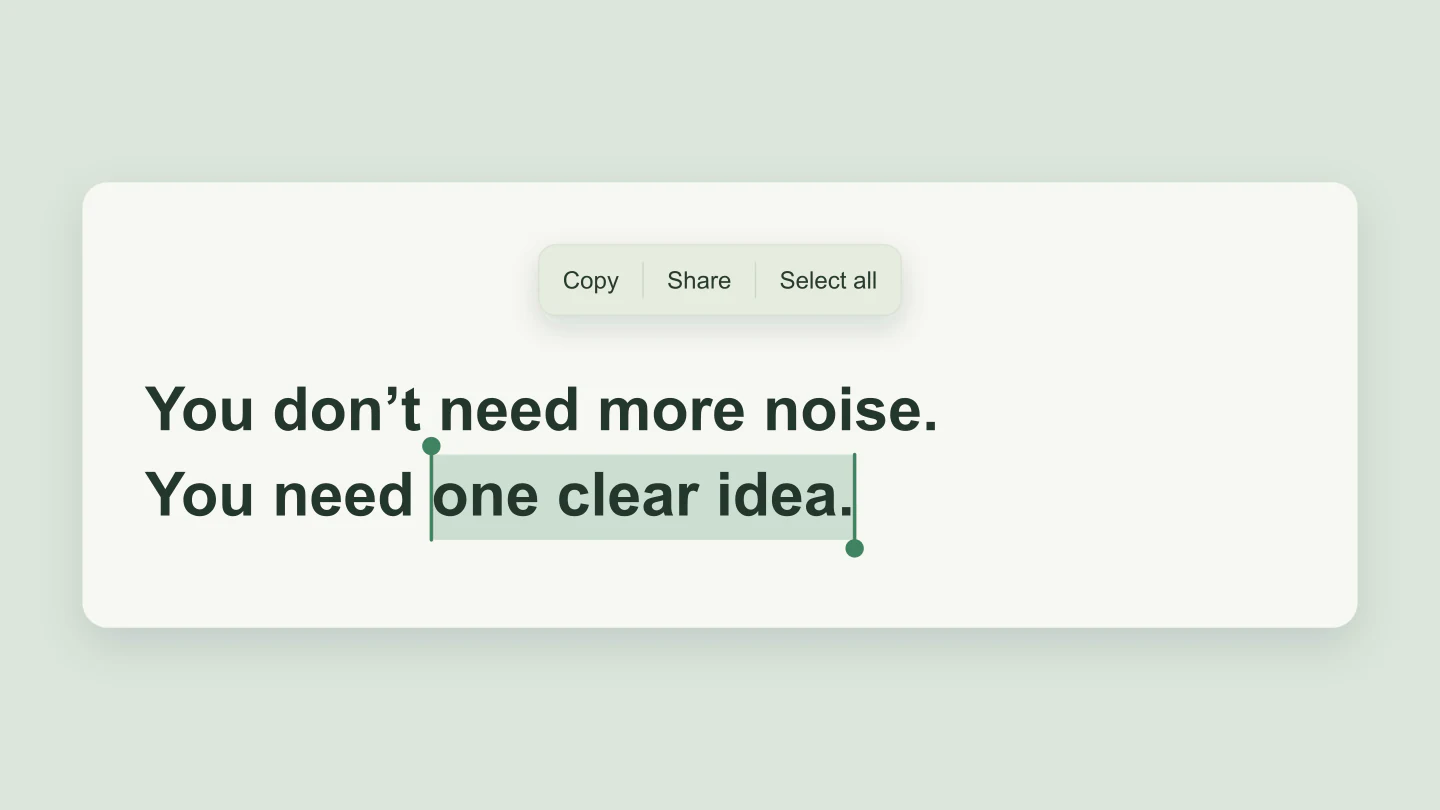
Android · Sage · Wide
A calm Android-inspired highlight for a launch or presentation. Keep the message short and let the selection do the emphasis.
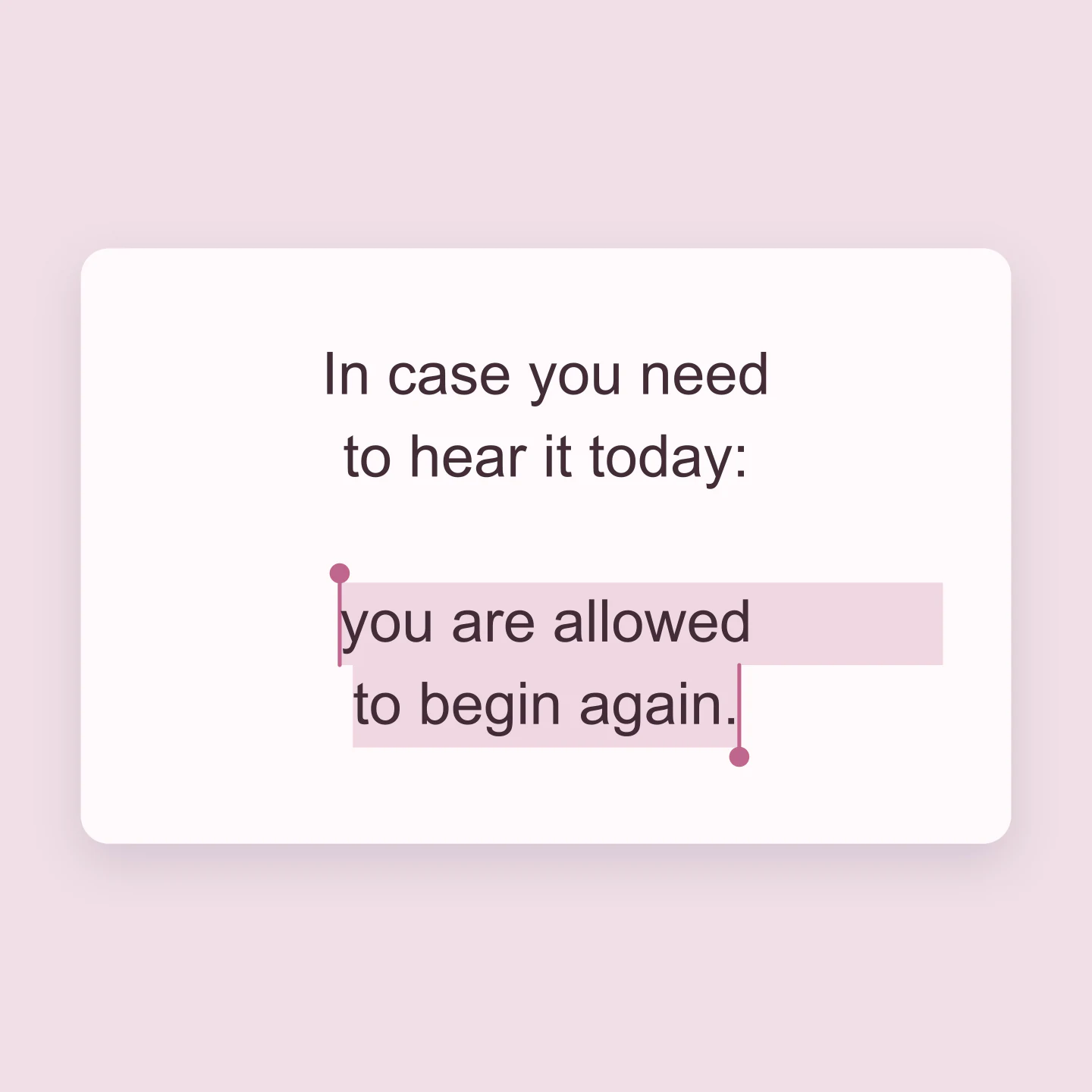
Rose · No menu · Square
A softer quote with just the highlight and handles. Hide the menu when the words deserve all the space.
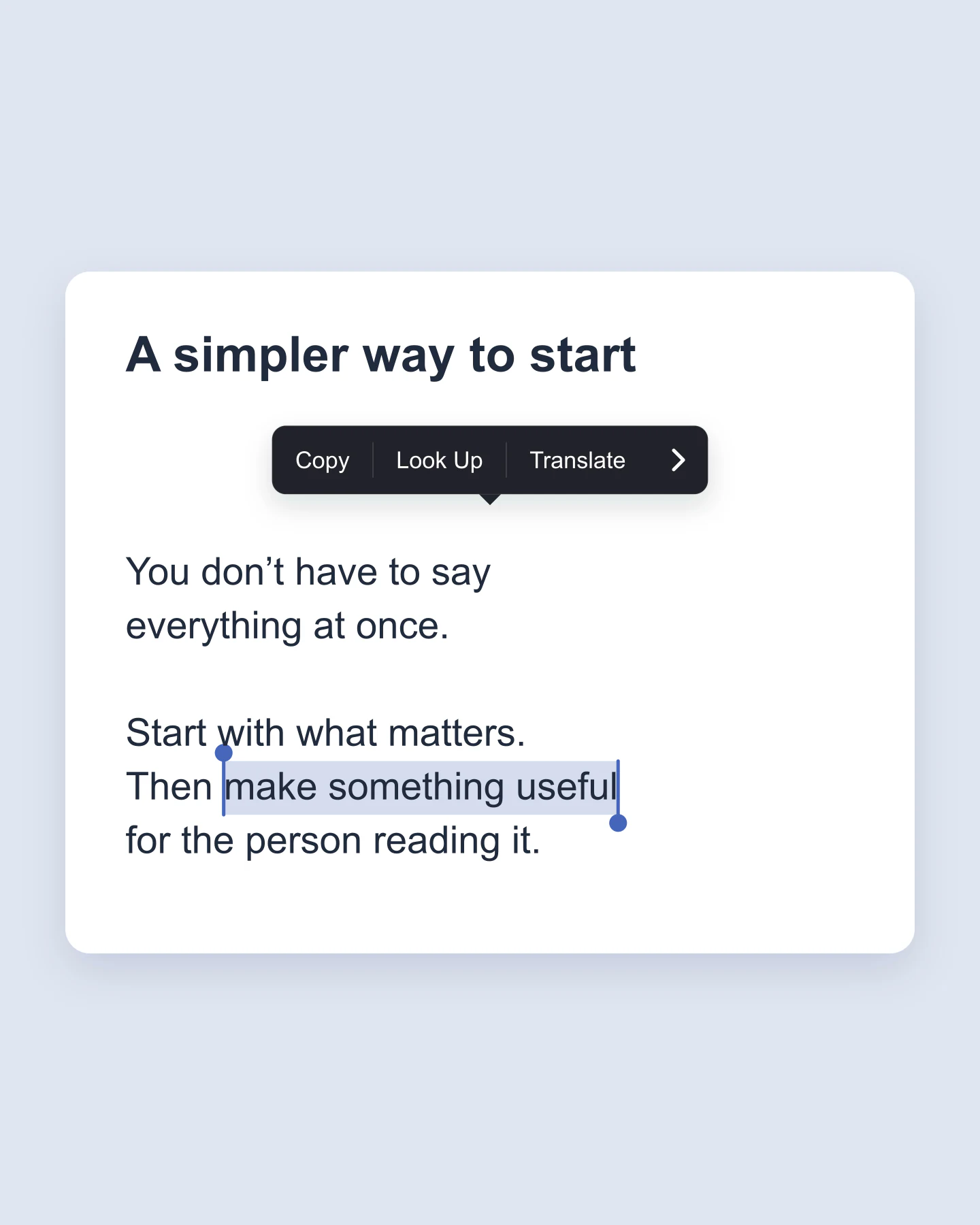
Classic · Article · Portrait
An article-style starting point, with a heading and a classic popup menu. A useful way to share a takeaway from a longer thought.
Made with this tool. Every example includes editable text, a saved selection and all its style settings.
MAKE A FEW WORDS MATTER
Start with a quote, a campaign thought or a useful takeaway. Edit the text on the canvas or in the sidebar.
Drag across the words. Move the selection handles and choose a highlight that suits the message.
Switch to Square or Story and download a free image. Save a project to keep your text and selection editable.
A FEW USEFUL DETAILS
It is an image that looks like words selected on a phone: a soft highlight, selection handles and an optional Copy or Look Up menu. Use the familiar detail to draw attention to a phrase in a quote, announcement or marketing image.
Write your text, then tap a word or drag across the preview to highlight it. Drag either handle to refine the selection. Choose your colors and canvas size, then download the image. You can also find a phrase from the sidebar.
Yes. All current editing features and PNG or JPG downloads at 1×, 2× and 3× are free. No account, subscription or watermark. The download controls show the exact pixel dimensions for your design. Very large designs may need a smaller size to fit your browser’s image limits.
Yes. Select the words you want to emphasize, then enable Animation. Watch the highlight sweep across your selection, reveal it word by word or fade it in. Adjust the speed, opening pause and popup delay. The text stays still, and everyone can preview for free.
An active Pro plan includes silent MP4 downloads at 30 fps in 720p or 1080p. Choose portrait 9:16, square 1:1 or wide 16:9 for stories, reels and presentations. Free PNG and JPG downloads are still available in the editor.
Yes. Choose iPhone for a blue highlight, round selection handles and a light floating menu. Edit the Copy, Look Up and Translate labels, or hide the menu and keep only the selected words. The layout is inspired by mobile text selection, rather than an exact copy of one operating-system version.
Choose Android for a sage highlight and a softer rectangular selection menu. Change the colors, menu labels and opacity to match your own design. You can also choose a classic dark popup.
Drag over the words in the preview. For an exact phrase, open Text & selection and use Find words to highlight. Next match moves to another occurrence. Or select words in the sidebar text box and click Highlight selection from text box.
Yes. Choose Edit text above the preview, type your words, then choose Select words to return to highlighting. Your existing selection is kept when you edit around it. The heading and attribution can be changed in the sidebar.
Yes. Highlight a memorable sentence, a product benefit or a call to action. Use an editorial serif for a quote, a clean sans font for an announcement or a typewriter style for a short note. Every example below is editable.
Yes. Change all three action labels, hide individual actions by leaving them blank, switch the arrow on or off and put the menu above or below your text. Menu labels are part of the exported image, not working Copy or Translate buttons.
Download a free PNG or JPG at 1×, 2× or 3×. Choose Square, Portrait, Story, Wide or Fit. The presets adapt the text width and size, while preserving the selected words. PNG can also have a transparent outer canvas; the text card itself stays visible.
Yes. Save project downloads an editable file with your settings, text and uploaded images. Open project restores it in the same tool, or lets you paste project JSON from an assistant. Review it before replacing your draft. Files are processed in your browser, not uploaded to your account.
Yes. Images exported from these social and app mockup tools can be used in personal projects, social posts, presentations and client work without a Mockaps subscription or attribution. You still need permission for content you add. Platform names and logos belong to their owners; a mockup does not imply their endorsement.
An independent mockup tool by Mockaps. Mobile-inspired selection styles for your own words. This tool is not affiliated with or endorsed by Apple or Google.