
Start with a real quote.
Add the feedback you want to share. Include the person’s name, role and photo, or keep the card simple.
Good feedback deserves to be seen.
Give their words a little room.
Click the quote, name or other text to edit it directly.
Keep an editable copy on your device. How it works
A FEW WAYS TO MAKE IT YOURS
A kind note, a project review, a few words that made your day. Explore six editable examples and find a style that suits the story.
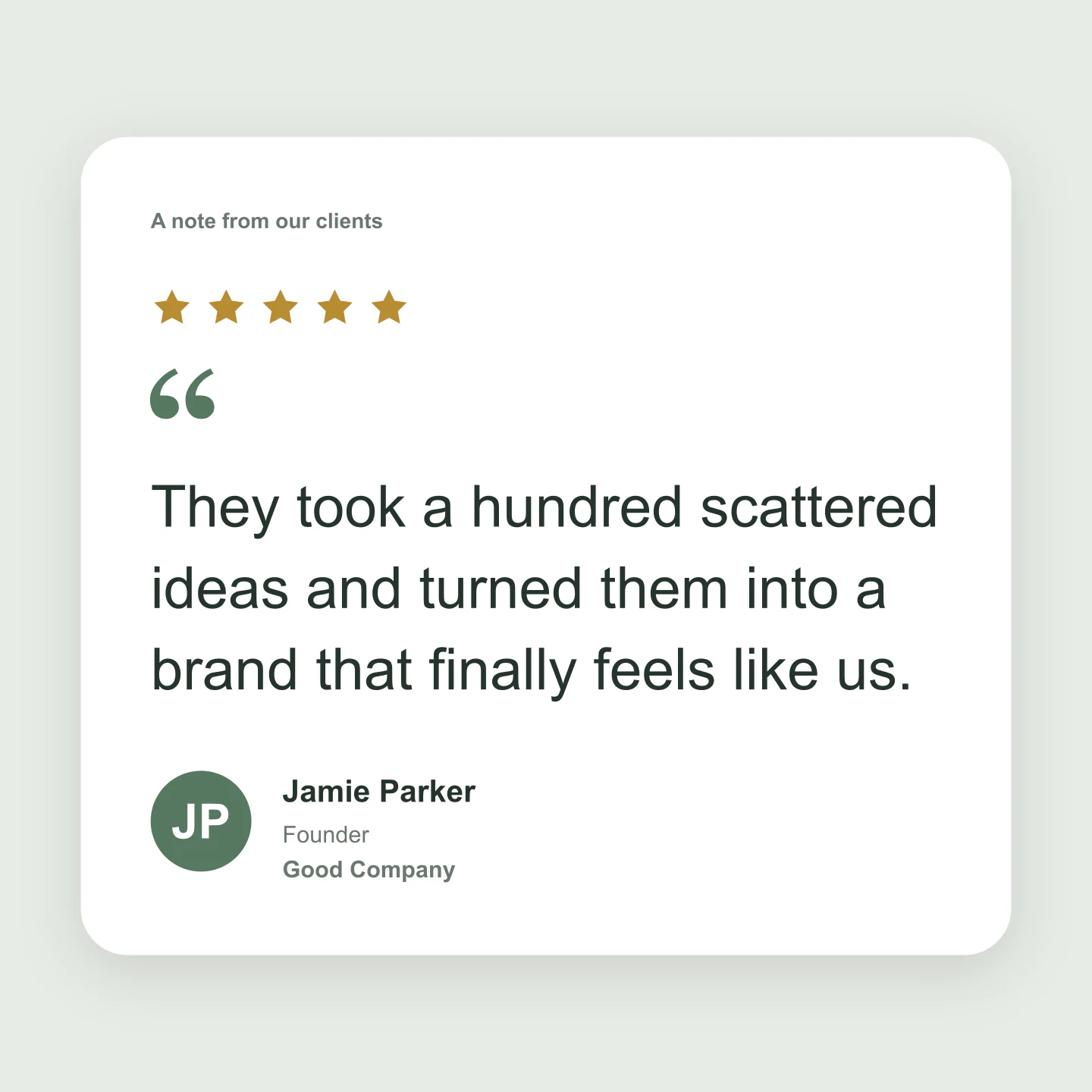
Classic · Square · Client feedback
A quiet card for a thoughtful client quote. Add a real customer’s words, portrait and company details.
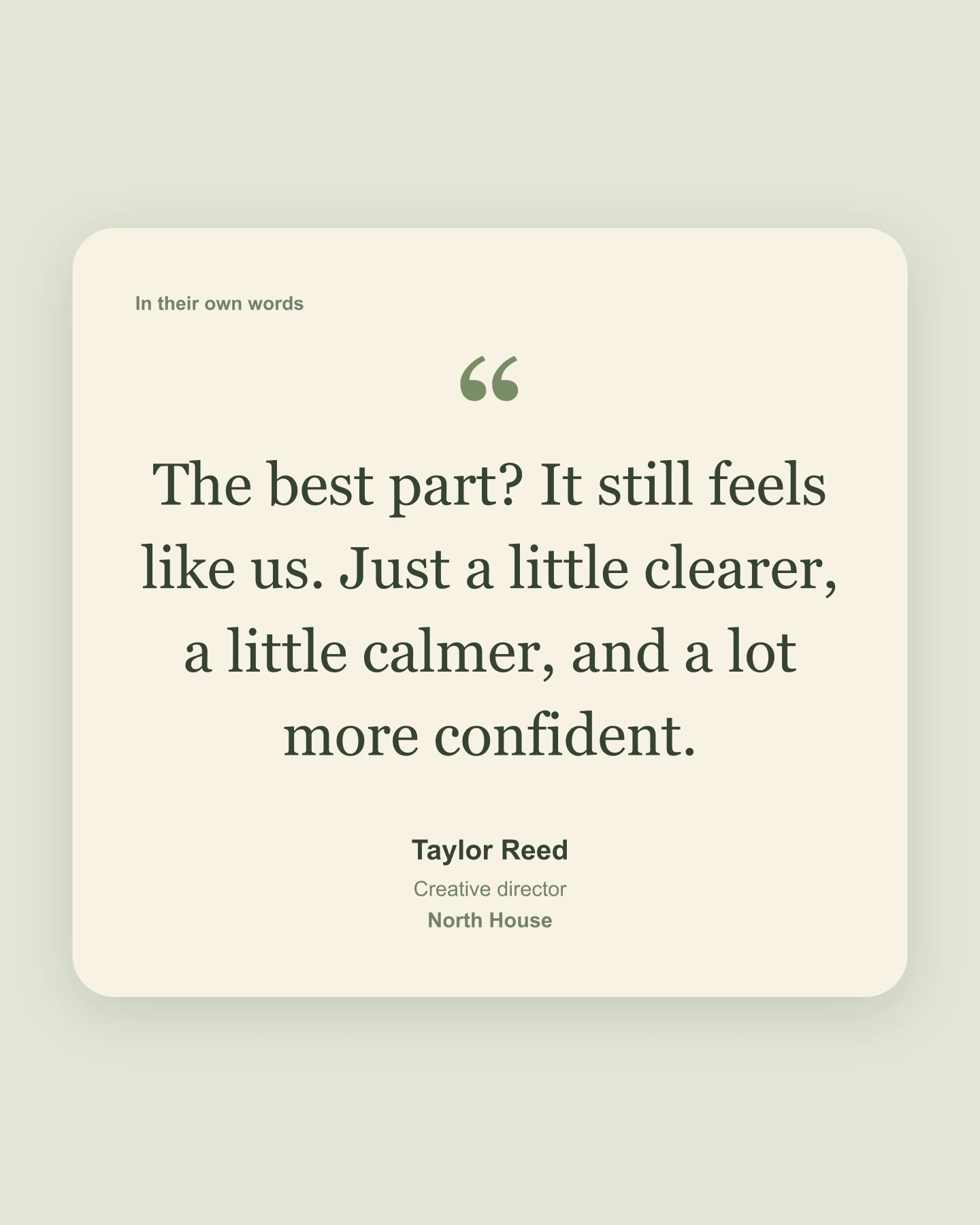
Editorial · Portrait · Serif
A little more space and a softer serif. Turn a short testimonial into an editorial social post.
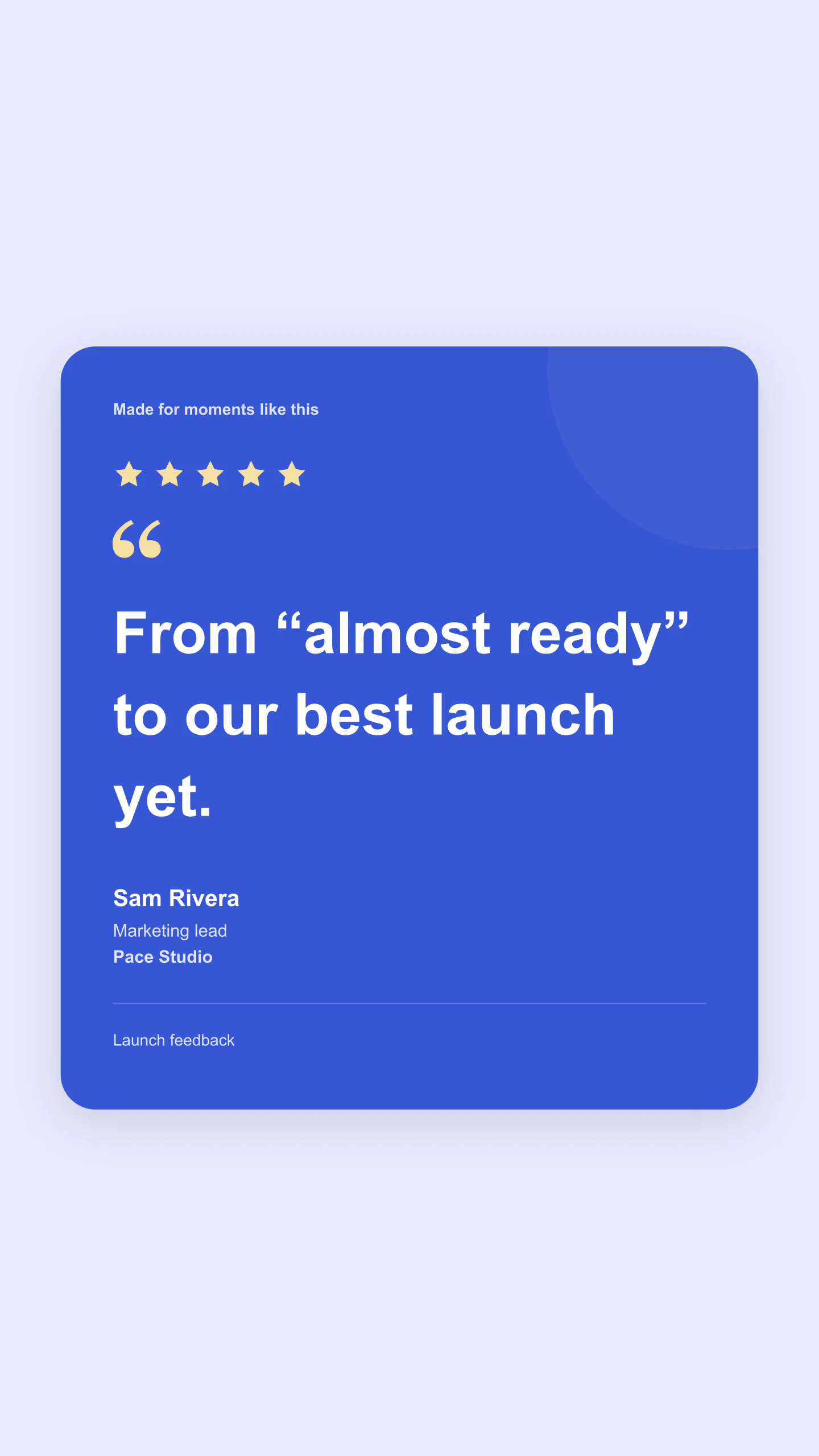
Bold · Story · Brand colors
Bright blue, warm stars and a short quote with room to breathe. Ready for a Story or a campaign presentation.
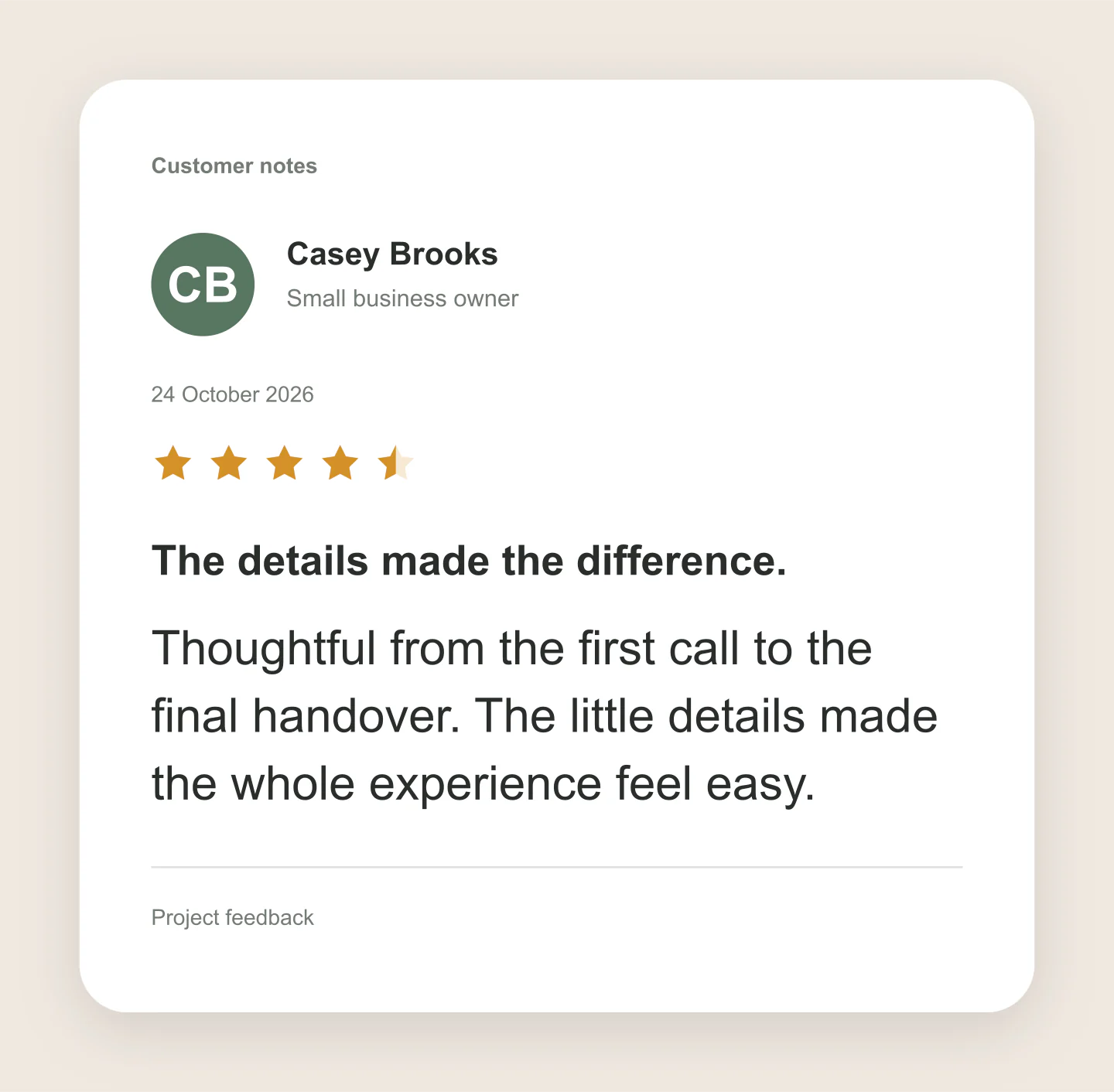
Review · Compact · 4.5 stars
A familiar review layout with a headline, date and half-star rating. Every detail is editable.
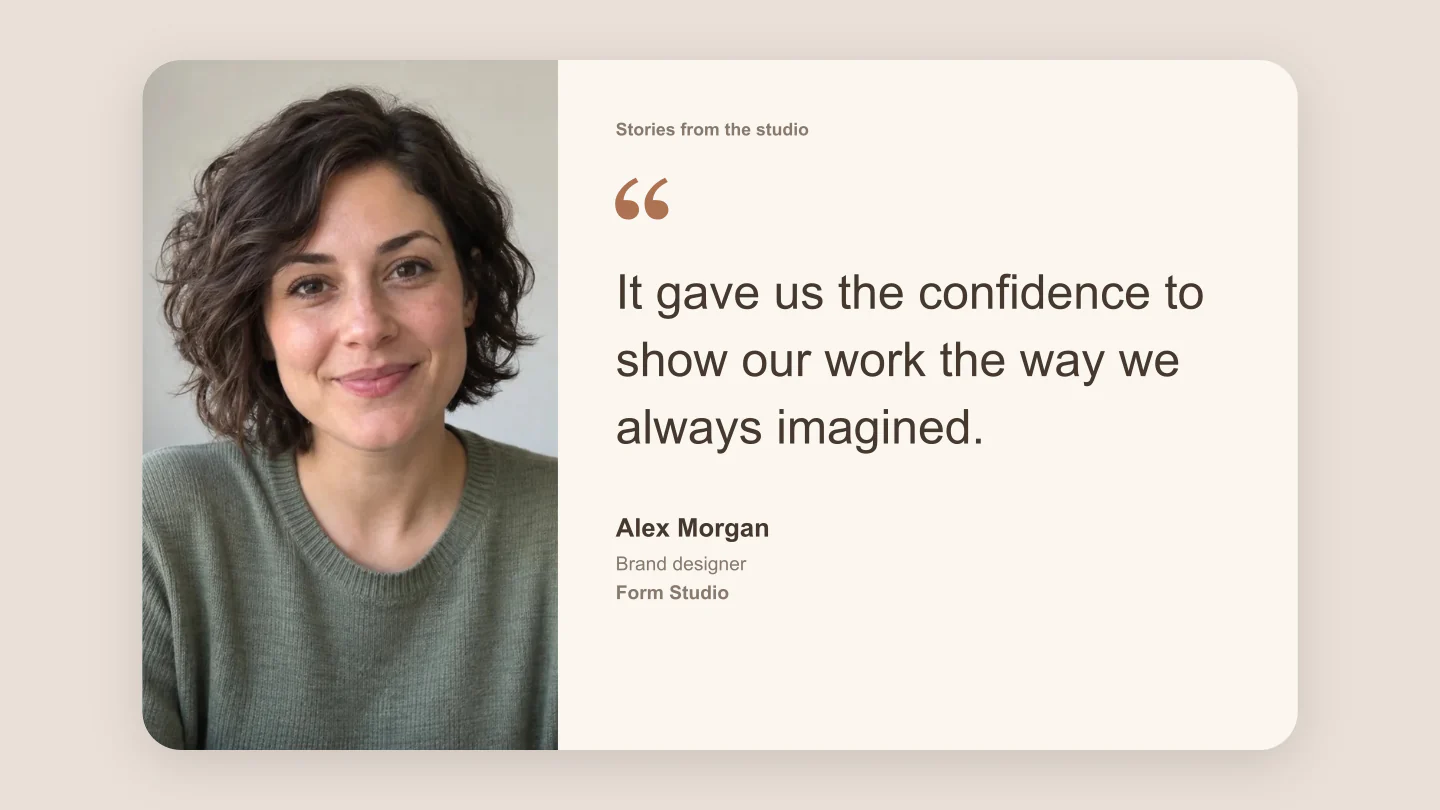
Photo · Wide · Customer story
A portrait beside the quote gives a customer story more presence. Replace the photo and use your own brand palette.
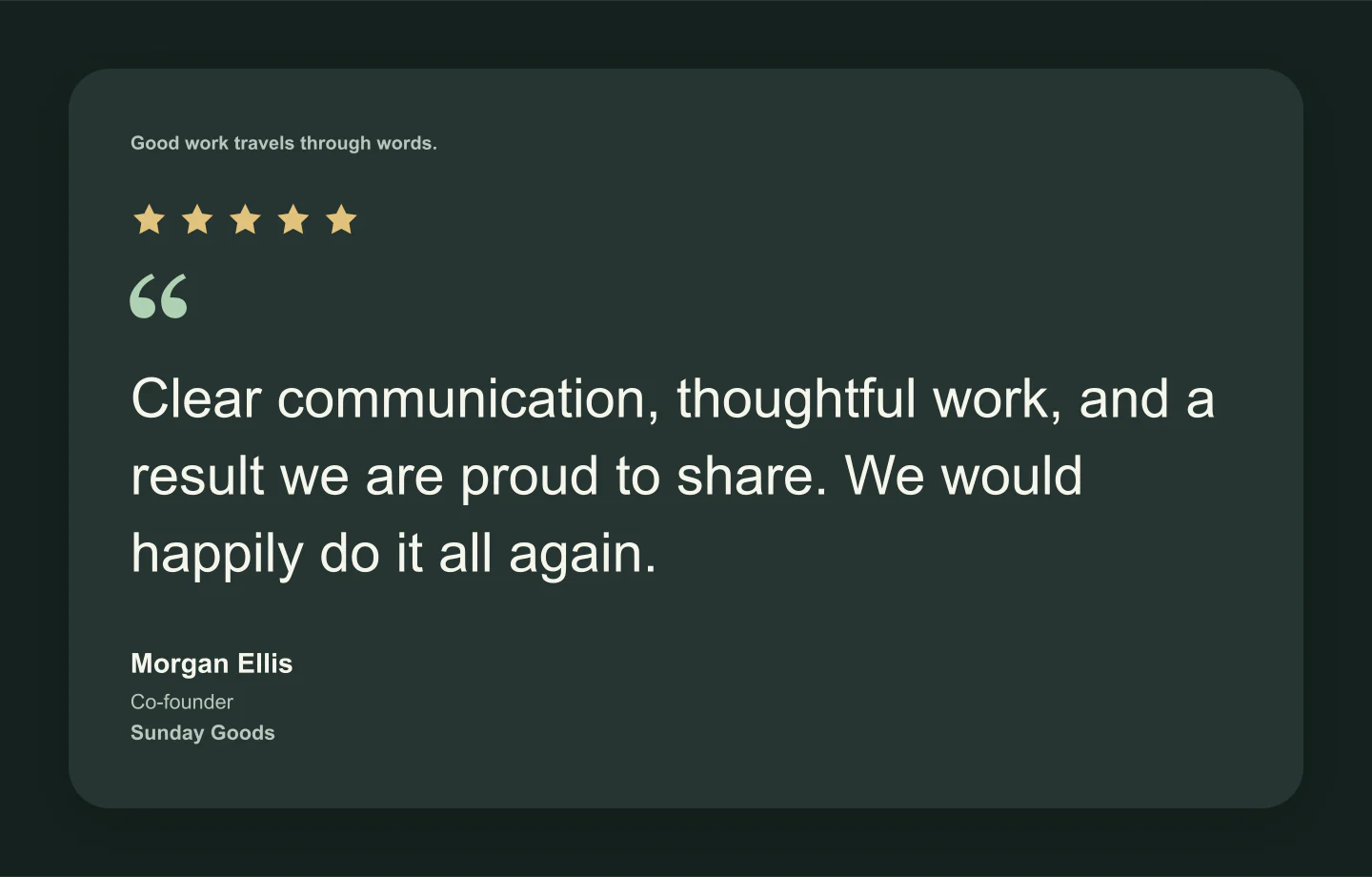
Classic · Dark · Wide card
A darker palette for a presentation slide or website preview. Keep the quote short and let the feedback stand out.
Fictional sample testimonials, made with this generator. Replace them with your own customer feedback before publishing.
FROM FEEDBACK TO SOMETHING SHAREABLE
Add the feedback you want to share. Include the person’s name, role and photo, or keep the card simple.
Try a style, adjust the colors and choose a social format. Keep the quote readable and give it some space.
Download a free PNG or JPG. Save an editable project so the next testimonial is easy to put together.
A FEW USEFUL DETAILS
Yes. All current editing features and PNG or JPG downloads at 1×, 2× and 3× are free. No account, subscription or watermark. The download controls show the exact pixel dimensions for your design. Very large designs may need a smaller size to fit your browser’s image limits.
A testimonial card pairs a customer’s quote with their name and, optionally, their photo, role, company or star rating. It turns useful feedback into an image you can share in a social post, presentation or website concept.
Yes. Choose Review for a familiar customer review layout, or try Classic, Editorial, Bold and Photo for different ways to present a quote. Ratings, brand labels, photos and quotation marks can all be hidden.
Edit the quote, headline, name, role, company, source and date. Add a portrait and logo, choose a rating including half stars, and adjust fonts, colors, spacing and corners. Click text in the preview to edit it directly.
Yes. Upload a PNG, JPG or WebP logo and change the card, text, accent, stars and canvas colors. Light and dark modes provide starting palettes, and you can customize either one.
Yes. The quick formats include square 1080 × 1080, portrait 1080 × 1350, Story 1080 × 1920 and wide 1920 × 1080. The card scales to fit each format. Fit uses the natural card size, with the padding you choose.
Open Person & brand and upload a photo. Drag the crop preview to position it, or use the zoom and position controls. Photo style makes the portrait more prominent, beside the quote in Wide view and above it in Compact view.
Yes. Choose PNG and enable Transparent canvas. The space around the card becomes transparent, ready to place in a slide or design. The card keeps its selected color. JPG uses a solid canvas.
No. This is a design and preview tool. It does not connect to review sites or publish feedback. Use genuine quotes and make sure you have permission to share the names and photos you include. The showcased examples are fictional.
Yes. Save project downloads an editable file with your settings, text and uploaded images. Open project restores it in the same tool, or lets you paste project JSON from an assistant. Review it before replacing your draft. Files are processed in your browser, not uploaded to your account.
Yes. Images exported from these social and app mockup tools can be used in personal projects, social posts, presentations and client work without a Mockaps subscription or attribution. You still need permission for content you add. Platform names and logos belong to their owners; a mockup does not imply their endorsement.