
Pick your neighborhood.
Start with a green street sign, a European address plaque or a vintage look. Each one brings its own shape and lettering.
A familiar place. An unexpected message.
Give your next idea its own address.
Keep an editable copy on your device. How it works
A FEW WAYS TO MAKE IT YOURS
A favorite corner. A new direction. A place that only exists in your imagination. Start with a sign you like and put your own words on it.
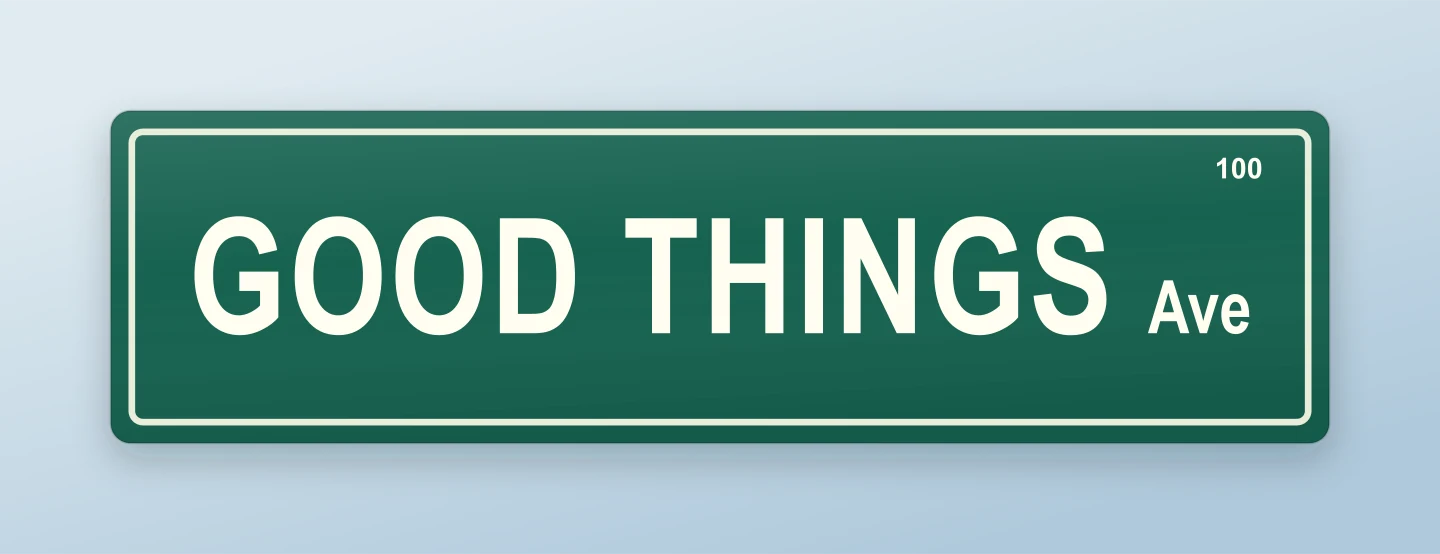
Classic green · Avenue · Sky
Familiar green, warm white letters and a name worth remembering. Make your own street sign for an announcement, a moodboard or a little everyday encouragement.
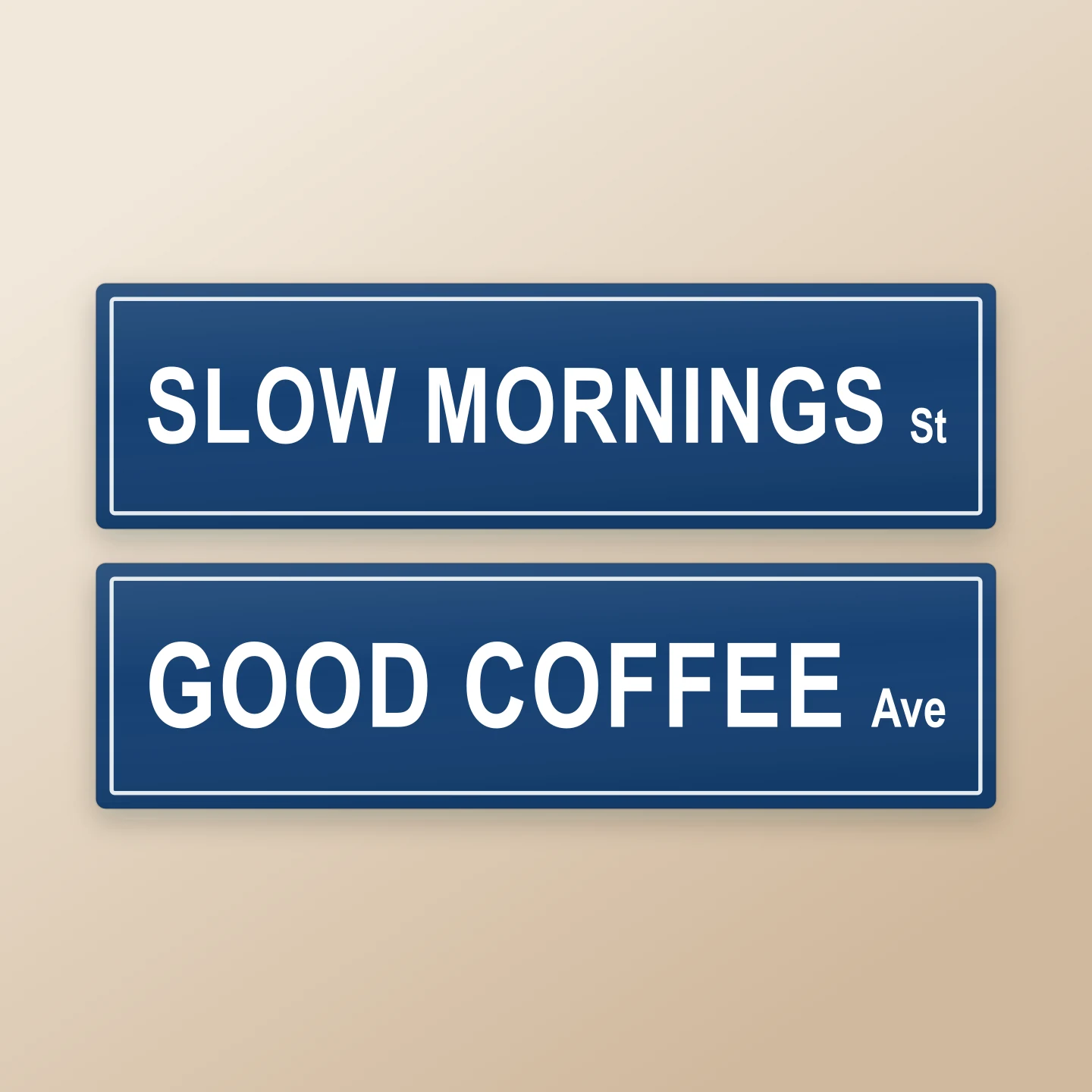
City blue · Stacked signs · Square
Put two good ideas together. Two editable street names make this a useful starting point for a collaboration, a wedding or a brand launch.
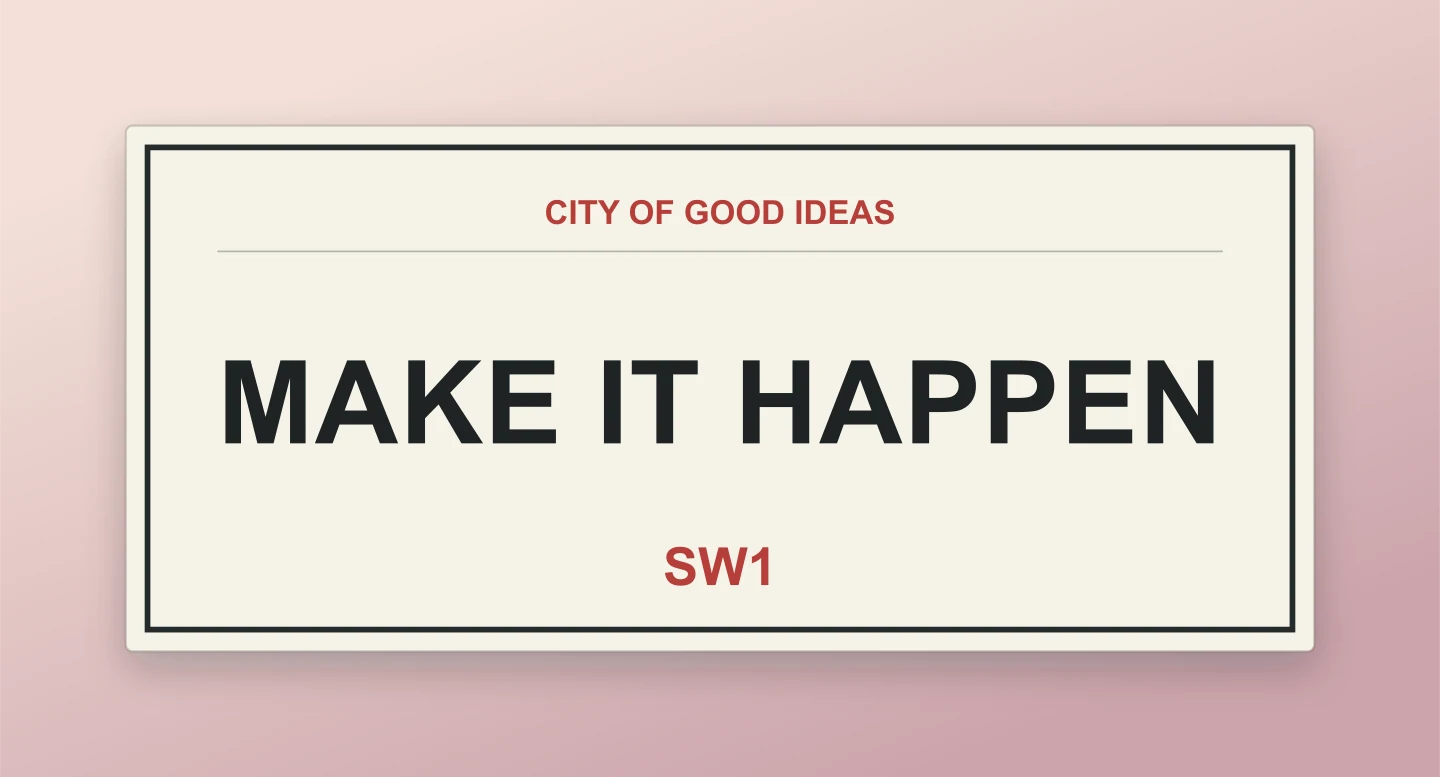
London-inspired · Postcode · Rose
Black lettering, a red postcode and plenty of character. Edit the borough, street name and postcode to make this city plaque your own.
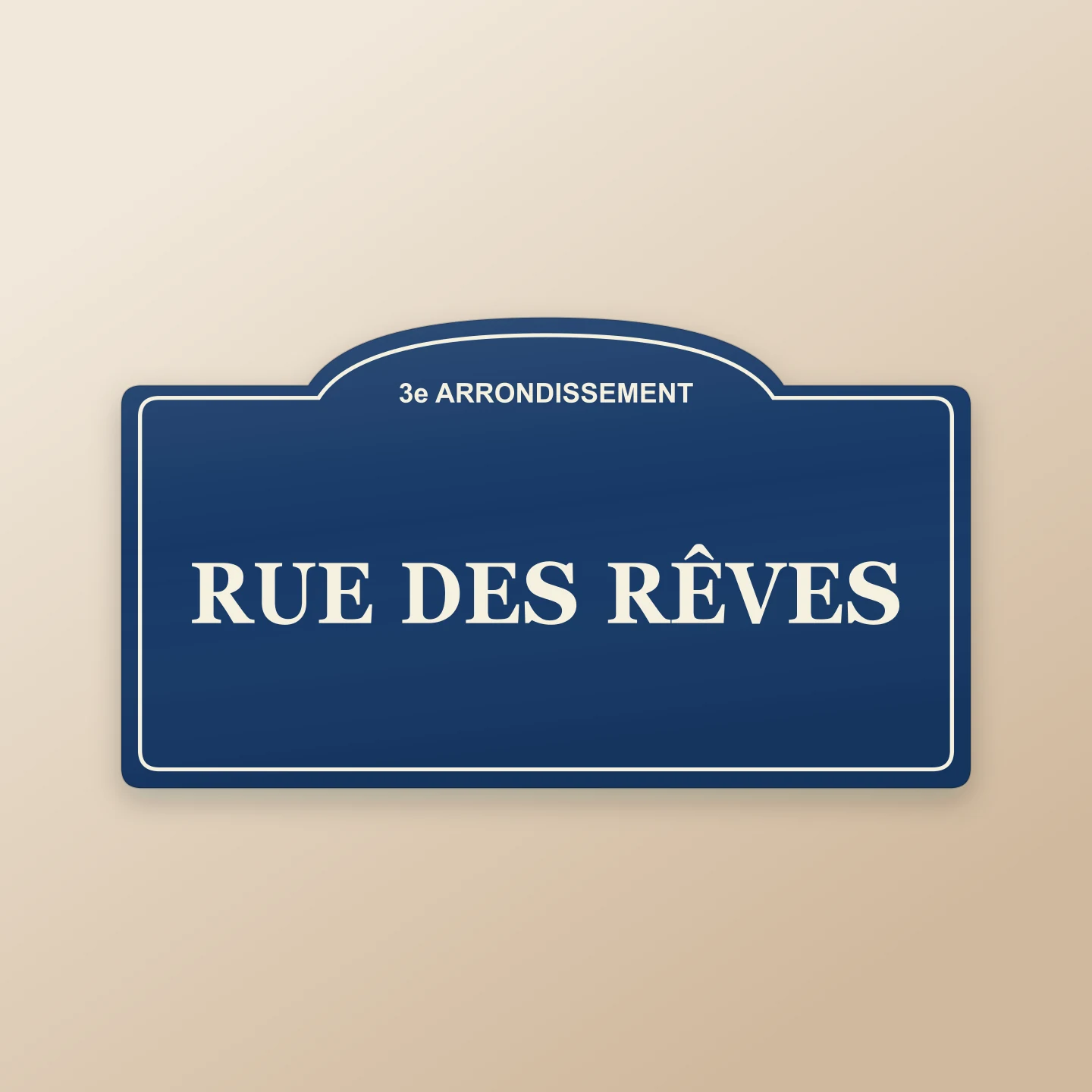
Paris-inspired · Enamel blue · Sand
An arched blue plaque with a classic serif name. Try a real street, a favorite place or an invented address for your next creative project.

Wayfinding · Arrow · On a post
Point your audience toward a new chapter. Customize the arrow, supporting line and post, then share it on a portrait canvas.
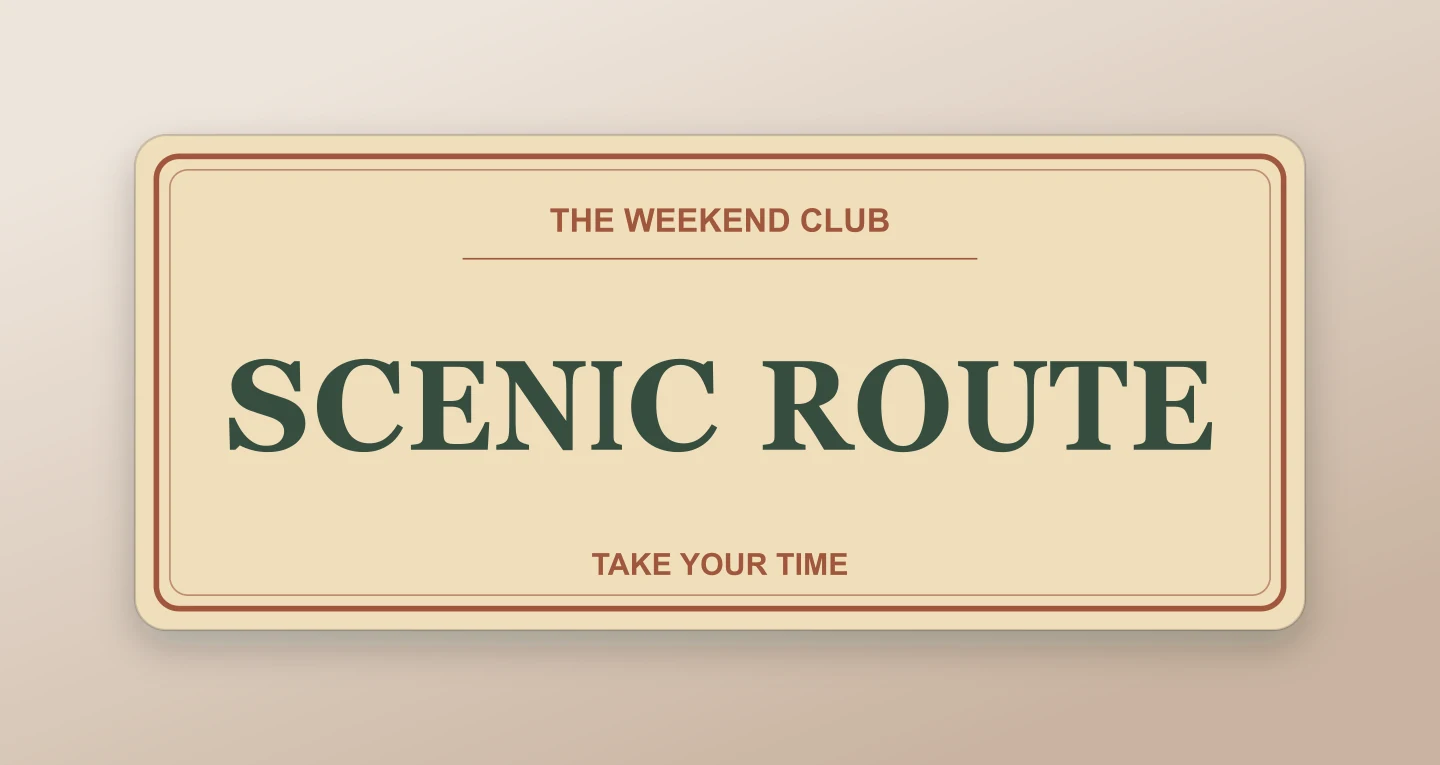
Vintage · Serif lettering · Warm neutral
A cream sign with a warm border and old-fashioned lettering. Give a weekend club, gathering or small business its own scenic route.
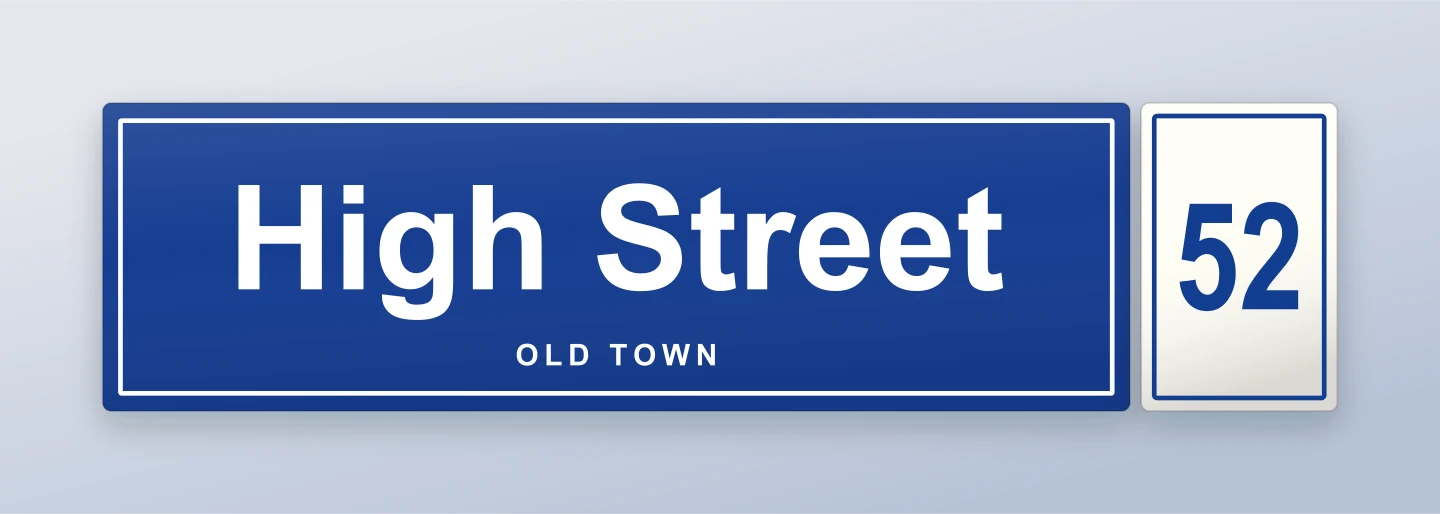
Baltic blue · Separate number · Spaced subtitle
A blue street plaque with mixed-case lettering, a small supporting line and a separate white number plate. Change the address, house number and subtitle to make a European-style sign of your own.
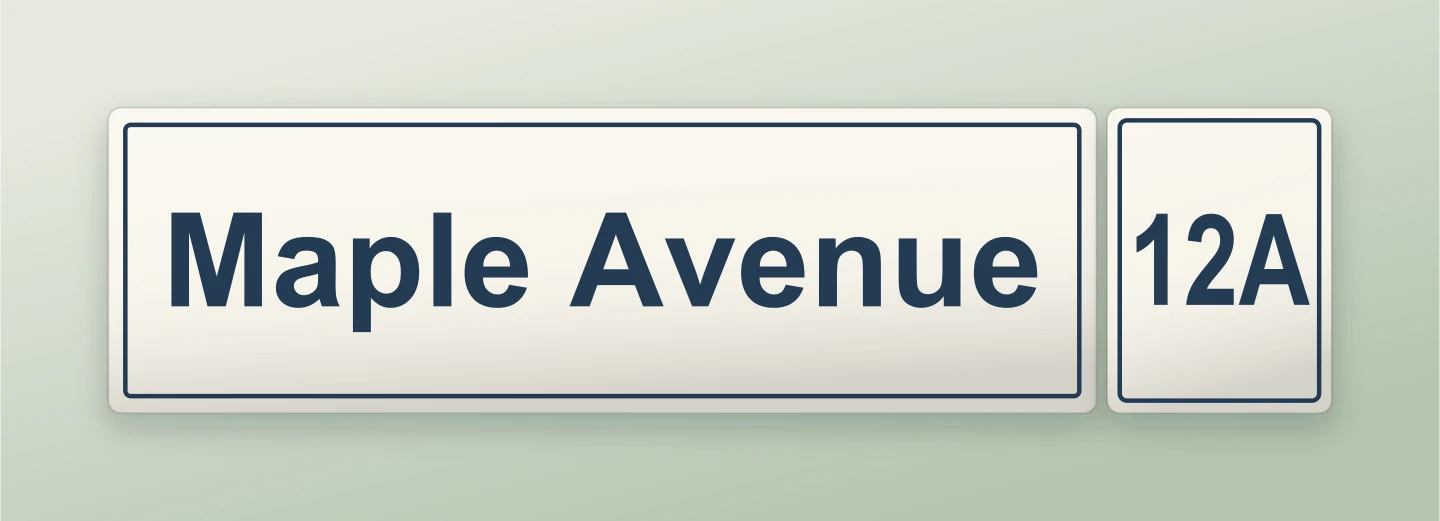
White enamel · Mixed case · House number
Warm white enamel and dark blue lettering make a quiet European address plaque. Try your street name, then edit the number plate to include a letter or a range.
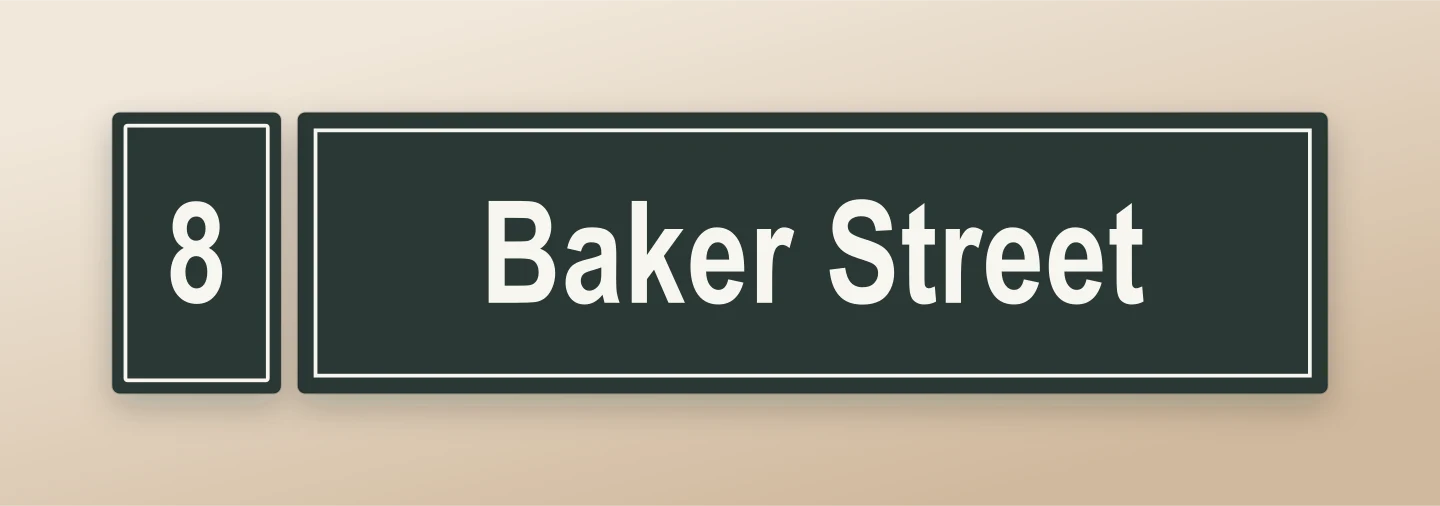
Nordic dark · Number on the left · Minimal
A dark green-black plaque with warm white letters and the number on the left. Keep it simple or add your own neighborhood and supporting details.
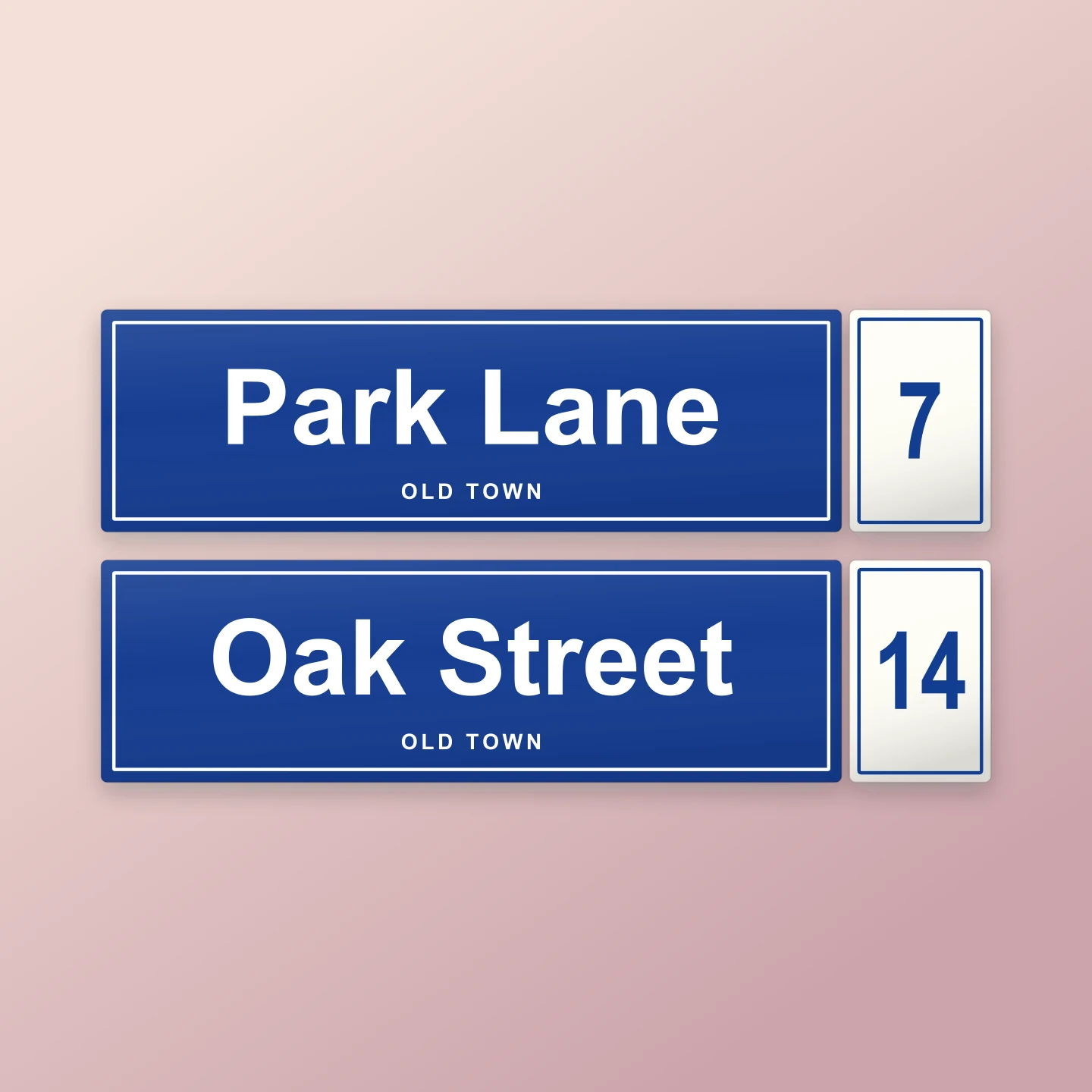
Blue address plaques · Two signs · Square
Put two European-style streets together on one canvas. Each sign has its own editable street name and house number, with shared colors and a small neighborhood line.
Made with this generator. Every example loads editable text, colors and layout settings. City-inspired styles are creative interpretations.
EVERY GOOD IDEA NEEDS A DIRECTION
Start with a green street sign, a European address plaque or a vintage look. Each one brings its own shape and lettering.
Add a street name, a house-number plate or a small message. Try two stacked signs for a crossroads, or mount your sign on a post.
Choose your canvas and download a free PNG or JPG. Save a project if you want to return and change the details later.
A FEW USEFUL DIRECTIONS
Yes. All current editing features and PNG or JPG downloads at 1×, 2× and 3× are free. No account, subscription or watermark. The download controls show the exact pixel dimensions for your design. Very large designs may need a smaller size to fit your browser’s image limits.
Type your street name and choose a sign style. Add a suffix such as St, Ave or Rd, then adjust the colors, lettering and border. You can add a postcode, district or direction arrow too. Download your finished sign as a PNG or JPG.
Yes. London starts with dark lettering on a cream plaque and a red postcode. Paris uses an arched blue sign with a district heading and serif lettering. Both are inspired by familiar city signs, and all of the text and colors are yours to change.
Yes. Try Baltic blue, White enamel or Nordic dark. Each starts with a separate number plate. In Sign details, edit the number, move it to either side and adjust its width, spacing and colors. A supporting line can add a neighborhood or building name. These styles are inspired by European address signs.
Yes. Open Canvas & export, choose PNG and enable Transparent background. Turn off Soft shadow if you want a clean cutout. Add the image to a poster, photo, video, presentation or another design.
Choose Two signs in Layout & finish. Edit the second street name and suffix there. It is a handy way to show two names for a wedding, a collaboration or a playful crossroads graphic. Both signs share the same style and colors.
Yes. Choose a left, right or double arrow in Sign details. Wayfinding is a useful starting point for directions. In Layout & finish, choose On a post and adjust the post height and color.
Absolutely. Try a brand name, a favorite place or a short message. Square, portrait, story and wide canvases help you frame the result for sharing. For a gift or print project, check the pixel dimensions beside Download and the requirements of your printer. This tool creates a digital image, not a physical sign.
These are creative mockups for graphics, presentations and personal projects. The tool does not certify traffic signs or create installation-ready engineering drawings.
Yes. Save project downloads an editable file with your settings, text and uploaded images. Open project restores it in the same tool, or lets you paste project JSON from an assistant. Review it before replacing your draft. Files are processed in your browser, not uploaded to your account.
Yes. Images exported from these social and app mockup tools can be used in personal projects, social posts, presentations and client work without a Mockaps subscription or attribution. You still need permission for content you add. Platform names and logos belong to their owners; a mockup does not imply their endorsement.
Create a custom street name image for your next design. For another road-inspired graphic, try the License Plate Mockup Generator or browse all free mockup tools.