
Choose your view.
Start with a now-playing screen or a playlist. Try mobile or desktop, then choose the mood with your colors.
Your music, in the picture.
Create a player or playlist worth sharing.
Keep an editable copy on your device. How it works
A FEW WAYS TO MAKE IT YOURS
A new release, a late-night favorite, a soundtrack for your studio. Pick a starting point, then give it your own sound.
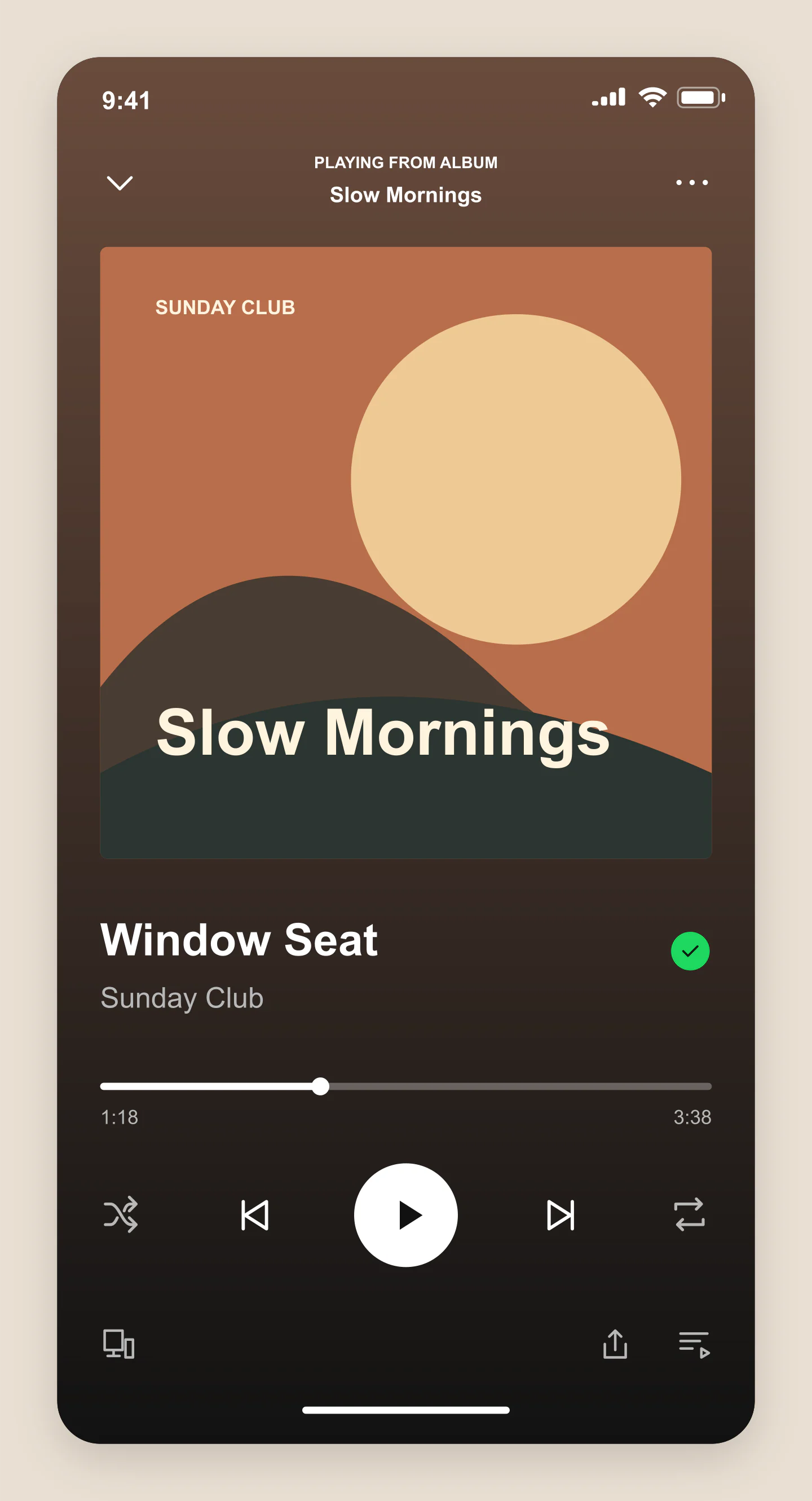
Mobile · Player · Dark
A warm now-playing screen with an original sunrise cover. Edit the song, artist and progress to make your own music announcement.
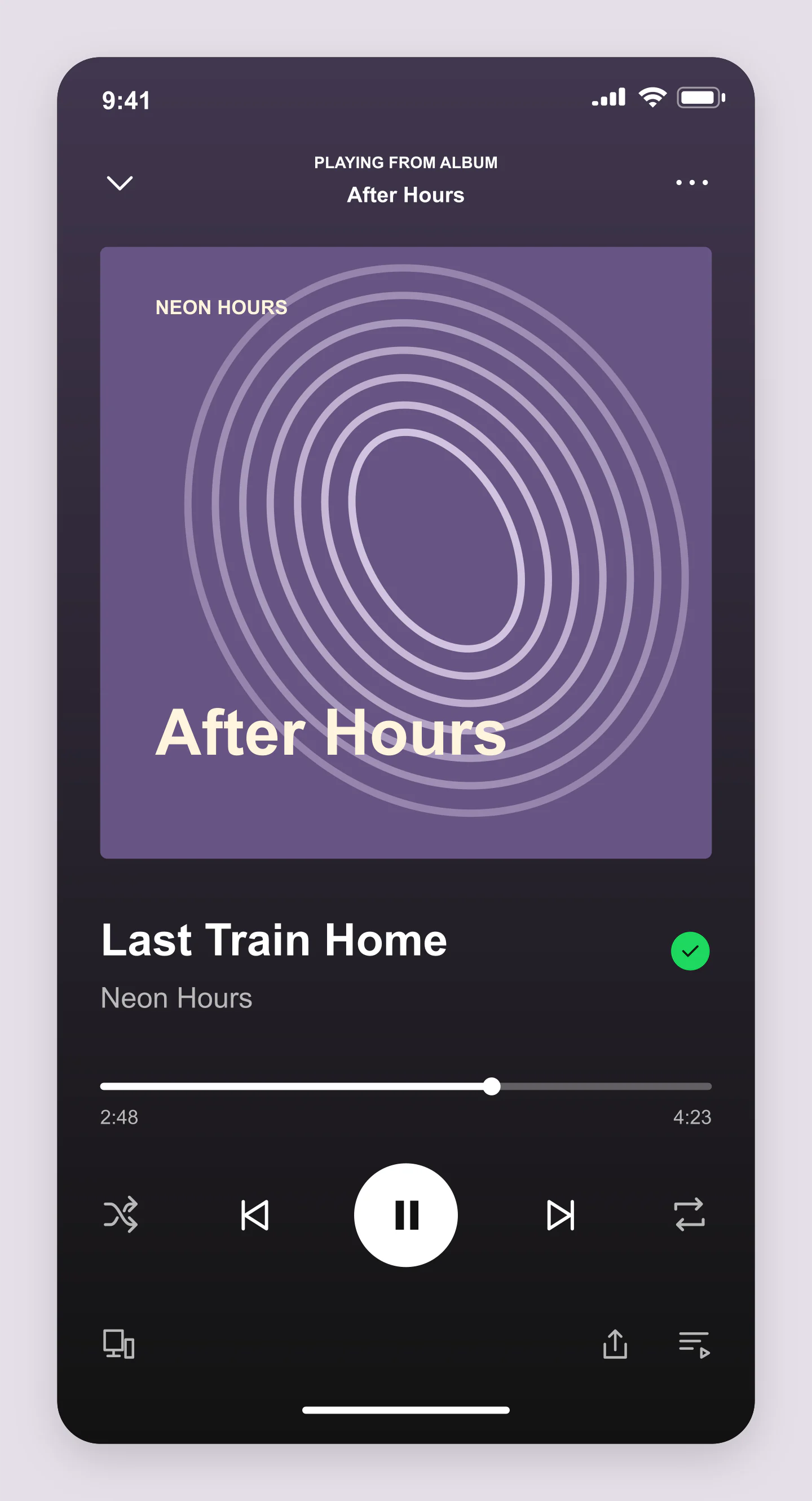
Mobile · Player · Dark
A violet player with orbit artwork, a playing state and a saved song. A starting point for a new release or a mood post.
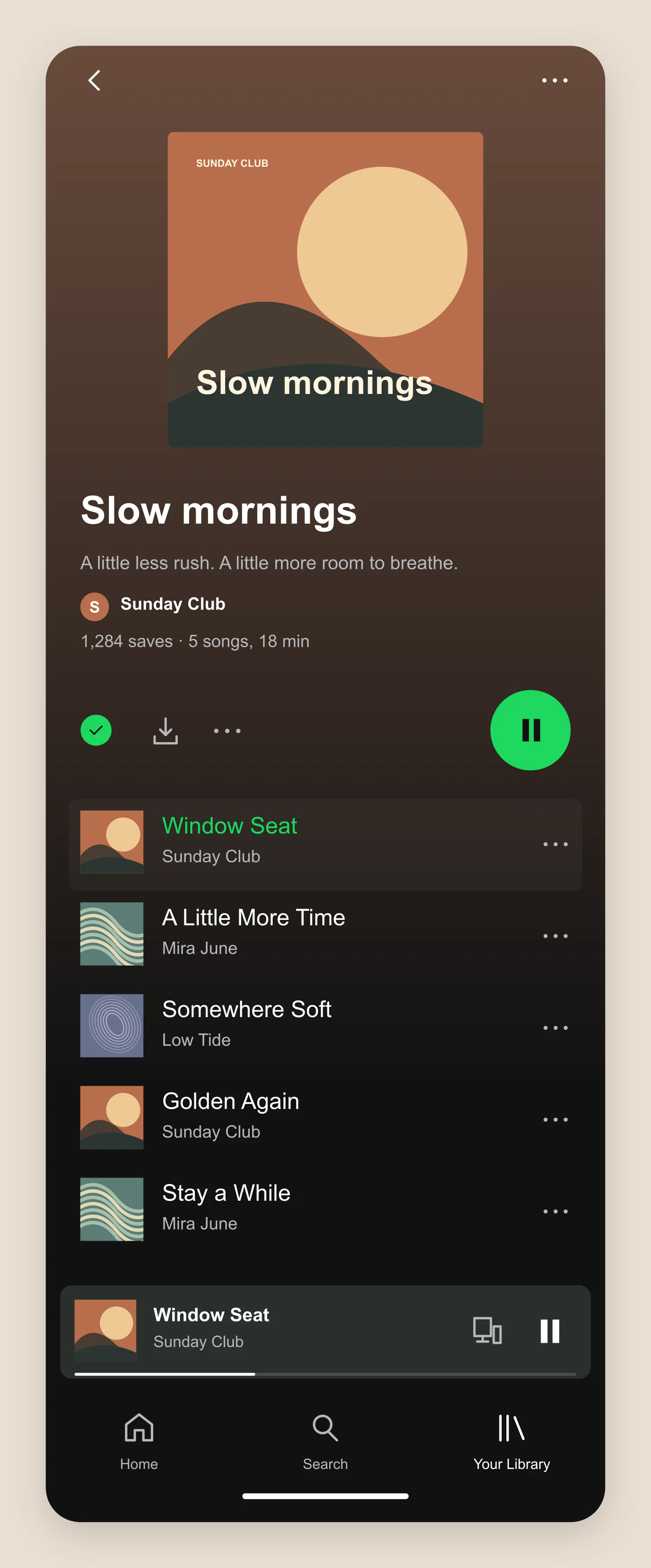
Mobile · Playlist · Dark
An editable five-track playlist, with a cover, description, saves and a mini player. Try your own recommendations or a branded playlist concept.
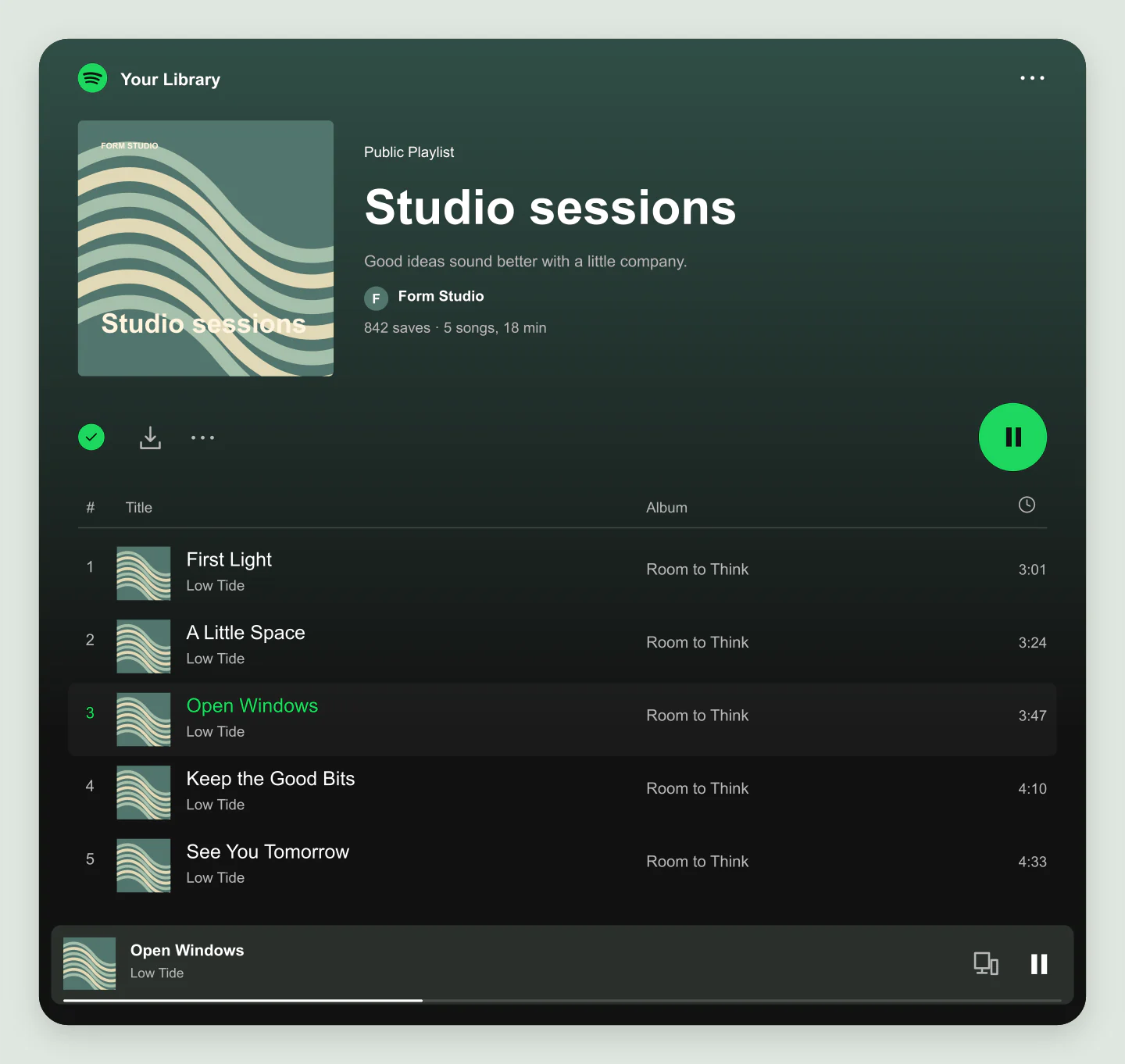
Desktop · Playlist · Dark
A wide playlist layout with track numbers, artists, albums and durations. Made for sharing a creative team’s favorite sounds.
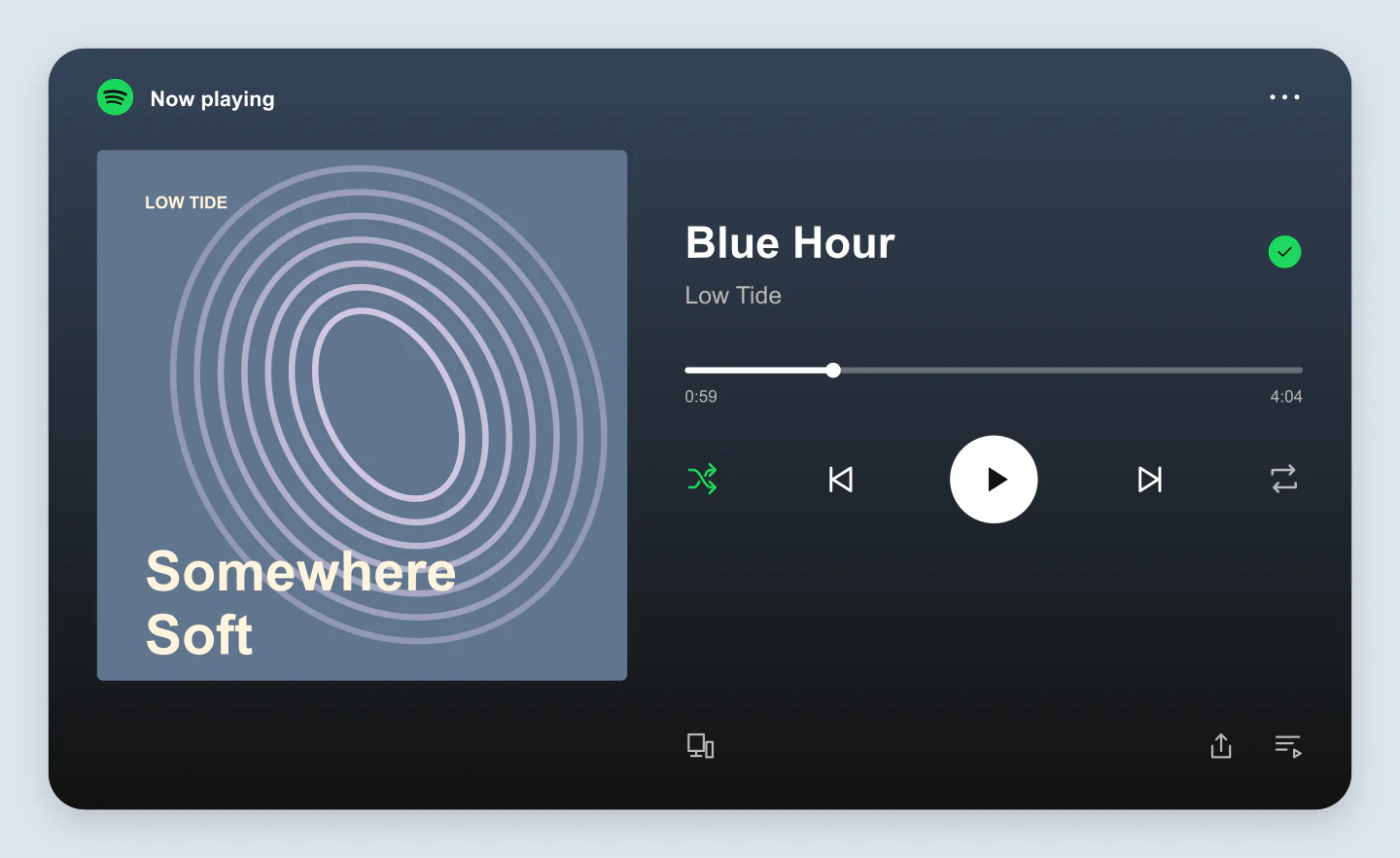
Desktop · Player · Dark
A wide player with artwork and controls side by side. Use it in a release announcement, pitch deck or artist presentation.
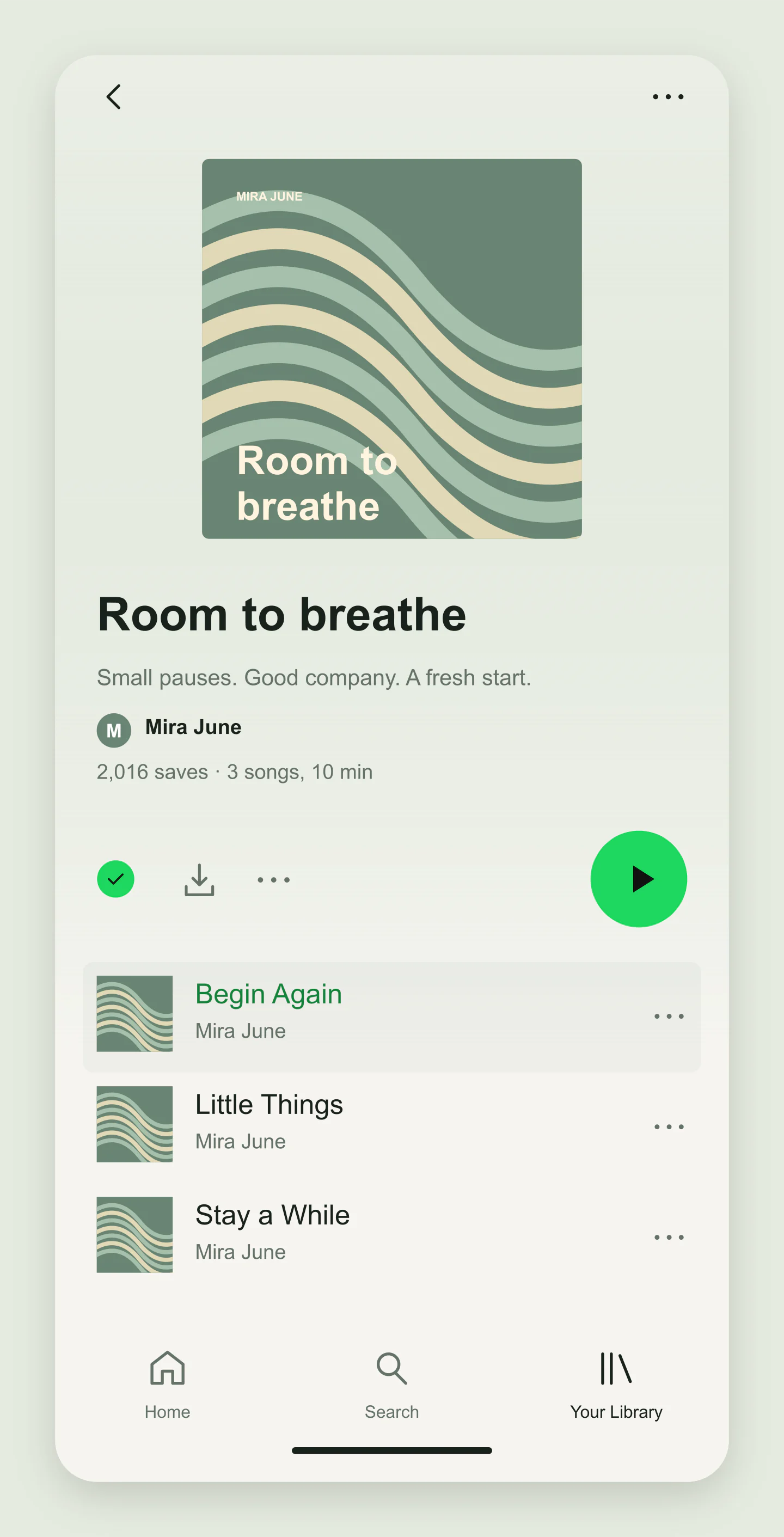
Mobile · Playlist · Light
A light playlist presentation with a muted green cover and a short track list. Change the palette and make it part of your brand.
Fictional songs and original cover designs, made with this generator. Every example opens as an editable project.
GIVE YOUR MUSIC A MOMENT
Start with a now-playing screen or a playlist. Try mobile or desktop, then choose the mood with your colors.
Upload cover artwork, edit the artist and title, or build a track list. Set the progress to the moment you want to capture.
Download a free PNG or JPG for a post, presentation or announcement. Save a project to keep your artwork and details together.
A FEW USEFUL DETAILS
Yes. All current editing features and PNG or JPG downloads at 1×, 2× and 3× are free. No account, subscription or watermark. The download controls show the exact pixel dimensions for your design. Very large designs may need a smaller size to fit your browser’s image limits.
Yes. Choose Player for a now-playing screen, or Playlist for cover artwork, an editable track list and a mini player. Both have mobile and desktop layouts.
Upload your cover artwork, edit the song title and artist, then choose a progress position and a playing or paused state. Download the finished player as a PNG or JPG. Your uploaded photo stays in your browser.
Yes. Add up to 20 tracks with a title, artist, album, duration and optional explicit label. Upload track covers, move songs up or down, and choose the selected track. You can also open a selected song in Player view.
Yes. Preview a release announcement, share a playlist concept, create an album-cover presentation or make a music-themed social post. Use your own artwork and details, then save the project if you want to come back to it.
Yes. Choose PNG and turn on Transparent canvas. The area outside the player becomes transparent, so you can place the mockup over another design or background.
No. It creates editable image mockups. Play, pause, shuffle and repeat change the look of the image; they do not stream audio. You do not need a Spotify account, and this tool does not publish a playlist.
No. Mockaps is independent and is not affiliated with Spotify. The layouts are visual previews and may differ from the app on your device. The light theme is an alternative presentation style. All example artists, songs and cover designs here are fictional.
Yes. Save project downloads an editable file with your settings, text and uploaded images. Open project restores it in the same tool, or lets you paste project JSON from an assistant. Review it before replacing your draft. Files are processed in your browser, not uploaded to your account.
Yes. Images exported from these social and app mockup tools can be used in personal projects, social posts, presentations and client work without a Mockaps subscription or attribution. You still need permission for content you add. Platform names and logos belong to their owners; a mockup does not imply their endorsement.