
Start with the image.
Upload your artwork or choose a sample. Crop it to the vertical canvas and find the right focal point.
A small screen. A big first impression.
Give your next campaign a test run.
Keep an editable copy on your device. How it works
A FEW WAYS TO MAKE IT YOURS
A new drop. A weekend offer. A place you would rather be. Start with a look and give it your own message.
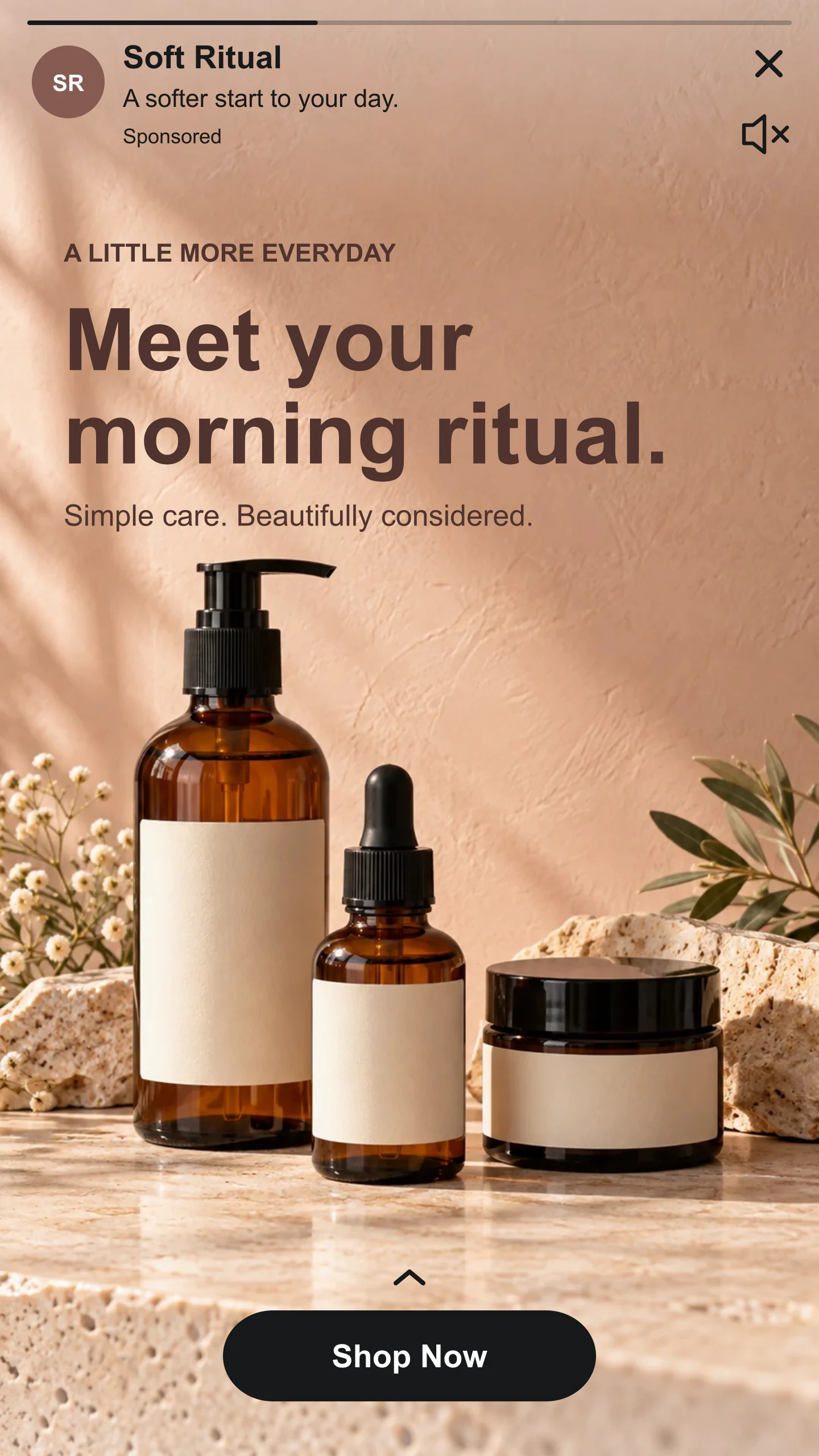
Product launch · Warm neutrals
A sunlit skincare photograph with an editable headline and Shop Now button. Change the words, crop or image to suit your collection.
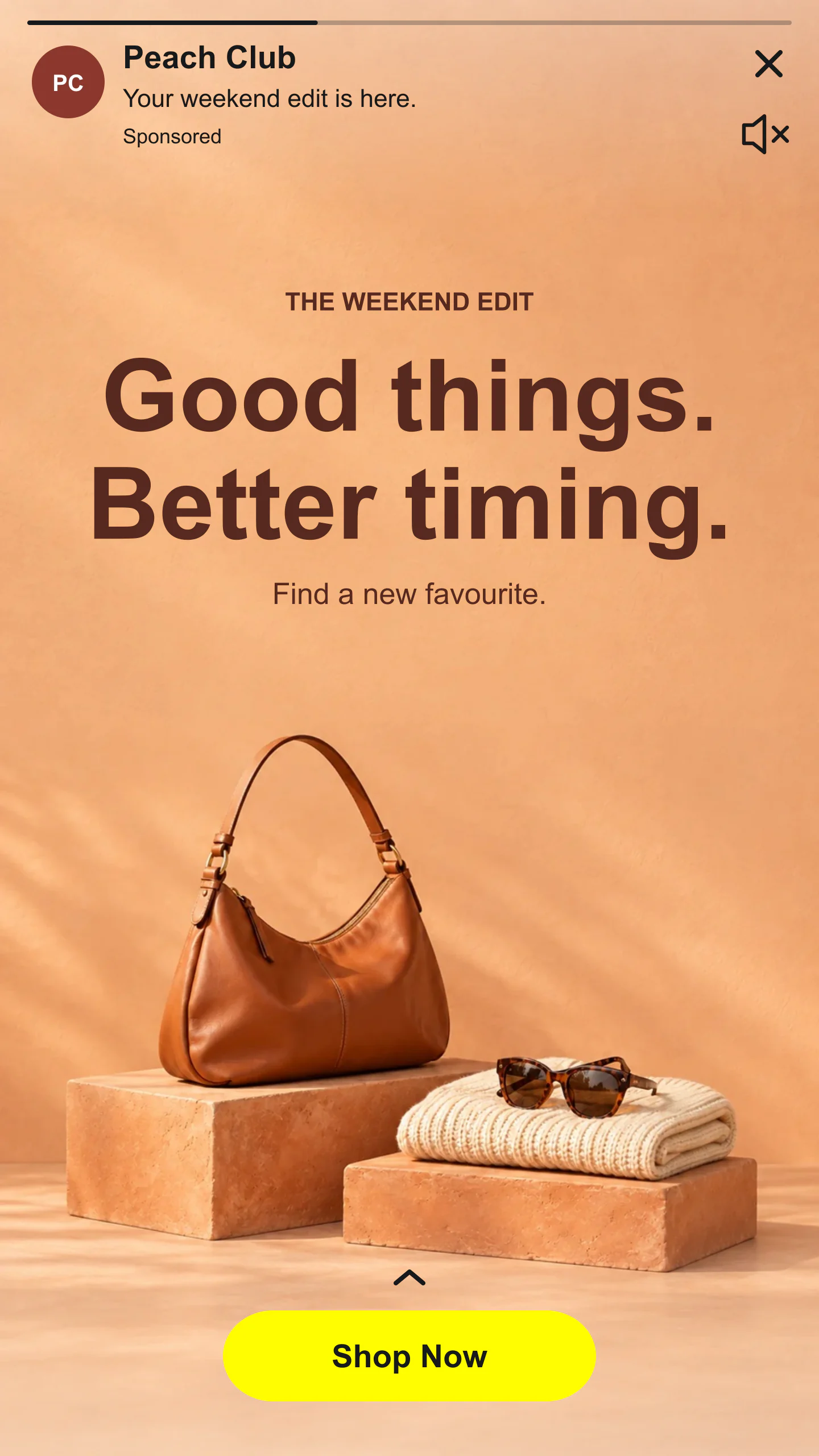
Offer · Photography · Bold type
A warm fashion still life with a bold centered message and yellow CTA. Replace the photo, edit the words and make the offer your own.
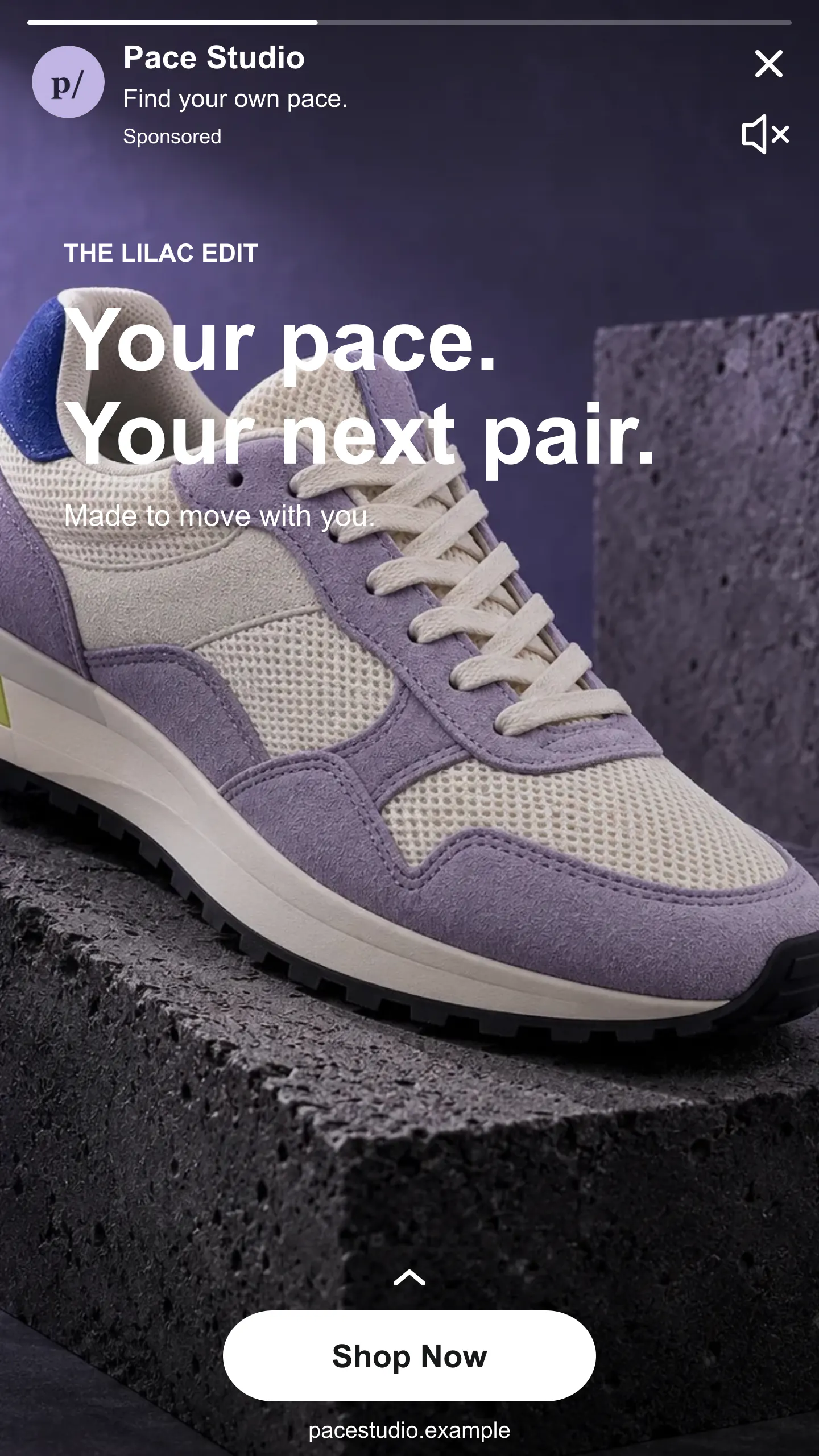
Footwear · Photography · White UI
A lilac sneaker launch with a full-screen photograph, white interface and Shop Now button. Reposition the photo and rewrite the message.
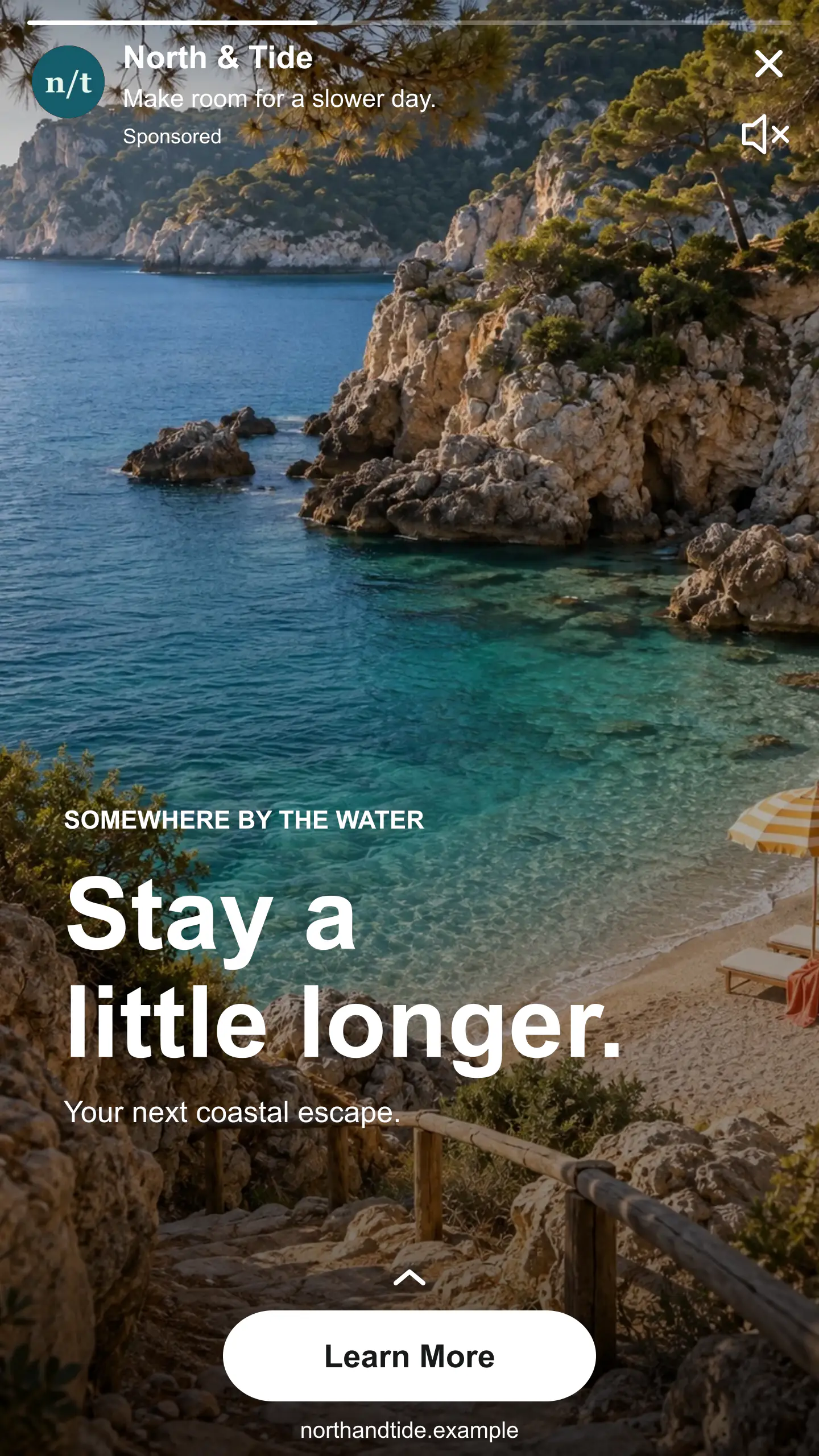
Travel · Photography · Learn More
A coastal holiday ad with bottom-positioned copy, a destination label and a Learn More CTA. Try your own escape or retreat.
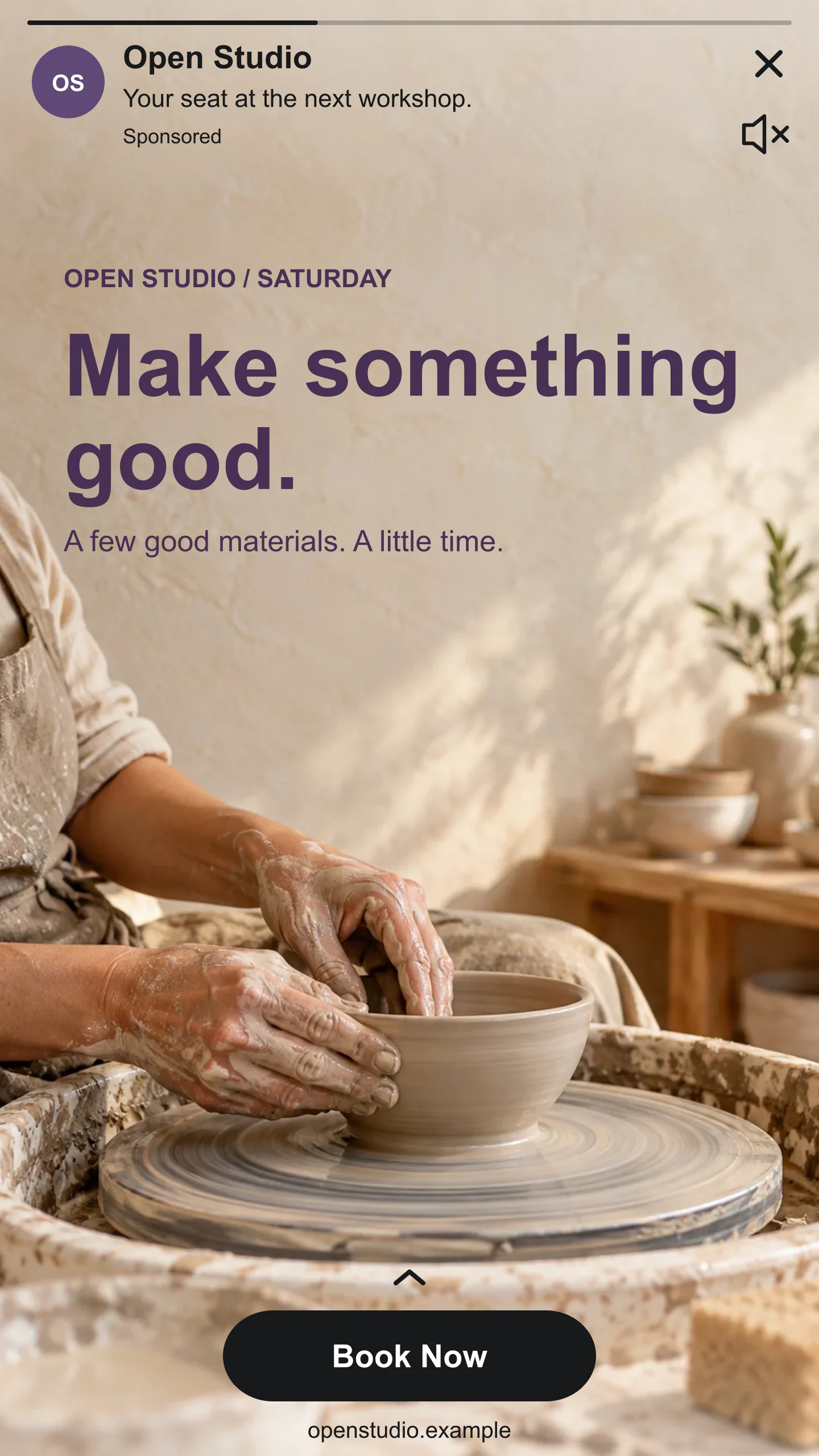
Workshop · Photography · Book Now
A sunlit pottery workshop photograph with editable invitation text and a Book Now CTA. A warm starting point for classes and local events.
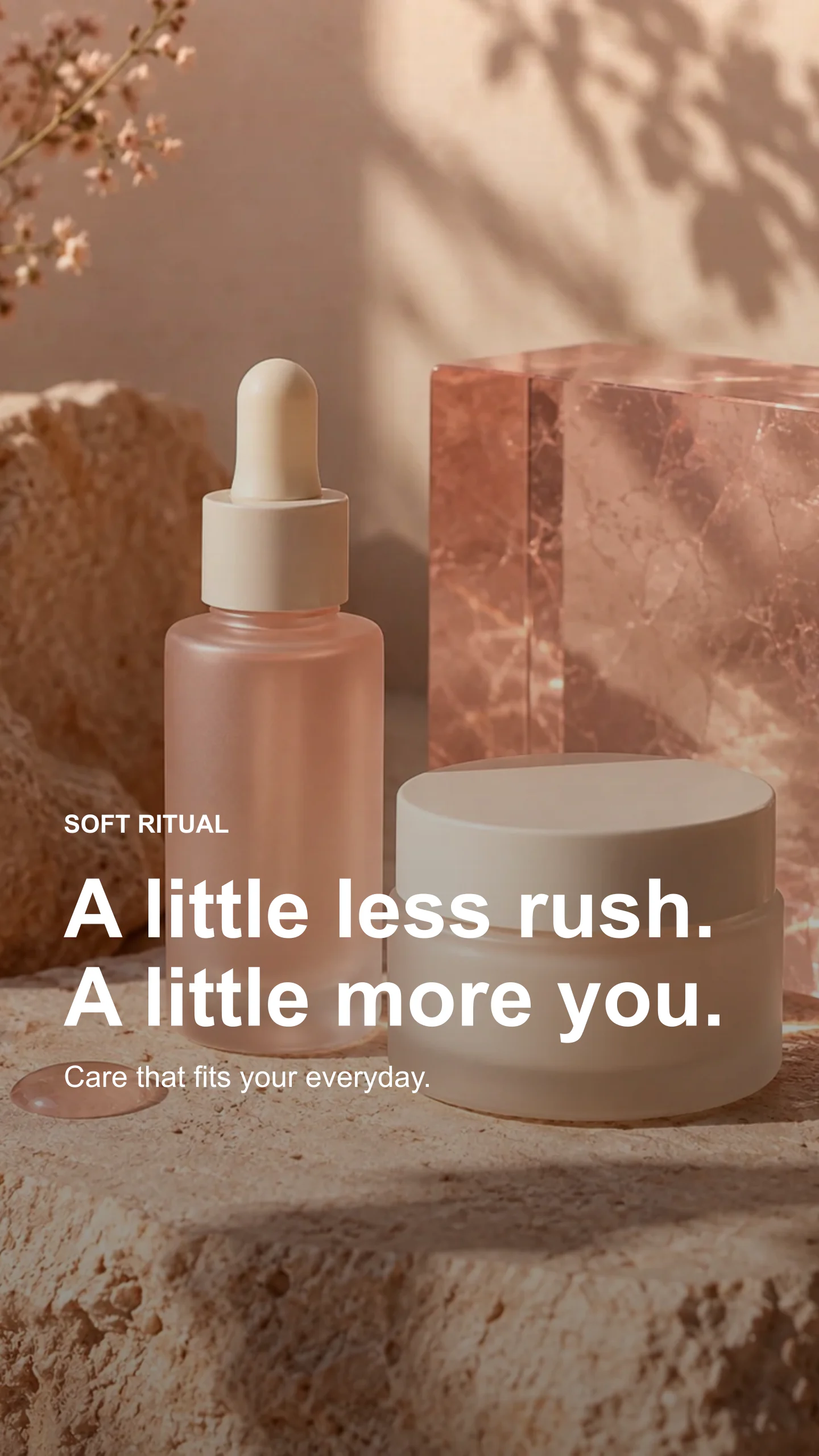
Creative only · Image export
An interface-free campaign graphic for comparing your creative before adding the ad overlay. Switch back to Ad preview whenever you want.
Fictional brands and campaigns, made with this tool. Each example opens with editable images, words and settings.
FROM YOUR IDEA TO A FIRST LOOK
Upload your artwork or choose a sample. Crop it to the vertical canvas and find the right focal point.
Add your brand and headline. Style the creative text and choose what you want someone to do next.
Check the interface overlay, download an image and save the project for your next round of edits.
A FEW USEFUL DETAILS
Planning a live campaign? Check Snapchat’s ad formats and specifications. This is an independent visual preview, with no connection to Snapchat or its ad approval process.
Yes. All current editing features and PNG or JPG downloads at 1×, 2× and 3× are free. No account, subscription or watermark. The download controls show the exact pixel dimensions for your design. Very large designs may need a smaller size to fit your browser’s image limits.
Add your brand name, logo and ad headline. Upload a campaign image or start with a sample photo. Add optional text over the creative, choose a CTA and download your preview. You can click areas of the canvas to open their editing controls.
This tool focuses on vertical single-image ads with a brand header, Sponsored label and a call to action. It is useful for planning a Snap ad, pitching a campaign or sharing a creative draft. It does not recreate chat ads, AR Lenses or every placement.
Yes. No account connection is needed. Everything is edited in your browser, including uploaded images. The generator does not publish ads or send anything to Snapchat.
The artwork uses a 9:16 canvas. With no outer spacing, downloads are 360 × 640 at standard size, 720 × 1280 at 2× and 1080 × 1920 at 3×. Adding canvas spacing increases the overall image size.
Yes. Upload a PNG, JPG or WebP, then drag the photo in the crop control and adjust the zoom. Add a main message, small heading and supporting line. Change the type size, alignment, color and vertical position, or turn the text off to use your finished artwork.
The editor allows 25 characters for the brand name and 34 for the ad headline, following Snapchat’s published single-image ad guidance. Your creative text has its own separate controls. Always check the current platform specifications when preparing a live campaign.
Yes. Choose labels such as Shop Now, Learn More, Install Now or Book Now, with a small upward caret above the button. Button colors and optional domain labels help with presentations. The final interface and available CTA choices can vary by placement.
They mark a conservative working area away from the header and CTA. Use them to judge where your important text sits, then switch them off for an unobstructed preview. Guides are never included in downloads. They are visual aids, not an official safe-zone or ad-approval check.
Yes. Choose Creative only to remove the brand header, Sponsored label, progress bar and CTA. Your artwork and overlay text remain. With no canvas spacing, the result keeps its 9:16 shape.
This version exports still PNG or JPG images. You can use a still as a campaign concept or a storyboard frame, but it does not play or export video.
Yes. Save project downloads an editable file with your settings, text and uploaded images. Open project restores it in the same tool, or lets you paste project JSON from an assistant. Review it before replacing your draft. Files are processed in your browser, not uploaded to your account.
Yes. Images exported from these social and app mockup tools can be used in personal projects, social posts, presentations and client work without a Mockaps subscription or attribution. You still need permission for content you add. Platform names and logos belong to their owners; a mockup does not imply their endorsement.