
Find your community.
Set the subreddit, author and flair. Write a title that invites people in, then add the details.
A good question. A useful reply.
See your next post in the conversation.
A FEW WAYS TO MAKE IT YOURS
A question, a photo, a milestone. Explore six starting points in mobile, desktop, light and dark views. Load one into the editor and take the conversation in your own direction.
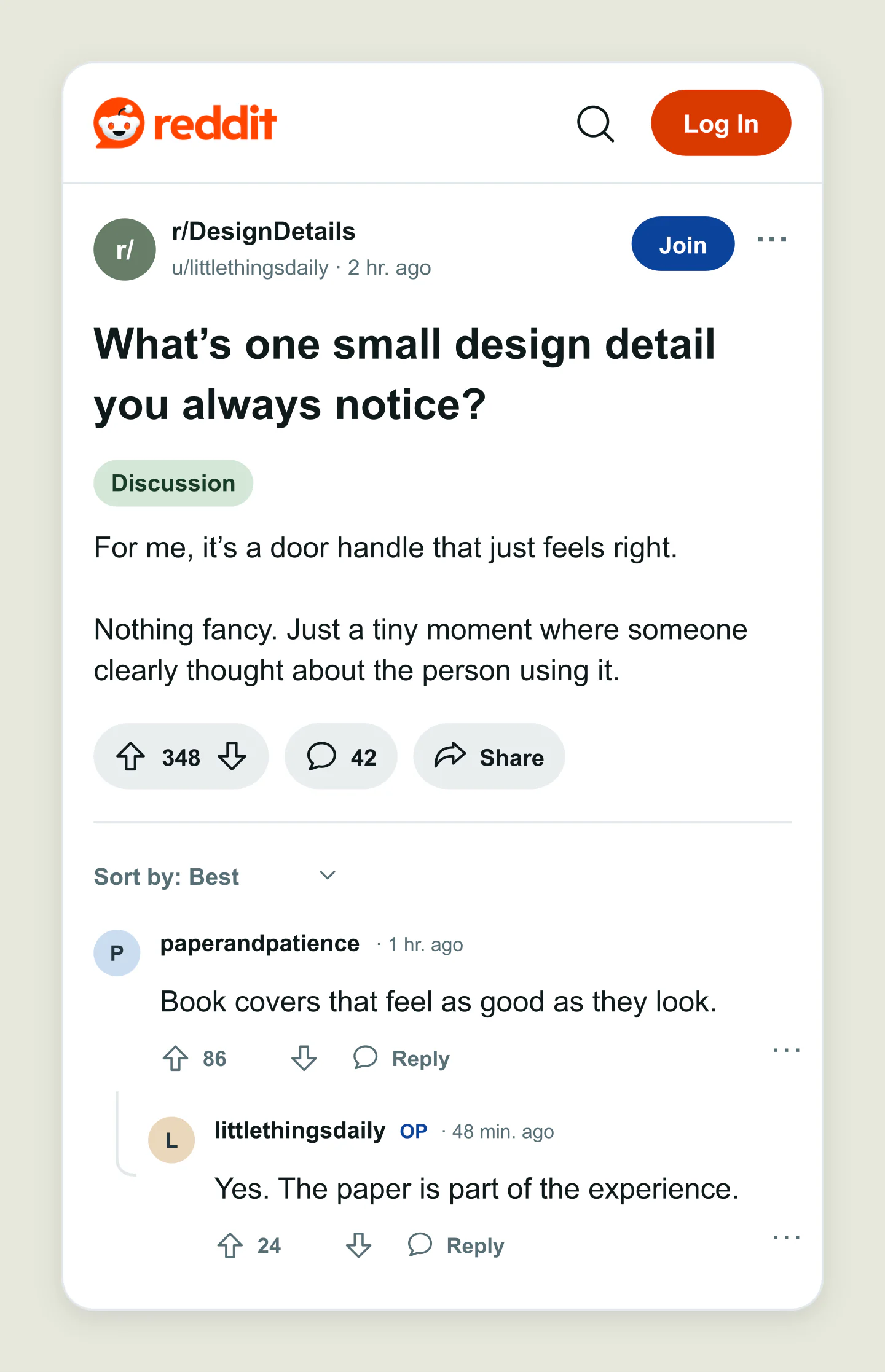
Mobile · Discussion · Replies
A simple question, a thoughtful answer, and an OP reply. Give your next conversation a place to start.
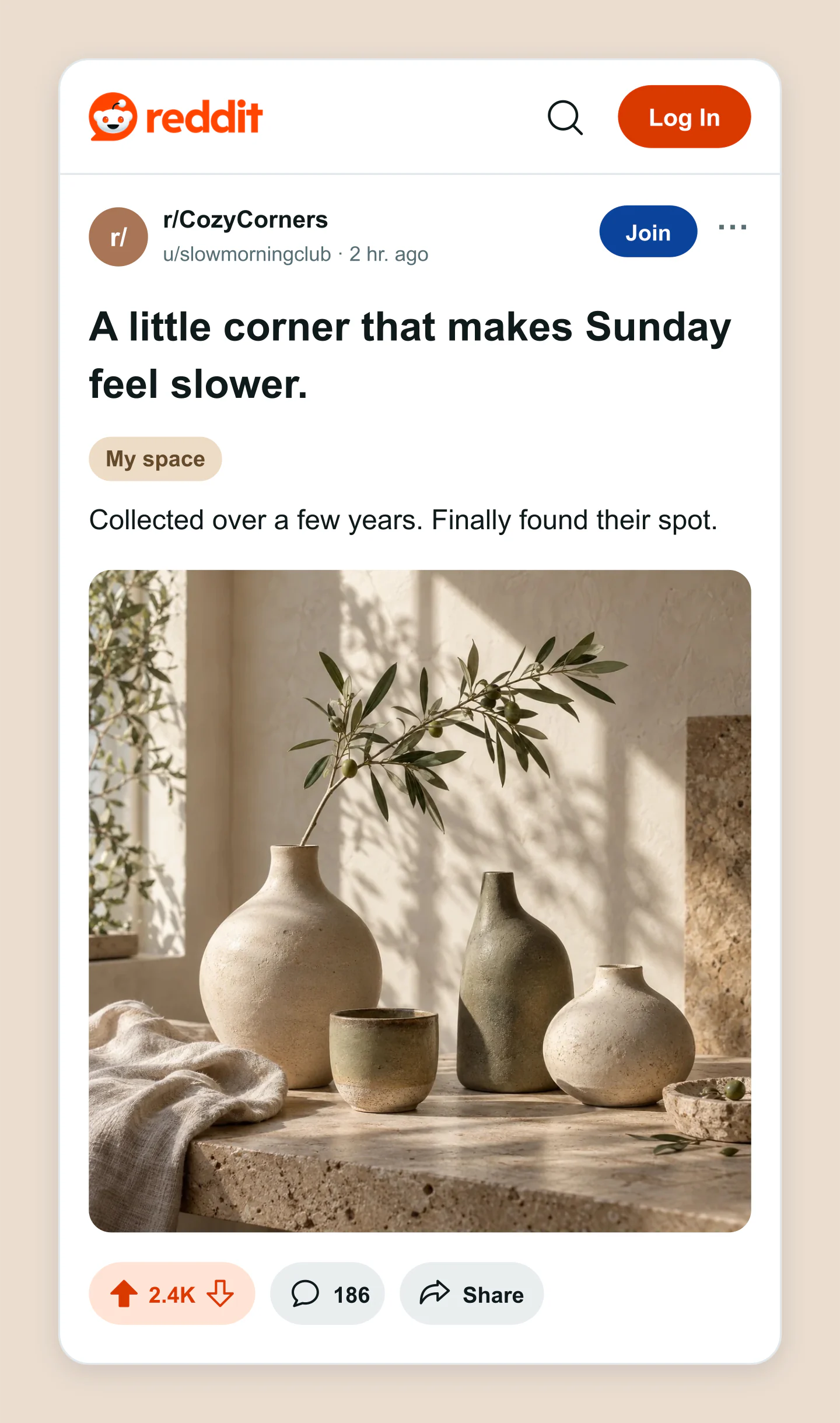
Mobile · Image · Light
Warm light, handmade ceramics and a small corner worth sharing. Try your own photo and a different crop.
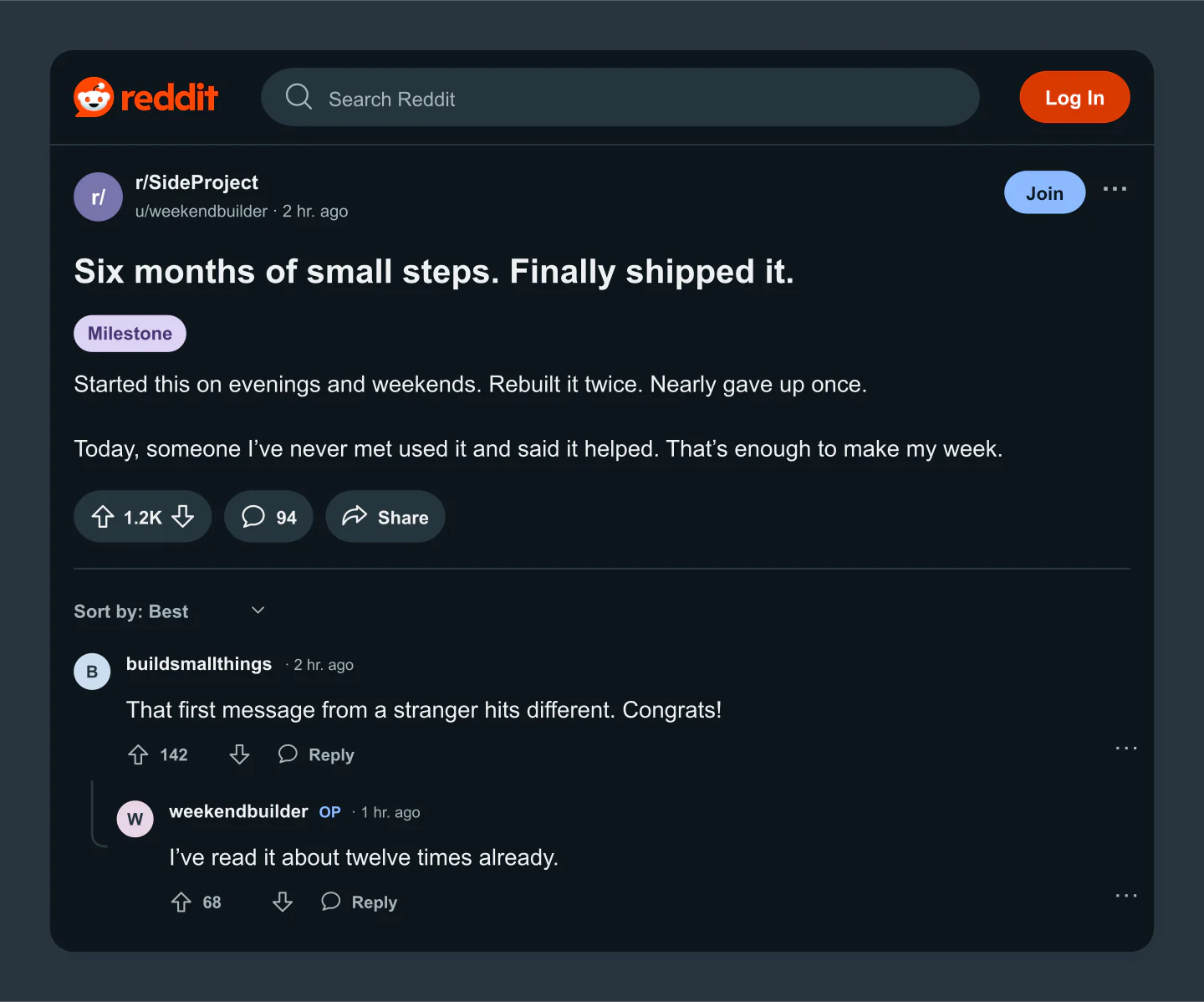
Desktop · Dark · Conversation
A side-project update with replies and a little encouragement. Make the milestone, counts and conversation your own.
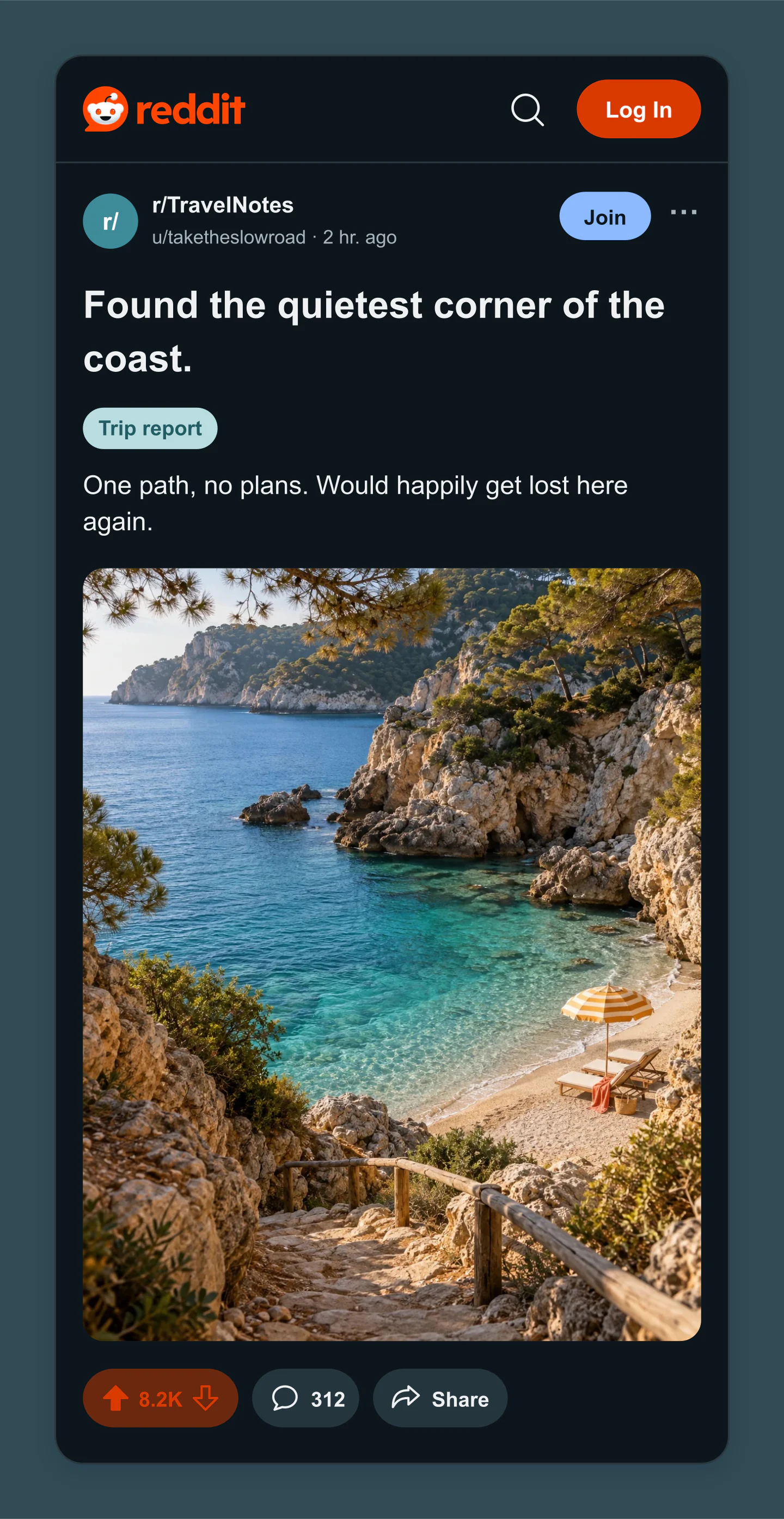
Mobile · Dark · Travel photo
A little escape in the feed. Preview a travel image with a custom community icon color and a trip-report flair.
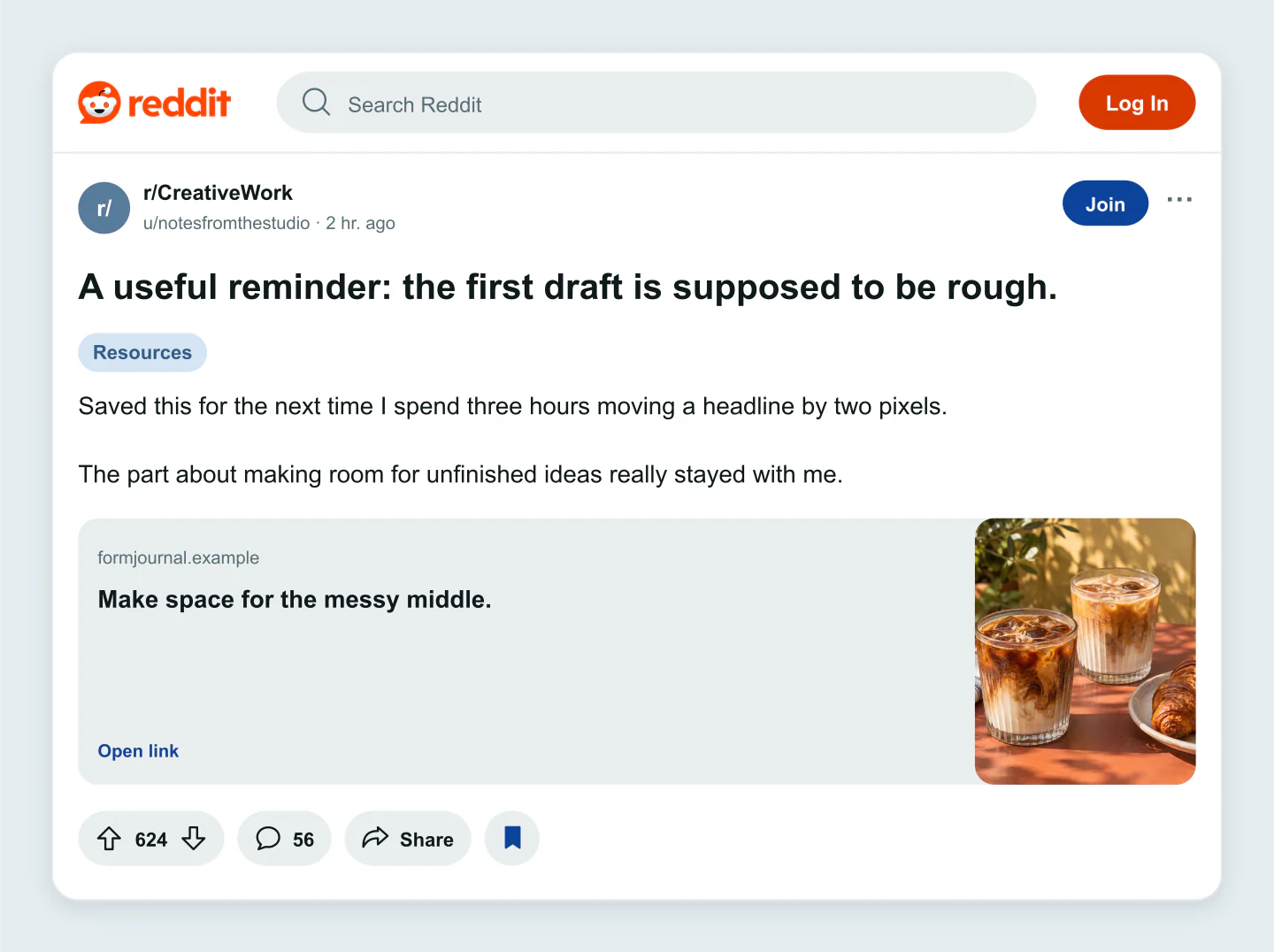
Desktop · Link preview · Light
Share a useful read with a headline, thumbnail and website label. All of the content is editable, including the link preview.
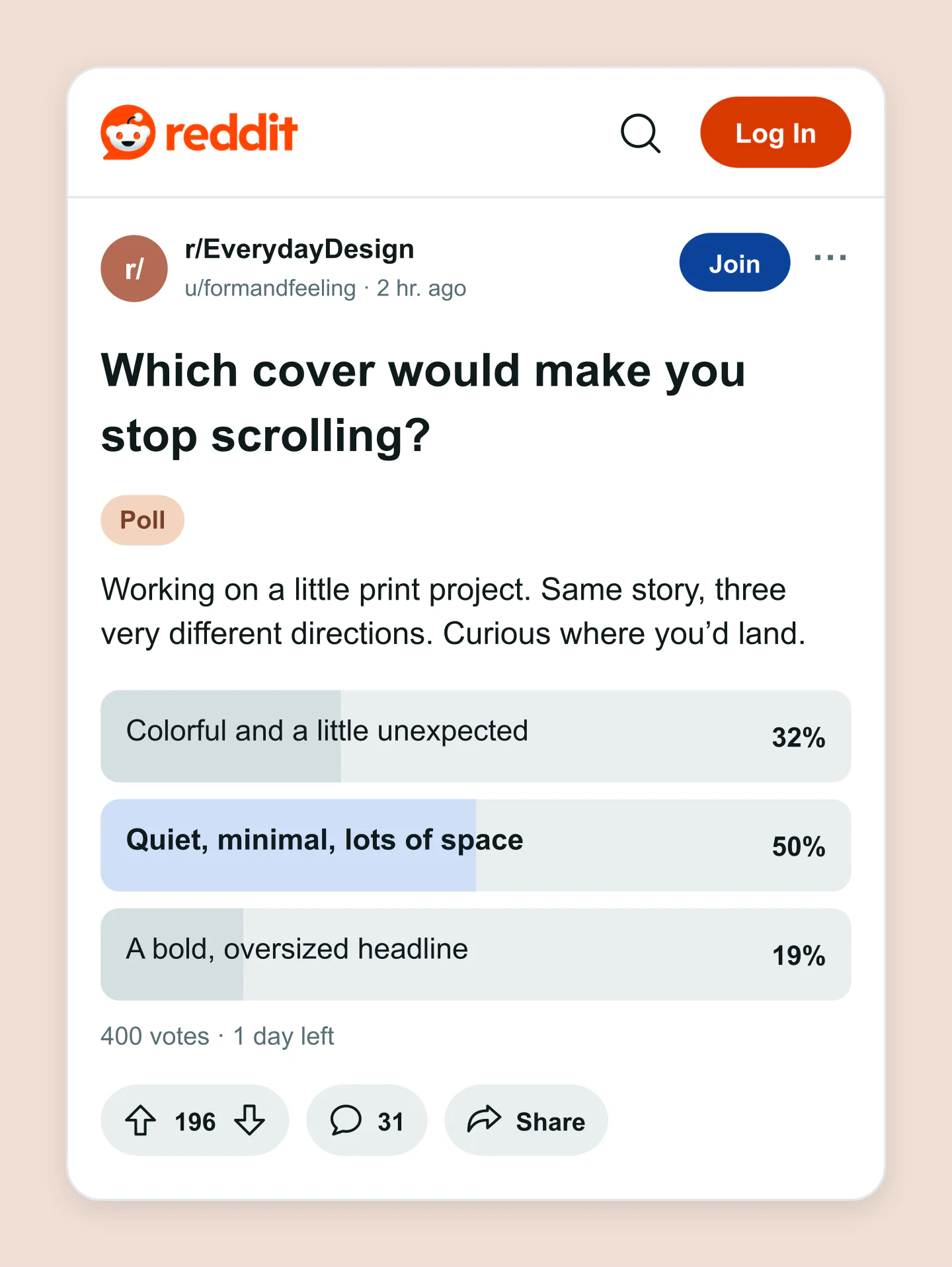
Mobile · Poll results · Light
Three directions, one good question. Edit the choices and vote totals, then switch between an open poll and its results.
Made with this generator. Sample brands, conversations and engagement counts are fictional.
FROM AN IDEA TO THE FEED
Set the subreddit, author and flair. Write a title that invites people in, then add the details.
Try an image or poll. Add a few comments, adjust the votes and switch between light, dark, mobile and desktop.
Download a free PNG or JPG at 1×, 2× or 3×. Save the editable project to come back to it later.
A FEW USEFUL DETAILS
Yes. All current editing features and PNG or JPG downloads at 1×, 2× and 3× are free. No account, subscription or watermark. The download controls show the exact pixel dimensions for your design. Very large designs may need a smaller size to fit your browser’s image limits.
Edit the community name and icon, username, title, post text, timestamp and flair. Choose a text, image, link or poll post. Set the votes, comment count, vote state and optional comments or replies, then adjust the colors, text size and canvas.
Yes. Click the title, post text or a comment and type directly in the preview. Click outside it or choose Done to finish. The sidebar gives you the other details.
Yes. Upload a PNG, JPG or WebP up to 8 MB. Adjust the image shape, zoom and position. Images are resized in your browser and are not uploaded to a server.
Yes. Add two to six poll choices, edit their vote totals and show either an open poll or results. You can also include up to eight comments and replies, with usernames, votes and an original-poster label.
Yes. Switch between light and dark previews, and choose mobile or desktop width. You can also use a transparent canvas when downloading a PNG.
Yes. Save project downloads an editable file with your settings, text and uploaded images. Open project restores it in the same tool, or lets you paste project JSON from an assistant. Review it before replacing your draft. Files are processed in your browser, not uploaded to your account.
Yes. Images exported from these social and app mockup tools can be used in personal projects, social posts, presentations and client work without a Mockaps subscription or attribution. You still need permission for content you add. Platform names and logos belong to their owners; a mockup does not imply their endorsement.
No. It creates a visual mockup for a presentation, content plan or creative project. It does not connect to Reddit or publish anything. The sample communities, usernames and engagement are fictional.
It recreates the familiar Reddit post interface. Reddit can vary its layout by device, app version and community, so check your final content on Reddit before posting.
An independent tool by Mockaps. Reddit and its logo are trademarks of Reddit, Inc. This tool is not affiliated with or endorsed by Reddit.