
Start with your image.
Upload a photo, choose a shape and drag to find the right crop. Add a title that gives your idea a little context.
An idea worth saving.
See your next Pin before it goes live.
Keep an editable copy on your device. How it works
A FEW WAYS TO MAKE IT YOURS
A product launch, a place to visit, a little inspiration for home. Explore six editable Pins in mobile, desktop, light and dark views. Pick one and make it yours.
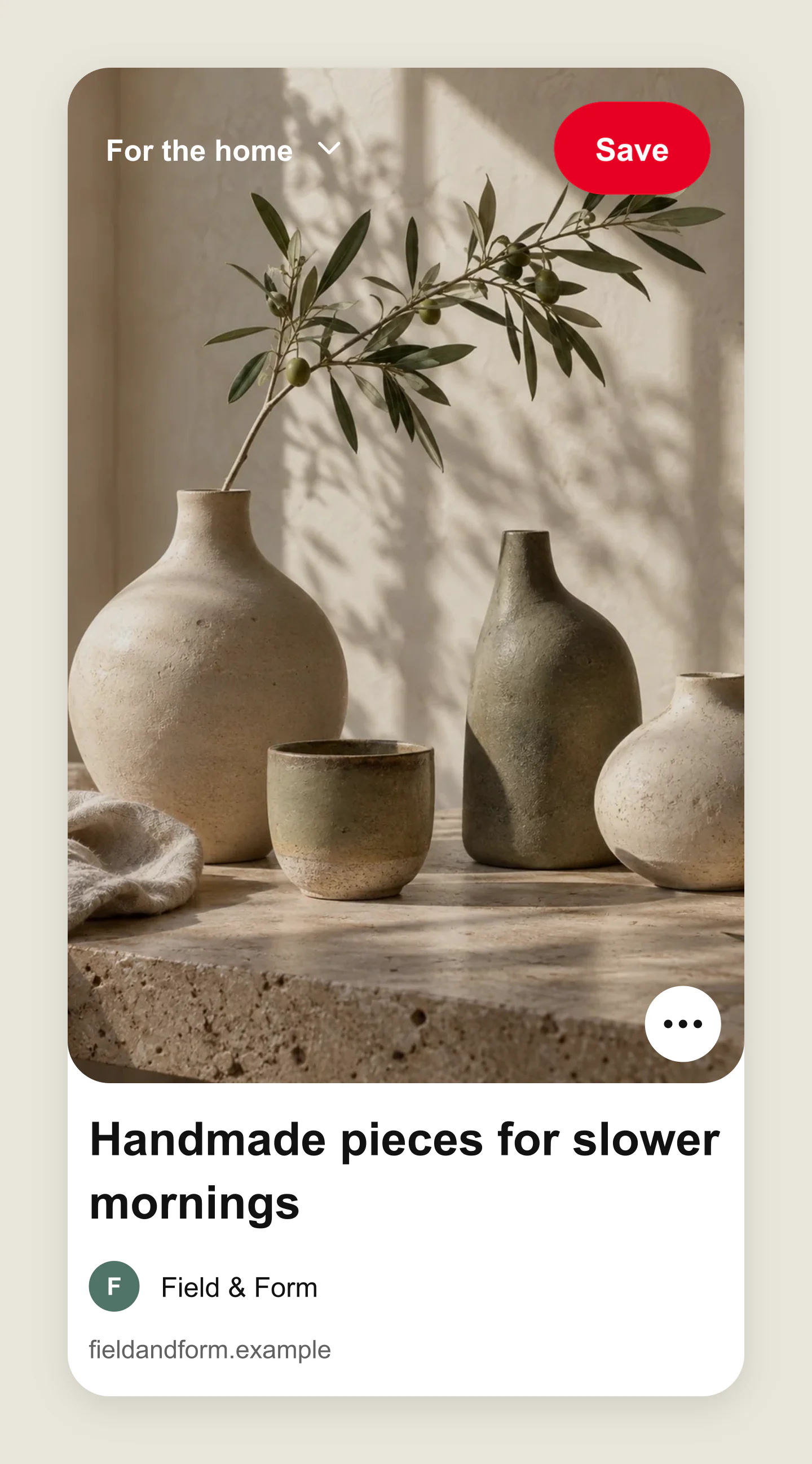
Mobile · Feed · Light
Warm ceramics and a quiet palette. Try your own product photo, title and board name.
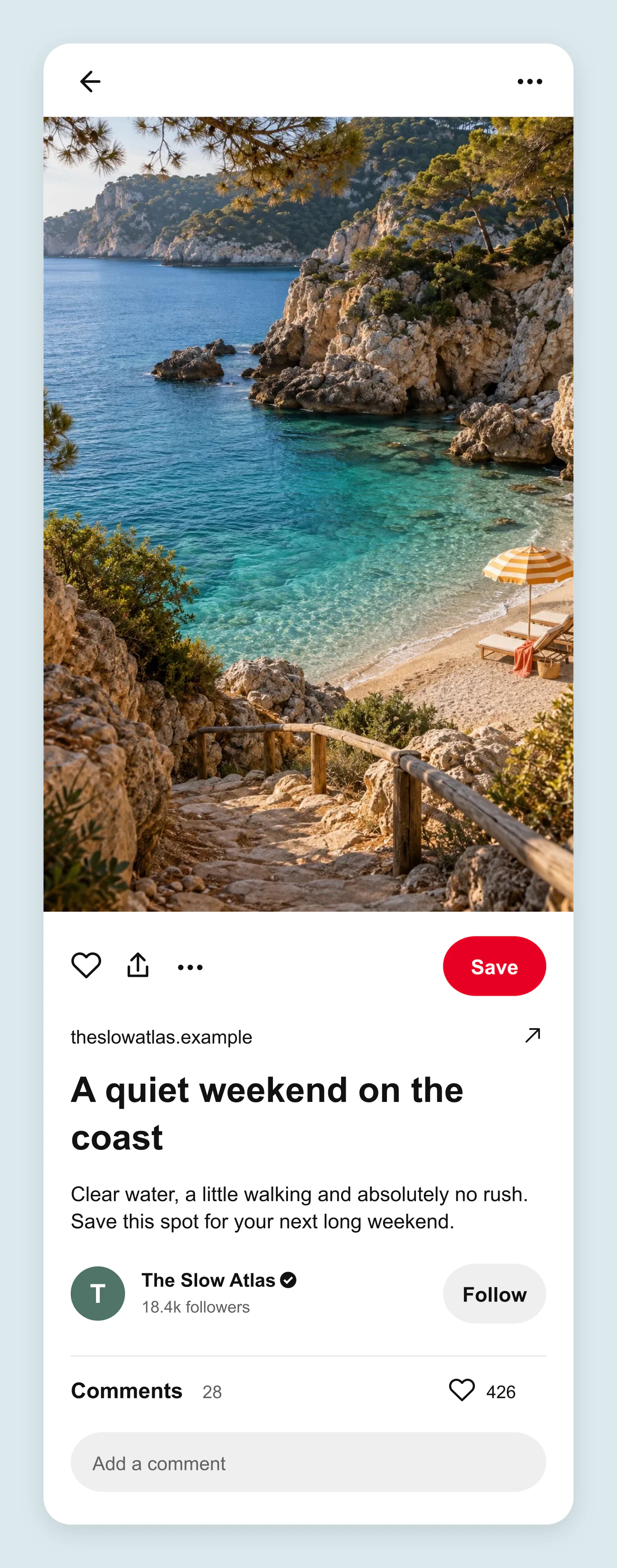
Mobile · Expanded Pin · Light
A travel photo with room for a useful description. Edit the destination, account details and website.
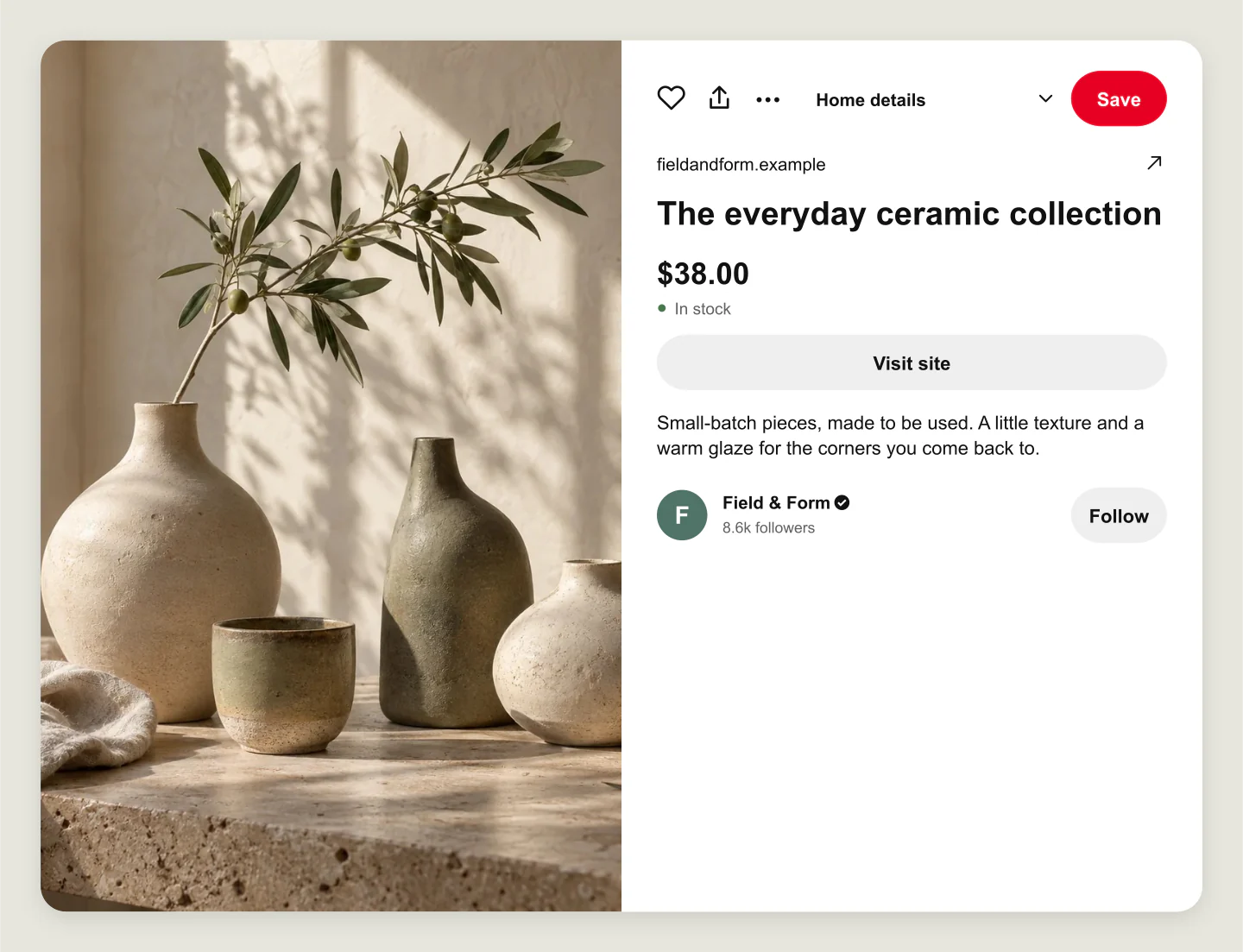
Desktop · Product Pin · Light
A product preview with a price, stock label and Visit site button. See how a shop launch could look when someone opens your Pin.
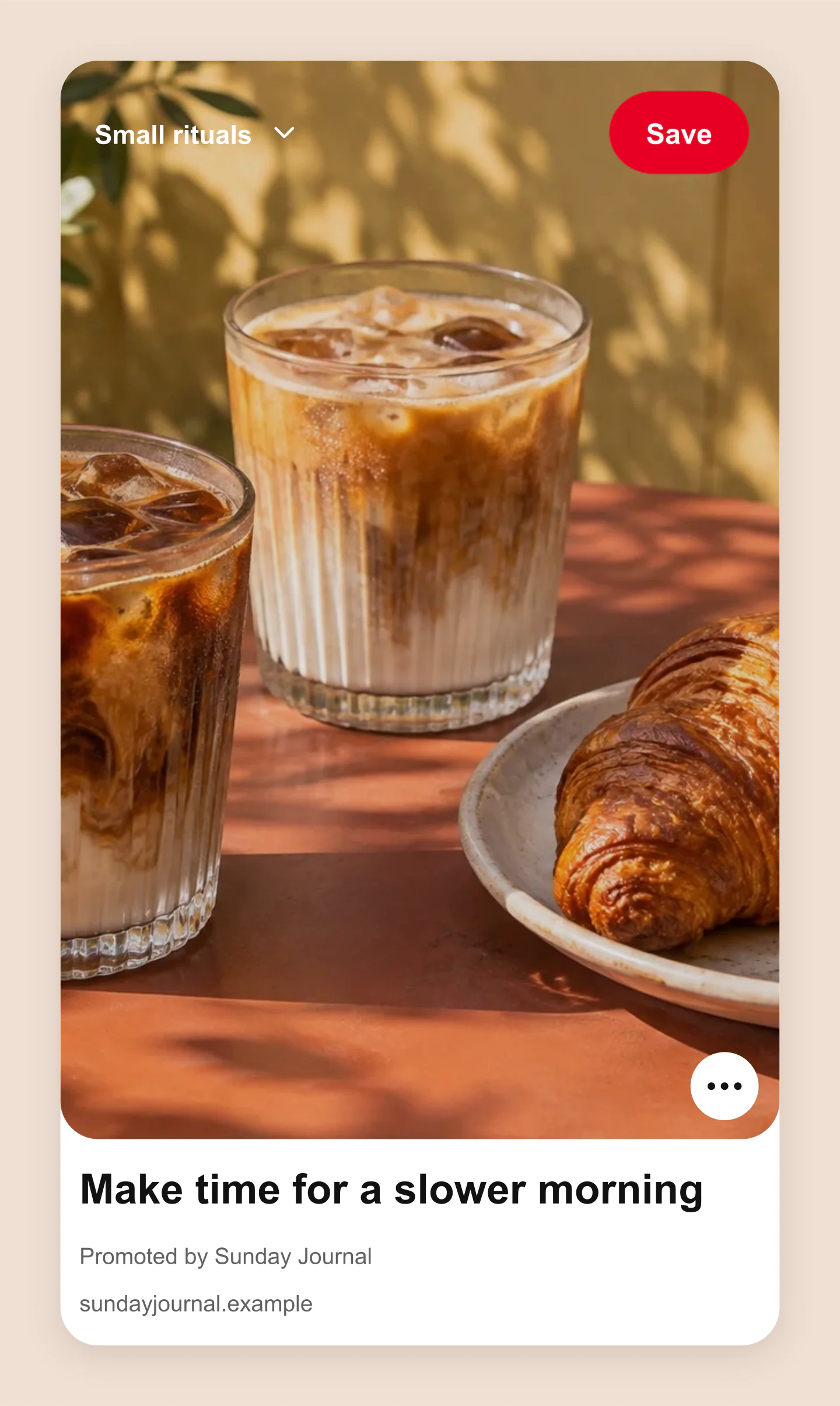
Desktop · Promoted feed Pin
Preview a promoted creative with a simple headline and a familiar Save action. Make the brand, image and message your own.
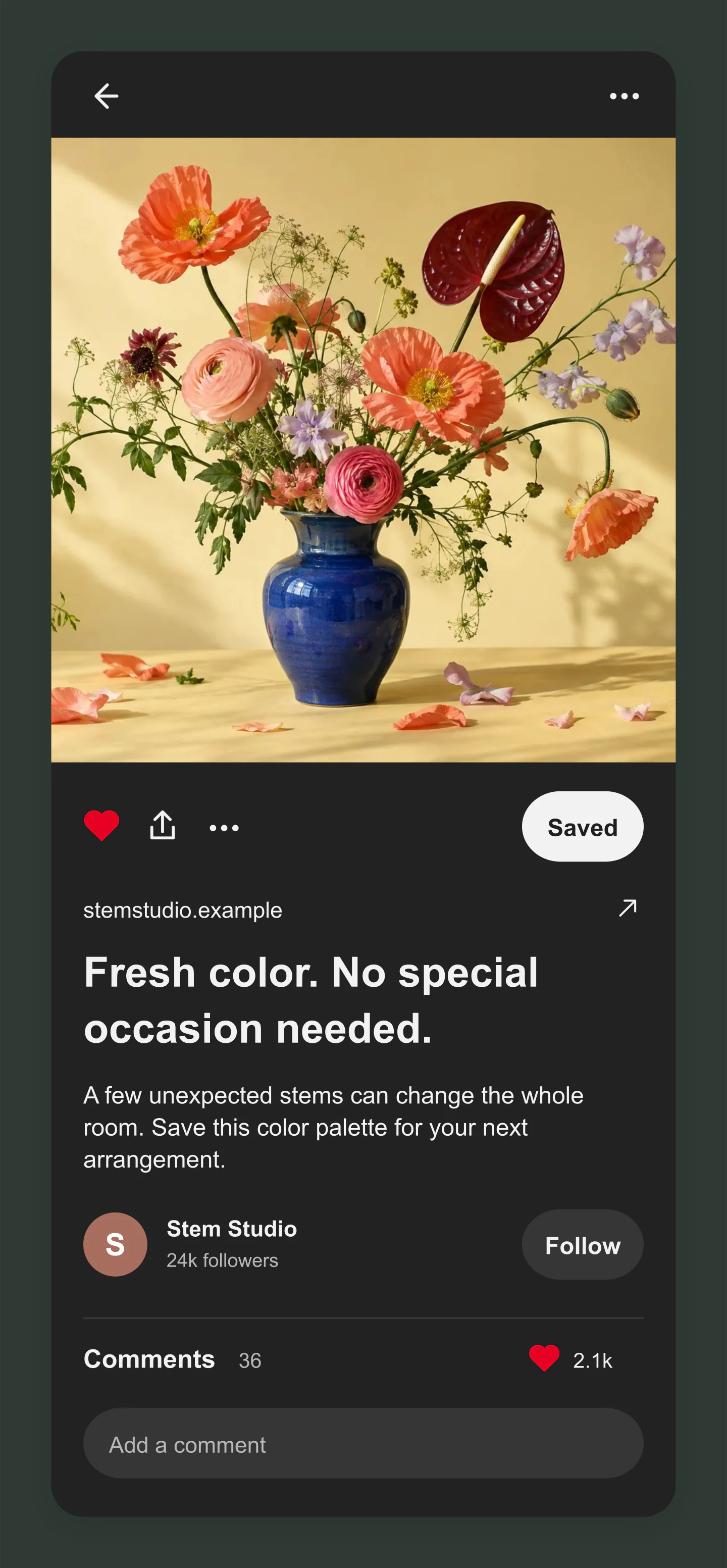
Mobile · Expanded Pin · Dark
Bright flowers against a darker interface. Switch the theme, adjust the crop and make the caption your own.
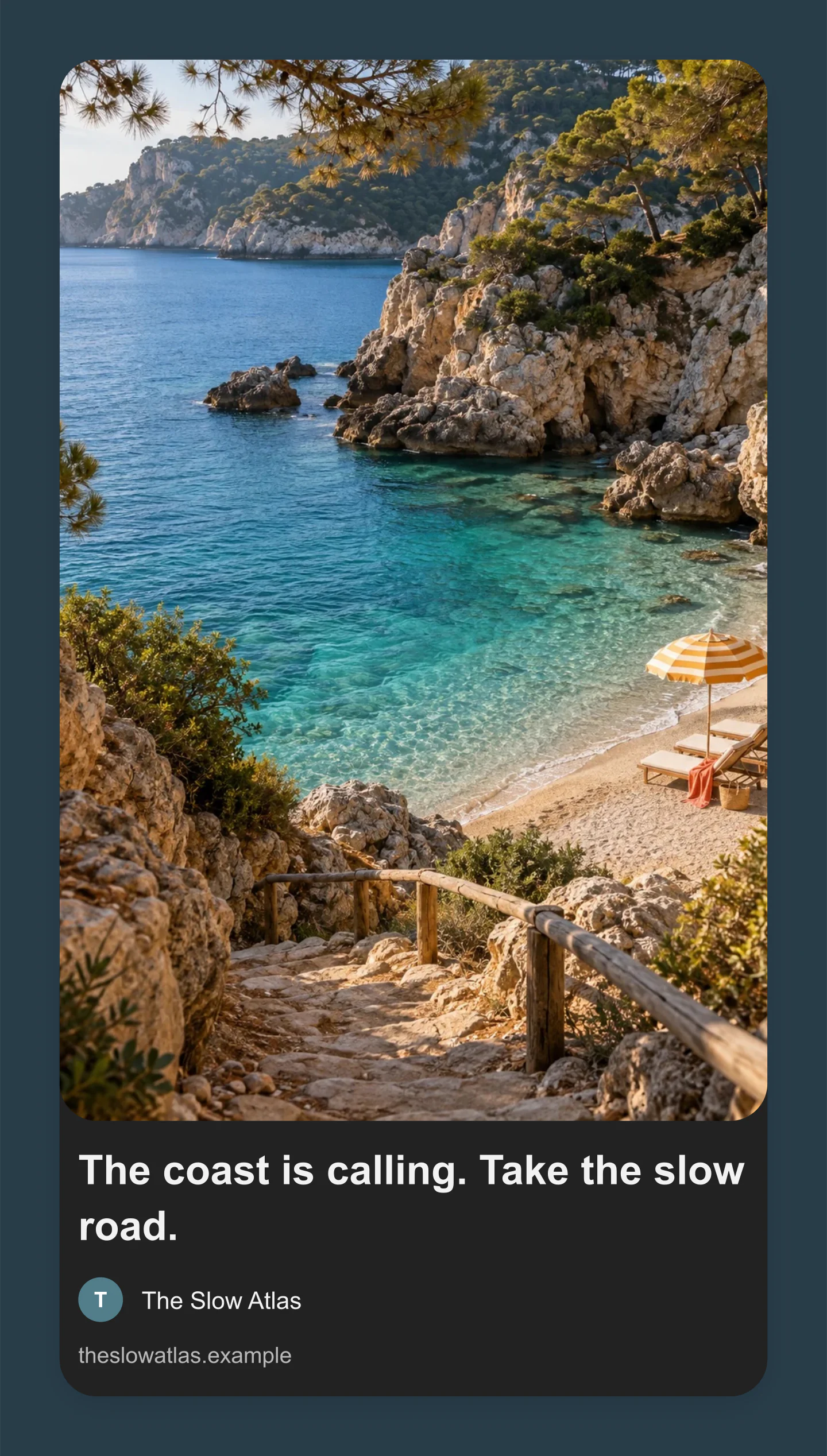
Desktop · Feed · Dark
A clean travel Pin without the Save overlay. Try a different image shape and create a board-ready campaign preview.
Made with this generator. Sample brands, conversations and engagement counts are fictional.
FROM YOUR IDEA TO THE BOARD
Upload a photo, choose a shape and drag to find the right crop. Add a title that gives your idea a little context.
Switch from the feed card to the expanded view. Try a product price or promoted label and check mobile, desktop and dark mode.
Download a free PNG or JPG for your presentation or content plan. Save an editable project to pick up where you left off.
A FEW USEFUL DETAILS
Yes. All current editing features and PNG or JPG downloads at 1×, 2× and 3× are free. No account, subscription or watermark. The download controls show the exact pixel dimensions for your design. Very large designs may need a smaller size to fit your browser’s image limits.
Upload a Pin image and account photo. Edit the title, description, account name, website, board and follower count. Add a product price, availability or promoted label, then adjust the crop, colors and text size.
Yes. Choose Feed card for a compact preview or Expanded Pin for the image and its details. Both views use the same content. Mobile, desktop, light and dark options are included.
Yes. Turn on Promoted Pin to preview an ad label. Product Pin adds a price and availability, with a Visit site button in the expanded view. These are visual mockups for planning campaigns and presenting creative.
A 2:3 portrait image is a useful starting point for a standard image Pin, for example 1000 × 1500 pixels. The editor also offers square, tall, wide and original proportions. The downloaded mockup includes the Pinterest interface and your chosen canvas padding, so its final dimensions will differ from the source image.
Yes. Click the title or description in the preview and type. Click outside or choose Done to finish. The sidebar contains the other content and styling controls.
Open Image & crop and drag the small image preview to position your photo. Use Zoom for a closer crop. The horizontal and vertical sliders also work with the keyboard.
Yes. Choose PNG and enable Transparent canvas in Canvas & export. The space around the Pin becomes transparent while the Pin itself keeps its light or dark interface. You can also choose JPG and export either format at 1×, 2× or 3×.
Yes. Save project downloads an editable file with your settings, text and uploaded images. Open project restores it in the same tool, or lets you paste project JSON from an assistant. Review it before replacing your draft. Files are processed in your browser, not uploaded to your account.
Yes. Images exported from these social and app mockup tools can be used in personal projects, social posts, presentations and client work without a Mockaps subscription or attribution. You still need permission for content you add. Platform names and logos belong to their owners; a mockup does not imply their endorsement.
No. Images are processed in your browser and your draft stays on this device. This tool makes a preview image. It does not connect to Pinterest, publish Pins or create real engagement.
It recreates familiar Pinterest layouts for creative previews. Pinterest can vary by device, app version and placement. Check your final creative on Pinterest before publishing.
An independent tool by Mockaps. Pinterest and its logo are trademarks of Pinterest, Inc. This tool is not affiliated with or endorsed by Pinterest.