
Choose the setting.
Start with an iOS or Android card. Show a single message or a whole lock screen, in light or dark mode.
A little nudge. A message worth opening.
Make your next notification look the part.
MP4 · 30 fps · Silent
Keep an editable copy on your device. How it works
A FEW WAYS TO MAKE IT YOURS
A delivery worth waiting for. A reminder to slow down. A little news from your favorite shop. Choose a starting point and make every word your own.
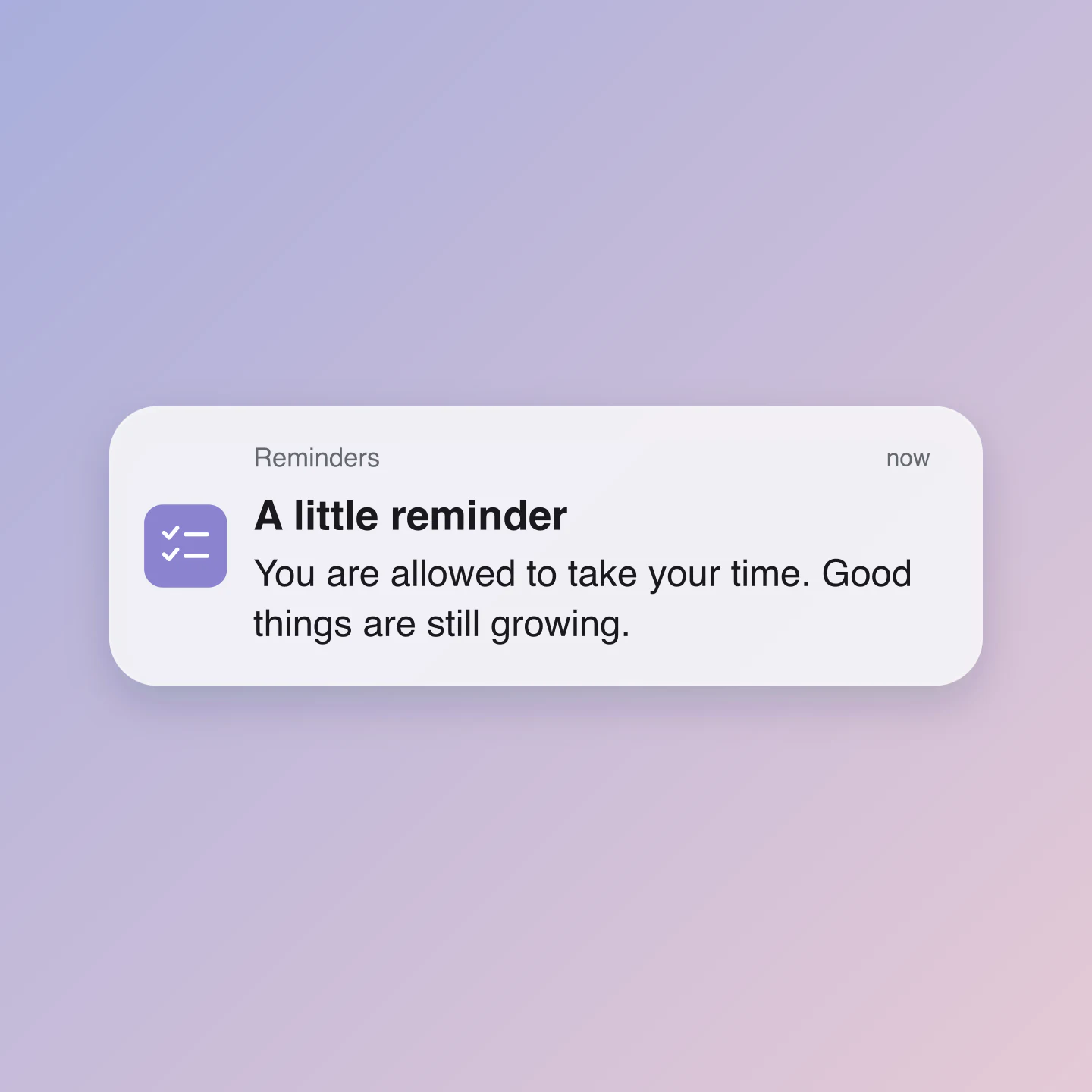
iOS · Light · Square
A gentle reminder with a little room to breathe. Replace the words for a quote, a campaign or a note to your audience.
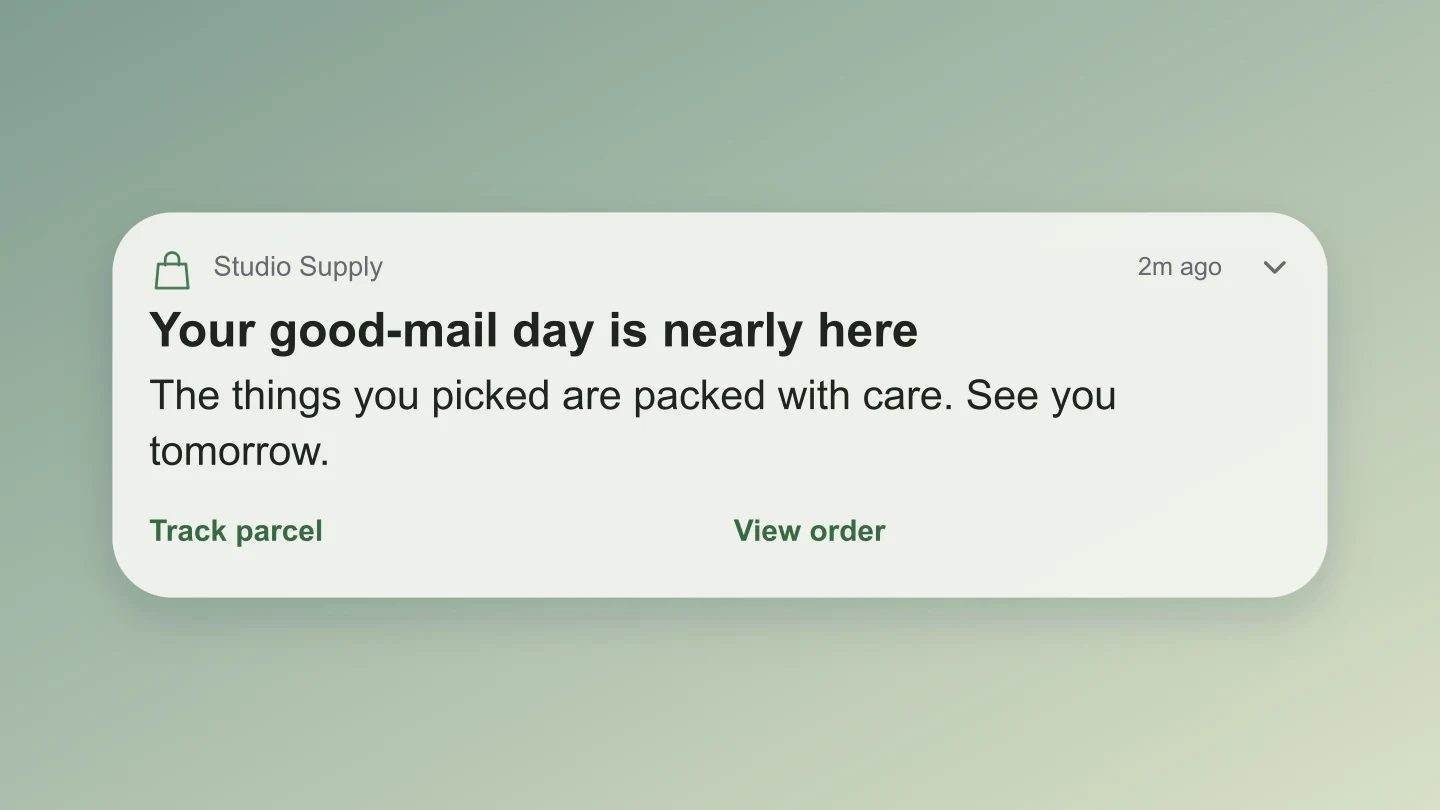
Android · Light · Wide
A delivery update with two action labels. Try your own app name, order update and next step.
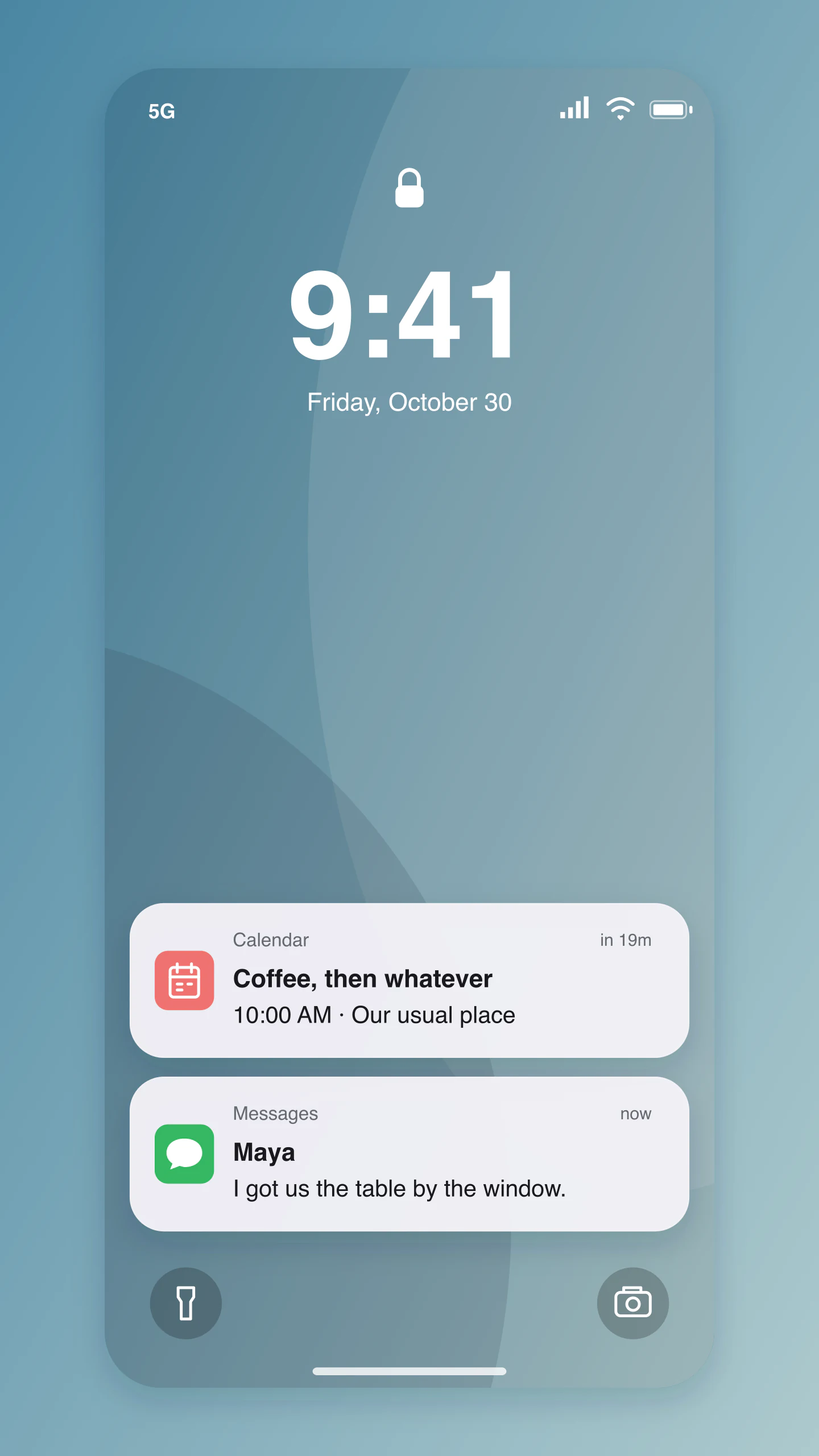
iOS · Lock screen · Story
Two notifications turn a lock screen into a small story. Edit the plan, the reply and the time together.
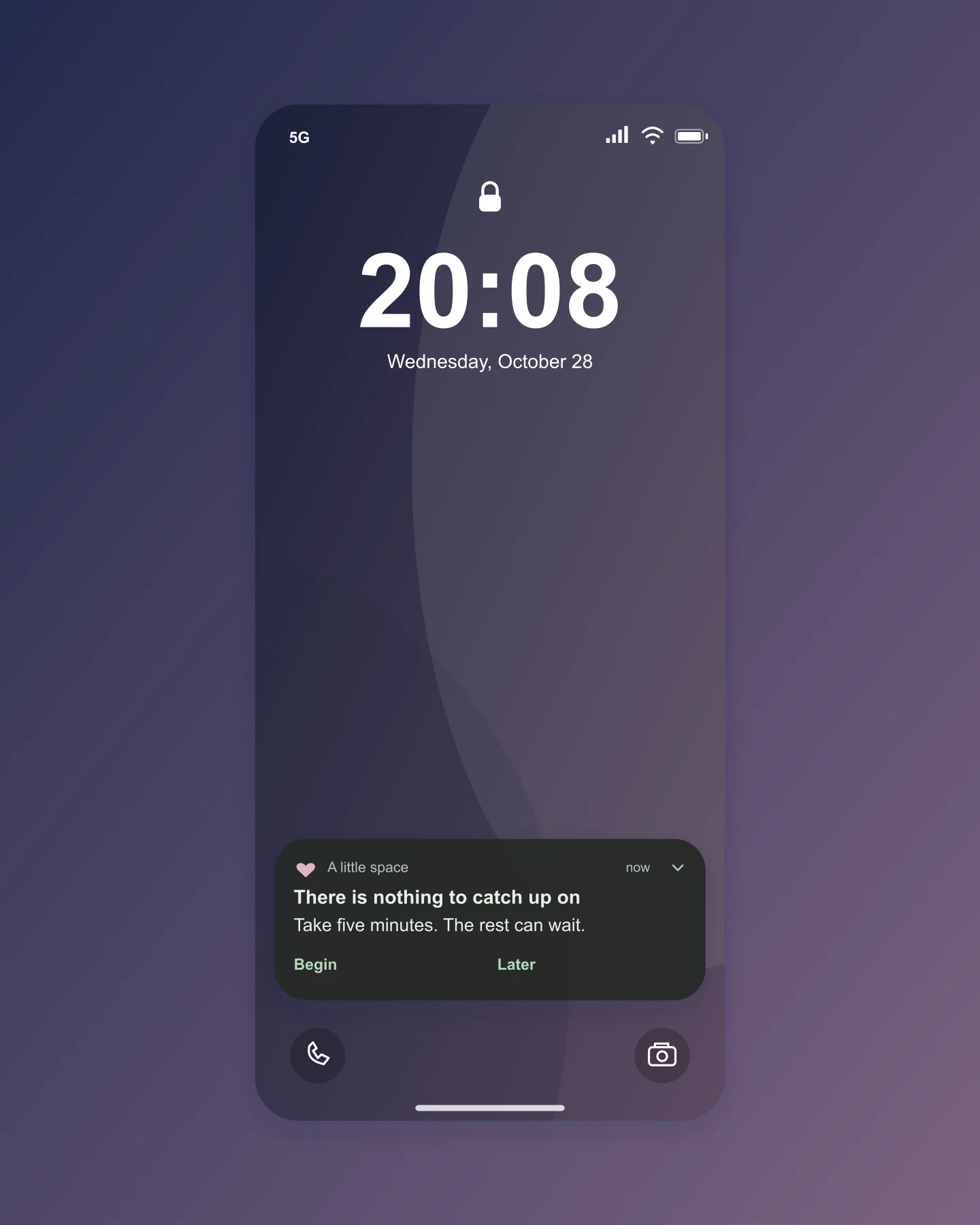
Android · Dark · Lock screen
A calm evening update in dark mode. Change the wallpaper colors and write a notification that earns its place.
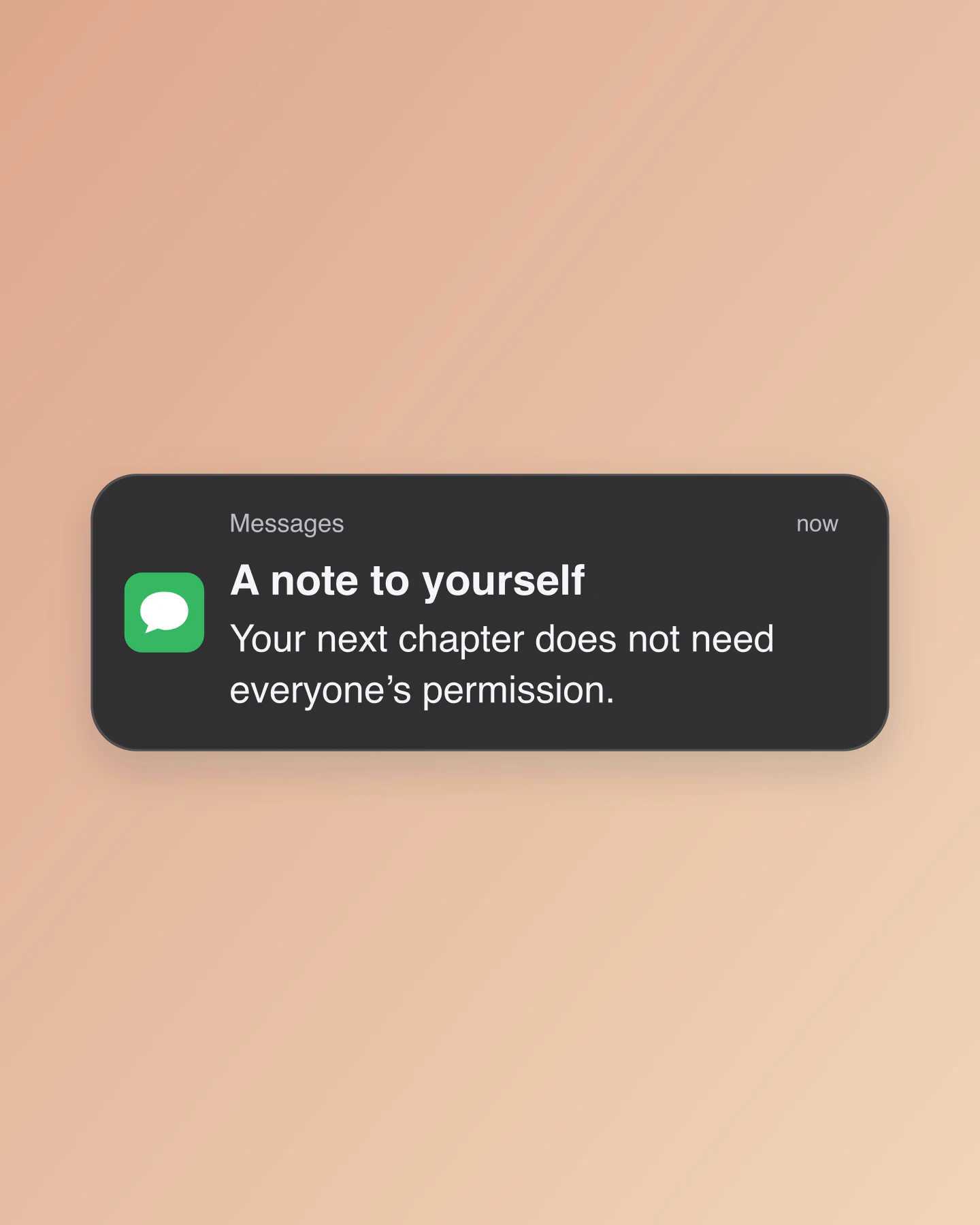
iOS · Dark · Portrait
A simple message card for an announcement, quote or personal milestone. Keep the sender and the words completely editable.
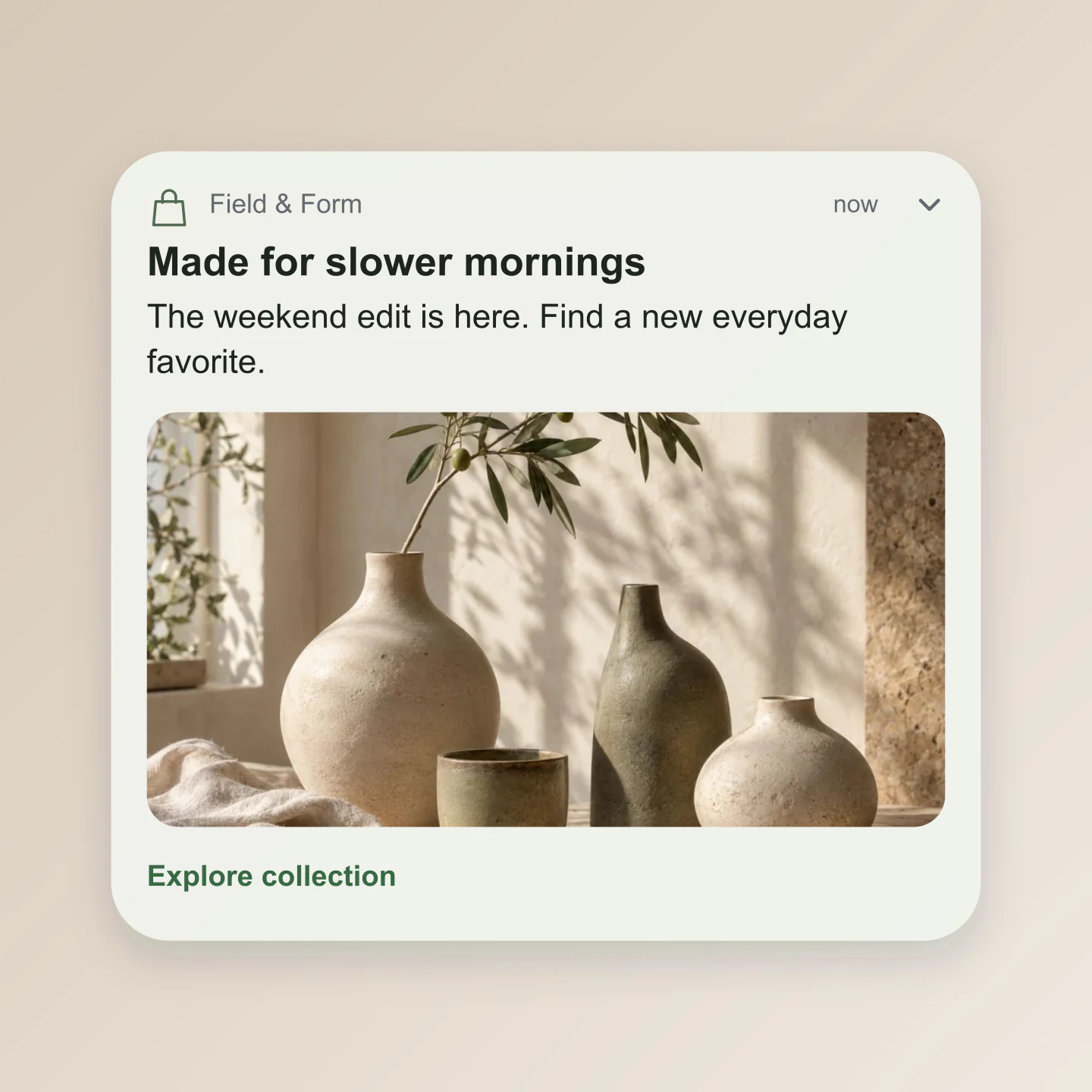
Android · Image · Square
An expanded image notification for a collection or launch. Swap the photo, edit the headline and try a different action label.
Made with this tool. Every example includes editable notifications, styling and canvas settings.
A SMALL MESSAGE, WELL TIMED
Start with an iOS or Android card. Show a single message or a whole lock screen, in light or dark mode.
Write the notification, upload an app icon and set the time. Add an image or a second notification to tell a bigger story.
Download a free PNG for a social post, campaign or presentation. Save a project to return to the same version later.
A FEW USEFUL DETAILS
Choose iOS or Android, then edit the app name, title, message and timestamp. Click the text in the preview or use the sidebar. Pick your background and canvas size, then download a free PNG.
Yes. All current editing features and PNG or JPG downloads at 1×, 2× and 3× are free. No account, subscription or watermark. The download controls show the exact pixel dimensions for your design. Very large designs may need a smaller size to fit your browser’s image limits.
Yes. Enable Animation to watch iOS or Android notifications arrive with a slide, soft pop, fade or instant reveal. Preview for free, adjust the pauses and reading time, and choose whether new notifications stack above or below the previous ones. Cards and lock screens both work.
An active Pro plan includes silent MP4 exports at 30 fps, in 720p or 1080p. Choose portrait 9:16, square 1:1 or wide 16:9. Video uses your background; transparent PNG and JPG still images remain free.
Yes. Choose iOS for a rounded notification card with an app icon, title and message. Switch to Lock screen to include a clock, date and wallpaper. You can edit the time, hide the status bar and move the notifications higher or lower.
Yes. Android includes an app header, message and optional actions. Add a small thumbnail or an expanded image, then customize both action labels. These are platform-inspired previews; exact notification layouts vary by device and operating-system version.
Add up to five. Each has its own app name, icon, text and time label. Duplicate, reorder or remove notifications in the sidebar. Use Show full message for longer text, or switch it off for a compact two-line preview.
Yes. Choose Cards, open Background & export and enable Transparent canvas. Your PNG keeps the notification cards and removes the canvas behind them. Place it over a photo, video or presentation. JPG does not support transparency.
Upload a PNG, JPG or WebP in App icon & image for the selected notification. Upload a wallpaper in Background & export. Images are resized in your browser, and saved projects include the images you add.
Preview push-notification copy, show a product concept, create a social media announcement or share a quote as a reminder. Marketers can compare message ideas before a campaign. Designers can show how a notification fits a phone screen.
Use Fit to content, Square at 1080 × 1080, Portrait at 1080 × 1350, Story at 1080 × 1920 or Wide at 1920 × 1080. The presets adapt the card width and text size too. Free 2× and 3× downloads give you more pixels.
No. It creates a notification mockup image on your device. It does not send messages, request notification permissions or connect to a push-notification service.
Yes. Save project downloads an editable file with your settings, text and uploaded images. Open project restores it in the same tool, or lets you paste project JSON from an assistant. Review it before replacing your draft. Files are processed in your browser, not uploaded to your account.
Yes. Images exported from these social and app mockup tools can be used in personal projects, social posts, presentations and client work without a Mockaps subscription or attribution. You still need permission for content you add. Platform names and logos belong to their owners; a mockup does not imply their endorsement.
An independent mockup tool by Mockaps. iOS and Android belong to their respective owners. This tool is not affiliated with or endorsed by Apple or Google.