
Write the useful bit.
A quote. Opening hours. A small announcement. Click inside the note and start typing.
An old-school window. A fresh thought.
Turn a little note into your next post.
Keep key text inside the 2:3 outline. Cropping varies by placement. Preview only, never in downloads.
MP4 · 30 fps · Silent
Keep an editable copy on your device. How it works
A FEW WAYS TO MAKE IT YOURS
A little nostalgia for your next post. Pick a quote, a launch note or a useful reminder, then replace the words with yours.
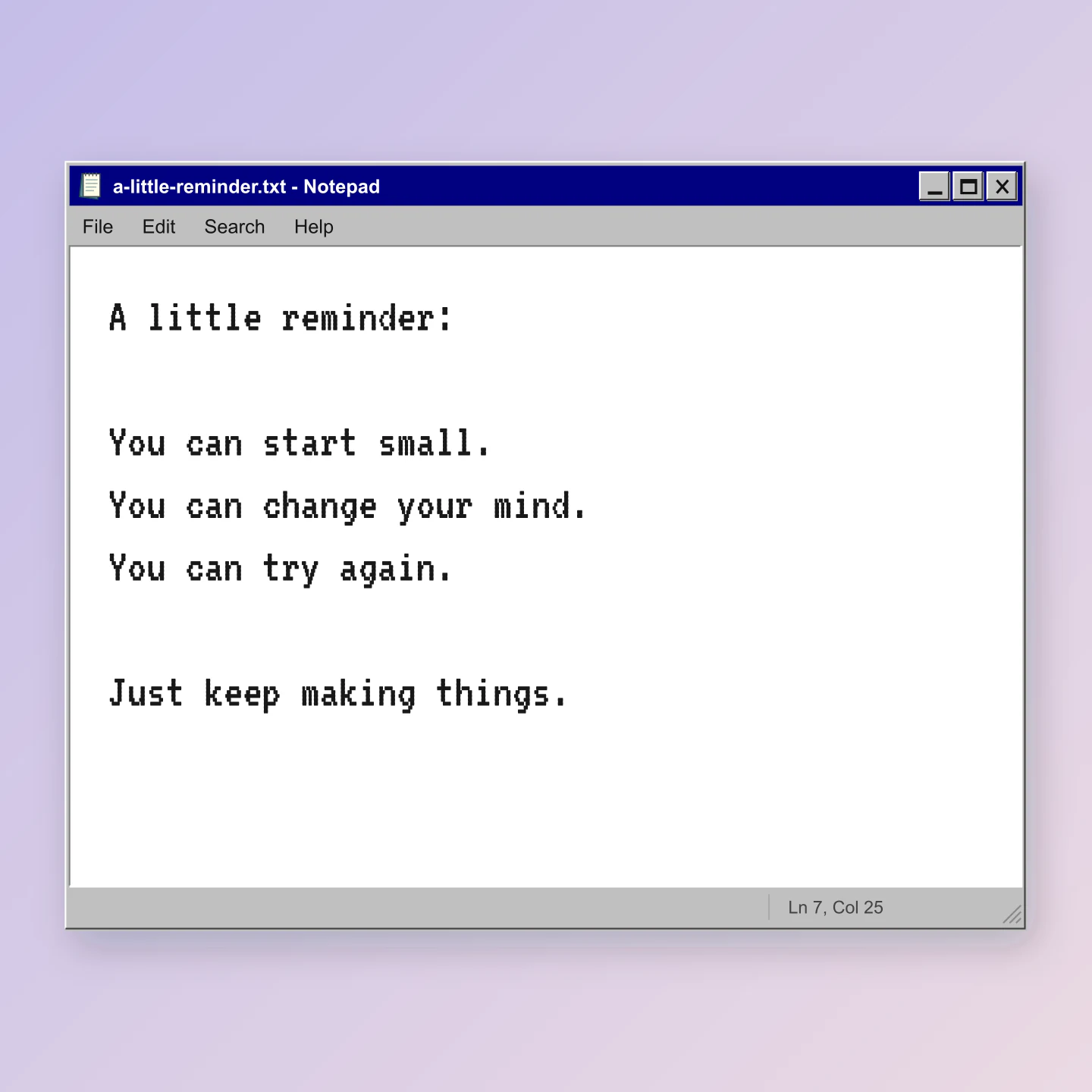
Classic 98 · Square
A simple reminder in a familiar navy title bar. Start with your own quote or something your audience needs to hear.
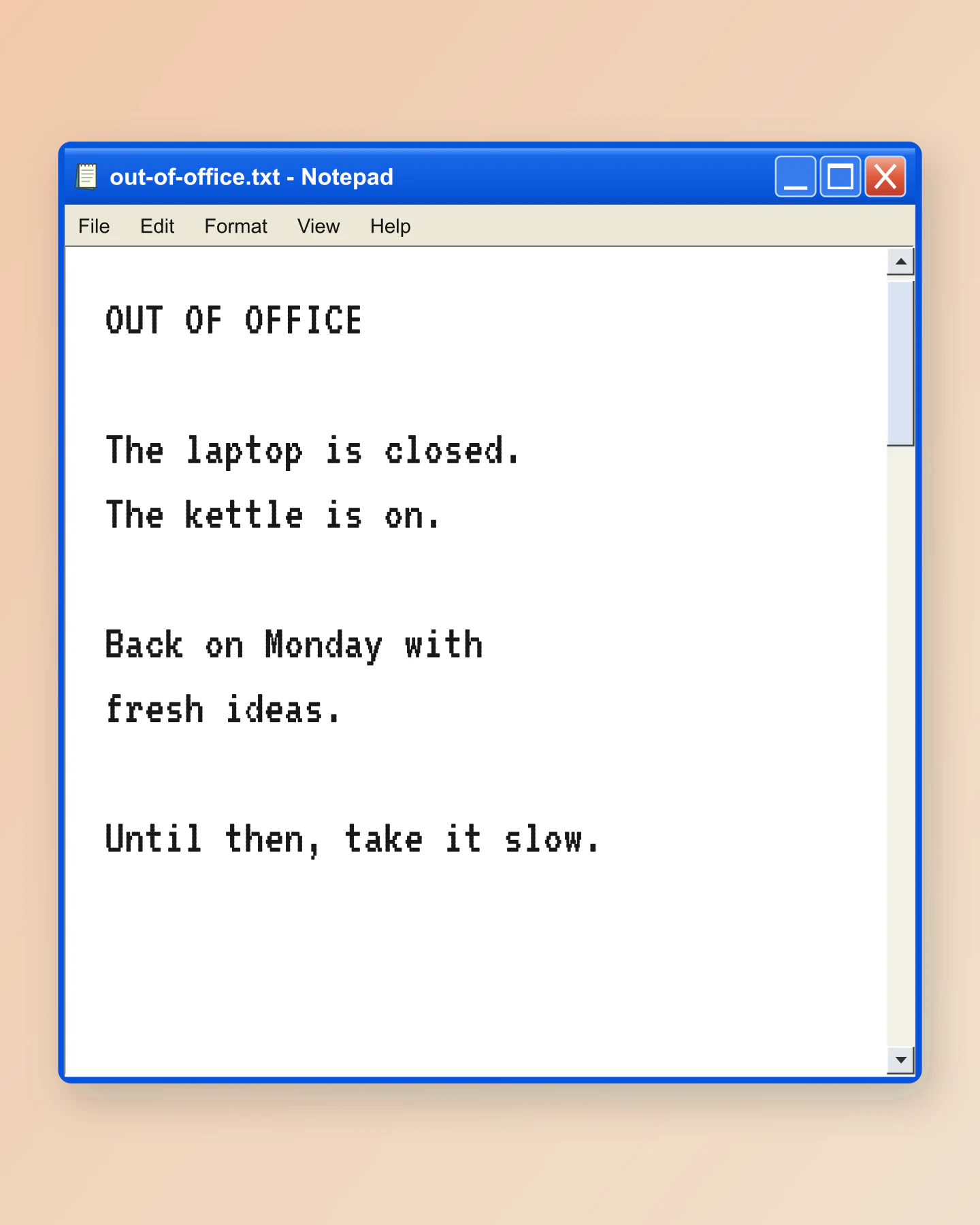
XP blue · Portrait
An out-of-office note with a little nostalgia. Swap in opening hours, an announcement or your next update.
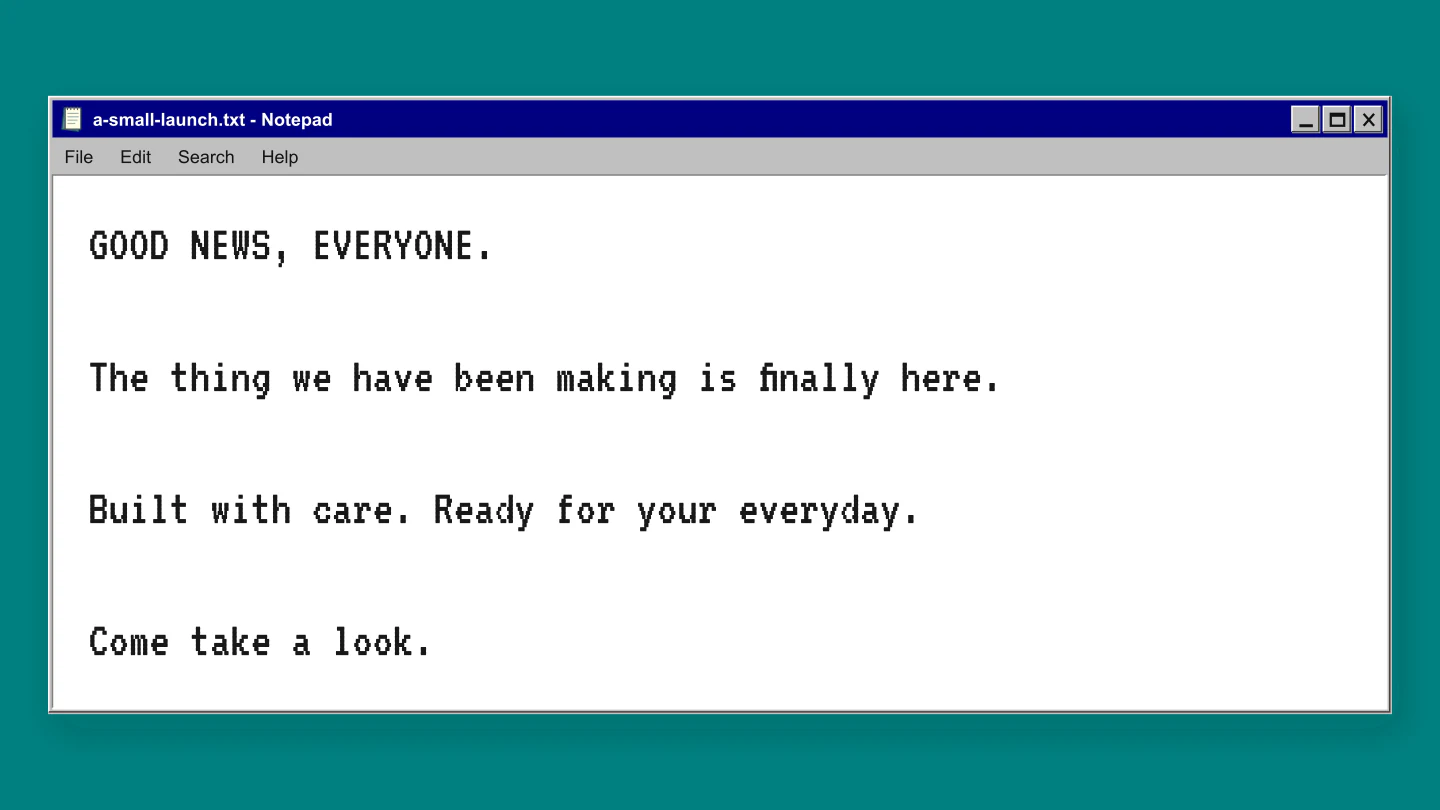
Classic 98 · Widescreen
Give a product launch a quieter introduction. A wide note for an announcement, presentation or newsletter graphic.
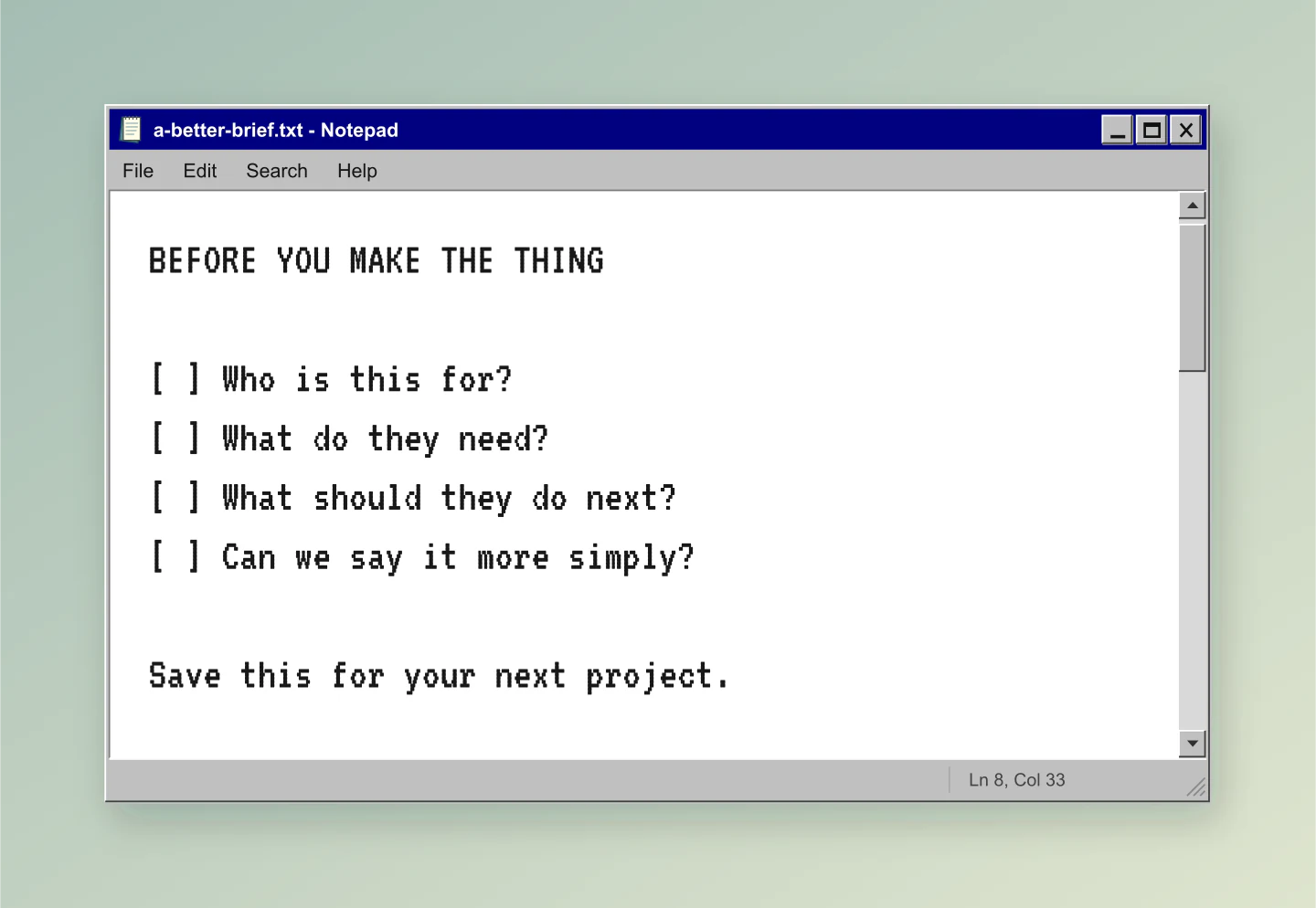
Classic 98 · Fit to note
A useful little list for your team or your next marketing post. Keep it practical, short and easy to save.
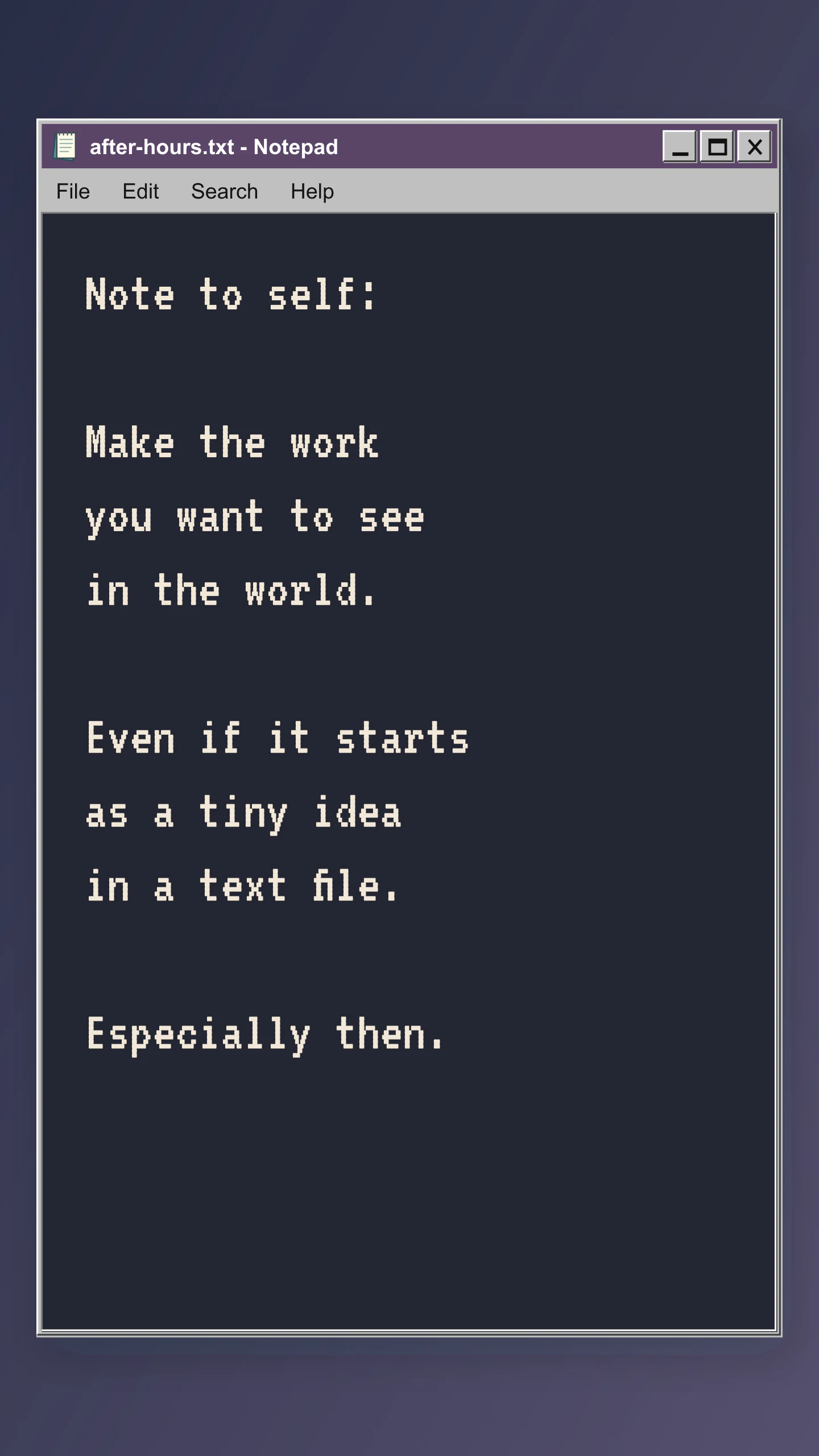
Custom classic · Story
A dark note for a late-night thought, a short story or a brand manifesto. Edit every line and make the colors your own.
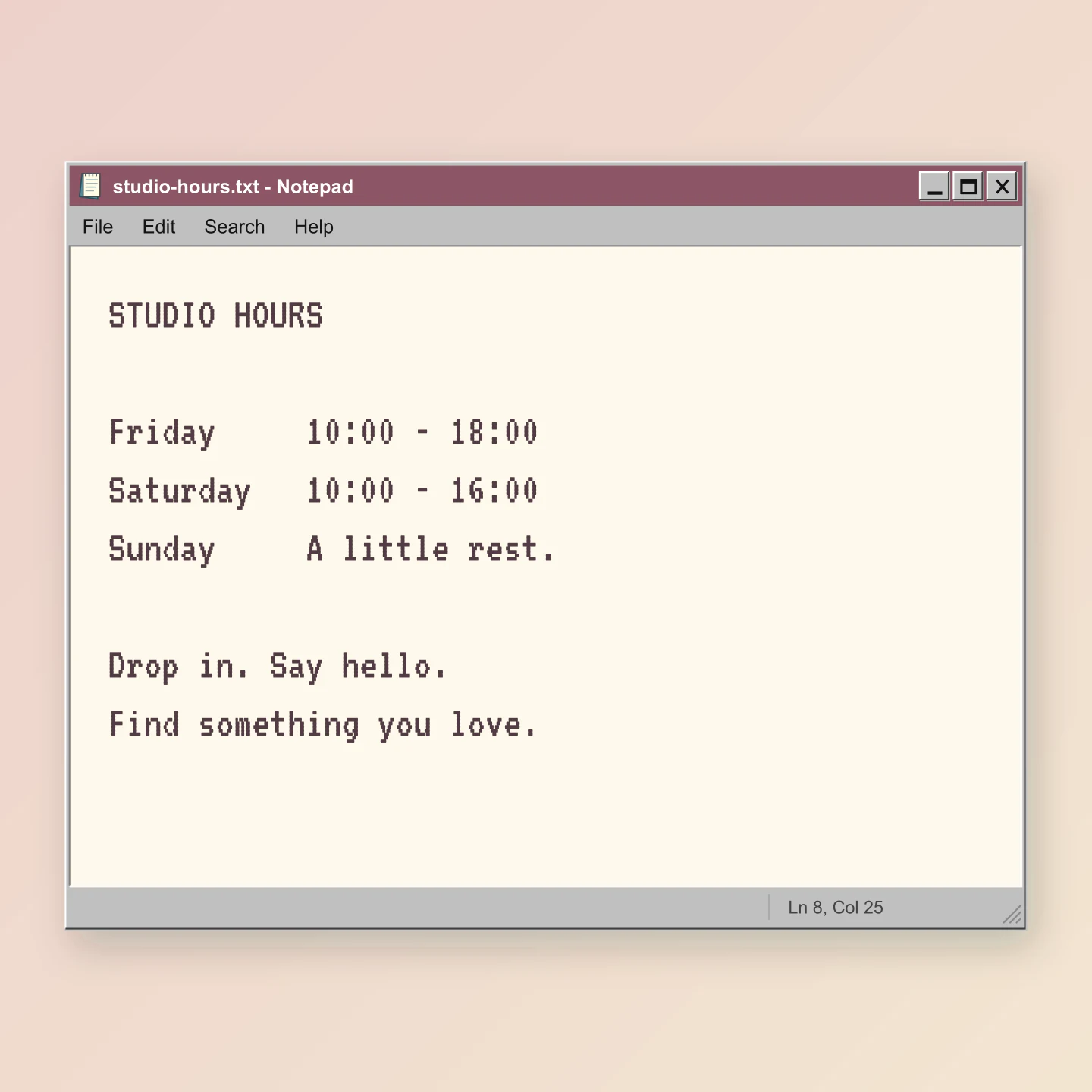
Custom classic · Square
Use a softer color palette for a shop update or your studio hours. The old-school frame does the talking.
Made with this tool. Every example includes editable text, colors and window settings.
A TEXT FILE WITH A LITTLE FEELING
A quote. Opening hours. A small announcement. Click inside the note and start typing.
Go classic with a navy title bar and teal desktop, try XP blue, or give the window your own colors.
Choose a social format and download a crisp PNG. Save a project if you want to come back to the idea.
A FEW USEFUL DETAILS
Click the note and type your text. Choose Classic 98 for a silver window and navy title bar, XP blue for a rounded blue window, or Custom classic for your own colors. Change the filename, choose a canvas size and download your image.
Yes. All current editing features and PNG or JPG downloads at 1×, 2× and 3× are free. No account, subscription or watermark. The download controls show the exact pixel dimensions for your design. Very large designs may need a smaller size to fit your browser’s image limits.
Yes. Turn on Animation to watch your text type itself, appear line by line or reveal whole paragraphs. Adjust the speed, pauses and typing cursor. Long notes scroll inside a fixed window. Previewing is free and starts automatically.
Pro members can download silent MP4 videos at 30 fps in 720p or 1080p. Choose portrait for Stories and Reels, square for a feed post, or wide for a presentation. Classic, XP and custom colors all work with animation. Image downloads remain free.
Yes. Turn a quote, a reminder, a list or a marketing announcement into a nostalgic Windows-style image. Try Square for a feed post, Portrait for a taller post, Story for a vertical image or Wide for a presentation. Every example below is editable.
Yes. Click inside the note, or choose Edit text. Your text wraps and the window grows as you write. Click outside the note, press Esc or choose Done editing when you finish. Clear note gives you a blank page, and Undo clear brings your text back.
Choose Retro mono, Courier or a clean sans-serif font. Adjust text size, line spacing, padding, alignment and colors. Use a solid desktop color, a soft gradient or a transparent canvas. You can also hide the menu, icon, scrollbar and status bar.
Yes. Enable Transparent canvas in Background & export, then download a PNG. The window remains visible while the area around it becomes transparent. This is useful for placing the note over a photo, slide or video. JPG exports use an opaque background.
Square exports at 1080 × 1080, Portrait at 1080 × 1350, Story at 1080 × 1920 and Wide at 1920 × 1080 at standard size. Choose 2× or 3× for more pixels. The presets also adapt the note width, text size and height. Fit to note follows the window dimensions instead.
Open a local .txt file to use its content and filename. A note can contain up to 5,000 characters and 100 lines. Your draft saves in this browser. Save project downloads an editable copy that you can open in this tool later.
Yes. Save project downloads an editable file with your settings, text and uploaded images. Open project restores it in the same tool, or lets you paste project JSON from an assistant. Review it before replacing your draft. Files are processed in your browser, not uploaded to your account.
Yes. Images exported from these social and app mockup tools can be used in personal projects, social posts, presentations and client work without a Mockaps subscription or attribution. You still need permission for content you add. Platform names and logos belong to their owners; a mockup does not imply their endorsement.
No. This is an independent image generator inspired by classic Windows Notepad. It does not connect to your computer’s Notepad app. The window controls and menus are visual details in your mockup. Your note stays on your device.
An independent tool by Mockaps, inspired by classic Windows Notepad. Windows is a trademark of Microsoft. This tool is not affiliated with or endorsed by Microsoft.