
Set the scene.
Pick mobile or desktop, then choose your image shape. Upload your company logo and ad creative, or customize a ready-made graphic.
A campaign worth a closer look.
See your next sponsored post in context.
Keep an editable copy on your device. How it works
A FEW WAYS TO MAKE IT YOURS
A product worth trying. A report worth reading. A seat at the next conversation. Start with an example, then make the campaign yours.
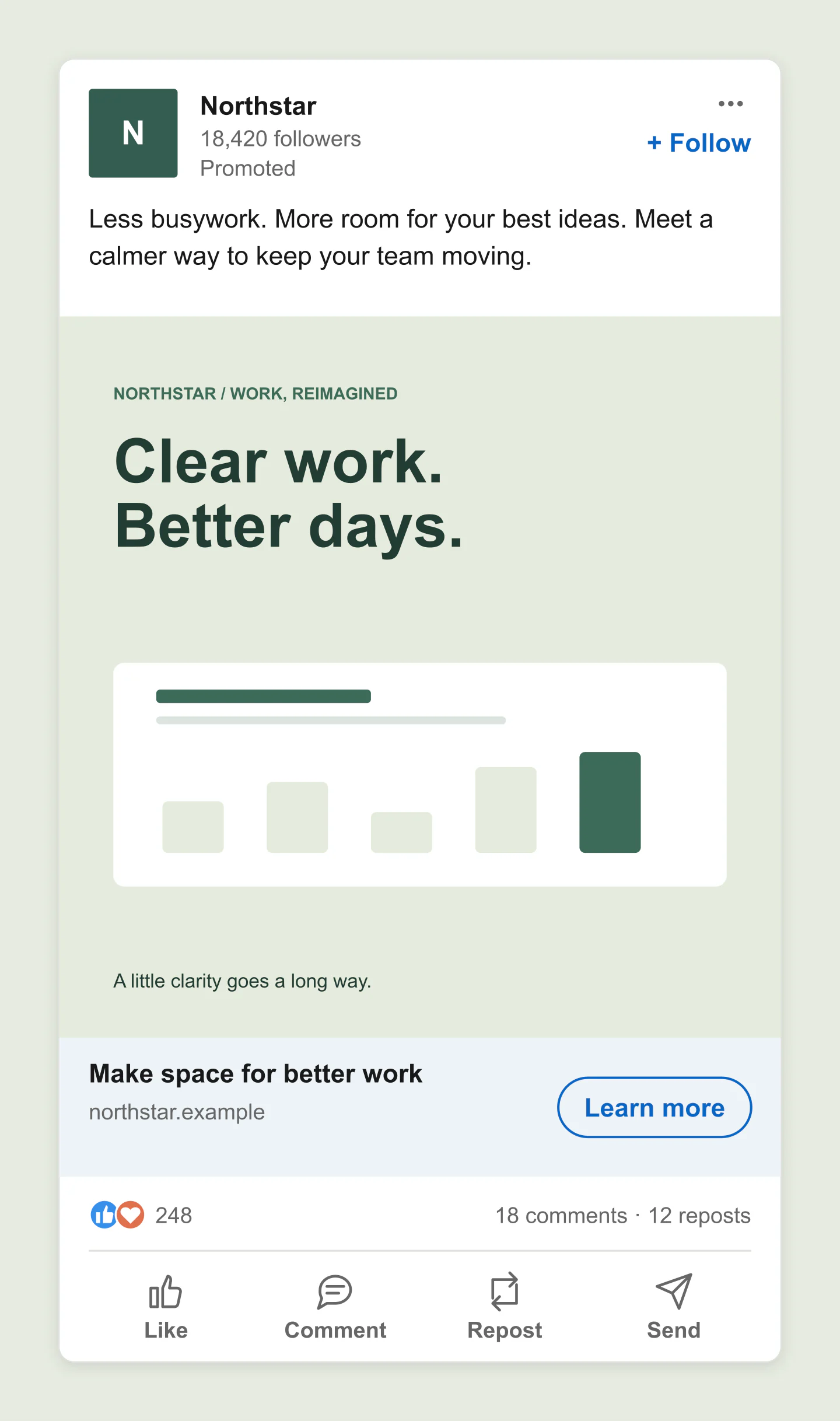
Mobile · Square · Product launch
A sage-green sponsored ad for a fictional team workspace. Edit the copy, graphic and Learn more button to preview your next product launch.
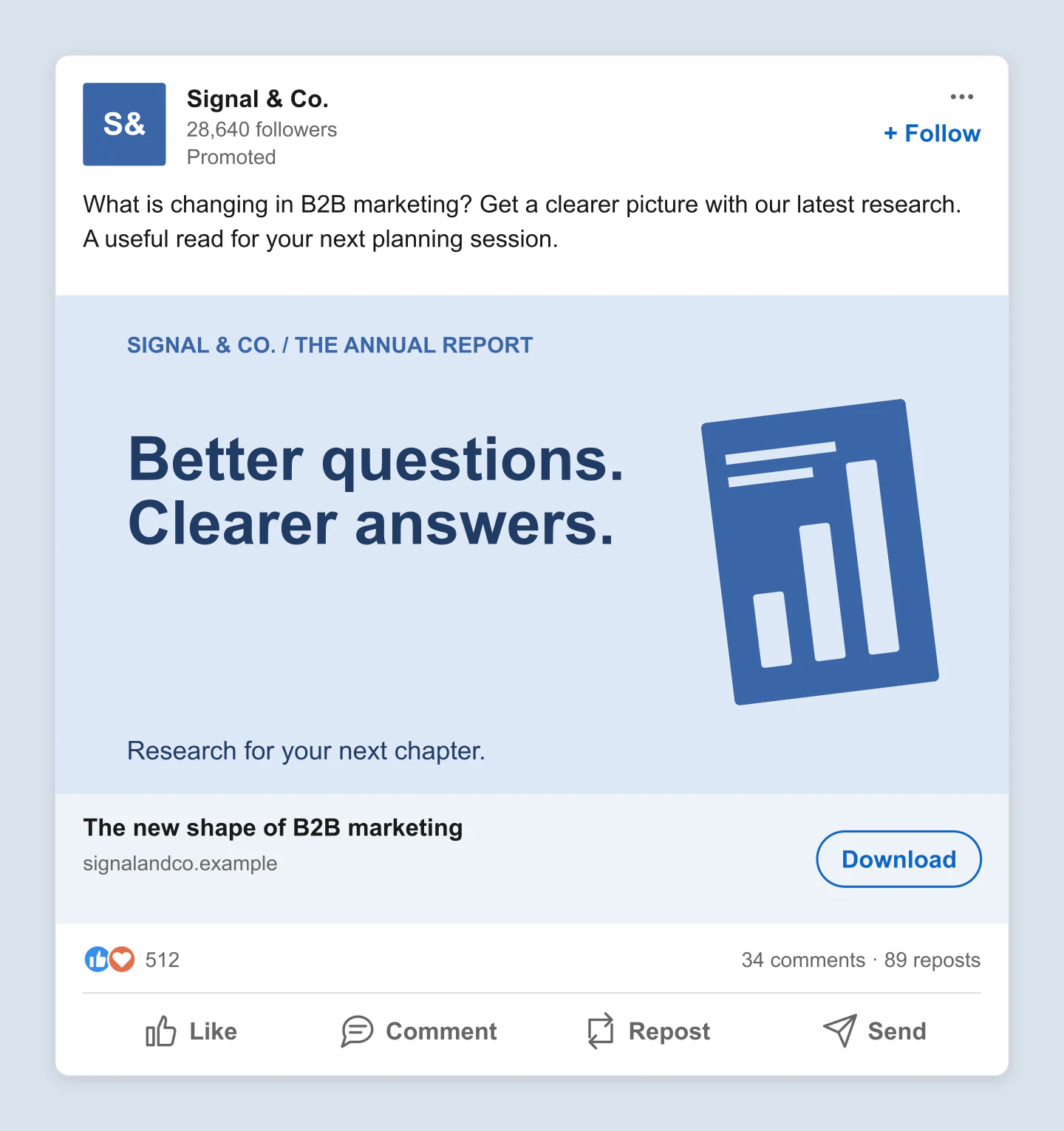
Desktop · Landscape · Download
A wide LinkedIn ad with an editable report-cover illustration and Download CTA. A starting point for research, whitepapers and B2B lead generation campaigns.
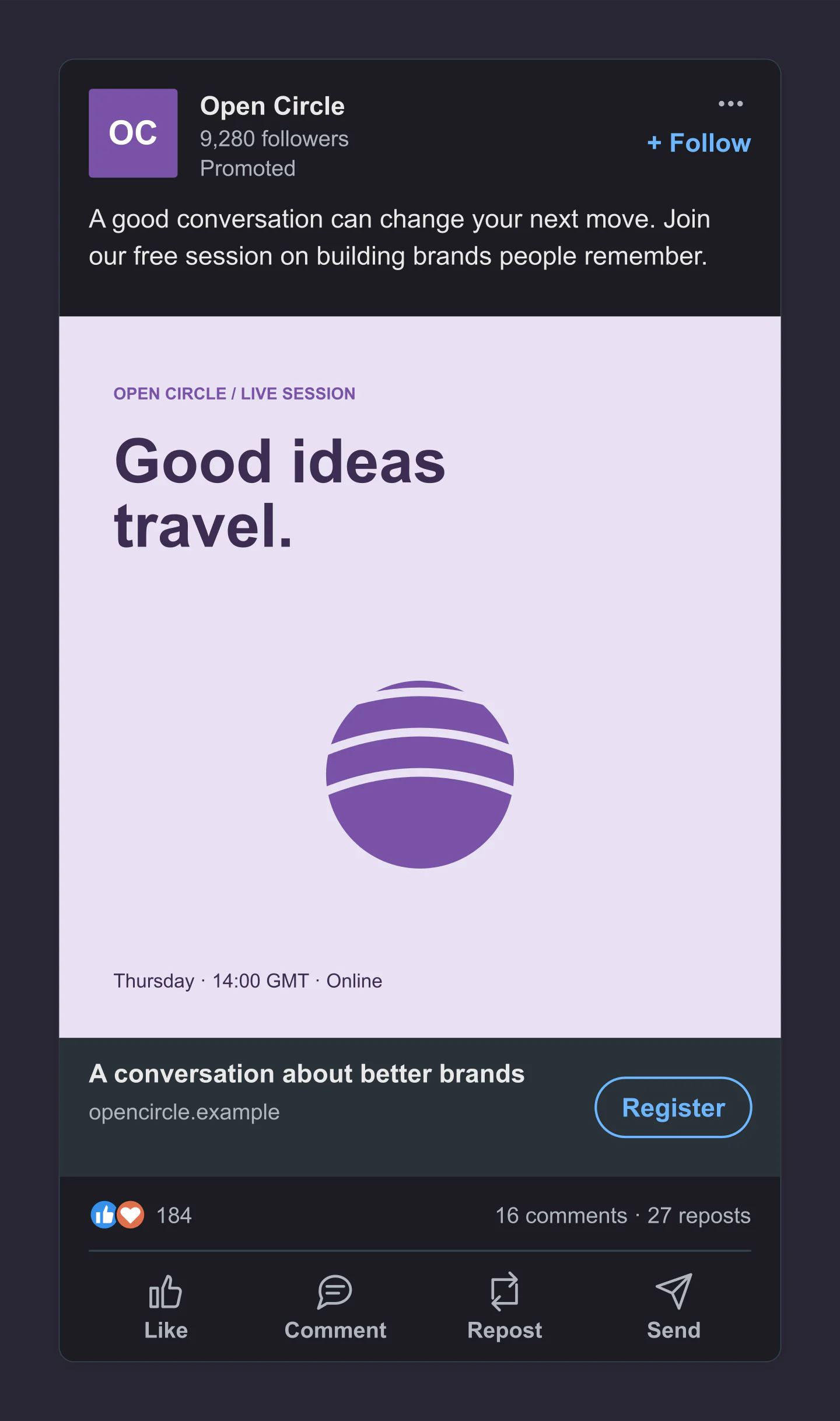
Mobile · Dark · Webinar
A dark-mode LinkedIn webinar ad with a lilac graphic, event details and Register button. Customize the invitation before sharing it with your team.
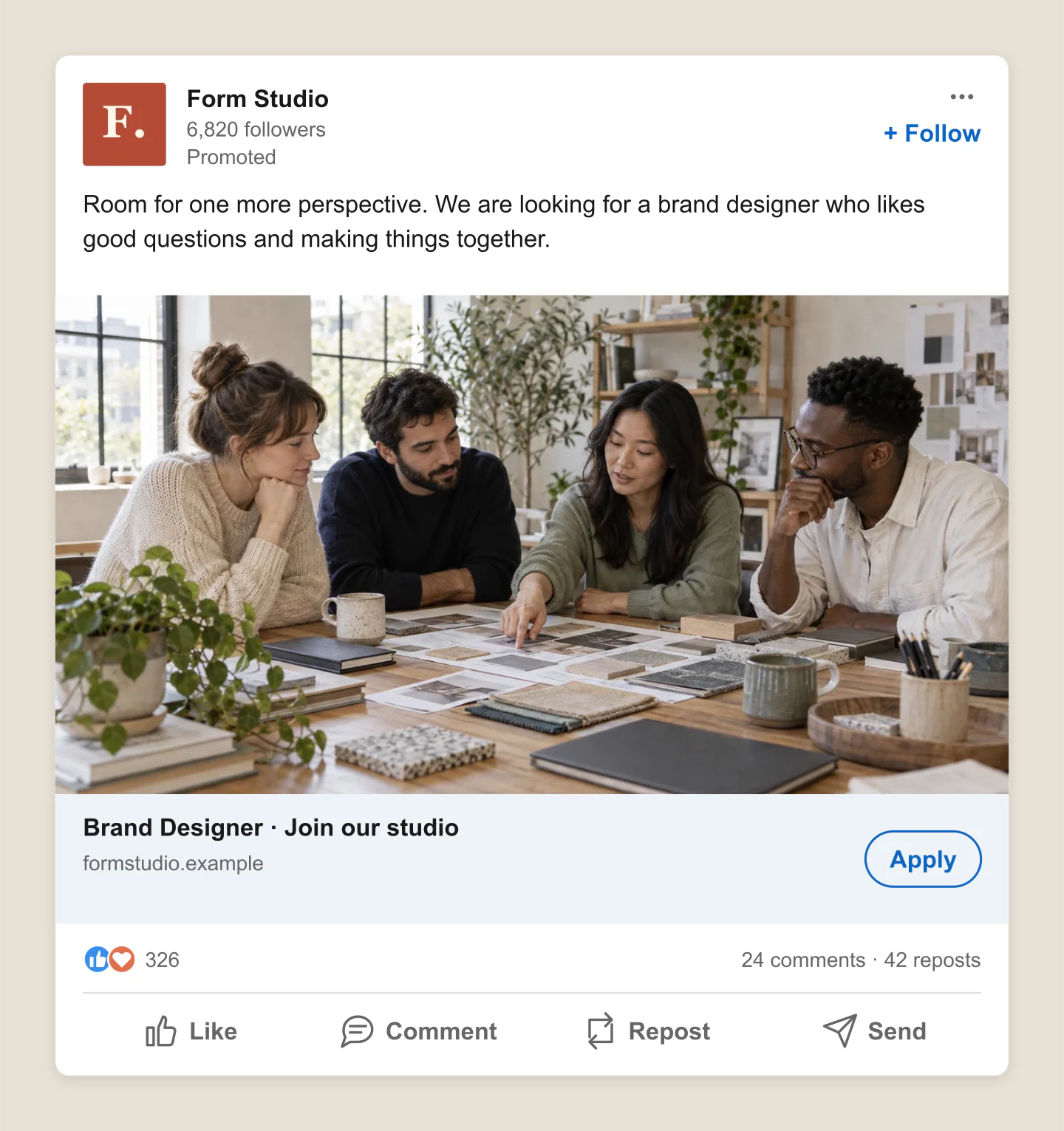
Desktop · Landscape · Hiring
A sponsored hiring announcement with a studio-team photo and Apply button. Edit the role, company and campaign copy for a recruitment presentation.
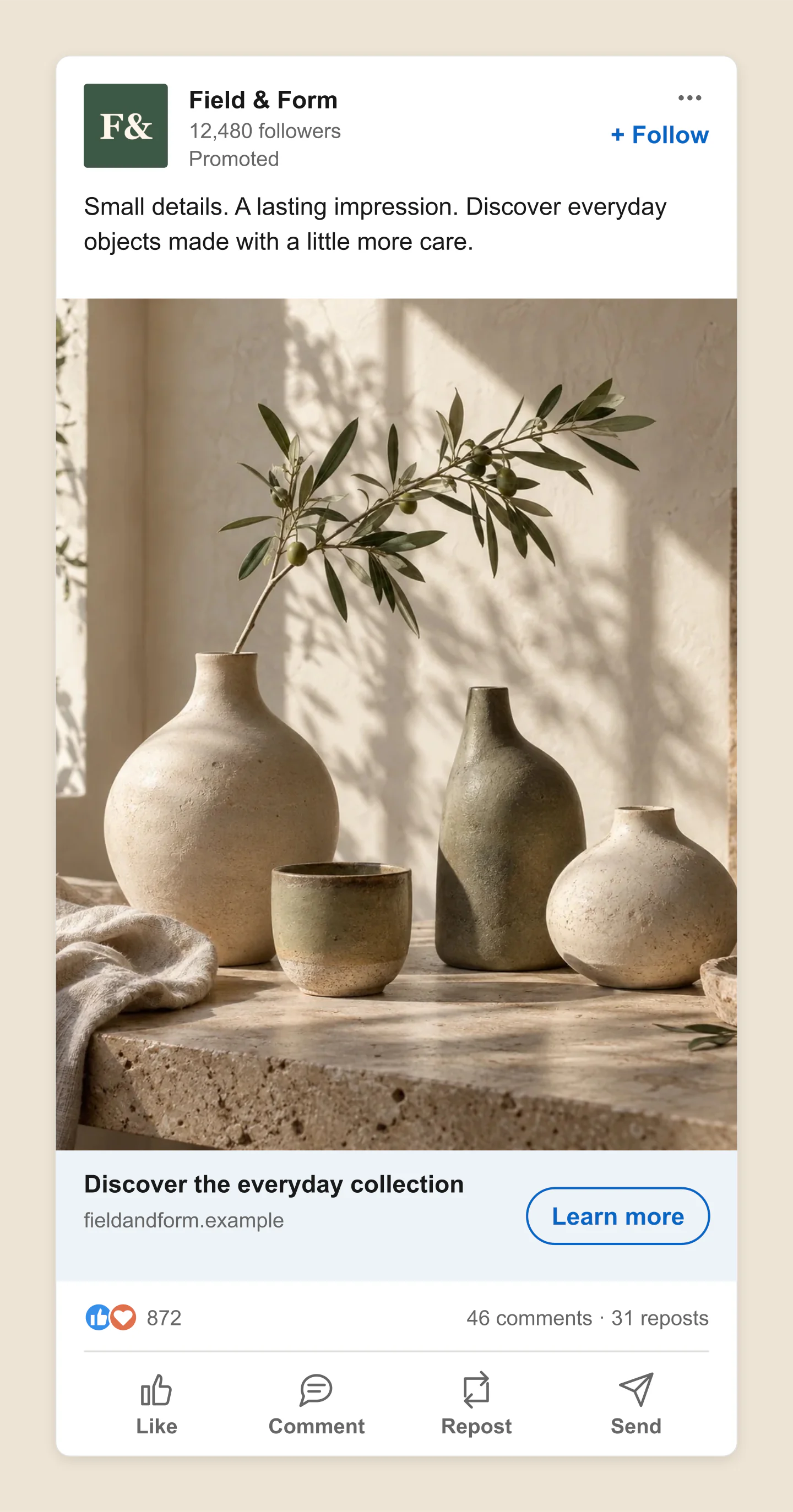
Mobile · Portrait · Brand campaign
A portrait LinkedIn ad for a thoughtful homeware collection. Swap in your own product photo, adjust its crop and choose a call to action.
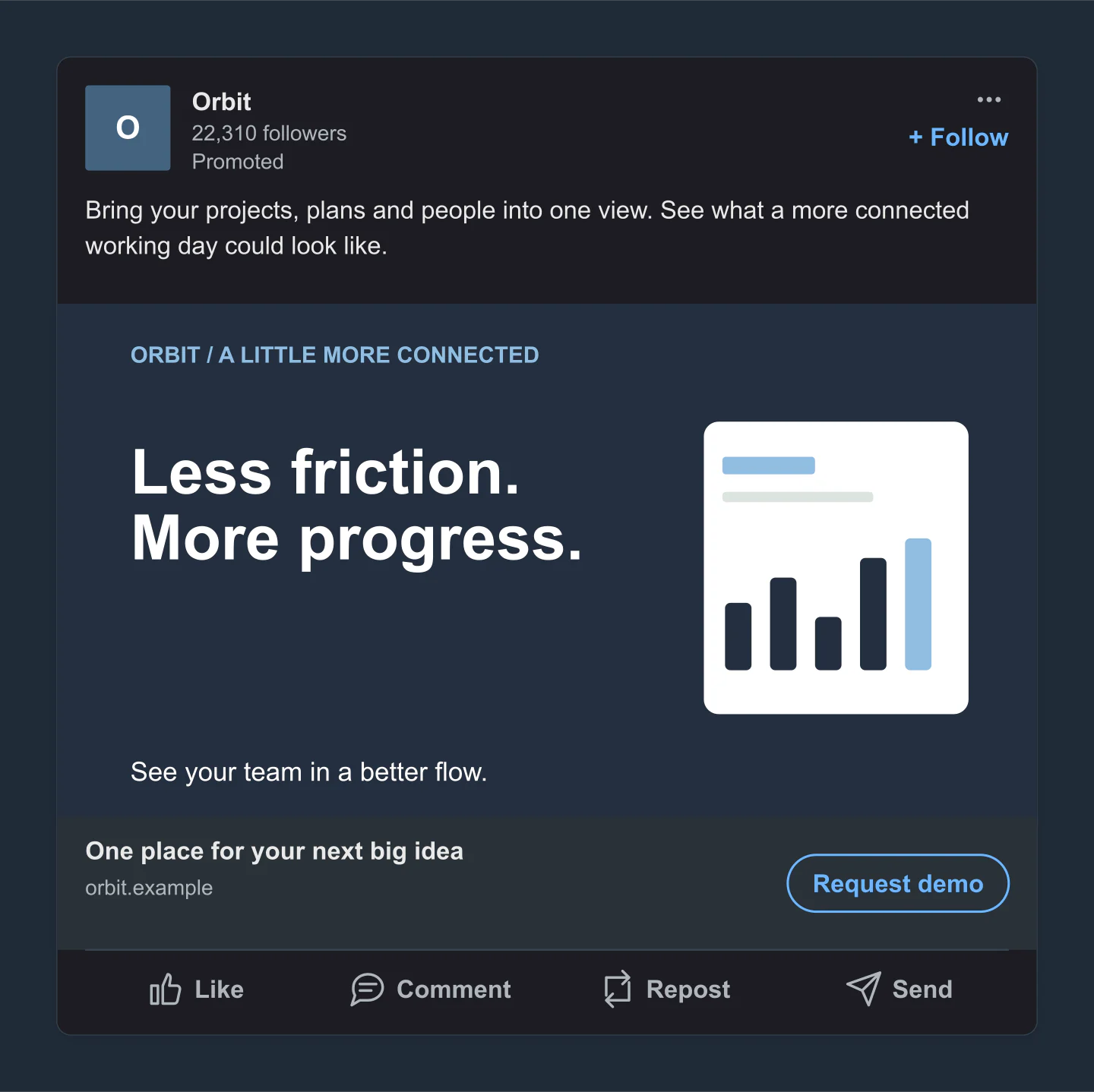
Desktop · Dark · Request demo
An understated dark LinkedIn sponsored ad with a dashboard-inspired creative and Request demo button. Preview a software campaign with quieter engagement details.
Fictional brands and campaigns, made with this generator. Every example opens with editable copy, imagery and settings.
BEFORE THE CAMPAIGN GOES LIVE
Pick mobile or desktop, then choose your image shape. Upload your company logo and ad creative, or customize a ready-made graphic.
Write your introduction and headline. Add a website label, pick a call to action and preview your engagement details.
Download a free PNG for your creative brief or client presentation. Save a project to keep the next round of changes simple.
A FEW USEFUL DETAILS
Planning a real campaign? Check LinkedIn’s single-image ad specifications.
Yes. All current editing features and PNG or JPG downloads at 1×, 2× and 3× are free. No account, subscription or watermark. The download controls show the exact pixel dimensions for your design. Very large designs may need a smaller size to fit your browser’s image limits.
Add your company name and logo, write your introductory text, and upload an ad image. Then choose a headline and call to action. Switch between mobile and desktop before downloading your finished mockup. You can also start with an editable example below the tool.
This tool focuses on single-image sponsored feed ads, with landscape, square and portrait creatives. It includes the Promoted label, company details, destination headline and CTA. Use the separate LinkedIn Carousel Post generator for document carousel presentations.
Useful starting points are 1200 × 628 pixels for landscape, 1200 × 1200 for square and 720 × 900 for portrait. Landscape and square are suited to desktop and mobile. Portrait is intended for mobile; the desktop option here is a presentation preview. Check LinkedIn’s current specifications before uploading a campaign.
Yes. Choose a CTA such as Learn more, Download, Register, Sign up, Apply or Request demo. You can also remove the button. This makes it easy to present a whitepaper, webinar, recruitment ad or software campaign in context.
Yes. Create different versions of your ad, download them as PNG or JPG, and place them in a presentation or creative brief. Save each version as a project so you can come back to its copy, logo, image and settings.
Keep the main message easy to scan. The editor shows character counts and useful targets of 150 characters for the intro and 70 for the headline. Longer text may be shortened in the preview. Actual display depends on the device and placement.
Yes. Choose PNG and enable Transparent canvas. The space outside the ad will be transparent, ready to place over a slide or another design. Standard, 2× and 3× image downloads are free.
No. It makes image previews for planning and presentation. It does not connect to LinkedIn, collect leads or publish ads. Mockaps is independent and is not affiliated with LinkedIn. Example companies and campaigns are fictional.
Yes. Save project downloads an editable file with your settings, text and uploaded images. Open project restores it in the same tool, or lets you paste project JSON from an assistant. Review it before replacing your draft. Files are processed in your browser, not uploaded to your account.
Yes. Images exported from these social and app mockup tools can be used in personal projects, social posts, presentations and client work without a Mockaps subscription or attribution. You still need permission for content you add. Platform names and logos belong to their owners; a mockup does not imply their endorsement.