
Start with your words.
Click the note and write. Add a heading, a checklist or a few lines that deserve their own space.
A small note. Something worth sharing.
Your words, in a familiar place.
MP4 · 30 fps · Silent
Keep an editable copy on your device. How it works
A FEW WAYS TO MAKE IT YOURS
A reminder, a launch, a plan for the week. Explore six editable Notes-style images, then make one your own.
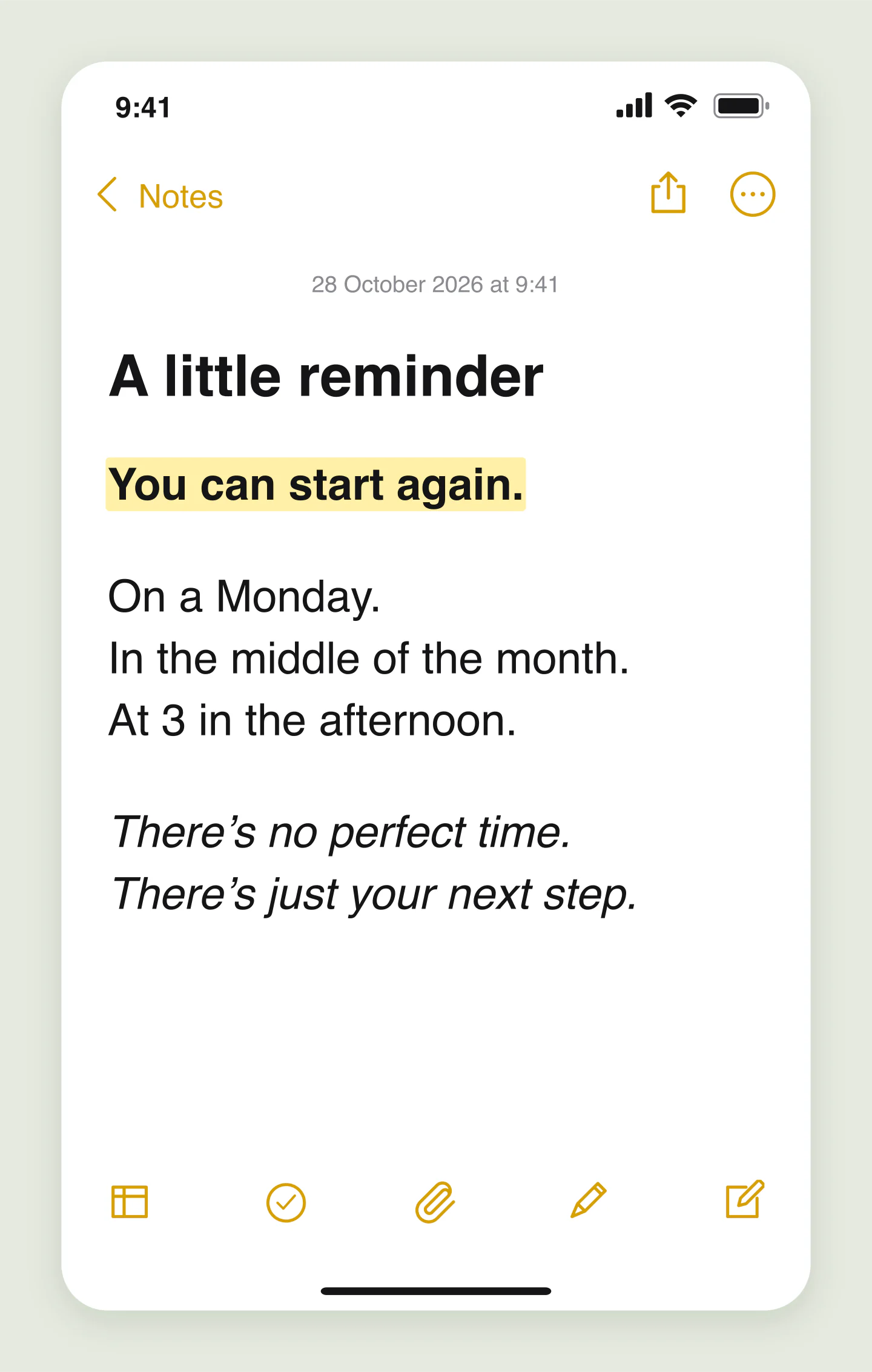
Mobile · Quote · Light
A few words that deserve their own space. Make a gentle reminder for your next social post.
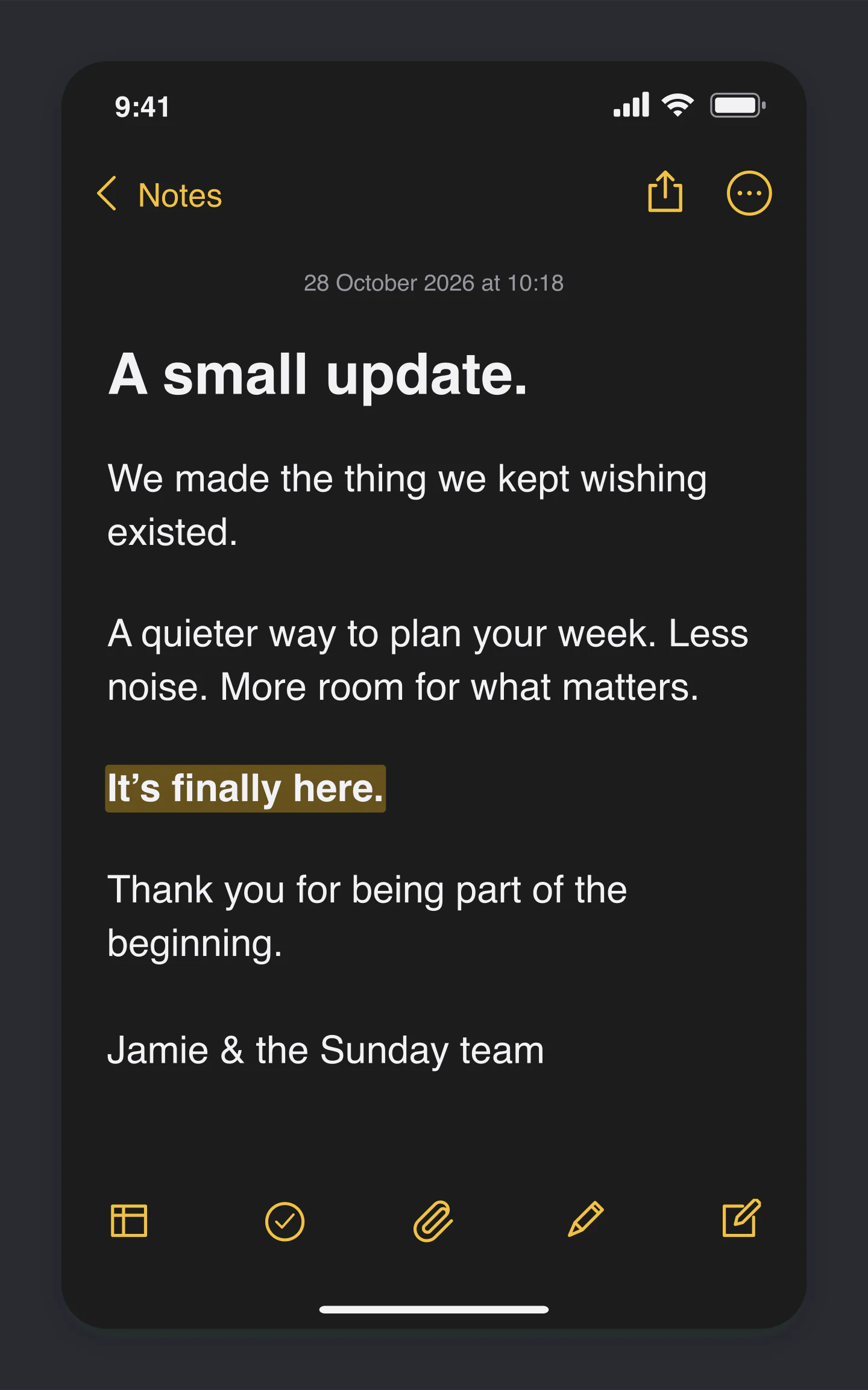
Mobile · Announcement · Dark
An announcement with a human voice. Use the dark Notes look for a launch, update or honest little thank-you.
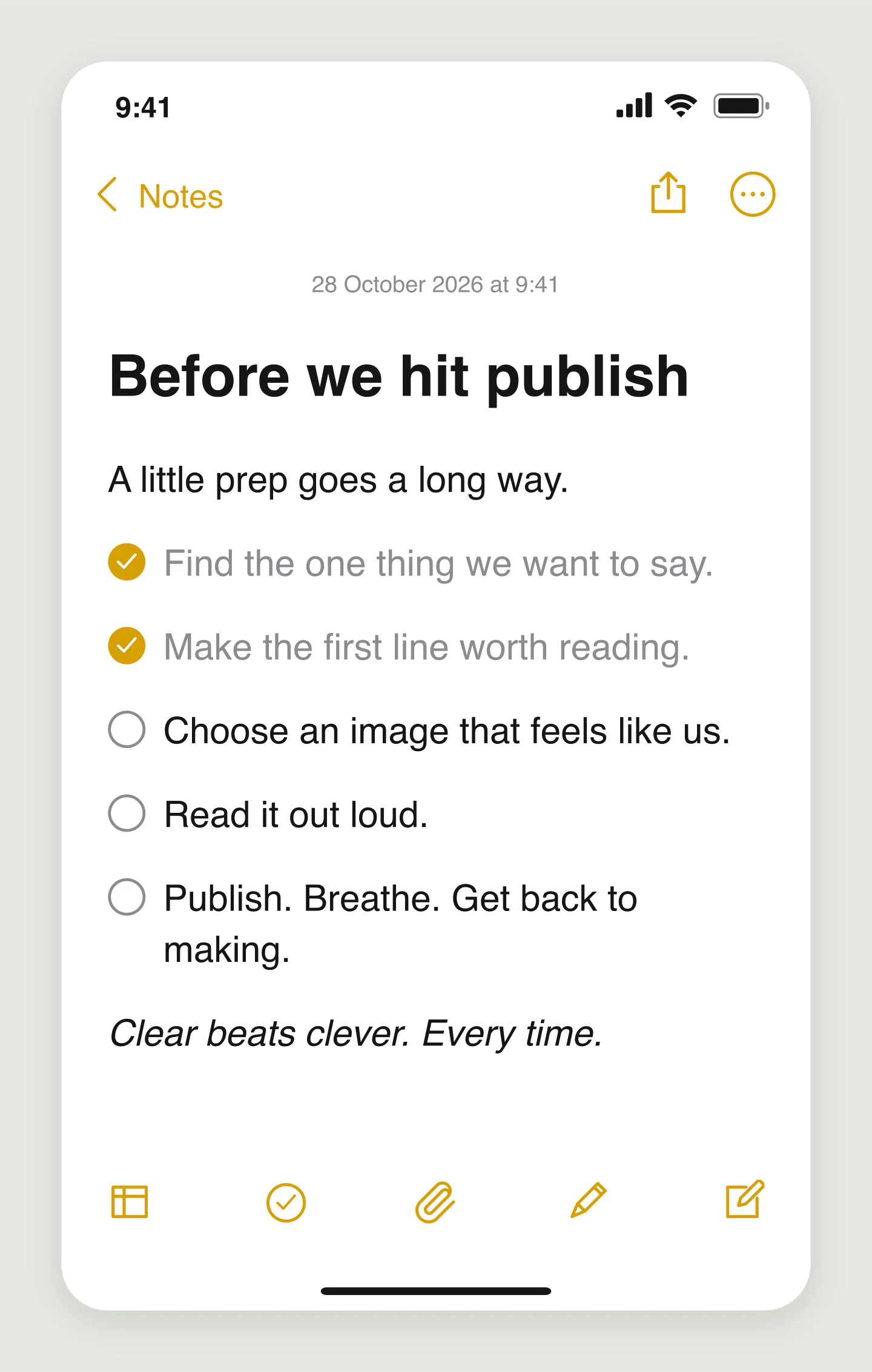
Mobile · Checklist · Light
Turn a launch plan into a visual checklist. Click the circles to check things off and add your own next steps.
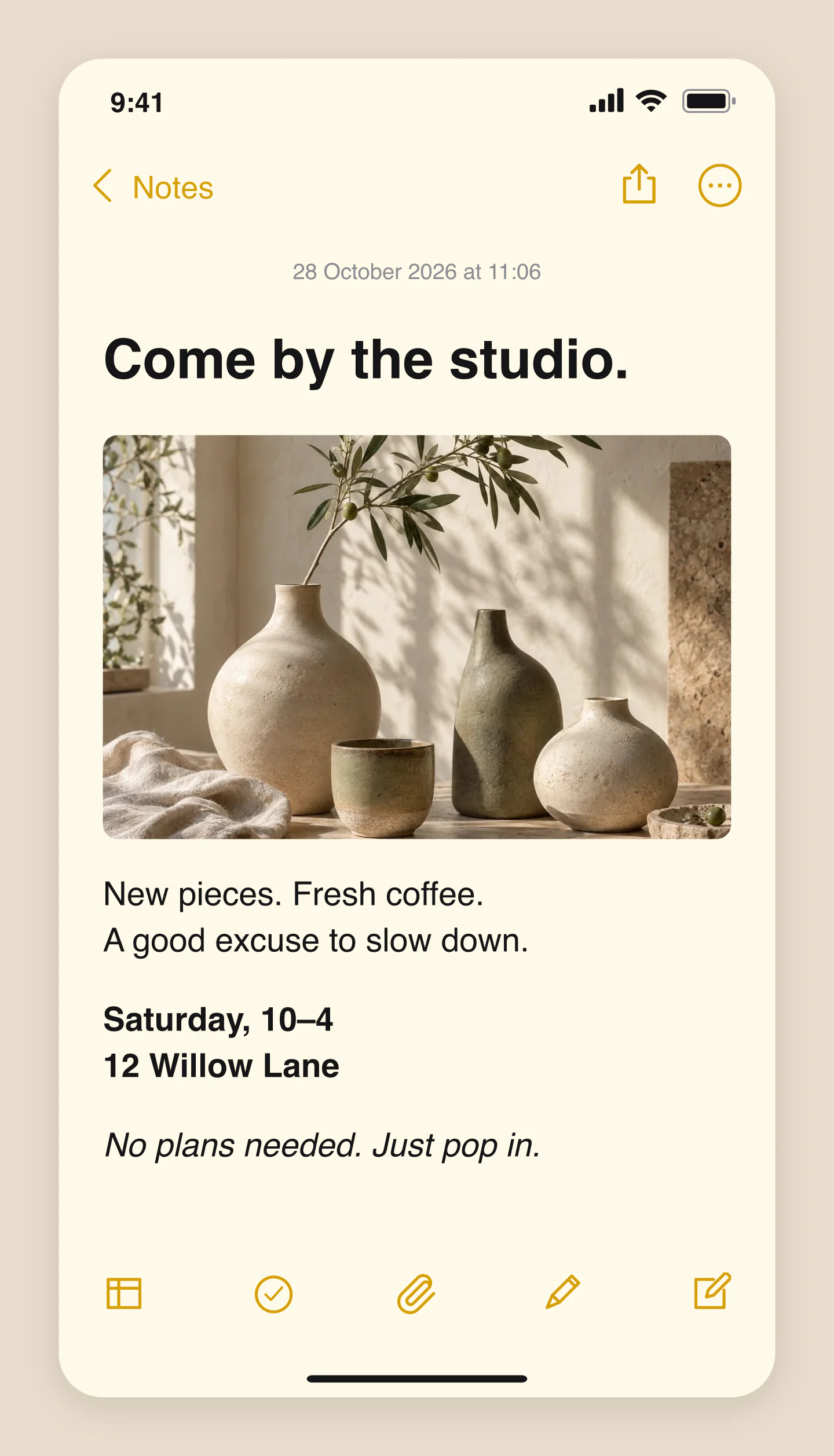
Mobile · Photo · Warm paper
A photo and a few friendly details. Make an invitation, product note or behind-the-scenes update.
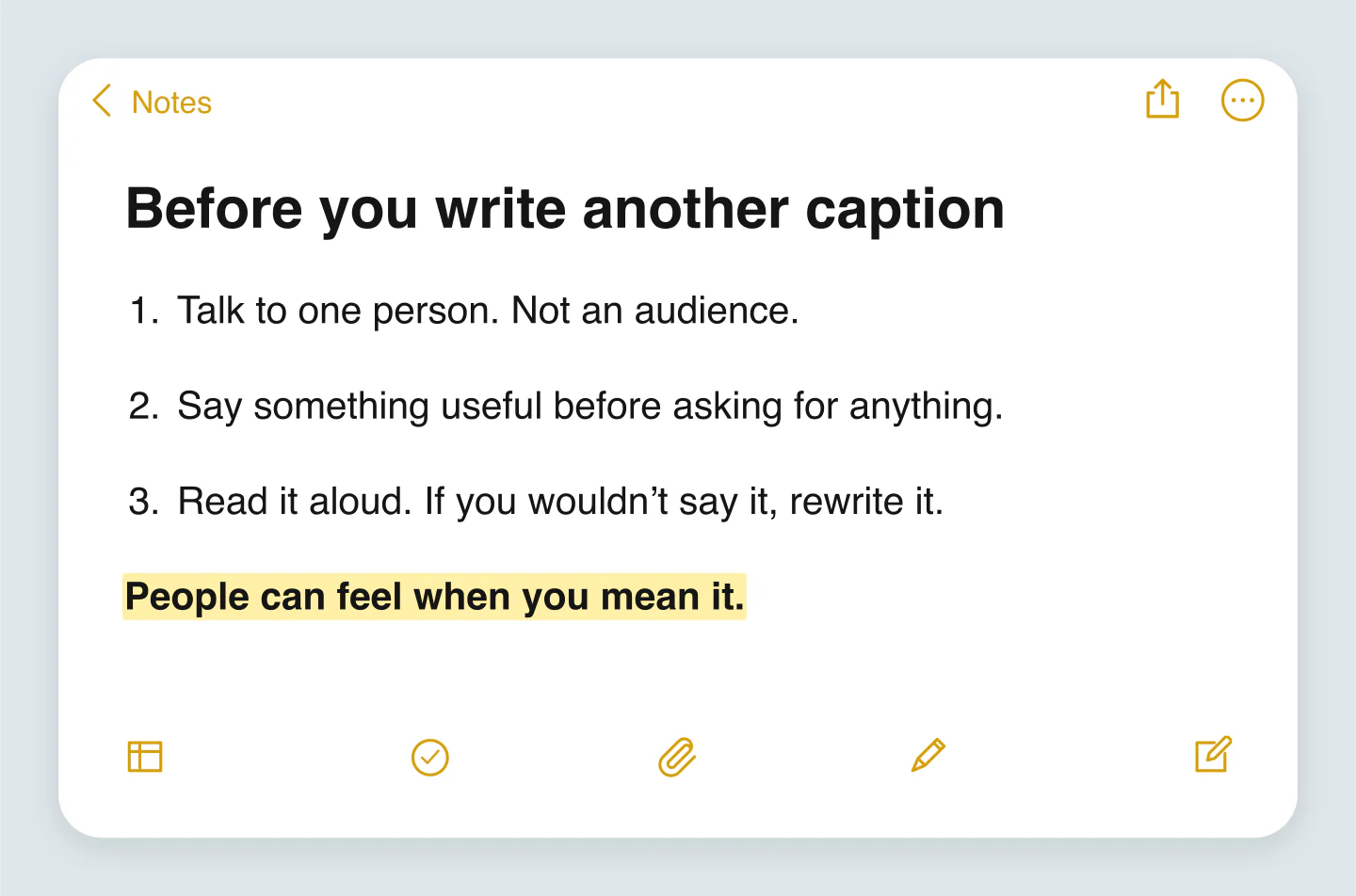
Wide · Numbered tips · Light
A short useful list, ready for the feed. Try a wider canvas for marketing advice, a mini guide or a carousel slide.
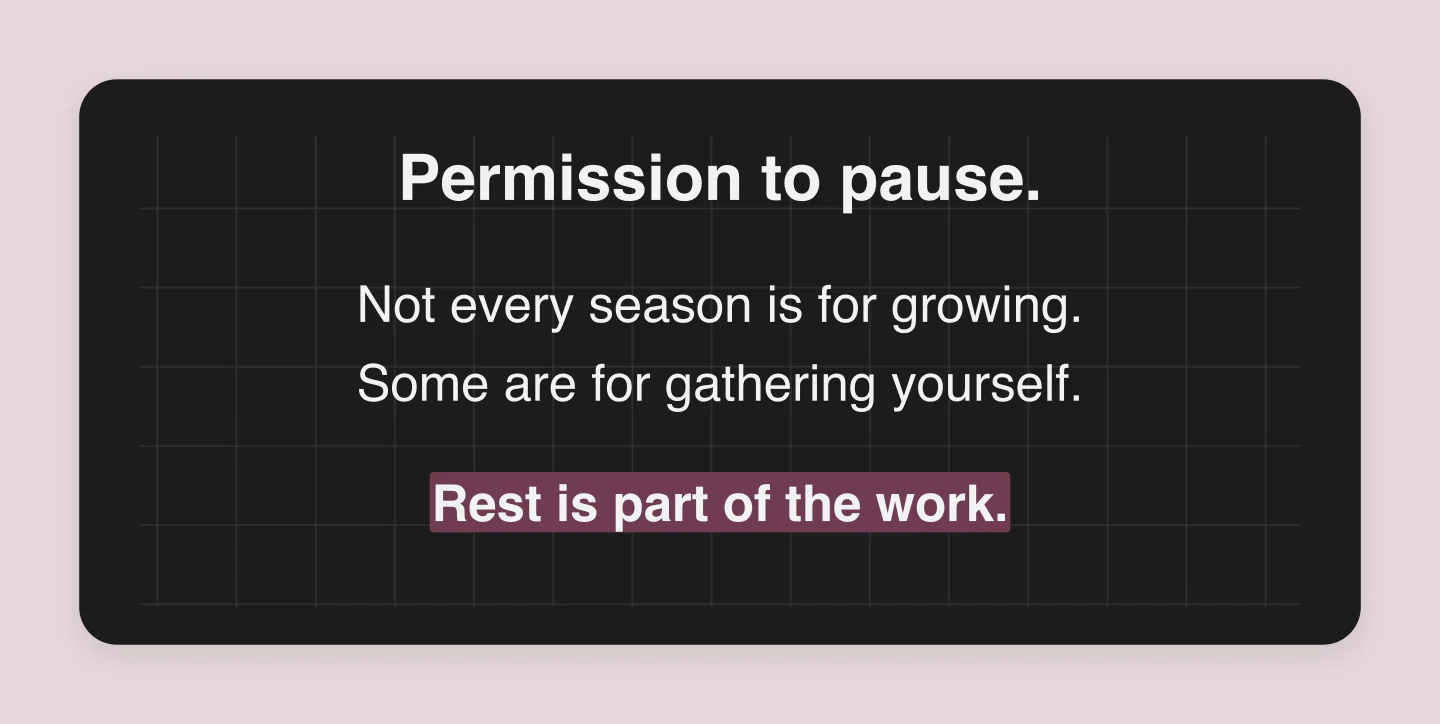
Wide · Clean note · Dark
Hide the interface and keep the feeling. A minimal quote card with a soft paper grid and room to breathe.
Made with this generator. Sample brands, conversations and engagement counts are fictional.
FROM A THOUGHT TO A POST
Click the note and write. Add a heading, a checklist or a few lines that deserve their own space.
Try dark mode, highlight a sentence or add a photo. Keep the iPhone interface or let the words stand alone.
Download a free PNG or JPG up to 3×. Save a project file to edit the note again later.
A FEW USEFUL DETAILS
Yes. All current editing features and PNG or JPG downloads at 1×, 2× and 3× are free. No account, subscription or watermark. The download controls show the exact pixel dimensions for your design. Very large designs may need a smaller size to fit your browser’s image limits.
Yes. Enable Animation to watch the note type itself, appear line by line, or reveal each paragraph. Adjust the speed and pauses, show a typing cursor, and let completed checklist items tick themselves off. The preview plays automatically and is free for everyone.
Pro members can download a silent MP4 at 30 fps in 720p or 1080p. Choose portrait for Reels and Stories, square for the feed, or a wide frame. Long notes scroll inside the interface. PNG and JPG images stay free, including 2× and 3× downloads.
Make Apple Notes-style images for quotes, reminders, announcements, tips, checklists and social media posts. Start from an example or clear the note and write something of your own.
Yes. Click the title or any paragraph and type. Use the controls below the preview to add text or a checklist item. Click outside the text or choose Done to finish.
Yes. Add headings, paragraphs, bulleted lists, numbered lists, quotes and checklist items. Make a paragraph bold, italic or underlined, add a highlight, and adjust the font size, spacing and alignment. Click a checklist circle to check or uncheck it.
Choose Note only above the preview for a clean card. You can also hide individual details such as the status bar, date, top navigation, bottom toolbar and home indicator. Wide view gives longer quotes and lists more room.
Yes. Upload a PNG, JPG or WebP up to 8 MB, place it below the title or after the note, and drag the photo to reposition it. Your photo is optimized in your browser and stays on your device.
Yes. Choose Light or Dark, then try plain, warm, ruled or grid paper. Adjust the canvas color or download a transparent PNG. Long notes expand so your content stays visible.
Yes. Save project downloads an editable file with your settings, text and uploaded images. Open project restores it in the same tool, or lets you paste project JSON from an assistant. Review it before replacing your draft. Files are processed in your browser, not uploaded to your account.
Yes. Images exported from these social and app mockup tools can be used in personal projects, social posts, presentations and client work without a Mockaps subscription or attribution. You still need permission for content you add. Platform names and logos belong to their owners; a mockup does not imply their endorsement.
No. This is an independent mockup tool. It creates an image and can save an editable Mockaps project file on your device. It does not connect to Apple Notes or iCloud.
An independent tool by Mockaps, inspired by the familiar iOS Notes interface. Apple, iPhone and Notes are trademarks of Apple Inc. This tool is not affiliated with or endorsed by Apple.