
Start with the creative.
Upload your campaign image or choose an editable graphic. Try a square, portrait or landscape crop.
Your next campaign. In the feed.
See the creative before you hit publish.
Keep an editable copy on your device. How it works
A FEW WAYS TO MAKE IT YOURS
A new collection. A weekend offer. A seat at your next event. Find a starting point for the campaign you have in mind.
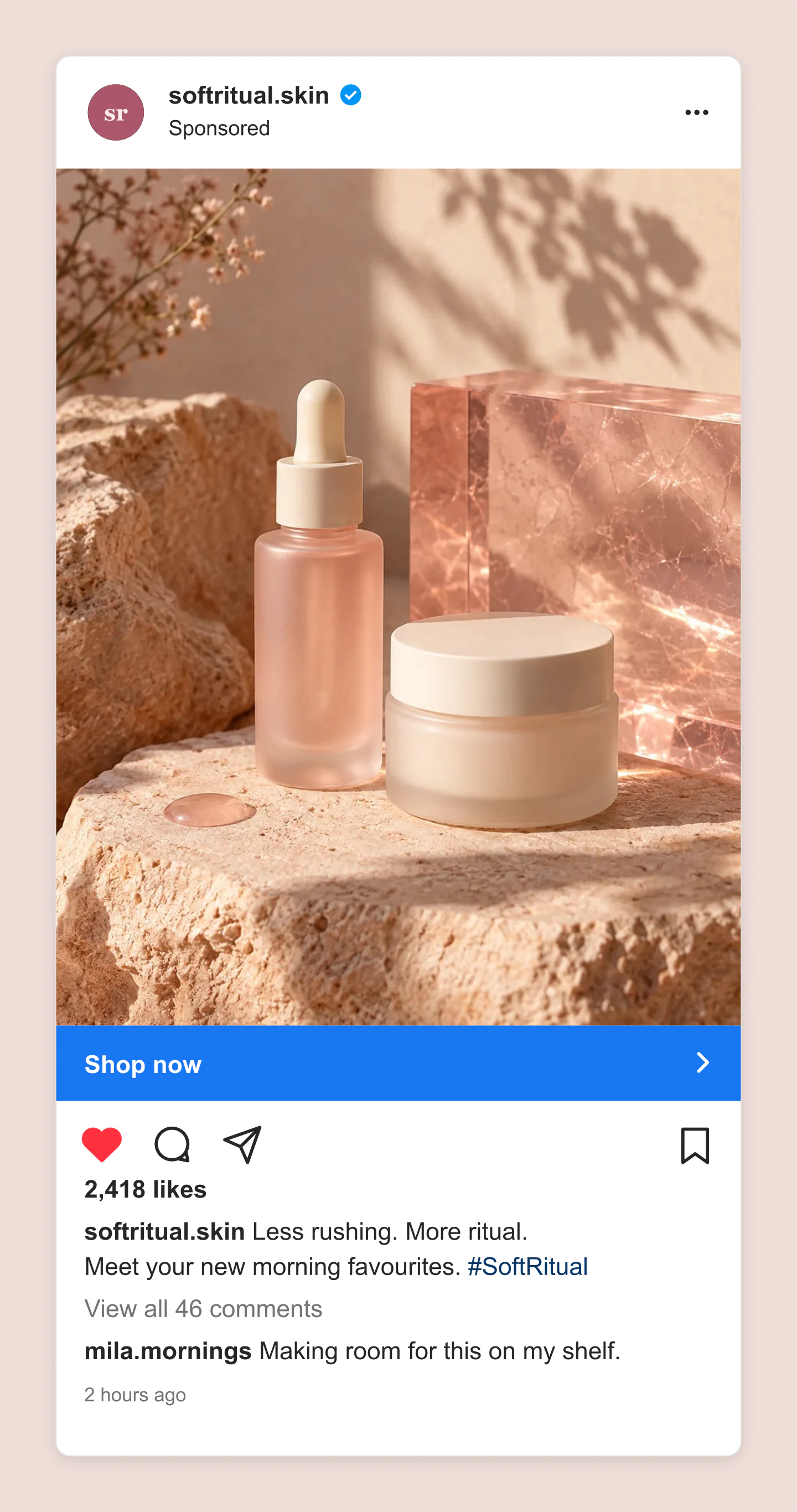
Mobile · Portrait · Skincare launch
A warm skincare campaign with a product photo, sponsored label and Shop now bar. Edit the caption, profile and visible customer comment.
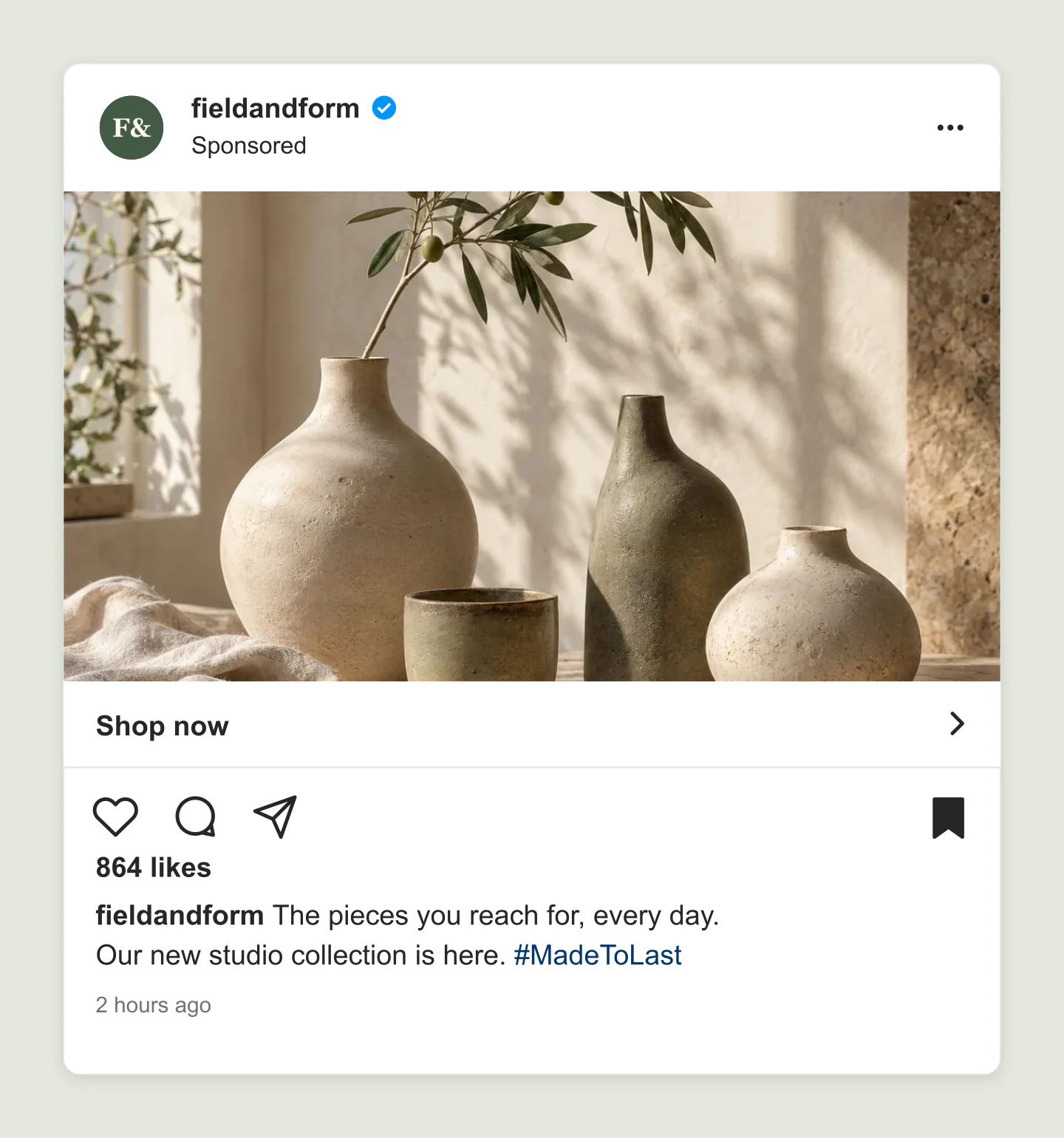
Desktop · Landscape · Homeware
A light desktop Instagram ad with sunlit ceramics and a subtle CTA bar. A quieter direction for a product collection or independent shop.
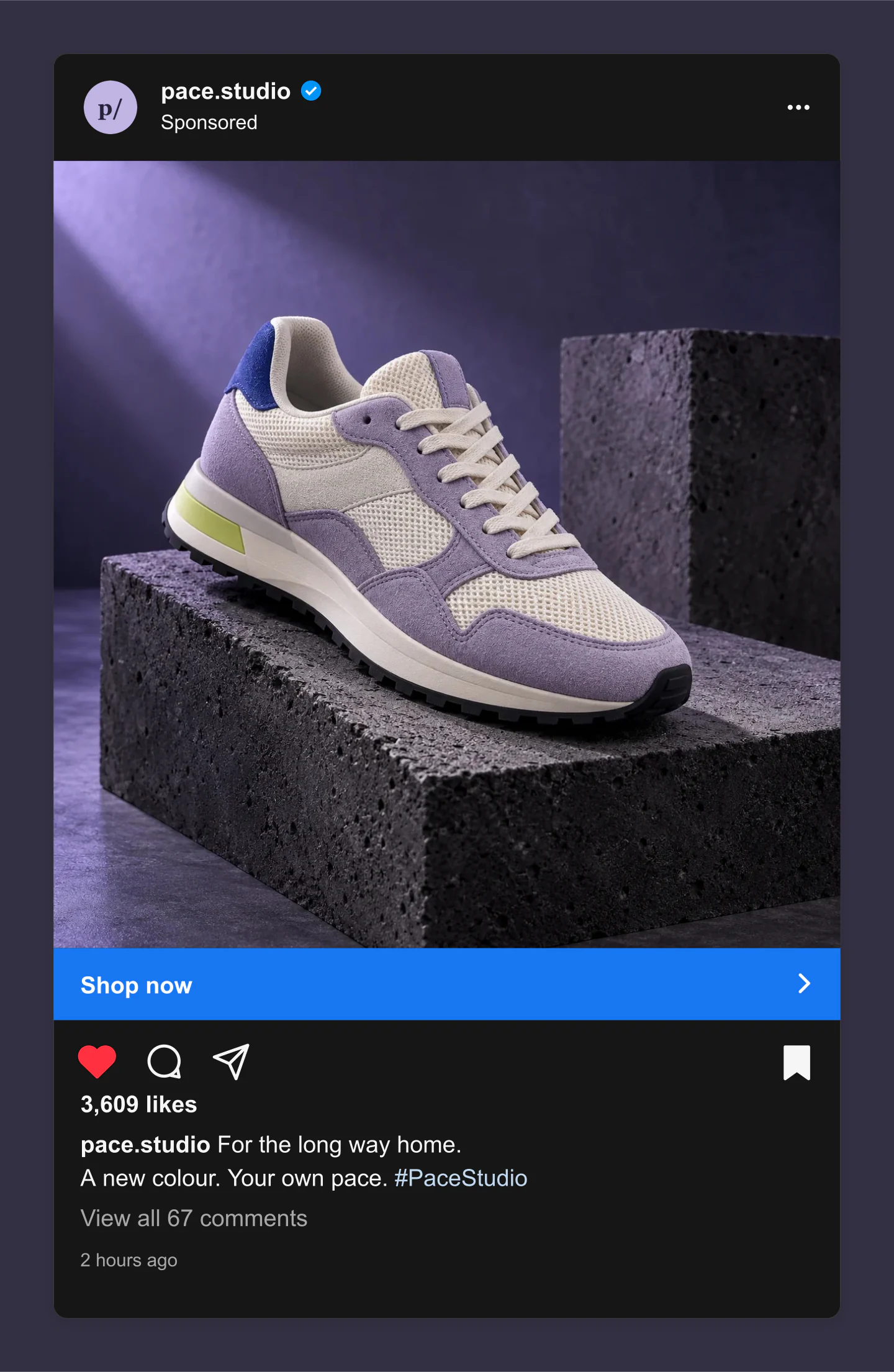
Desktop · Dark · New collection
A dark Instagram sneaker ad with a lilac campaign photo, liked heart and blue Shop now bar. Swap the image for your next release.
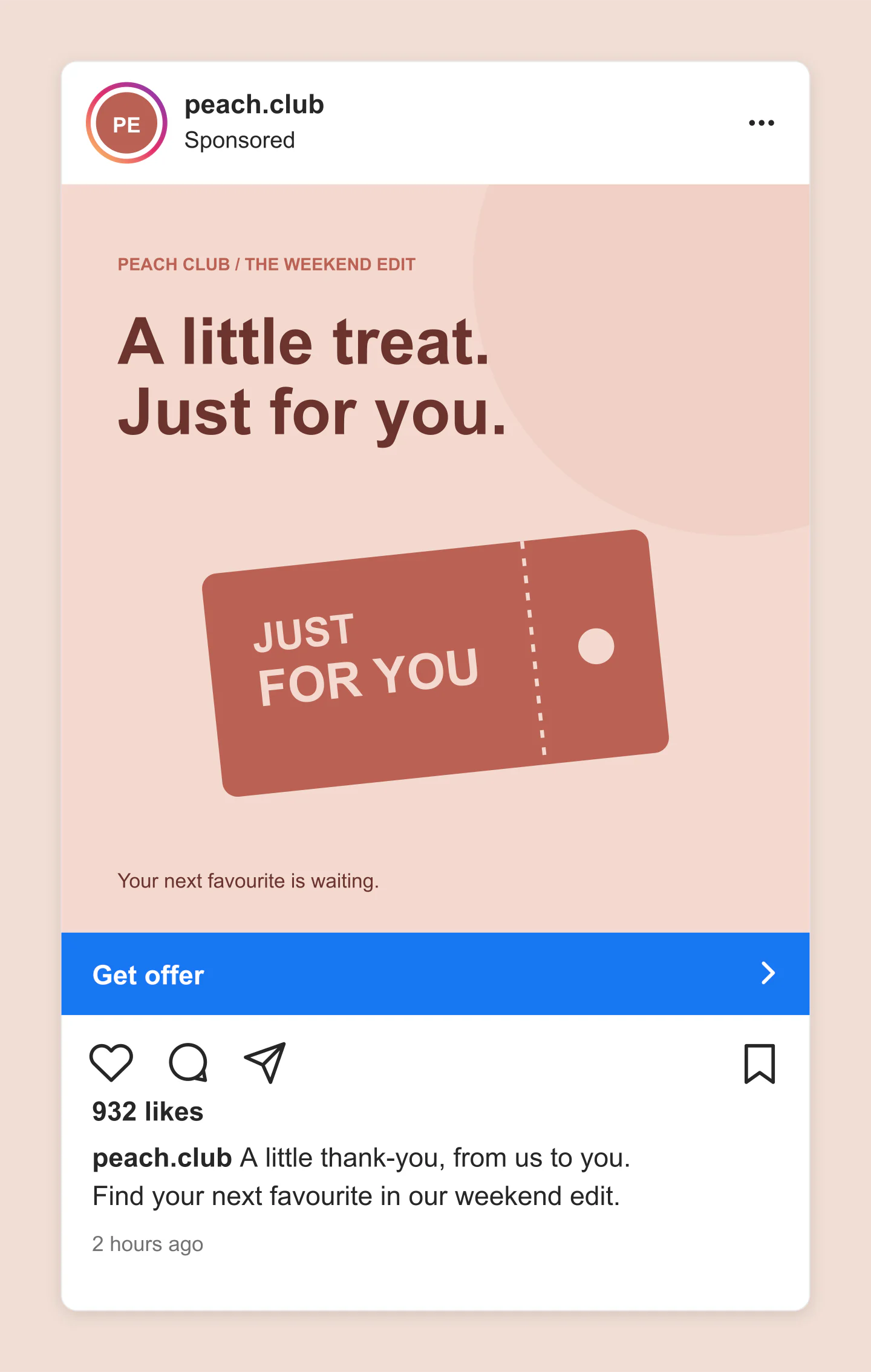
Mobile · Square · Special offer
A coral campaign graphic with editable headline, colors and a Get offer button. Start with the design, then add the details of your own promotion.
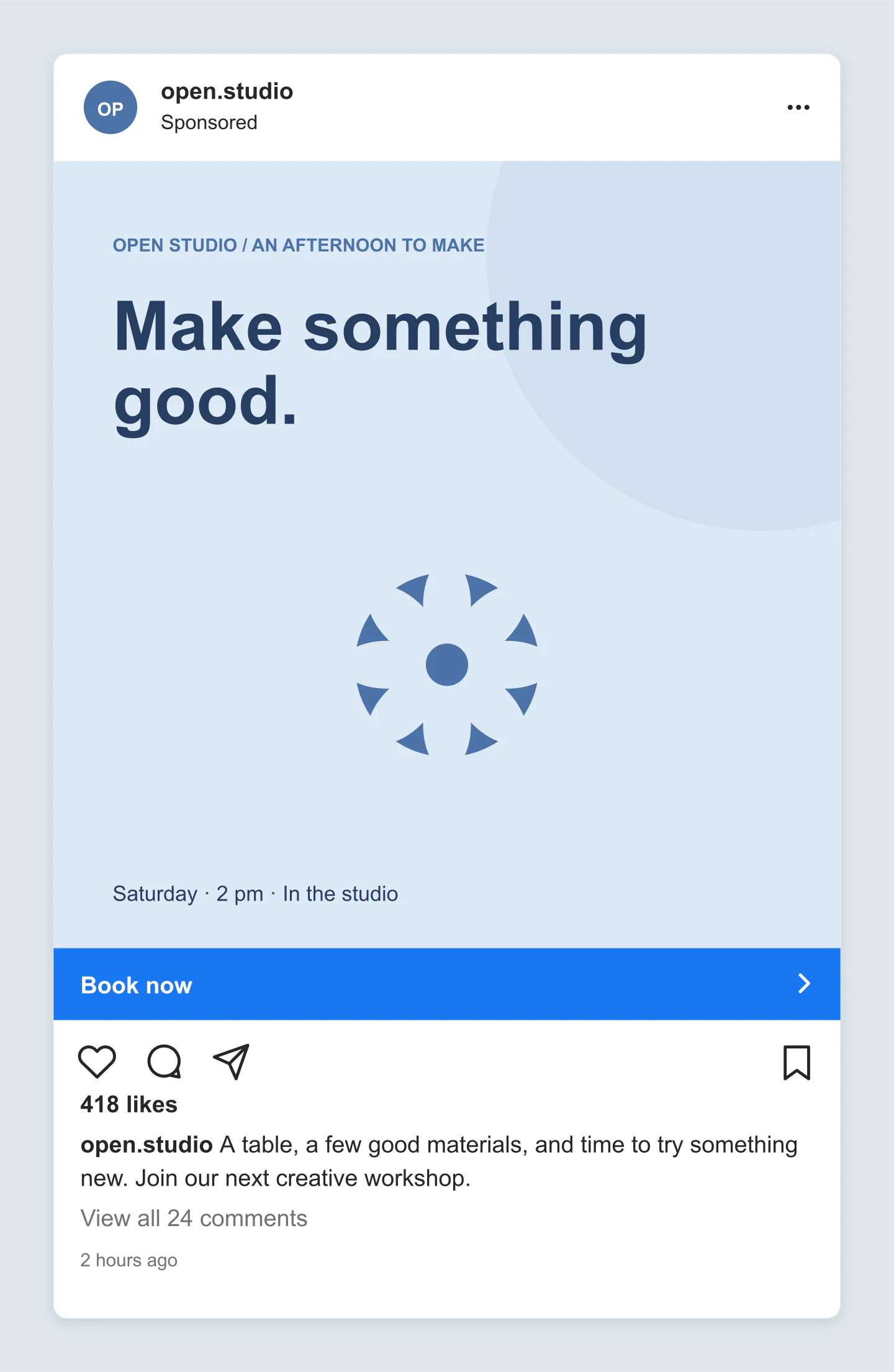
Desktop · Square · Workshop
An editable blue workshop invitation with a flower motif and Book now CTA. Change its words, palette, profile and date to preview a local event campaign.
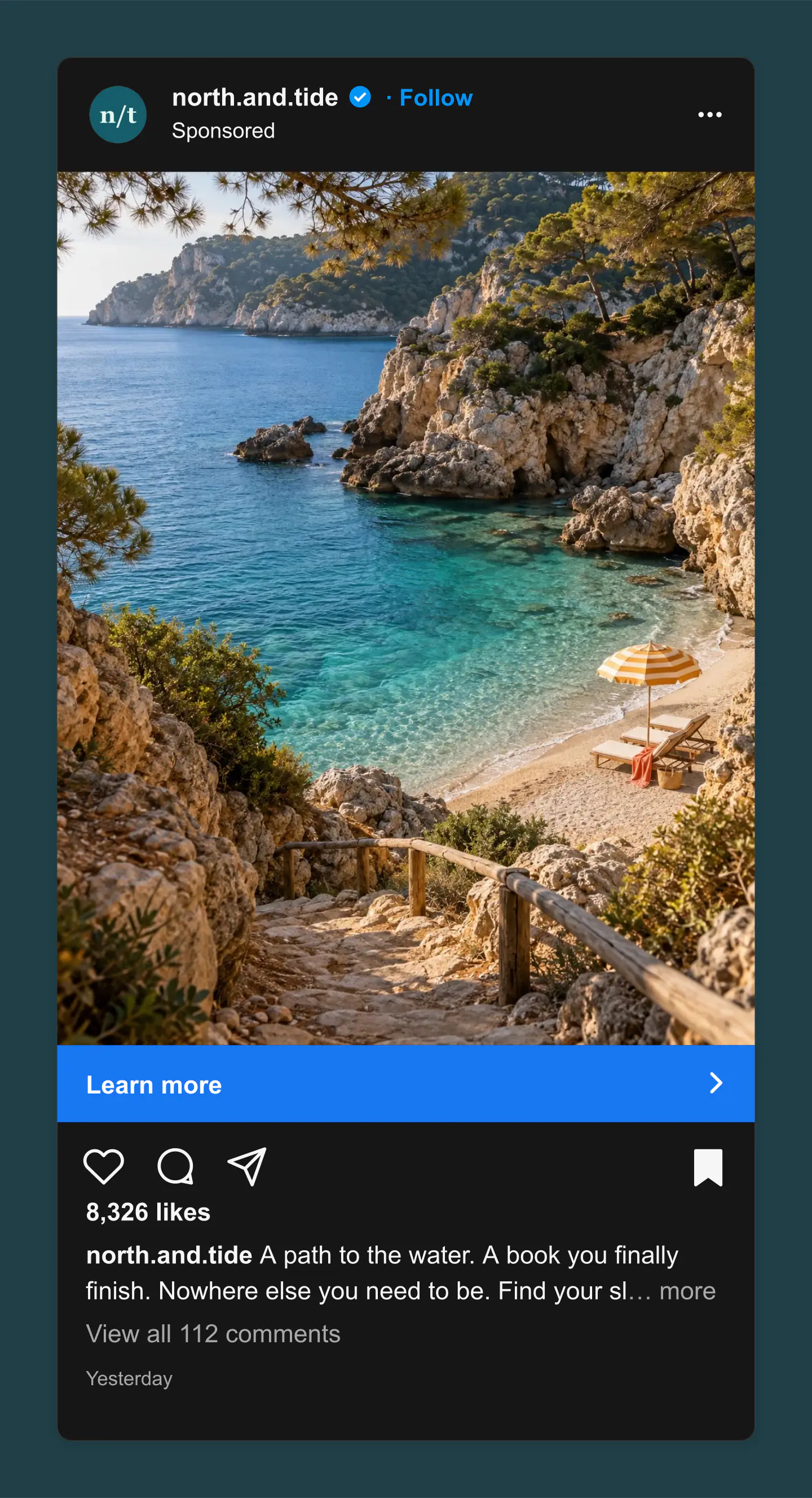
Mobile · Dark · Travel campaign
A dark portrait Instagram travel ad with a coastal photo, Follow link and Learn more button. A starting point for a destination or travel brand.
Fictional brands and campaigns, made with this generator. Each example opens with editable copy, imagery and settings.
FROM AN IDEA TO THE FEED
Upload your campaign image or choose an editable graphic. Try a square, portrait or landscape crop.
Add your profile, write a caption and choose a call to action. Check the view on mobile or desktop.
Download a free image for a brief or presentation. Save a project to keep the next round of edits easy.
Yes. All current editing features and PNG or JPG downloads at 1×, 2× and 3× are free. No account, subscription or watermark. The download controls show the exact pixel dimensions for your design. Very large designs may need a smaller size to fit your browser’s image limits.
Add your profile name and picture, upload your creative, then write a caption and choose a call to action. Switch between mobile and desktop or light and dark views. Download the preview as an image for your brief, presentation or client approval.
An ad preview includes the Sponsored label and a call-to-action bar beneath the image. Try Shop now for a collection, Book now for an appointment or event, or Learn more for a campaign. You can also preview the ad with no button.
Yes. Create a visual draft without connecting an Instagram account or opening Ads Manager. This is a presentation preview. The final interface and available buttons can vary by placement, account and campaign objective.
Choose square 1:1, portrait 4:5 or landscape 1.91:1. Upload your image, drag it to reposition it and adjust the zoom. The tool crops the image to your selected shape without stretching it. Check Meta’s current placement specifications before launching a real campaign.
Yes. Start with a collection, offer or event graphic. Change its headline, small heading, footer and colors. You can replace it with a photo whenever you are ready.
Yes. Edit the counts, add a visible sample comment, change the time label and choose liked or saved states. The CTA can use a blue bar or a subtle style. These details are part of the mockup image.
Yes. Select PNG and turn on Transparent canvas to remove the area outside the ad. Download at standard, 2× or 3× size for slides and creative presentations. The ad itself keeps its selected light or dark background.
This generator focuses on single-image feed ads. For other presentations, try the Instagram Story, Instagram Carousel Post or Instagram Post tools in the app mockup collection.
No. Your edits stay in this browser unless you save a project or download an image. Mockaps does not publish campaigns and is not affiliated with Instagram or Meta. The example brands and campaigns are fictional.
Yes. Save project downloads an editable file with your settings, text and uploaded images. Open project restores it in the same tool, or lets you paste project JSON from an assistant. Review it before replacing your draft. Files are processed in your browser, not uploaded to your account.
Yes. Images exported from these social and app mockup tools can be used in personal projects, social posts, presentations and client work without a Mockaps subscription or attribution. You still need permission for content you add. Platform names and logos belong to their owners; a mockup does not imply their endorsement.