
Choose a familiar frame.
Go back to classic Windows or keep it clean with an iOS alert. Try light, dark or a phone-screen view.
A familiar popup. An unexpected message.
Make people pause, smile or think.
Keep an editable copy on your device. How it works
A FEW WAYS TO MAKE IT YOURS
An idea that will not load. A little reminder. An announcement with a twist. Choose a starting point and make the words your own.
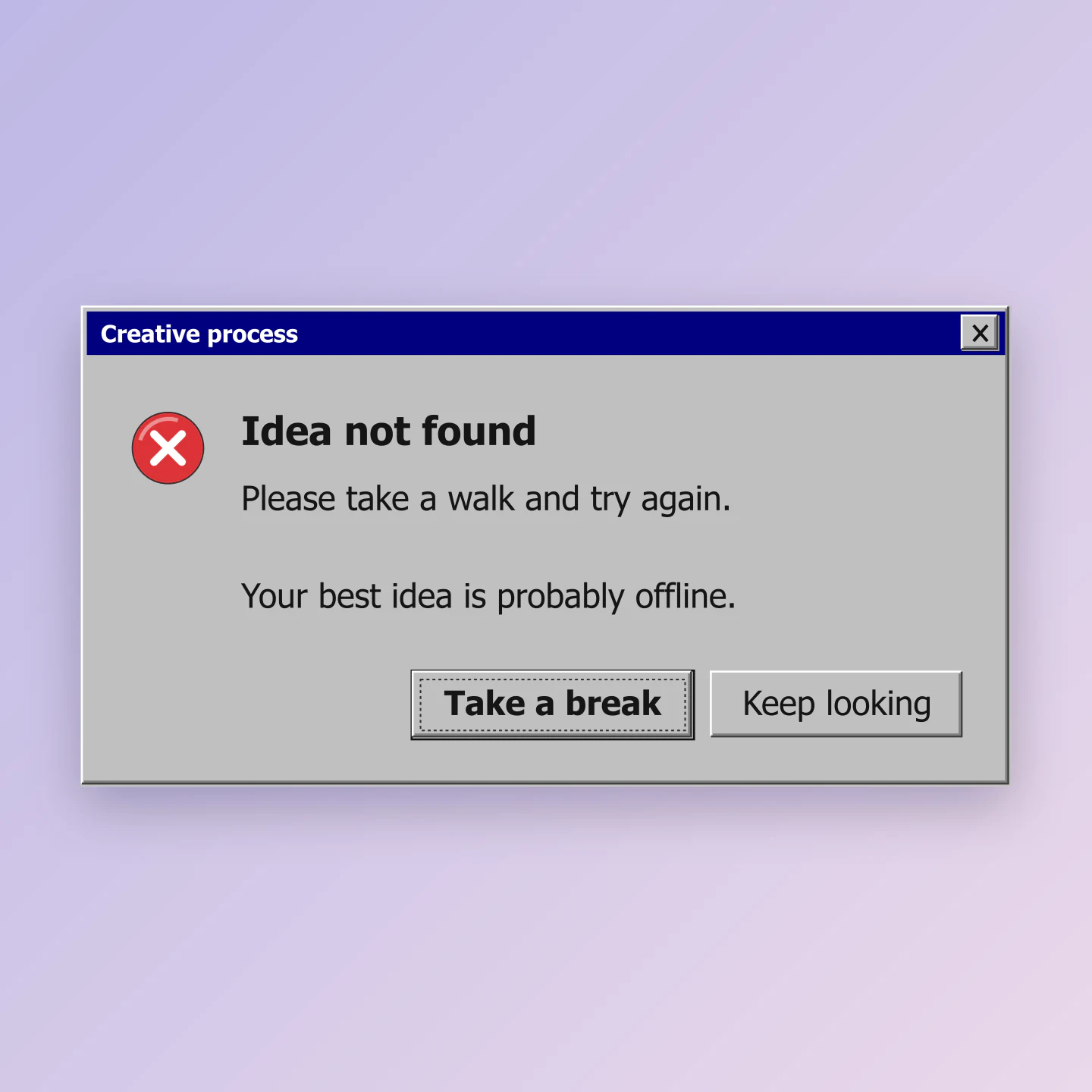
Classic Windows · Square
A familiar error with a friendly twist. Make a retro meme, a creative reminder or a playful brand post.
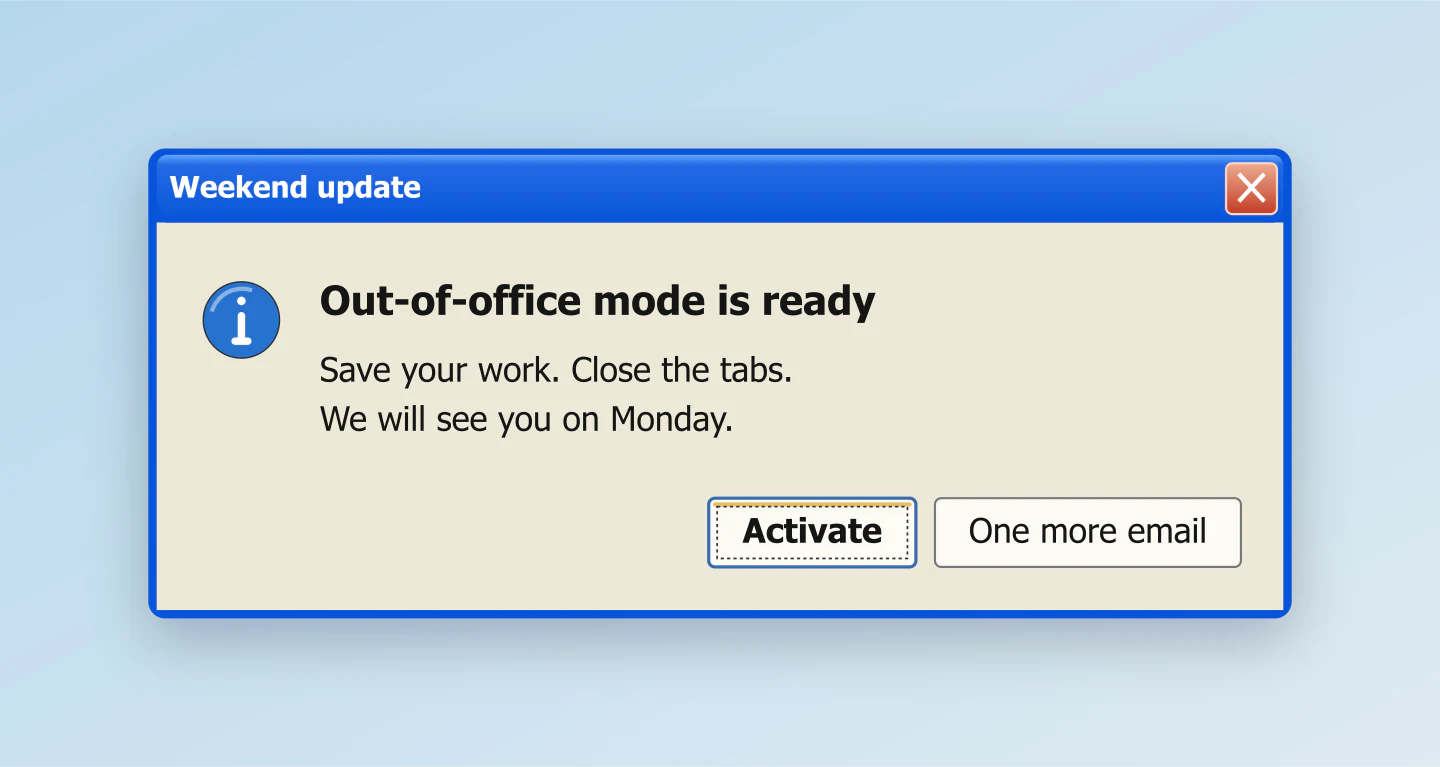
XP blue · Fit to dialog
A nostalgic announcement for a studio, shop or team. Replace the message and make the button labels part of the joke.
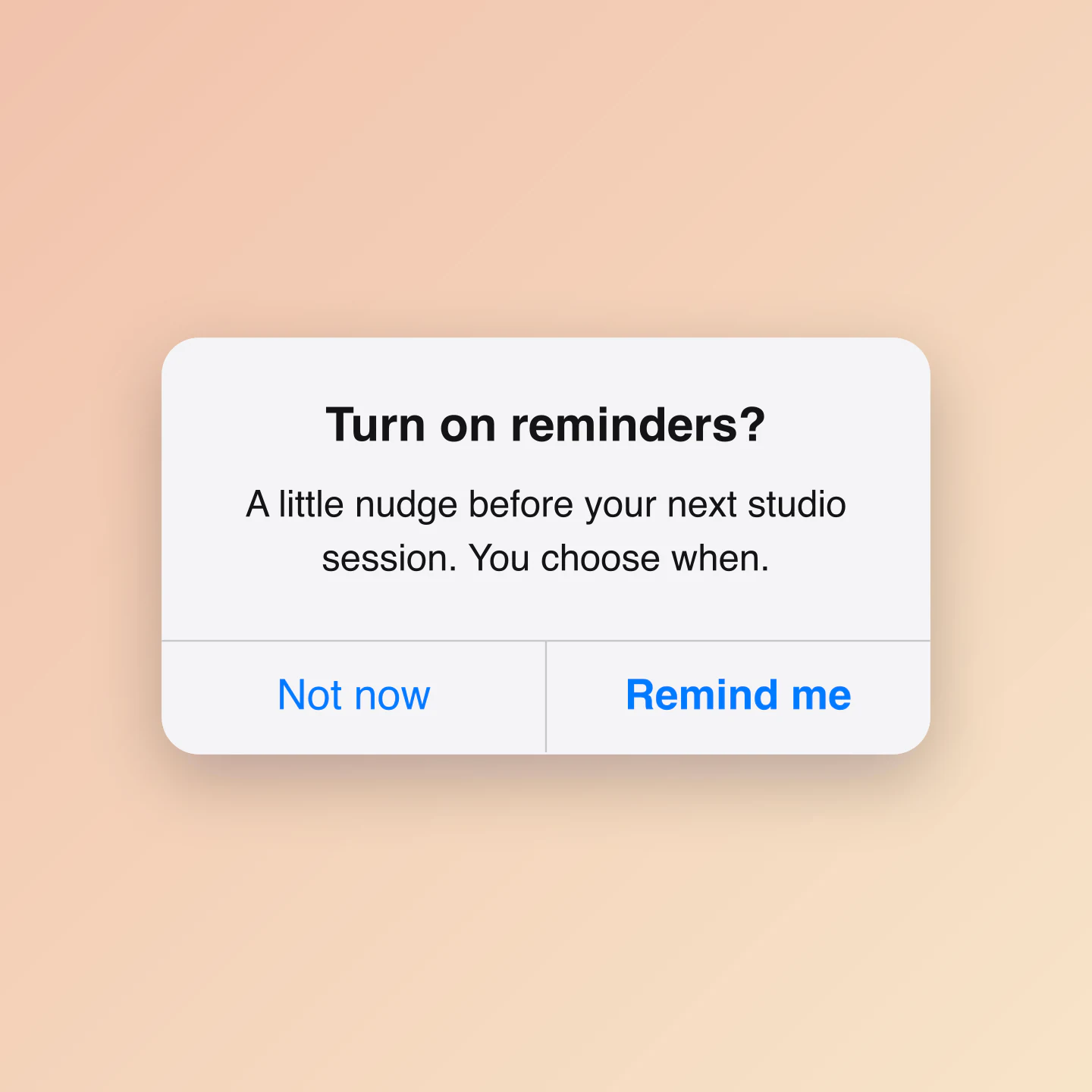
iOS Light · Square
Preview a reminder prompt or use the alert as a gentle call to action. Keep the message short and give people a clear choice.
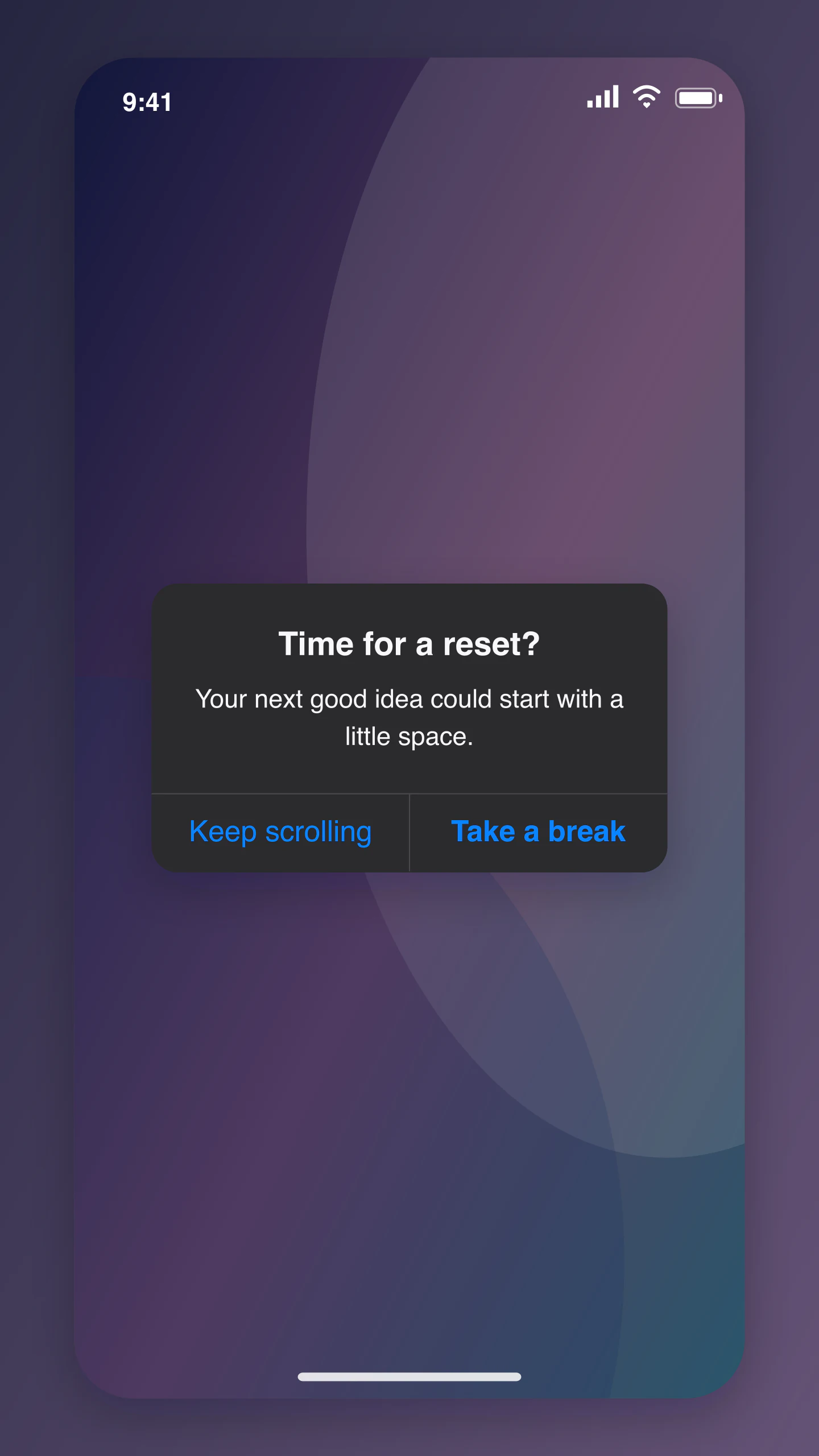
iOS Dark · Phone screen · Story
A dark iPhone-style alert for a Story or product concept. Try a different message, change the action labels or hide the phone frame.
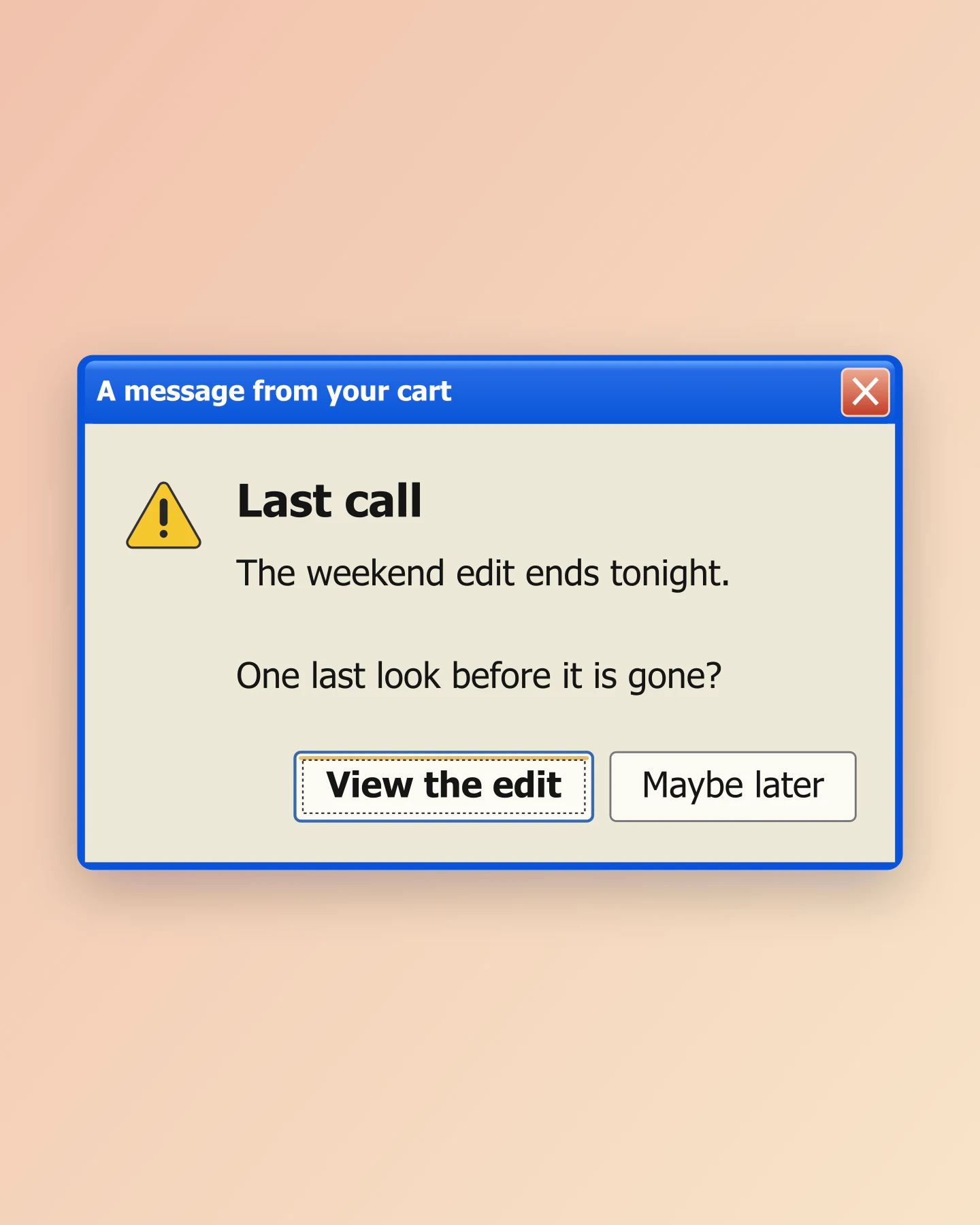
XP blue · Portrait
An alert-style promotional graphic for a collection, event or closing date. Make the offer and its next step your own.
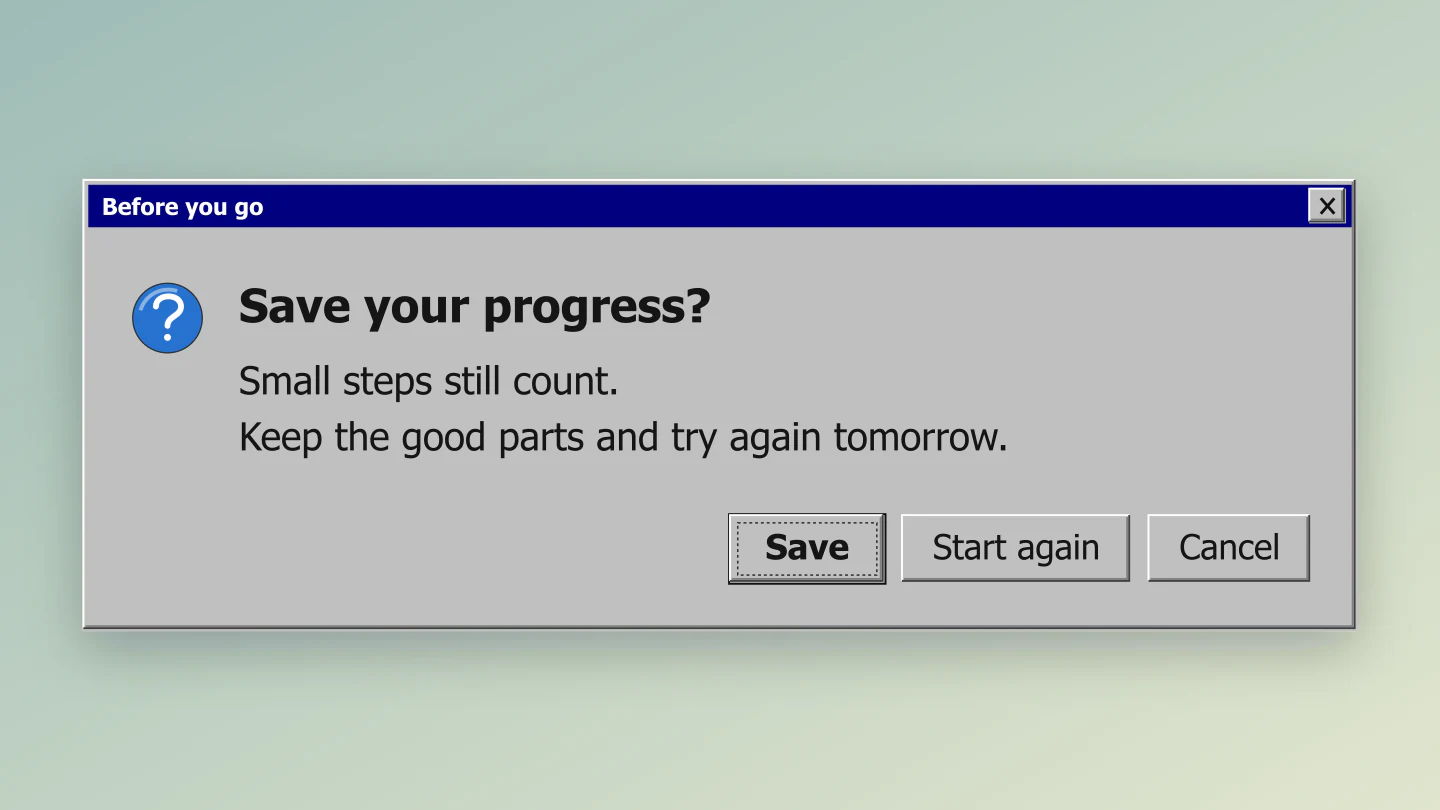
Classic Windows · Widescreen
A three-button dialog for a thoughtful post or presentation. Customize the question, icon and actions together.
Made with this tool. Every example includes editable messages, buttons and styling.
SOMETHING WORTH A SECOND LOOK
Go back to classic Windows or keep it clean with an iOS alert. Try light, dark or a phone-screen view.
Write the message, choose an icon and turn each button into part of the story.
Download a free PNG or JPG. Use a transparent canvas to place the dialog over your own creative.
A FEW USEFUL DETAILS
Choose a Windows or iOS style, write your message and change the button labels. You can type in the sidebar or click text directly in the preview. Pick a canvas format, then download your image.
Yes. All current editing features and PNG or JPG downloads at 1×, 2× and 3× are free. No account, subscription or watermark. The download controls show the exact pixel dimensions for your design. Very large designs may need a smaller size to fit your browser’s image limits.
Yes. Classic Windows uses a silver dialog, navy title bar, raised buttons and a focus outline. XP blue adds a blue title bar and softer controls. Choose an error, warning, information, question or success icon, or remove the icon entirely.
Choose iOS Light or iOS Dark. Both have a rounded alert, centered text and familiar action rows. Use Dialog only for a standalone popup, or Phone screen to show it over a dimmed wallpaper with a status bar.
Use one, two or three buttons, each with its own label. Choose Primary, Regular, Destructive or Disabled styling. Place buttons side by side or stack them. Automatic layout stacks labels when they need more space. The buttons are part of the exported image.
Try retro error memes, playful social media posts, campaign announcements, product concepts, onboarding mockups, reminders and presentation slides. The examples below include editable starting points for each style.
Yes. In Background & export, enable Transparent canvas and choose PNG. For an isolated iOS alert, also select Dialog only. You can then place the popup over a photo, slide or video. JPG does not support transparency.
Yes. Square is 1080 × 1080, Portrait is 1080 × 1350, Story is 1080 × 1920 and Wide is 1920 × 1080 at standard resolution. The presets also adjust dialog width and message size. Fit to dialog follows the content. Free 2× and 3× downloads add more pixels.
No. This creates a mockup image in your browser. It does not trigger operating-system alerts, run commands or change device settings. Your content stays on your device.
Yes. Save project downloads an editable file with your settings, text and uploaded images. Open project restores it in the same tool, or lets you paste project JSON from an assistant. Review it before replacing your draft. Files are processed in your browser, not uploaded to your account.
Yes. Images exported from these social and app mockup tools can be used in personal projects, social posts, presentations and client work without a Mockaps subscription or attribution. You still need permission for content you add. Platform names and logos belong to their owners; a mockup does not imply their endorsement.
An independent mockup tool by Mockaps. Windows and iOS belong to their respective owners. This tool is not affiliated with or endorsed by Microsoft or Apple.