
Bring your app into view.
Add your name, icon and subtitle. Choose a product page or search result, then find the right light or dark setting.
Your next first impression.
See your app before it meets the store.
A FEW WAYS TO MAKE IT YOURS
A launch to share, a screenshot sequence to explore, a new idea to show your team. Start with an example and make the listing yours.
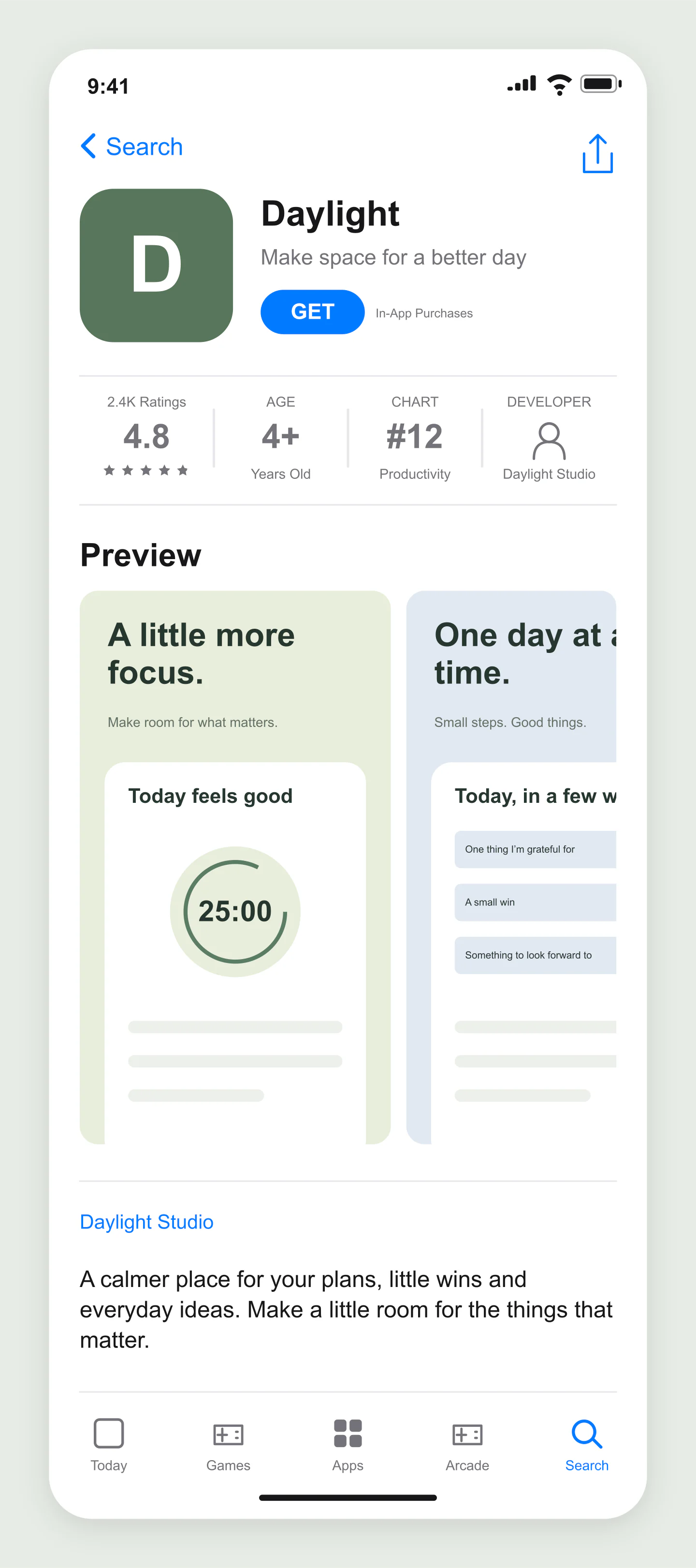
iPhone · Product page · Light
A complete productivity app listing with a green icon, three screenshots and editable app details.
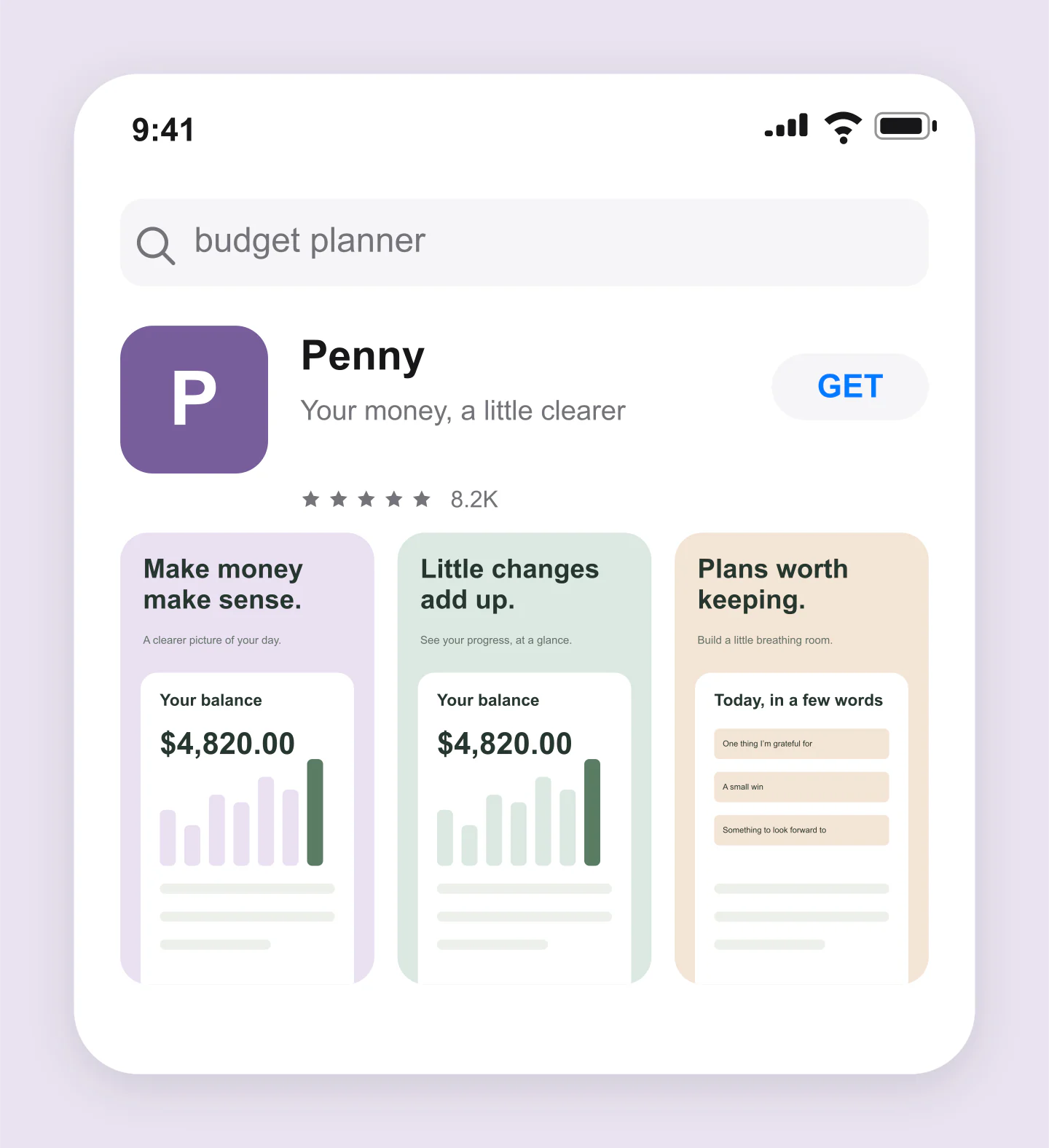
iPhone · Search result · Light
See a finance app as a compact search result. Edit the search term, name, rating and first three screens.
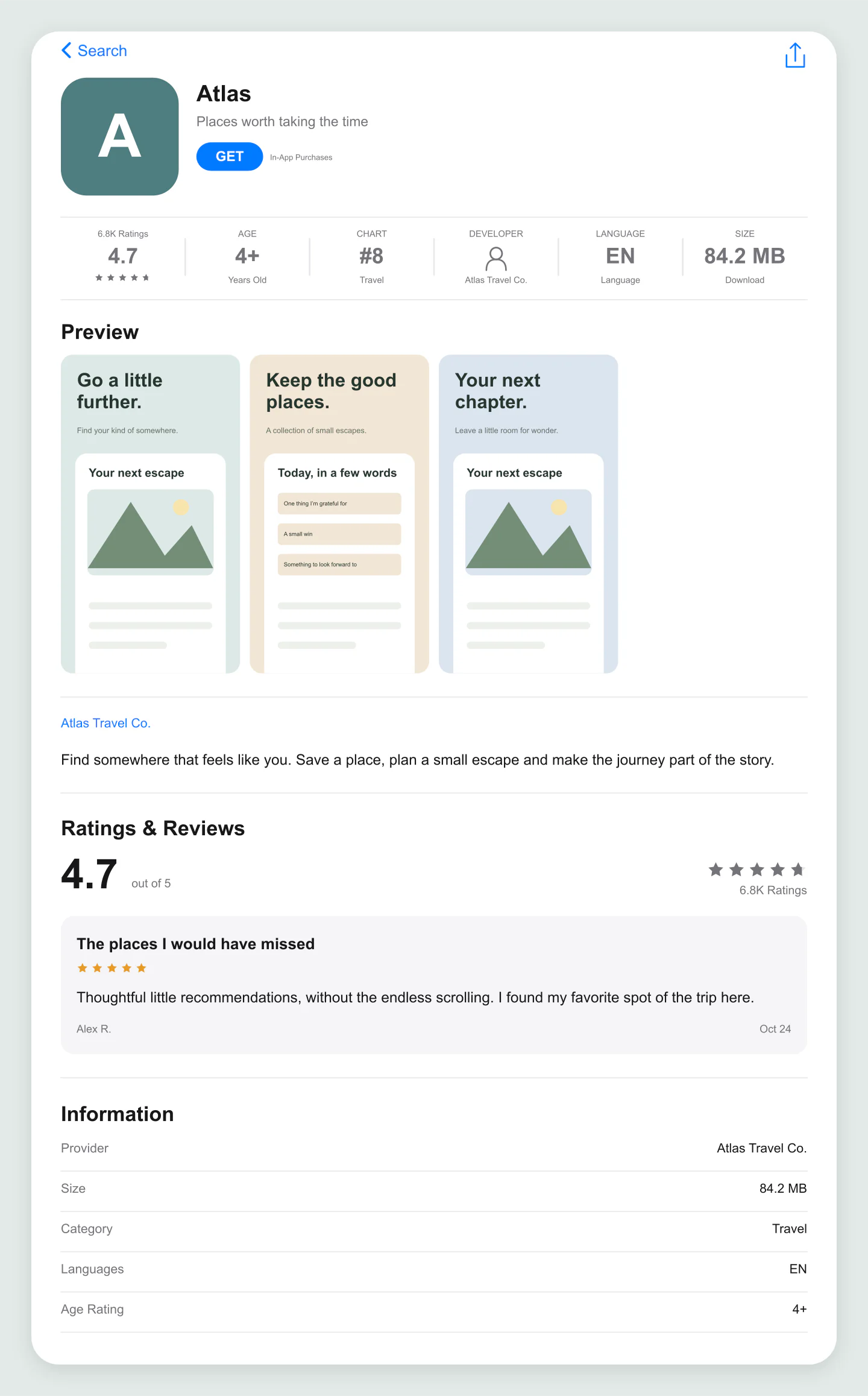
Wide · Product page · Light
A wider listing for a client presentation, with travel screens, app information and a featured review.
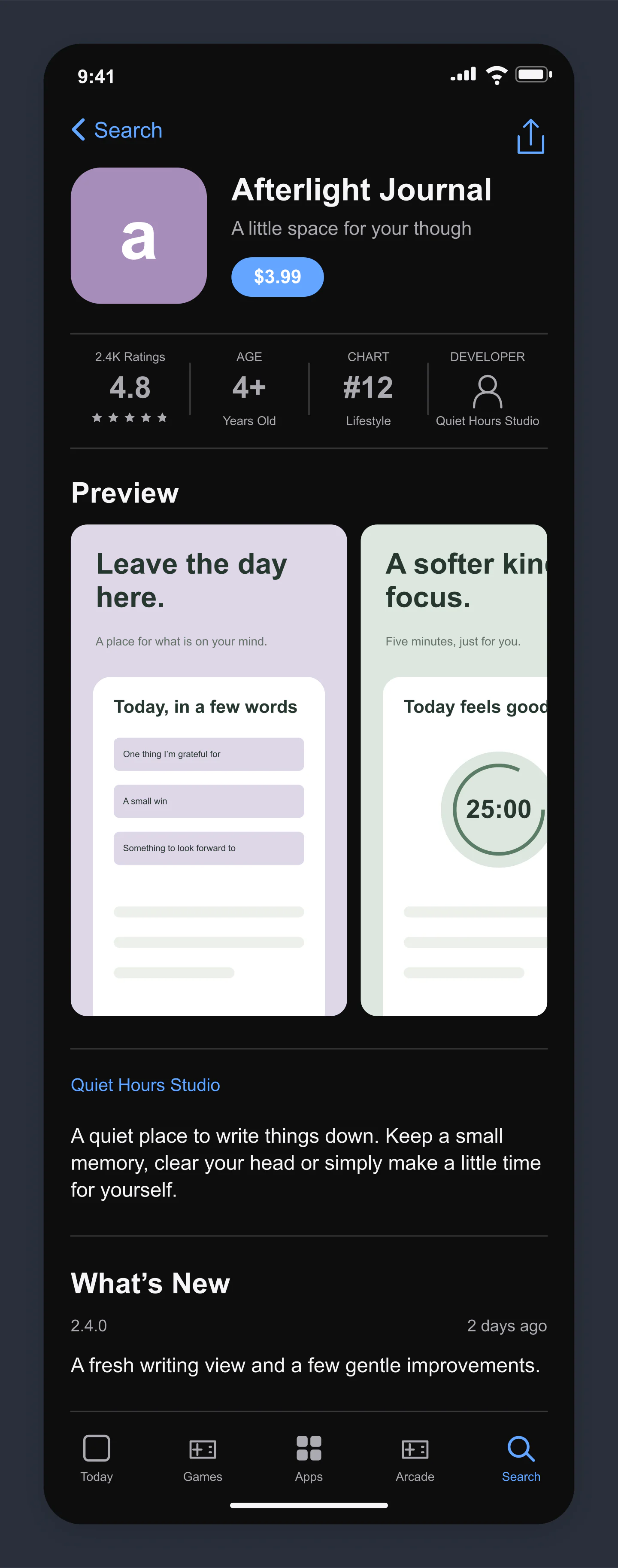
iPhone · Product page · Dark
A dark listing for a journaling app, with a paid download button and softer screenshot colors.
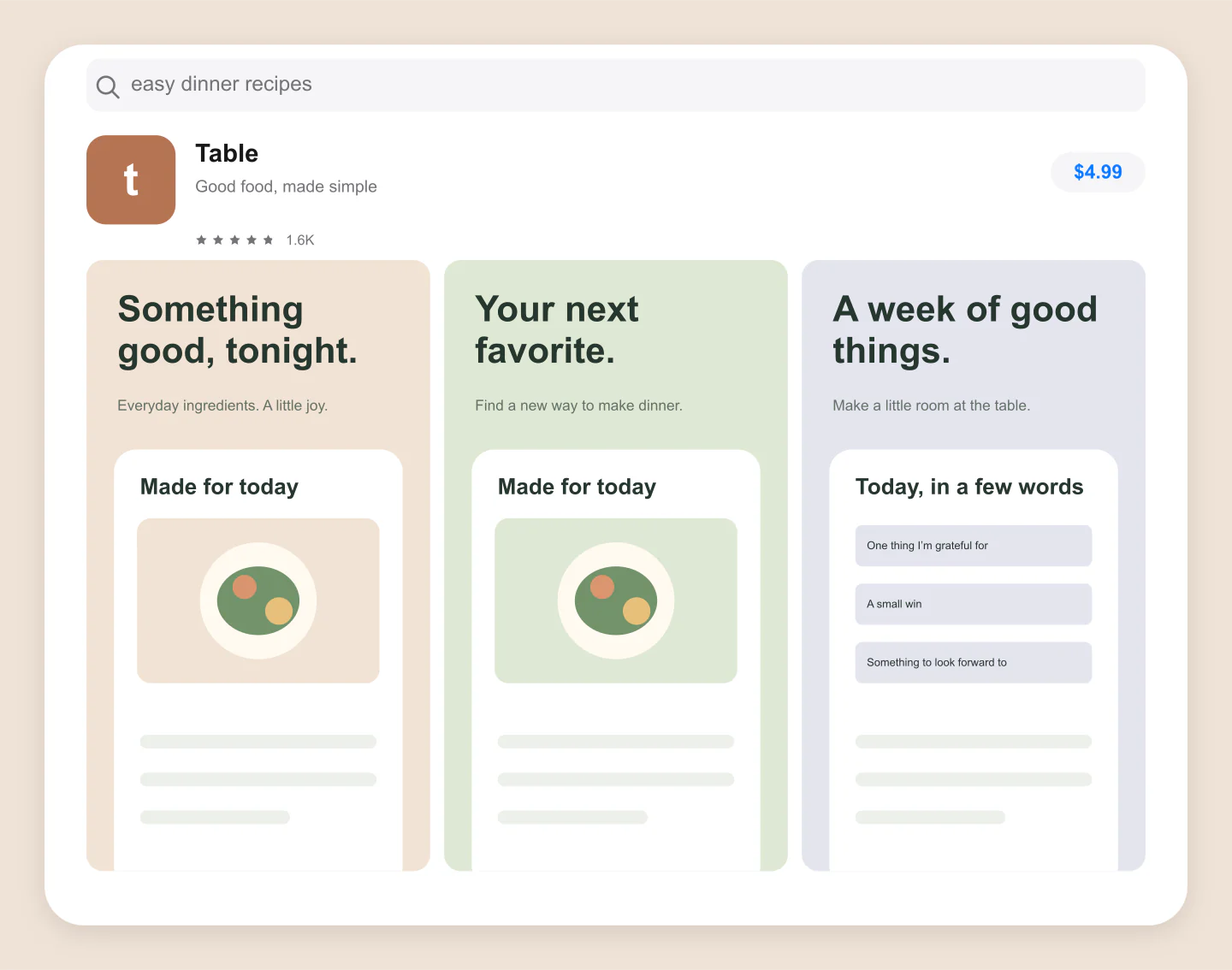
Wide · Search result · Paid app
A paid recipe app in the search results. Try a price, a different icon and your own screenshot sequence.
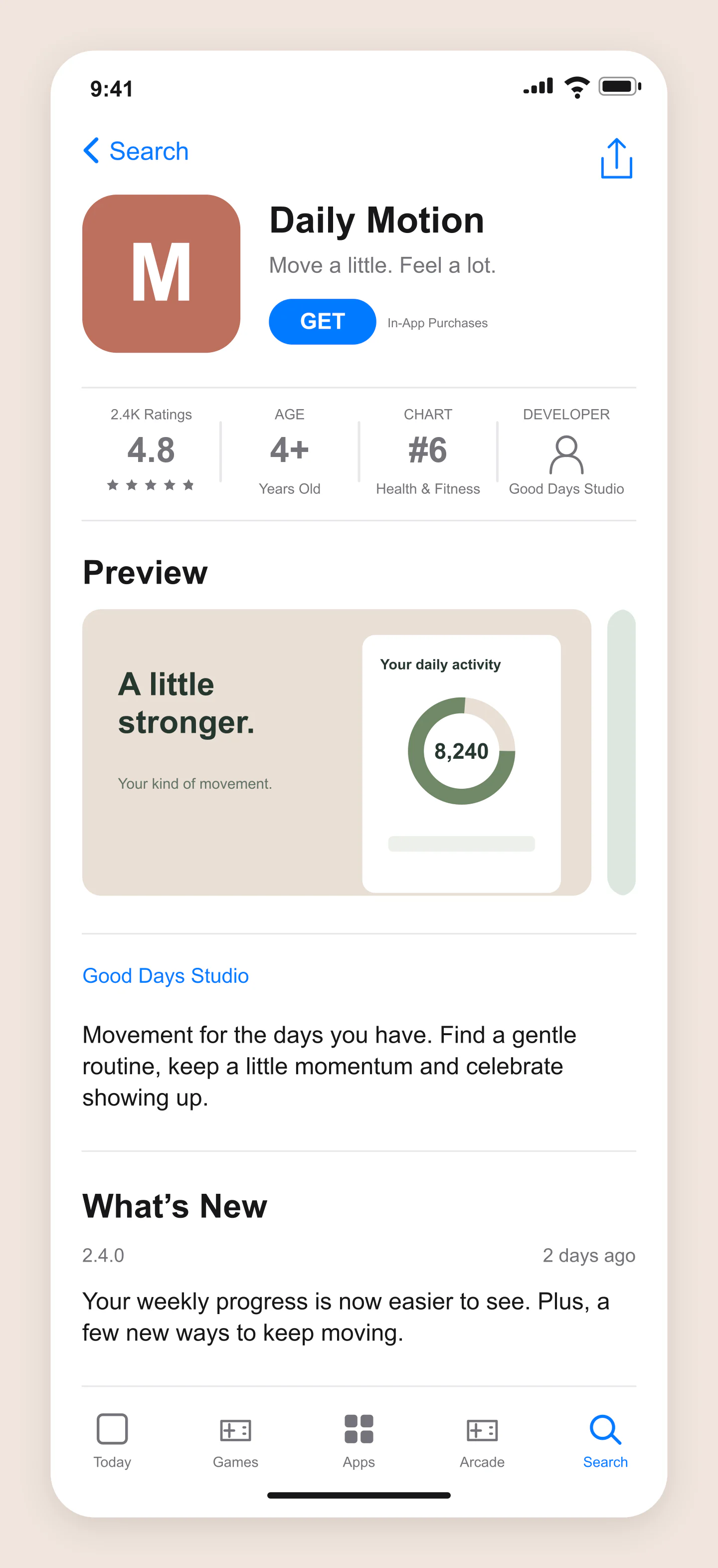
iPhone · Landscape screens · Light
A fitness app with landscape screenshots, app updates and a compact listing. Use the arrows to preview the next screen.
Fictional apps and reviews, made with this generator. Every example opens as an editable project.
A FIRST IMPRESSION, BEFORE LAUNCH
Add your name, icon and subtitle. Choose a product page or search result, then find the right light or dark setting.
Upload your screens, try a different order and adjust the details. See how the first few frames work together.
Download a free PNG or JPG for your team, pitch or launch plan. Save the project to keep refining it later.
A FEW USEFUL DETAILS
For publishing requirements, see Apple’s product page guide and asset guidance.
Yes. All current editing features and PNG or JPG downloads at 1×, 2× and 3× are free. No account, subscription or watermark. The download controls show the exact pixel dimensions for your design. Very large designs may need a smaller size to fit your browser’s image limits.
It is an image preview of an iOS app’s product page or search result. Use it to explore an app launch, review a screenshot sequence or show a listing concept to a client before making changes in App Store Connect.
Change the app name, subtitle, icon, developer, category, rating, age label and download button. Add your own screenshots, reorder them, and edit the description, release notes and featured review. Light and dark modes are included.
Yes. Choose Search result above the preview. You can edit the search term, first screenshots and app details, and optionally show an Ad label for a campaign concept.
Yes. Add a PNG, JPG or WebP app icon and up to ten screenshots. Upload several screens at once, change their order and adjust the crop. Choose Show entire image to keep the original artwork visible. Your files stay in your browser.
Yes. Choose GET, OPEN or Price in App & identity. A price is an editable label, so you can preview different currencies. The In-App Purchases label can also be switched off.
Yes. Compare names, subtitles, icon choices and screenshot order, then export a mockup for a presentation or design review. The preview does not predict search rankings, conversions or approval.
The download is an image of the listing, including the store interface. It is useful for previews and presentations. Submit your original app screenshots separately in the sizes Apple currently requires.
Yes. Choose PNG and enable Transparent canvas. The surrounding canvas becomes transparent while the listing keeps its light or dark background.
No. It is an independent visual mockup tool. No App Store account is needed or connected. Store layouts vary by device and version; the examples use fictional apps and reviews.
Yes. Save project downloads an editable file with your settings, text and uploaded images. Open project restores it in the same tool, or lets you paste project JSON from an assistant. Review it before replacing your draft. Files are processed in your browser, not uploaded to your account.
Yes. Images exported from these social and app mockup tools can be used in personal projects, social posts, presentations and client work without a Mockaps subscription or attribution. You still need permission for content you add. Platform names and logos belong to their owners; a mockup does not imply their endorsement.